
Hugo 主题,面向技术文档与开源项目文档站点
Hugo文档
docsy — Hugo 文档模板
作者 docsy
Docsy 是 Linux Foundation 旗下的 Hugo 主题,面向开源与技术文档站点,提供导航与站点结构。
看看你的网站会是什么样
浏览真实页面截图,比较内容排版与手机效果。点击下方缩略图切换,放大查看整页细节。
全部页面与视图 3
截图用于了解视觉与布局,交互效果请以实际项目为准。
采集于 2026-10-08查看来源
值得关注的模板亮点
从已有项目资料中,快速了解它的特点。
由 Linux Foundation 治理,仓库采用 Apache-2.0 许可
提供简单的导航与站点结构
支持作为 Hugo module、NPM 包、Git submodule 或克隆方式接入
官方提供 Docsy Example Project 作为示例项目与起点
主题用户指南使用 Docsy 自身构建并托管在 docsy.dev
模板详细介绍
Docsy 是一个用于技术文档站点的 Hugo 主题,由 Linux Foundation 作为项目治理,仓库采用 Apache-2.0 许可。它的目标场景是开源项目文档与产品技术文档,提供简单的导航和站点结构等基础能力。
使用前需要准备 Hugo 的 extended 版本、Dart Sass 编译器(Hugo 通过 PATH 上的 sass CLI 调用)以及 PostCSS,用于生成最终的 CSS 资源。README 推荐把 Docsy 作为 Hugo module 使用,这种方式还需要安装 Go 语言;此外也支持作为 NPM 包、Git submodule 或直接克隆主题到项目中使用。
仓库的 main 分支处于开发状态,官方说明其不受正式支持,应使用 Docsy 的正式发布版本。官方提供了 Docsy Example Project 作为示例与起点,主题自身的用户指南也由 Docsy 构建并托管在 docsy.dev。
需要注意的是,以上信息来自仓库 README 与模板资料,未涉及具体框架版本号、性能表现或生产就绪程度的判断。
Hugo文档
适合你的项目吗?
适用场景
- 为开源项目搭建技术文档站点
- 为产品编写结构化技术文档与指南
- 在现有 Hugo 站点中引入文档主题
- 以官方示例项目为基础定制自己的文档站点
适合人群
- 使用 Hugo 构建站点的开发者
- 需要技术文档导航与站点结构的开源项目
- 希望以模块或包方式复用主题的团队
上手与定制指南
结合仓库当前版本的说明,按下面的资料检查内容、配置与运行要求。
- 1
安装 Hugo 的 extended 版本
- 2
提供 Dart Sass 编译器,使 Hugo 能在 PATH 上找到 sass CLI
- 3
安装 PostCSS 相关依赖(autoprefixer、postcss-cli,postcss-cli 8 起还需单独安装 postcss)
- 4
若选择 Hugo module 方式,需要额外安装 Go 语言
- 5
main 分支不受官方支持,应使用正式发布版本
授权与来源资料
使用条件与限制
免费使用 · 保留许可声明本次收录的是公开仓库中采用 Apache-2.0 许可的免费版本;免费范围为该版本代码,不代表外部服务或第三方素材免费。
使用时需要遵守
- 允许免费使用、修改、商用和分发;分发时需随附 Apache-2.0 许可证。
- 修改过的文件需显著标明改动,并保留相关版权、专利、商标及归属声明。
- 若原项目附有 NOTICE 文件,分发衍生作品时需保留其中适用的归属声明。
- 许可包含适用的贡献者专利授权;发起许可所述专利诉讼会终止该专利授权,且不授予商标使用权。
- 代码按现状提供;担保与责任限制以原许可证及适用法律为准。
额外费用与待核对事项
- 演示图片、字体、图标及其他第三方素材需按各自许可核对,不能仅凭代码的 Apache-2.0 许可判断。
- 域名、托管、数据库、支付或 AI 等外部服务可能另外收费。
- main 分支处于开发状态且不受官方支持,不应直接用于正式站点;应改用 Docsy 的正式发布版本。
- 必须使用 Hugo 的 extended 版本,普通版本无法满足构建要求。
- 需要额外提供 Dart Sass 编译器,并确保 sass CLI 位于 PATH 上,否则无法构建样式。
- 需要安装 PostCSS 相关依赖,站点构建才能生成最终 CSS 资源。
- 若按推荐方式以 Hugo module 使用,除 Hugo 和 PostCSS 外还需安装 Go 语言。
- 仓库的 npm 脚本依赖 Bash;在 Windows 上必须确保 Git Bash 的 bash 位于 PATH 中。
查看原文依据
no-charge, royalty-free, irrevocable copyright license
许可证原文
The `main` branch is under development and not officially supported; use > official Docsy [releases][].
README 原文
Install a recent release of the Hugo "extended" version.
README 原文
Provide the [Dart Sass](https://sass-lang.com/dart-sass/) compiler, which Hugo looks up as the `sass` CLI on its `PATH`.
README 原文
Install `PostCSS` so that the site build can create the final CSS assets.
README 原文
We recommend using Docsy as a Hugo module, which requires that you have the Go language installed in addition to Hugo and PostCSS.
README 原文
https://github.com/docsy/docsy/blob/main/LICENSEhttps://github.com/docsy/docsy/blob/main/README.mdnpm scripts in this repo run under Bash on every platform (`script-shell` pin in `.npmrc`): on Windows, make sure Git Bash's `bash` is on your `PATH`.
README 原文
DeepSeek 根据仓库许可证和 README 整理 ·2026-10-08。结果仅覆盖已读取资料,依赖、图片、字体及后续条款变更以各自原文为准。
项目核对记录与介绍依据
模板资料
- 来源平台
- Hugo Themes
- 资料与维护参考分
- 资料较完整 · 95 / 100
- 技术栈
- Hugo
- 网站类型
- 文档
这个分数如何计算
本站按许可资料(最高30分)、演示链接(12分)、预览图(10分)、Star数(15分)、记录的维护时间(15分)、描述完整度(8分)、功能记录(5分)和分类资料(5分)计算。它不是代码、安全或性能测试,也不是 Google 评分;有链接不代表已实测可用。
这个项目需要核对什么
- 记录的仓库更新时间
- 2026-10-08
- 截图检查日期
- 2026-10-08
已收录演示链接。请用你的内容与屏幕尺寸检查;有演示不代表表单、认证或支付已经可用。
目录记录的主要技术栈是 Hugo。请通过依赖清单和锁文件核对实际版本与托管要求。这些说明基于收录资料,不代表代码审计或部署实测。
查看具体选型方法 →介绍的制作与核对状态
介绍由 AI 辅助整理目录与仓库资料。仓库作者不等于这篇介绍的审核者。
审核声明: [email protected] · 2026-10-08
查看当时使用的来源资料
SHA-256: 38042fbe2c5149d320d7b8b10a0fedcc1af24c80b11341a38cae42b4c55bb99a
2026-10-08T11:17:05.625Z
来源文件 / 仓库# Docsy [![npm version][npm-badge]][npm-package] <!-- markdownlint-disable no-docsy-dev-external-urls --> Docsy, a [Linux Foundation][] project, is a [Hugo](https://gohugo.io) theme for technical documentation sites, providing simple navigation, site structure, and more. > [!IMPORTANT] 🚧 IMPORTANT 🚧 > > The `main` branch is under development and not officially supported; use > official Docsy [releases][]. For full support details, see [Official support > limits][official-support]. ## Prerequisites The following are basic prerequisites for using Docsy in your site: - Install a recent release of the Hugo "extended" version. If you install from the [Hugo release page](https://github.com/gohugoio/hugo/releases), make sure you download the `extended` version. - Provide the [Dart Sass](https://sass-lang.com/dart-sass/) compiler, which Hugo looks up as the `sass` CLI on its `PATH`. For instructions, see the **Install Dart Sass** section of the [installation prerequisites](https://www.docsy.dev/docs/get-started/docsy-as-module/installation-prerequisites/). - Install `PostCSS` so that the site build can create the final CSS assets. You can install it locally by running the following commands from the root directory of your project: ```sh npm install --save-dev autoprefixer npm install --save-dev postcss-cli ``` Starting in [version 8 of `postcss-cli`](https://github.com/postcss/postcss-cli/blob/master/CHANGELOG.md), you must also separately install `postcss`: ```sh npm install -D postcss ``` Any additional prerequisites depend on the [installation option](https://www.docsy.dev/docs/get-started/#installation-options) you choose. We recommend using Docsy as a Hugo module, which requires that you have the Go language installed in addition to Hugo and PostCSS. For complete prerequisites and instructions, see our [Get started guides](https://www.docsy.dev/docs/get-started/). ## Example and usage You can find an example project that uses Docsy in the [Docsy Example Project repo](https://github.com/docsy/docsy-example).The Docsy Example Project is hosted at [example.docsy.dev](https://example.docsy.dev). For real-life examples of sites that use Docsy (and their source repos), see our [Examples and templates](https://www.docsy.dev/examples/) page. To use the Docsy theme for your own site: - (Recommended) Use the [example project](https://github.com/docsy/docsy-example), which includes the Docsy theme as a Hugo module, as a template to create your project. You can customize this pre-configured basic site into your own Docsy themed site. [Learn more...](https://github.com/docsy/docsy-example) - Add Docsy to your existing Hugo site. You can add Docsy as an NPM package, as a Hugo module, as a Git submodule, or clone the Docsy theme into your project. See the [Get started guides](https://www.docsy.dev/docs/get-started/) for details about the various usage options. ## Documentation Docsy has its own user guide (using Docsy, of course!) with lots more information about using the theme. It is hosted by [Netlify][] at [docsy.dev](https://docsy.dev/). **Maintainers**: you can access deploy logs, the [deploy preview of `main`][main-preview], and more from the [Deploys][] section of the site's Netlify dashboard. Alternatively you can use Hugo to generate and serve a local copy of the guide (also useful for testing local theme changes), making sure you have installed all the prerequisites listed above: ```sh git clone --depth 1 https://github.com/docsy/docsy.git cd docsy npm run install:safe npm run serve ``` npm scripts in this repo run under Bash on every platform (`script-shell` pin in `.npmrc`): on Windows, make sure Git Bash's `bash` is on your `PATH`. ## Contributing Docsy is governed by its [Technical Charter][] as Docsy a Series of LF Projects, LLC, and follows the LF Projects [code of conduct][]. For how to contribute, see the [contributing guide][]. Thank you to all past, present, and future [contributors][]! ## License This project is licensed under the Apache License 2.0, see [LICENSE](https://github.com/docsy/docsy/blob/main/LICENSE) for details. [code of conduct]: https://lfprojects.org/policies/code-of-conduct/ [contributing guide]: https://www.docsy.dev/docs/contributing/ [contributors]: https://github.com/docsy/docsy/graphs/contributors [deploys]: https://app.netlify.com/sites/docsydocs/deploys [Linux Foundation]: https://www.linuxfoundation.org/ [main-preview]: https://main--docsydocs.netlify.app/ [netlify]: https://netlify.com [npm-badge]: https://img.shields.io/npm/v/%40docsy%2Ftheme [npm-package]: https://www.npmjs.com/package/@docsy/theme [official-support]: https://www.docsy.dev/project/about/changelog/#official-support [releases]: https://github.com/docsy/docsy/releases [Technical Charter]: https://github.com/docsy/docsy/blob/main/docsy-technical-charter.pdf <!-- cSpell:ignore docsy -->
看看同类模板
对比同技术栈与用途的模板,找到更适合的视觉与内容结构。

hugo-book
Hugo Book 是一个面向文档场景的 Hugo 主题,定位很直接:把文档站点做得像一本朴素的书。
Hugo · 文档

hextra
Hextra 是一个 Hugo 主题,定位在文档站与博客之间:既提供侧边栏导航、目录、面包屑、分页这类文档站结构,也能承载博客内容。
Hugo · 文档

doks
Doks 是 Thulite 生态下的文档主题,底层是 Hugo 静态站点生成器。 它把重点放在长文阅读体验上:极简且响应式的布局、为文档优化的排版,以及代码块语法高亮,整体更接近技术手册的形态,而不是通用营销页模板。
Hugo · 工具站

lotusdocs
📖 A free, lightweight, modern documentation theme for Hugo
Hugo · 文档
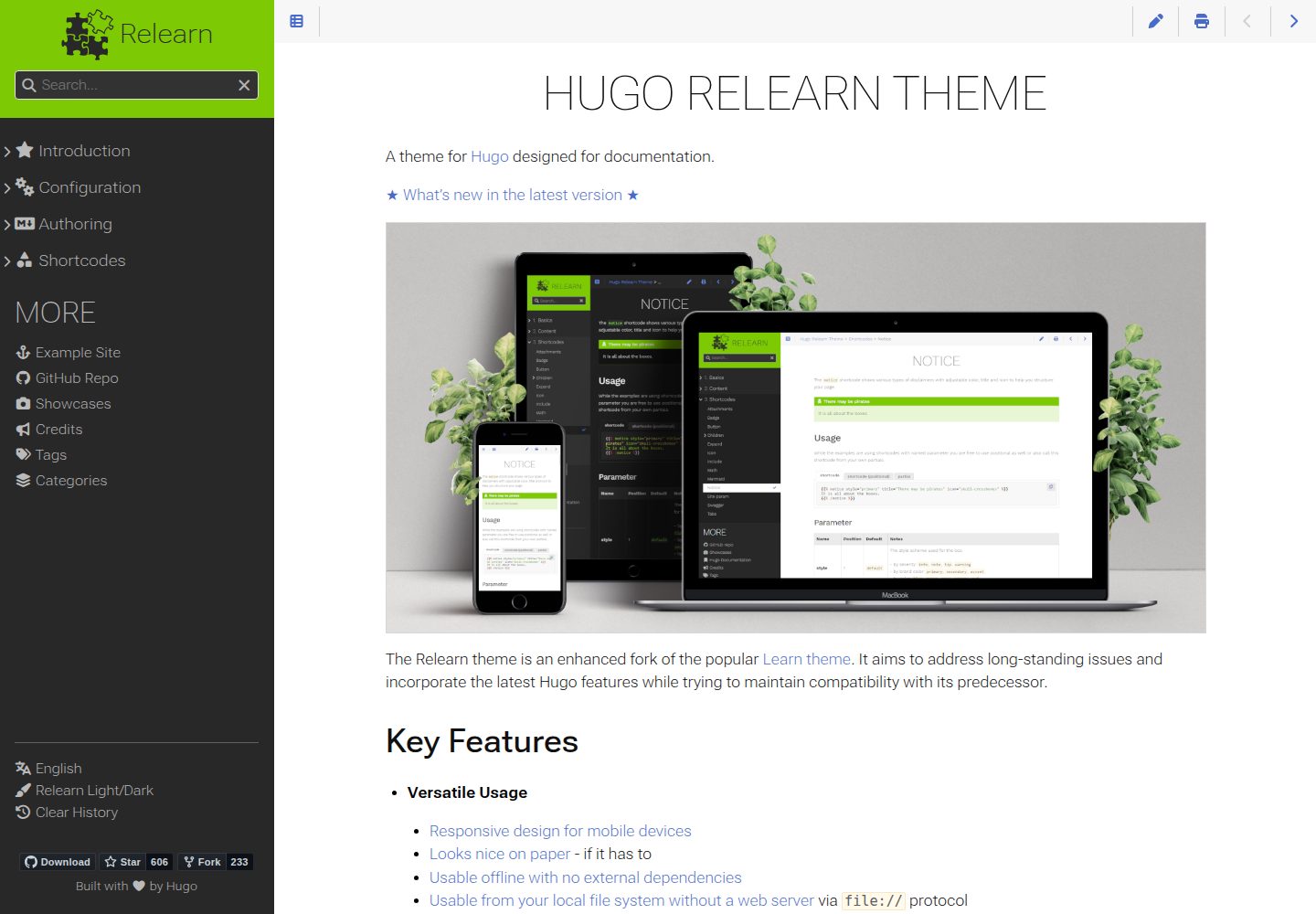
hugo-theme-relearn
A theme for Hugo designed for documentation
Hugo · 文档
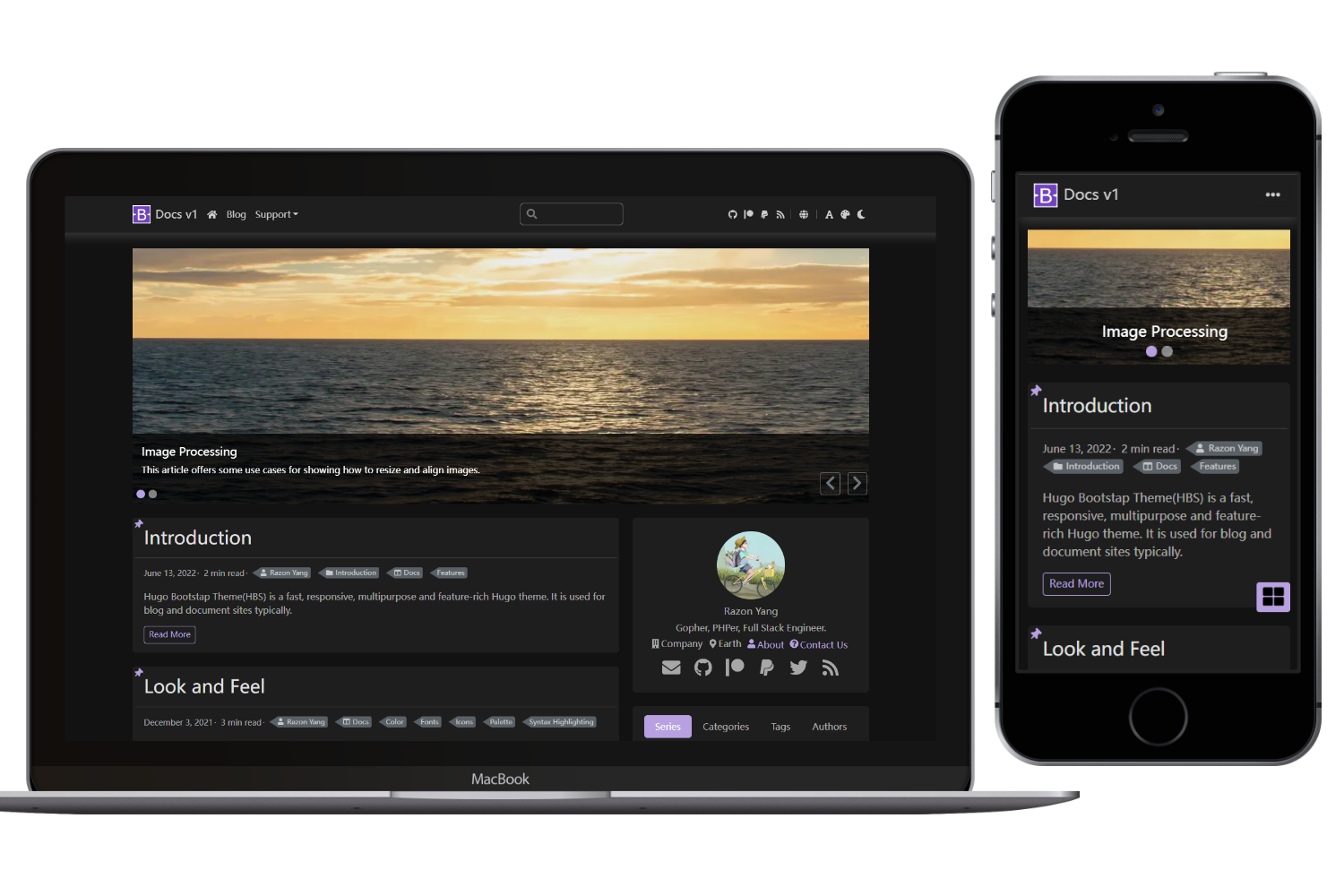
hugo-theme-bootstrap
hugo-theme-bootstrap 是一个基于 Bootstrap 的 Hugo 主题,定位在个人博客和文档站点。 它强调速度与响应式设计,并提供了丰富的功能模块,例如图片处理、PWA 支持、多语言文档等。
Hugo · 文档