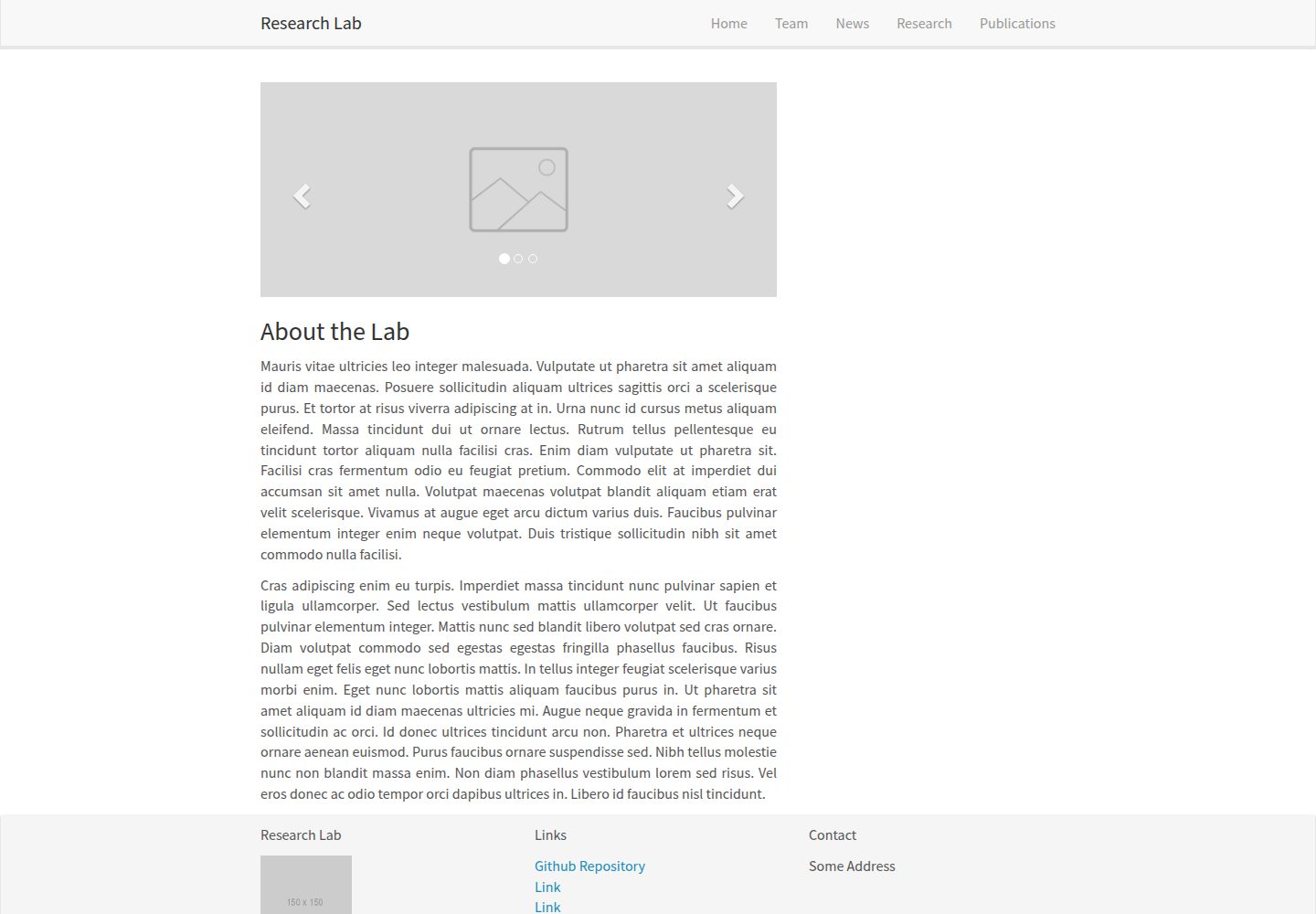
Jekyll 静态站点模板,页面由 _pages 与 _layouts 组织,样式基于 Bootstrap
JekyllHTML启动器
research-lab-website — Jekyll 启动器模板
作者 ericdaat
基于 Jekyll 的研究实验室网站模板,用 Markdown、JSON 和 YAML 分别管理团队成员、论文与新闻,源自莱顿大学 Allan Lab 模板。
看看你的网站会是什么样
浏览真实页面截图,比较内容排版与手机效果。点击下方缩略图切换,放大查看整页细节。
全部页面与视图 2
截图用于了解视觉与布局,交互效果请以实际项目为准。
采集于 2026-10-02查看来源
值得关注的模板亮点
从已有项目资料中,快速了解它的特点。
团队成员以 Markdown 文件维护,front matter 支持角色、头像与多种学术社交链接
论文数据存放在 _data/publications.json,README 说明由 Zotero 导出
新闻以 _data/news.yml 管理,每条包含日期、标题、标签和正文
README 提供 Netlify 部署状态徽章,可用于 Netlify 部署
代码采用 MIT 许可,允许免费使用、修改、商用和分发
模板详细介绍
这是一个用 Jekyll 构建的研究实验室网站模板,由 Allan Lab 在莱顿大学提供的模板衍生而来。页面结构由 _pages 与 _layouts 目录组织,样式基于 Bootstrap,可自行修改。
内容维护方式按类型分开:团队成员是 _pages/team/_posts 下的 Markdown 文件,使用 member 布局,front matter 中可填写角色、头像、社交链接(Twitter、LinkedIn、Google Scholar、GitHub、ORCID、ResearchGate 等)与教育经历;论文存放在 _data/publications.json,README 说明该 JSON 由 Zotero 导出,每条记录包含标题、期刊、页码、卷期、摘要、DOI、作者与发表时间等字段;新闻存放在 _data/news.yml,每条包含日期、标题、标签与正文。
本地运行需要先安装 Ruby、Bundler 与 Jekyll,再执行 bundle install 安装依赖,然后用 bundle exec jekyll serve 启动本地服务器。仓库 README 还提供了 Netlify 部署状态徽章,说明该模板可用于 Netlify 部署。
使用限制方面:论文数据依赖 Zotero 导出的 JSON 格式,手动新增条目需遵循 README 给出的字段结构;团队成员文件必须包含指定的 front matter 字段;模板未在资料中说明内置搜索、多语言或后台管理功能。
JekyllHTML启动器
适合你的项目吗?
适用场景
- 高校或研究机构搭建实验室主页,展示成员、论文与新闻
- 课题组需要按成员、论文、新闻三类内容分别维护的静态网站
- 已有 Zotero 文献库,希望将导出数据直接用于网站论文列表
- 使用 Jekyll 并计划部署到 Netlify 的静态站点项目
适合人群
- 熟悉 Jekyll 与 Markdown 的开发者或实验室技术人员
- 需要自行托管、按文件维护内容的实验室网站
- 希望基于 Allan Lab 模板快速起步的研究团队
上手与定制指南
结合仓库当前版本的说明,按下面的资料检查内容、配置与运行要求。
- 1
先安装 Ruby,再通过 gem install bundler jekyll 安装 Bundler 与 Jekyll
- 2
克隆仓库后执行 bundle install 安装依赖
- 3
使用 bundle exec jekyll serve 启动本地服务器预览
- 4
新增成员需在 _pages/team/_posts 下创建符合 README 示例 front matter 的 Markdown 文件
- 5
论文条目按 README 示例的 JSON 结构添加到 _data/publications.json,该文件由 Zotero 导出
授权与来源资料
使用条件与限制
免费使用 · 保留许可声明本次收录的是公开仓库中采用 MIT 许可的免费版本;免费范围为该版本代码,不代表外部服务或第三方素材免费。
使用时需要遵守
- 允许免费使用、修改、商用和分发该版本代码。
- 分发代码副本或实质性部分时,保留原作者版权声明和完整 MIT 许可声明。
- 代码按现状提供;担保与责任限制以原许可证及适用法律为准。
额外费用与待核对事项
- 论文数据文件 _data/publications.json 由 Zotero 导出,新增或更新论文条目需使用 Zotero 或严格遵循 README 给出的 JSON 字段结构,否则可能无法正常渲染。
- 本地运行需先安装 Ruby,并通过 gem 安装 Bundler 与 Jekyll,再执行 bundle install 安装依赖,环境准备有一定门槛。
- 预览与开发需使用 Jekyll 本地服务器命令,站点为静态生成模式,不包含后台管理或在线编辑功能。
- 演示图片、字体、图标及其他第三方素材需按各自许可核对,不能仅凭代码的 MIT 许可判断。
- 域名、托管、数据库、支付或 AI 等外部服务可能另外收费。
查看原文依据
Permission is hereby granted, free of charge
许可证原文
This json file is exported from [Zotero](https://www.zotero.org/)
README 原文
brew install ruby gem install bundler jekyll
README 原文
https://github.com/ericdaat/research-lab-website/blob/master/LICENSEhttps://github.com/ericdaat/research-lab-website/blob/master/README.mdbundle exec jekyll serve
README 原文
DeepSeek 根据仓库许可证和 README 整理 ·2026-10-02。结果仅覆盖已读取资料,依赖、图片、字体及后续条款变更以各自原文为准。
项目核对记录与介绍依据
模板资料
- 来源平台
- GitHub
- 资料与维护参考分
- 资料较完整 · 77 / 100
- 技术栈
- Jekyll · HTML
- 网站类型
- 启动器
这个分数如何计算
本站按许可资料(最高30分)、演示链接(12分)、预览图(10分)、Star数(15分)、记录的维护时间(15分)、描述完整度(8分)、功能记录(5分)和分类资料(5分)计算。它不是代码、安全或性能测试,也不是 Google 评分;有链接不代表已实测可用。
这个项目需要核对什么
- 记录的仓库更新时间
- 2024-02-25
- 截图检查日期
- 2026-10-02
已收录演示链接。请用你的内容与屏幕尺寸检查;有演示不代表表单、认证或支付已经可用。
目录记录的主要技术栈是 Jekyll。请通过依赖清单和锁文件核对实际版本与托管要求。这些说明基于收录资料,不代表代码审计或部署实测。
查看具体选型方法 →介绍的制作与核对状态
介绍由 AI 辅助整理目录与仓库资料。仓库作者不等于这篇介绍的审核者。
已完成服务器许可规则与 AI 来源核对;未经过人工编辑审核。
查看当时使用的来源资料
SHA-256: b8664c64ed39439af564546caf15b71d9c3b1ef71b4027e010e584774bab4ef4
2026-10-02T16:07:42.439Z
来源文件 / 仓库[](https://app.netlify.com/sites/brave-bell-c85a34/deploys)
# Research lab website template
This website is built with [Jekyll](https://jekyllrb.com/).
It is derived from the great template provided by the
[Allan Lab](https://www.allanlab.org/aboutwebsite.html), at Leiden University.
## Setup
``` bash
brew install ruby
gem install bundler jekyll
```
Clone this repository, then install the dependencies:
``` bash
bundle install
```
## Run
Run the local webserver with:
``` bash
bundle exec jekyll serve
```
## Contribute
### Add a new member
New members are stored as markdown files under
[_pages/team/_posts](_pages/team/_posts).
Each new member `.md` file must look like this:
``` yaml
---
layout: member
category: staff
title: Researcher Name
image: researcher.png
role: Lab Director
permalink: 'team/researcher-name'
social:
twitter: https://twitter.com/
linkedin: https://www.linkedin.com/
google-scholar: https://scholar.google.fr/
github: https://github.com/
website:
orcid: https://orcid.org/
research-gate: https://www.researchgate.net/
education:
- Education
---
Lorem ipsum dolor sit amet, consectetur adipiscing elit, sed do eiusmod
tempor incididunt ut labore et dolore magna aliqua. Ut enim ad minim veniam,
quis nostrud exercitation ullamco laboris nisi ut aliquip ex ea commodo
consequat. Duis aute irure dolor in reprehenderit in voluptate velit
esse cillum dolore eu fugiat nulla pariatur. Excepteur sint occaecat
cupidatat non proident, sunt in culpa qui officia deserunt
mollit anim id est laborum.
```
### Add a new publication
Publications are stored as `.json` file under
[_data/publications.json](_data/publications.json).
This json file is exported from [Zotero](https://www.zotero.org/)
bibliography tool.
Just add a new entry to the list like this:
``` json
{
"id": "http://zotero.org/groups/2386072/items/NU9LTX7C",
"type": "article-journal",
"title": "Foo",
"container-title": "IEEE Transactions on Medical Imaging",
"page": "448-459",
"volume": "38",
"issue": "2",
"source": "IEEE Xplore",
"abstract": "Bar",
"DOI": "10.1109/TMI.2018.2865709",
"author": [
{
"family": "",
"given": ""
},
],
"issued": {
"date-parts": [
[
"2019",
2
]
]
}
}
```
### Add news
News are stored as `.yml` file under [_data/news.yml](_data/news.yml).
An entry looks like the following:
```yaml
- date: 03/09/19
title: "Something great"
tags:
- some
- tags
content: Lorem ipsum dolor sit amet, consectetur adipiscing elit,
sed do eiusmod tempor incididunt ut labore et dolore magna aliqua.
Eu turpis egestas pretium aenean. Luctus venenatis lectus magna fringilla
urna porttitor. Lorem ipsum dolor sit amet. Pellentesque massa placerat
duis ultricies. Commodo viverra maecenas accumsan lacus vel.
```
### Edit template
We use [Bootstrap](https://getbootstrap.com/) for designing the website.
Feel free to modify either the [_pages](_pages/) or the
[_layouts](_layouts/) components.
看看同类模板
对比同技术栈与用途的模板,找到更适合的视觉与内容结构。
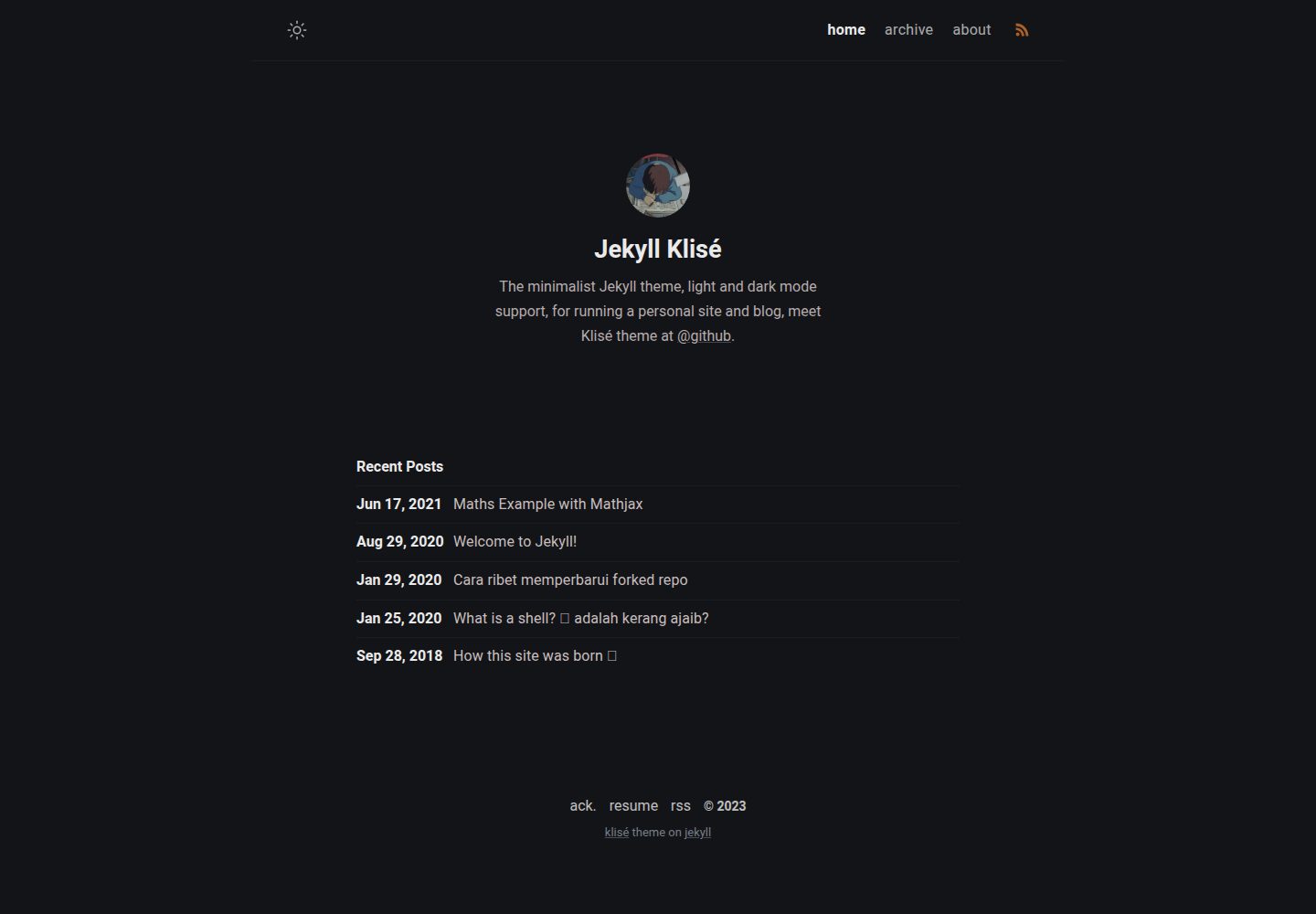
jekyll-klise
:beach_umbrella: Klisé is a minimalist Jekyll theme for running a personal site or blog, light & dark mode sup…
Jekyll · 博客
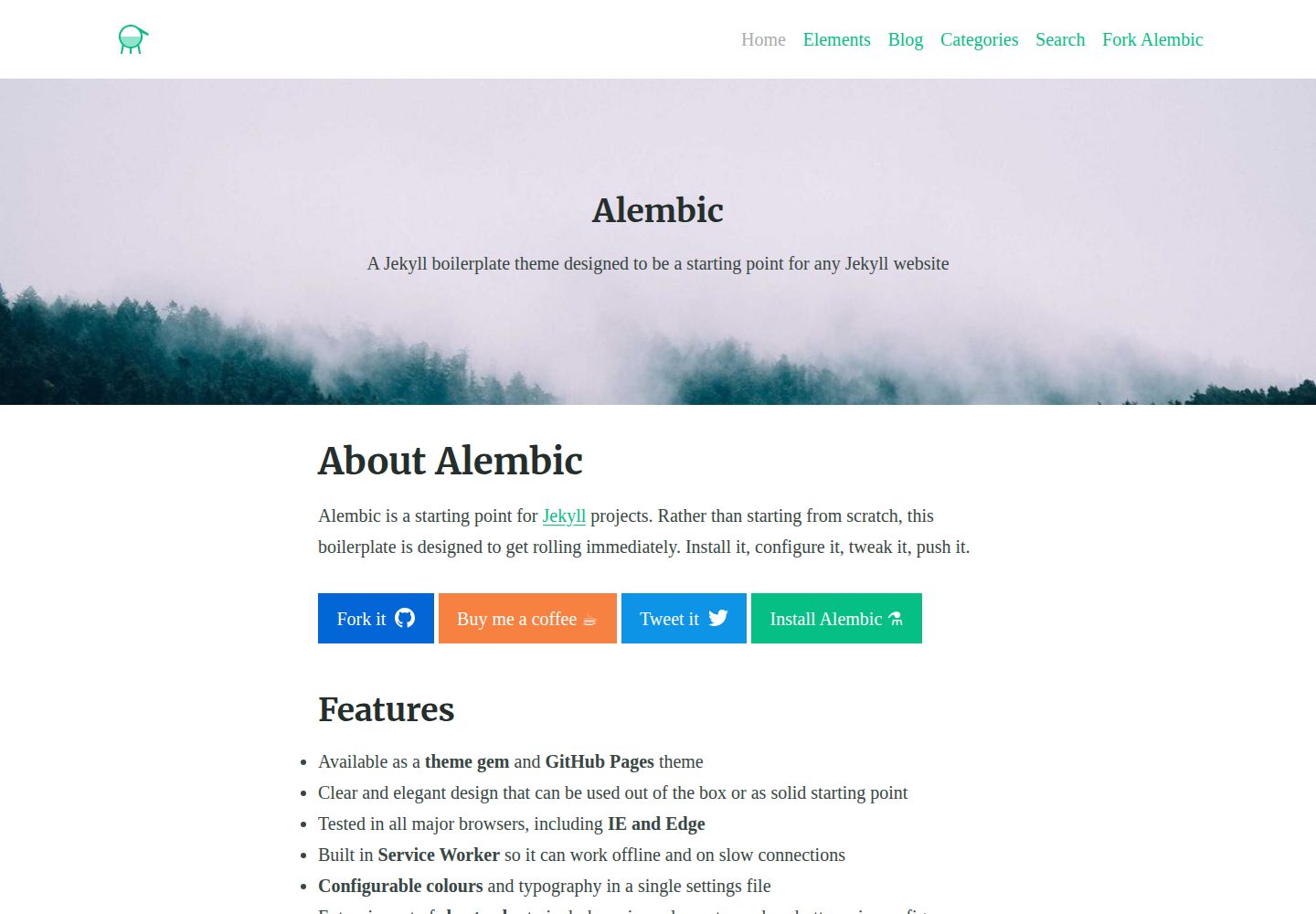
alembic
⚗️ A Jekyll boilerplate theme designed to be a starting point for any Jekyll website
Jekyll · 启动器
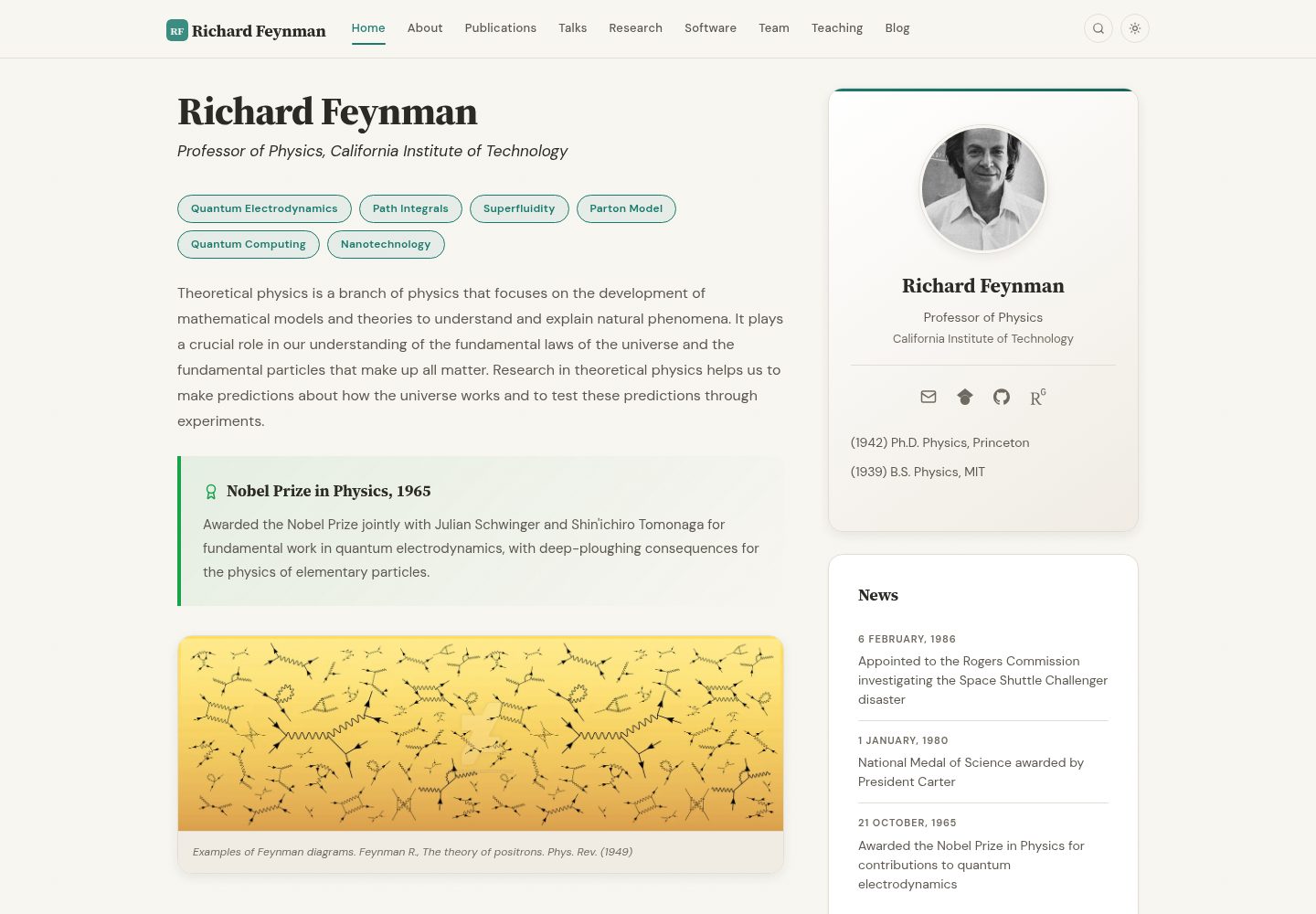
academic-website-template
Static web template for academics/research groups
Jekyll · 启动器
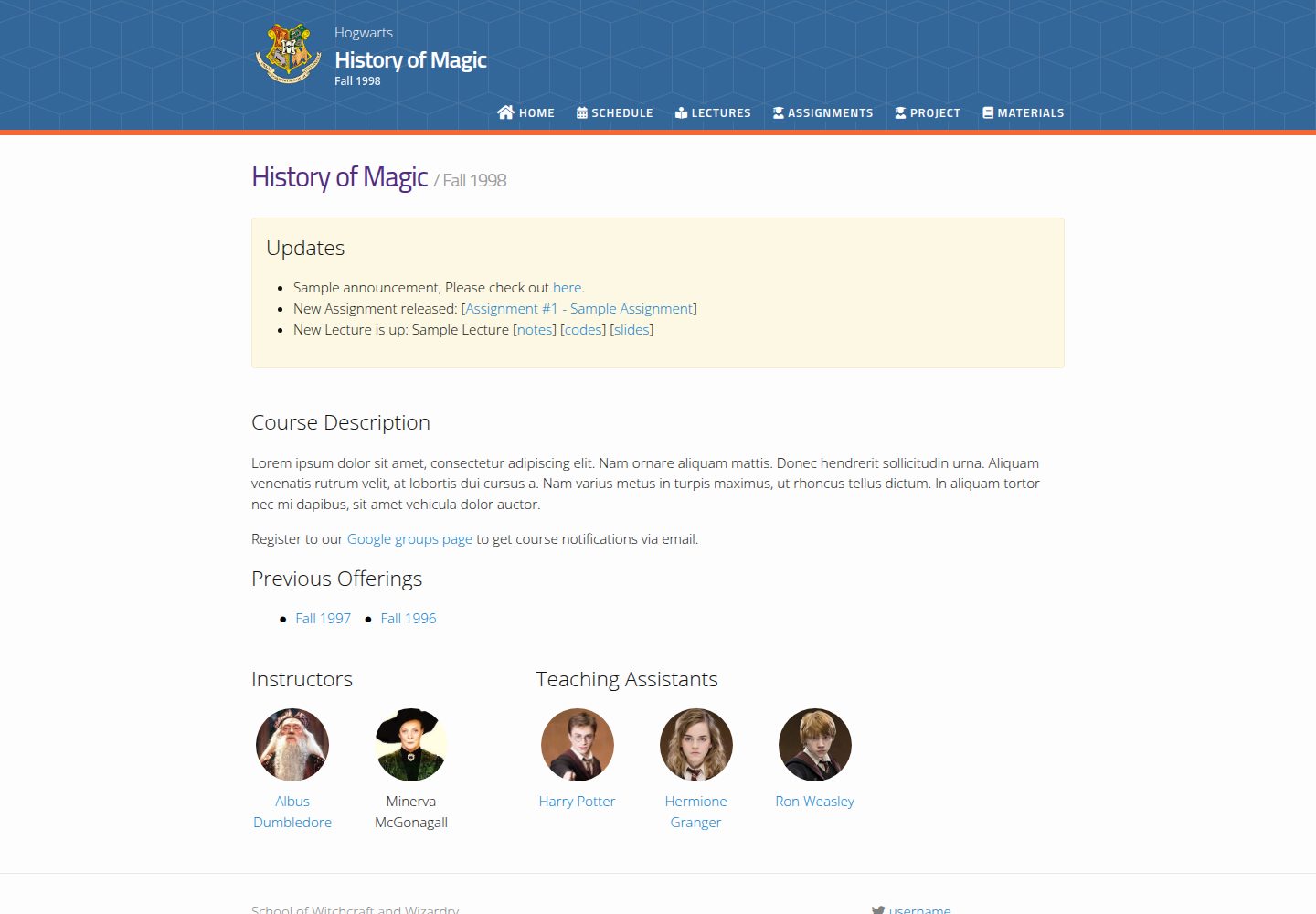
jekyll-course-website-template
Feature-rich and easy-to-use Jekyll website template for academic courses
Jekyll · 启动器

agency-jekyll-theme-starter
Agency Jekyll Theme starter template (optimized for GitHub Pages)
Jekyll · 企业官网
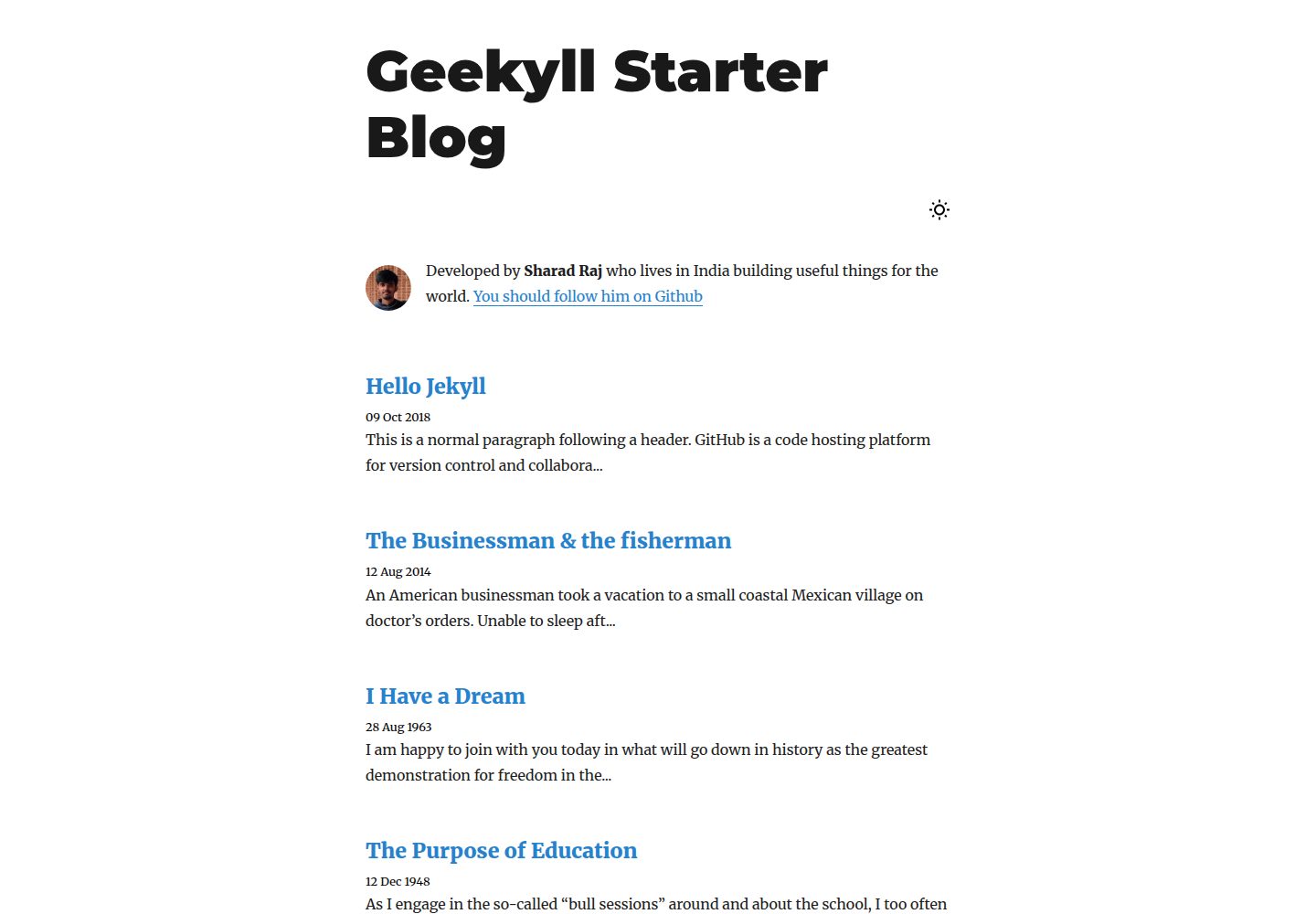
geekyll-starter-blog
A minimal Jekyll theme for blogging
Jekyll · 博客