基于 Angular 与 TypeScript 构建,使用 Bootstrap 实现响应式布局
AngularHTML后台
admin-pro — Angular 后台模板
作者 Fenil-Shingala
基于 Angular 与 Bootstrap 的后台管理面板模板,包含仪表盘、图表、数据表格与表单等界面,采用 MIT 许可,可用于搭建管理后台或作为 Angular 学习示例。
看看你的网站会是什么样
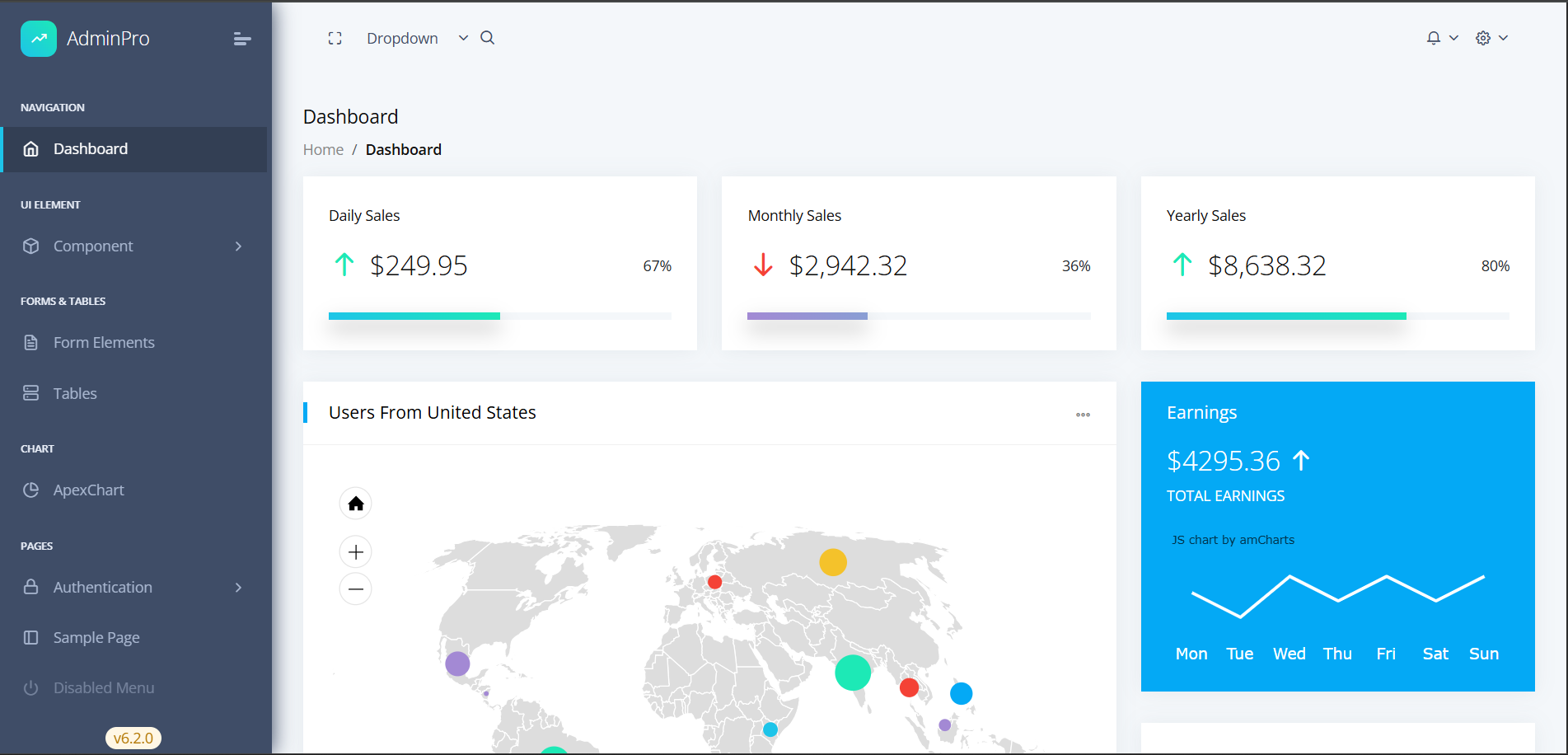
浏览真实页面截图,比较内容排版与手机效果。点击下方缩略图切换,放大查看整页细节。
目前有 1 张原始预览,可打开完整图片查看设计细节。
截图用于了解视觉与布局,交互效果请以实际项目为准。
采集于 2026-10-03查看来源
值得关注的模板亮点
从已有项目资料中,快速了解它的特点。
提供仪表盘、图表、数据表格、用户管理与表单等示例页面
集成 ApexCharts 用于数据可视化,集成 ng-bootstrap 组件
使用 SCSS 变量组织样式,可调整主色等颜色配置
代码按 demo、theme、shared 等模块划分,结构清晰
采用 MIT 许可,允许免费使用、修改、商用和分发
模板详细介绍
AdminPro 是一个 Angular 后台管理面板模板,使用 TypeScript 与 Bootstrap 构建,界面风格为数据仪表盘。仓库提供仪表盘、图表、数据表格、用户管理、表单等示例页面,并包含布局组件与共享组件,代码按 demo、theme、shared 等目录组织。
技术方面,模板使用 Angular、TypeScript、Bootstrap、ng-bootstrap、ApexCharts 与 SCSS,支持通过 SCSS 变量调整主色、成功色等颜色,并提供固定侧边栏、可折叠菜单和响应式头部等布局选项。README 中列出了 Node.js、npm/yarn 与 Angular CLI 等前置条件,以及克隆、安装依赖、启动开发服务器和构建生产版本的命令。
使用限制:本次收录的是公开仓库中采用 MIT 许可的免费版本,不包含 README 中提及的 Pro 版本功能(如深色/浅色主题切换);演示图片、字体、图标等第三方素材需按各自许可单独核对;域名、托管、数据库等外部服务可能产生额外费用。
AngularHTML后台
适合你的项目吗?
适用场景
- 搭建企业内部管理后台或数据看板的前端界面
- 作为 Angular 项目练习或教学示例,学习组件化与路由组织
- 在客户演示或作品集中展示后台界面与图表组件
- 基于现有布局与组件快速修改出符合自身品牌的后台原型
适合人群
- 熟悉或正在学习 Angular 的前端开发者
- 需要后台管理界面基础模板的团队
- 用于演示或作品集展示的开发者
- 希望以 MIT 许可免费使用并自行修改代码的项目
上手与定制指南
结合仓库当前版本的说明,按下面的资料检查内容、配置与运行要求。
- 1
需要 Node.js(v18 或更高)以及 npm 或 yarn 包管理器
- 2
需要 Angular CLI 以运行和构建项目
- 3
克隆仓库后执行 npm install 或 yarn install 安装依赖
- 4
使用 npm start 或 yarn start 启动开发服务器,默认访问 http://localhost:4200
- 5
生产构建可使用 npm run build 或 npm run build-prod
授权与来源资料
使用条件与限制
免费使用 · 保留许可声明本次收录的是公开仓库中采用 MIT 许可的免费版本;免费范围为该版本代码,不代表外部服务或第三方素材免费。
使用时需要遵守
- 允许免费使用、修改、商用和分发该版本代码。
- 分发代码副本或实质性部分时,保留原作者版权声明和完整 MIT 许可声明。
- 代码按现状提供;担保与责任限制以原许可证及适用法律为准。
额外费用与待核对事项
- 深色/浅色主题切换功能仅在 Pro 版本中提供,本免费版本不包含该功能。
- README 提及 Pro 版本,属于付费升级选项,免费版本不包含 Pro 版本的功能。
- 项目资料提及可选付费版本或功能;本次仅收录公开免费代码,不包含付费升级。
- 演示图片、字体、图标及其他第三方素材需按各自许可核对,不能仅凭代码的 MIT 许可判断。
- 域名、托管、数据库、支付或 AI 等外部服务可能另外收费。
查看原文依据
Permission is hereby granted, free of charge
许可证原文
Dark/Light theme support (Pro version)
README 原文
https://github.com/Fenil-Shingala/admin-pro/blob/master/LICENSEhttps://github.com/Fenil-Shingala/admin-pro/blob/master/README.md**Pro Version**: [View Pro Demo]
README 原文
DeepSeek 根据仓库许可证和 README 整理 ·2026-10-03。结果仅覆盖已读取资料,依赖、图片、字体及后续条款变更以各自原文为准。
项目核对记录与介绍依据
模板资料
- 来源平台
- GitHub
- 资料与维护参考分
- 资料一般 · 67 / 100
- 技术栈
- Angular · HTML
- 网站类型
- 后台
这个分数如何计算
本站按许可资料(最高30分)、演示链接(12分)、预览图(10分)、Star数(15分)、记录的维护时间(15分)、描述完整度(8分)、功能记录(5分)和分类资料(5分)计算。它不是代码、安全或性能测试,也不是 Google 评分;有链接不代表已实测可用。
这个项目需要核对什么
- 记录的仓库更新时间
- 2025-09-13
- 截图检查日期
- 2026-10-03
目前没有记录演示链接。请依据仓库说明在本地评估;仅凭截图无法确认交互行为。
目录记录的主要技术栈是 Angular。请通过依赖清单和锁文件核对实际版本与托管要求。这些说明基于收录资料,不代表代码审计或部署实测。
查看具体选型方法 →介绍的制作与核对状态
介绍由 AI 辅助整理目录与仓库资料。仓库作者不等于这篇介绍的审核者。
审核声明: [email protected] · 2026-10-04
查看当时使用的来源资料
SHA-256: 0201908a4326d8186b6103e3a4fea72c2d0a33f2e77ca48fecf4322e371ce433
2026-10-03T21:41:33.310Z
来源文件 / 仓库# AdminPro Angular Dashboard Template [](https://opensource.org/licenses/MIT) [](https://angular.io/) [](https://getbootstrap.com/) [](https://www.typescriptlang.org/) []() > A modern, responsive, and feature-rich Angular admin dashboard template built with the latest technologies. Perfect for enterprise applications, SaaS platforms, and client demos.   <!-- ## 🚀 **Live Demo** - **Free Version**: [View Live Demo](https://codedthemes.com/demos/admin-templates/adminpro/angular/free/dashboard) - **Pro Version**: [View Pro Demo](https://codedthemes.com/demos/admin-templates/adminpro/angular/default/) --> ## ✨ **Key Features** ### 🎨 **Modern Design** - Clean, professional, and intuitive user interface - Responsive design that works on all devices - Dark/Light theme support (Pro version) - Customizable color schemes and layouts ### 🛠 **Technical Excellence** - Built with **Angular 20+** and **TypeScript** - **Bootstrap 5.3+** for responsive design - **ng-bootstrap** for enhanced UI components - **ApexCharts** for beautiful data visualizations - **SCSS** for maintainable styling ### 📊 **Dashboard Components** - Interactive charts and graphs - Data tables with sorting and filtering - Real-time statistics widgets - User management interfaces - Form components with validation ### 🔧 **Developer Experience** - Well-structured, modular codebase - TypeScript for type safety - SCSS for organized styling - Component-based architecture - Easy customization and theming ## 🎯 **Perfect For** - **Portfolio Projects**: Showcase your full-stack development skills - **Client Demos**: Impress potential clients with professional UI - **Enterprise Applications**: Build scalable admin dashboards - **SaaS Platforms**: Create modern web applications - **Learning Projects**: Study modern Angular development patterns ## 🚀 **Quick Start** ### Prerequisites - Node.js (v18 or higher) - npm or yarn package manager - Angular CLI (v20+) ### Installation 1. **Clone the repository** ```bash git clone https://github.com/Fenil-Shingala/admin-pro.git cd admin-pro ``` 2. **Install dependencies** ```bash npm install # or yarn install ``` 3. **Start development server** ```bash npm start # or yarn start ``` 4. **Open your browser** Navigate to `http://localhost:4200` ### Build for Production ```bash # Development build npm run build # Production build npm run build-prod ``` ## 📁 **Project Structure** ``` src/ ├── app/ │ ├── demo/ # Demo pages and components │ │ ├── dashboard/ # Dashboard components │ │ ├── pages/ # Sample pages │ │ └── ui-elements/ # UI component demos │ ├── theme/ # Core theme components │ │ ├── layout/ # Layout components │ │ └── shared/ # Shared components │ └── assets/ # Static assets ├── scss/ # SCSS styles and variables └── environments/ # Environment configurations ``` ## 🎨 **Customization** ### Colors and Themes The template uses SCSS variables for easy customization: ```scss // src/scss/_variables.scss $primary-color: #04a9f5; $success-color: #1de9b6; $warning-color: #f4c22b; $danger-color: #f44236; ``` ### Layout Options - Fixed sidebar navigation - Collapsible menu - Responsive header ## 📱 **Responsive Design** - **Mobile First**: Optimized for mobile devices - **Tablet Ready**: Perfect for tablet interfaces - **Desktop Enhanced**: Full-featured desktop experience - **Cross-Browser**: Compatible with all modern browsers ## 🔧 **Technologies Used** | Technology | Version | Purpose | |------------|---------|---------| | Angular | 20+ | Frontend framework | | TypeScript | 5.8+ | Type-safe JavaScript | | Bootstrap | 5.3+ | CSS framework | | ng-bootstrap | 19+ | Angular Bootstrap components | | ApexCharts | 4.7+ | Data visualization | | SCSS | Latest | CSS preprocessing | ## 📊 **Browser Support** - ✅ Chrome (latest) - ✅ Firefox (latest) - ✅ Safari (latest) - ✅ Edge (latest) - ✅ Opera (latest) ## 🎯 **Portfolio Showcase** This template is perfect for demonstrating: - **Frontend Development Skills**: Modern Angular development - **UI/UX Design**: Professional dashboard interfaces - **Responsive Design**: Mobile-first approach - **Component Architecture**: Reusable and maintainable code - **Data Visualization**: Charts and interactive elements - **Form Handling**: Complex form validation and processing ### Client Demo Features - Professional, enterprise-ready interface - Responsive design that works on all devices - Interactive components and animations - Real-time data visualization - User-friendly navigation and layout ## 📈 **Performance** - **Fast Loading**: Optimized bundle size - **Lazy Loading**: Route-based code splitting - **Tree Shaking**: Unused code elimination - **AOT Compilation**: Ahead-of-time compilation for better performance ## 🛡 **Security** - **TypeScript**: Compile-time error checking - **Angular Security**: Built-in XSS protection - **HTTPS Ready**: Secure communication support - **Input Validation**: Form validation and sanitization ## 📚 **Documentation** - **Component Documentation**: Well-documented components - **API References**: Clear method and property documentation - **Code Comments**: Inline code documentation - **Setup Guides**: Step-by-step installation instructions ## 🙏 **Acknowledgments** - **Angular Team** for the amazing framework - **Bootstrap Team** for the responsive CSS framework - **ApexCharts** for beautiful chart components - **CodedThemes** for the original design inspiration ## 🌟 **Show Your Support** If you find this project helpful, please give it a ⭐ on GitHub! --- **Built with ❤️ for developers and designers** *Perfect for portfolio projects, client demos, and enterprise applications*
看看同类模板
对比同技术栈与用途的模板,找到更适合的视觉与内容结构。
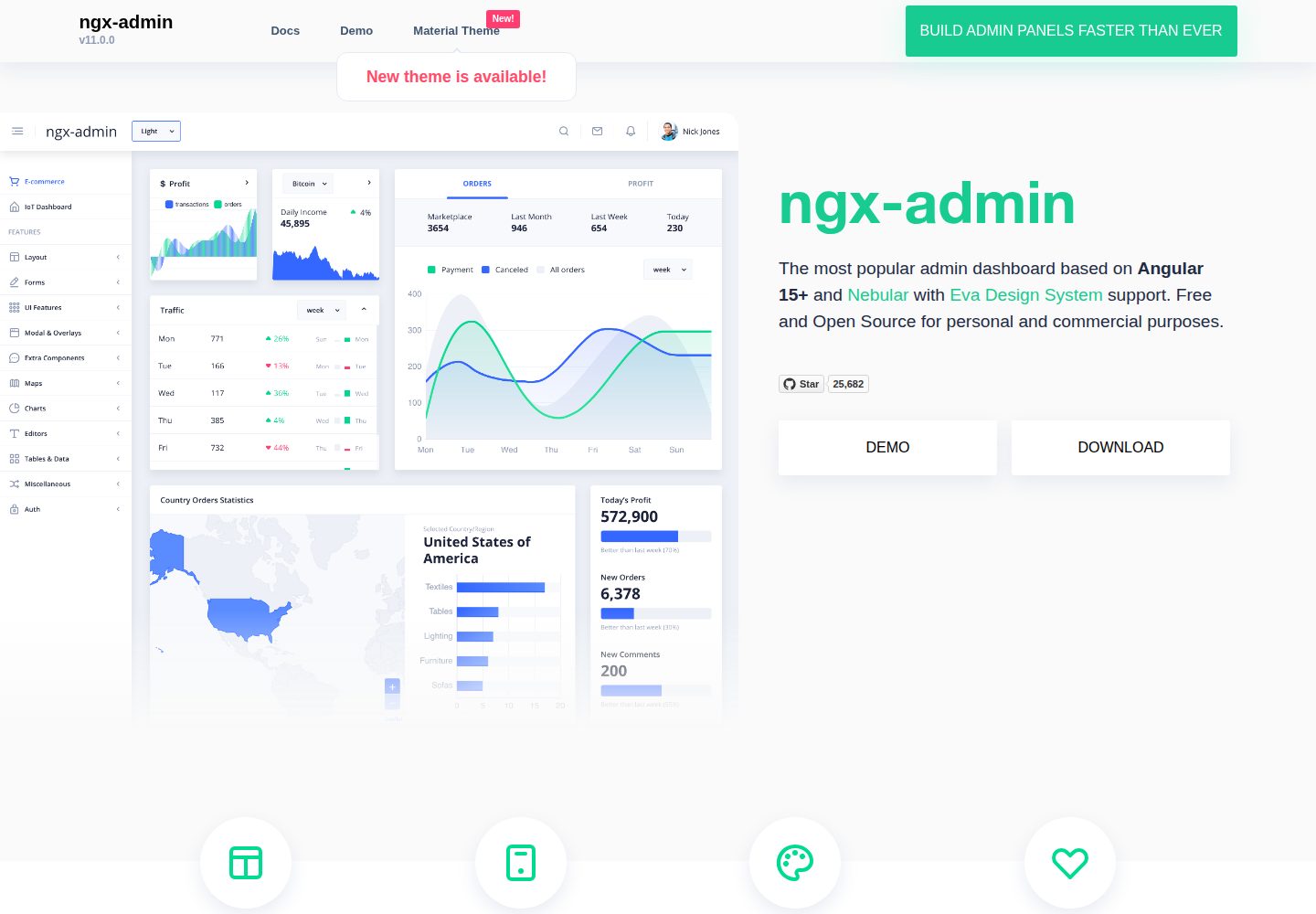
ngx-admin
Customizable admin dashboard template based on Angular 10+
Angular · 后台
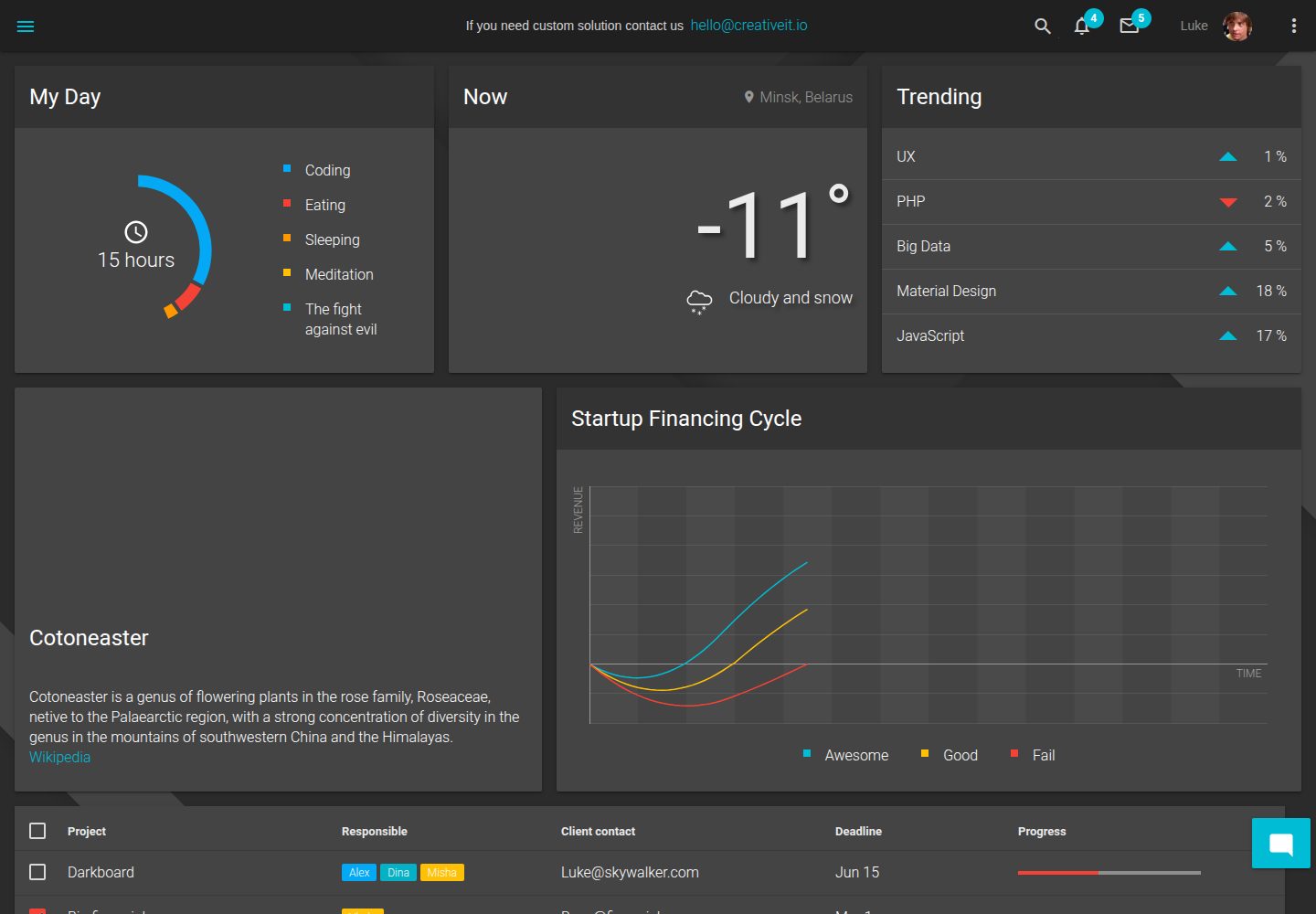
material-angular-dashboard
Material Angular Admin Template
Angular · 后台
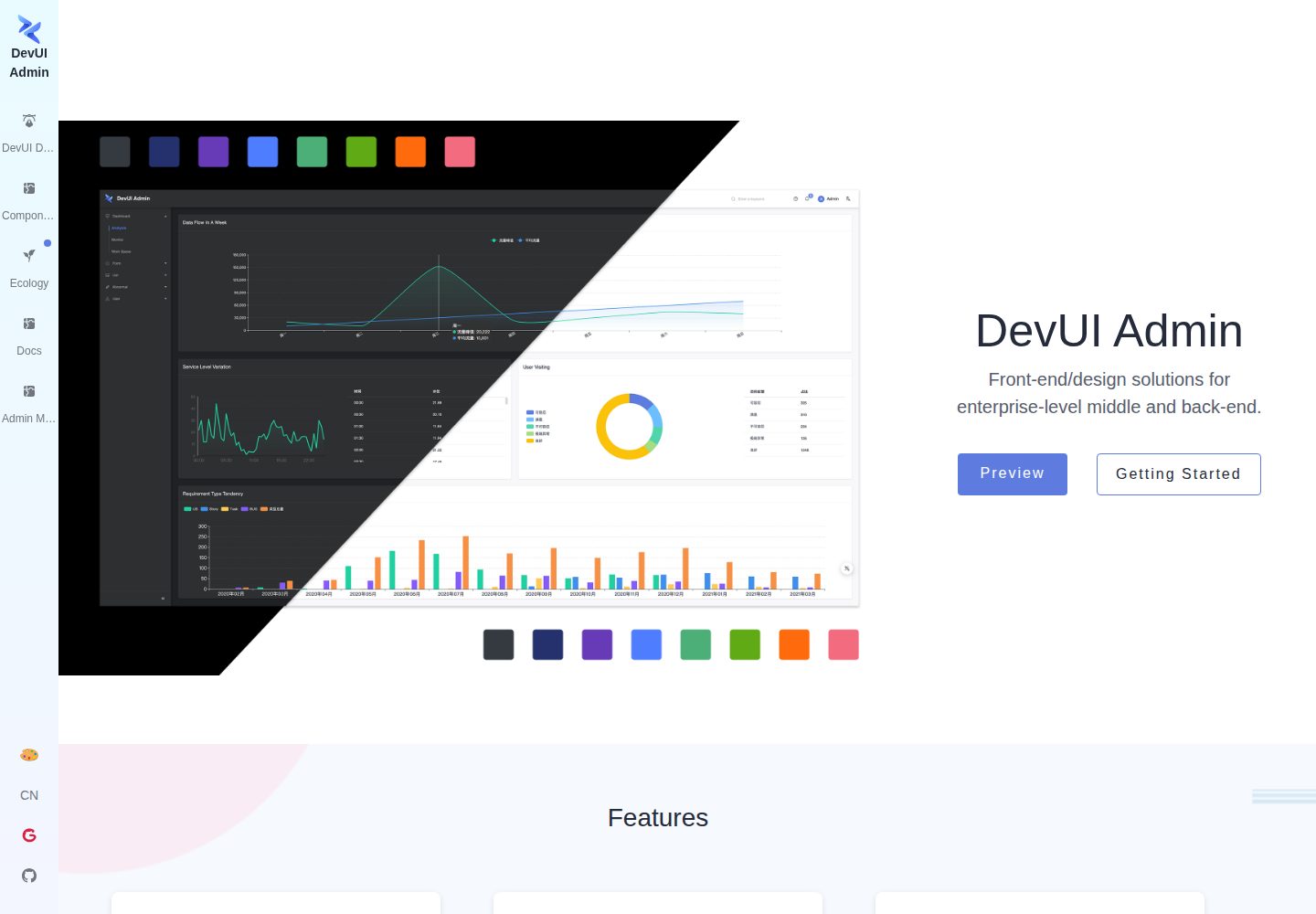
ng-devui-admin
Customizable admin dashboard template based on Angular and DevUI
Angular · 后台
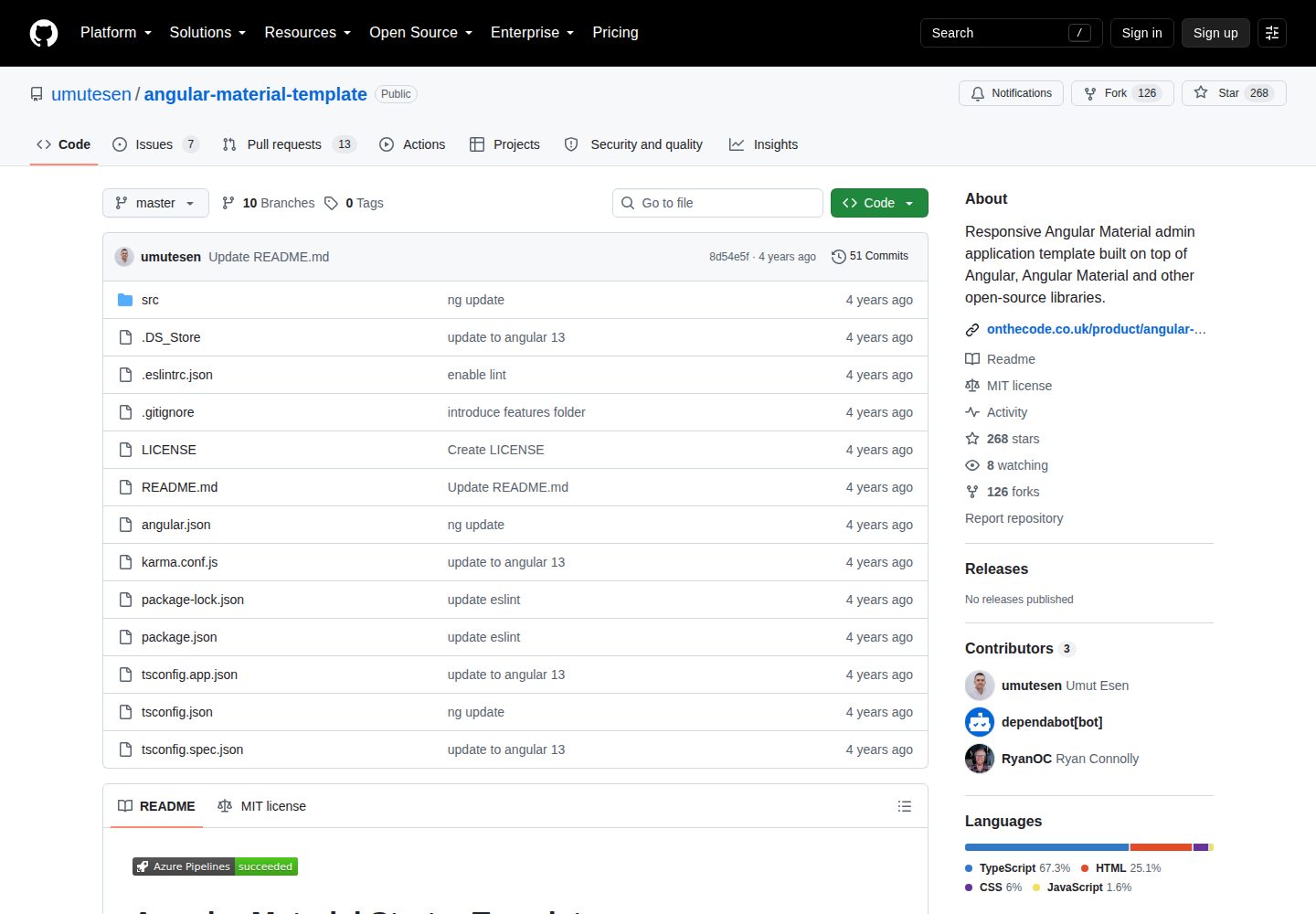
angular-material-template
Responsive Angular Material admin application template built on top of Angular, Angular Material and other ope…
Angular · 后台
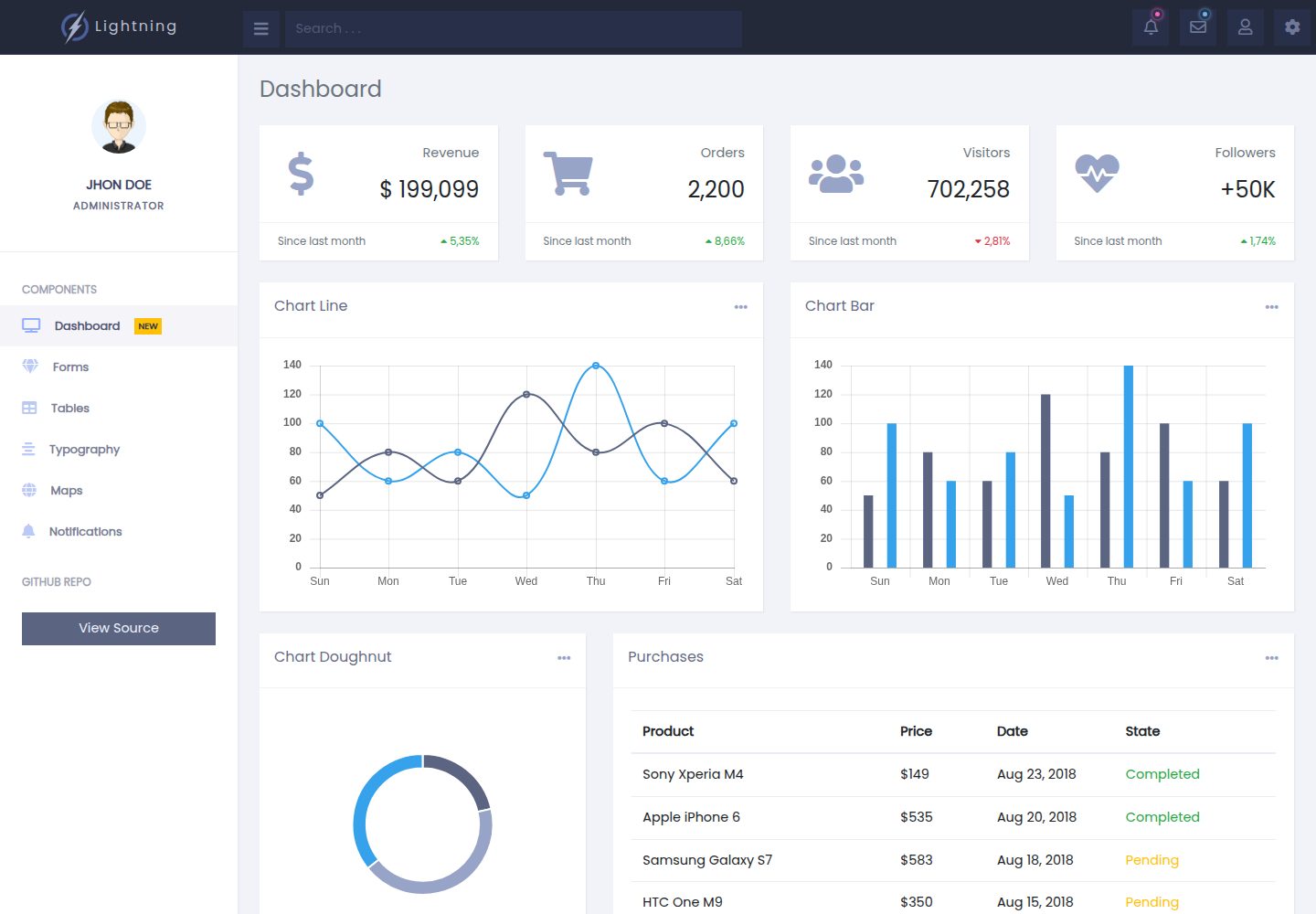
lightning-admin-angular
A mobile first design of a responsive admin template built with angular and bootstrap
Angular · 后台
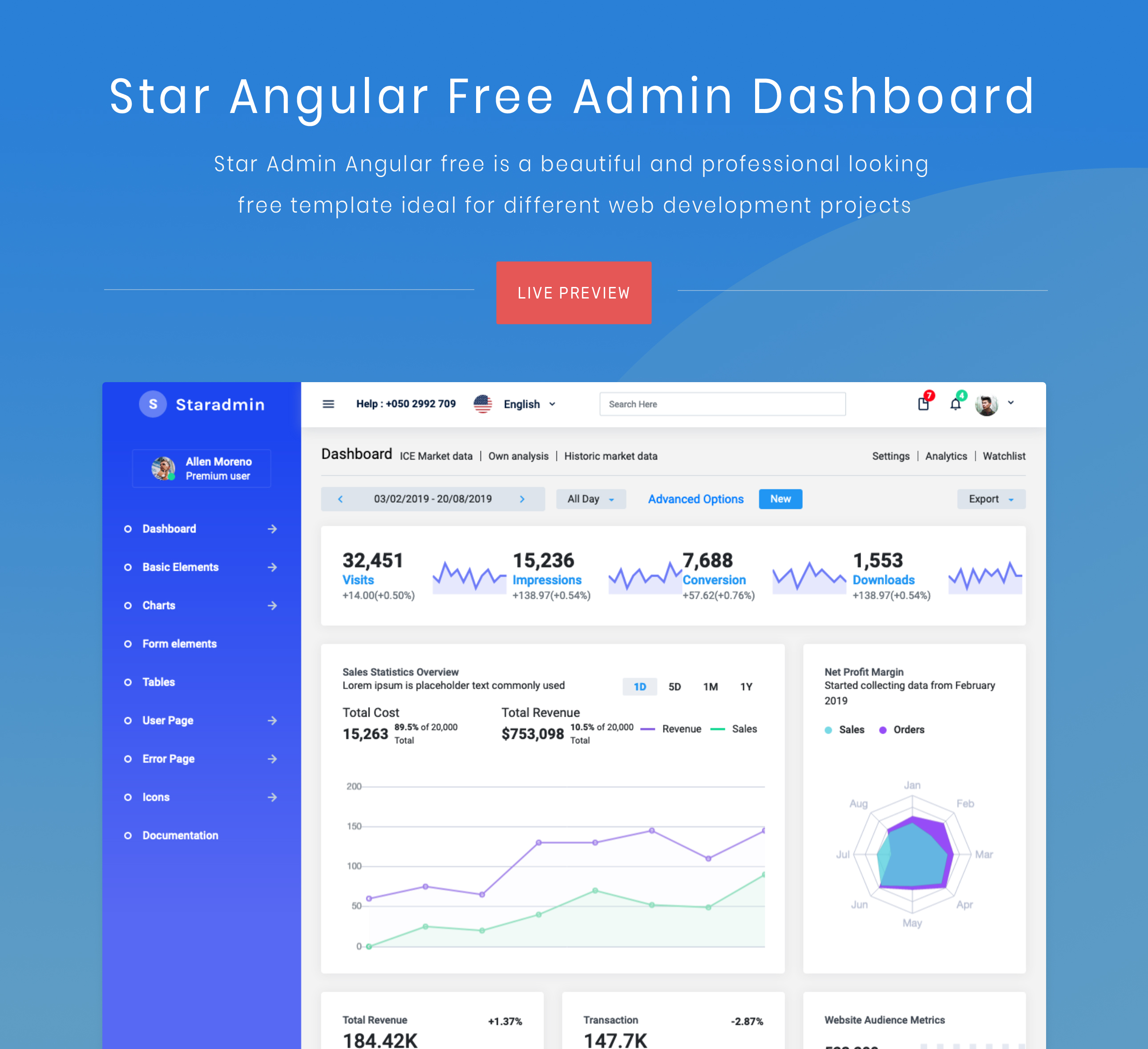
StarAdmin-Free-Angular-Admin-Template
StarAdmin Free Angular Admin Template 是一个基于 Angular 7 和 Bootstrap 4 的免费后台管理模板,由 BootstrapDash 团队维护。
Angular · 后台