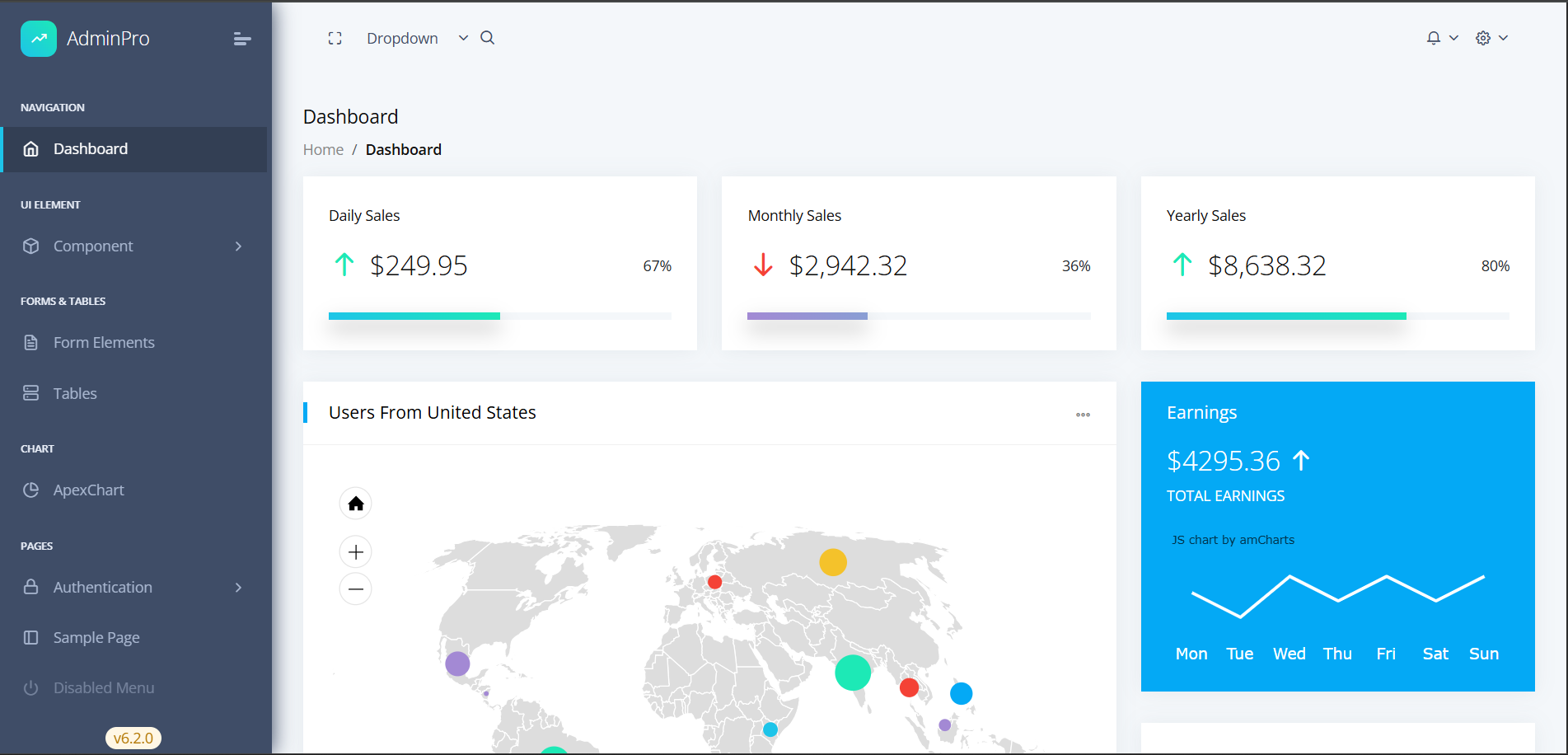
Built with Angular and TypeScript, using Bootstrap for responsive layout
AngularHTMLAdmin dashboard
admin-pro — Angular Admin dashboard Template
By Fenil-Shingala
An admin dashboard template based on Angular and Bootstrap, including dashboard, charts, data tables, and form pages. Licensed under MIT, it can be used to build admin backends or as an Angular learning example.
Explore the design
Compare the page layouts and mobile experience. Open any screenshot for a closer look.
Author preview
Author-provided preview
Preview provided in the project README.
One original preview is available. Open the full image to inspect the design.
Screenshots show visual appearance; interactive behavior may differ.
Recorded 2026-10-03View source
What stands out
A quick read of the recorded project description.
Provides example pages for dashboards, charts, data tables, user management, and forms
Integrates ApexCharts for data visualization and ng-bootstrap components
Organizes styles with SCSS variables, allowing adjustment of colors such as primary
Code is divided into modules like demo, theme, and shared with a clear structure
Licensed under MIT, permitting free use, modification, commercial use, and distribution
Template Details
AdminPro is an Angular admin dashboard template built with TypeScript and Bootstrap, featuring a data dashboard interface style. The repository provides example pages such as dashboards, charts, data tables, user management, and forms, along with layout and shared components. The code is organized into directories such as demo, theme, and shared.
Technically, the template uses Angular, TypeScript, Bootstrap, ng-bootstrap, ApexCharts, and SCSS. It supports adjusting colors such as primary and success via SCSS variables, and offers layout options including a fixed sidebar, collapsible menu, and responsive header. The README lists prerequisites such as Node.js, npm/yarn, and Angular CLI, as well as commands for cloning, installing dependencies, starting the development server, and building for production.
Usage limitations: This entry covers the free version under the MIT license from the public repository. It does not include Pro version features mentioned in the README (such as dark/light theme switching). Third-party assets like demo images, fonts, and icons must be checked against their respective licenses. External services such as domain, hosting, and database may incur additional costs.
AngularHTMLAdmin panel
Is it right for your project?
Use Cases
- Building the front-end interface for an internal enterprise admin backend or data dashboard
- Using as an Angular project exercise or teaching example to learn componentization and routing organization
- Showcasing admin interfaces and chart components in client demos or portfolios
- Quickly modifying existing layouts and components to create a branded admin prototype
Suitable For
- Front-end developers familiar with or learning Angular
- Teams needing a basic template for an admin management interface
- Developers using it for demos or portfolio showcases
- Projects that want to use and modify the code freely under the MIT license
Getting started & customization
Use these recorded setup notes alongside the repository instructions for your chosen version.
- 1
Requires Node.js (v18 or higher) and npm or yarn package manager
- 2
Requires Angular CLI to run and build the project
- 3
After cloning the repository, run npm install or yarn install to install dependencies
- 4
Use npm start or yarn start to launch the development server, accessible by default at http://localhost:4200
- 5
For production build, use npm run build or npm run build-prod
License & source material
Usage conditions & limitations
Free to use · keep license noticeThis entry covers the free version under the MIT license from the public repository; the free scope applies to that version's code and does not imply that external services or third-party assets are free.
Must comply with when using
- Permits free use, modification, commercial use, and distribution of that version's code.
- When distributing copies or substantial portions of the code, retain the original author's copyright notice and the full MIT license notice.
- The code is provided as is; warranties and limitations of liability are governed by the original license and applicable law.
Additional costs & items to verify
- Dark/light theme switching is only available in the Pro version; this free version does not include that feature.
- The README mentions a Pro version, which is a paid upgrade option; the free version does not include Pro version features.
- Project materials mention optional paid versions or features; this entry only covers the public free code and does not include paid upgrades.
- Demo images, fonts, icons, and other third-party assets must be checked against their respective licenses; they cannot be judged solely by the code's MIT license.
- External services such as domain, hosting, database, payment, or AI may incur additional charges.
View Original Text Basis
Permission is hereby granted, free of charge
Original License Text
Dark/Light theme support (Pro version)
Original README
https://github.com/Fenil-Shingala/admin-pro/blob/master/LICENSEhttps://github.com/Fenil-Shingala/admin-pro/blob/master/README.md**Pro Version**: [View Pro Demo]
Original README
Compiled by DeepSeek based on repository license and README ·2026-10-03. Results only cover the materials read; dependencies, images, fonts, and subsequent term changes are subject to their respective original texts.
Project checks & description sources
Template Information
- Source platforms
- GitHub
- Documentation and maintenance reference score
- Partly documented · 67 / 100
- Technologies
- Angular · HTML
- Website type
- Admin dashboard
How this score is calculated
Our heuristic uses license records (up to 30), a demo link (12), a preview (10), stars (15), recorded maintenance (15), description completeness (8), feature records (5) and classification data (5). It is not a code, security or performance test, or a Google score. A link does not establish tested functionality.
What to verify for this project
- Repository update recorded
- 2025-09-13
- Screenshot last checked
- 2026-10-03
No demo link is recorded. Use the repository instructions to evaluate the project locally; the screenshot alone cannot establish interactive behavior.
The catalog identifies Angular as the primary stack. Check the actual dependency manifest and lockfile for versions and hosting requirements. These notes use recorded metadata, not a code audit or a deployment test.
Use a selection guide →How this description was prepared
AI-assisted description based on catalog records and repository material. Repository authors are not automatically the reviewers of this description.
Review declaration: [email protected] · 2026-10-04
Inspect the recorded source material
SHA-256: 0201908a4326d8186b6103e3a4fea72c2d0a33f2e77ca48fecf4322e371ce433
2026-10-03T21:41:33.310Z
Source file / repository# AdminPro Angular Dashboard Template [](https://opensource.org/licenses/MIT) [](https://angular.io/) [](https://getbootstrap.com/) [](https://www.typescriptlang.org/) []() > A modern, responsive, and feature-rich Angular admin dashboard template built with the latest technologies. Perfect for enterprise applications, SaaS platforms, and client demos.   <!-- ## 🚀 **Live Demo** - **Free Version**: [View Live Demo](https://codedthemes.com/demos/admin-templates/adminpro/angular/free/dashboard) - **Pro Version**: [View Pro Demo](https://codedthemes.com/demos/admin-templates/adminpro/angular/default/) --> ## ✨ **Key Features** ### 🎨 **Modern Design** - Clean, professional, and intuitive user interface - Responsive design that works on all devices - Dark/Light theme support (Pro version) - Customizable color schemes and layouts ### 🛠 **Technical Excellence** - Built with **Angular 20+** and **TypeScript** - **Bootstrap 5.3+** for responsive design - **ng-bootstrap** for enhanced UI components - **ApexCharts** for beautiful data visualizations - **SCSS** for maintainable styling ### 📊 **Dashboard Components** - Interactive charts and graphs - Data tables with sorting and filtering - Real-time statistics widgets - User management interfaces - Form components with validation ### 🔧 **Developer Experience** - Well-structured, modular codebase - TypeScript for type safety - SCSS for organized styling - Component-based architecture - Easy customization and theming ## 🎯 **Perfect For** - **Portfolio Projects**: Showcase your full-stack development skills - **Client Demos**: Impress potential clients with professional UI - **Enterprise Applications**: Build scalable admin dashboards - **SaaS Platforms**: Create modern web applications - **Learning Projects**: Study modern Angular development patterns ## 🚀 **Quick Start** ### Prerequisites - Node.js (v18 or higher) - npm or yarn package manager - Angular CLI (v20+) ### Installation 1. **Clone the repository** ```bash git clone https://github.com/Fenil-Shingala/admin-pro.git cd admin-pro ``` 2. **Install dependencies** ```bash npm install # or yarn install ``` 3. **Start development server** ```bash npm start # or yarn start ``` 4. **Open your browser** Navigate to `http://localhost:4200` ### Build for Production ```bash # Development build npm run build # Production build npm run build-prod ``` ## 📁 **Project Structure** ``` src/ ├── app/ │ ├── demo/ # Demo pages and components │ │ ├── dashboard/ # Dashboard components │ │ ├── pages/ # Sample pages │ │ └── ui-elements/ # UI component demos │ ├── theme/ # Core theme components │ │ ├── layout/ # Layout components │ │ └── shared/ # Shared components │ └── assets/ # Static assets ├── scss/ # SCSS styles and variables └── environments/ # Environment configurations ``` ## 🎨 **Customization** ### Colors and Themes The template uses SCSS variables for easy customization: ```scss // src/scss/_variables.scss $primary-color: #04a9f5; $success-color: #1de9b6; $warning-color: #f4c22b; $danger-color: #f44236; ``` ### Layout Options - Fixed sidebar navigation - Collapsible menu - Responsive header ## 📱 **Responsive Design** - **Mobile First**: Optimized for mobile devices - **Tablet Ready**: Perfect for tablet interfaces - **Desktop Enhanced**: Full-featured desktop experience - **Cross-Browser**: Compatible with all modern browsers ## 🔧 **Technologies Used** | Technology | Version | Purpose | |------------|---------|---------| | Angular | 20+ | Frontend framework | | TypeScript | 5.8+ | Type-safe JavaScript | | Bootstrap | 5.3+ | CSS framework | | ng-bootstrap | 19+ | Angular Bootstrap components | | ApexCharts | 4.7+ | Data visualization | | SCSS | Latest | CSS preprocessing | ## 📊 **Browser Support** - ✅ Chrome (latest) - ✅ Firefox (latest) - ✅ Safari (latest) - ✅ Edge (latest) - ✅ Opera (latest) ## 🎯 **Portfolio Showcase** This template is perfect for demonstrating: - **Frontend Development Skills**: Modern Angular development - **UI/UX Design**: Professional dashboard interfaces - **Responsive Design**: Mobile-first approach - **Component Architecture**: Reusable and maintainable code - **Data Visualization**: Charts and interactive elements - **Form Handling**: Complex form validation and processing ### Client Demo Features - Professional, enterprise-ready interface - Responsive design that works on all devices - Interactive components and animations - Real-time data visualization - User-friendly navigation and layout ## 📈 **Performance** - **Fast Loading**: Optimized bundle size - **Lazy Loading**: Route-based code splitting - **Tree Shaking**: Unused code elimination - **AOT Compilation**: Ahead-of-time compilation for better performance ## 🛡 **Security** - **TypeScript**: Compile-time error checking - **Angular Security**: Built-in XSS protection - **HTTPS Ready**: Secure communication support - **Input Validation**: Form validation and sanitization ## 📚 **Documentation** - **Component Documentation**: Well-documented components - **API References**: Clear method and property documentation - **Code Comments**: Inline code documentation - **Setup Guides**: Step-by-step installation instructions ## 🙏 **Acknowledgments** - **Angular Team** for the amazing framework - **Bootstrap Team** for the responsive CSS framework - **ApexCharts** for beautiful chart components - **CodedThemes** for the original design inspiration ## 🌟 **Show Your Support** If you find this project helpful, please give it a ⭐ on GitHub! --- **Built with ❤️ for developers and designers** *Perfect for portfolio projects, client demos, and enterprise applications*
Explore similar templates
Compare previews and descriptions within the same stack and category.
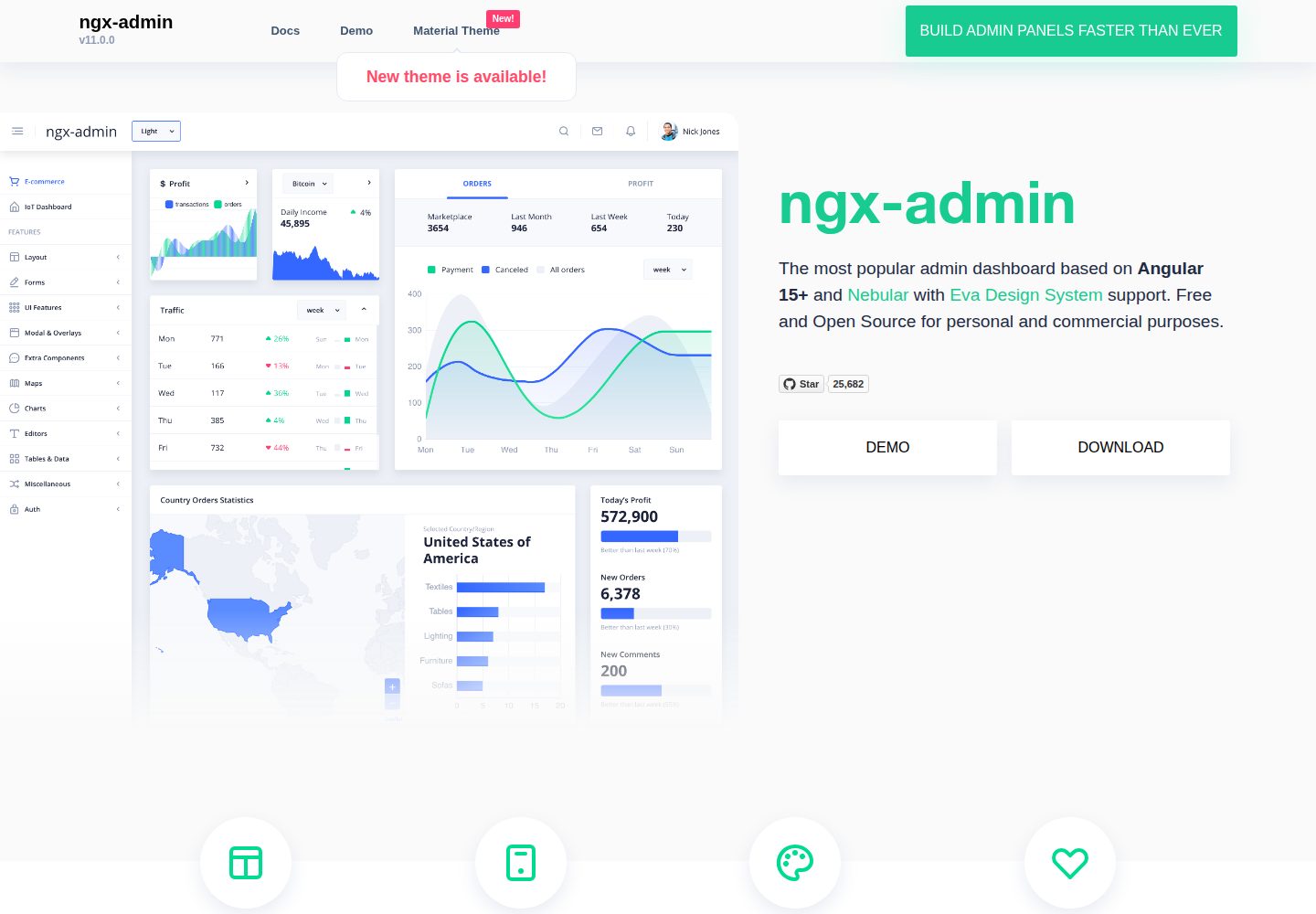
ngx-admin
ngx-admin is an Angular admin dashboard template maintained by Akveo, built on the Nebular component library and released under the MIT license.
Angular · Admin dashboard
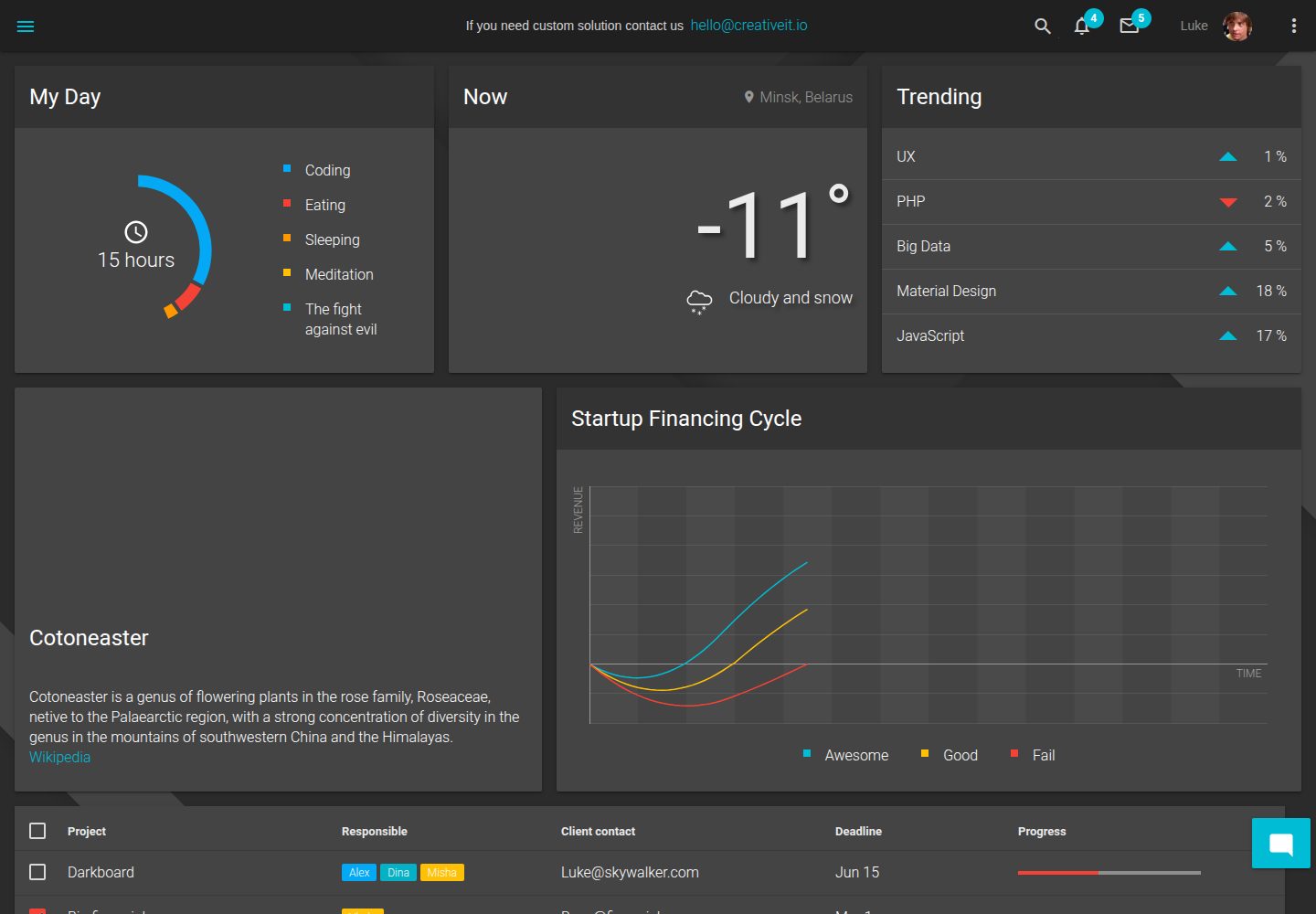
material-angular-dashboard
A dark-themed Angular admin template following Google Material Design, with dashboard pages, D3/NVD3 charts, ag-Grid tables, and a Sass/BEM theme. Released under the MIT license, it offers starter-kit, feature/backend, and feature/serverless branches.
Angular · Admin dashboard
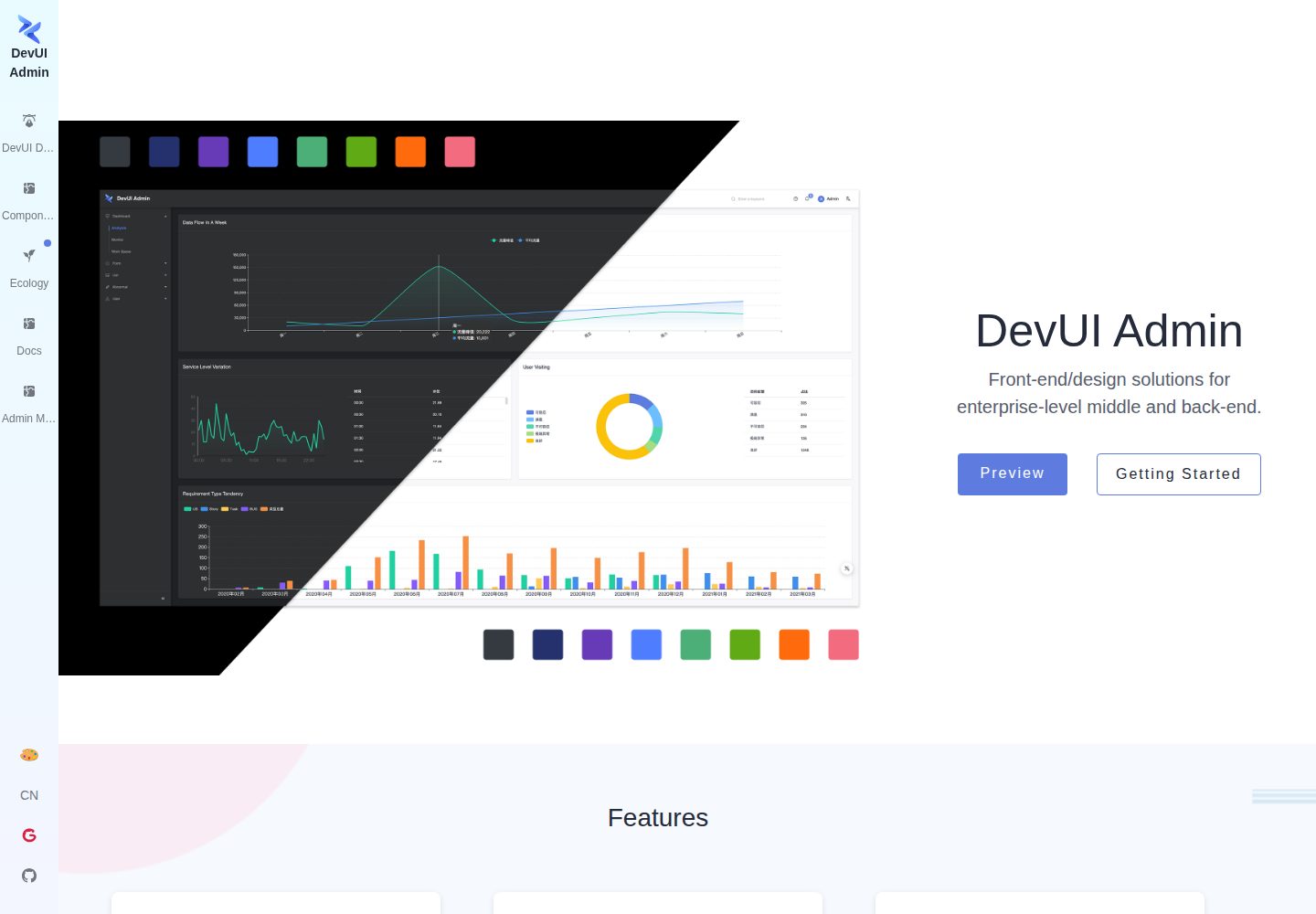
ng-devui-admin
A customizable mid-to-back-office admin template built with Angular and DevUI, featuring configurable layouts, multi-theme switching, internationalization, and local mock data debugging.
Angular · Admin dashboard
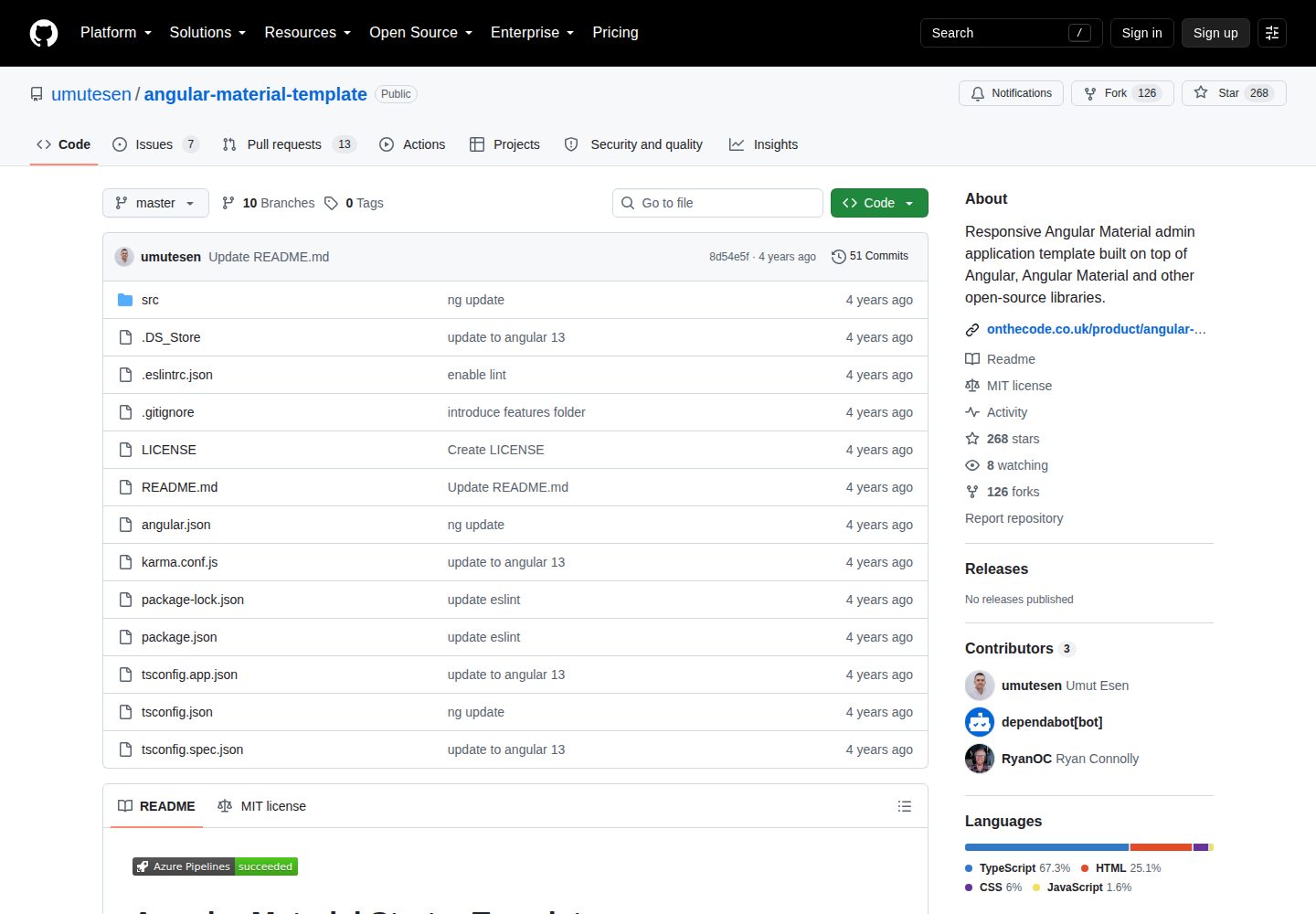
angular-material-template
A responsive Angular Material admin template with authentication, sidebar dashboard, account area, role guards, JWT interceptor, and lazy-loaded modules, under the MIT license.
Angular · Admin dashboard
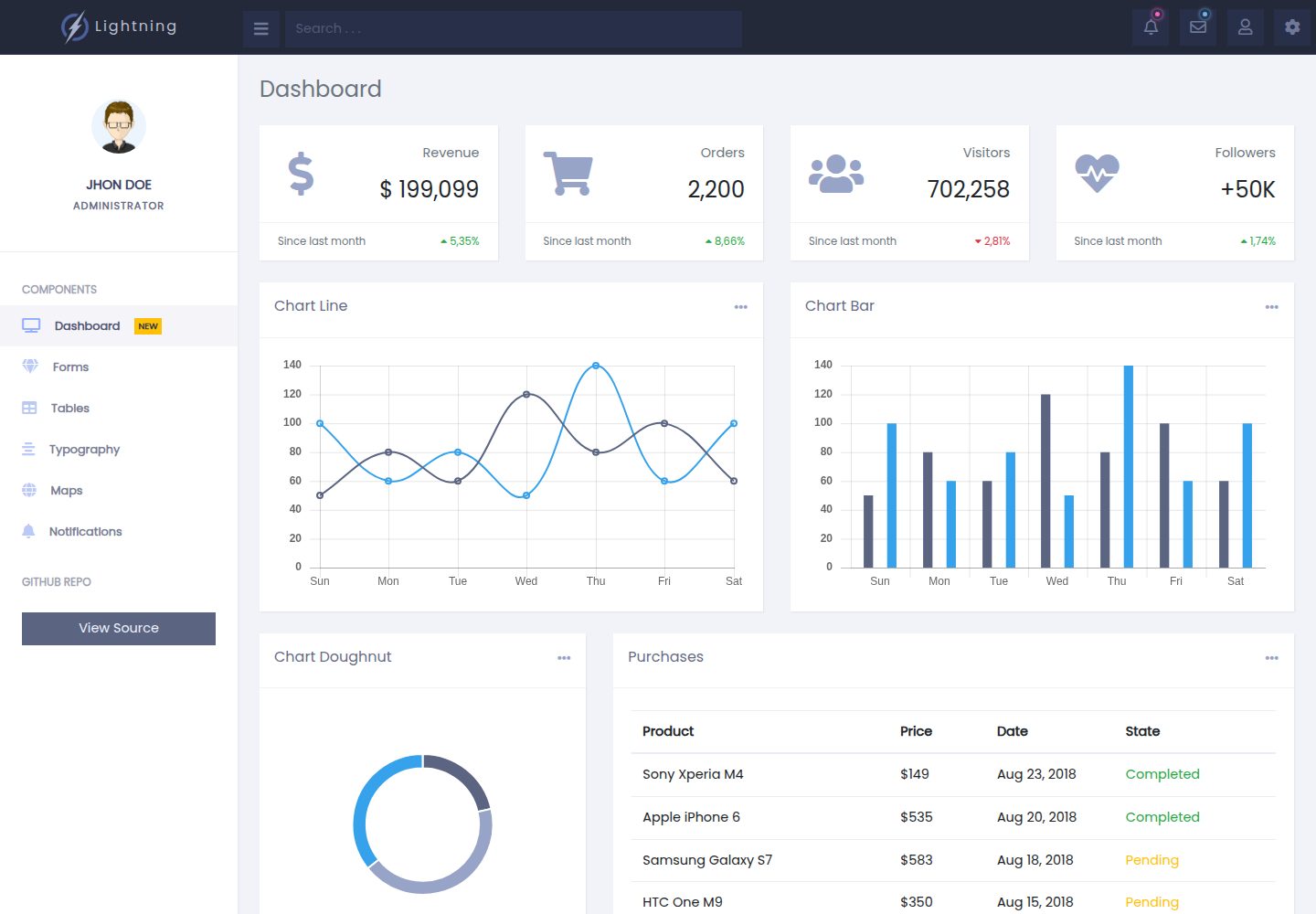
lightning-admin-angular
A mobile-first responsive admin template built with Angular and Bootstrap, offering data interface layouts such as dashboards.
Angular · Admin dashboard
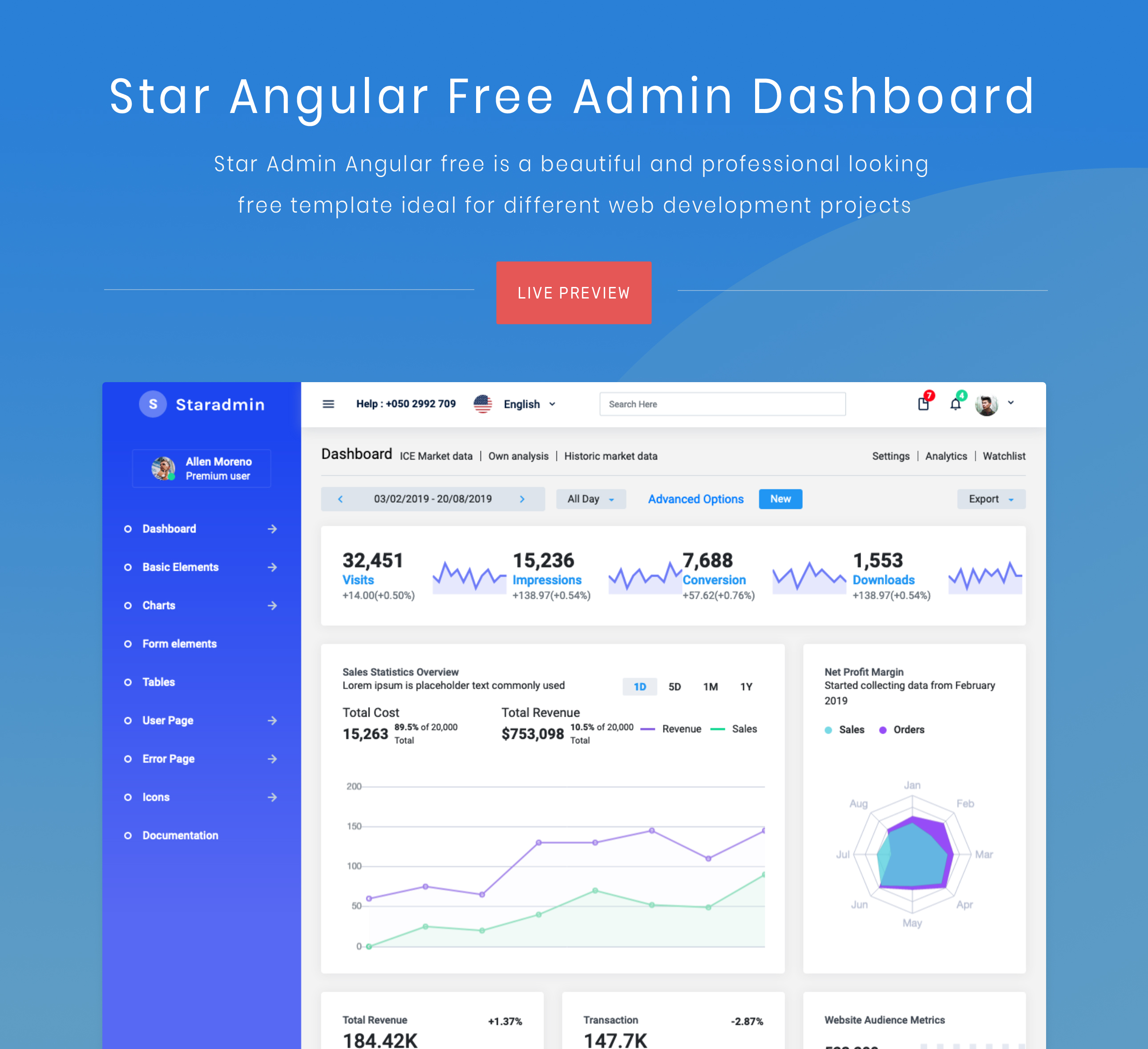
StarAdmin-Free-Angular-Admin-Template
A free admin template based on Angular 7 and Bootstrap 4, maintained by BootstrapDash.
Angular · Admin dashboard