页面源码位于 source/,构建产物输出到 build/
HTML启动器
github-pages-template — HTML 启动器模板
作者 fulldecent
面向协作编辑的 HTML 网站启动模板,使用 Jekyll 构建并部署到 GitHub Pages,附带格式检查、构建测试与部署工作流。
看看你的网站会是什么样
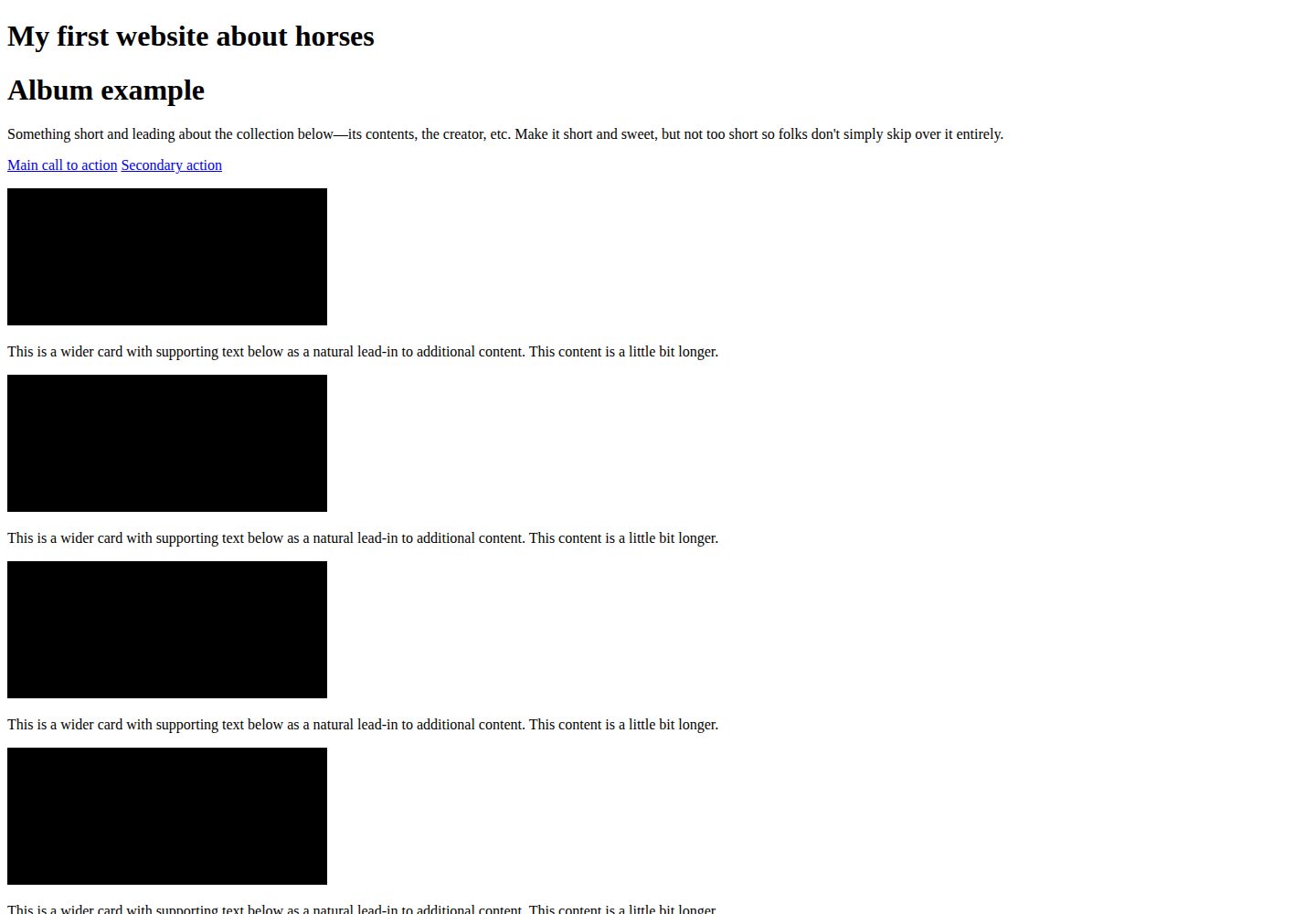
浏览真实页面截图,比较内容排版与手机效果。点击下方缩略图切换,放大查看整页细节。
全部页面与视图 2
截图用于了解视觉与布局,交互效果请以实际项目为准。
采集于 2026-10-09查看来源
值得关注的模板亮点
从已有项目资料中,快速了解它的特点。
构建使用与 GitHub Pages 一致的 github-pages gem
提供 lint 与 build-test-deploy 两条 GitHub Actions 工作流
测试用 HTML-validate 与 Nice Checkers 校验结构化数据、超链接等页面规则
仓库固定 Ruby 与 Node.js 版本,并提供 Dev Container 配置
示例含一个记住访客变体选择的配色实验页
模板详细介绍
这是一个用于协作编辑的 HTML 网站起步模板。页面源码放在 source/ 目录下,首页为 source/index.html,实验页布局为 source/_layouts/experiment.html。构建基于与 GitHub Pages 一致的 github-pages gem,产物输出到 build/ 目录;仓库固定了 Ruby 与 Node.js 版本,并提供 Dev Container 配置。
模板自带两条 GitHub Actions 工作流:一条执行格式检查(lint),另一条负责构建、测试并部署。测试使用 HTML-validate 与 Nice Checkers 检查结构化数据、超链接及页面规则;格式方面由 Prettier 处理非 Markdown 文件,Markdown 由 markdownlint-cli2 处理。默认分支的推送会触发部署,将 build/ 产物上传到 GitHub Pages。
示例站点是一个关于马的相册单页,外加一个配色实验:访问者被分配到某个变体,并在重新加载后保持该选择。模板明确不包含额外的报告与分析工具,需要请求时服务端处理的改动不在范围内。
HTML启动器
适合你的项目吗?
适用场景
- 为需要多人共同编辑的静态 HTML 网站搭建初始仓库
- 在 GitHub Pages 上发布由 Jekyll 构建的页面
- 为静态站点配置格式检查、构建测试与自动部署流程
- 用 Dev Container 统一团队成员的本地开发环境
适合人群
- 希望以 HTML 与 Jekyll 在 GitHub Pages 上发布站点的团队
- 需要格式检查、测试和部署自动化的协作项目
- 愿意使用 Dev Container 或自行安装 Ruby 与 Node.js 工具链的开发者
上手与定制指南
结合仓库当前版本的说明,按下面的资料检查内容、配置与运行要求。
- 1
本地开发可安装 Dev Containers 扩展后执行 "Reopen in Container",或在主机上安装 Ruby 与 Node.js 工具链
- 2
Ruby 版本由 .ruby-version 指定,可用 rv 安装;Node.js 版本由 .node-version 指定,可用 fnm 安装,Yarn 版本见 package.json 的 packageManager
- 3
yarn build 生成站点到 build/,yarn dev 在本地启动并默认监听 127.0.0.1:4000
- 4
提交前先构建再运行 yarn test;yarn lint 与 yarn format 可接受具体路径
- 5
推送默认分支会触发部署,将 build/ 产物上传到 GitHub Pages
授权与来源资料
使用条件与限制
免费使用 · 保留许可声明本次收录的是公开仓库中采用 MIT 许可的免费版本;免费范围为该版本代码,不代表外部服务或第三方素材免费。
使用时需要遵守
- 允许免费使用、修改、商用和分发该版本代码。
- 分发代码副本或实质性部分时,保留原作者版权声明和完整 MIT 许可声明。
- 代码按现状提供;担保与责任限制以原许可证及适用法律为准。
额外费用与待核对事项
- 演示图片、字体、图标及其他第三方素材需按各自许可核对,不能仅凭代码的 MIT 许可判断。
- 域名、托管、数据库、支付或 AI 等外部服务可能另外收费。
- 该模板仅适用于构建期生成的静态文件;任何需要在请求时由服务器动态处理的改动都超出项目范围,不能用于需要运行时后端逻辑的网站。
- 项目明确不包含额外的报告与分析工具,仅提供仓库中已有的少量脚本,因此不能期望模板自带访问统计或分析功能。
- 维护任务由项目管理员每月手动完成(更新 Actions、Node.js/Yarn 依赖、Ruby 版本);若延迟超过 3 个月需自行提醒或提交 issue/PR,使用者需自行承担依赖更新与维护责任。
- 推荐的开发方式依赖 VS Code 的 Dev Containers 扩展,并需要安装 Docker 主机(Mac 上推荐 OrbStack),即需要额外的外部工具与运行环境。
- 发布依赖 GitHub Pages 与 GitHub Actions:向默认分支推送即触发部署,因此使用该模板需要 GitHub 账户及相应仓库权限。
查看原文依据
Permission is hereby granted, free of charge
许可证原文
A change that needs a server at request time is outside this site. The page is files in a repository, built ahead of time.
README 原文
This project will not include extra reporting and analisys tools.
README 原文
The project administrator completes these maintenance tasks each month. If they are 3+ months late, please remind them or send your own issue/pull request.
README 原文
Use VS Code and the [Dev Containers extension](https://marketplace.visualstudio.com/items?itemName=ms-vscode-remote.remote-containers), install a Docker host (on Mac, use [OrbStack](https://orbstack.dev/)) then run the VS Code command "Reopen in Container".
README 原文
https://github.com/fulldecent/github-pages-template/blob/main/LICENSE.mdhttps://github.com/fulldecent/github-pages-template/blob/main/README.mdA push to the default branch publishes the site. The deploy job in [build-test-deploy.yml](.github/workflows/build-test-deploy.yml) uploads the `build/` artifact to GitHub Pages.
README 原文
DeepSeek 根据仓库许可证和 README 整理 ·2026-10-09。结果仅覆盖已读取资料,依赖、图片、字体及后续条款变更以各自原文为准。
项目核对记录与介绍依据
模板资料
- 来源平台
- GitHub
- 资料与维护参考分
- 资料较完整 · 87 / 100
- 技术栈
- HTML
- 网站类型
- 启动器
这个分数如何计算
本站按许可资料(最高30分)、演示链接(12分)、预览图(10分)、Star数(15分)、记录的维护时间(15分)、描述完整度(8分)、功能记录(5分)和分类资料(5分)计算。它不是代码、安全或性能测试,也不是 Google 评分;有链接不代表已实测可用。
这个项目需要核对什么
- 记录的仓库更新时间
- 2026-10-09
- 截图检查日期
- 2026-10-09
已收录演示链接。请用你的内容与屏幕尺寸检查;有演示不代表表单、认证或支付已经可用。
目录记录的主要技术栈是 HTML。请通过依赖清单和锁文件核对实际版本与托管要求。这些说明基于收录资料,不代表代码审计或部署实测。
查看具体选型方法 →介绍的制作与核对状态
介绍由 AI 辅助整理目录与仓库资料。仓库作者不等于这篇介绍的审核者。
审核声明: [email protected] · 2026-10-09
查看当时使用的来源资料
SHA-256: 7f3f522aab059dd8988a194f7d463de5eeec4972826331810bae4ff13fee1b25
2026-10-09T04:07:08.230Z
来源文件 / 仓库# Horses website > [!TIP] > This template is a starting point you can use for every collaboratively-edited HTML website. We offer: > > * A build that matches the [github-pages](https://github.com/github/pages-gem) gem, and a test that reads the built HTML > * Continuous integration to [check formatting](.github/workflows/lint.yml), then [build, test, and deploy](.github/workflows/build-test-deploy.yml) > * Modern [EditorConfig](.editorconfig), [.gitignore](.gitignore) and linting > > What is in-scope for this template? > > We the people who publish HTML together, in order to keep one build that matches GitHub Pages and to make a website inviting for more editors, maintain this starting point. > > Pages live under [source/](source/). The Ruby version and the Node.js version are pinned in this repository. GitHub Pages publishes the result. > > This project will not include extra reporting and analisys tools. There are a couple scripts in there which are plenty for you to use and study. > > And now below is the template, shown for a specific hypothetical project, enjoy! [](https://github.com/fulldecent/github-pages-template/actions/workflows/lint.yml) [](https://github.com/fulldecent/github-pages-template/actions/workflows/build-test-deploy.yml) A one-page album about horses, with a small experiment on coat color. Our site offers: * A home page you can replace with your own pages * An experiment that sends each visitor to one variant and remembers the choice * Setup for the Ruby and Node.js versions the build and the tests expect [ Imagine a photo here of the horses album open on a laptop. ] > [!NOTE] > Replace the project name, description, picture and badge URLs with your own. Show the site before asking people to read further. ## Try it out The site is published at <https://fulldecent.github.io/github-pages-template/>. Open it and read the page. The coat-color experiment is at <https://fulldecent.github.io/github-pages-template/experiment-template/page-to-test>. > [!NOTE] > Replace these addresses with your published site. Delete this section when the site has no public page yet. ## Usage Read the album on the home page. Open the coat-color experiment and reload the page. The same visitor stays on the same variant. > [!NOTE] > Explain how to use your project. ## Development Thank you for taking an interest in improving our horses website and the websites of people who started from this project! _In production (GitHub Actions), the environment is set up by the workflows in [.github/workflows/](.github/workflows/)._ Use VS Code and the [Dev Containers extension](https://marketplace.visualstudio.com/items?itemName=ms-vscode-remote.remote-containers), install a Docker host (on Mac, use [OrbStack](https://orbstack.dev/)) then run the VS Code command "Reopen in Container". Or install the toolchain on the host: 1. Install Ruby and the gems that match GitHub Pages. [rv](https://github.com/spinel-coop/rv) reads [.ruby-version](.ruby-version). ```sh brew install rv rv ruby install rv run bundle install ``` 2. Install Node.js and Yarn. [fnm](https://github.com/Schniz/fnm) reads [.node-version](.node-version). The Yarn version is `packageManager` in [package.json](package.json). ```sh fnm install fnm use corepack enable yarn install ``` For a Node.js module or command-line tool, start from https://github.com/fulldecent/node.js-template. `yarn build:jekyll` and `yarn dev` run Jekyll through `rv run bundle exec`. A `bundle` taken from Homebrew uses a different Ruby than [.ruby-version](.ruby-version) and fails looking for `exe/bundle`. Build the HTML: ```sh yarn build ``` That writes the site into `build/`. Serve it locally: ```sh yarn dev ``` Open <http://127.0.0.1:4000>. The console prints the address when the port differs. Editors change HTML under [source/](source/). The home page is [source/index.html](source/index.html). The experiment layout is [source/_layouts/experiment.html](source/_layouts/experiment.html). Open this folder in VS Code, allow "Reopen in Container", and install the recommended extensions. That installs formatting and linting for this repository. ### Testing Every update we publish has to pass the test suite. GitHub runs that suite on each push to `main` and on pull requests. Run it locally before you send a pull request. Build the site first. ```sh yarn test ``` This checks structured data, hyperlinks, and other page rules with [HTML-validate](https://html-validate.org/) and [Nice Checkers](https://github.com/fulldecent/html-validate-nice-checkers). Correct formatting before you send proposed changes. A build is unnecessary for these two commands. ```sh yarn lint yarn format ``` You can pass paths: ```sh yarn lint source/index.html README.md yarn format source/index.html README.md ``` Prettier's cache lives in `cache/` and is written only by `--write`. A lint-only run, including CI, leaves the cache untouched. `.prettierignore` lists `*.md`, so Prettier skips Markdown and markdownlint formats it. When you pass paths, markdownlint receives only the `.md` paths. markdownlint-cli2 lints any path you hand it, so the script drops the rest. ### Releases A push to the default branch publishes the site. The deploy job in [build-test-deploy.yml](.github/workflows/build-test-deploy.yml) uploads the `build/` artifact to GitHub Pages. A git tag names a revision of this project. Cite that tag when you describe which revision you started from. > [!NOTE] > Replace this with how your site is published. ### Maintenance The project administrator completes these maintenance tasks each month. If they are 3+ months late, please remind them or send your own issue/pull request. 1. Identify external Actions in [.github/workflows](./.github/workflows) scripts and look for available new versions. Review and then update to the new version if it is safe. GitHub-supported Actions (i.e. under the actions/ organization) may require only cursory review. 1. Update the Node.js pin, Yarn, and packages. ```sh curl -s https://nodejs.org/dist/index.json | jq -r '[.[] | select(.lts != false)][0].version' > .node-version yarn set version latest && yarn yarn upgrade-interactive ``` [.devcontainer/devcontainer.json](.devcontainer/devcontainer.json) repeats the Node major and the Yarn version, because the dev container feature has no way to read `.node-version` or `packageManager`. Update those pins in the same change. 1. Update the Ruby pin to the version GitHub Pages is running. `Gemfile.lock` is gitignored, so this change is [.ruby-version](.ruby-version) and the Ruby minor in the dev container image. ```sh curl -s https://pages.github.com/versions.json | jq -r .ruby > .ruby-version rv ruby install rv run bundle install ``` ## Project scope We are people who keep a shared page about horses and want new editors to be able to change it with us. This site is one album page and one coat-color experiment. The pages stay as HTML that GitHub Pages can build. A change that needs a server at request time is outside this site. The page is files in a repository, built ahead of time. > [!NOTE] > Introduce your community, explain what is in scope, and say what is out of scope. ## References 1. We use title case only for proper nouns, including the name of our project. 1. This project is built based on [best practices documented in github-pages-template](https://github.com/fulldecent/github-pages-template), release 1.8.0. 1. This project is built based on [best practices documented in project-template](https://github.com/fulldecent/project-template), release v1.3.0. 1. This project is released under the [MIT license](./LICENSE.md). 1. [EditorConfig](.editorconfig) and the top of [.gitignore](.gitignore) are taken from project-template release 1.3.0. The rules that follow are `/build`, `/cache`, and `/.yarn`, then [GitHubPages.gitignore](https://github.com/github/gitignore/blob/main/GitHubPages.gitignore) and [Node.gitignore](https://github.com/github/gitignore/blob/main/Node.gitignore). The Node paste repeats the `.env` lines. 1. Prettier runs through Yarn. [.prettierrc.js](.prettierrc.js) loads `@shopify/prettier-plugin-liquid` with `require.resolve`, which Yarn PnP resolves. Markdown uses [markdownlint-cli2](https://github.com/DavidAnson/markdownlint-cli2) and [.markdownlint-cli2.yaml](.markdownlint-cli2.yaml), which extends `markdownlint/style/prettier` and limits `no-duplicate-heading` to siblings. 1. `.yarnrc.yml` sets `enableScripts` so `better-sqlite3` can build, `npmMinimalAgeGate` to 0, and `approvedGitRepositories` to `"**"`. [Yarn: Security](https://yarnpkg.com/features/security) 1. We use the github-pages gem. GitHub Pages [builds with the versions on pages.github.com](https://pages.github.com/versions/) and ignores `Gemfile.lock`, which is why that file is gitignored. [pages-gem issue 768](https://github.com/github/pages-gem/issues/768) 1. For Mac, [OrbStack](https://orbstack.dev/) runs the dev container. [Colima](https://github.com/abiosoft/colima?tab=readme-ov-file#installation) is an open-source Docker host and is about 5x slower for this workload. > [!NOTE] > Carefully consider which license to apply to your project and replace the copyright line in [LICENSE.md](LICENSE.md). Cite external sources that materially informed your decisions, including the release of github-pages-template you used.
看看同类模板
对比同技术栈与用途的模板,找到更适合的视觉与内容结构。

startbootstrap-simple-sidebar
An off canvas sidebar navigation Bootstrap HTML template created by Start Bootstrap
HTML · 启动器

adminkit
AdminKit is a free & open-source HTML dashboard & admin template based on Bootstrap 5
HTML · 后台

Landing-Page
Tailwind CSS Starter Template - Landing Page
HTML · 企业官网

light-bootstrap-dashboard
Light Bootstrap Dashboard is an admin dashboard template designed to be beautiful and simple.
HTML · 后台

sing-app
💥Free and open-source admin dashboard template built with Bootstrap 4.5 💥
HTML · 后台

startbootstrap-modern-business
A multipurpose Bootstrap full website template created by Start Bootstrap
HTML · 启动器