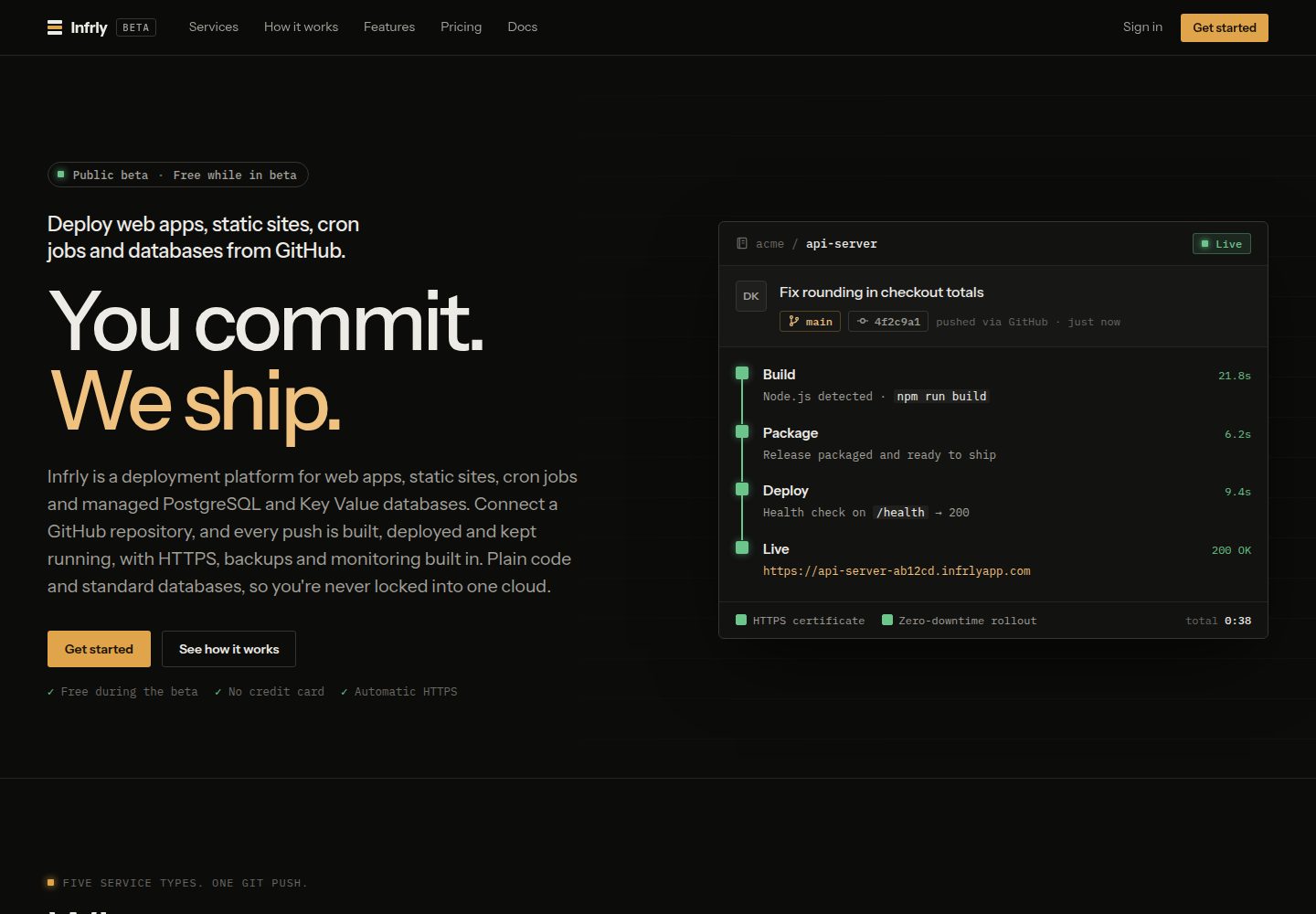
基于 Vite 的最小静态站点,README 说明无需运行服务端
Vite启动器
static-site-starter — Vite 启动器模板
作者 Infrly
基于 Vite 的最小静态站点模板,由 Infrly 构建并通过 HTTPS 提供文件,README 说明可在 Infrly 上首次部署且无需 Dockerfile 和额外配置。
看看你的网站会是什么样
浏览真实页面截图,比较内容排版与手机效果。点击下方缩略图切换,放大查看整页细节。
全部页面与视图 2
截图用于了解视觉与布局,交互效果请以实际项目为准。
采集于 2026-10-16查看来源
值得关注的模板亮点
从已有项目资料中,快速了解它的特点。
由 Infrly 构建并通过 HTTPS 提供文件
首次部署无需 Dockerfile 和配置
部署设置由 Infrly 自动填写:npm ci、npm run build、发布目录 dist
每次推送到分支都会部署新版本
采用 MIT 许可
模板详细介绍
这是一个面向 Infrly 平台的最小静态站点起步模板,使用 Vite 构建。README 说明该站点没有需要运行的服务端,由 Infrly 完成构建并通过 HTTPS 提供文件。部署路径有两种:在 app.getinfrly.com 登录后选择 Deploy a template → Static site,由 Infrly 创建项目与服务并部署该仓库;或先在 GitHub 上点击 Use this template 复制仓库到自己的账号,再在 Infrly 中选择 New service → Static Site 并选择自己的副本。Infrly 会代为填写安装命令 npm ci、构建命令 npm run build 和发布目录 dist,每次向分支推送都会部署新版本。本地运行方式为 npm install 与 npm run dev,随后编辑 index.html。README 提到 Infrly 公共测试期间免费,项目采用 MIT 许可。README 未提供页面结构、样式方案、路由、组件或性能相关的进一步说明。
Vite启动器
适合你的项目吗?
适用场景
- 在 Infrly 上快速部署一个最小静态站点
- 从 GitHub 模板复制仓库后接入 Infrly 的 Static Site 服务
- 本地用 npm install 与 npm run dev 启动并编辑 index.html
适合人群
- 希望用 Vite 起步静态站点并部署到 Infrly 的开发者
- 需要无需 Dockerfile 与额外配置即可部署静态文件的场景
- 愿意在 GitHub 上通过 Use this template 复制仓库并自行维护副本的用户
上手与定制指南
结合仓库当前版本的说明,按下面的资料检查内容、配置与运行要求。
- 1
在 app.getinfrly.com 登录后选择 Deploy a template → Static site,由 Infrly 创建项目与服务并部署该仓库
- 2
或先在 GitHub 点击 Use this template 复制仓库,再在 Infrly 选择 New service → Static Site 并选择自己的副本
- 3
部署设置:安装命令 npm ci,构建命令 npm run build,发布目录 dist
- 4
本地运行:执行 npm install 和 npm run dev,然后编辑 index.html
- 5
README 说明 Infrly 公共测试期间免费,项目采用 MIT 许可
授权与来源资料
使用条件与限制
免费使用 · 保留许可声明本次收录的是公开仓库中采用 MIT 许可的免费版本;免费范围为该版本代码,不代表外部服务或第三方素材免费。
使用时需要遵守
- 允许免费使用、修改、商用和分发该版本代码。
- 分发代码副本或实质性部分时,保留原作者版权声明和完整 MIT 许可声明。
- 代码按现状提供;担保与责任限制以原许可证及适用法律为准。
额外费用与待核对事项
- 演示图片、字体、图标及其他第三方素材需按各自许可核对,不能仅凭代码的 MIT 许可判断。
- 域名、托管、数据库、支付或 AI 等外部服务可能另外收费。
- 使用该模板的快速部署路径需要先在 app.getinfrly.com 登录 Infrly 账号,并由 Infrly 创建项目与服务;README 说明 Infrly 在公共测试期间免费。
- 从自己的副本部署时,需要先在 GitHub 点击 Use this template 复制仓库到自己的账号,再在 Infrly 中选择 New service → Static Site 并选择该副本。
- README 将 Infrly 描述为从 GitHub 部署 Web 应用、静态站点、定时任务和数据库的平台,使用该模板的部署流程依赖 Infrly 这一外部服务。
查看原文依据
Permission is hereby granted, free of charge
许可证原文
**Quickest:** sign in at [app.getinfrly.com](https://app.getinfrly.com) and choose **Deploy a template → Static site**. Infrly creates the project and service and deploys this repository. Infrly is free during its public beta.
README 原文
**From your own copy:** click **Use this template** on GitHub to copy the repository into your account, then in Infrly choose **New service → Static Site** and pick your copy. Infrly fills in these settings for you:
README 原文
https://github.com/Infrly/static-site-starter/blob/main/LICENSEhttps://github.com/Infrly/static-site-starter/blob/main/README.md- [Infrly](https://getinfrly.com/?utm_source=github&utm_medium=listing&utm_campaign=template_static_site_starter): deploy web apps, static sites, cron jobs and databases from GitHub
README 原文
DeepSeek 根据仓库许可证和 README 整理 ·2026-10-16。结果仅覆盖已读取资料,依赖、图片、字体及后续条款变更以各自原文为准。
项目核对记录与介绍依据
模板资料
- 来源平台
- GitHub
- 资料与维护参考分
- 资料较完整 · 80 / 100
- 技术栈
- Vite
- 网站类型
- 启动器
这个分数如何计算
本站按许可资料(最高30分)、演示链接(12分)、预览图(10分)、Star数(15分)、记录的维护时间(15分)、描述完整度(8分)、功能记录(5分)和分类资料(5分)计算。它不是代码、安全或性能测试,也不是 Google 评分;有链接不代表已实测可用。
这个项目需要核对什么
- 记录的仓库更新时间
- 2026-10-16
- 截图检查日期
- 2026-10-16
已收录演示链接。请用你的内容与屏幕尺寸检查;有演示不代表表单、认证或支付已经可用。
目录记录的主要技术栈是 Vite。请通过依赖清单和锁文件核对实际版本与托管要求。这些说明基于收录资料,不代表代码审计或部署实测。
查看具体选型方法 →介绍的制作与核对状态
介绍由 AI 辅助整理目录与仓库资料。仓库作者不等于这篇介绍的审核者。
审核声明: codex-user-requested-batch-review-20261017 · 2026-10-16
查看当时使用的来源资料
SHA-256: f254d21e05248c413d7c56dc13d4598951761e80ca3fc4c0b592a83235f6f5b6
2026-10-16T12:11:13.246Z
来源文件 / 仓库# Static site starter for Infrly A minimal [Vite](https://vite.dev/) static site. No server to run: Infrly builds it and serves the files over HTTPS. It deploys on [Infrly](https://getinfrly.com/?utm_source=github&utm_medium=listing&utm_campaign=template_static_site_starter) the first time, with no Dockerfile and no configuration. ## Deploy on Infrly **Quickest:** sign in at [app.getinfrly.com](https://app.getinfrly.com) and choose **Deploy a template → Static site**. Infrly creates the project and service and deploys this repository. Infrly is free during its public beta. **From your own copy:** click **Use this template** on GitHub to copy the repository into your account, then in Infrly choose **New service → Static Site** and pick your copy. Infrly fills in these settings for you: | Setting | Value | |---|---| | Install command | `npm ci` | | Build command | `npm run build` | | Publish directory | `dist` | Every push to your branch deploys the new version. ## Run it locally ```bash npm install npm run dev ``` Then edit `index.html`. ## Learn more - [Infrly documentation](https://docs.getinfrly.com/getting-started.html) - [Infrly](https://getinfrly.com/?utm_source=github&utm_medium=listing&utm_campaign=template_static_site_starter): deploy web apps, static sites, cron jobs and databases from GitHub MIT licensed.
看看同类模板
对比同技术栈与用途的模板,找到更适合的视觉与内容结构。

cove
The Cove Stack: 🏝️ minimal TanStack Start template with Vite+, Better Auth, Drizzle ORM, shadcn/ui
Vite · SaaS

vite-react-boilerplate
A production ready, scalable starter template for Vite + React
Vite · 启动器

vital
Starter template for Vite with React (TypeScript). Supports Tailwind. Vitest and @react/testing-library config…
Vite · 启动器

react-vite-admin
This Starter utilizes React, Recoil, React Query, React Hooks, Typescript, Axios And Vite. 全新技术栈的后台管理系统
Vite · 后台

typescript-react_best_practices-vite_template
<⚡⚛️> Start your React project with Vite following code best practices (TypeScript, Linting, testing, CI/CD…)
Vite · 启动器

cloudflare-starter-kit
Template (boilerplate) repository for scaffolding Cloudflare Workers projects
Vite · 启动器