同时提供 HTML、Next.js App Router 与 Vite(React/Vue)三套元数据模板
Next.jsViteHTMLReact启动器
meta-tag-boilerplate — Next.js 启动器模板
作者 jeremy0x
面向 HTML、Next.js 与 Vite 项目的 SEO 与社交元数据模板,提供可直接复制的 meta 标签配置、占位符注册表与校验脚本。
看看你的网站会是什么样
浏览真实页面截图,比较内容排版与手机效果。点击下方缩略图切换,放大查看整页细节。
全部页面与视图 3
截图用于了解视觉与布局,交互效果请以实际项目为准。
采集于 2026-10-03查看来源
值得关注的模板亮点
从已有项目资料中,快速了解它的特点。
统一使用 {{PLACEHOLDER_NAME}} 占位符,并以 tokens.json 作为占位符规范注册表
附带 validate.sh 校验脚本,支持默认检查与 --check-templates 模板完整性检查
覆盖 Open Graph、Twitter Card、JSON-LD、hreflang、theme-color 等常见元数据类别
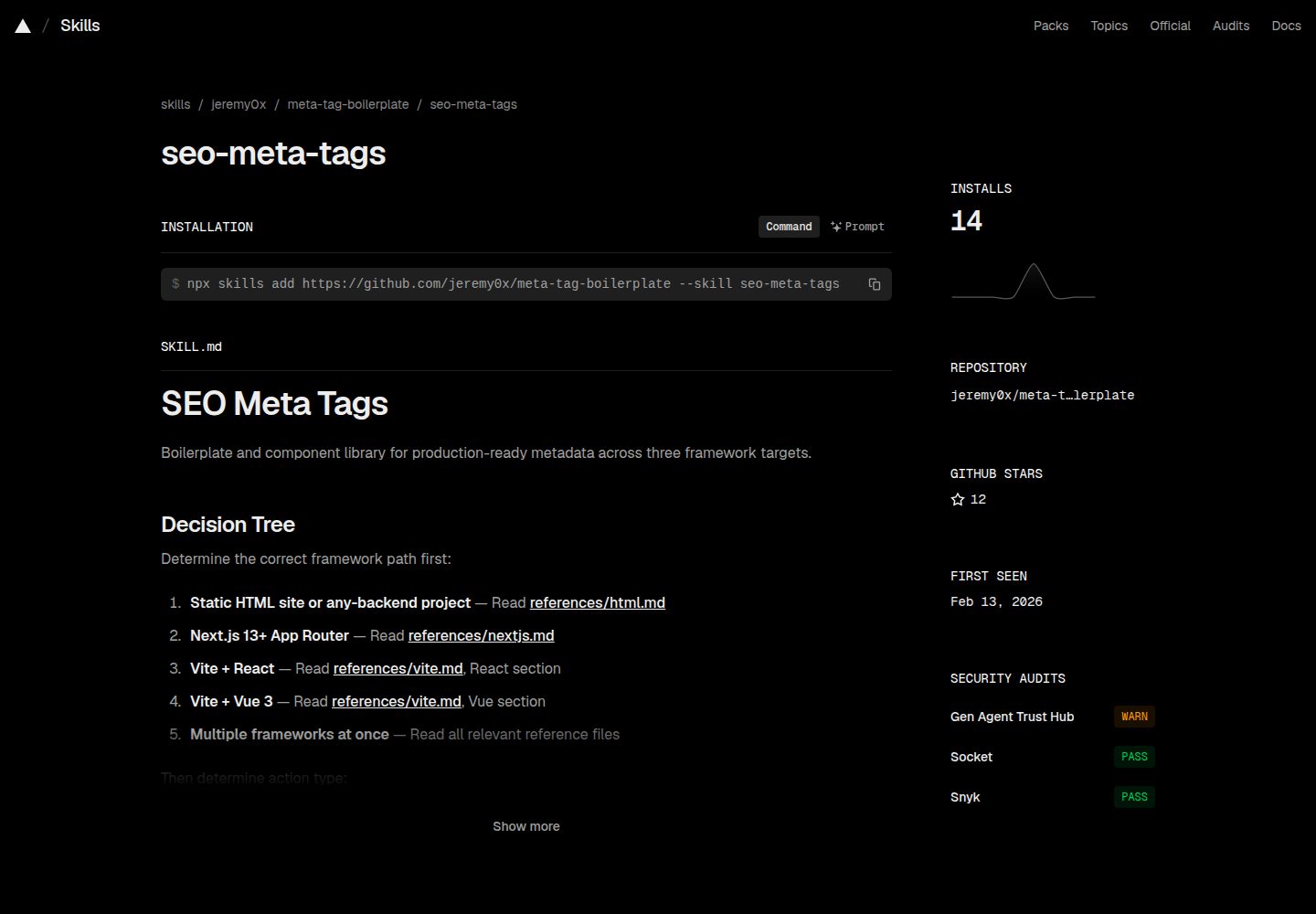
仓库内含可安装的 seo-meta-tags agent skill,说明各框架的元数据约定与安全规则
模板详细介绍
这个仓库把常见的 SEO 与社交分享元数据整理成三套可复制的样板:传统 HTML 的 head 配置、Next.js App Router 的 Metadata API 配置,以及 Vite 项目(含 React 与 Vue 组件)的动态元数据方案。所有模板文件统一使用 {{PLACEHOLDER_NAME}} 占位符,并在 skills/seo-meta-tags/references/tokens.json 中维护一份规范注册表,记录每个占位符的名称、约束、是否必填以及所属文件。
内容覆盖基础标签(charset、viewport、title、description、keywords)、SEO 相关(robots、canonical、author)、主题色(含明暗模式)、Open Graph、Twitter Card、图标与 manifest、JSON-LD 结构化数据以及 hreflang 多语言替代链接。仓库还附带一个可安装的 agent skill(seo-meta-tags),用于向 AI 编码助手说明本项目的元数据约定与各框架规则。
使用方式是先选定框架目录,按该目录 README 替换占位符,再运行 ./scripts/validate.sh 做部署前检查。校验脚本默认模式检查残留占位符、图片 alt 文本、URL 格式等;--check-templates 模式核对所有 {{TOKEN}} 是否与规范注册表一致。README 中列出的 12 项质量门覆盖占位符清理、绝对 URL、图片 alt、重复标签、标题与描述长度、JSON-LD 有效性、OG/Twitter 一致性、canonical、主题色变体、hreflang 与 robots 指令。
限制方面:仓库本身是模板与配置集合,不包含构建产物或托管服务;社交图片、favicon 等素材需自行准备,README 给出了 1200x630、1.91:1、1MB 以内的建议。README 也提醒在元数据值来自用户输入或数据库时注意转义与 URL 校验,并列出 Facebook、Twitter、LinkedIn、Schema.org 等外部校验工具供人工复核。
Next.jsViteHTML启动器
适合你的项目吗?
适用场景
- 为静态 HTML 站点补齐 head 中的 SEO 与社交分享标签
- 在 Next.js App Router 项目中配置静态或动态 metadata
- 在 Vite 的 React 或 Vue 项目中接入动态元数据组件
- 在部署前用校验脚本排查占位符残留、URL 格式与标签重复等问题
- 让 AI 编码助手按项目约定生成或修改元数据
适合人群
- 需要快速搭建 SEO 与社交元数据基础配置的前端项目
- 同时维护多种框架、希望统一元数据写法的团队
- 使用 Next.js App Router 并希望用 Metadata API 管理元数据的开发者
- 使用 Vite 构建 React 或 Vue 应用并需要动态设置元数据的开发者
上手与定制指南
结合仓库当前版本的说明,按下面的资料检查内容、配置与运行要求。
- 1
先从 html、nextjs、vite 三个目录中选择对应框架,再按该目录 README 的说明操作
- 2
复制模板后需替换全部 {{PLACEHOLDER}} 占位符,占位符定义以 tokens.json 为准
- 3
替换完成后运行 ./scripts/validate.sh 做部署前检查,可用 --check-templates 核对模板完整性
- 4
社交分享图片建议使用 1200x630、1.91:1、1MB 以内的 JPG 或 PNG,并填写 alt 文本
- 5
元数据值来自用户输入或数据库时,按 README 的安全规则做转义与 URL 校验
授权与来源资料
使用条件与限制
免费使用 · 保留许可声明本次收录的是公开仓库中采用 MIT 许可的免费版本;免费范围为该版本代码,不代表外部服务或第三方素材免费。
使用时需要遵守
- 允许免费使用、修改、商用和分发该版本代码。
- 分发代码副本或实质性部分时,保留原作者版权声明和完整 MIT 许可声明。
- 代码按现状提供;担保与责任限制以原许可证及适用法律为准。
额外费用与待核对事项
- 演示图片、字体、图标及其他第三方素材需按各自许可核对,不能仅凭代码的 MIT 许可判断。
- 域名、托管、数据库、支付或 AI 等外部服务可能另外收费。
查看原文依据
https://github.com/jeremy0x/meta-tag-boilerplate/blob/main/LICENSEhttps://github.com/jeremy0x/meta-tag-boilerplate/blob/main/README.mdPermission is hereby granted, free of charge
许可证原文
DeepSeek 根据仓库许可证和 README 整理 ·2026-10-03。结果仅覆盖已读取资料,依赖、图片、字体及后续条款变更以各自原文为准。
项目核对记录与介绍依据
模板资料
- 来源平台
- GitHub
- 资料与维护参考分
- 资料较完整 · 92 / 100
- 技术栈
- Next.js · Vite · HTML · React
- 网站类型
- 启动器
这个分数如何计算
本站按许可资料(最高30分)、演示链接(12分)、预览图(10分)、Star数(15分)、记录的维护时间(15分)、描述完整度(8分)、功能记录(5分)和分类资料(5分)计算。它不是代码、安全或性能测试,也不是 Google 评分;有链接不代表已实测可用。
这个项目需要核对什么
- 记录的仓库更新时间
- 2026-06-18
- 截图检查日期
- 2026-10-03
已收录演示链接。请用你的内容与屏幕尺寸检查;有演示不代表表单、认证或支付已经可用。
目录记录的主要技术栈是 Next.js。请通过依赖清单和锁文件核对实际版本与托管要求。这些说明基于收录资料,不代表代码审计或部署实测。
查看具体选型方法 →介绍的制作与核对状态
介绍由 AI 辅助整理目录与仓库资料。仓库作者不等于这篇介绍的审核者。
审核声明: [email protected] · 2026-10-04
查看当时使用的来源资料
SHA-256: 65c9fc15a0049fa5f79bd95a19fc5f7c1a3e63dc1cddf8b26b2d83076f1b29de
2026-10-03T18:55:23.549Z
来源文件 / 仓库# Meta Tag Boilerplate
Modern, framework-agnostic meta tag boilerplates for SEO and social media optimization. Ready-to-use configurations for HTML, Next.js, and Vite projects.
## Features
- Multiple Frameworks: HTML, Next.js (App Router), and Vite (React/Vue)
- SEO Optimized: Complete meta tags for search engines
- Social Media Ready: Open Graph and Twitter Card support
- Copy-Paste Ready: Easy to integrate into your projects
- TypeScript Support: Fully typed for Next.js and Vite
- Modern Best Practices: Updated for 2024+ standards
- Schema.org Structured Data: JSON-LD support for rich results
- Dark Mode Support: Theme color configuration for light/dark modes
## Quick Navigation
Choose your framework:
### [HTML](./html/)
Traditional HTML setup for static websites or any web project.
- Static meta tags
- Comprehensive head setup
- Works with any backend or static site generator
### [Next.js](./nextjs/)
Modern setup using Next.js 13+ App Router Metadata API.
- Type-safe metadata configuration
- Static and dynamic metadata support
- Built-in SEO
### [Vite](./vite/)
Setup for Vite projects (React, Vue, and other frameworks).
- Static and dynamic meta tags
- React and Vue components included
- Environment variable support
## Quick Start
1. Choose your framework from the options above
2. Navigate to the framework folder
3. Follow the README in that folder for detailed instructions
4. Copy the boilerplate into your project
5. Replace placeholders with your actual values
6. Run the validation script to verify: `./scripts/validate.sh`
## Agent Skill
This repository ships an installable agent skill (`seo-meta-tags`) that teaches AI coding assistants the project's metadata conventions, placeholder tokens, quality checklist, and per-framework rules.
**Install via [skills.sh](https://skills.sh):**
```bash
npx skills add jeremy0x/meta-tag-boilerplate --skill seo-meta-tags
```
**Structure:**
```text
skills/seo-meta-tags/
├── SKILL.md # Core workflow, quality gate, metadata families, security rules
├── references/
│ ├── canonical-model.md # Abstract concept-to-implementation mapping across frameworks
│ ├── html.md # HTML <head> tag reference & ordering
│ ├── nextjs.md # Next.js Metadata API & generateMetadata patterns
│ ├── vite.md # React (react-helmet-async) & Vue (@unhead/vue) components
│ └── tokens.json # Canonical registry of all {{PLACEHOLDER}} tokens
└── scripts/
└── validate.sh # Automated quality gate (CI-ready)
```
## What's Included
### HTML
- `index.html` - Complete HTML boilerplate with modern meta tags
- `README.md` - Detailed documentation and best practices
### Next.js
- `metadata.ts` - Complete metadata configuration for App Router
- `dynamic-metadata-example.tsx` - Example of dynamic metadata generation
- `README.md` - Comprehensive guide with examples
### Vite
- `index.html` - Base HTML template with static meta tags
- `SEO.tsx` - React component for dynamic meta tags
- `SEO.vue` - Vue 3 component for dynamic meta tags
- `README.md` - Setup guide for both React and Vue
## Quality Gate
Run the validation script after replacing placeholders to catch common issues before deployment:
```bash
# Default mode — checks for leftover placeholders, alt text, URL formats, etc.
./scripts/validate.sh
# Template integrity mode — verifies all {{TOKEN}}s match the canonical registry
./scripts/validate.sh --check-templates
```
The 12-point quality gate covers: placeholder cleanup, absolute URLs, image alt text, duplicate tags, title/description length, JSON-LD validity, OG/Twitter parity, canonical URLs, theme color variants, hreflang, and robots directives.
## Placeholder Tokens
All template files use `{{PLACEHOLDER_NAME}}` tokens. The canonical registry at `skills/seo-meta-tags/references/tokens.json` is the single source of truth — every token's name, constraints, required status, and file membership is tracked there. Add new tokens to the registry first, then propagate to framework files.
## Key Meta Tags Included
All boilerplates include:
| Category | Meta Tags |
| --- | --- |
| **Essential** | charset, viewport, title, description, keywords |
| **SEO** | robots, canonical, author, keywords |
| **Theme** | theme-color (with dark/light mode support) |
| **Open Graph** | type, url, title, description, image, site_name |
| **Twitter** | card, title, description, image, site, creator |
| **Icons** | favicon, apple-touch-icon, manifest |
| **Structured Data** | JSON-LD schema markup |
| **i18n** | hreflang alternate links |
## Usage Examples
### HTML Example
```html
<!-- Just copy and paste into your HTML <head> -->
<title>My Awesome Website</title>
<meta name="description" content="Welcome to my website" />
```
### Next.js Example
```typescript
// app/layout.tsx or app/page.tsx
export const metadata: Metadata = {
title: 'My Awesome Website',
description: 'Welcome to my website',
// ... more configuration
}
```
### Vite + React
```tsx
import { SEO } from './components/SEO'
function HomePage() {
return (
<>
<SEO
title="My Awesome Website"
description="Welcome to my website"
/>
<div>Content</div>
</>
)
}
```
### Vite + Vue
```vue
<template>
<SEO
title="My Awesome Website"
description="Welcome to my website"
/>
<div>Content</div>
</template>
```
## Image Recommendations
### Social Media Images (Open Graph / Twitter)
- **Dimensions**: 1200 x 630 pixels
- **Aspect Ratio**: 1.91:1
- **Format**: JPG or PNG
- **File Size**: Under 1MB
- **Alt Text**: Always provide descriptive alt text
### Favicons
Use these tools to generate favicons:
- [favicon.io](https://favicon.io/)
- [RealFaviconGenerator](https://realfavicongenerator.net/)
## Security
When implementing metadata with user-supplied or database-sourced values, follow these rules from the agent skill:
| Context | Risk | Mitigation |
| --- | --- | --- |
| HTML meta tag content | XSS via attribute injection | Escape `"`, `<`, `>`, `&` in all attribute values |
| JSON-LD string fields | Script injection | Use `JSON.stringify()` for all values |
| Dynamic HTML content | XSS via raw HTML | Never use `dangerouslySetInnerHTML` or `v-html` without DOMPurify |
| URL fields | Open redirect, SSRF | Validate URLs start with `https://` |
## Testing Your Metadata
Validate your implementation with these tools:
- **Local** — `./scripts/validate.sh` after placeholder substitution
- Facebook Sharing Debugger: <https://developers.facebook.com/tools/debug/>
- Twitter Card Validator: <https://cards-dev.twitter.com/validator>
- LinkedIn Post Inspector: <https://www.linkedin.com/post-inspector/>
- Schema Markup Validator: <https://validator.schema.org/>
- Open Graph Check: <https://www.opengraph.xyz/>
## Best Practices
1. Title: Keep under 60 characters to avoid truncation
2. Description: 150-160 characters is optimal
3. Images: Always use high-quality images (1200x630px)
4. Canonical URLs: Specify to avoid duplicate content issues
5. Mobile: Test on mobile devices
6. Accessibility: Include alt text for all images
7. Performance: Optimize images and use appropriate formats
## Migration Guide
### From Old HTML Boilerplate
1. Choose your framework (HTML, Next.js, or Vite)
2. Follow the Quick Start guide for that framework
3. Update your placeholder values
### From Other Solutions
- From react-helmet: Use Vite + React setup
- From vue-meta: Use Vite + Vue setup
- From next-seo: Use Next.js setup (built-in metadata API is better)
## Resources
- [Open Graph Protocol](https://ogp.me/)
- [Twitter Cards Documentation](https://developer.twitter.com/en/docs/twitter-for-websites/cards/overview/abouts-cards)
- [Schema.org Documentation](https://schema.org/)
- [Google Search Central](https://developers.google.com/search/docs)
- [Next.js Metadata API](https://nextjs.org/docs/app/building-your-application/optimizing/metadata)
## Contributing
Contributions are welcome! If you have suggestions for improvements or find any issues:
1. Fork the repository
2. Create your feature branch
3. Commit your changes
4. Push to the branch
5. Open a Pull Request
## License
This project is licensed under the MIT License - see the [LICENSE](LICENSE) file for details.
## Acknowledgments
Feel free to use and modify the code for your own projects. If you found this repository helpful, please consider giving it a star!
看看同类模板
对比同技术栈与用途的模板,找到更适合的视觉与内容结构。

ai-website-cloner-template
Clone any website with one command using AI coding agents
Next.js · 启动器

Next.js SaaS Starter
Next.js SaaS Starter 是 Next.js 官方维护的 SaaS 起点模板,定位介于学习资源和可直接部署的脚手架之间。
Next.js · SaaS

Next.js Commerce
Next.js Commerce 是 Vercel 团队维护的电商启动模板,基于 Next.js App Router 构建,采用服务端渲染、React Server Components、Server Actions …
Next.js · 电商

Next-js-Boilerplate
Next-js-Boilerplate 是一个面向 Next.js 16、Tailwind CSS 4 和 TypeScript 的启动器,核心定位是开发者体验优先。
Next.js · 启动器

tailwind-nextjs-starter-blog
tailwind-nextjs-starter-blog 是一个面向个人技术博客的 Next.js 与 Tailwind CSS 启动模板,其 v2 版本基于 App Router 与 React Server Comp…
Next.js · 博客

next-forge
Production-grade Turborepo template for Next.js apps.
Next.js · 启动器