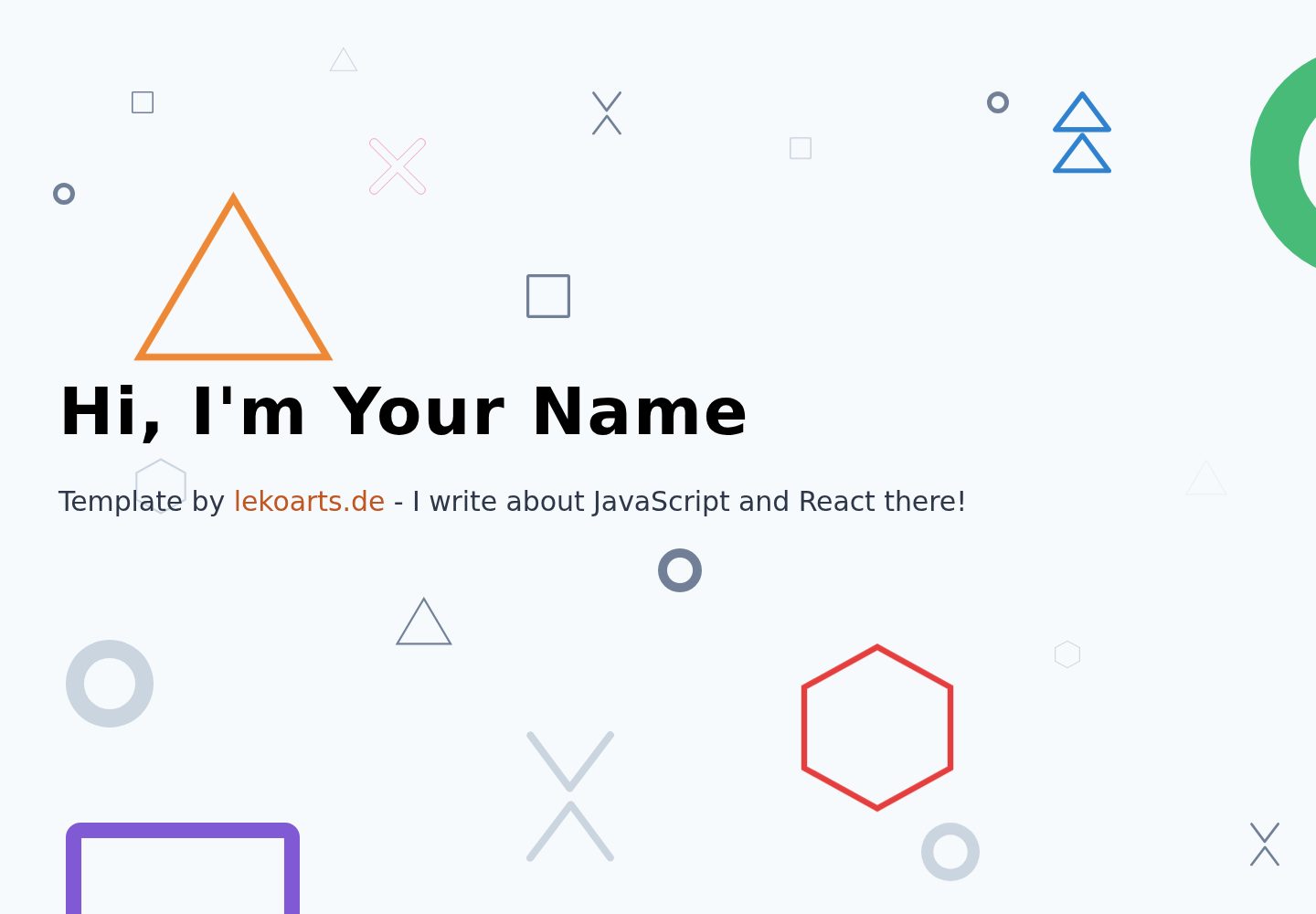
单页作品集布局,包含 intro、projects、about、contact 四个内容区块
GatsbyReact作品集启动器
gatsby-portfolio — Gatsby 作品集模板
作者 Johnny-Lira
基于 Gatsby 的单页作品集启动器,使用 @lekoarts/gatsby-theme-cara 主题,带视差与形状动画,内容由 MDX 文件定义。
看看你的网站会是什么样
浏览真实页面截图,比较内容排版与手机效果。点击下方缩略图切换,放大查看整页细节。
全部页面与视图 2
截图用于了解视觉与布局,交互效果请以实际项目为准。
采集于 2026-10-03查看来源
值得关注的模板亮点
从已有项目资料中,快速了解它的特点。
使用 @lekoarts/gatsby-theme-cara 主题,通过 shadowing 覆盖主题文件进行定制
基于 Theme UI 的主题配置,可覆盖 src/gatsby-plugin-theme-ui/ 下的文件
使用 react-spring 实现视差效果,并为形状添加 CSS 动画
内容以 MDX 编写,项目卡片通过 <ProjectCard /> 组件配置标题、链接和背景
模板详细介绍
该项目是一个 Gatsby 作品集启动器,仓库说明它基于主题 @lekoarts/gatsby-theme-cara 搭建,呈现为单页、色彩鲜明并带有视差效果与动画的作品集页面。演示站点为 cara.lekoarts.de。
内容组织方式:页面内容由主题 sections 目录下的四个 .mdx 文件定义,分别是 intro.mdx、projects.mdx、about.mdx 和 contact.mdx;本启动器已覆盖 intro.mdx 作为示例。项目卡片需在 projects.mdx 中使用 <ProjectCard /> 组件渲染,可传入 title、link、bg 等属性。
定制方式:通过 Gatsby 主题的 shadowing 机制覆盖主题文件,通常把文件放在 src/@lekoarts/gatsby-theme-cara/ 下;Theme UI 配置通过覆盖 src/gatsby-plugin-theme-ui/ 中的文件调整。static 目录包含图标、社交分享图片和 robots.txt,需要自行替换。
使用限制:仓库未提供除 MIT 许可外的额外保证;演示图片、字体、图标等第三方素材需单独核对许可。README 中的问题反馈指向上游主题仓库 LekoArts/gatsby-themes,而非本仓库。
Gatsby作品集启动器
适合你的项目吗?
适用场景
- 搭建个人作品集单页,展示项目卡片与个人简介
- 以 Gatsby 主题 shadowing 方式学习或实践主题覆盖定制
- 作为需要视差与形状动画效果的作品集页面起点
- 通过 MDX 文件维护作品集文案与项目条目
适合人群
- 熟悉 Gatsby 与 MDX、希望快速起步作品集页面的开发者
- 需要单页结构并接受通过主题 shadowing 定制的用户
- 愿意自行替换 static 目录中图标与社交图片的使用者
上手与定制指南
结合仓库当前版本的说明,按下面的资料检查内容、配置与运行要求。
- 1
使用 Gatsby CLI 创建站点:gatsby new project-name https://github.com/LekoArts/gatsby-starter-portfolio-cara
- 2
进入目录后运行 gatsby develop,本地地址为 http://localhost:8000
- 3
定制前先阅读 Gatsby 主题的 Shadowing 文档,将覆盖文件放入 src/@lekoarts/gatsby-theme-cara/
- 4
内容修改对应主题 sections 目录下的 intro.mdx、projects.mdx、about.mdx、contact.mdx
- 5
替换 static 目录中的图标、社交分享图片和 robots.txt
授权与来源资料
使用条件与限制
免费使用 · 保留许可声明本次收录的是公开仓库中采用 MIT 许可的免费版本;免费范围为该版本代码,不代表外部服务或第三方素材免费。
使用时需要遵守
- 允许免费使用、修改、商用和分发该版本代码。
- 分发代码副本或实质性部分时,保留原作者版权声明和完整 MIT 许可声明。
- 代码按现状提供;担保与责任限制以原许可证及适用法律为准。
额外费用与待核对事项
- README 提供 Patreon 赞助链接,属自愿支持,不构成使用限制;不付费也可完整使用本项目。
- 作者提供付费自由职业/合同工作联系方式,属可选商业服务,不影响 MIT 许可下的免费使用。
- 问题反馈需前往上游主题仓库 LekoArts/gatsby-themes,而非本启动器仓库。
- static 目录含图标、社交分享图片与 robots.txt,需自行替换;这些素材的许可需单独核对。
- 演示图片、字体、图标及其他第三方素材需按各自许可核对,不能仅凭代码的 MIT 许可判断。
- 域名、托管、数据库、支付或 AI 等外部服务可能另外收费。
查看原文依据
Permission is hereby granted, free of charge
许可证原文
consider supporting me on [Patreon](https://www.patreon.com/lekoarts)!
README 原文
If you want to hire me for **contract/freelance work**, you can do so!
README 原文
Please open up an issue on the main repository: [LekoArts/gatsby-themes](https://github.com/LekoArts/gatsby-themes).
README 原文
https://github.com/Johnny-Lira/gatsby-portfolio/blob/master/LICENSEhttps://github.com/Johnny-Lira/gatsby-portfolio/blob/master/README.mdThe `static` folder contains the icons, social media images and robots.txt. Don't forget to change these files, too!
README 原文
DeepSeek 根据仓库许可证和 README 整理 ·2026-10-03。结果仅覆盖已读取资料,依赖、图片、字体及后续条款变更以各自原文为准。
项目核对记录与介绍依据
模板资料
- 来源平台
- GitHub
- 资料与维护参考分
- 资料一般 · 70 / 100
- 技术栈
- Gatsby · React
- 网站类型
- 作品集 · 启动器
这个分数如何计算
本站按许可资料(最高30分)、演示链接(12分)、预览图(10分)、Star数(15分)、记录的维护时间(15分)、描述完整度(8分)、功能记录(5分)和分类资料(5分)计算。它不是代码、安全或性能测试,也不是 Google 评分;有链接不代表已实测可用。
这个项目需要核对什么
- 记录的仓库更新时间
- 2023-06-10
- 截图检查日期
- 2026-10-03
已收录演示链接。请用你的内容与屏幕尺寸检查;有演示不代表表单、认证或支付已经可用。
目录记录的主要技术栈是 Gatsby。请通过依赖清单和锁文件核对实际版本与托管要求。这些说明基于收录资料,不代表代码审计或部署实测。
查看具体选型方法 →介绍的制作与核对状态
介绍由 AI 辅助整理目录与仓库资料。仓库作者不等于这篇介绍的审核者。
审核声明: [email protected] · 2026-10-04
查看当时使用的来源资料
SHA-256: ff81ec570e5cd47dd4956790567ceaceeed83ef044cc744a8086f3b5334c45bb
2026-10-03T22:29:59.491Z
来源文件 / 仓库<p align="center">
<a href="https://cara.lekoarts.de">
<img alt="LekoArts" src="https://img.lekoarts.de/gatsby/gatsby-site-illustration.png" />
</a>
</p>
<h1 align="center">
Gatsby Starter Portfolio: Cara
</h1>
<p align="center">
<a href="https://github.com/LekoArts/gatsby-starter-portfolio-cara/blob/master/LICENSE">
<img src="https://img.shields.io/badge/license-MIT-blue.svg" alt="Gatsby Starter Portfolio: Cara is released under the MIT license." />
</a>
<img src="https://img.shields.io/badge/PRs-welcome-brightgreen.svg" alt="PRs welcome!" />
<a href="https://twitter.com/intent/follow?screen_name=lekoarts_de">
<img src="https://img.shields.io/twitter/follow/lekoarts_de.svg?label=Follow%20@lekoarts_de" alt="Follow @lekoarts_de" />
</a>
<a href="https://app.netlify.com/sites/portfolio-cara/deploys">
<img src="https://api.netlify.com/api/v1/badges/88bbaef1-6f83-4894-8acd-e6512ff39265/deploy-status" alt="Netlify Status" />
</a>
</p>
Playful and Colorful One-Page portfolio featuring Parallax effects and animations. Using the Gatsby Theme [`@lekoarts/gatsby-theme-cara`](https://github.com/LekoArts/gatsby-themes/tree/master/themes/gatsby-theme-cara).
[**Demo Website**](https://cara.lekoarts.de)
Also be sure to checkout other [Free & Open Source Gatsby Themes](https://themes.lekoarts.de)
## ✨ Features
- Theme UI-based theming
- react-spring parallax effect
- CSS Animations on Shapes
## 🚀 Getting Started
[](https://app.netlify.com/start/deploy?repository=https://github.com/LekoArts/gatsby-starter-portfolio-cara) [](https://codesandbox.io/s/github/LekoArts/gatsby-starter-portfolio-cara/tree/master/)
1. **Create a Gatsby site.**
Use the Gatsby CLI to create a new site, specifying this project
```sh
gatsby new project-name https://github.com/LekoArts/gatsby-starter-portfolio-cara
```
2. **Start developing.**
Navigate into your new site's directory and start it up.
```sh
cd project-name
gatsby develop
```
3. **Open the code and start customizing!**
Your site is now running at `http://localhost:8000`!
If you want to learn more about how you can use a Gatsby starter that is configured with a Gatsby theme, you can checkout this [shorter](https://www.gatsbyjs.org/docs/themes/using-a-gatsby-theme/) or [longer](https://www.gatsbyjs.org/tutorial/using-a-theme/) tutorial. The tutorials don't exactly apply to this starter however the concepts are the same.
## 📝 Using and modifying this starter
**Important Note:** Please read the guide [Shadowing in Gatsby Themes](https://www.gatsbyjs.org/docs/themes/shadowing/) to understand how to customize the underlying theme!
This starter creates a new Gatsby site that installs and configures the theme [`@lekoarts/gatsby-theme-cara`](https://github.com/LekoArts/gatsby-themes/tree/master/themes/gatsby-theme-cara).
Have a look at the theme's README and files to see what options are available and how you can shadow the various components including Theme UI. Generally speaking you will want to place your files into `src/@lekoarts/gatsby-theme-cara/` to shadow/override files. The Theme UI config can be configured by shadowing its files in `src/gatsby-plugin-theme-ui/`.
### Changing content
The content of this project is defined in four `.mdx` files inside the theme's `sections` folder. You can override the files `intro.mdx`, `projects.mdx`, `about.mdx` and `contact.mdx`. This starter has overriden the `intro.mdx` file as an example. Place the other files in the same `src/@lekoarts/gatsby-theme-cara/sections/` folder.
You have to use the `<ProjectCard />` component inside `projects.mdx` to display the cards. Example:
```md
## Projects
<ProjectCard title="Freiheit" link="https://www.behance.net/gallery/58937147/Freiheit" bg="linear-gradient(to right, #D4145A 0%, #FBB03B 100%)">
This project is my entry to Adobe's #ChallengeYourPerspective contest.
</ProjectCard>
```
### Change your `static` folder
The `static` folder contains the icons, social media images and robots.txt. Don't forget to change these files, too!
## 🤔 Questions or problems?
Please open up an issue on the main repository: [LekoArts/gatsby-themes](https://github.com/LekoArts/gatsby-themes). Thanks!
## 🎓 Learning Gatsby
Looking for more guidance? Full documentation for Gatsby lives [on Gatsby's website](https://www.gatsbyjs.org/).
### Themes
- To learn more about Gatsby themes specifically, we recommend checking out the [theme docs](https://www.gatsbyjs.org/docs/themes/).
### General
- **For most developers, I recommend starting with the [in-depth tutorial for creating a site with Gatsby](https://www.gatsbyjs.org/tutorial/).** It starts with zero assumptions about your level of ability and walks through every step of the process.
- **To dive straight into code samples, head [to Gatsby's documentation](https://www.gatsbyjs.org/docs/).** In particular, check out the _Reference Guides_ and _Gatsby API_ sections in the sidebar.
## 🌟 Supporting me
Thanks for using this project! I'm always interested in seeing what people do with my projects, so don't hesitate to tag me on [Twitter](https://twitter.com/lekoarts_de) and share the project with me.
Please star this project, share it on Social Media or consider supporting me on [Patreon](https://www.patreon.com/lekoarts)!
If you want to hire me for **contract/freelance work**, you can do so! [Get in touch with me!](https://www.lekoarts.de/en/contact)
看看同类模板
对比同技术栈与用途的模板,找到更适合的视觉与内容结构。

gatsby-starter-gcn
gatsby-starter-gcn 是一个面向静态网站构建的 Gatsby 启动器,将内容管理、部署和前端开发串联起来。
Gatsby · 博客
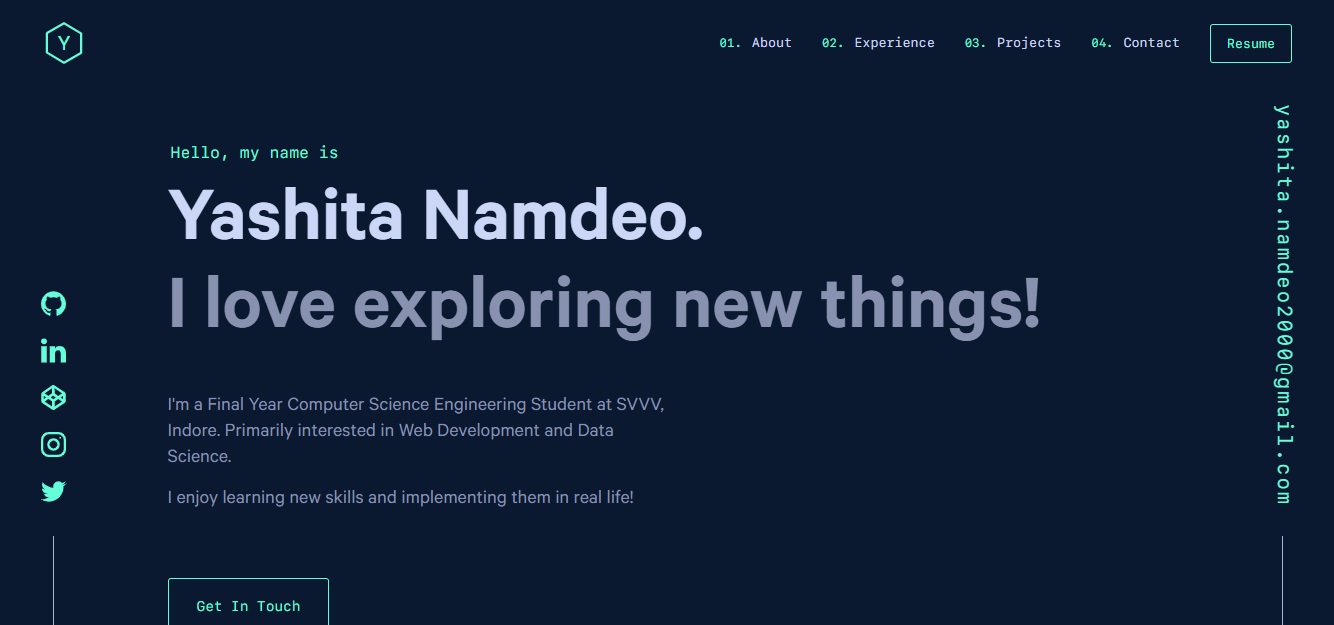
yashitanamdeo.github.io
yashitanamdeo.github.io 是一个基于 Gatsby 和 React 构建的个人作品集网站模板,源自开发者 Yashita Namdeo 的第一版个人主页。
Gatsby · 作品集

gatsby-starter-morning-dew
:rocket: A Gatsby theme/starter to build lightning-fast blog/websites
Gatsby · 博客

starter-gatsby-blog
这是一个由 Contentful 社区维护的 Gatsby 博客启动器,目标是把静态站点的低维护成本与 Contentful 的友好编辑界面结合起来。
Gatsby · 社区

automatic-gatsbyjs-app-landing-page
Automatic GatsbyJS App Landing Page - Automatically generate iOS app landing page using GatsbyJS
Gatsby · 工具站
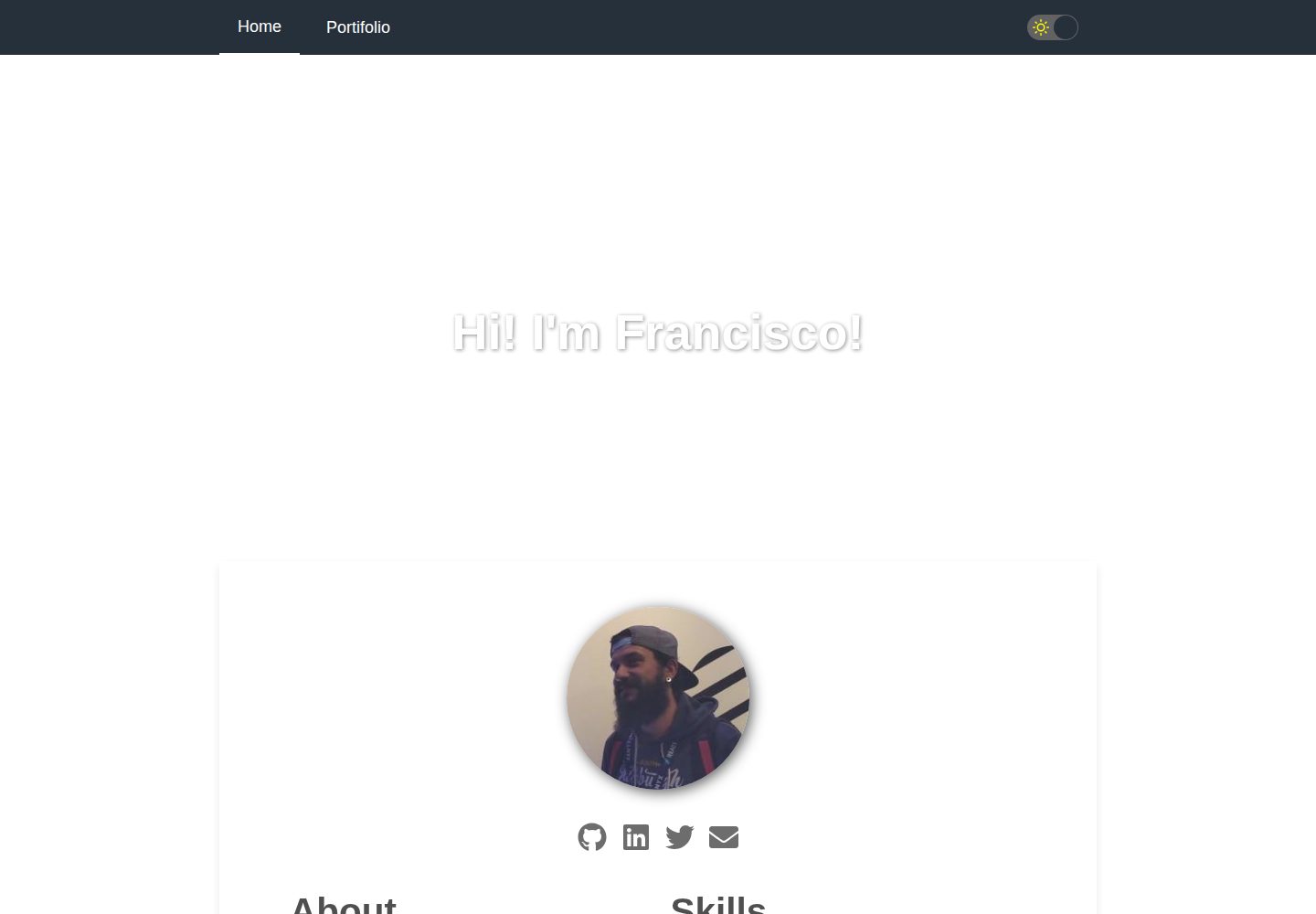
gatsby-starter-cv
A simple starter to get up and developing your digital curriculum with GatsbyJS
Gatsby · 启动器