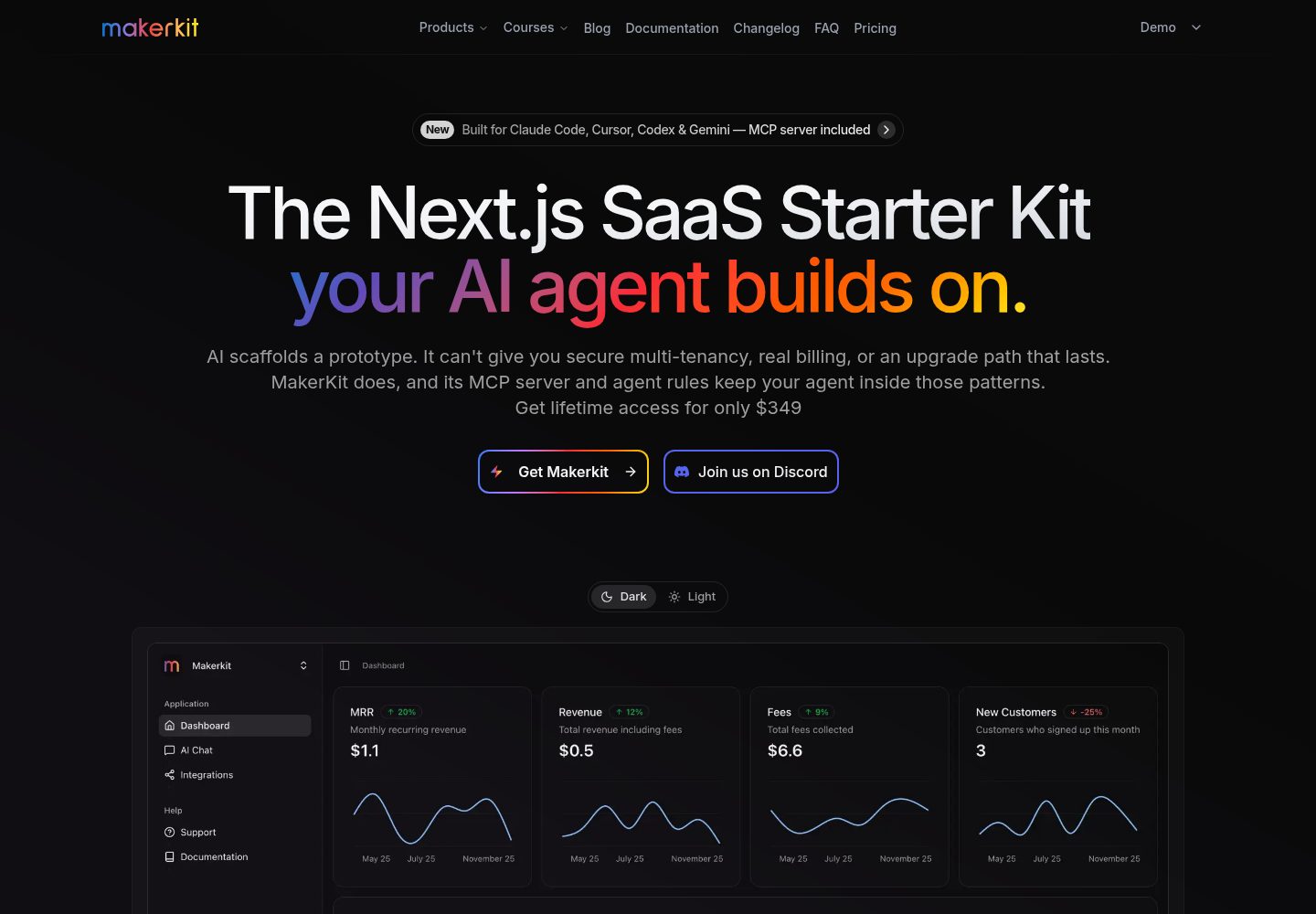
Turborepo monorepo 结构,apps/web 与 packages/ui、packages/features 分层清晰
Next.jsReactSaaS启动器
nextjs-saas-starter-kit-lite — Next.js SaaS模板
作者 josefluis12
基于 Next.js 与 Supabase 的 Makerkit SaaS 启动器精简版,包含认证、受保护页面与基础数据库结构。
看看你的网站会是什么样
浏览真实页面截图,比较内容排版与手机效果。点击下方缩略图切换,放大查看整页细节。
全部页面与视图 3
截图用于了解视觉与布局,交互效果请以实际项目为准。
采集于 2026-10-02查看来源
值得关注的模板亮点
从已有项目资料中,快速了解它的特点。
Supabase 提供认证与基础数据库,含 schema、迁移和种子数据
内置用户认证流程、用户资料与设置页面,以及受保护路由
营销页面响应式,使用 Shadcn UI 与 TailwindCSS 构建
集成 i18next 国际化、Zod 校验、React Query 数据获取与 Playwright 基础测试
提供 ESLint、Prettier 与严格 TypeScript 的代码检查脚本
模板详细介绍
这是 Makerkit SaaS Starter Kit 的精简版,仓库说明其基于 Next.js 与 Supabase,用于评估完整版的代码架构与模式,或作为自建 SaaS 项目的基础。它采用 Turborepo 管理的 monorepo 结构:apps/web 为 Next.js 应用,packages 下拆分为 ui 组件包与 features 功能包(如 @kit/auth 认证逻辑)。
功能范围覆盖用户认证流程、用户资料与设置、响应式营销页面、受保护路由,以及基于 Playwright 的基础测试配置。技术侧使用 Shadcn UI 与 TailwindCSS 构建界面,i18next 提供客户端与服务端国际化,Zod 做 schema 校验,React Query 负责数据获取与缓存,并配有 ESLint、Prettier 与严格 TypeScript 的代码检查配置。
需要留意的是,精简版不含完整版的计费与订阅、团队账户、邮件模板、分析、监控、实时通知、博客与文档系统、超级管理面板等生产功能,仓库也不提供技术支持与响应时间保证。README 提到该套件的文档仍在更新中。数据库位于 apps/web/supabase,包含 schema、迁移与种子数据,可通过 Supabase CLI 创建迁移、链接项目并推送。
Next.jsSaaS启动器
适合你的项目吗?
适用场景
- 评估 Makerkit 完整版的代码架构与目录组织方式
- 搭建需要登录与受保护页面的基础 SaaS 原型
- 作为自建 Next.js + Supabase 项目的起始代码库
- 学习 monorepo 中按功能包拆分认证等模块的做法
适合人群
- 希望快速起步 Next.js + Supabase 项目的开发者
- 需要认证与受保护路由但暂不需要计费、团队等生产功能的项目
- 想先评估 Makerkit 架构再决定是否采用完整版的团队
上手与定制指南
结合仓库当前版本的说明,按下面的资料检查内容、配置与运行要求。
- 1
需要 Node.js 18.x 或更高版本、Docker 与 PNPM,Docker 守护进程须处于运行状态
- 2
克隆仓库后执行 pnpm install 安装依赖
- 3
用 pnpm run supabase:web:start 启动本地 Supabase,默认可在 http://localhost:54323 访问面板
- 4
通过 .env.local 配置站点信息与 Supabase URL、anon key、service role key 等环境变量
- 5
部署到 Cloudflare 时需在 apps/web/app/layout.tsx 设置 runtime 为 edge,并在控制台开启 Node.js 兼容
授权与来源资料
使用条件与限制
免费使用 · 保留许可声明本次收录的是公开仓库中采用 MIT 许可的免费版本;免费范围为该版本代码,不代表外部服务或第三方素材免费。
使用时需要遵守
- 允许免费使用、修改、商用和分发该版本代码。
- 分发代码副本或实质性部分时,保留原作者版权声明和完整 MIT 许可声明。
- 代码按现状提供;担保与责任限制以原许可证及适用法律为准。
额外费用与待核对事项
- 该精简版不提供技术支持:可提交 issue 提问,但官方不保证响应时间,也不保证会修复问题。需要专属支持、优先修复与高级功能须改用完整版。
- 本地开发依赖 Docker:必须在本机运行 Docker 守护进程,Supabase CLI 才能工作,否则无法启动本地 Supabase 服务。
- 部署到生产环境需要自行创建 Supabase 项目(外部服务),并配置 Supabase URL、anon key 与 service role key 等环境变量。
- 部署到 Cloudflare 时需手动把根布局的 runtime 设为 edge,并在 Cloudflare 控制台开启 Node.js 兼容,否则配置无法直接生效。
- 该套件的文档仍在更新中,部分说明可能不完整,需后续再查看以获取更多细节。
- 演示图片、字体、图标及其他第三方素材需按各自许可核对,不能仅凭代码的 MIT 许可判断。
- 域名、托管、数据库、支付或 AI 等外部服务可能另外收费。
查看原文依据
Permission is hereby granted, free of charge
许可证原文
No support is provided for this kit. Feel free to open an issue if you have any questions or need help, but there is no guaranteed response time, nor guarantee a fix.
README 原文
Please make sure you have a Docker daemon running on your machine. This is required for the Supabase CLI to work.
README 原文
To deploy your application to production, you will need to create a Supabase project.
README 原文
The configuration should work as is, but you need to set the runtime to `edge` in the root layout file
README 原文
https://github.com/josefluis12/nextjs-saas-starter-kit-lite/blob/main/LICENSEhttps://github.com/josefluis12/nextjs-saas-starter-kit-lite/blob/main/README.mdPS: the documentation for this kit is still being updated, so please check back later for more details.
README 原文
DeepSeek 根据仓库许可证和 README 整理 ·2026-10-02。结果仅覆盖已读取资料,依赖、图片、字体及后续条款变更以各自原文为准。
项目核对记录与介绍依据
模板资料
- 来源平台
- GitHub
- 资料与维护参考分
- 资料较完整 · 79 / 100
- 技术栈
- Next.js · React
- 网站类型
- SaaS · 启动器
这个分数如何计算
本站按许可资料(最高30分)、演示链接(12分)、预览图(10分)、Star数(15分)、记录的维护时间(15分)、描述完整度(8分)、功能记录(5分)和分类资料(5分)计算。它不是代码、安全或性能测试,也不是 Google 评分;有链接不代表已实测可用。
这个项目需要核对什么
- 记录的仓库更新时间
- 2025-04-28
- 截图检查日期
- 2026-10-02
已收录演示链接。请用你的内容与屏幕尺寸检查;有演示不代表表单、认证或支付已经可用。
目录记录的主要技术栈是 Next.js。请通过依赖清单和锁文件核对实际版本与托管要求。这些说明基于收录资料,不代表代码审计或部署实测。
查看具体选型方法 →介绍的制作与核对状态
介绍由 AI 辅助整理目录与仓库资料。仓库作者不等于这篇介绍的审核者。
已完成服务器许可规则与 AI 来源核对;未经过人工编辑审核。
查看当时使用的来源资料
SHA-256: 8da7058206404622123de9ebb8cc6675e009513e646398699db8e76372099885
2026-10-02T22:10:59.291Z
来源文件 / 仓库![Makerkit - Next.js Supabase SaaS Starter Kit \[Lite version\]](apps/web/public/images/makerkit.webp)
# NEW! Next.js Supabase SaaS Starter Kit (Lite)
Start building your SaaS faster with our Next.js 15 + Supabase starter kit.
👉 **Looking for a full-featured SaaS Starter Kit?** [Check out the complete version](https://makerkit.dev)
⭐️ **Why Developers Trust Makerkit:**
- Production-grade architecture decisions
- Comprehensive TypeScript setup
- Modern stack: Next.js 15, Supabase, TailwindCSS v4
- Quality Code tooling: ESLint v9, Prettier, strict TypeScript, etc.
- Regular updates and active maintenance
PS: the documentation for this kit is still being updated, so please check back later for more details.
## What's Included
### Core Architecture
- 🏗️ Next.js 15 + Turborepo monorepo setup
- 🎨 Shadcn UI components with TailwindCSS v4
- 🔐 Supabase authentication & basic DB
- 🌐 i18n translations (client + server)
- ✨ Full TypeScript + ESLint v9 + Prettier configuration
### Key Features
- 👤 User authentication flow
- ⚙️ User profile & settings
- 📱 Responsive marketing pages
- 🔒 Protected routes
- 🎯 Basic test setup with Playwright
### Technologies
This starter kit provides core foundations:
🛠️ **Technology Stack**:
- [Next.js 15](https://nextjs.org/): A React-based framework for server-side rendering and static site generation.
- [Tailwind CSS](https://tailwindcss.com/): A utility-first CSS framework for rapidly building custom designs.
- [Supabase](https://supabase.com/): A realtime database for web and mobile applications.
- [i18next](https://www.i18next.com/): A popular internationalization framework for JavaScript.
- [Turborepo](https://turborepo.org/): A monorepo tool for managing multiple packages and applications.
- [Shadcn UI](https://shadcn.com/): A collection of components built using Tailwind CSS.
- [Zod](https://github.com/colinhacks/zod): A TypeScript-first schema validation library.
- [React Query](https://tanstack.com/query/v4): A powerful data fetching and caching library for React.
- [Prettier](https://prettier.io/): An opinionated code formatter for JavaScript, TypeScript, and CSS.
- [Eslint](https://eslint.org/): A powerful linting tool for JavaScript and TypeScript.
- [Playwright](https://playwright.dev/): A framework for end-to-end testing of web applications.
This kit is a trimmed down version of the [full version of this SaaS Starter Kit](https://makerkit.dev). It is a good way to evaluate small part of the full kit, or to simply use it as a base for your own project.
## Comparing Lite vs Full Version
The lite kit is perfect for:
- Evaluating our code architecture and patterns
- Building basic SaaS prototypes
- Learning our tech stack approach
- Building a basic SaaS tool
The [full version](https://makerkit.dev) adds production features:
- 💳 Complete billing and subscription system
- 👥 Team accounts and management
- 📧 Mailers and Email Templates (Nodemailer, Resend, etc.)
- 📊 Analytics (GA, Posthog, Umami, etc.)
- 🔦 Monitoring providers (Sentry, Baselime, etc.)
- 🔐 Production database schema
- ✅ Comprehensive test suite
- 🔔 Realtime Notifications
- 📝 Blogging system
- 💡 Documentation system
- 💻 Super Admin panel
- 🕒 Daily updates and improvements
- 🐛 Priority bug fixes
- 🤝 Support
- ⭐️ Used by 1000+ developers
- 💪 Active community members
- 🏢 Powers startups to enterprises
[View complete feature comparison →](https://makerkit.dev/#pricing)
## Getting Started
### Prerequisites
- Node.js 18.x or later (preferably the latest LTS version)
- Docker
- PNPM
Please make sure you have a Docker daemon running on your machine. This is required for the Supabase CLI to work.
### Installation
#### 1. Clone this repository
```bash
git clone https://github.com/makerkit/next-supabase-saas-kit-lite.git
```
#### 2. Install dependencies
```bash
pnpm install
```
#### 3. Start Supabase
Please make sure you have a Docker daemon running on your machine.
Then run the following command to start Supabase:
```bash
pnpm run supabase:web:start
```
Once the Supabase server is running, please access the Supabase Dashboard using the port in the output of the previous command. Normally, you find it at [http://localhost:54323](http://localhost:54323).
You will also find all the Supabase services printed in the terminal after the command is executed.
##### Stopping Supabase
To stop the Supabase server, run the following command:
```bash
pnpm run supabase:web:stop
```
##### Resetting Supabase
To reset the Supabase server, run the following command:
```bash
pnpm run supabase:web:reset
```
##### More Supabase Commands
For more Supabase commands, see the [Supabase CLI documentation](https://supabase.com/docs/guides/cli).
```
# Create new migration
pnpm --filter web supabase migration new <name>
# Link to Supabase project
pnpm --filter web supabase db link
# Push migrations
pnpm --filter web supabase db push
```
#### 4. Start the Next.js application
```bash
pnpm run dev
```
The application will be available at http://localhost:3000.
#### 5. Code Health (linting, formatting, etc.)
To format your code, run the following command:
```bash
pnpm run format:fix
```
To lint your code, run the following command:
```bash
pnpm run lint
```
To validate your TypeScript code, run the following command:
```bash
pnpm run typecheck
```
Turborepo will cache the results of these commands, so you can run them as many times as you want without any performance impact.
## Project Structure
The project is organized into the following folders:
```
apps/
├── web/ # Next.js application
│ ├── app/ # App Router pages
│ │ ├── (marketing)/ # Public marketing pages
│ │ ├── auth/ # Authentication pages
│ │ └── home/ # Protected app pages
│ ├── supabase/ # Database & migrations
│ └── config/ # App configuration
│
packages/
├── ui/ # Shared UI components
└── features/ # Core feature packages
├── auth/ # Authentication logic
└── ...
```
For more information about this project structure, see the article [Next.js App Router: Project Structure](https://makerkit.dev/blog/tutorials/nextjs-app-router-project-structure).
### Environment Variables
You can configure the application by setting environment variables in the `.env.local` file.
Here are the available variables:
| Variable Name | Description | Default Value |
| --- | --- | --- |
| `NEXT_PUBLIC_SITE_URL` | The URL of your SaaS application | `http://localhost:3000` |
| `NEXT_PUBLIC_PRODUCT_NAME` | The name of your SaaS product | `Makerkit` |
| `NEXT_PUBLIC_SITE_TITLE` | The title of your SaaS product | `Makerkit - The easiest way to build and manage your SaaS` |
| `NEXT_PUBLIC_SITE_DESCRIPTION` | The description of your SaaS product | `Makerkit is the easiest way to build and manage your SaaS. It provides you with the tools you need to build your SaaS, without the hassle of building it from scratch.` |
| `NEXT_PUBLIC_DEFAULT_THEME_MODE` | The default theme mode of your SaaS product | `light` |
| `NEXT_PUBLIC_THEME_COLOR` | The default theme color of your SaaS product | `#ffffff` |
| `NEXT_PUBLIC_THEME_COLOR_DARK` | The default theme color of your SaaS product in dark mode | `#0a0a0a` |
| `NEXT_PUBLIC_SUPABASE_URL` | The URL of your Supabase project | `http://127.0.0.1:54321` |
| `NEXT_PUBLIC_SUPABASE_ANON_KEY` | The anon key of your Supabase project | ''
| `SUPABASE_SERVICE_ROLE_KEY` | The service role key of your Supabase project | ''
## Architecture
This starter kit uses a monorepo architecture.
1. The `apps/web` directory is the Next.js application.
2. The `packages` directory contains all the packages used by the application.
3. The `packages/features` directory contains all the features of the application.
4. The `packages/ui` directory contains all the UI components.
For more information about the architecture, please refer to the [Makerkit blog post about Next.js Project Structure](https://makerkit.dev/blog/tutorials/nextjs-app-router-project-structure).
### Marketing Pages
Marketing pages are located in the `apps/web/app/(marketing)` directory. These pages are used to showcase the features of the SaaS and provide information about the product.
### Authentication
Authenticated is backed by Supabase. The `apps/web/app/auth` directory contains the authentication pages, however, the logic is into its own package `@kit/auth` located in `packages/features/auth`.
This package can be used across multiple applications.
### Gated Pages
Gated pages are located in the `apps/web/app/home` directory. Here is where you can build your SaaS pages that are gated by authentication.
### Database
The Supabase database is located in the `apps/web/supabase` directory. In this directory you will find the database schema, migrations, and seed data.
#### Creating a new migration
To create a new migration, run the following command:
```bash
pnpm --filter web supabase migration new --name <migration-name>
```
This command will create a new migration file in the `apps/web/supabase/migrations` directory.
#### Applying a migration
Once you have created a migration, you can apply it to the database by running the following command:
```bash
pnpm run supabase:web:reset
```
This command will apply the migration to the database and update the schema. It will also reset the database using the provided seed data.
#### Linking the Supabase database
Linking the local Supabase database to the Supabase project is done by running the following command:
```bash
pnpm --filter web supabase db link
```
This command will link the local Supabase database to the Supabase project.
#### Pushing the migration to the Supabase project
After you have made changes to the migration, you can push the migration to the Supabase project by running the following command:
```bash
pnpm --filter web supabase db push
```
This command will push the migration to the Supabase project. You can now apply the migration to the Supabase database.
## Going to Production
#### 1. Create a Supabase project
To deploy your application to production, you will need to create a Supabase project.
#### 2. Push the migration to the Supabase project
After you have made changes to the migration, you can push the migration to the Supabase project by running the following command:
```bash
pnpm --filter web supabase db push
```
This command will push the migration to the Supabase project.
#### 3. Set the Supabase Callback URL
When working with a remote Supabase project, you will need to set the Supabase Callback URL.
Please set the callback URL in the Supabase project settings to the following URL:
`<url>/auth/callback`
Where `<url>` is the URL of your application.
#### 4. Deploy to Vercel or any other hosting provider
You can deploy your application to any hosting provider that supports Next.js.
#### 5. Deploy to Cloudflare
The configuration should work as is, but you need to set the runtime to `edge` in the root layout file (`apps/web/app/layout.tsx`).
```tsx
export const runtime = 'edge';
```
Remember to enable Node.js compatibility in the Cloudflare dashboard.
## Contributing
Contributions for bug fixed are welcome! However, please open an issue first to discuss your ideas before making a pull request.
## License
This project is licensed under the MIT License. See the [LICENSE](LICENSE) file for more details.
## Support
No support is provided for this kit. Feel free to open an issue if you have any questions or need help, but there is no guaranteed response time, nor guarantee a fix.
For dedicated support, priority fixes, and advanced features, [check out our full version](https://makerkit.dev).
看看同类模板
对比同技术栈与用途的模板,找到更适合的视觉与内容结构。

ai-website-cloner-template
Clone any website with one command using AI coding agents
Next.js · 启动器

Next.js SaaS Starter
Next.js SaaS Starter 是 Next.js 官方维护的 SaaS 起点模板,定位介于学习资源和可直接部署的脚手架之间。
Next.js · SaaS

Next.js Commerce
Next.js Commerce 是 Vercel 团队维护的电商启动模板,基于 Next.js App Router 构建,采用服务端渲染、React Server Components、Server Actions …
Next.js · 电商

Next-js-Boilerplate
Next-js-Boilerplate 是一个面向 Next.js 16、Tailwind CSS 4 和 TypeScript 的启动器,核心定位是开发者体验优先。
Next.js · 启动器

tailwind-nextjs-starter-blog
tailwind-nextjs-starter-blog 是一个面向个人技术博客的 Next.js 与 Tailwind CSS 启动模板,其 v2 版本基于 App Router 与 React Server Comp…
Next.js · 博客

next-forge
Production-grade Turborepo template for Next.js apps.
Next.js · 启动器