数据全部来自 Pi 原生接口(/proc、vcgencmd、pinctrl 等),除 Flask 外无额外运行时依赖
Flask后台
raspi-dash — Flask 后台模板
作者 kristoffersingleton
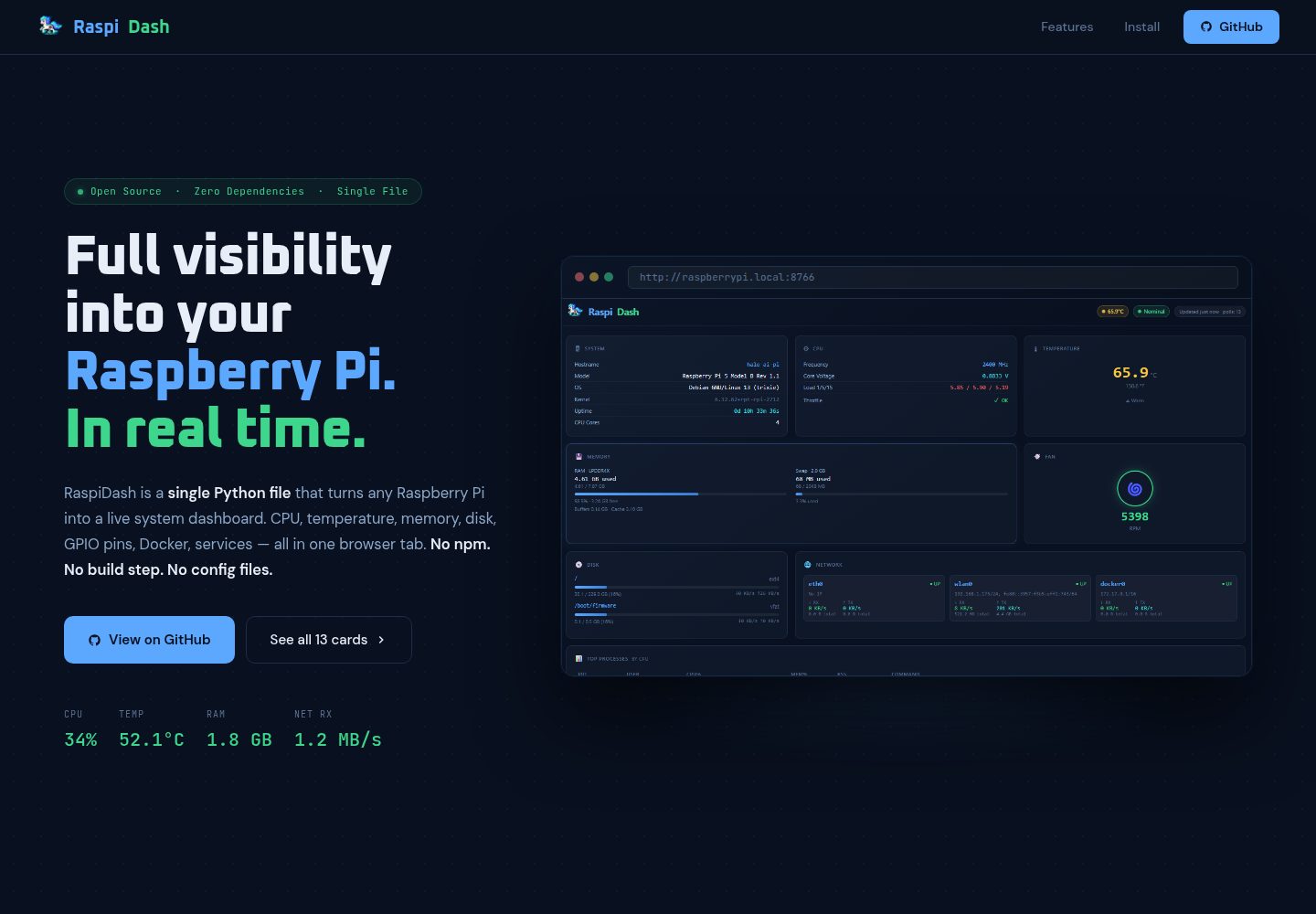
RaspiDash 是一个面向 Raspberry Pi 5 的实时监控面板,用 Flask 后端从 /proc、vcgencmd、pinctrl 等 Pi 原生接口采集数据,前端零依赖,通过 Jinja2 卡片模板展示系统、CPU、内存、磁盘、网络、GPIO 等信息。
看看你的网站会是什么样
浏览真实页面截图,比较内容排版与手机效果。点击下方缩略图切换,放大查看整页细节。
全部页面与视图 2
截图用于了解视觉与布局,交互效果请以实际项目为准。
采集于 2026-10-02查看来源
值得关注的模板亮点
从已有项目资料中,快速了解它的特点。
卡片由 cards_config.json 控制启用与排序,templates/cards/ 下每个卡片一个 HTML 模板
覆盖系统、CPU、温度、内存、磁盘、网络、风扇、进程、systemd 服务、GPIO 引脚图、USB 设备和 Docker 容器
GPIO 卡片以可视化 40 针引脚图展示方向、功能、上下拉和电平
提供 systemd 服务单元示例,支持开机自启与失败重启
main 分支保持仅依赖 Flask,实验性的实时日志卡片放在独立的 logdisplay 分支
模板详细介绍
RaspiDash 是一个运行在 Raspberry Pi 5 上的单页监控面板,后端使用 Flask,前端不引入额外依赖,卡片由 Jinja2 模板渲染。数据来源限定为 Pi 原生接口(/proc、vcgencmd、pinctrl 等),覆盖系统信息、CPU 频率与核心电压、温度、内存与交换分区、各挂载点磁盘用量与实时读写速率、网络接口 IP 与收发速率、风扇转速、按 CPU 占用排序的前 15 个进程、按运行/失败/未激活分组的 systemd 服务、40 针 GPIO 引脚图(方向、功能、上下拉、电平)、USB 设备列表,以及 Docker 运行中的容器(未安装 Docker 时优雅降级)。
运行环境要求 Raspberry Pi 5 与 Raspberry Pi OS(Debian Bookworm/Trixie)、Python 3.11+ 和 Flask。由于 Raspberry Pi OS 在 Bookworm 及之后版本执行 PEP 668,需先创建虚拟环境再安装依赖,然后运行 server.py,默认监听 8766 端口,可用 --port 参数修改。项目提供 systemd 服务单元示例,便于开机自启和崩溃重启。
面板的卡片由 cards_config.json 控制启用状态与排列顺序,templates/cards/ 下每个卡片对应一个 HTML 文件。新增卡片需要三步:在 server.py 的 StatsCollector.collect() 中增加数据键,创建对应的卡片模板,并在 cards_config.json 中注册。main 分支仅依赖 Flask;logdisplay 分支为实验性分支,增加了实时日志卡片并因此引入额外依赖。项目采用 Apache-2.0 许可。
Flask后台
适合你的项目吗?
适用场景
- 在 Raspberry Pi 5 上通过浏览器查看整机实时运行状态
- 排查 CPU 降频、温度或风扇转速等硬件相关问题
- 查看各挂载点磁盘用量与实时读写速率
- 检查 systemd 服务运行、失败与未激活状态
- 对照 40 针 GPIO 引脚图确认引脚方向、功能与电平
适合人群
- 使用 Raspberry Pi 5 并运行 Raspberry Pi OS(Bookworm/Trixie)的用户
- 需要在本机局域网内查看 Pi 运行指标的开发者或运维人员
- 希望按需增删或重排监控卡片、并愿意修改少量 Python 与 HTML 的用户
上手与定制指南
结合仓库当前版本的说明,按下面的资料检查内容、配置与运行要求。
- 1
需要 Raspberry Pi 5 与 Raspberry Pi OS(Debian Bookworm/Trixie)、Python 3.11+ 和 Flask
- 2
Raspberry Pi OS 执行 PEP 668,需先 python -m venv venv 并激活虚拟环境,再 pip install -r requirements.txt
- 3
运行 python server.py 启动,默认端口 8766,可用 --port 参数修改,浏览器访问 http://<Pi 的 IP>:8766
- 4
如需开机自启,按 README 示例创建 systemd 服务单元,并将 ExecStart 指向虚拟环境中的 Python
- 5
新增卡片需同时修改 server.py 的 StatsCollector.collect()、添加 templates/cards/ 下的模板,并在 cards_config.json 中注册
授权与来源资料
使用条件与限制
免费使用 · 保留许可声明本次收录的是公开仓库中采用 Apache-2.0 许可的免费版本;免费范围为该版本代码,不代表外部服务或第三方素材免费。
使用时需要遵守
- 允许免费使用、修改、商用和分发;分发时需随附 Apache-2.0 许可证。
- 修改过的文件需显著标明改动,并保留相关版权、专利、商标及归属声明。
- 若原项目附有 NOTICE 文件,分发衍生作品时需保留其中适用的归属声明。
- 许可包含适用的贡献者专利授权;发起许可所述专利诉讼会终止该专利授权,且不授予商标使用权。
- 代码按现状提供;担保与责任限制以原许可证及适用法律为准。
额外费用与待核对事项
- 仅支持 Raspberry Pi 5 硬件并运行 Raspberry Pi OS(Debian Bookworm/Trixie),其他平台或系统不受支持。
- 需要 Python 3.11 或更高版本,低版本 Python 无法运行。
- Raspberry Pi OS Bookworm 及之后版本执行 PEP 668,必须在虚拟环境中安装依赖,不能直接 pip install。
- 实时日志卡片位于实验性 logdisplay 分支,会引入额外依赖,不属于 main 分支的稳定功能。
- 演示图片、字体、图标及其他第三方素材需按各自许可核对,不能仅凭代码的 Apache-2.0 许可判断。
- 域名、托管、数据库、支付或 AI 等外部服务可能另外收费。
查看原文依据
no-charge, royalty-free, irrevocable copyright license
许可证原文
Raspberry Pi 5 running Raspberry Pi OS (Debian Bookworm/Trixie)
README 原文
Python 3.11+
README 原文
Raspberry Pi OS (Bookworm and later) enforces PEP 668 — it blocks `pip install` outside of a virtual environment
README 原文
https://github.com/kristoffersingleton/raspi-dash/blob/main/LICENSEhttps://github.com/kristoffersingleton/raspi-dash/blob/main/README.md`logdisplay` — experimental branch that adds a live log card streaming systemd journal entries. Kept separate because it pulls in additional dependencies.
README 原文
DeepSeek 根据仓库许可证和 README 整理 ·2026-10-02。结果仅覆盖已读取资料,依赖、图片、字体及后续条款变更以各自原文为准。
项目核对记录与介绍依据
模板资料
- 来源平台
- GitHub
- 资料与维护参考分
- 资料较完整 · 83 / 100
- 技术栈
- Flask
- 网站类型
- 后台
这个分数如何计算
本站按许可资料(最高30分)、演示链接(12分)、预览图(10分)、Star数(15分)、记录的维护时间(15分)、描述完整度(8分)、功能记录(5分)和分类资料(5分)计算。它不是代码、安全或性能测试,也不是 Google 评分;有链接不代表已实测可用。
这个项目需要核对什么
- 记录的仓库更新时间
- 2026-03-05
- 截图检查日期
- 2026-10-02
已收录演示链接。请用你的内容与屏幕尺寸检查;有演示不代表表单、认证或支付已经可用。
目录记录的主要技术栈是 Flask。请通过依赖清单和锁文件核对实际版本与托管要求。这些说明基于收录资料,不代表代码审计或部署实测。
查看具体选型方法 →介绍的制作与核对状态
介绍由 AI 辅助整理目录与仓库资料。仓库作者不等于这篇介绍的审核者。
已完成服务器许可规则与 AI 来源核对;未经过人工编辑审核。
查看当时使用的来源资料
SHA-256: 76d05138f8d004289f605ac148e63d47d8e1be6571124c006472b72c4ae5d581
2026-10-02T22:48:50.004Z
来源文件 / 仓库# RaspiDash
A real-time "single pane of glass" monitoring dashboard for Raspberry Pi 5.

## Features
- **System** — hostname, Pi model, OS, kernel, uptime
- **CPU** — frequency, core voltage, throttle flags, load averages
- **Temperature** — CPU gauge in °C / °F
- **Memory** — RAM and swap usage bars
- **Disk** — per-mount usage bars with live I/O read/write rates
- **Network** — per-interface IPs and live RX/TX rates
- **Fan** — RPM readout
- **Processes** — top 15 by CPU usage
- **Services** — systemd units grouped by running / failed / inactive
- **GPIO Pin Map** — visual 40-pin header with direction, function, pull, and level
- **USB Devices** — lsusb output
- **Docker** — running containers (graceful if Docker is absent)
All data is sourced from Pi-native interfaces (`/proc`, `vcgencmd`, `pinctrl`, etc.) — no external dependencies beyond Flask.
<img src="assets/raspi_dash_pony.png" width="50%">
## Requirements
- Raspberry Pi 5 running Raspberry Pi OS (Debian Bookworm/Trixie)
- Python 3.11+
- Flask (`pip install flask`)
## Install & Run
Raspberry Pi OS (Bookworm and later) enforces PEP 668 — it blocks `pip install` outside of a virtual environment to protect system Python packages. Create a venv first:
```bash
git clone https://github.com/kristoffersingleton/raspi-dash.git
cd raspi-dash
python -m venv venv
source venv/bin/activate
pip install -r requirements.txt
python server.py
```
If you're using an existing venv (e.g. shared across Pi projects), just activate it before the `pip install` step. Remember to point the `ExecStart` path in your systemd unit to the venv's Python binary.
Open `http://<your-pi-ip>:8766` in a browser.
## Options
```
python server.py --port 8766
```
## Customization
Cards are driven by two files: `cards_config.json` controls which cards are active and their order; `templates/cards/` holds one HTML file per card.
### Reordering or disabling cards
Edit `cards_config.json` — change the order of entries or set `"enabled": false`:
```json
[
{ "key": "system", "fn": "cardSystem", "template": "system", "enabled": true },
{ "key": "temperature", "fn": "cardTemp", "template": "temperature", "enabled": true },
{ "key": "cpu", "fn": "cardCpu", "template": "cpu", "enabled": true },
{ "key": "fan", "fn": "cardFan", "template": "fan", "enabled": false },
...
]
```
Restart the server — no code changes needed.
### Adding a new card
**1. Add a backend data source** — add a key to `StatsCollector.collect()` in `server.py`:
```python
data['uptime_raw'] = float(open('/proc/uptime').read().split()[0])
```
It's included in `/api/stats` automatically.
**2. Create a card template** — add `templates/cards/uptime_raw.html`:
```html
<script>
function cardUptimeRaw(val) {
return '<div class="card">' +
'<div class="card-title"><span class="icon">⏱</span> Uptime Raw</div>' +
row('Seconds', val, 'cyan') +
'</div>';
}
</script>
```
Use `span2` or `span3` on the outer div to make it wider.
**3. Register it in `cards_config.json`:**
```json
{ "key": "uptime_raw", "fn": "cardUptimeRaw", "template": "uptime_raw", "enabled": true }
```
That's it — position it anywhere in the list to control where it appears in the grid.
## Running as a service
To have RaspiDash start automatically on boot, create a systemd service unit.
**1. Create the service file:**
```bash
sudo nano /etc/systemd/system/raspidash.service
```
```ini
[Unit]
Description=RaspiDash monitoring dashboard
After=network.target
[Service]
ExecStart=/path/to/your/venv/bin/python /home/pi/raspi-dash/server.py
WorkingDirectory=/home/pi/raspi-dash
Restart=on-failure
User=pi
[Install]
WantedBy=multi-user.target
```
Replace `/path/to/your/venv` with your Python environment and adjust the `User` and paths to match your setup.
**2. Enable and start it:**
```bash
sudo systemctl daemon-reload
sudo systemctl enable raspidash
sudo systemctl start raspidash
```
**3. Check status:**
```bash
sudo systemctl status raspidash
```
The dashboard will now start on every boot and restart automatically if it crashes.
## Branches
`main` — stable dashboard with no extra dependencies beyond Flask.
`logdisplay` — experimental branch that adds a live log card streaming systemd journal entries. Kept separate because it pulls in additional dependencies.
## License
Apache 2.0
看看同类模板
对比同技术栈与用途的模板,找到更适合的视觉与内容结构。
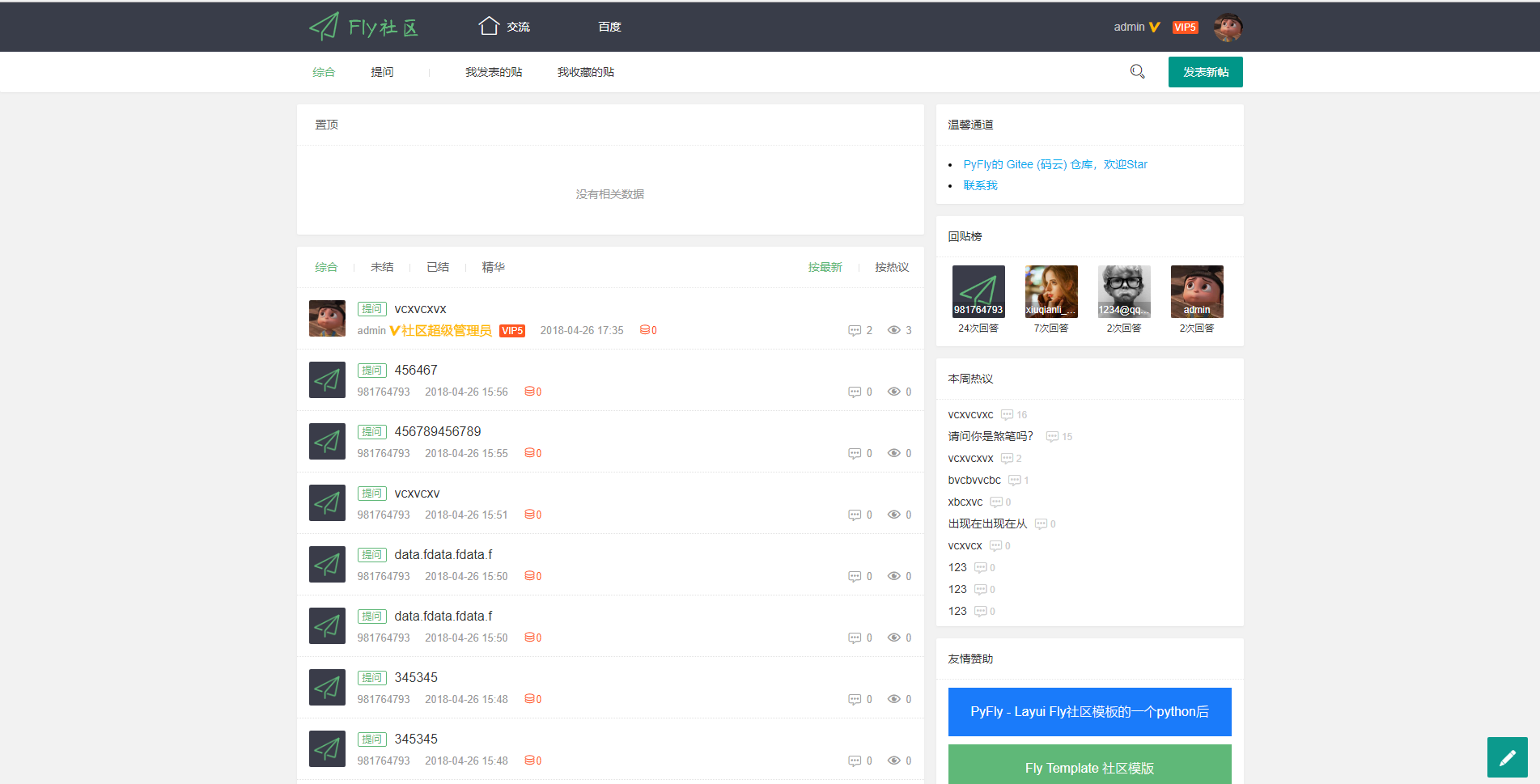
PyFly
Flask + Layui Fly Template实现的一个社区项目,使用flask-admin实现了简单的后台管理功能,数据库使用Mongodb,前台实现功能:用户注册、登录、邮件激活、发帖、回帖、点赞、回复、采纳…
Flask · 后台
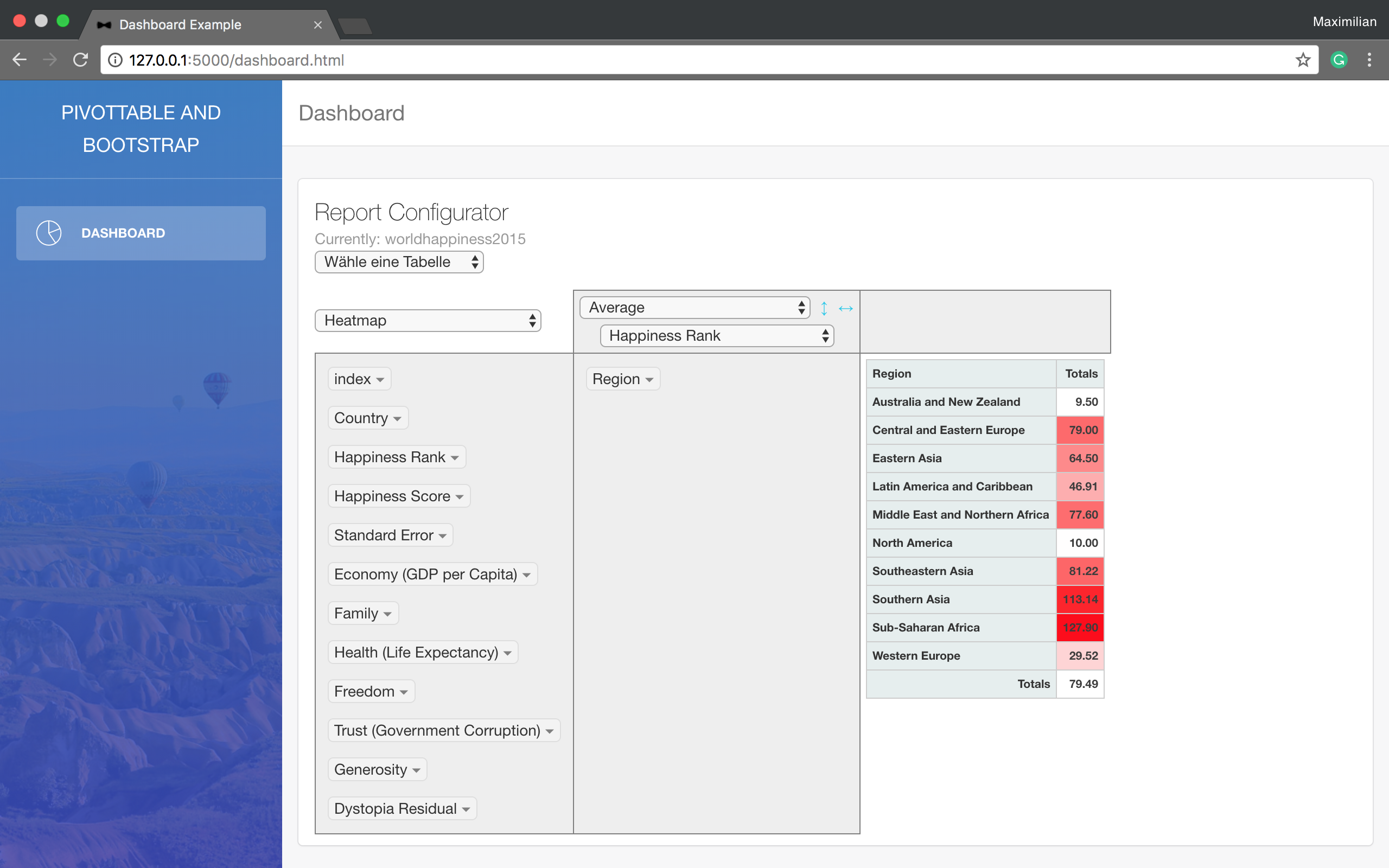
Dashboard
Using Flask and a bootstrap template to summarise data from a SQL db in a pivot table.
Flask · 后台
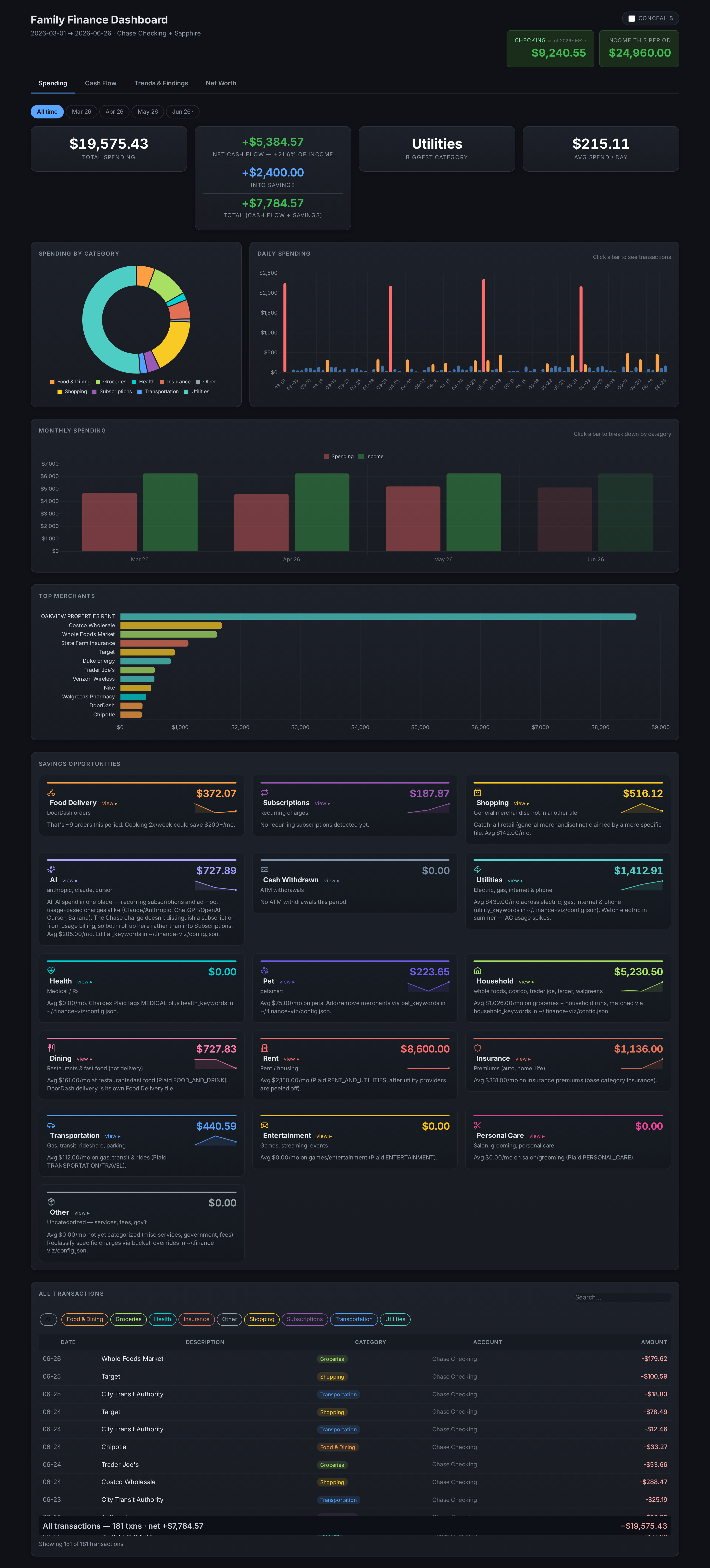
finance-dashboard-template
Self-hosted personal finance dashboard — Plaid + provider scrapers + Flask. All data local; try it with --demo…
Flask · 后台
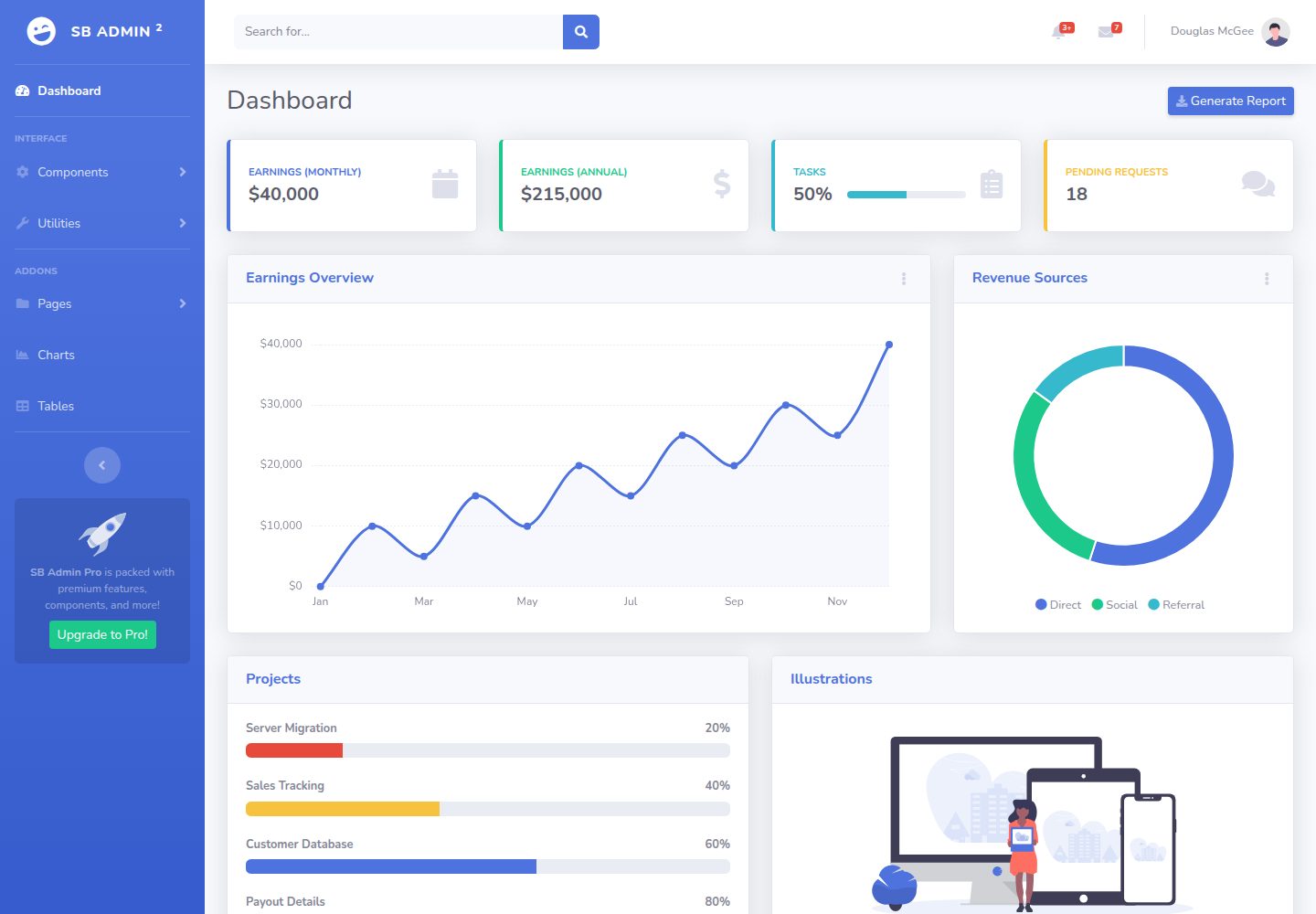
BootstrapFlask
I have modified a bootstrap sb admin template and combine into flask
Flask · 后台

AdminLTE
AdminLTE - Free admin dashboard template based on Bootstrap 5
Astro · 后台
ant-design-pro
Ant Design Pro 是 Ant Design 官方推出的企业级中后台前端脚手架,基于 React 19、Umi Max 4 和 antd 6 构建,内置 TypeScript 支持。
React · 后台