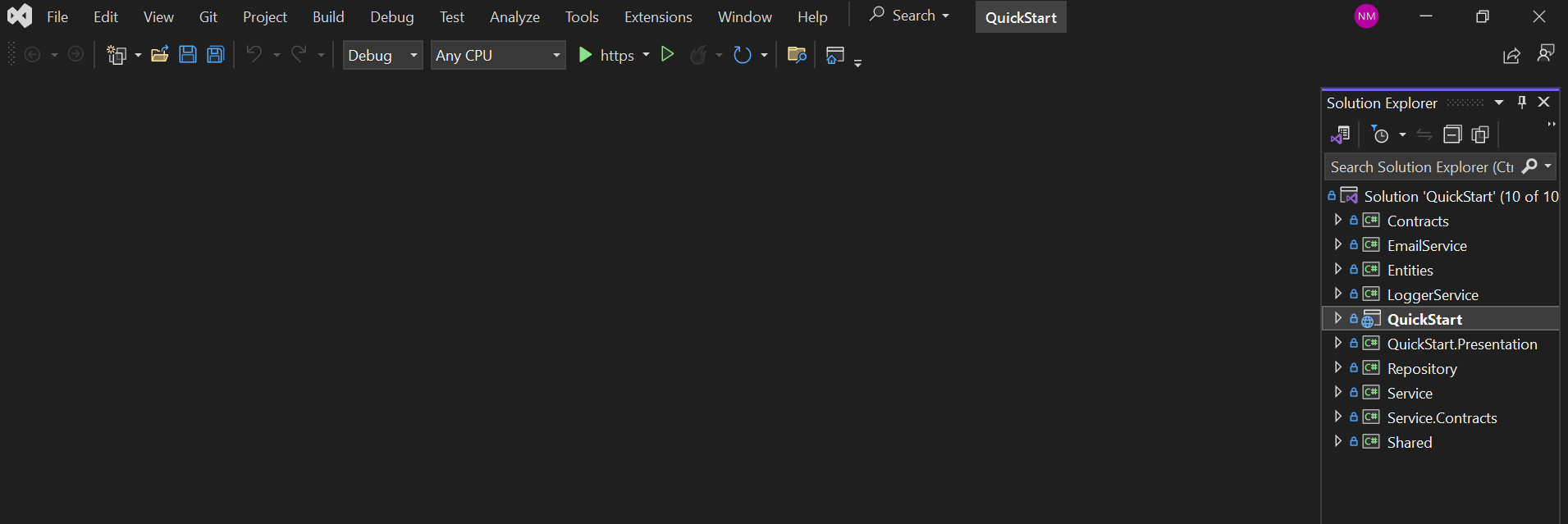
后端为 ASP.NET Core Web API,前端为 Angular 与 Angular Material,使用 TypeScript
AngularSolidJS后台启动器
QuickStart — Angular 后台模板
作者 Njabulo240
Matech QuickStart 是一个基于 ASP.NET Core、Angular 与 Admin 后台的启动项目,采用洋葱架构,内置认证授权、用户与角色管理以及若干基础服务,用于快速搭建管理类应用。
看看你的网站会是什么样
浏览真实页面截图,比较内容排版与手机效果。点击下方缩略图切换,放大查看整页细节。
目前有 1 张原始预览,可打开完整图片查看设计细节。
截图用于了解视觉与布局,交互效果请以实际项目为准。
采集于 2026-10-02查看来源
值得关注的模板亮点
从已有项目资料中,快速了解它的特点。
采用洋葱架构组织代码,数据访问基于 Entity Framework Core 的 Code First 迁移
内置认证与授权、用户与角色管理,以及基于 SignalR 的实时推送通知
集成 Swagger,便于查看和调试 API
提供客户端与服务端分离运行,以及将 Angular 构建产物合并进 ASP.NET Core 的部署方式
采用 MIT 许可,允许免费使用、修改、商用和分发该版本代码
模板详细介绍
Matech QuickStart 是一个面向后台管理系统的启动项目,后端使用 ASP.NET Core Web API,前端使用 Angular 与 Angular Material,并配合 TypeScript。项目按洋葱架构组织,数据访问基于 Entity Framework Core,采用 Code First 迁移方式建库。
功能层面,项目包含较完整的认证与授权机制、用户与角色管理,以及通过 SignalR 实现的实时推送通知,并集成了 Swagger 用于 API 调试。仓库同时标注了 SolidJS 相关标签,但 README 中描述的技术栈为 ASP.NET Core 8 与 Angular 17,实际以 README 与依赖清单为准。
使用方式上,客户端与服务端默认分开运行:服务端解决方案位于 QuickStart 文件夹,通过 Visual Studio 打开并执行 Update-Database 应用迁移;前端位于 QuickStartUI 文件夹,使用 npm install 安装依赖后以 ng serve 启动,默认前端地址为 http://localhost:4200,API 地址为 https://localhost:5001。README 也给出了将 Angular 构建产物放入 ASP.NET Core 的 wwwroot 并配置回退路由,从而合并为单一部署的方案。
限制方面,项目提供默认管理员与普通账号用于登录演示,正式使用前需要替换;数据库连接字符串需按环境修改;演示图片、字体、图标等第三方素材的许可需单独核对,域名、托管、数据库等外部服务可能产生额外费用。
AngularSolidJS后台启动器
适合你的项目吗?
适用场景
- 需要快速搭建带登录与权限控制的后台管理系统
- 需要 ASP.NET Core 与 Angular 分离开发、后续合并部署的项目
- 需要用户、角色管理与实时通知等基础能力的内部管理平台
- 用于学习洋葱架构、EF Core 迁移与 Angular Material 后台界面的示例项目
适合人群
- 熟悉或愿意使用 ASP.NET Core 与 Angular 的开发者
- 需要后台管理启动模板并自行二次开发的团队
- 希望参考用户角色管理与认证授权实现方式的项目
- 需要在本地分别运行前后端并自行配置数据库连接的环境
上手与定制指南
结合仓库当前版本的说明,按下面的资料检查内容、配置与运行要求。
- 1
服务端位于 QuickStart 文件夹,用 Visual Studio 打开解决方案,在 appsettings.json 中按需修改 sqlConnection 连接字符串
- 2
在 Package Manager Console 中将 QuickStart 设为默认项目,执行 Update-Database 应用 EF Core 迁移并创建数据库表
- 3
前端位于 QuickStartUI 文件夹,先执行 npm install 安装依赖,再用 ng serve 启动,默认访问 http://localhost:4200
- 4
如需合并部署,先在前端执行 ng build,将 dist 内容复制到 QuickStart/QuickStart/wwwroot,并在 Program.cs 中配置静态文件与回退路由
- 5
默认管理员账号为 admin001 / AdminPassword123,普通账号为 user002 / UserPassword123,正式使用前应替换
授权与来源资料
使用条件与限制
免费使用 · 保留许可声明本次收录的是公开仓库中采用 MIT 许可的免费版本;免费范围为该版本代码,不代表外部服务或第三方素材免费。
使用时需要遵守
- 允许免费使用、修改、商用和分发该版本代码。
- 分发代码副本或实质性部分时,保留原作者版权声明和完整 MIT 许可声明。
- 代码按现状提供;担保与责任限制以原许可证及适用法律为准。
额外费用与待核对事项
- README 提供默认管理员账号 admin001 / AdminPassword123 与普通账号 user002 / UserPassword123,仅用于演示登录,正式部署前必须替换或删除这些默认凭据。
- 使用前需在 appsettings.json 中按环境修改 sqlConnection 连接字符串,指向自有 SQL Server 数据库实例。
- 服务端 API 默认监听 https://localhost:5001,前端默认 http://localhost:4200,需按实际部署环境调整端口与地址。
- 数据库需通过 EF Core Code First 迁移(Package Manager Console 执行 Update-Database)创建,依赖本地 SQL Server 环境。
- 演示图片、字体、图标及其他第三方素材需按各自许可核对,不能仅凭代码的 MIT 许可判断。
- 域名、托管、数据库、支付或 AI 等外部服务可能另外收费。
查看原文依据
Permission is hereby granted, free of charge
许可证原文
Default Administrator Account
README 原文
Modify the default connection string if necessary
README 原文
The API is running on [https://localhost:5001]
README 原文
https://github.com/Njabulo240/QuickStart/blob/master/LICENSEhttps://github.com/Njabulo240/QuickStart/blob/master/README.mdUpdate-Database
README 原文
DeepSeek 根据仓库许可证和 README 整理 ·2026-10-02。结果仅覆盖已读取资料,依赖、图片、字体及后续条款变更以各自原文为准。
项目核对记录与介绍依据
模板资料
- 来源平台
- GitHub
- 资料与维护参考分
- 资料较完整 · 77 / 100
- 技术栈
- Angular · SolidJS
- 网站类型
- 后台 · 启动器
这个分数如何计算
本站按许可资料(最高30分)、演示链接(12分)、预览图(10分)、Star数(15分)、记录的维护时间(15分)、描述完整度(8分)、功能记录(5分)和分类资料(5分)计算。它不是代码、安全或性能测试,也不是 Google 评分;有链接不代表已实测可用。
这个项目需要核对什么
- 记录的仓库更新时间
- 2024-07-08
- 截图检查日期
- 2026-10-02
已收录演示链接。请用你的内容与屏幕尺寸检查;有演示不代表表单、认证或支付已经可用。
目录记录的主要技术栈是 Angular。请通过依赖清单和锁文件核对实际版本与托管要求。这些说明基于收录资料,不代表代码审计或部署实测。
查看具体选型方法 →介绍的制作与核对状态
介绍由 AI 辅助整理目录与仓库资料。仓库作者不等于这篇介绍的审核者。
已完成服务器许可规则与 AI 来源核对;未经过人工编辑审核。
查看当时使用的来源资料
SHA-256: 2366ec046966cd7e7263e4cd6cfd3b64232c01e24e2b3c769620970196827694
2026-10-02T11:06:45.370Z
来源文件 / 仓库# **Matech QuickStart** - ASPNET Core 8 & Angular 17
Matech QuickStart is a cutting-edge **ASP.NET Core / Angular / Admin** Starter Project designed for **Quick Application Development**. It features a robust SOLID architecture, advanced authentication and authorization, comprehensive user and role management, and a suite of essential services. This powerful tool is engineered to accelerate your development process and elevate your projects to new heights.
🚀 The mission of developing our **ASP.NET & Angular Admin Template** is to empower developers with a comprehensive, efficient, and user-friendly foundation for building robust web applications. This template aims to streamline the development process, boost productivity, and ensure adherence to best practices from the outset. Our commitment is to facilitate rapid development while maintaining high standards of code quality, security, and performance.
[LIVE DEMO](https://matechdemo.azurewebsites.net)
___
## This application consists of:
* Onion Architecture
* RESTful API Backend using ASP.NET Core 8 Web API
* Database using Entity Framework Core
* Advanced Authentication/Authorization
* Real-time push notification system (with SignalR integration)
* Swagger integration
* Angular Material and TypeScript
## Installation
* [OPTION 1] Clone the [Git Repository](https://github.com/njabulo240/QuickStart.git) and edit with your favorite editor. e.g. Visual Studio, Visual Studio Code.
* [OPTION 2] Download the Zip folder from github
When you open the downloaded zip file, you will see two folders
<img src="/img/14.png"/>
- **QuickStart** folder contains the server side ASP.NET Core solution and configured to work with Visual Studio.
- **QuickStartUI** folder contains the Angular UI application which is configured to work with the angular-cli.
### Merging Client and Server Solutions
Client and Server solutions are designed to work separately by default.
## Deploy Database
To deploy the database, follow these steps:
## Open the Solution
1. Navigate to the **QuickStart** folder.
2. Locate the solution file.
3. Open the solution file, which will automatically launch Visual Studio.
<img src="/img/18.png" />
### Configure Connection String
1. In the **QuickStart** project, open `appsettings.json`.
2. Modify the default connection string if necessary:
```json
{
"ConnectionStrings": {
"sqlConnection": "server=.; database=QuickStartDb; Integrated Security=true;TrustServerCertificate=true"
},
}
```
### Apply Migrations
The application uses the Code First approach of Entity Framework Core. All migration code is located in the **QuickStart/Migrations** folder.
1. Open the **Package Manager Console** in Visual Studio.
2. Set **QuickStart** as the default project.
3. Run the following command to update the database:
```powershell
Update-Database
```
<img src="/img/16.png" />
This will apply the migrations and set up your database.
After running the migrations, your database tables will be created as shown below:
<img src="/img/11.png" />
### Run API Host
Once you've configured the application, you can run the server-side application. The server-side application contains only APIs. The API is running on [https://localhost:5001](https://localhost:5001). Paste this URL into your browser to access the application and you will see the login page below:
<img src="/img/17.png" />
## Login
LOGIN WITH USERNAME OR EMAIL ADDRESS
> * **Default Administrator Account**
> * Username: admin001
> * Email: [email protected]
> * Password: AdminPassword123
> * **Default Standard Account**
> * Username: user002
> * Email: [email protected]
> * Password: UserPassword123
* For bug reports open an [issue on github](https://github.com/njabulo240/QuickStart/issues)
### Angular Application
Drag and drop **QuickStartUI** folder into VS code IDE
### NPM Packages Install
```bash
npm install
```
it will install the packages. Make sure that there is no error.
### How to Run?
After install process now you can run local server- local server port is 'http://localhost:4200' For development start use this commend ng serve
```bash
ng serve
```
## Hosting Angular App Inside ASP.NET API
To merge and host the Angular application inside the ASP.NET Core API, follow these steps:
1. **Build the Angular Application**:
- Navigate to the `QuickStartUI` folder.
- Run `ng build` to build the Angular application. This will create a `dist` folder containing the compiled Angular files.
2. **Move Built Files to ASP.NET Core Project**:
- Copy the contents of the `dist` folder.
- Paste these contents into a new folder named `wwwroot` inside the `QuickStart/QuickStart/wwwroot` folder. The `wwwroot` folder is the default location for static files in an ASP.NET Core application.
3. **Configure ASP.NET Core to Serve Angular App**:
- Open the `Program.cs` file in the `QuickStart` folder.
- Ensure that the `Configure` method is set up to serve static files and handle fallback routing for the Angular application:
```csharp
var builder = WebApplication.CreateBuilder(args);
app.UseRouting();
app.MapFallbackToController("Index", "Fallback");
```
4. **Run the Combined Solution**:
- Open the `QuickStart` solution in Visual Studio.
- Run the solution. The ASP.NET Core API should now serve the Angular application.
By following these steps, you will successfully host the Angular application inside the ASP.NET Core API, creating a unified solution.
## Documentation
* [Overview of Matech QuickStart](https://www.matechcoding.com)
* [Conceptual overview of what is ASP.NET Core](https://go.microsoft.com/fwlink/?LinkId=518008)
* [Working with Data](https://docs.microsoft.com/en-us/ef/#pivot=efcore)
* [Angular 17 documentation overview](https://angular.io/guide/quickstart)
* [Getting started with Angular CLI](https://cli.angular.io)
* [Angular Material](https://material.angular.io)
## Contribution
Matech QuickStart is actively maintained on [GitHub](https://github.com/njabulo240/QuickStart). You can support it by
* Encouraging the developers by [starring it](https://github.com/njabulo240/QuickStart)
* Submitting your changes/improvements/features using pull requests
* Suggesting ideas or areas of improvements
* Linking to it and recommending it to others
## License
Released under the [MIT License](https://github.com/Njabulo240/QuickStart/blob/master/LICENSE).
看看同类模板
对比同技术栈与用途的模板,找到更适合的视觉与内容结构。
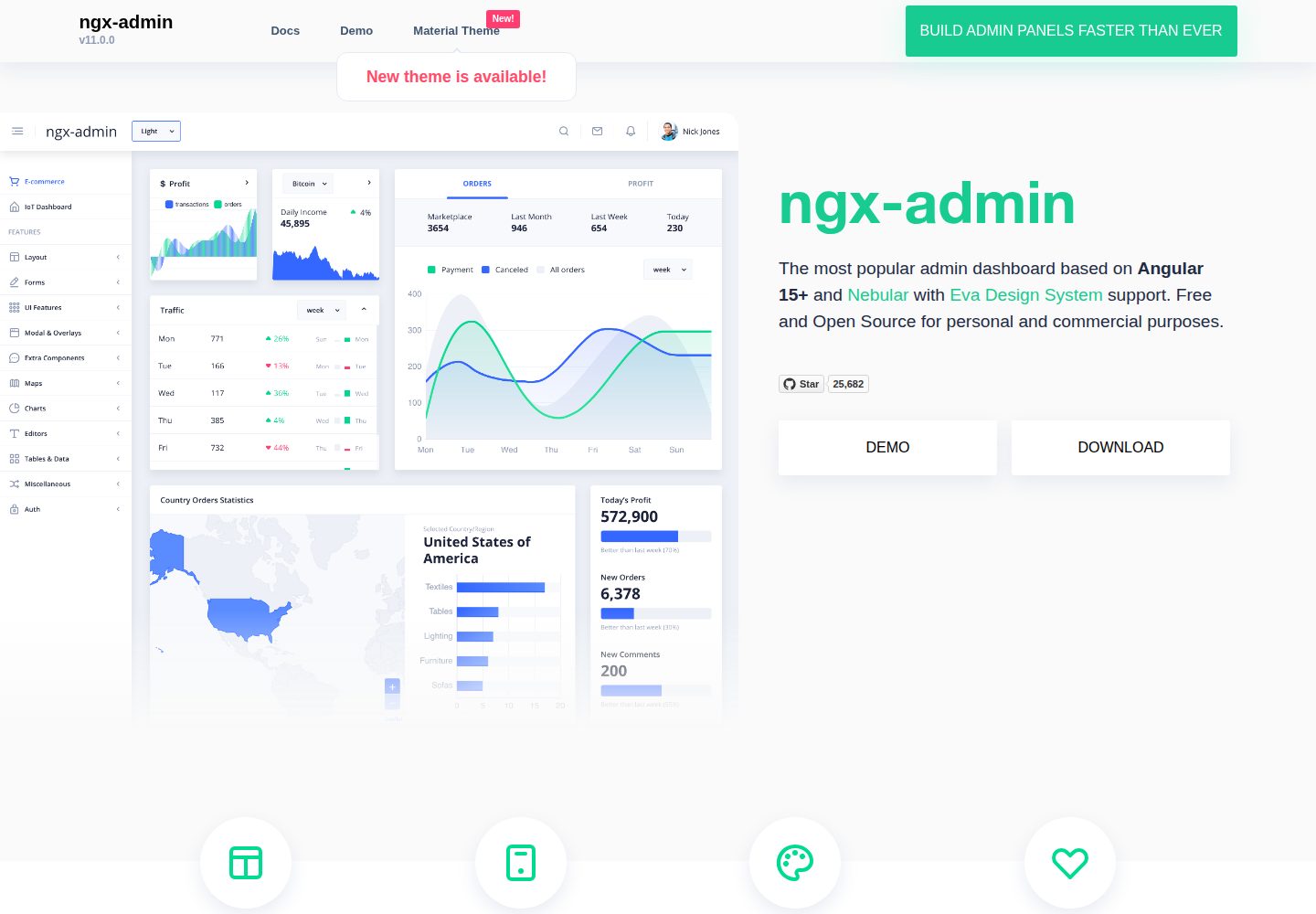
ngx-admin
Customizable admin dashboard template based on Angular 10+
Angular · 后台
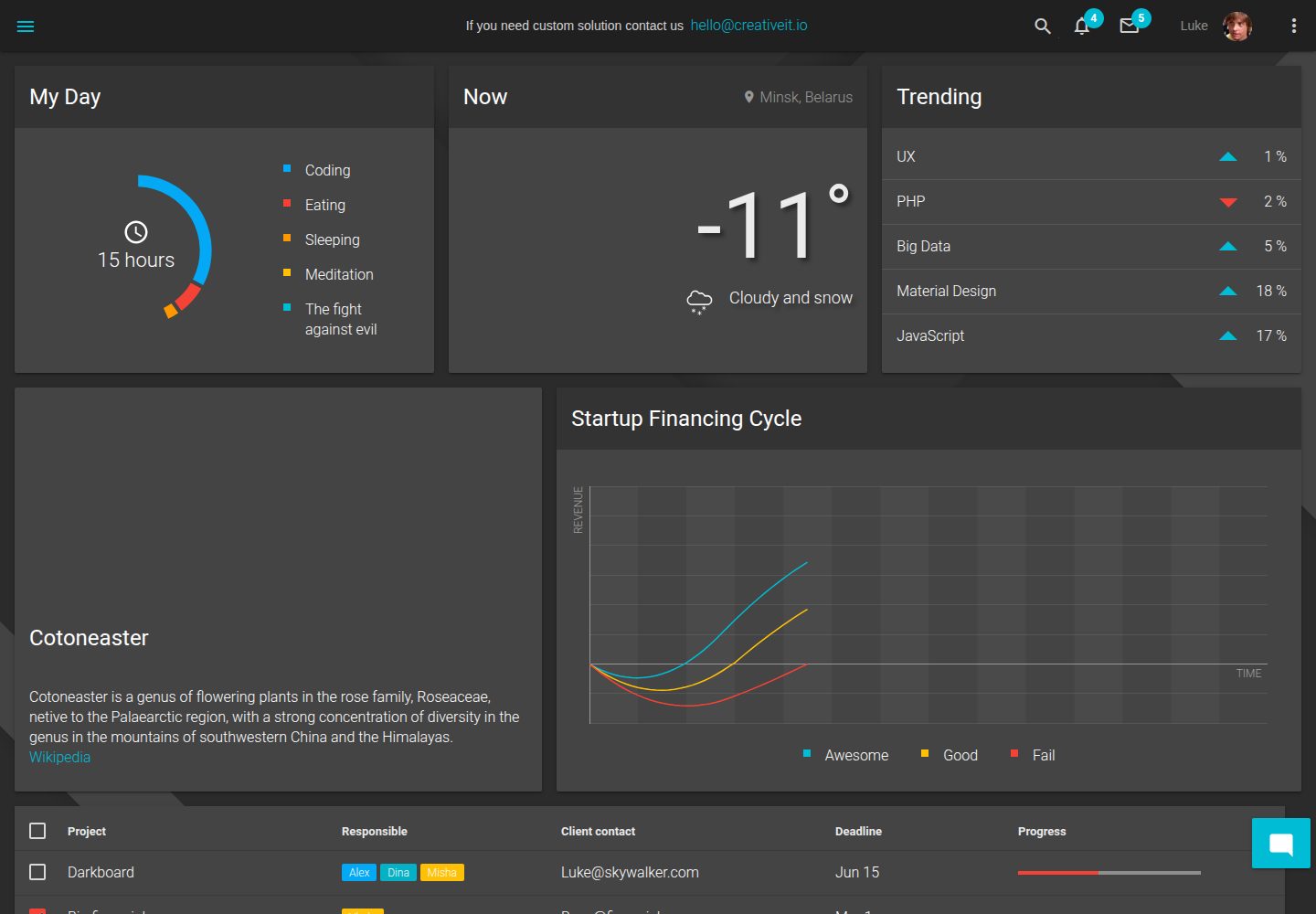
material-angular-dashboard
Material Angular Admin Template
Angular · 后台
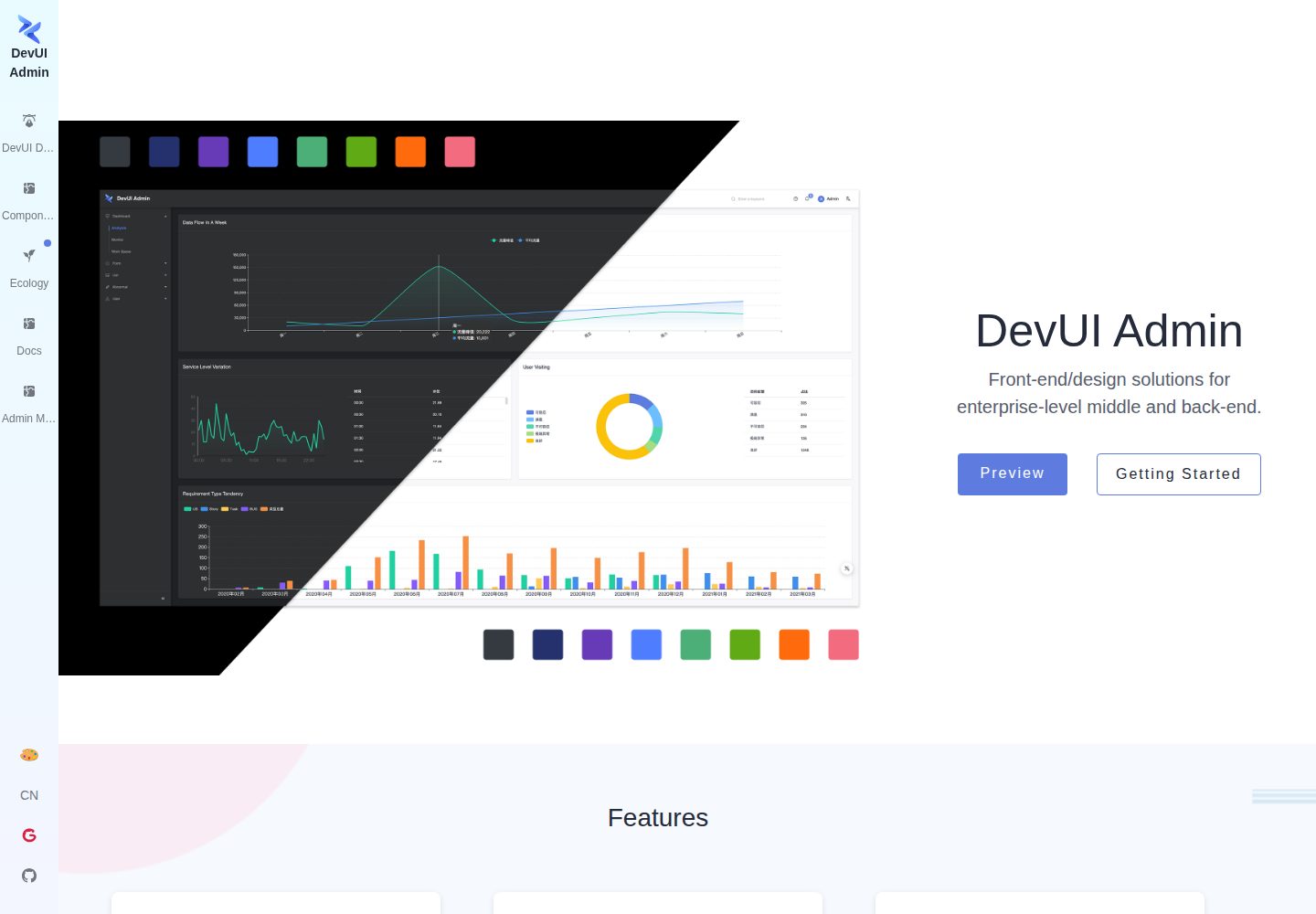
ng-devui-admin
Customizable admin dashboard template based on Angular and DevUI
Angular · 后台
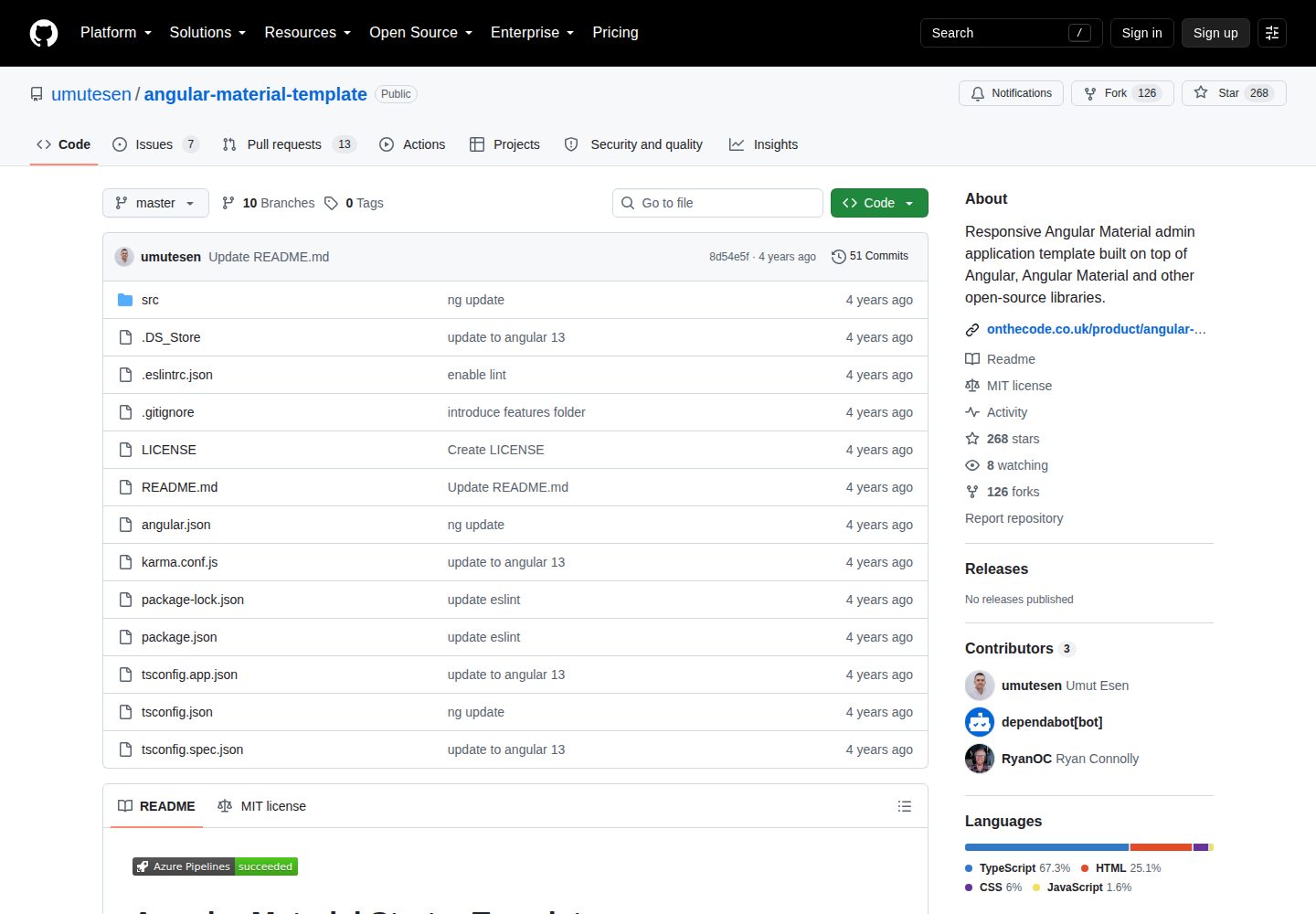
angular-material-template
Responsive Angular Material admin application template built on top of Angular, Angular Material and other ope…
Angular · 后台
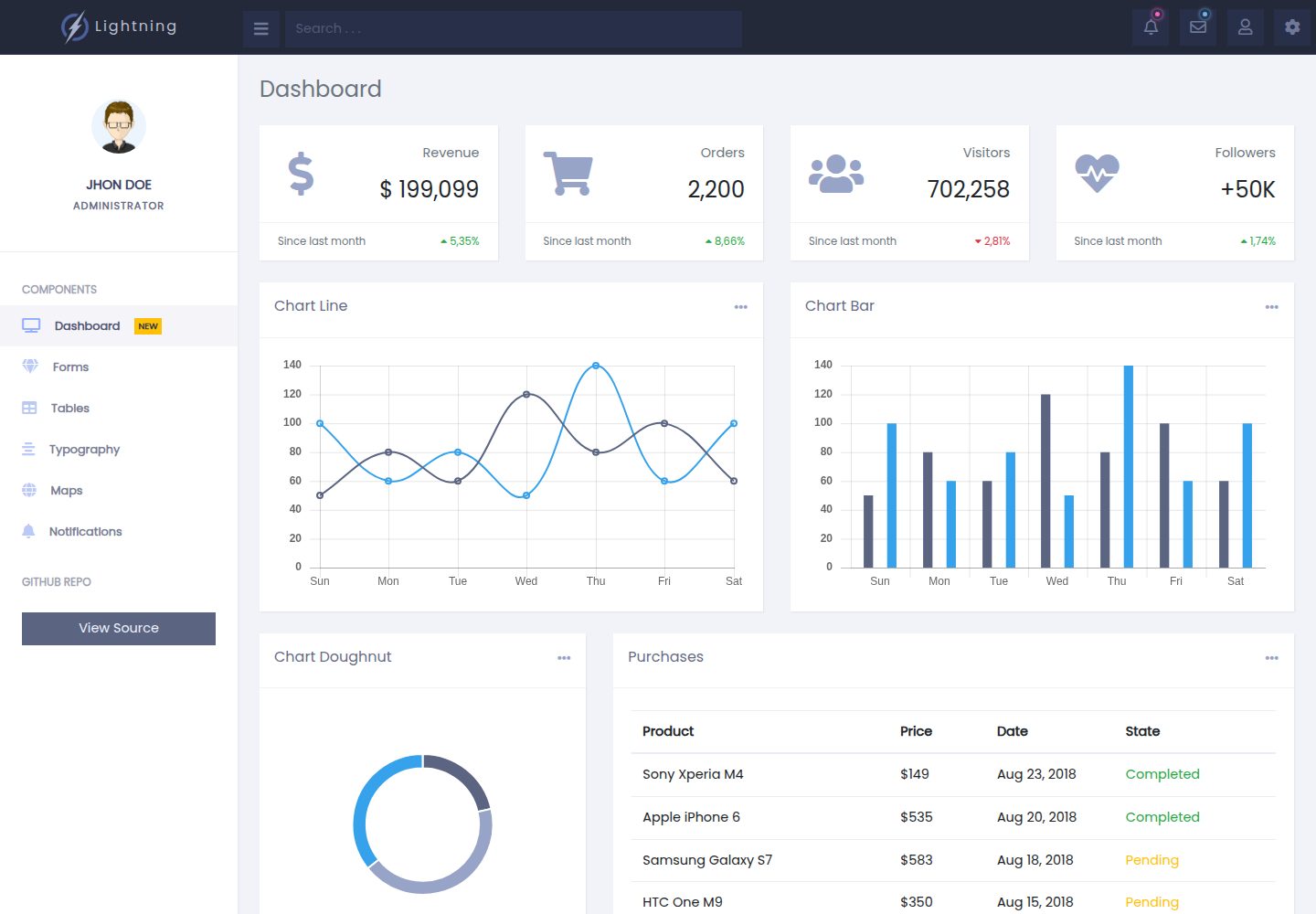
lightning-admin-angular
A mobile first design of a responsive admin template built with angular and bootstrap
Angular · 后台
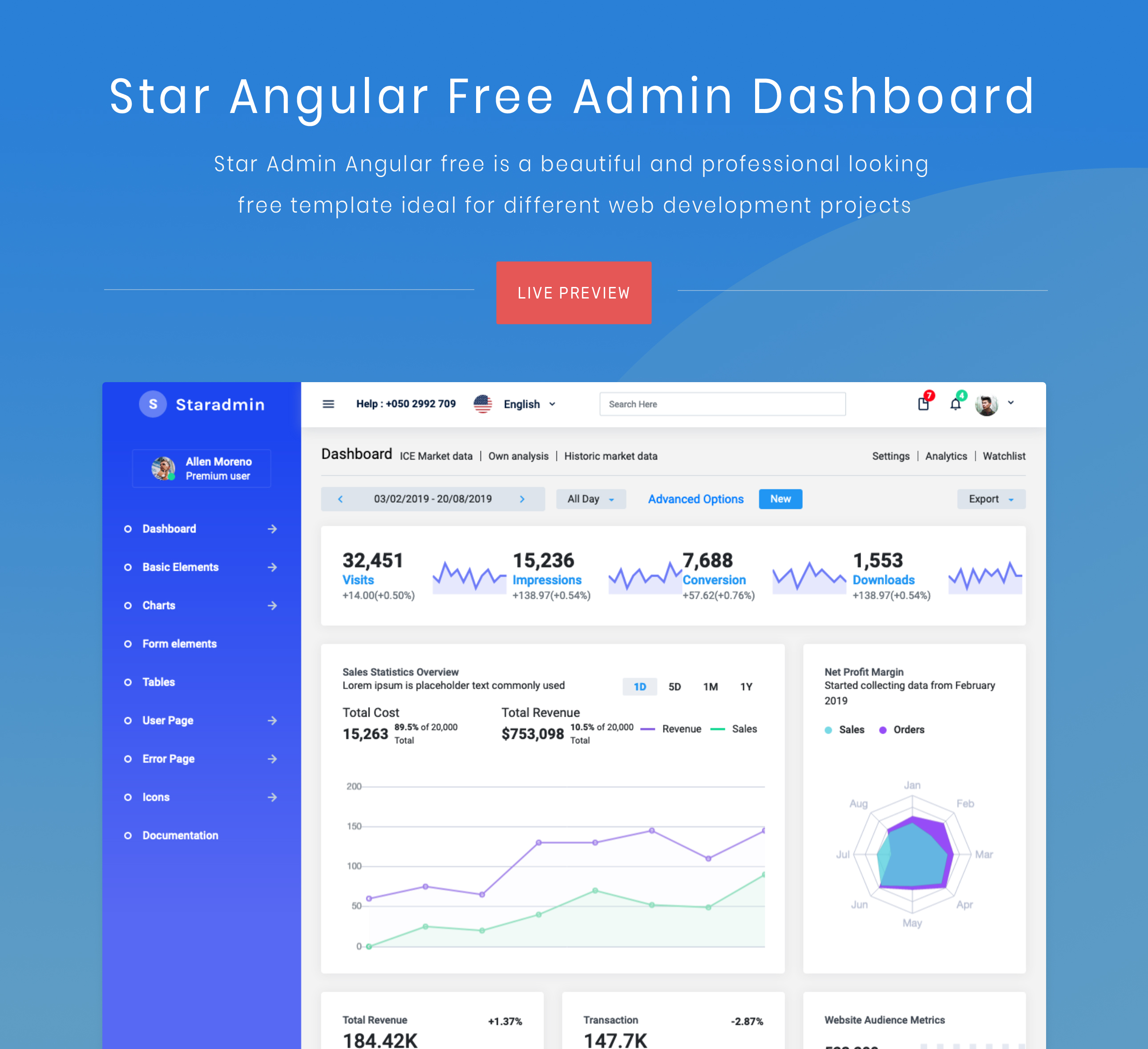
StarAdmin-Free-Angular-Admin-Template
StarAdmin Free Angular Admin Template 是一个基于 Angular 7 和 Bootstrap 4 的免费后台管理模板,由 BootstrapDash 团队维护。
Angular · 后台