纯 HTML、CSS、JavaScript 实现,无构建步骤和第三方依赖
HTML目录站
event-hub — HTML 目录站模板
作者 p3xz
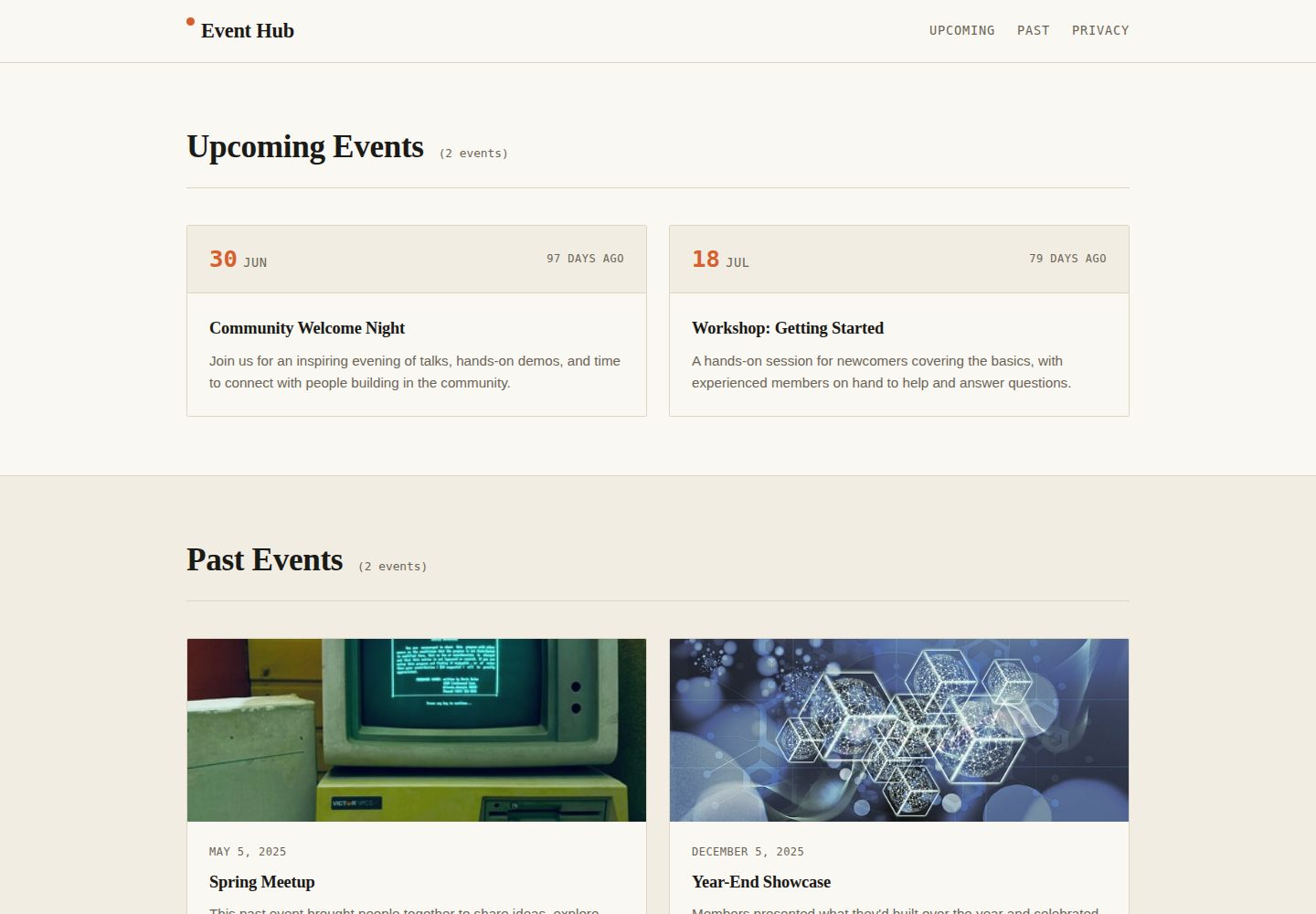
Event Hub 是一个用纯 HTML、CSS 和 JavaScript 编写的静态活动列表模板,通过日期属性驱动倒计时与分区计数,适合快速发布社区活动页面。
看看你的网站会是什么样
浏览真实页面截图,比较内容排版与手机效果。点击下方缩略图切换,放大查看整页细节。
全部页面与视图 2
截图用于了解视觉与布局,交互效果请以实际项目为准。
采集于 2026-10-05查看来源
值得关注的模板亮点
从已有项目资料中,快速了解它的特点。
根据 data-event-date 在客户端计算倒计时,显示相对时间
区块标题旁的活动数量自动更新,无需手动维护
活动放错区块时在控制台给出提示
包含跳过链接、语义化标签、可见焦点状态和 prefers-reduced-motion 支持
移动优先的响应式网格布局,样式通过 CSS 变量集中配置
模板详细介绍
Event Hub 是一个开源静态活动列表模板,用于展示即将举行和已结束的社区活动,例如聚会、工作坊、会议或俱乐部活动。页面分为 Upcoming 与 Past 两个区块,并提供锚点导航;每个活动以 article.event-card 表示,通过 data-event-date 属性(YYYY-MM-DD)驱动客户端倒计时显示,如“In 3 days”“Tomorrow”“5 days ago”。区块标题旁的活动数量由脚本自动更新,无需手动维护;如果活动被放在错误区块(例如已过期仍留在 Upcoming),控制台会给出提示。模板使用语义化 HTML5 标签,包含跳过链接、可见焦点状态,并支持 prefers-reduced-motion,采用移动优先的响应式网格布局。技术栈为原生 HTML、CSS 与 JavaScript,无构建步骤和第三方依赖,可直接在浏览器打开 index.html 或通过任意静态托管服务发布,例如 GitHub Pages、Netlify、Vercel 或 S3。活动内容目前直接写在 index.html 中,样式集中在 css/style.css 顶部的 CSS 变量里,倒计时、计数与检查逻辑位于 js/script.js。README 的路线图提到从 JSON 或 CMS 读取活动、添加 .ics 下载、筛选搜索和深色模式切换,这些属于计划而非现有功能。仓库采用 MIT 许可,允许免费使用、修改、商用和分发该版本代码,但演示图片、字体、图标等第三方素材需按各自许可核对。
HTML目录站
适合你的项目吗?
适用场景
- 发布社区聚会、工作坊或会议的活动列表页
- 为俱乐部或兴趣小组维护即将举行与已结束活动
- 在 GitHub Pages 等静态托管上快速上线活动页面
- 作为前端练习或教学示例,修改 HTML 与 CSS 变量定制外观
适合人群
- 需要零依赖静态活动页面的个人或社区组织者
- 熟悉基础 HTML 与 CSS、希望直接编辑内容的使用者
- 计划部署到 GitHub Pages、Netlify、Vercel 或 S3 等静态托管的项目
- 希望以 MIT 许可自由修改和分发代码的开发者
上手与定制指南
结合仓库当前版本的说明,按下面的资料检查内容、配置与运行要求。
- 1
通过 GitHub 的 Use this template 按钮或 git clone 获取仓库,无需安装依赖
- 2
直接在 index.html 中编辑活动,每个活动是一个 article.event-card,并设置 data-event-date 为 YYYY-MM-DD
- 3
日期过期后将整个 article 块从 #upcoming-events 移到 #past-events,或依据控制台提示处理
- 4
在 css/style.css 顶部的 :root 中修改颜色、字体和间距等 CSS 变量
- 5
部署到 GitHub Pages 时在仓库 Settings → Pages 选择默认分支和根目录;其他静态托管无需构建命令
授权与来源资料
使用条件与限制
免费使用 · 保留许可声明本次收录的是公开仓库中采用 MIT 许可的免费版本;免费范围为该版本代码,不代表外部服务或第三方素材免费。
使用时需要遵守
- 允许免费使用、修改、商用和分发该版本代码。
- 分发代码副本或实质性部分时,保留原作者版权声明和完整 MIT 许可声明。
- 代码按现状提供;担保与责任限制以原许可证及适用法律为准。
额外费用与待核对事项
- 演示图片、字体、图标及其他第三方素材需按各自许可核对,不能仅凭代码的 MIT 许可判断。
- 域名、托管、数据库、支付或 AI 等外部服务可能另外收费。
查看原文依据
https://github.com/p3xz/event-hub/blob/main/LICENSEhttps://github.com/p3xz/event-hub/blob/main/README.mdPermission is hereby granted, free of charge
许可证原文
DeepSeek 根据仓库许可证和 README 整理 ·2026-10-05。结果仅覆盖已读取资料,依赖、图片、字体及后续条款变更以各自原文为准。
项目核对记录与介绍依据
模板资料
- 来源平台
- GitHub
- 资料与维护参考分
- 资料较完整 · 80 / 100
- 技术栈
- HTML
- 网站类型
- 目录站
这个分数如何计算
本站按许可资料(最高30分)、演示链接(12分)、预览图(10分)、Star数(15分)、记录的维护时间(15分)、描述完整度(8分)、功能记录(5分)和分类资料(5分)计算。它不是代码、安全或性能测试,也不是 Google 评分;有链接不代表已实测可用。
这个项目需要核对什么
- 记录的仓库更新时间
- 2026-10-05
- 截图检查日期
- 2026-10-05
已收录演示链接。请用你的内容与屏幕尺寸检查;有演示不代表表单、认证或支付已经可用。
目录记录的主要技术栈是 HTML。请通过依赖清单和锁文件核对实际版本与托管要求。这些说明基于收录资料,不代表代码审计或部署实测。
查看具体选型方法 →介绍的制作与核对状态
介绍由 AI 辅助整理目录与仓库资料。仓库作者不等于这篇介绍的审核者。
审核声明: [email protected] · 2026-10-06
查看当时使用的来源资料
SHA-256: 7dccf1839aa4c54f60065226fe591a05d6781d68a4c8922690120542edfa224e
2026-10-05T23:03:23.050Z
来源文件 / 仓库# Event Hub
A free, open-source template for listing **upcoming** and **past** community events — meetups, workshops, conferences, club nights, anything with a date attached. Fork it, swap in your own events, and ship it as a static page or wire it up to a backend later.
**[Live demo](https://p3xz.github.io/event-hub/)**

## Features
- **Upcoming / Past sections** with anchor navigation
- **Live countdowns** ("In 3 days", "Tomorrow", "5 days ago") computed client-side from each event's date
- **Auto-updating event counts** next to each section heading — no manual upkeep
- **Console warnings** if an event is sitting in the wrong section (e.g. a past event still listed under Upcoming)
- **Accessible by default** — skip link, semantic landmarks, visible focus states, `prefers-reduced-motion` support
- **Responsive** grid layout, mobile-first
- **Zero dependencies** — plain HTML, CSS, and JavaScript, no build step, no framework
## Tech stack
| Layer | Tech |
|---|---|
| Markup | Semantic HTML5 (`<header>`, `<main>`, `<section>`, `<article>`, `<time>`) |
| Styling | Vanilla CSS with custom properties (design tokens) |
| Behavior | Vanilla JavaScript (ES6+), no dependencies |
| Hosting | Works on any static host — GitHub Pages, Netlify, Vercel, S3, etc. |
## Getting started
1. **Use this template** (click the green "Use this template" button on GitHub) or clone it directly:
```bash
git clone https://github.com/p3xz/event-hub.git
cd event-hub
```
2. **Open it locally.** No build tools needed — just open `index.html` in a browser, or serve it:
```bash
python3 -m http.server 8000
# then visit http://localhost:8000
```
3. **Edit your events** directly in `index.html`. Each event is one `<article class="event-card">`:
```html
<article class="event-card" data-event-date="2026-08-12">
<div class="event-card-meta">
<time datetime="2026-08-12" class="event-date">
<span class="event-date-day">12</span>
<span class="event-date-month">Aug</span>
</time>
<span class="event-countdown" data-countdown></span>
</div>
<div class="event-card-body">
<h3>Your Event Title</h3>
<p>Your event description.</p>
</div>
</article>
```
- `data-event-date` (format `YYYY-MM-DD`) drives the live countdown and the misplaced-event check — always set it.
- Move the whole `<article>` block from `#upcoming-events` to `#past-events` once the date has passed (or just leave it — the console warning will remind you).
4. **Customize the look** in `css/style.css`. Colors, fonts, and spacing are all defined as CSS variables at the top of the file under `:root`:
```css
:root {
--color-signal: #d65f2e; /* accent color — change this first */
--font-display: "Fraunces", Georgia, serif;
--font-body: "Inter", sans-serif;
}
```
## Project structure
```
event-hub/
├── index.html # Page structure & event content
├── css/
│ └── style.css # All styling (design tokens at the top)
├── js/
│ └── script.js # Countdowns, live counts, sanity checks
└── README.md
```
## Deploying
**GitHub Pages** (fastest path):
1. Push this repo to GitHub
2. Go to **Settings → Pages**
3. Set source to your default branch, root folder
4. Your site is live at `https://p3xz.github.io/event-hub/`
Any other static host (Netlify, Vercel, Cloudflare Pages) works by just pointing it at this folder — no build command required.
## Roadmap ideas (good first issues)
- [ ] Pull events from a JSON file or CMS instead of hardcoding HTML
- [ ] Add an `.ics` calendar download button per event
- [ ] Add filtering/search across events
- [ ] Add a dark mode toggle
Contributions welcome — open an issue or PR.
## Author
**Namish Yadav**
- GitHub: [https://github.com/p3xz](https://github.com/p3xz)
- LinkedIn: [https://www.linkedin.com/in/namish-yadav-639769408/](https://www.linkedin.com/in/namish-yadav-639769408/)
- Instagram: [https://instagram.com/nam7sh](https://instagram.com/nam7sh)
## License
MIT — see [LICENSE](LICENSE). Use it for personal projects, client work, or your own community, no attribution required (though it's appreciated).看看同类模板
对比同技术栈与用途的模板,找到更适合的视觉与内容结构。
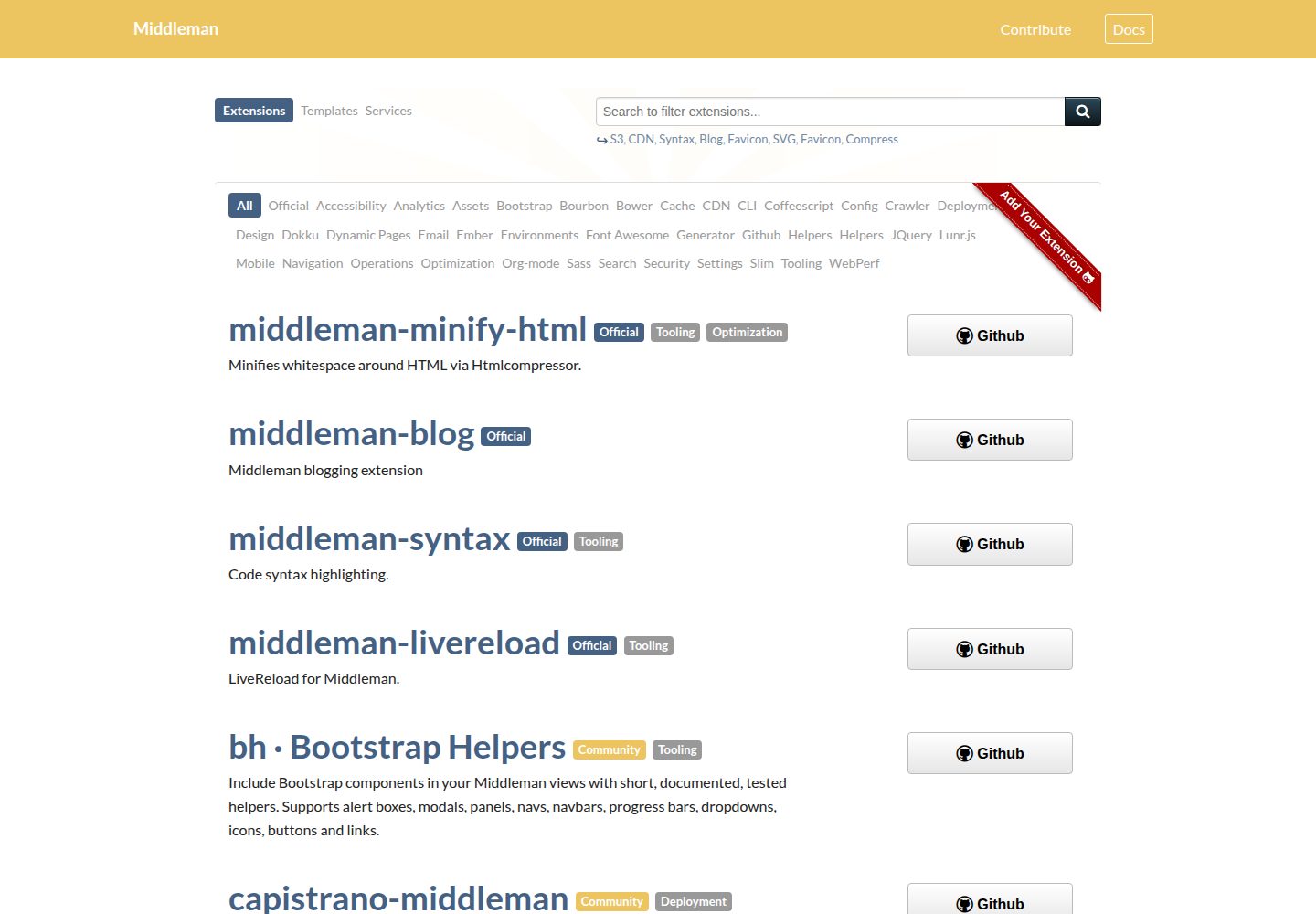
middleman-directory
Directory of Middleman extensions, templates and services
HTML · 目录站

classimax-bootstrap
Classimax is the most popular free Bootstrap classified website template.
HTML · 目录站
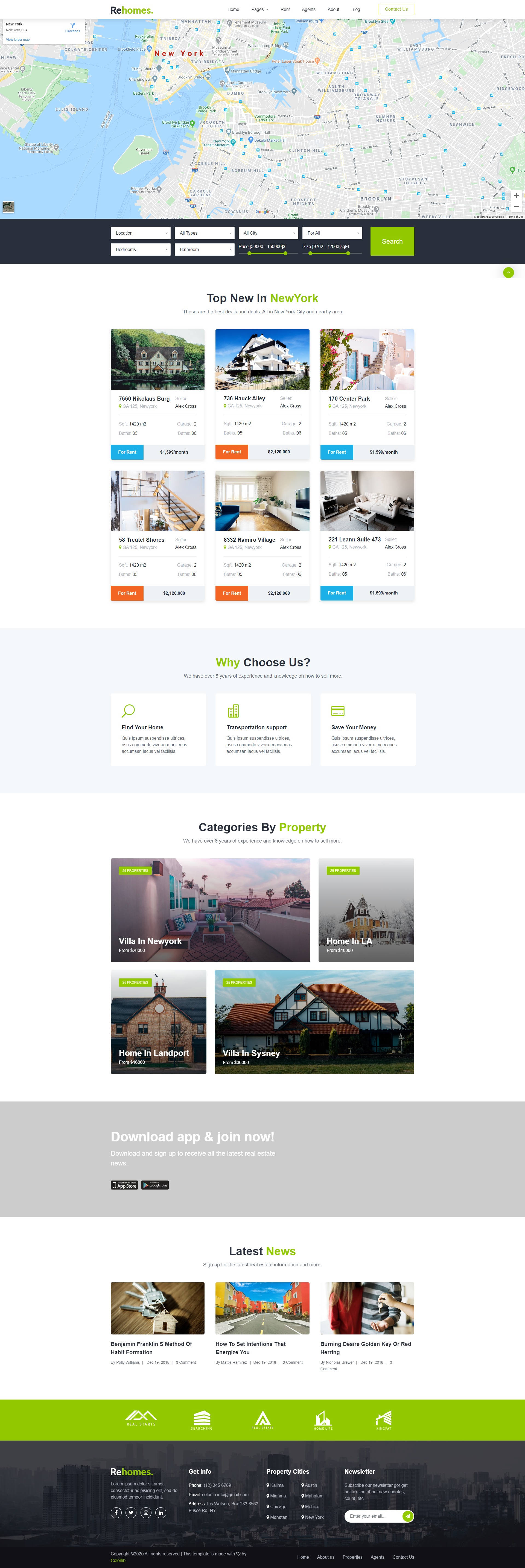
rehomes-colorlib
Free Real Estate listing - Bootstrap website template.
HTML · 目录站
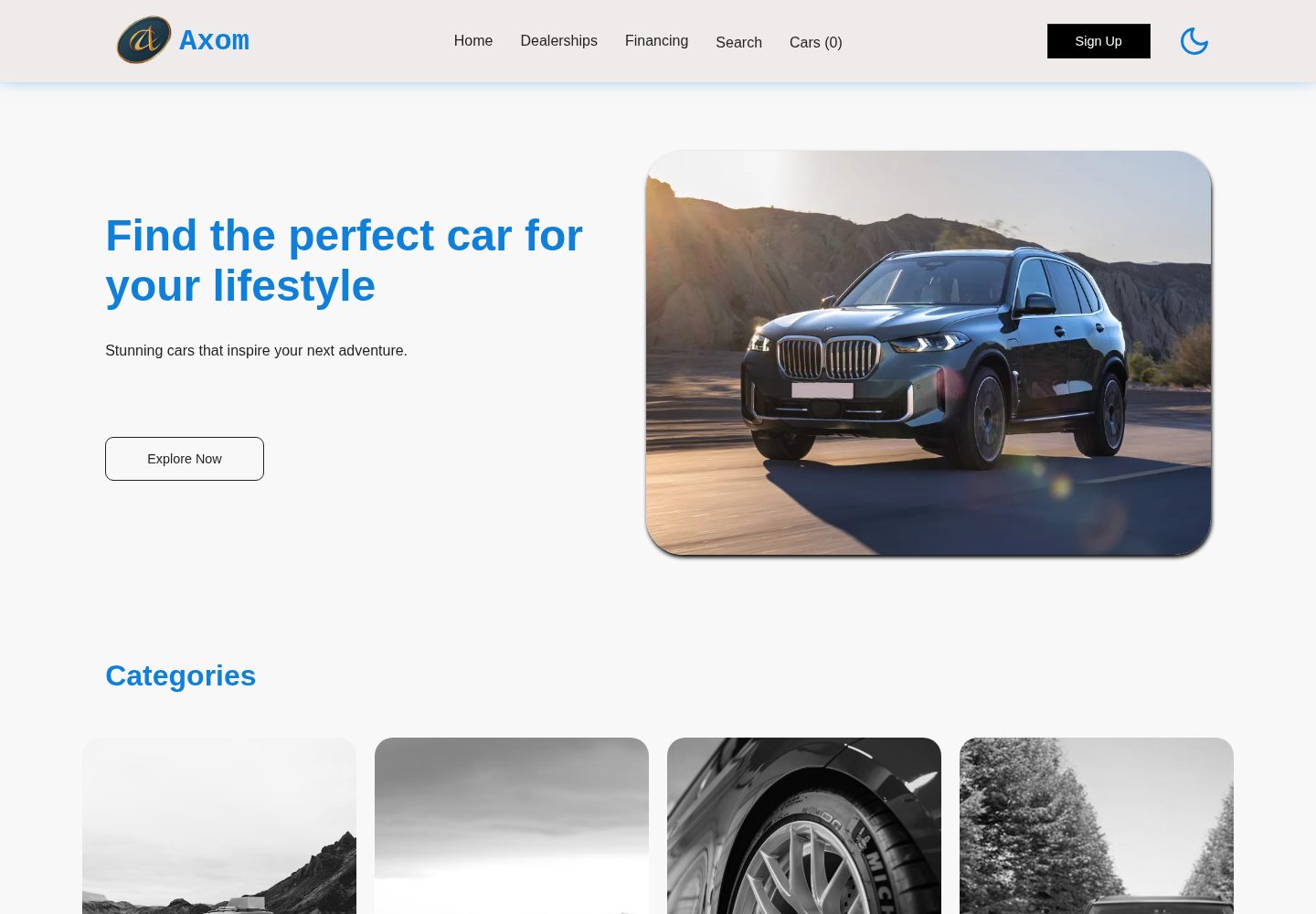
axom-car-dealership-website-html-css-js
A modern, responsive car dealership website built with HTML, CSS, and JavaScript. Features dark/light mode, an…
HTML · 目录站
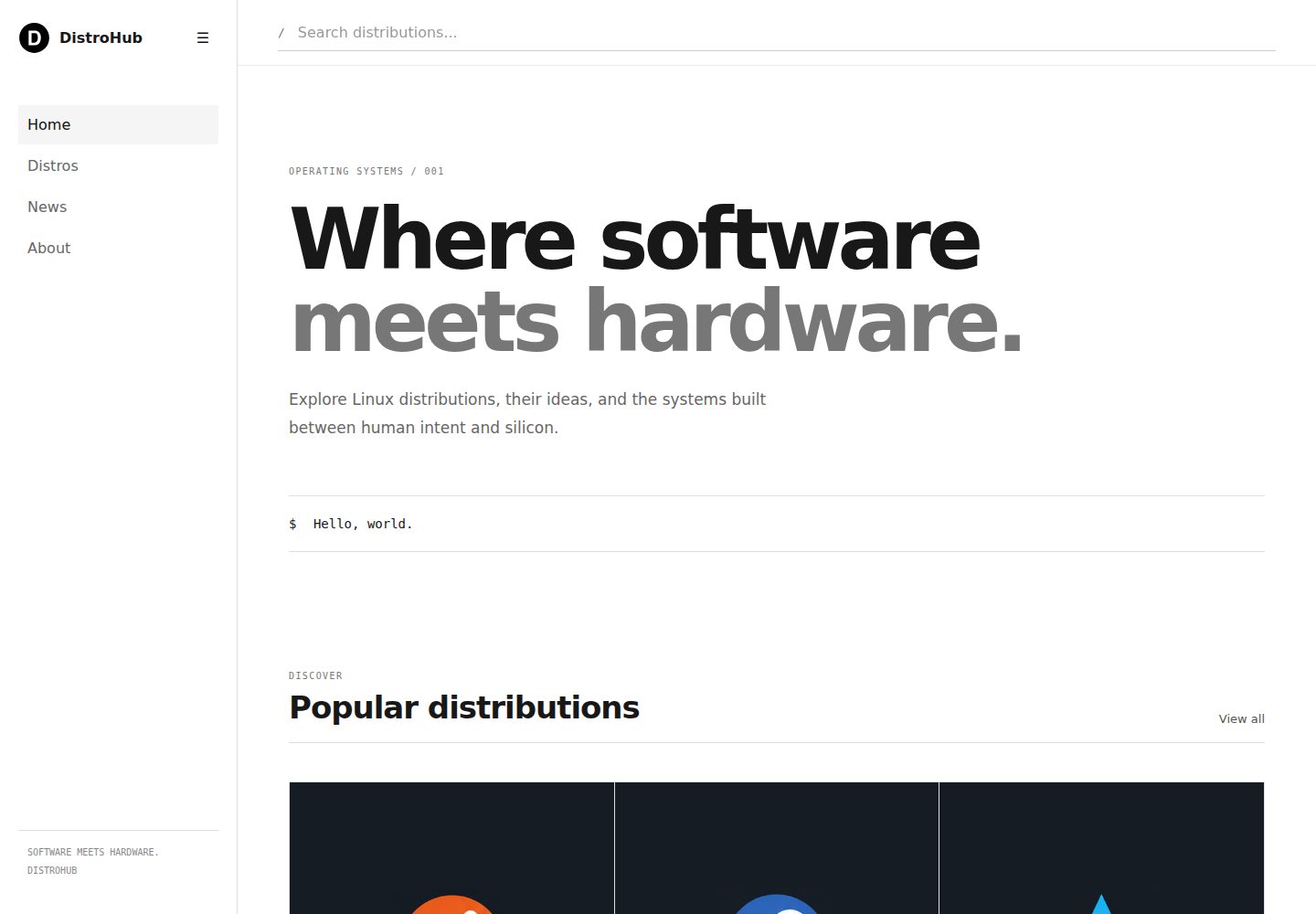
distrohub-template
A clean, minimal, responsive Linux distribution directory built with HTML, CSS, and vanilla JavaScript.
HTML · 目录站
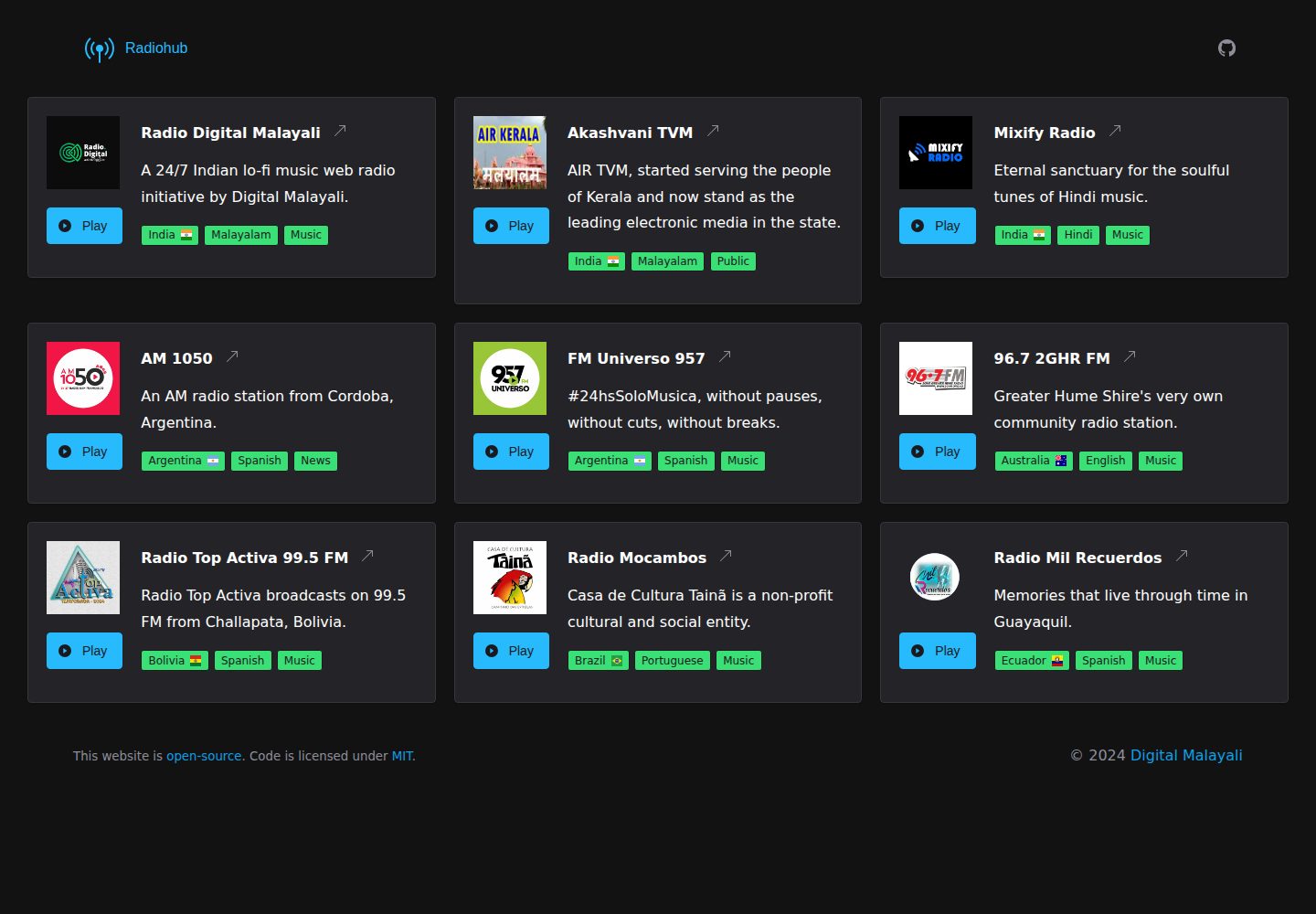
Radiohub
A free, open-source web template to create an online radio directory.
HTML · 目录站