
基于 React 与 Vite 构建,使用 TypeScript、Tailwind CSS 和 shadcn/ui 组件
ViteReact作品集
showlit — Vite 作品集模板
作者 pm25
Showlit 是一个基于 React 与 Vite 的个人网站模板,通过 YAML 配置文件管理站点信息、个人资料、侧边栏与文章,适合快速搭建作品集或个人主页。
看看你的网站会是什么样
浏览真实页面截图,比较内容排版与手机效果。点击下方缩略图切换,放大查看整页细节。
全部页面与视图 2
截图用于了解视觉与布局,交互效果请以实际项目为准。
采集于 2026-10-03查看来源
值得关注的模板亮点
从已有项目资料中,快速了解它的特点。
站点信息、个人资料、侧边栏、评论与论文列表通过 config 目录下的 YAML 文件配置
文章以 Markdown 形式存放在 public/articles,按 {slug}/{slug}.md 结构自动收录并建立索引
支持通过 GitHub Actions 自动构建并部署到 GitHub Pages,无需本地开发环境
集成 Giscus 作为文章评论方案,并提供可选的论文列表配置
采用 MIT 许可,允许免费使用、修改、商用和分发代码
模板详细介绍
Showlit 是一个面向个人网站的作品集类模板,使用 React 与 Vite 构建,并采用 TypeScript、Tailwind CSS 与 shadcn/ui 组件。它的核心思路是把站点内容与界面分离:站点标题与元数据、个人资料、侧边栏布局、Giscus 评论以及可选的论文列表分别放在 config 目录下的 site.yaml、profile.yaml、sidebar.yaml、giscus.yaml 和 publications.yaml 中,修改这些 YAML 文件即可更新网站内容,构建或部署时自动生效。
文章功能通过 public/articles 目录实现,每篇文章需要建立与 Markdown 文件名同名的文件夹,即 /public/articles/{slug}/{slug}.md,构建时结构正确的文章会被自动收录并建立索引。模板提供两种使用方式:一种是不需要本地开发环境,直接在 GitHub 上修改配置并提交,由 GitHub Actions 完成构建并部署到 GitHub Pages;另一种是本地开发与手动部署。
模板采用 MIT 许可,允许免费使用、修改、商用和分发代码,但演示图片、字体、图标等第三方素材需按各自许可单独核对,域名、托管等外部服务也可能产生费用。仓库未提供关于浏览器兼容范围、可访问性等级或生产环境表现的说明,这些方面需要自行验证。
ViteReact作品集
适合你的项目吗?
适用场景
- 搭建个人作品集网站,集中展示项目与个人资料
- 创建带有文章列表和 Giscus 评论的个人博客
- 在 GitHub 上直接修改 YAML 配置并推送,由 Actions 自动发布站点
- 需要展示论文列表的研究人员或学生个人主页
- 在本地使用 Vite 开发环境对模板进行二次定制
适合人群
- 具备基础 React 知识、希望快速搭建个人网站的前端开发者
- 需要作品集或博客页面并接受 YAML 配置方式的内容创作者
- 希望借助 GitHub Pages 免费托管静态个人站点的用户
- 需要展示论文列表的学生或研究人员
上手与定制指南
结合仓库当前版本的说明,按下面的资料检查内容、配置与运行要求。
- 1
使用 GitHub 模板创建仓库时勾选 Include all branches,并在仓库 Settings → Pages 中将分支设为 gh-pages、目录设为 /(root)
- 2
按需修改 config 目录下的 site.yaml、profile.yaml、sidebar.yaml、giscus.yaml 与 publications.yaml
- 3
新增文章时在 public/articles 下创建 {slug}/{slug}.md,文件夹名与 Markdown 文件名必须一致
- 4
推送到 main 分支后由 GitHub Actions 自动构建并部署,站点地址为 https://<用户名>.github.io/<仓库名>
- 5
演示图片、字体、图标等第三方素材需单独核对许可,域名与托管等外部服务可能另外收费
授权与来源资料
使用条件与限制
免费使用 · 保留许可声明本次收录的是公开仓库中采用 MIT 许可的免费版本;免费范围为该版本代码,不代表外部服务或第三方素材免费。
使用时需要遵守
- 允许免费使用、修改、商用和分发该版本代码。
- 分发代码副本或实质性部分时,保留原作者版权声明和完整 MIT 许可声明。
- 代码按现状提供;担保与责任限制以原许可证及适用法律为准。
额外费用与待核对事项
- 文章评论功能依赖 Giscus,需要在 config/giscus.yaml 中配置 Giscus 相关参数,评论数据由 Giscus(基于 GitHub Discussions)托管,属于外部服务。
- 快速部署方式依赖 GitHub Actions 与 GitHub Pages,需要 GitHub 账号及公开仓库,站点托管在 GitHub Pages 上。
- 自定义设计需要具备基础 React 知识,并非完全零代码。
- 演示图片、字体、图标及其他第三方素材需按各自许可核对,不能仅凭代码的 MIT 许可判断。
- 域名、托管、数据库、支付或 AI 等外部服务可能另外收费。
查看原文依据
Permission is hereby granted, free of charge
许可证原文
Giscus (article comments) configuration
README 原文
GitHub Actions will handle the build and deployment automatically
README 原文
https://github.com/pm25/showlit/blob/main/LICENSEhttps://github.com/pm25/showlit/blob/main/README.mdEasily adjust the design (basic react skills required)
README 原文
DeepSeek 根据仓库许可证和 README 整理 ·2026-10-03。结果仅覆盖已读取资料,依赖、图片、字体及后续条款变更以各自原文为准。
项目核对记录与介绍依据
模板资料
- 来源平台
- GitHub
- 资料与维护参考分
- 资料较完整 · 92 / 100
- 技术栈
- Vite · React
- 网站类型
- 作品集
这个分数如何计算
本站按许可资料(最高30分)、演示链接(12分)、预览图(10分)、Star数(15分)、记录的维护时间(15分)、描述完整度(8分)、功能记录(5分)和分类资料(5分)计算。它不是代码、安全或性能测试,也不是 Google 评分;有链接不代表已实测可用。
这个项目需要核对什么
- 记录的仓库更新时间
- 2026-06-01
- 截图检查日期
- 2026-10-03
已收录演示链接。请用你的内容与屏幕尺寸检查;有演示不代表表单、认证或支付已经可用。
目录记录的主要技术栈是 Vite。请通过依赖清单和锁文件核对实际版本与托管要求。这些说明基于收录资料,不代表代码审计或部署实测。
查看具体选型方法 →介绍的制作与核对状态
介绍由 AI 辅助整理目录与仓库资料。仓库作者不等于这篇介绍的审核者。
已完成服务器许可规则与 AI 来源核对;未经过人工编辑审核。
查看当时使用的来源资料
SHA-256: babfc41666f4f450fbf9376feaf0cac53ce409233c18232f74583603f070c1d2
2026-10-03T00:10:21.159Z
来源文件 / 仓库<!--
origin repo: https://github.com/pm25/Showlit
author: Pin-Yen Huang
-->
<a id="readme-top"></a>
<!-- PROJECT LOGO -->
<br />
<div align="center">
<a href="https://github.com/pm25/showlit">
<img src="/public/images/full_logo.png" alt="Logo" width="640">
</a>
<h3 align="center">Showlit – A Modern and Clean Personal Website Template</h3>
<p align="center">
Build your personal website effortlessly with <strong>✨Showlit</strong>! <br>
This fully customizable React-based template is perfect for showcasing your portfolio with ease.
<br />
<br />
<a href="https://pm25.github.io/showlit">🌐 Live Demo</a>
·
<a href="https://github.com/pm25/showlit/issues/new?labels=bug&template=bug-report---.md">🐞 Report Bug</a>
·
<a href="./CHANGELOG.md">📄 Update Log</a>
</p>
</div>
<!-- TABLE OF CONTENTS -->
<details>
<summary>Table of Contents</summary>
<ol>
<li><a href="#about-the-template">About The Template</a></li>
<li><a href="#preview">Preview</a></li>
<li><a href="#getting-started">Getting Started</a></li>
<li><a href="#usage">Usage</a></li>
<li><a href="#license">License</a></li>
<li><a href="#contact">Contact</a></li>
<li><a href="#acknowledgments">Acknowledgments</a></li>
</ol>
</details>
<!-- ABOUT THE PROJECT -->
## About The Template
**✨Showlit** is a React-based personal website template designed for quick setup and easy customization. It offers modern UI components, useful built-in features, and flexible customization options. Showlit strikes a balance between simplicity and flexibility, letting you get started quickly while still tailoring your site to your style.
**Why Showlit?**
- ⚡ **Quick Setup** – Get your site running in minutes.
- 🎨 **Customizable** – Easily adjust the design (basic react skills required).
- 🔧 **Built-in Features** – Includes a blog, automatic project fetching, and more.
- 👥 **Beginner-Friendly** – No advanced coding needed to get started.
**Found this project useful?** Give it a ⭐ to support the project!
### 🛠️ Built With
This project is primarily built using the following frameworks and libraries:
- [![React][React.js]][React-url]
- [![Vite][Vite]][Vite-url]
- [![Tailwind CSS][Tailwind.css]][Tailwind-url]
- [![Typescript][Typescript]][Typescript-url]
- [![shadcn/ui][shadcn.ui]][shadcn-url]
<p align="right"><a href="#readme-top">⬆️ Back to top</a></p>
## Preview
See how ✨Showlit looks in both light and dark themes:
### 🌞 Light Mode
![Light Mode][screenshot-light]
### 🌚 Dark Mode
![Dark Mode][screenshot-dark]
<p align="right"><a href="#readme-top">⬆️ Back to top</a></p>
<!-- GETTING STARTED -->
## Getting Started
There are two ways to use this template:
1. 🚀 [Quick Setup](https://pm25.github.io/showlit/#/articles/quick-setup) - no local development required
2. 🧑💻 [Local Development & Manual Deployment](https://pm25.github.io/showlit/#/articles/manual-setup)
### 🚀 Quick Setup (Simplified)
This option **does not require local development**. Simply update the configuration files → commit → push. GitHub Actions will handle the build and deployment automatically.
Below is a **simplified guide**. For **detailed instructions with screenshots**, see the [Quick Setup guide](https://pm25.github.io/showlit/#/articles/quick-setup).
---
**1️⃣ Create Your Repository**
Click **"Use this template"** → **"Create a new repository"**.
On the **Create a new repository** page:
- Enable **"Include all branches"**
- Enter a repository name
- Set the visibility to **Public** (default is Public already)
- Click **"Create repository"**
---
**2️⃣ Enable GitHub Pages**
Go to your **Repository Settings** → **Pages**, then configure:
- **Branch:** `gh-pages`
- **Folder:** `/(root)`
Click **Save**.
---
**3️⃣ Update Configuration Files**
- [`site.yaml`](/config/site.yaml) — website title, metadata, etc.
- [`profile.yaml`](/config/profile.yaml) — your name, email, profile image, etc.
- [`sidebar.yaml`](/config/sidebar.yaml) — sidebar layout
- [`giscus.yaml`](/config/giscus.yaml) — Giscus (article comments) configuration
- [`publications.yaml`](/config/publications.yaml) — (optional) research publications list
---
**4️⃣ Commit and Push Changes**
Once your changes are pushed (or merged) to `main` branch, GitHub Actions will automatically:
- Build the project
- Deploy to GitHub Pages
- Publish your website 🎉
After a few minutes, your website will be available at:
```sh
https://<your-github-username>.github.io/<your-repo-name>
```
<p align="right"><a href="#readme-top">⬆️ Back to top</a></p>
<!-- USAGE -->
## Usage
### ✏️ Customize Content
You can personalize the website by updating the configuration files located in the [config](config) folder. Any changes will be automatically applied when the site is built or deployed.
For example, in [config/profile.yaml](config/profile.yaml), you can update the information with your owns:
```yaml
profile:
name: "Pin-Yen Huang"
headline: "Student @ National Taiwan University"
email: "[email protected]"
profileImage: "https://github.com/pm25.png"
# ...other fields
```
Other configurable files include:
- Website Information: [config/site.yaml](config/site.yaml)
- Profile Information: [config/profile.yaml](config/profile.yaml)
- Sidebar Layout: [config/sidebar.yaml](config/sidebar.yaml)
- Giscus Comments: [config/giscus.yaml](config/giscus.yaml)
- Publications: [config/publications.yaml](config/publications.yaml)
### 📝 Add Articles
To add a article, create a folder and Markdown file inside [public/articles](public/articles) following this structure:
```sh
# 💡 the folder name and Markdown filename must be the same
/public/articles/{slug}/{slug}.md
```
You can use [public/articles/template/template.md](public/articles/template/template.md) as a reference.
When the site is built or deployed, any properly structured articles will be automatically included and indexed.
<p align="right"><a href="#readme-top">⬆️ Back to top</a></p>
<!-- LICENSE -->
## License
Distributed under the MIT License. See [`LICENSE`](./LICENSE) for more information.
<p align="right"><a href="#readme-top">⬆️ Back to top</a></p>
<!-- CONTACT -->
## Contact
Pin-Yen Huang - [[email protected]](mailto:[email protected])
<p align="right"><a href="#readme-top">⬆️ Back to top</a></p>
<!-- ACKNOWLEDGMENTS -->
## Acknowledgments
I am deeply grateful for the following tools and resources that contributed to the development of this project:
- [giscus](https://giscus.app)
- [React Icons](https://react-icons.github.io/react-icons)
- [Best README Template](https://github.com/othneildrew/Best-README-Template)
<p align="right"><a href="#readme-top">⬆️ Back to top</a></p>
<!-- MARKDOWN LINKS & IMAGES -->
<!-- https://www.markdownguide.org/basic-syntax/#reference-style-links -->
[screenshot-light]: preview/showlit-light.png
[screenshot-dark]: preview/showlit-dark.png
[React.js]: https://img.shields.io/badge/React-20232A?style=for-the-badge&logo=react&logoColor=61DAFB
[React-url]: https://react.dev
[shadcn.ui]: https://img.shields.io/badge/shadcn/ui-000000?style=for-the-badge&logo=shadcn/ui&logoColor=white
[shadcn-url]: https://ui.shadcn.com
[Tailwind.css]: https://img.shields.io/badge/Tailwind_CSS-grey?style=for-the-badge&logo=tailwind-css&logoColor=38B2AC
[Tailwind-url]: https://tailwindcss.com
[Typescript]: https://img.shields.io/badge/TypeScript-3178C6?style=for-the-badge&logo=typescript&logoColor=white
[Typescript-url]: https://www.typescriptlang.org
[Vite]: https://img.shields.io/badge/Vite-646CFF?style=for-the-badge&logo=Vite&logoColor=white
[Vite-url]: https://vite.dev
看看同类模板
对比同技术栈与用途的模板,找到更适合的视觉与内容结构。

Resumify
Free, privacy-first resume builder — 6 ATS-friendly templates, full customization, JSON import/export. No sign…
Vite · 作品集

folium
Professional developer portfolio boilerplate (React • TypeScript • Tailwind • Vite) with simple content custom…
Vite · 作品集

kurizu-discord
A Discord themed website built using React & Vite
Vite · 作品集

about-me-personal-portfolio-website-template
Simple Personal Website Template, built with bootstrap and vite js project.
Vite · 作品集
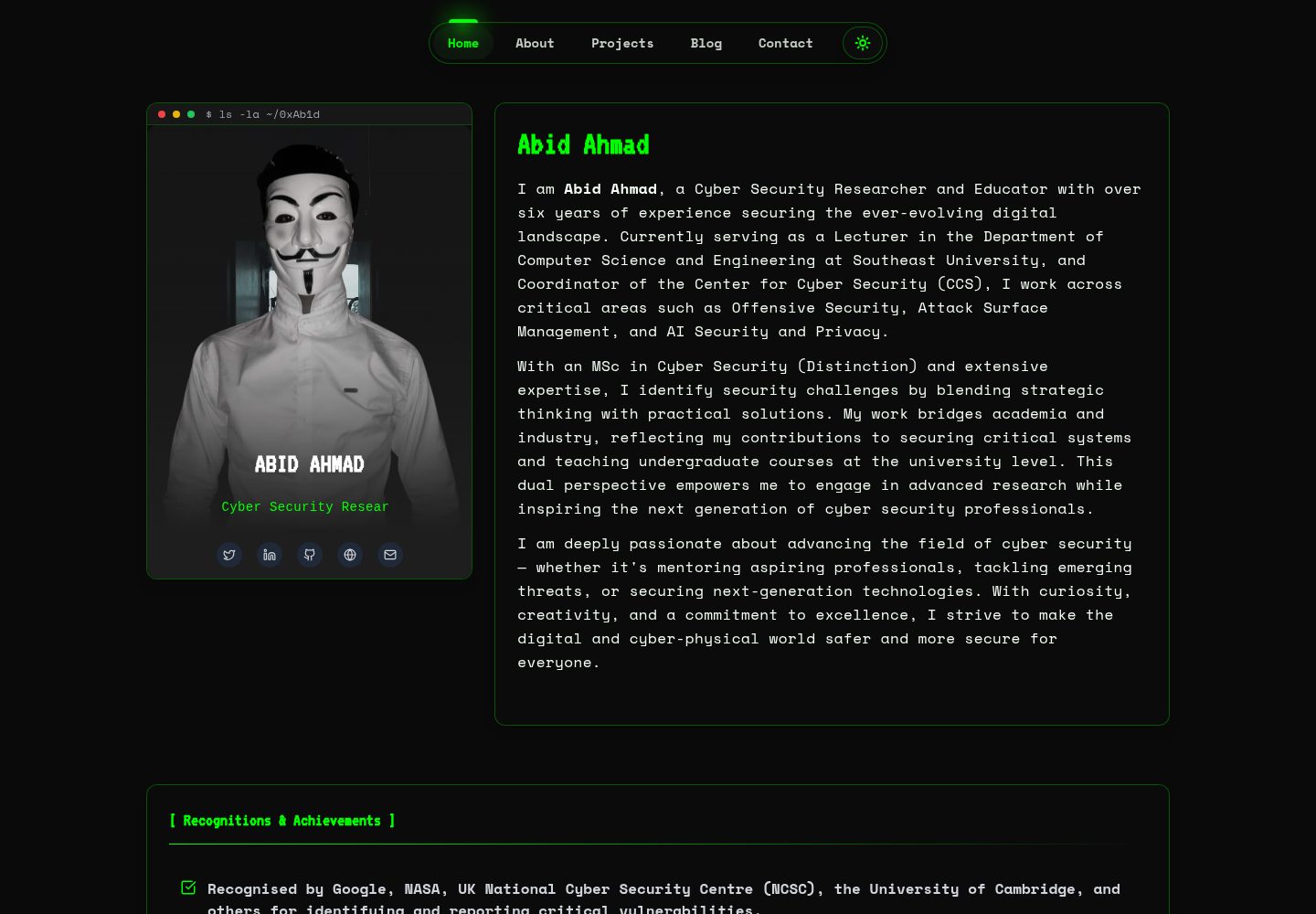
HackFolio
A high-performance, SEO-optimized hacker-themed portfolio website tailored for for ethical hackers, penetratio…
Vite · 作品集
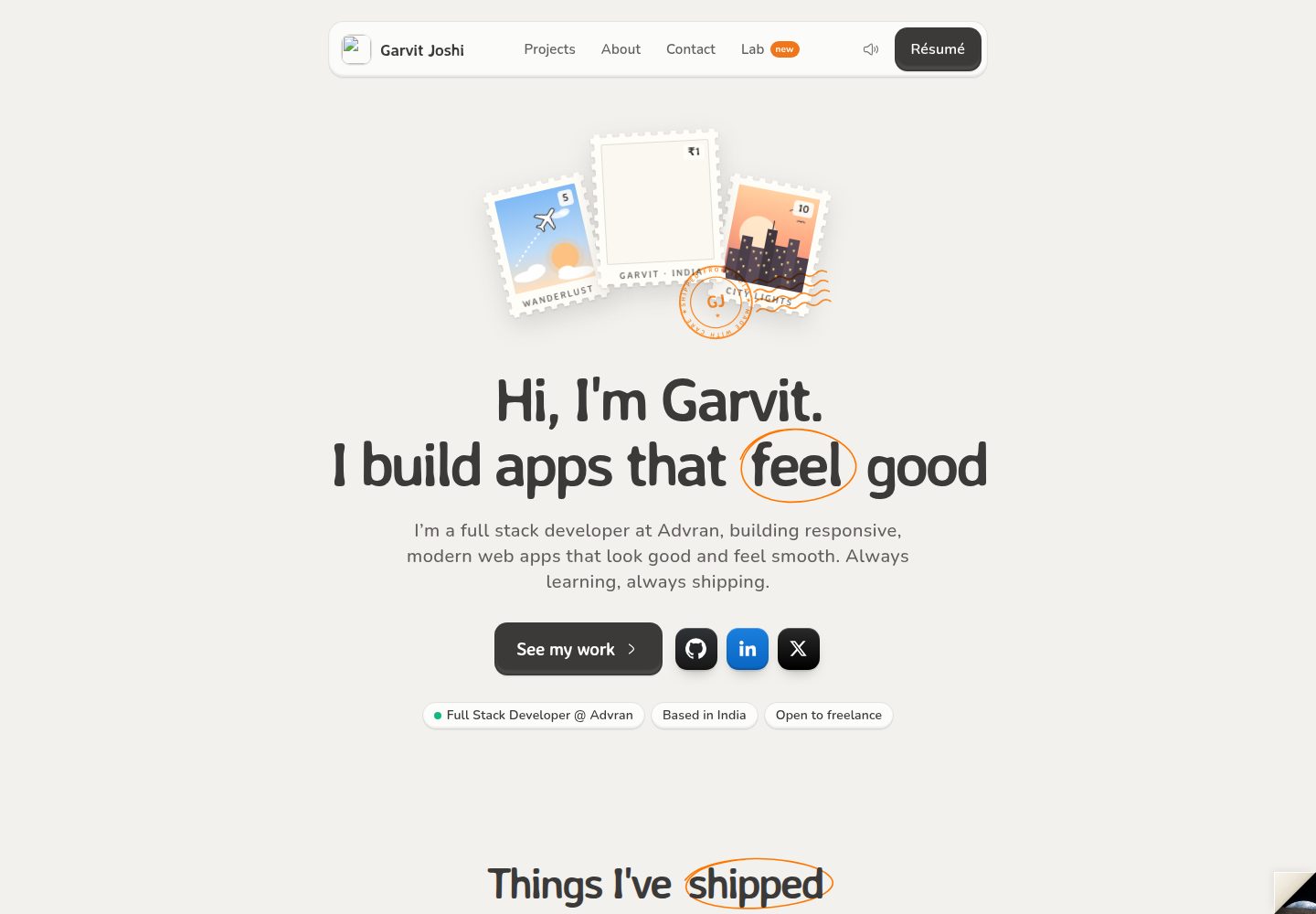
portfolio-main
A modern, responsive portfolio website for Garvit Joshi built with React, Vite, and TailwindCSS. Features a co…
Vite · 作品集