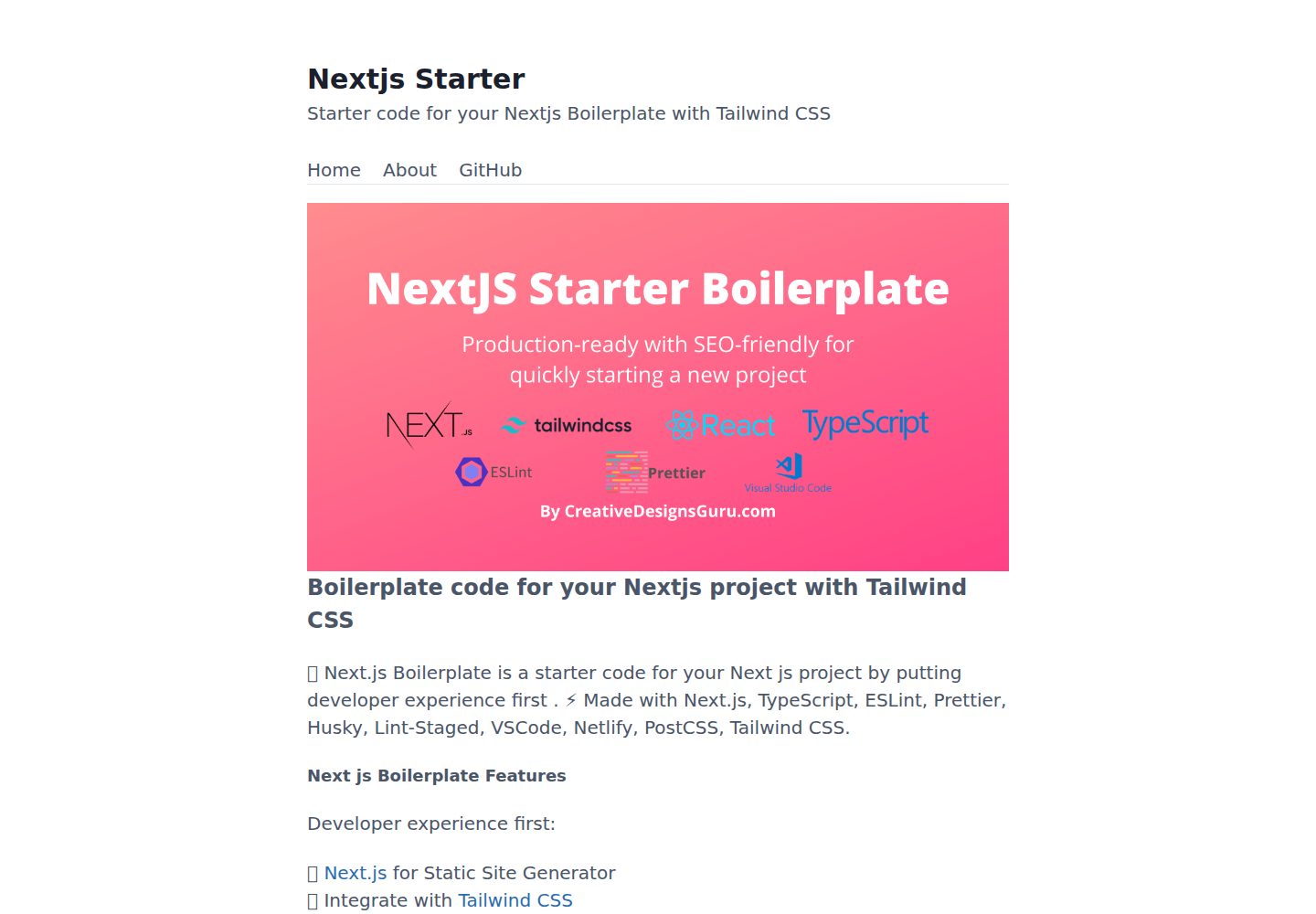
基于 Next.js 13+、TypeScript 与 Tailwind CSS 的启动模板
Next.jsReact启动器
nextjs13-app-starter — Next.js 启动器模板
作者 POTERYUNG
基于 Next.js 13+、Tailwind CSS 与 TypeScript 的启动模板,集成 ESLint、Prettier、Husky、Jest、Cypress 等开发工具,并包含 SEO 与站点地图配置。
看看你的网站会是什么样
浏览真实页面截图,比较内容排版与手机效果。点击下方缩略图切换,放大查看整页细节。
全部页面与视图 3
截图用于了解视觉与布局,交互效果请以实际项目为准。
采集于 2026-10-13查看来源
值得关注的模板亮点
从已有项目资料中,快速了解它的特点。
集成 ESLint、Prettier、Husky、Lint-staged、Commitlint 与 Commitizen
使用 Jest、React Testing Library 与 Cypress 进行单元和端到端测试
包含 Next SEO 元数据、JSON-LD、Open Graph 以及 next-sitemap 生成的 sitemap.xml 与 robots.txt
提供 VSCode 配置、绝对导入(@ 前缀)与 @next/bundle-analyzer
支持 Vercel 或 Netlify 一键部署,也可手动部署到任意托管服务
模板详细介绍
该模板是面向 Next.js 项目的启动样板,README 说明其默认使用静态生成,可通过在页面中添加 getServerSideProps 切换为 SSR。技术栈包括 Next.js、TypeScript、Tailwind CSS,并集成 ESLint(含 NextJS、Core Web Vitals、Tailwind CSS 与 Airbnb 配置)、Prettier、Husky、Lint-staged、Commitlint、Commitizen、Jest、React Testing Library、Cypress、GitHub Actions、Semantic Release,以及可选的 Percy 视觉测试。项目提供 VSCode 配置、绝对导入(@ 前缀)、Next SEO 的元数据/JSON-LD/Open Graph 支持、next-sitemap 生成的 sitemap.xml 与 robots.txt,以及 @next/bundle-analyzer。README 还列出内置的 Next.js 特性:HTML 与 CSS 压缩、热重载、缓存失效。
使用方式为克隆仓库后执行 npm install 与 npm run dev,本地默认运行在 3000 端口。目录结构包含 src/layouts、src/pages、src/pages.test、src/styles、src/templates、src/utils 等。自定义可通过搜索 FIXME: 定位,关键文件包括 favicon 资源、src/styles/global.css、src/utils/AppConfig.ts、src/templates/Main.tsx 与 next-sitemap.config.js。提交信息需遵循 Conventional Commits,可使用 npm run commit 交互式生成。生产构建可运行 npm run build 与 npm run start,或 npm run build-prod 生成优化构建,输出位于 out 文件夹,可部署到任意托管服务;README 也提供 Netlify 与 Vercel 的一键部署按钮。测试文件与源码同目录,因 pages 文件夹用于路由,测试放在 pages.test 文件夹。
README 未提供关于具体依赖版本号、性能指标或生产环境运行细节的说明,也未说明模板是否包含后端 API 或数据库集成。
Next.jsReact启动器
适合你的项目吗?
适用场景
- 快速启动一个使用 Next.js、TypeScript 和 Tailwind CSS 的新前端项目
- 需要内置代码检查、格式化、提交规范与测试工具链的团队项目
- 希望默认静态生成、并可按需切换为 SSR 的站点开发
- 需要 SEO 元数据、站点地图与 robots.txt 配置的网站
- 通过 Vercel 或 Netlify 进行一键部署的静态站点
适合人群
- 熟悉 Next.js、TypeScript 与 Tailwind CSS 的前端开发者
- 希望减少初始配置、直接开始业务开发的团队
- 需要统一代码规范、提交规范与测试流程的项目
- 计划将静态生成站点部署到 Vercel、Netlify 或其他托管服务的用户
上手与定制指南
结合仓库当前版本的说明,按下面的资料检查内容、配置与运行要求。
- 1
需要 Node.js 14+ 与 npm
- 2
克隆仓库后执行 npm install,然后运行 npm run dev 启动开发服务器,默认访问 http://localhost:3000
- 3
生产构建可运行 npm run build 与 npm run start,或 npm run build-prod,输出位于 out 文件夹
- 4
提交信息需遵循 Conventional Commits,可使用 npm run commit 交互式生成
- 5
自定义可搜索项目中的 FIXME: 标记,并修改 favicon、src/styles/global.css、src/utils/AppConfig.ts、src/templates/Main.tsx 与 next-sitemap.config.js 等文件
授权与来源资料
使用条件与限制
免费使用 · 保留许可声明本次收录的是公开仓库中采用 MIT 许可的免费版本;免费范围为该版本代码,不代表外部服务或第三方素材免费。
使用时需要遵守
- 允许免费使用、修改、商用和分发该版本代码。
- 分发代码副本或实质性部分时,保留原作者版权声明和完整 MIT 许可声明。
- 代码按现状提供;担保与责任限制以原许可证及适用法律为准。
额外费用与待核对事项
- 演示图片、字体、图标及其他第三方素材需按各自许可核对,不能仅凭代码的 MIT 许可判断。
- 域名、托管、数据库、支付或 AI 等外部服务可能另外收费。
- Percy 视觉测试为可选功能,使用该功能需要额外的第三方服务(Percy)账号与配置。
- README 推广 Nextless.js SaaS 商业样板,属于付费升级产品,非本免费模板的一部分。
- README 列出 Premium Themes(付费主题),这些主题需单独购买,不包含在本免费模板中。
- 运行本项目需要本地环境安装 Node.js 14+ 与 npm。
- 提交信息必须遵循 Conventional Commits 规范,否则不符合项目约定。
- 部署到 Netlify 需要将仓库克隆到自己的 GitHub 账号并使用 Netlify 服务。
- 部署到 Vercel 需要使用 Vercel 平台账号进行一键部署。
查看原文依据
Permission is hereby granted, free of charge
许可证原文
- 🔍 Visual testing with Percy (Optional)
README 原文
### Nextless.js SaaS Boilerplate
README 原文
### Premium Themes
README 原文
- Node.js 14+ and npm
README 原文
The project enforces [Conventional Commits](https://www.conventionalcommits.org/) specification. This means that all your commit messages must be formatted according to the specification. To help you write commit messages, the project uses [Commitizen](https://github.com/commitizen/cz-cli), an interactive CLI that guides you through the commit process. To use it, run the following command:
README 原文
Clone this repository on own GitHub account and deploy to Netlify:
README 原文
https://github.com/POTERYUNG/nextjs13-app-starter/blob/main/LICENSEhttps://github.com/POTERYUNG/nextjs13-app-starter/blob/main/README.mdDeploy this Next JS Boilerplate on Vercel in one click:
README 原文
DeepSeek 根据仓库许可证和 README 整理 ·2026-10-13。结果仅覆盖已读取资料,依赖、图片、字体及后续条款变更以各自原文为准。
项目核对记录与介绍依据
模板资料
- 来源平台
- GitHub
- 资料与维护参考分
- 资料一般 · 73 / 100
- 技术栈
- Next.js · React
- 网站类型
- 启动器
这个分数如何计算
本站按许可资料(最高30分)、演示链接(12分)、预览图(10分)、Star数(15分)、记录的维护时间(15分)、描述完整度(8分)、功能记录(5分)和分类资料(5分)计算。它不是代码、安全或性能测试,也不是 Google 评分;有链接不代表已实测可用。
这个项目需要核对什么
- 记录的仓库更新时间
- 2023-04-15
- 截图检查日期
- 2026-10-13
已收录演示链接。请用你的内容与屏幕尺寸检查;有演示不代表表单、认证或支付已经可用。
目录记录的主要技术栈是 Next.js。请通过依赖清单和锁文件核对实际版本与托管要求。这些说明基于收录资料,不代表代码审计或部署实测。
查看具体选型方法 →介绍的制作与核对状态
介绍由 AI 辅助整理目录与仓库资料。仓库作者不等于这篇介绍的审核者。
审核声明: codex-user-requested-batch-review-20261015 · 2026-10-15
查看当时使用的来源资料
SHA-256: e6b16c409c23c6001ce7b37e213ab628a6b3ea071cb2d61c1a5670eb6bf68c03
2026-10-13T19:59:59.972Z
来源文件 / 仓库# Boilerplate and Starter for Next JS 13+, Tailwind CSS 3.2 and TypeScript [](https://twitter.com/ixartz) <p align="center"> <a href="https://creativedesignsguru.com/demo/Nextjs-Boilerplate/"><img src="public/assets/images/nextjs-starter-banner.png?raw=true" alt="Next js starter banner"></a> </p> 🚀 Boilerplate and Starter for Next.js, Tailwind CSS and TypeScript ⚡️ Made with developer experience first: Next.js, TypeScript, ESLint, Prettier, Husky, Lint-Staged, Jest, Testing Library, Commitlint, VSCode, Netlify, PostCSS, Tailwind CSS. Clone this project and use it to create your own [Next.js](https://nextjs.org) project. You can check a [Next js templates demo](https://creativedesignsguru.com/demo/Nextjs-Boilerplate/). ### Features Developer experience first: - ⚡ [Next.js](https://nextjs.org) for Static Site Generator - 🔥 Type checking [TypeScript](https://www.typescriptlang.org) - 💎 Integrate with [Tailwind CSS](https://tailwindcss.com) - ✅ Strict Mode for TypeScript and React 18 - 📏 Linter with [ESLint](https://eslint.org) (default NextJS, NextJS Core Web Vitals, Tailwind CSS and Airbnb configuration) - 💖 Code Formatter with [Prettier](https://prettier.io) - 🦊 Husky for Git Hooks - 🚫 Lint-staged for running linters on Git staged files - 🚓 Lint git commit with Commitlint - 📓 Write standard compliant commit messages with Commitizen - 🦺 Unit Testing with Jest and React Testing Library - 🧪 E2E Testing with Cypress - 👷 Run tests on pull request with GitHub Actions - 🎁 Automatic changelog generation with Semantic Release - 🔍 Visual testing with Percy (Optional) - 💡 Absolute Imports using `@` prefix - 🗂 VSCode configuration: Debug, Settings, Tasks and extension for PostCSS, ESLint, Prettier, TypeScript, Jest - 🤖 SEO metadata, JSON-LD and Open Graph tags with Next SEO - 🗺️ Sitemap.xml and robots.txt with next-sitemap - ⚙️ [Bundler Analyzer](https://www.npmjs.com/package/@next/bundle-analyzer) - 🖱️ One click deployment with Vercel or Netlify (or manual deployment to any hosting services) - 🌈 Include a FREE minimalist theme - 💯 Maximize lighthouse score Built-in feature from Next.js: - ☕ Minify HTML & CSS - 💨 Live reload - ✅ Cache busting ### Philosophy - All the Next.js pages are statically generated by default. You can easily switch to SSR adding `getServerSideProps` to your page. - Nothing is hidden from you, so you have the freedom to make the necessary adjustments to fit your needs and preferences. - Minimal code - SEO-friendly - 🚀 Production-ready ### Nextless.js SaaS Boilerplate Build your SaaS product faster with [React SaaS Boilerplate](https://nextlessjs.com). [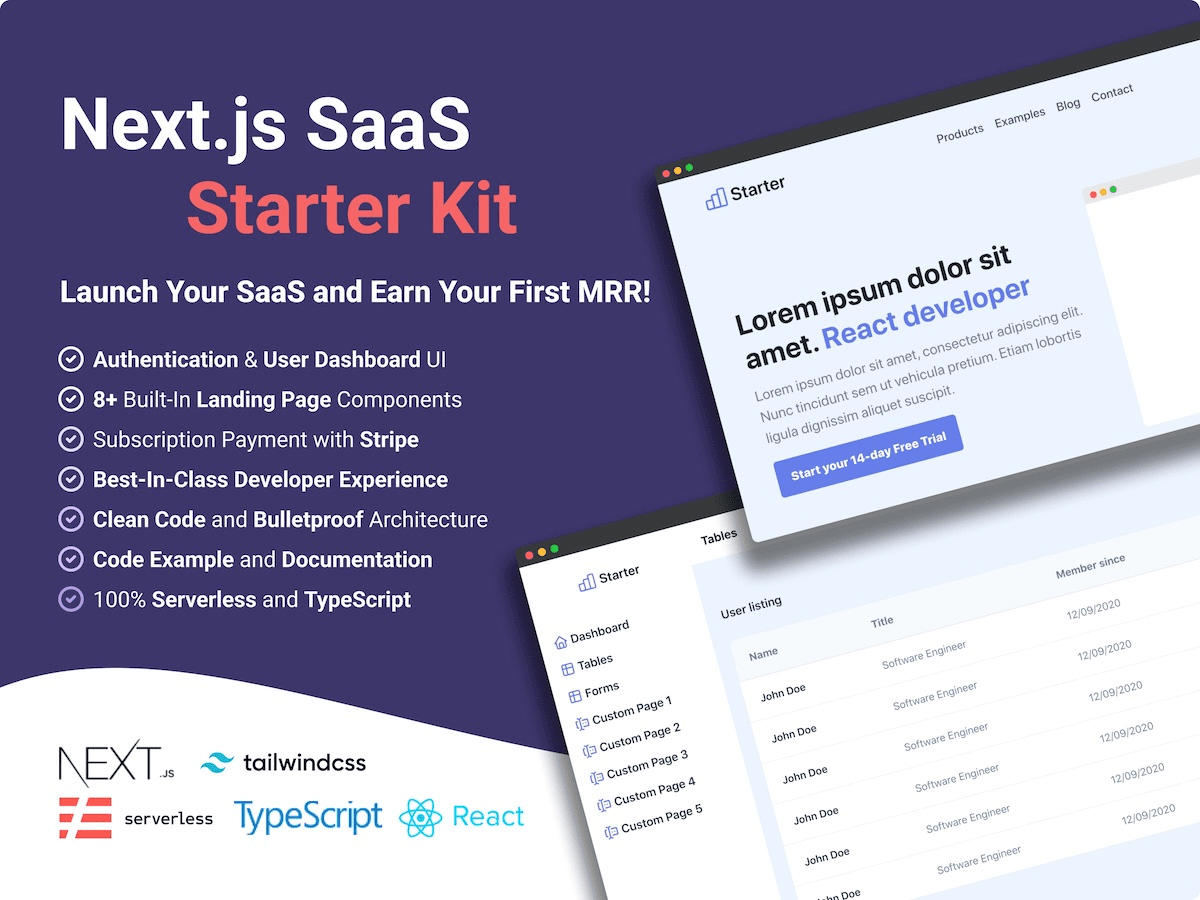](https://nextlessjs.com) ### Premium Themes | [Green Nextjs Landing Page Template](https://creativedesignsguru.com/landing-green-modern-nextjs-theme/) | [Purple Saas Nextjs Theme](https://creativedesignsguru.com/landing-purple-modern-react-theme/) | | --- | --- | | [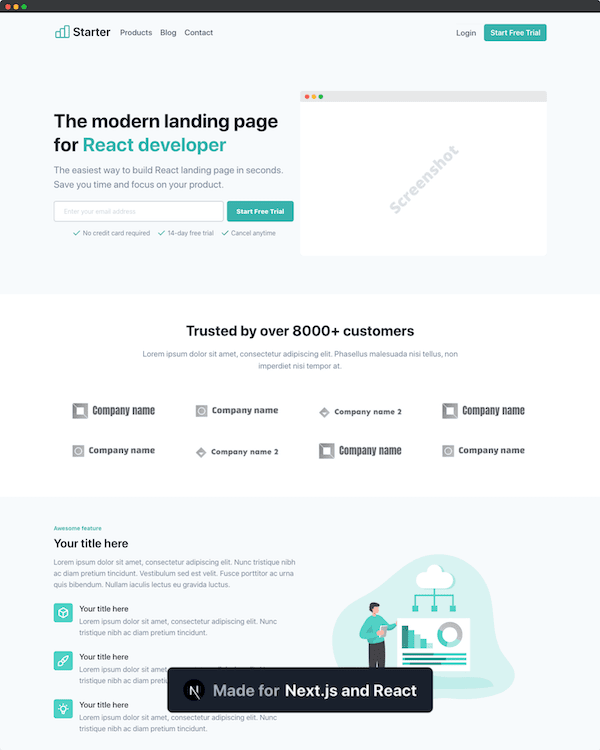](https://creativedesignsguru.com/landing-green-modern-nextjs-theme/) | [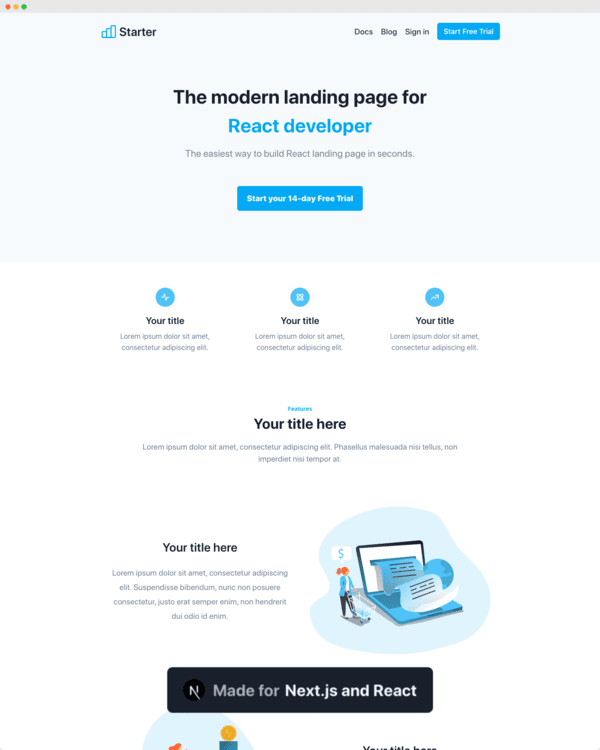](https://creativedesignsguru.com/landing-blue-modern-react-theme/) | Find more [Nextjs Themes](https://creativedesignsguru.com/category/nextjs/). ### Requirements - Node.js 14+ and npm ### Getting started Run the following command on your local environment: ```shell git clone --depth=1 https://github.com/ixartz/Next-js-Boilerplate.git my-project-name cd my-project-name npm install ``` Then, you can run locally in development mode with live reload: ```shell npm run dev ``` Open http://localhost:3000 with your favorite browser to see your project. ```shell . ├── README.md # README file ├── __mocks__ # Mocks for testing ├── .github # GitHub folder ├── .husky # Husky configuration ├── .vscode # VSCode configuration ├── public # Public assets folder ├── src │ ├── layouts # Layouts components │ ├── pages # Next JS Pages │ ├── pages.test # Next JS Pages tests (this avoids tests to be treated as a Next.js pages) │ ├── styles # Styles folder │ ├── templates # Default template │ └── utils # Utility functions ├── tailwind.config.js # Tailwind CSS configuration └── tsconfig.json # TypeScript configuration ``` ### Customization You can easily configure Next js Boilerplate by making a search in the whole project with `FIXME:` for making quick customization. Here is some of the most important files to customize: - `public/apple-touch-icon.png`, `public/favicon.ico`, `public/favicon-16x16.png` and `public/favicon-32x32.png`: your website favicon, you can generate from https://favicon.io/favicon-converter/ - `src/styles/global.css`: your CSS file using Tailwind CSS - `src/utils/AppConfig.ts`: configuration file - `src/templates/Main.tsx`: default theme - `next-sitemap.config.js`: sitemap configuration You have access to the whole code source if you need further customization. The provided code is only example for you to start your project. The sky is the limit 🚀. ### Commit Message Format The project enforces [Conventional Commits](https://www.conventionalcommits.org/) specification. This means that all your commit messages must be formatted according to the specification. To help you write commit messages, the project uses [Commitizen](https://github.com/commitizen/cz-cli), an interactive CLI that guides you through the commit process. To use it, run the following command: ```shell npm run commit ``` One of the benefits of using Conventional Commits is that it allows us to automatically generate a `CHANGELOG` file. It also allows us to automatically determine the next version number based on the types of commits that are included in a release. ### Deploy to production You can see the results locally in production mode with: ```shell $ npm run build $ npm run start ``` The generated HTML and CSS files are minified (built-in feature from Next js). It will also removed unused CSS from [Tailwind CSS](https://tailwindcss.com). You can create an optimized production build with: ```shell npm run build-prod ``` Now, your blog is ready to be deployed. All generated files are located at `out` folder, which you can deploy with any hosting service. ### Testing All tests are colocated with the source code inside the same directory. So, it makes it easier to find them. Unfortunately, it is not possible with the `pages` folder which is used by Next.js for routing. So, what is why we have a `pages.test` folder to write tests from files located in `pages` folder. ### Deploy to Netlify Clone this repository on own GitHub account and deploy to Netlify: [](https://app.netlify.com/start/deploy?repository=https://github.com/ixartz/Next-js-Boilerplate) ### Deploy to Vercel Deploy this Next JS Boilerplate on Vercel in one click: [](https://vercel.com/new/git/external?repository-url=https%3A%2F%2Fgithub.com%2Fixartz%2FNext-js-Boilerplate) ### VSCode information (optional) If you are VSCode users, you can have a better integration with VSCode by installing the suggested extension in `.vscode/extension.json`. The starter code comes up with Settings for a seamless integration with VSCode. The Debug configuration is also provided for frontend and backend debugging experience. With the plugins installed on your VSCode, ESLint and Prettier can automatically fix the code and show you the errors. Same goes for testing, you can install VSCode Jest extension to automatically run your tests and it also show the code coverage in context. Pro tips: if you need a project wide type checking with TypeScript, you can run a build with <kbd>Cmd</kbd> + <kbd>Shift</kbd> + <kbd>B</kbd> on Mac. ### Contributions Everyone is welcome to contribute to this project. Feel free to open an issue if you have question or found a bug. Totally open to any suggestions and improvements. ### License Licensed under the MIT License, Copyright © 2022 See [LICENSE](LICENSE) for more information. --- Made with ♥ by [CreativeDesignsGuru](https://creativedesignsguru.com) [](https://twitter.com/ixartz) [](https://nextlessjs.com)
看看同类模板
对比同技术栈与用途的模板,找到更适合的视觉与内容结构。

ai-website-cloner-template
Clone any website with one command using AI coding agents
Next.js · 启动器

Next.js SaaS Starter
Next.js SaaS Starter 是 Next.js 官方维护的 SaaS 起点模板,定位介于学习资源和可直接部署的脚手架之间。
Next.js · SaaS

Next.js Commerce
Next.js Commerce 是 Vercel 团队维护的电商启动模板,基于 Next.js App Router 构建,采用服务端渲染、React Server Components、Server Actions …
Next.js · 电商

Next-js-Boilerplate
Next-js-Boilerplate 是一个面向 Next.js 16、Tailwind CSS 4 和 TypeScript 的启动器,核心定位是开发者体验优先。
Next.js · 启动器

tailwind-nextjs-starter-blog
tailwind-nextjs-starter-blog 是一个面向个人技术博客的 Next.js 与 Tailwind CSS 启动模板,其 v2 版本基于 App Router 与 React Server Comp…
Next.js · 博客

next-forge
Production-grade Turborepo template for Next.js apps.
Next.js · 启动器