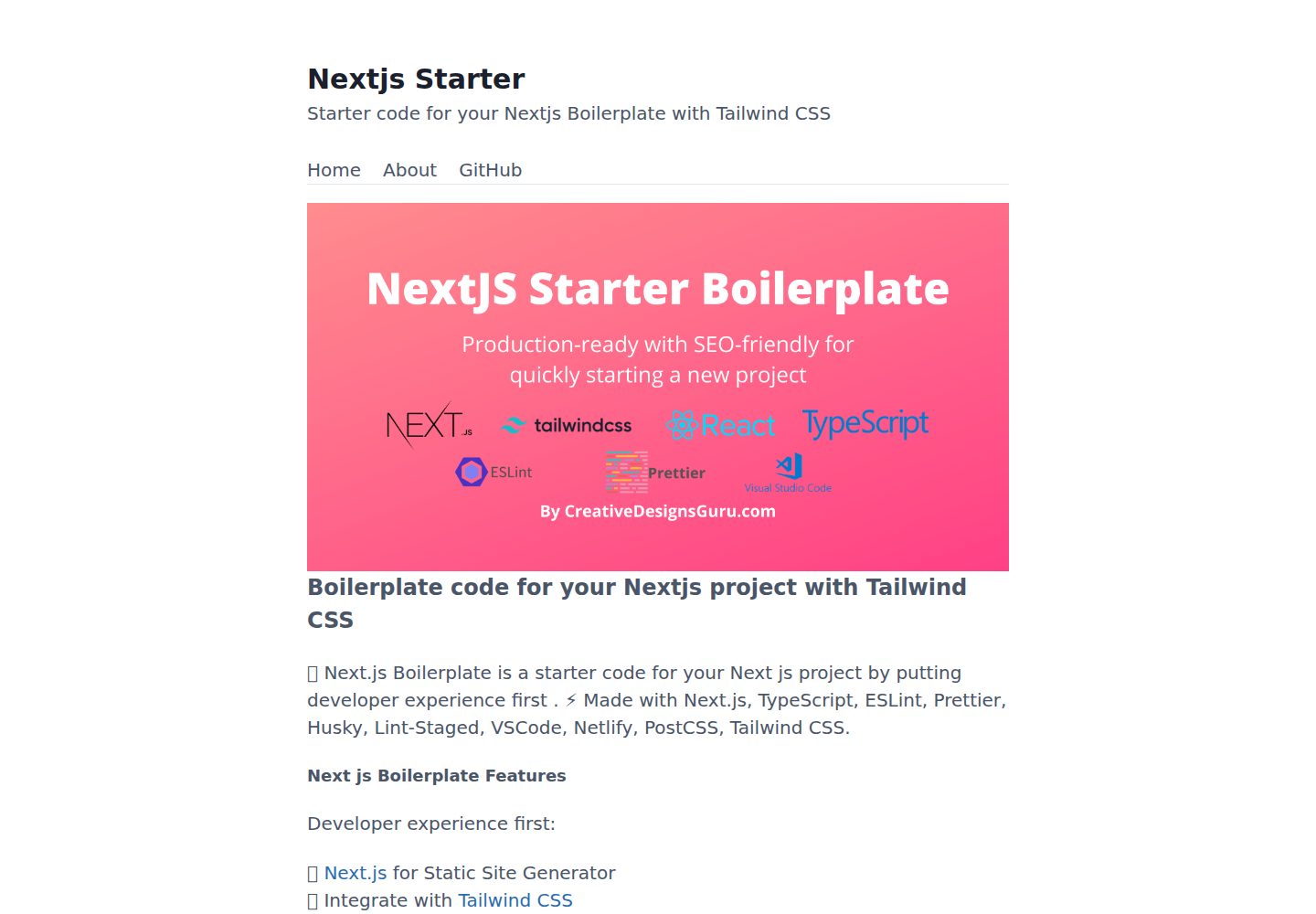
Starter template based on Next.js 13+, TypeScript, and Tailwind CSS
Next.jsReactStarter
nextjs13-app-starter — Next.js Starter Template
By POTERYUNG
A starter template based on Next.js 13+, Tailwind CSS, and TypeScript, integrating development tools such as ESLint, Prettier, Husky, Jest, and Cypress, and including SEO and sitemap configuration.
Explore the design
Compare the page layouts and mobile experience. Open any screenshot for a closer look.
Desktop homepage1 / 3
Desktop captureTop of page
Actual screenshot captured by the server browser.
All pages & views 3
Screenshots show visual appearance; interactive behavior may differ.
Recorded 2026-10-13View source
What stands out
A quick read of the recorded project description.
Integrates ESLint, Prettier, Husky, Lint-staged, Commitlint, and Commitizen
Uses Jest, React Testing Library, and Cypress for unit and end-to-end testing
Includes Next SEO metadata, JSON-LD, Open Graph, and sitemap.xml and robots.txt generated by next-sitemap
Provides VSCode configuration, absolute imports (with the @ prefix), and @next/bundle-analyzer
Supports one-click deployment to Vercel or Netlify, and can also be manually deployed to any hosting service
Template Details
This template is a starter boilerplate for Next.js projects. The README states that it uses static generation by default and can be switched to SSR by adding getServerSideProps to a page. The tech stack includes Next.js, TypeScript, and Tailwind CSS, and integrates ESLint (with NextJS, Core Web Vitals, Tailwind CSS, and Airbnb configurations), Prettier, Husky, Lint-staged, Commitlint, Commitizen, Jest, React Testing Library, Cypress, GitHub Actions, Semantic Release, and optional Percy visual testing. The project provides VSCode configuration, absolute imports (with the @ prefix), Next SEO metadata/JSON-LD/Open Graph support, sitemap.xml and robots.txt generated by next-sitemap, and @next/bundle-analyzer. The README also lists built-in Next.js features: HTML and CSS minification, hot reloading, and cache invalidation.
Usage involves cloning the repository, then running npm install and npm run dev; locally it runs on port 3000 by default. The directory structure includes src/layouts, src/pages, src/pages.test, src/styles, src/templates, src/utils, etc. Customization can be located by searching for FIXME:; key files include favicon assets, src/styles/global.css, src/utils/AppConfig.ts, src/templates/Main.tsx, and next-sitemap.config.js. Commit messages must follow Conventional Commits and can be generated interactively with npm run commit. For production builds, you can run npm run build and npm run start, or npm run build-prod to generate an optimized build; the output is in the out folder and can be deployed to any hosting service. The README also provides one-click deploy buttons for Netlify and Vercel. Test files are in the same directory as the source code; because the pages folder is used for routing, tests are placed in the pages.test folder.
The README does not provide information on specific dependency version numbers, performance metrics, or production runtime details, nor does it state whether the template includes a backend API or database integration.
Next.jsReactStarter
Is it right for your project?
Use Cases
- Quickly starting a new frontend project using Next.js, TypeScript, and Tailwind CSS
- Team projects that need built-in code linting, formatting, commit conventions, and a testing toolchain
- Site development that prefers static generation by default and can switch to SSR as needed
- Websites that need SEO metadata, sitemap, and robots.txt configuration
- Static sites deployed via one-click deployment to Vercel or Netlify
Suitable For
- Frontend developers familiar with Next.js, TypeScript, and Tailwind CSS
- Teams that want to reduce initial configuration and start business development directly
- Projects that need unified code standards, commit conventions, and testing processes
- Users planning to deploy statically generated sites to Vercel, Netlify, or other hosting services
Getting started & customization
Use these recorded setup notes alongside the repository instructions for your chosen version.
- 1
Requires Node.js 14+ and npm
- 2
After cloning the repository, run npm install, then run npm run dev to start the development server, accessible by default at http://localhost:3000
- 3
For production builds, you can run npm run build and npm run start, or npm run build-prod; the output is in the out folder
- 4
Commit messages must follow Conventional Commits and can be generated interactively with npm run commit
- 5
For customization, search for FIXME: markers in the project and modify files such as favicon, src/styles/global.css, src/utils/AppConfig.ts, src/templates/Main.tsx, and next-sitemap.config.js
License & source material
Usage conditions & limitations
Free to use · keep license noticeThis entry covers the free version under the MIT license in a public repository; the free scope is the code of this version and does not mean external services or third-party assets are free.
Must comply with when using
- Allows free use, modification, commercial use, and distribution of this version's code.
- When distributing copies or substantial portions of the code, retain the original author's copyright notice and the full MIT license notice.
- The code is provided as is; warranties and limitations of liability are governed by the original license and applicable law.
Additional costs & items to verify
- Demo images, fonts, icons, and other third-party assets must be checked against their respective licenses and cannot be judged solely by the code's MIT license.
- External services such as domains, hosting, databases, payments, or AI may incur additional charges.
- Percy visual testing is an optional feature; using it requires an additional third-party service (Percy) account and configuration.
- The README promotes the Nextless.js SaaS commercial boilerplate, which is a paid upgrade product and not part of this free template.
- The README lists Premium Themes (paid themes); these themes must be purchased separately and are not included in this free template.
- Running this project requires Node.js 14+ and npm installed in the local environment.
- Commit messages must follow the Conventional Commits specification, otherwise they do not conform to the project conventions.
- Deploying to Netlify requires cloning the repository to your own GitHub account and using the Netlify service.
- Deploying to Vercel requires using a Vercel platform account for one-click deployment.
View Original Text Basis
Permission is hereby granted, free of charge
Original License Text
- 🔍 Visual testing with Percy (Optional)
Original README
### Nextless.js SaaS Boilerplate
Original README
### Premium Themes
Original README
- Node.js 14+ and npm
Original README
The project enforces [Conventional Commits](https://www.conventionalcommits.org/) specification. This means that all your commit messages must be formatted according to the specification. To help you write commit messages, the project uses [Commitizen](https://github.com/commitizen/cz-cli), an interactive CLI that guides you through the commit process. To use it, run the following command:
Original README
Clone this repository on own GitHub account and deploy to Netlify:
Original README
https://github.com/POTERYUNG/nextjs13-app-starter/blob/main/LICENSEhttps://github.com/POTERYUNG/nextjs13-app-starter/blob/main/README.mdDeploy this Next JS Boilerplate on Vercel in one click:
Original README
Compiled by DeepSeek based on repository license and README ·2026-10-13. Results only cover the materials read; dependencies, images, fonts, and subsequent term changes are subject to their respective original texts.
Project checks & description sources
Template Information
- Source platforms
- GitHub
- Documentation and maintenance reference score
- Partly documented · 73 / 100
- Technologies
- Next.js · React
- Website type
- Starter
How this score is calculated
Our heuristic uses license records (up to 30), a demo link (12), a preview (10), stars (15), recorded maintenance (15), description completeness (8), feature records (5) and classification data (5). It is not a code, security or performance test, or a Google score. A link does not establish tested functionality.
What to verify for this project
- Repository update recorded
- 2023-04-15
- Screenshot last checked
- 2026-10-13
A demo link is listed. Check it with your own content and viewport sizes; its presence does not confirm that forms, authentication or payments work.
The catalog identifies Next.js as the primary stack. Check the actual dependency manifest and lockfile for versions and hosting requirements. These notes use recorded metadata, not a code audit or a deployment test.
Use a selection guide →How this description was prepared
AI-assisted description based on catalog records and repository material. Repository authors are not automatically the reviewers of this description.
Review declaration: codex-user-requested-batch-review-20261015 · 2026-10-15
Inspect the recorded source material
SHA-256: e6b16c409c23c6001ce7b37e213ab628a6b3ea071cb2d61c1a5670eb6bf68c03
2026-10-13T19:59:59.972Z
Source file / repository# Boilerplate and Starter for Next JS 13+, Tailwind CSS 3.2 and TypeScript [](https://twitter.com/ixartz) <p align="center"> <a href="https://creativedesignsguru.com/demo/Nextjs-Boilerplate/"><img src="public/assets/images/nextjs-starter-banner.png?raw=true" alt="Next js starter banner"></a> </p> 🚀 Boilerplate and Starter for Next.js, Tailwind CSS and TypeScript ⚡️ Made with developer experience first: Next.js, TypeScript, ESLint, Prettier, Husky, Lint-Staged, Jest, Testing Library, Commitlint, VSCode, Netlify, PostCSS, Tailwind CSS. Clone this project and use it to create your own [Next.js](https://nextjs.org) project. You can check a [Next js templates demo](https://creativedesignsguru.com/demo/Nextjs-Boilerplate/). ### Features Developer experience first: - ⚡ [Next.js](https://nextjs.org) for Static Site Generator - 🔥 Type checking [TypeScript](https://www.typescriptlang.org) - 💎 Integrate with [Tailwind CSS](https://tailwindcss.com) - ✅ Strict Mode for TypeScript and React 18 - 📏 Linter with [ESLint](https://eslint.org) (default NextJS, NextJS Core Web Vitals, Tailwind CSS and Airbnb configuration) - 💖 Code Formatter with [Prettier](https://prettier.io) - 🦊 Husky for Git Hooks - 🚫 Lint-staged for running linters on Git staged files - 🚓 Lint git commit with Commitlint - 📓 Write standard compliant commit messages with Commitizen - 🦺 Unit Testing with Jest and React Testing Library - 🧪 E2E Testing with Cypress - 👷 Run tests on pull request with GitHub Actions - 🎁 Automatic changelog generation with Semantic Release - 🔍 Visual testing with Percy (Optional) - 💡 Absolute Imports using `@` prefix - 🗂 VSCode configuration: Debug, Settings, Tasks and extension for PostCSS, ESLint, Prettier, TypeScript, Jest - 🤖 SEO metadata, JSON-LD and Open Graph tags with Next SEO - 🗺️ Sitemap.xml and robots.txt with next-sitemap - ⚙️ [Bundler Analyzer](https://www.npmjs.com/package/@next/bundle-analyzer) - 🖱️ One click deployment with Vercel or Netlify (or manual deployment to any hosting services) - 🌈 Include a FREE minimalist theme - 💯 Maximize lighthouse score Built-in feature from Next.js: - ☕ Minify HTML & CSS - 💨 Live reload - ✅ Cache busting ### Philosophy - All the Next.js pages are statically generated by default. You can easily switch to SSR adding `getServerSideProps` to your page. - Nothing is hidden from you, so you have the freedom to make the necessary adjustments to fit your needs and preferences. - Minimal code - SEO-friendly - 🚀 Production-ready ### Nextless.js SaaS Boilerplate Build your SaaS product faster with [React SaaS Boilerplate](https://nextlessjs.com). [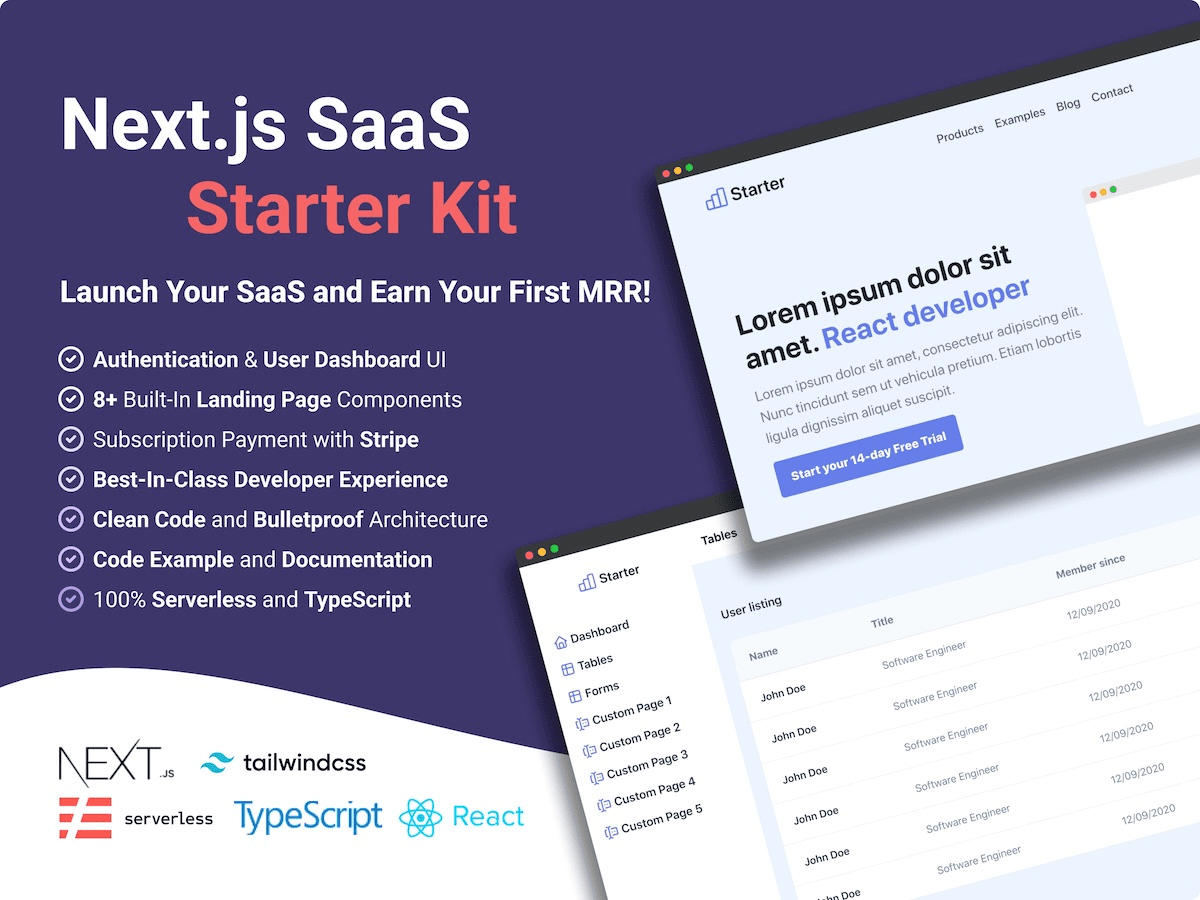](https://nextlessjs.com) ### Premium Themes | [Green Nextjs Landing Page Template](https://creativedesignsguru.com/landing-green-modern-nextjs-theme/) | [Purple Saas Nextjs Theme](https://creativedesignsguru.com/landing-purple-modern-react-theme/) | | --- | --- | | [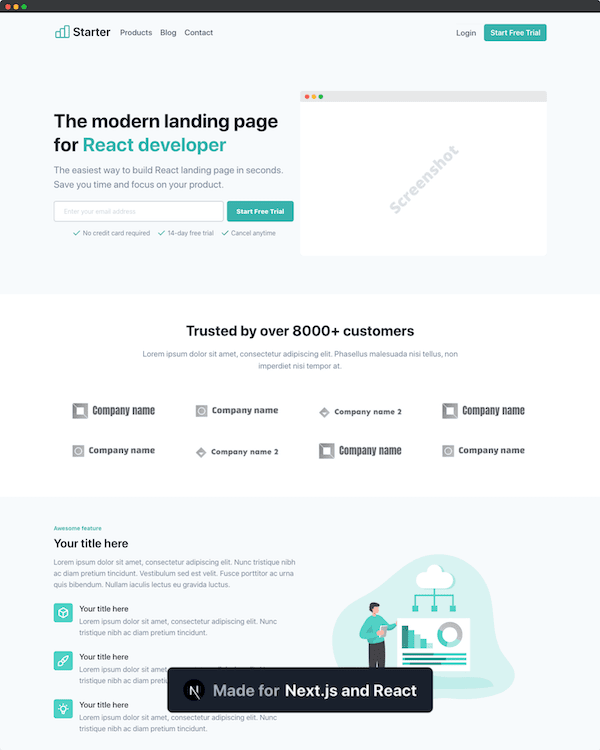](https://creativedesignsguru.com/landing-green-modern-nextjs-theme/) | [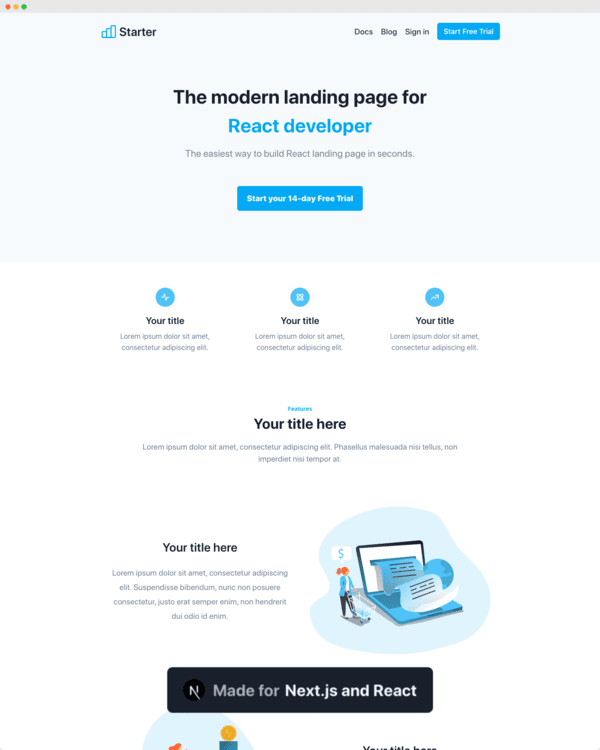](https://creativedesignsguru.com/landing-blue-modern-react-theme/) | Find more [Nextjs Themes](https://creativedesignsguru.com/category/nextjs/). ### Requirements - Node.js 14+ and npm ### Getting started Run the following command on your local environment: ```shell git clone --depth=1 https://github.com/ixartz/Next-js-Boilerplate.git my-project-name cd my-project-name npm install ``` Then, you can run locally in development mode with live reload: ```shell npm run dev ``` Open http://localhost:3000 with your favorite browser to see your project. ```shell . ├── README.md # README file ├── __mocks__ # Mocks for testing ├── .github # GitHub folder ├── .husky # Husky configuration ├── .vscode # VSCode configuration ├── public # Public assets folder ├── src │ ├── layouts # Layouts components │ ├── pages # Next JS Pages │ ├── pages.test # Next JS Pages tests (this avoids tests to be treated as a Next.js pages) │ ├── styles # Styles folder │ ├── templates # Default template │ └── utils # Utility functions ├── tailwind.config.js # Tailwind CSS configuration └── tsconfig.json # TypeScript configuration ``` ### Customization You can easily configure Next js Boilerplate by making a search in the whole project with `FIXME:` for making quick customization. Here is some of the most important files to customize: - `public/apple-touch-icon.png`, `public/favicon.ico`, `public/favicon-16x16.png` and `public/favicon-32x32.png`: your website favicon, you can generate from https://favicon.io/favicon-converter/ - `src/styles/global.css`: your CSS file using Tailwind CSS - `src/utils/AppConfig.ts`: configuration file - `src/templates/Main.tsx`: default theme - `next-sitemap.config.js`: sitemap configuration You have access to the whole code source if you need further customization. The provided code is only example for you to start your project. The sky is the limit 🚀. ### Commit Message Format The project enforces [Conventional Commits](https://www.conventionalcommits.org/) specification. This means that all your commit messages must be formatted according to the specification. To help you write commit messages, the project uses [Commitizen](https://github.com/commitizen/cz-cli), an interactive CLI that guides you through the commit process. To use it, run the following command: ```shell npm run commit ``` One of the benefits of using Conventional Commits is that it allows us to automatically generate a `CHANGELOG` file. It also allows us to automatically determine the next version number based on the types of commits that are included in a release. ### Deploy to production You can see the results locally in production mode with: ```shell $ npm run build $ npm run start ``` The generated HTML and CSS files are minified (built-in feature from Next js). It will also removed unused CSS from [Tailwind CSS](https://tailwindcss.com). You can create an optimized production build with: ```shell npm run build-prod ``` Now, your blog is ready to be deployed. All generated files are located at `out` folder, which you can deploy with any hosting service. ### Testing All tests are colocated with the source code inside the same directory. So, it makes it easier to find them. Unfortunately, it is not possible with the `pages` folder which is used by Next.js for routing. So, what is why we have a `pages.test` folder to write tests from files located in `pages` folder. ### Deploy to Netlify Clone this repository on own GitHub account and deploy to Netlify: [](https://app.netlify.com/start/deploy?repository=https://github.com/ixartz/Next-js-Boilerplate) ### Deploy to Vercel Deploy this Next JS Boilerplate on Vercel in one click: [](https://vercel.com/new/git/external?repository-url=https%3A%2F%2Fgithub.com%2Fixartz%2FNext-js-Boilerplate) ### VSCode information (optional) If you are VSCode users, you can have a better integration with VSCode by installing the suggested extension in `.vscode/extension.json`. The starter code comes up with Settings for a seamless integration with VSCode. The Debug configuration is also provided for frontend and backend debugging experience. With the plugins installed on your VSCode, ESLint and Prettier can automatically fix the code and show you the errors. Same goes for testing, you can install VSCode Jest extension to automatically run your tests and it also show the code coverage in context. Pro tips: if you need a project wide type checking with TypeScript, you can run a build with <kbd>Cmd</kbd> + <kbd>Shift</kbd> + <kbd>B</kbd> on Mac. ### Contributions Everyone is welcome to contribute to this project. Feel free to open an issue if you have question or found a bug. Totally open to any suggestions and improvements. ### License Licensed under the MIT License, Copyright © 2022 See [LICENSE](LICENSE) for more information. --- Made with ♥ by [CreativeDesignsGuru](https://creativedesignsguru.com) [](https://twitter.com/ixartz) [](https://nextlessjs.com)
Explore similar templates
Compare previews and descriptions within the same stack and category.

Next.js SaaS Starter
The official Next.js SaaS starter template, integrating email/password authentication, Stripe Checkout subscriptions, a dashboard with user/team CRUD, basic Owner/Member RBAC, and activity logging.
Next.js · SaaS

Next.js Commerce
Vercel's officially maintained Next.js App Router ecommerce starter with deep Shopify integration, offering a complete product catalog, cart, and checkout flow. Core logic is modular for swapping backends, and community provider versions exist for BigCommerce, Medusa, and Saleor.
Next.js · E-commerce

Next-js-Boilerplate
A developer-first Next.js 16 starter with Tailwind CSS 4 and TypeScript, supporting both App Router and Page Router.
Next.js · Starter

tailwind-nextjs-starter-blog
A Next.js and Tailwind CSS blog starter template using Contentlayer for Markdown/MDX, with built-in SEO, code highlighting, and tags. It targets personal technical blogs and migration from Jekyll/Hugo to React, and supports one-click Vercel deployment.
Next.js · Blog

next-forge
next-forge is a Turborepo-based Next.js template maintained by Vercel, positioned as a starting point for SaaS products.
Next.js · Starter

SaaS-Boilerplate
SaaS-Boilerplate is an open-source SaaS starter template built with Next.js App Router, React 19, TypeScript, Tailwind CSS, and Shadcn UI.
Next.js · SaaS