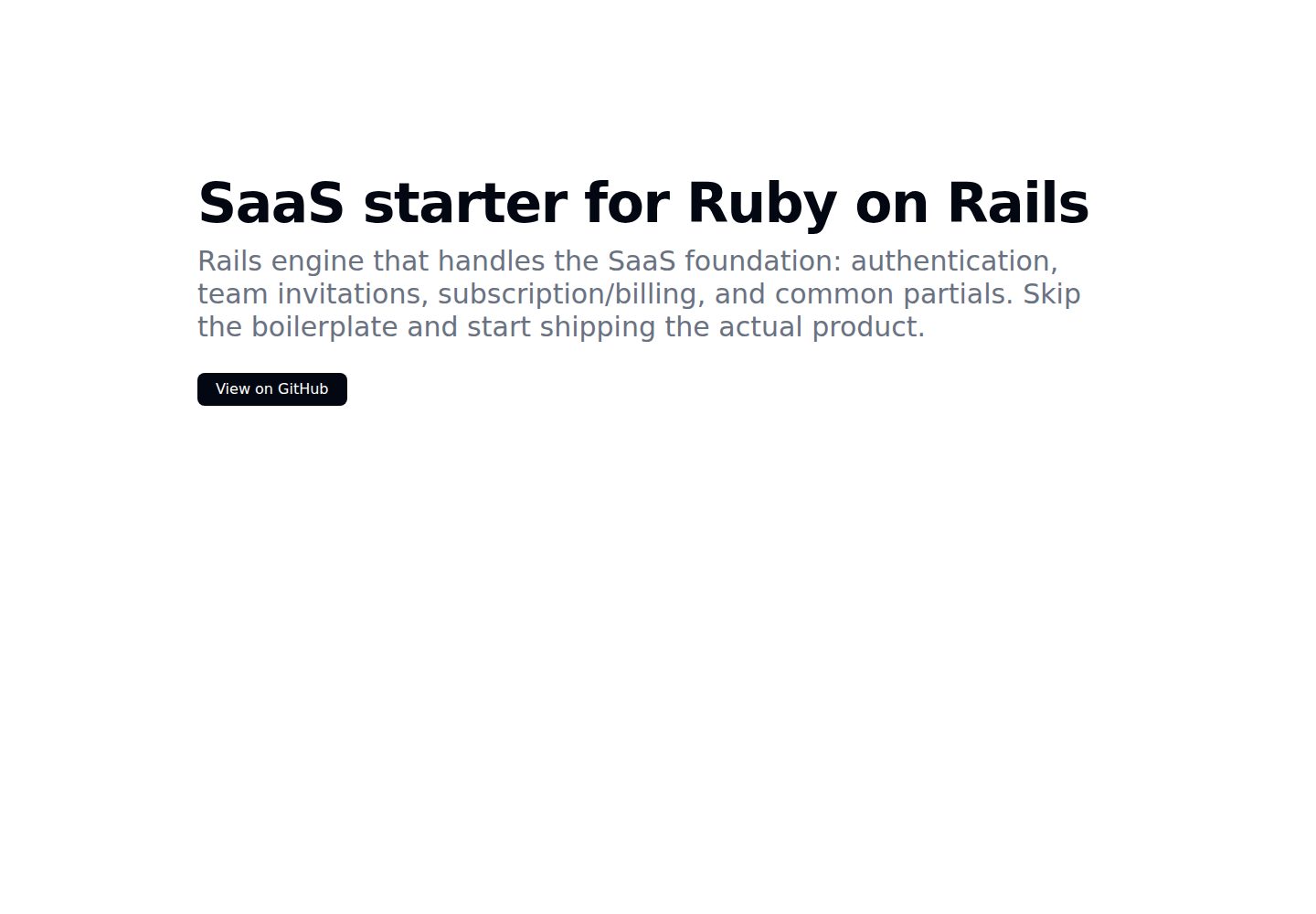
以 Rails 引擎形式提供,执行 bundle add kern、rails generate kern:install 和 rails db:migrate 后即可使用
RailsSaaS启动器
kern — Rails SaaS模板
作者 Rails-Designer
Kern 是一个 Rails 引擎,为 SaaS 应用提供认证、多租户、团队邀请、Stripe 订阅计费和常用视图组件等基础功能。
看看你的网站会是什么样
浏览真实页面截图,比较内容排版与手机效果。点击下方缩略图切换,放大查看整页细节。
全部页面与视图 2
截图用于了解视觉与布局,交互效果请以实际项目为准。
采集于 2026-10-02查看来源
值得关注的模板亮点
从已有项目资料中,快速了解它的特点。
内置认证、注册与用户设置,基于 Rails 自带的认证生成器
多租户模型:注册时创建 Workspace,用户通过 Member 关联,Member 可持有多个 Role 用于授权判断
集成 Stripe 订阅计费,套餐在 config/configurations/plans.yml 中配置
提供表单构建器、基础视图组件、可折叠侧边栏的仪表盘布局和 Turbo Stream notify 辅助方法
包含 Sluggable concern 和基于 config_for 的配置封装
模板详细介绍
Kern 以 Rails 引擎(gem)形式发布,安装后即可获得 SaaS 产品常用的基础模块。它基于 Rails 自带的认证生成器实现注册与登录,并支持用户邮箱和密码的设置更新。多租户方面,注册时会创建 Workspace 记录,用户通过 Member 关联表加入,Member 可拥有多个 Role,用于权限判断(如 Current.member.has_role? :owner)。团队邀请功能允许向 Workspace 添加用户、调整角色或移除成员。计费与订阅基于 Stripe,按 Rails Designer 的 Stripe Billing 方案实现,需在 config/configurations/plans.yml 中配置套餐,并在凭据中填入 Stripe API 密钥和签名密钥。
界面与开发体验方面,Kern 提供应用/仪表盘布局(含可折叠左侧边栏)、表单构建器(含 input 辅助方法)、基础组件(container、section、heading、增强对话框、flash 消息)以及 Turbo Stream 的 notify 辅助方法。此外还有 Sluggable concern 用于以 slug 代替主键查询,以及基于 Rails config_for 的配置封装。
需要注意:README 明确标注 Kern 处于重度开发中(WIP),部分功能尚未包含在列出的清单内,开发者体验可能不够完善。项目使用 Standard 格式化 Ruby 代码,测试使用 Minitest。
RailsSaaS启动器
适合你的项目吗?
适用场景
- 需要为 Rails 应用快速搭建认证、注册和用户设置流程
- 希望以 Workspace 和 Member 模型实现多租户与角色权限控制
- 需要接入 Stripe 订阅计费并按套餐管理用户订阅
- 需要在应用内实现团队邀请、角色调整和成员移除
- 希望复用现成的表单构建器、对话框、flash 消息和仪表盘布局
适合人群
- 使用 Rails 构建 SaaS 产品并希望跳过基础模块开发的团队
- 接受在重度开发中(WIP)的引擎上开展项目的开发者
- 需要多租户、角色权限和 Stripe 订阅等常见 SaaS 基础能力的项目
- 偏好 Minitest 与 Standard 代码风格、愿意自行阅读源码调整的开发者
上手与定制指南
结合仓库当前版本的说明,按下面的资料检查内容、配置与运行要求。
- 1
通过 bundle add kern 添加依赖,然后运行 rails generate kern:install 和 rails db:migrate
- 2
在 config/routes.rb 中设置根路由,例如 root "dashboard#show"
- 3
使用 Stripe 计费前,需在 config/configurations/plans.yml 配置套餐,并在凭据中加入 Stripe API 密钥和签名密钥
- 4
如需自定义注册、登录等功能,可运行 bin/rails generate kern:feature,并可用 --help 查看生成器帮助
- 5
如需图标支持,可运行 bin/rails generate rails_icons:install --libraries=phosphor 启用 Rails Icons
授权与来源资料
使用条件与限制
免费使用 · 保留许可声明本次收录的是公开仓库中采用 MIT 许可的免费版本;免费范围为该版本代码,不代表外部服务或第三方素材免费。
使用时需要遵守
- 允许免费使用、修改、商用和分发该版本代码。
- 分发代码副本或实质性部分时,保留原作者版权声明和完整 MIT 许可声明。
- 代码按现状提供;担保与责任限制以原许可证及适用法律为准。
额外费用与待核对事项
- 使用计费与订阅功能需自行注册 Stripe 账户,并在 Rails 凭据中配置 Stripe API 密钥与签名密钥,属于外部服务依赖。
- 项目处于重度开发中(WIP),开发者体验可能不完善,不宜视为生产就绪。
- README 列出的部分功能尚未实际包含在项目中,使用前需核对源码。
- 演示图片、字体、图标及其他第三方素材需按各自许可核对,不能仅凭代码的 MIT 许可判断。
- 域名、托管、数据库、支付或 AI 等外部服务可能另外收费。
查看原文依据
Permission is hereby granted, free of charge
许可证原文
add your Stripe API key and Signing secret to your credentials
README 原文
Kern is heavily WIP, while most features are solid, the DX might be a bit less so.
README 原文
https://github.com/Rails-Designer/kern/blob/main/MIT-LICENSEhttps://github.com/Rails-Designer/kern/blob/main/README.mdNot all features listed below are part of Kern just yet.
README 原文
DeepSeek 根据仓库许可证和 README 整理 ·2026-10-02。结果仅覆盖已读取资料,依赖、图片、字体及后续条款变更以各自原文为准。
项目核对记录与介绍依据
模板资料
- 来源平台
- GitHub
- 资料与维护参考分
- 资料较完整 · 88 / 100
- 技术栈
- Rails
- 网站类型
- SaaS · 启动器
这个分数如何计算
本站按许可资料(最高30分)、演示链接(12分)、预览图(10分)、Star数(15分)、记录的维护时间(15分)、描述完整度(8分)、功能记录(5分)和分类资料(5分)计算。它不是代码、安全或性能测试,也不是 Google 评分;有链接不代表已实测可用。
这个项目需要核对什么
- 记录的仓库更新时间
- 2026-02-11
- 截图检查日期
- 2026-10-02
已收录演示链接。请用你的内容与屏幕尺寸检查;有演示不代表表单、认证或支付已经可用。
目录记录的主要技术栈是 Rails。请通过依赖清单和锁文件核对实际版本与托管要求。这些说明基于收录资料,不代表代码审计或部署实测。
查看具体选型方法 →介绍的制作与核对状态
介绍由 AI 辅助整理目录与仓库资料。仓库作者不等于这篇介绍的审核者。
已完成服务器许可规则与 AI 来源核对;未经过人工编辑审核。
查看当时使用的来源资料
SHA-256: f496db80e3c1c0c8ba80cd0c4d14043a96de4347fb576b30e1c997f3ccb3c403
2026-10-02T19:06:02.702Z
来源文件 / 仓库# Kern
Rails engine that handles the SaaS foundation: authentication, team invitations, subscription/billing, and common partials. Skip the boilerplate and start shipping the actual product.
> [!NOTE]
> Kern is heavily WIP, while most features are solid, the DX might be a bit less so.
<table>
<tr>
<td>
<a href="https://raw.githubusercontent.com/Rails-Designer/kern/HEAD/.github/kern__auth.jpg" target="_blank">
<img src="https://raw.githubusercontent.com/Rails-Designer/kern/HEAD/.github/kern__auth.jpg" alt="Authentication" width="400">
</a>
</td>
<td>
<a href="https://raw.githubusercontent.com/Rails-Designer/kern/HEAD/.github/kern__dashboard.jpg" target="_blank">
<img src="https://raw.githubusercontent.com/Rails-Designer/kern/HEAD/.github/kern__dashboard.jpg" alt="Dashboard" width="400">
</a>
</td>
<td>
<a href="https://raw.githubusercontent.com/Rails-Designer/kern/HEAD/.github/kern__subscriptions.jpg" target="_blank">
<img src="https://raw.githubusercontent.com/Rails-Designer/kern/HEAD/.github/kern__subscriptions.jpg" alt="Subscriptions" width="400">
</a>
</td>
</tr>
</table>
<a href="https://railsdesigner.com/" target="_blank">
<picture>
<source media="(prefers-color-scheme: dark)" srcset="https://raw.githubusercontent.com/Rails-Designer/kern/HEAD/.github/logo-dark.svg">
<source media="(prefers-color-scheme: light)" srcset="https://raw.githubusercontent.com/Rails-Designer/kern/HEAD/.github/logo-light.svg">
<img alt="Rails Designer" src="https://raw.githubusercontent.com/Rails-Designer/kern/HEAD/.github/logo-light.svg" width="240" style="max-width: 100%;">
</picture>
</a>
**Sponsored By [Rails Designer](https://railsdesigner.com/)**
> **kern** (Dutch/German, noun) — core, nucleus, foundation. The essential element at the center of something; the foundational part upon which everything else is built.
## Quickstart
```bash
bundle add kern
rails generate kern:install
rails db:migrate
```
## Installation
Add Kern to your Gemfile:
```bash
bundle add kern
```
Run the install generator:
```bash
rails generate kern:install
```
Run migrations:
```bash
rails db:migrate
```
Set your root route in `config/routes.rb`:
```ruby
root "dashboard#show"
```
## Usage
Kern works out of the box after installation. All features are available immediately.
### Generators
If you want to customize any available feature (e.g. sign up, log in, etc.), you can run: `bin/rails generate kern:feature`.
Append `--help` to see the generator's help.
## Included
Kern has all the foundational features for a SaaS built-in, so you can skip the boilerplate and ship your actual product.
> [!NOTE]
> Not all features listed below are part of Kern just yet.
### Authentication
Built on Rails' authentication generator.
### Sign up
Create an account for your app using email address and password.
### User settings
Update user's email and password.
### Multi-tenancy
By default a `Workspace` record is created upon sign up. Each `User` is associated to it using a `Member` join table. Each `Member` can have multiple `Role`'s you can use to authorize if they should have access (`Current.member.has_role? :owner`).
### Billing & subscriptions using Stripe
Following [Rails Designer's Stripe Billing set up](https://railsdesigner.com/saas/billing-with-stripe/), offer subscriptions right away. Just update `config/configurations/plans.yml` and add your Stripe API key and Signing secret to your credentials.
### Team invitations
Add more users to your `Workspace`, update roles or remove them again.
### Form builder
Pulled from [Rails Designer's Components](https://railsdesigner.com/components/), the included Form Builder lets you quicly build beautiful forms. Including a magic `input` helper that works like this:
```erb
<%= form_with url: session_path do |form| %>
<%= form.input :email_address, required: true %>
<%= form.input :password, required: true %>
<% end %>
```
### Component helper
Some basic components are included like:
- container; keep all your app's content in check
- section; easily divide up your screens in sections
- heading; have consistent headings for each screen
- enhanced dialog element (works with Turbo Frames and, includes `centered` or a `drawer` variants)
- flash messages (notifiy your users from the bottom-right)
These are built using vanilla Rails, as [described in this article]() (`component` helper included).
### Application/dashboard layout
A clean, minimal (application) layout is included with a (collapsible sidebar to the left)
### Turbo Stream `notify` helper
When using Turbo Stream responses, use `turbo_stream.notify "Updated"` to notifiy user on a successful request.
## Rails Icons support
The application/dashboard layout and the Form Builder have optional support for [Rails Icons](https://github.com/Rails-Desiger/rails_icons). Run `bin/rails generate rails_icons:install --libraries=phosphor` to enable them.
### Sluggable concern
If you do not want to expose the record's primary key, use the `Sluggable` concern. Include it in the model, make sure it has a (unique) `slug` column, and look up records using `ModelName.sluggable.find(params[:id])`.
### Configuration
Little syntactic sugar on top of Rails' `config_for` as explained [in this article](https://railsdesigner.com/saas/configuration/). Keep configuration together in, e.g. `config/configuration/urls.yml` and call each value like `Config::Urls.docs`.
## Contributing
This project uses [Standard](https://github.com/testdouble/standard) for formatting Ruby code. Minitest for testing. Please run `rake` before submitting pull requests.
## License
Kern is released under the [MIT License](https://opensource.org/licenses/MIT).
看看同类模板
对比同技术栈与用途的模板,找到更适合的视觉与内容结构。
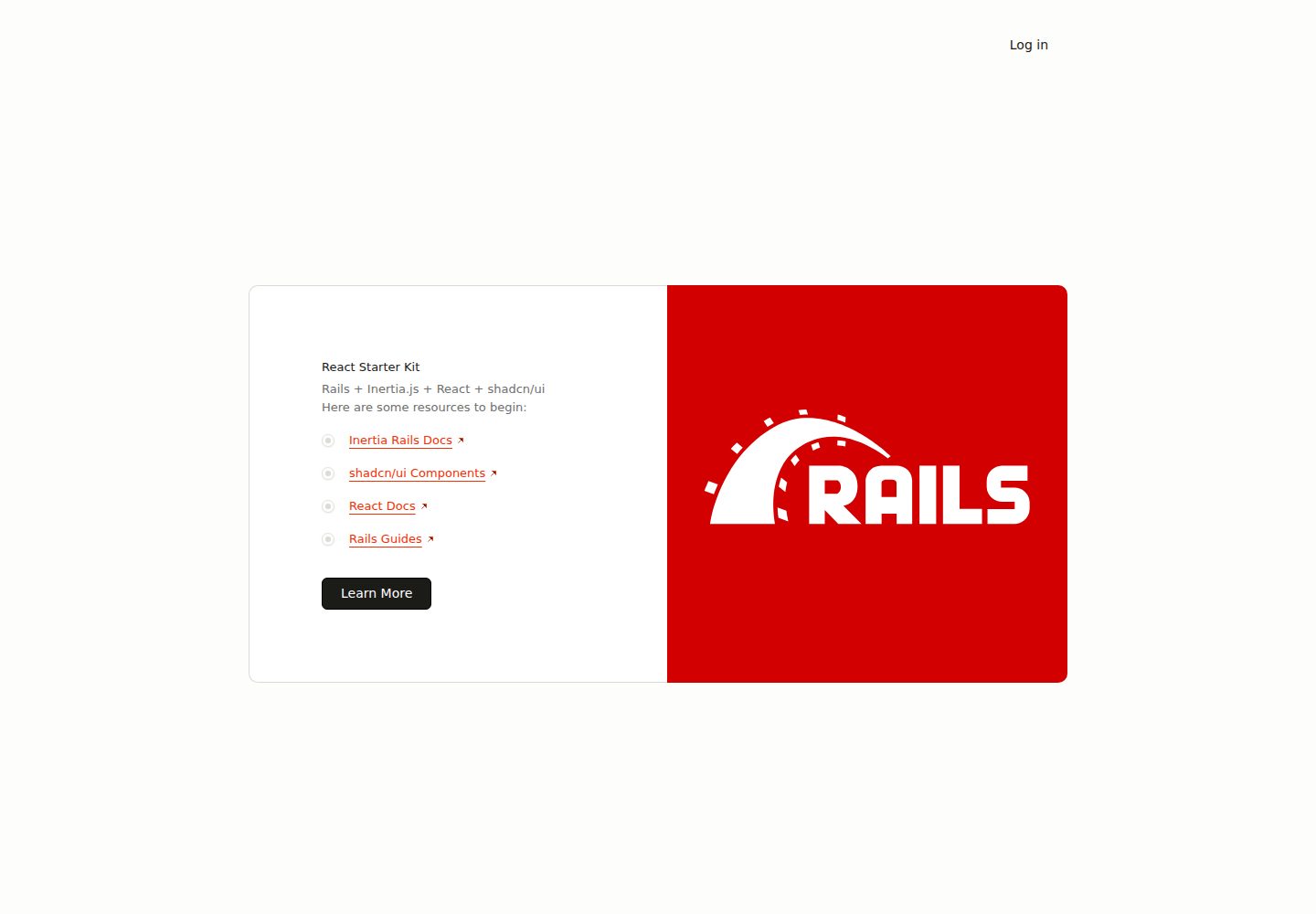
react-starter-kit
Inertia Rails React Starter Kit
Rails · 启动器
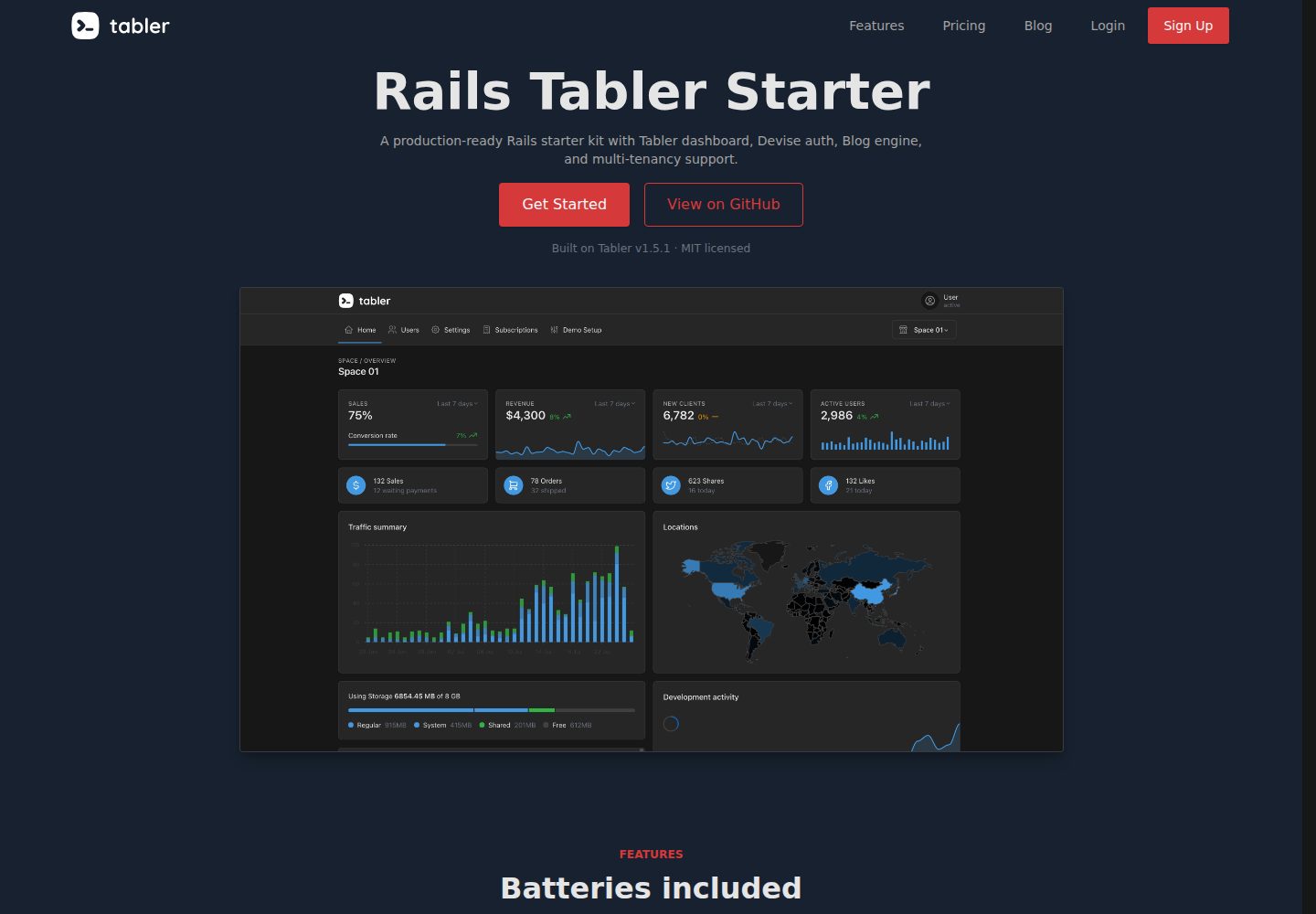
rails-tabler-starter
Free and open source Ruby on Rails starter kit built using Tabler
Rails · 后台
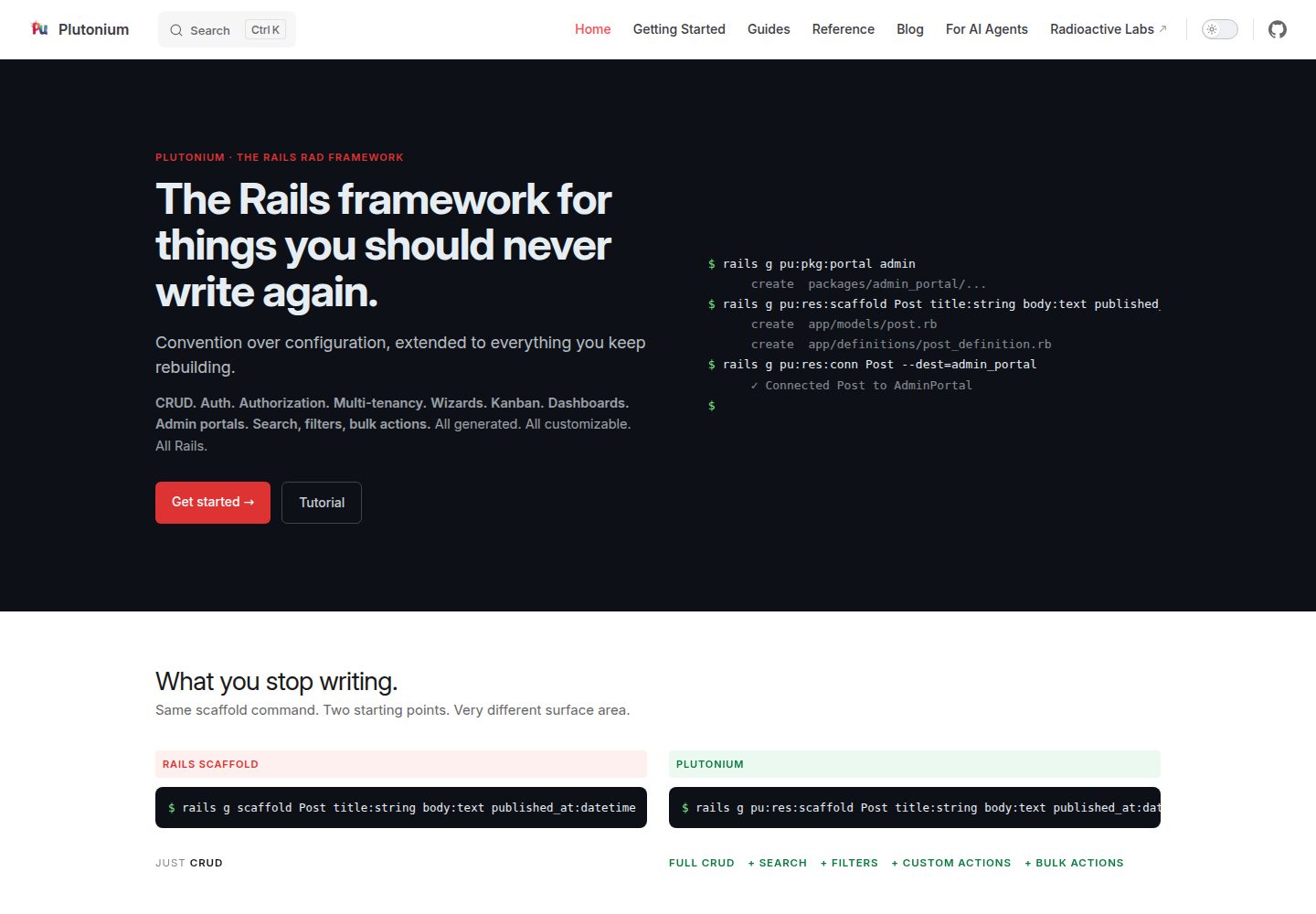
plutonium-core
Build production-ready Rails apps in minutes, not days. Convention-driven, fully customizable, AI-ready.
Rails · 后台
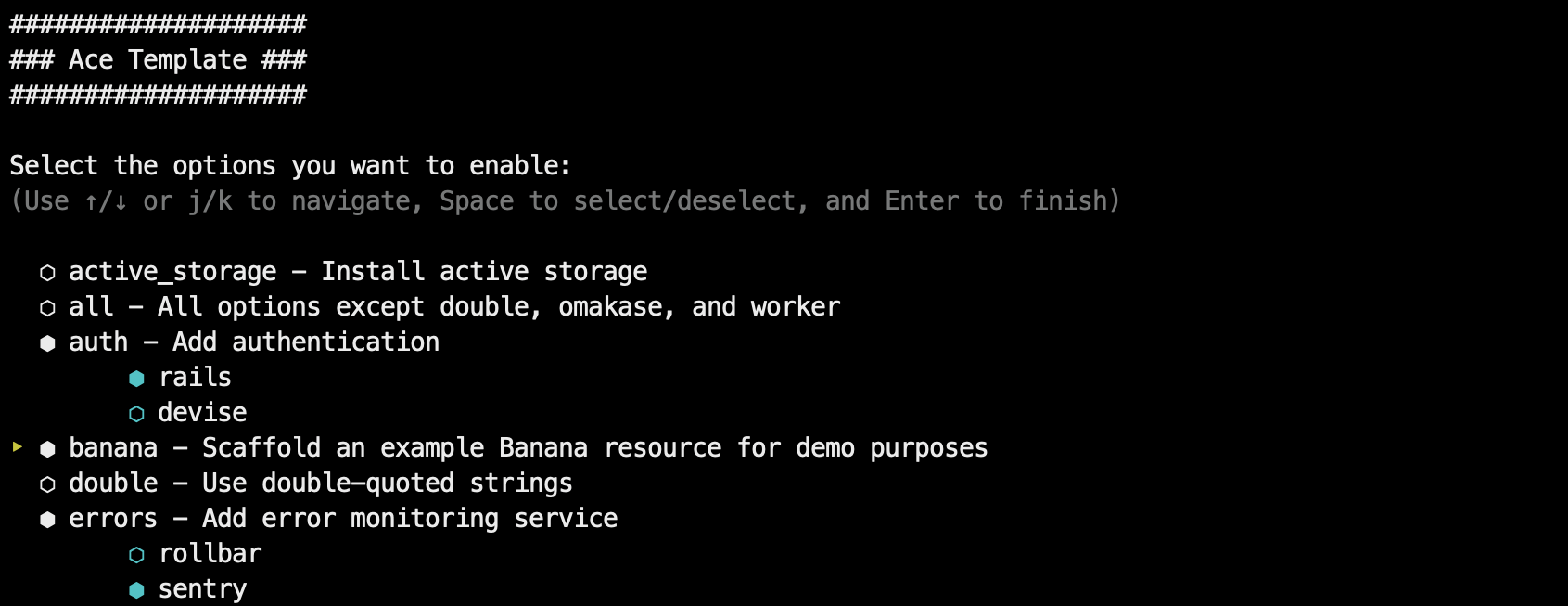
ace-template
Rails 8+ app template. Go from 0 to full-featured deployed app in less than 5 minutes (self-hosted or PaaS)
Rails · 启动器

rails-react-starter
Simple React & Rails starter
Rails · 启动器
SknServices
Authentication and Authorization focused starter Rails 5 Application
Rails · 启动器