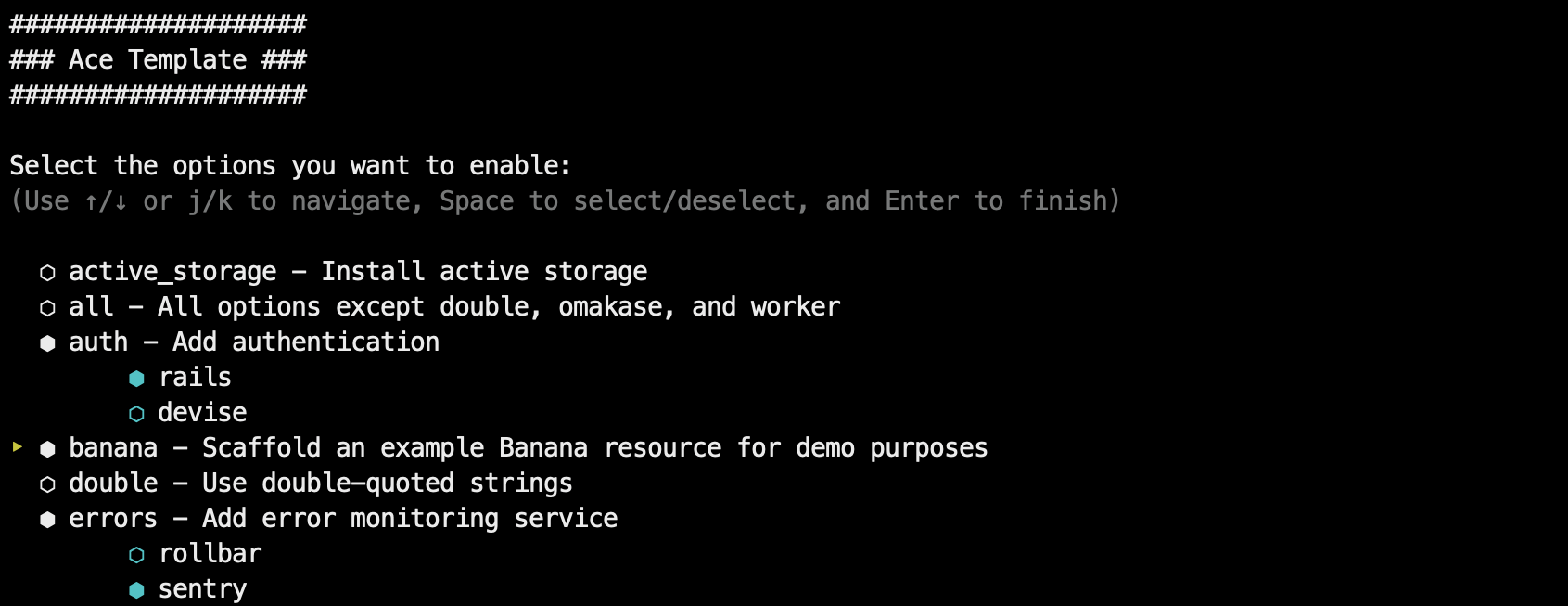
通过 rails new 的 -m 参数应用,支持交互模式与命令行选项
Rails启动器
ace-template — Rails 启动器模板
作者 jeromedalbert
Ace Template 是一个通过 rails new 运行的 Rails 应用模板,用交互模式或命令行选项生成带部署说明、测试与常用 gem 配置的项目骨架。
看看你的网站会是什么样
浏览真实页面截图,比较内容排版与手机效果。点击下方缩略图切换,放大查看整页细节。
目前有 1 张原始预览,可打开完整图片查看设计细节。
截图用于了解视觉与布局,交互效果请以实际项目为准。
采集于 2026-10-01查看来源
值得关注的模板亮点
从已有项目资料中,快速了解它的特点。
兼容多数 rails new 参数,支持 SQLite、Postgres、MySQL
提供 Kamal、Fly.io、Heroku 的部署说明
每个配置步骤单独提交,生成代码附带对应测试
可选功能包括认证、Pundit 授权、错误监控、Redis、VCR 等
默认使用 RSpec、Rubocop、SyntaxTree、Dotenv、FactoryBot、Spring、Lograge,也可切换为 Rails omakase 默认
模板详细介绍
Ace Template 是一个 Rails 应用模板,通过 `rails new myapp -m <template.rb>` 的方式在新建项目时应用。它支持交互模式(`-i`)和命令行选项(`-o`),也兼容多数 `rails new` 参数(如 `--api`、`--skip-*`、`--main`、`--edge`)。模板提供 SQLite、Postgres、MySQL 数据库支持,以及 Tailwind 或 Bootstrap 的样式与 HTML 样板;生成的项目包含 Kamal、Fly.io、Heroku 的部署说明,且每个配置步骤单独提交,便于查看设置过程。
默认配置保留 IRB 与 ruby debug,使用 Amazing Print 做格式化输出,Solid Cable、Solid Cache、Solid Queue 作为默认组件,Rubocop 与 SyntaxTree 负责检查与格式化,测试默认使用 RSpec,Dotenv 管理密钥,FactoryBot 生成测试数据,Spring 加速本地命令,Lograge 简化生产日志。若希望使用 Rails 原生默认,可选择 `omakase` 选项。
可选功能包括:`banana` 生成示例资源、`authentication` 添加登录与注册(Rails 内置认证或 Devise)、`solid-dev` 在开发环境配置 Solid 组件、`worker` 移除 Web 代码、`errors` 接入 Rollbar 或 Sentry、`pundit` 添加授权、`redis` 添加 Redis、`vcr` 记录测试 HTTP 请求。选项之间可组合,例如同时选择 `banana` 与 `authentication` 时,示例资源会归属用户。
该模板定位为轻量的 Rails 应用模板而非完整的 SaaS 启动套件,内部使用 partial 而非整份文件,并通过定时任务针对 Rails main 运行端到端测试。仓库采用 MIT 许可,演示图片等第三方素材需单独核对许可,域名、托管、数据库等外部服务可能另行收费。
Rails启动器
适合你的项目吗?
适用场景
- 快速生成用于演示或面试的 Rails 应用骨架
- 学习现代 Rails 应用的结构与部署配置方式
- 为新项目选择认证、授权、错误监控等常用组件
- 创建不需要 Web 界面的后台任务或机器人应用
适合人群
- 使用 Rails 并希望减少初始配置工作的开发者
- 需要带部署说明与测试基础的项目起点
- 希望按需选择认证、授权、错误监控等模块的团队
上手与定制指南
结合仓库当前版本的说明,按下面的资料检查内容、配置与运行要求。
- 1
执行 `rails new myapp -m https://raw.githubusercontent.com/jeromedalbert/ace-template/stable/template.rb` 创建基础应用
- 2
使用 `-i` 进入交互模式,或用 `-o` 传入模板选项,具体选项见 `-o help`
- 3
可组合 rails new 参数,例如 `-o banana --css tailwind`
- 4
生成后的项目 Readme 中包含部署说明,多数可复制粘贴
- 5
第三方素材与外部服务(域名、托管、数据库等)的许可与费用需单独确认
授权与来源资料
使用条件与限制
免费使用 · 保留许可声明本次收录的是公开仓库中采用 MIT 许可的免费版本;免费范围为该版本代码,不代表外部服务或第三方素材免费。
使用时需要遵守
- 允许免费使用、修改、商用和分发该版本代码。
- 分发代码副本或实质性部分时,保留原作者版权声明和完整 MIT 许可声明。
- 代码按现状提供;担保与责任限制以原许可证及适用法律为准。
额外费用与待核对事项
- errors 选项会接入 Rollbar 或 Sentry 错误监控服务,属于第三方外部服务,通常需要注册账号并可能产生费用。
- 部署说明涉及 Kamal、Fly.io、Heroku 等外部托管平台,使用这些平台需自行注册账号,并可能产生托管费用。
- redis 选项会引入 Redis,需要自行部署或使用外部 Redis 服务,可能涉及额外成本。
- 演示图片、字体、图标及其他第三方素材需按各自许可核对,不能仅凭代码的 MIT 许可判断。
- 域名、托管、数据库、支付或 AI 等外部服务可能另外收费。
查看原文依据
Permission is hereby granted, free of charge
许可证原文
adds an error monitoring service (either [Rollbar](https://rollbar.com/) or [Sentry](https://sentry.io/))
README 原文
Easy-to-follow instructions to deploy with [Kamal](https://kamal-deploy.org/), [Fly.io](https://fly.io/), or [Heroku](https://www.heroku.com/)
README 原文
https://github.com/jeromedalbert/ace-template/blob/main/LICENSE.txthttps://github.com/jeromedalbert/ace-template/blob/main/README.md`redis`: adds Redis.
README 原文
DeepSeek 根据仓库许可证和 README 整理 ·2026-10-01。结果仅覆盖已读取资料,依赖、图片、字体及后续条款变更以各自原文为准。
项目核对记录与介绍依据
模板资料
- 来源平台
- GitHub
- 资料与维护参考分
- 资料较完整 · 75 / 100
- 技术栈
- Rails
- 网站类型
- 启动器
这个分数如何计算
本站按许可资料(最高30分)、演示链接(12分)、预览图(10分)、Star数(15分)、记录的维护时间(15分)、描述完整度(8分)、功能记录(5分)和分类资料(5分)计算。它不是代码、安全或性能测试,也不是 Google 评分;有链接不代表已实测可用。
这个项目需要核对什么
- 记录的仓库更新时间
- 2026-09-18
- 截图检查日期
- 2026-10-01
目前没有记录演示链接。请依据仓库说明在本地评估;仅凭截图无法确认交互行为。
目录记录的主要技术栈是 Rails。请通过依赖清单和锁文件核对实际版本与托管要求。这些说明基于收录资料,不代表代码审计或部署实测。
查看具体选型方法 →介绍的制作与核对状态
介绍由 AI 辅助整理目录与仓库资料。仓库作者不等于这篇介绍的审核者。
已完成服务器许可规则与 AI 来源核对;未经过人工编辑审核。
查看当时使用的来源资料
SHA-256: 181943daa687073ef13136a2b394b63b348c7ae1004fa4db5fdbf5604261cf39
2026-10-01T02:53:33.386Z
来源文件 / 仓库# Ace Template
A Rails application template to generate full-featured web apps fast:
- Go from `rails new` to deployed in **less than 5 minutes**.
Demos: [self-hosted server](https://www.youtube.com/watch?v=kCXugP63Cqc) |
[Fly.io](https://www.youtube.com/watch?v=2PsQQIbSsg0) |
[Heroku](https://www.youtube.com/watch?v=iY_kVYGbbRk).
- Designed to keep up with future versions of Rails. This repo is tested
[daily](.github/workflows/ci.yml#L8) against Rails `main`.
- Automated yet thoughtful. Code diffs are applied in just the right places.
- Use interactive mode or command-line options for extra customization.
- Use carefully curated defaults or the omakase default Rails way.
Ship your idea in record time, or learn how modern Rails 8+ apps are structured
and deployed. See [list of features](#features) and [why I made this](#why-ace-template).
<br>
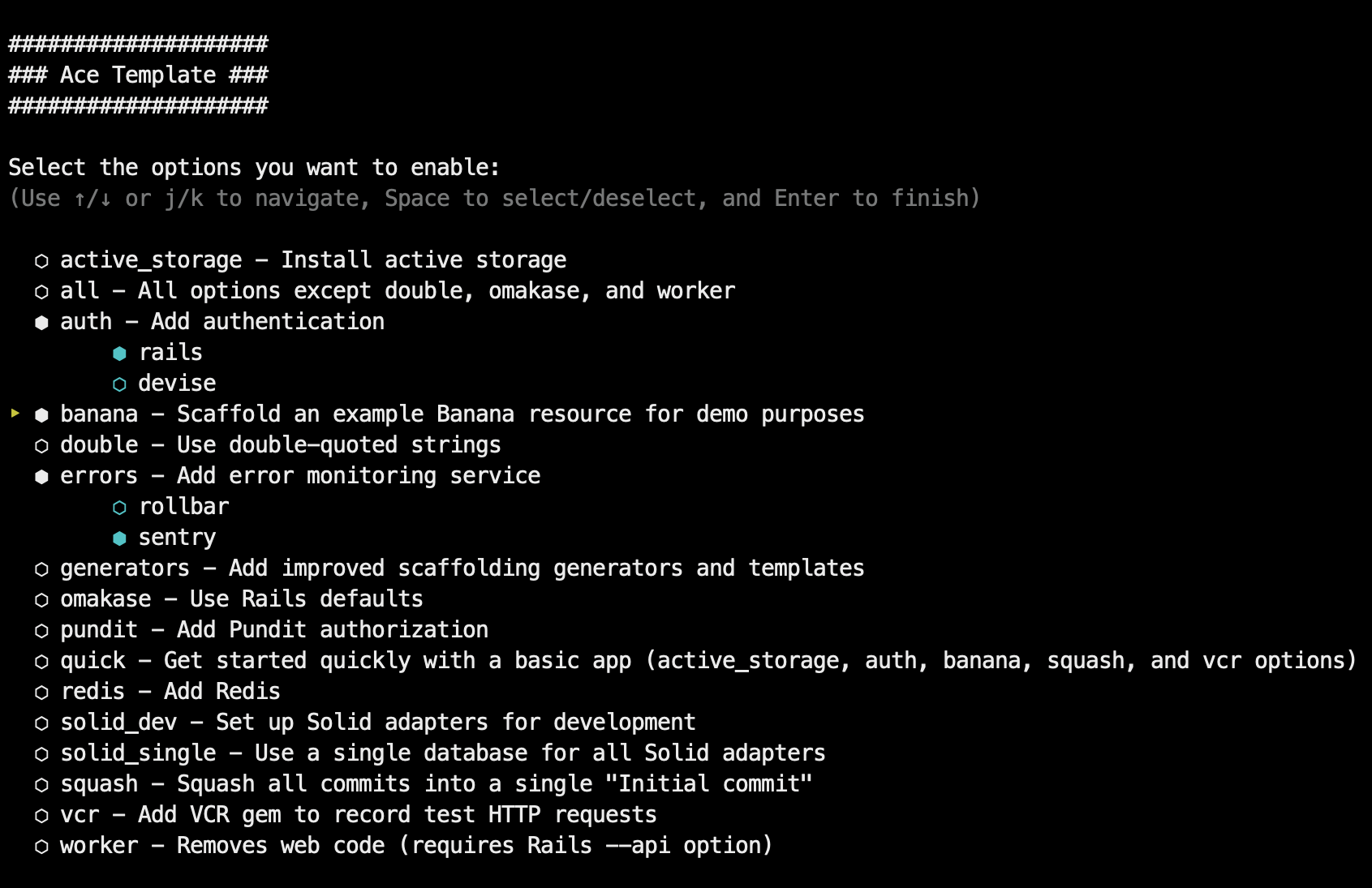
## Usage
To create a basic app:
```bash
rails new myapp -m https://raw.githubusercontent.com/jeromedalbert/ace-template/stable/template.rb
```
It gets more interesting with options! You can choose template options
interactively with `-i`:
```bash
rails new myapp -i -m https://raw.githubusercontent.com/jeromedalbert/ace-template/stable/template.rb
```
Or you can pass template options manually with `-o` (see [`-o help`](template.rb#L17)
for details). Rails options are also supported. For example, to create an app
with an example "Banana" resource and styled with Tailwind:
```bash
rails new myapp -o banana --css tailwind \
-m https://raw.githubusercontent.com/jeromedalbert/ace-template/stable/template.rb
```
#### Pro-tip
To make commands shorter, you can add this function to your shell config (like
`~/.bashrc` or `~/.zshrc`):
```bash
rn() {
rails new $1 -m https://raw.githubusercontent.com/jeromedalbert/ace-template/stable/template.rb ${@:2}
}
```
The previous example can now be shortened to `rn myapp -o banana --css tailwind`.
## Features
#### General
- Easy-to-follow instructions to deploy with [Kamal](https://kamal-deploy.org/),
[Fly.io](https://fly.io/), or [Heroku](https://www.heroku.com/). Most
instructions are copy-pasteable and can be found in the generated project Readme.
- Supports SQLite, Postgres, and MySQL databases.
- Supports the [Tailwind](https://tailwindcss.com/) and [Bootstrap](https://getbootstrap.com/)
CSS frameworks, with default styles and HTML boilerplate that are ready to go.
- Each configuration step has its own commit, so you can see exactly how
everything is set up.
- All generated code has thoughtful corresponding tests.
- Uses single quotes by default. Double quotes are supported as an option.
- Supports most `rails new` options like `--api`, `--skip-*`, `--main`,
`--edge`, etc.
#### Default gems
- `IRB` and ruby `debug` are kept as defaults for interactive Ruby sessions.
This combo now works just as well as the old Pry gems.
[Amazing Print](https://github.com/amazing-print/amazing_print) is used for
pretty printing and is a modern successor to Awesome Print that works with
ruby `debug` sessions and Rails 8.2+.
- [Solid Cable](https://github.com/rails/solid_cable),
[Solid Cache](https://github.com/rails/solid_cache),
and [Solid Queue](https://github.com/rails/solid_queue) are kept as great
defaults that can get you pretty far.
- [Rubocop](https://github.com/rubocop/rubocop) for linting and
[SyntaxTree](https://github.com/ruby-syntax-tree/syntax_tree) for
auto-formatting that looks good.
[Standard](https://github.com/standardrb/standard) is also used as a
collection of sensible Rubocop defaults that are further customized to fit
Ace Template's own style.
- [RSpec](https://github.com/rspec/rspec-rails) tests by default.
[Rails test cases](https://guides.rubyonrails.org/testing.html#writing-your-first-test)
(backed by [Minitest](https://github.com/minitest/minitest)) are supported as
an option.
- [Dotenv](https://github.com/bkeepers/dotenv) as a simple way to manage
secrets.
[Rails credentials](https://guides.rubyonrails.org/security.html#custom-credentials)
are supported as an option.
- [FactoryBot](https://github.com/thoughtbot/factory_bot) for test data.
[Rails fixtures](https://guides.rubyonrails.org/testing.html#fixtures) are
supported as an option.
- [Spring](https://github.com/rails/spring) to run Rails commands and tests
instantly on your local.
- [Lograge](https://github.com/roidrage/lograge) to make production logs simple
and easy to read.
If you prefer to stick to Rails defaults, use the `omakase` template option.
#### Options
- `banana`: scaffolds an example "Banana" resource for quick demos or as a
starting point.
- `authentication`: adds authentication that is ready to go with login
**and signup** pages, either with
[Rails authentication](https://guides.rubyonrails.org/security.html#authentication)
or [Devise](https://github.com/heartcombo/devise).
- `omakase`: uses Rails [omakase](https://rubyonrails.org/doctrine#omakase)
defaults instead of Ace Template's defaults.
- `solid-dev`: configures [Solid Cable](https://github.com/rails/solid_cable),
[Solid Cache](https://github.com/rails/solid_cache),
and [Solid Queue](https://github.com/rails/solid_queue) to work in development.
- `worker`: removes web code, for apps like bots or scheduled scripts that do
not need to be accessible with a web page.
- `errors`: adds an error monitoring service (either [Rollbar](https://rollbar.com/)
or [Sentry](https://sentry.io/)).
- `pundit`: adds [Pundit](https://github.com/varvet/pundit) authorization.
- `redis`: adds Redis.
- `vcr`: adds the [VCR](https://github.com/vcr/vcr) gem to record test HTTP requests.
See [`-o help`](template.rb#L17) for the full list of options.
Options can **synergize** with each other. For example if both `banana` and
`authentication` are selected, bananas will belong to a user and logged in users
will only have access to their own bananas.
## Why Ace Template?
My goal with this template is to have both quality and speed, where you can
quickly deploy an app for a demo or an interview, while having a solid
foundation with polished internals.
The template runs with `rails new` and it is just plain Rails with some
sprinkles. This is not a heavier SaaS starter kit.
Ace Template is also built to stay up to date. It internally uses partials
instead of whole files. End-to-end tests run on a [cron
schedule](.github/workflows/ci.yml#L8) against Rails `main` with alerts on
failures, so fixes are proactive and require minimal focused effort.
Most other templates are too static and become completely out of date after
5-10 years, needing a full rewrite or significant maintenance effort. Here's
hoping Ace Template still works flawlessly in 15 years (famous last words)!
## Contributing
Bug reports and pull requests are welcome! See [guide to contributing](CONTRIBUTING.md)
for more information.
## License
The project is available as open source under the terms of the
[MIT License](https://opensource.org/licenses/MIT).
## Code of Conduct
Everyone interacting in the Ace Template project's codebases, issue trackers,
chat rooms and mailing lists is expected to follow the
[code of conduct](CODE_OF_CONDUCT.md).
<br><br>
<div align="center">
<a href="#ace-template">
<img src="https://raw.githubusercontent.com/jeromedalbert/files/main/ace-template/cards.png" width="150" alt="Ace Template"/>
</a>
</div>
看看同类模板
对比同技术栈与用途的模板,找到更适合的视觉与内容结构。
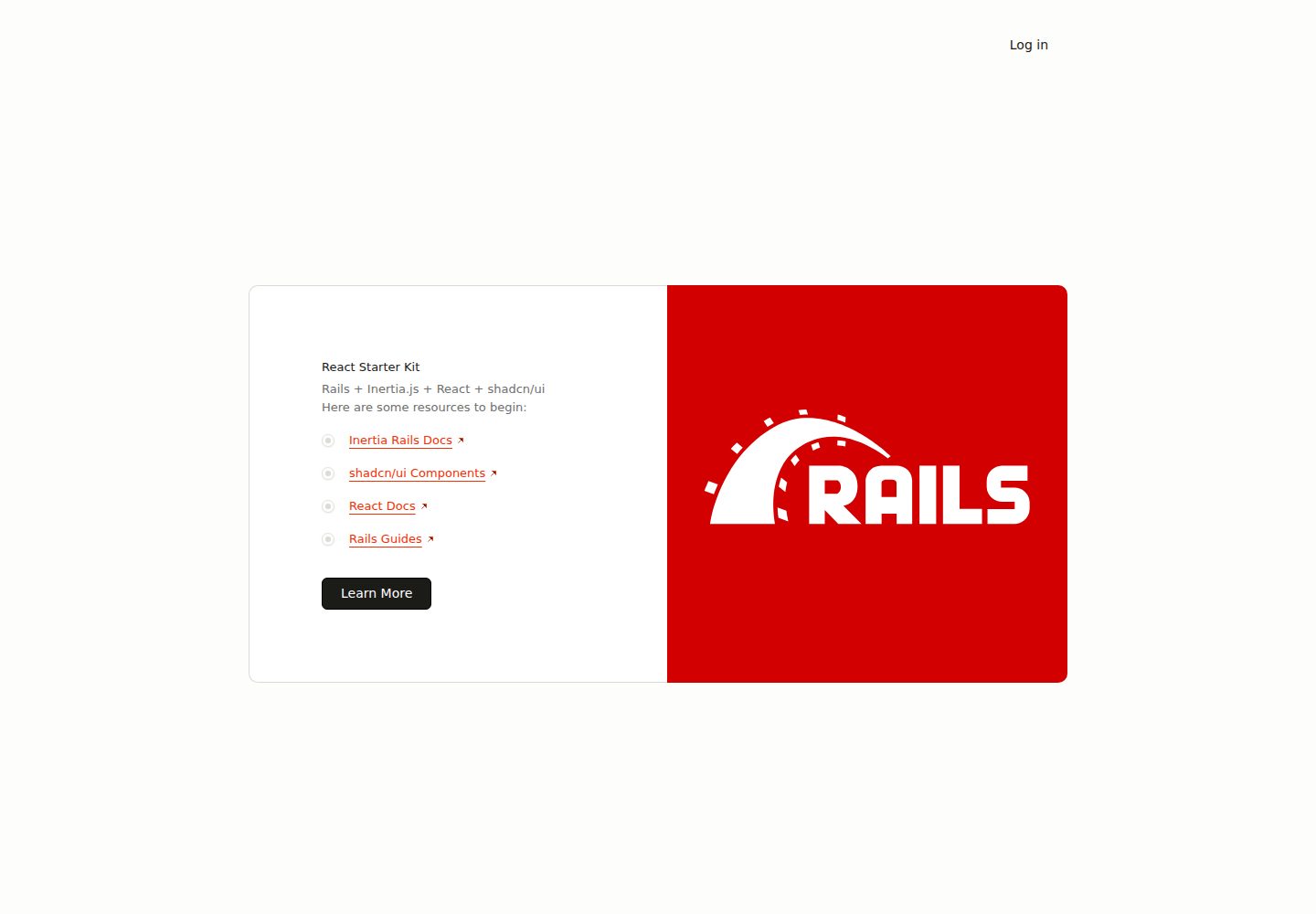
react-starter-kit
Inertia Rails React Starter Kit
Rails · 启动器
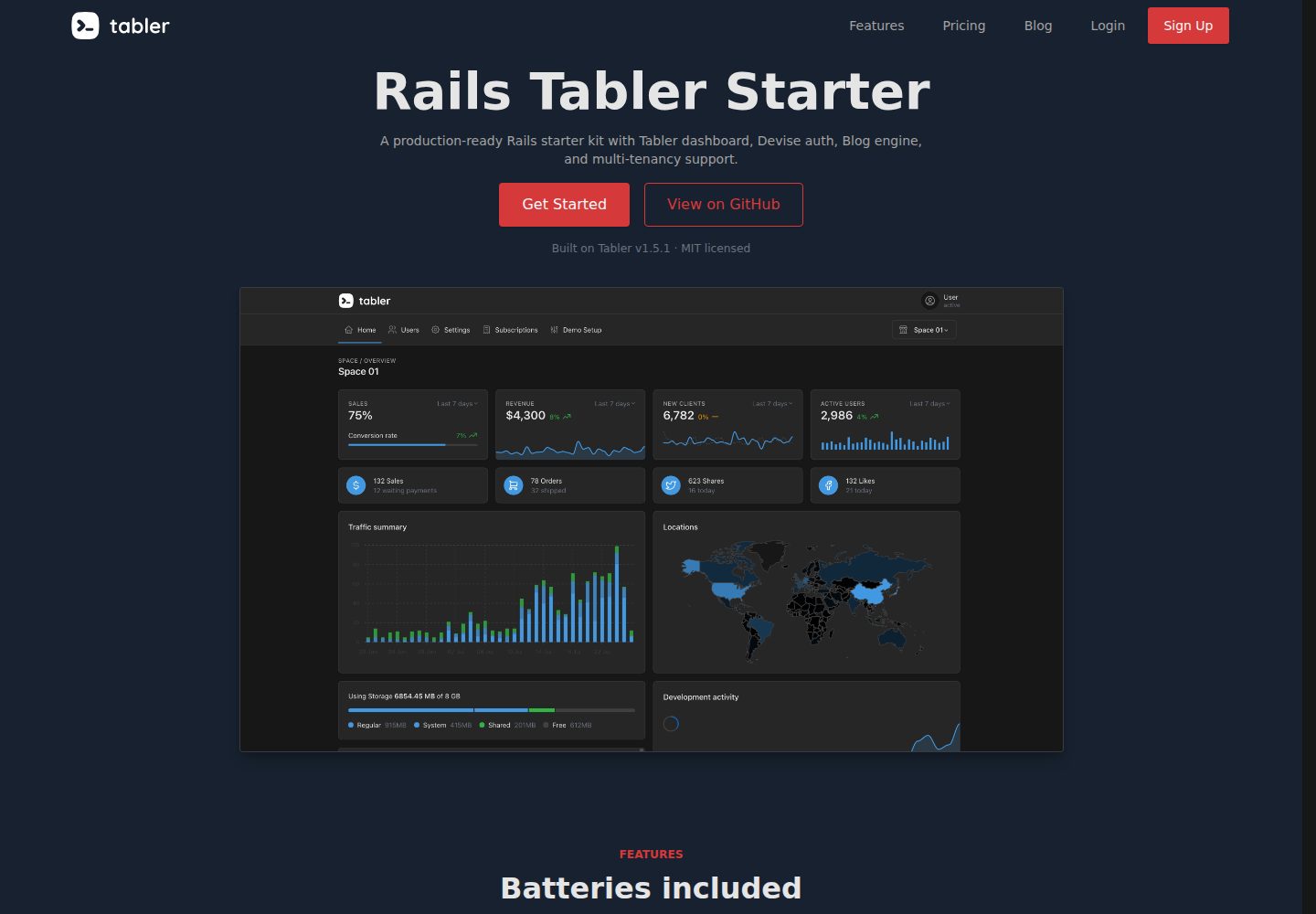
rails-tabler-starter
Free and open source Ruby on Rails starter kit built using Tabler
Rails · 后台
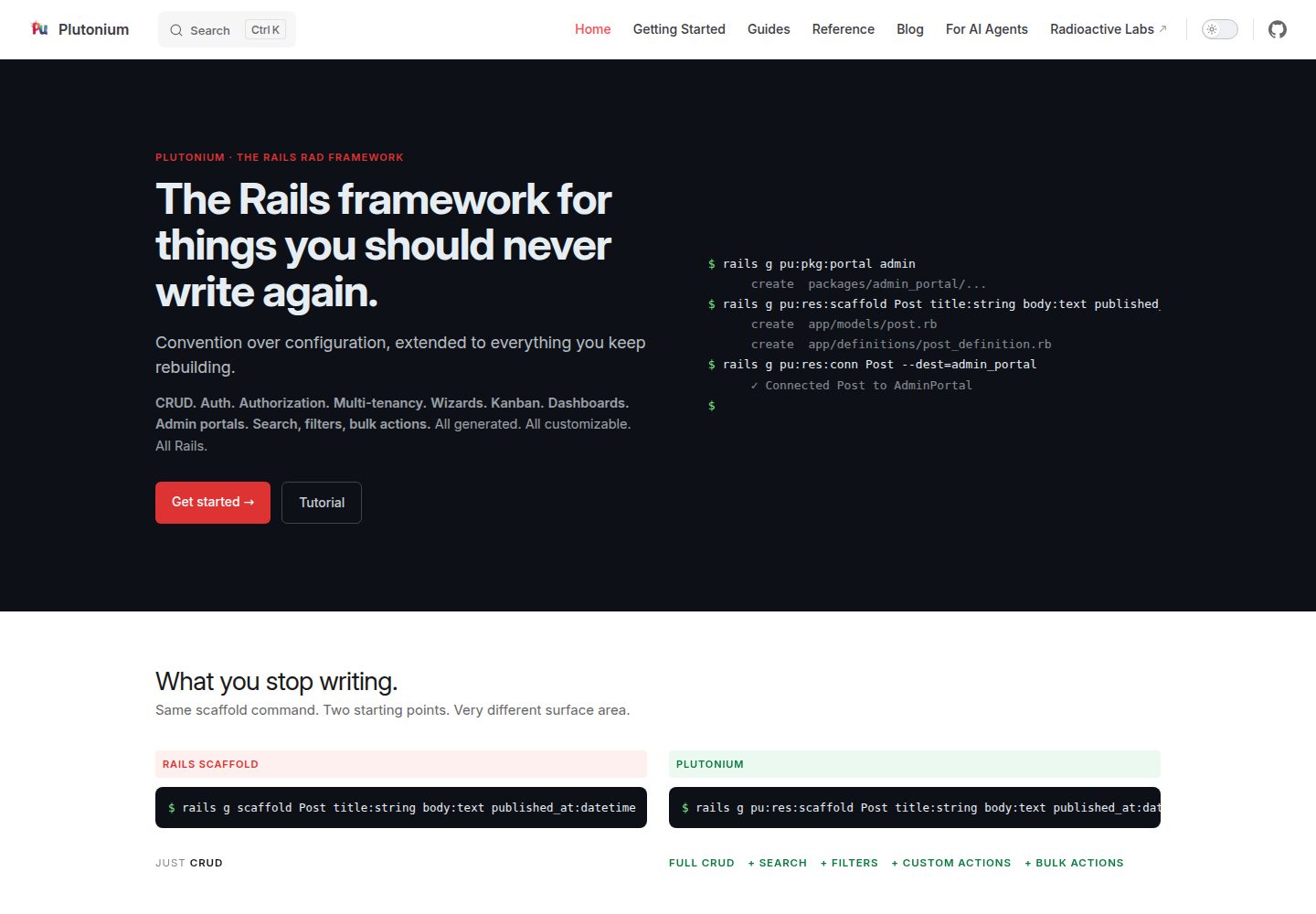
plutonium-core
Build production-ready Rails apps in minutes, not days. Convention-driven, fully customizable, AI-ready.
Rails · 后台
kern
SaaS starter for Rails apps. Skip the boilerplate and start shipping the actual product.
Rails · SaaS
rails-react-starter
Simple React & Rails starter
Rails · 启动器
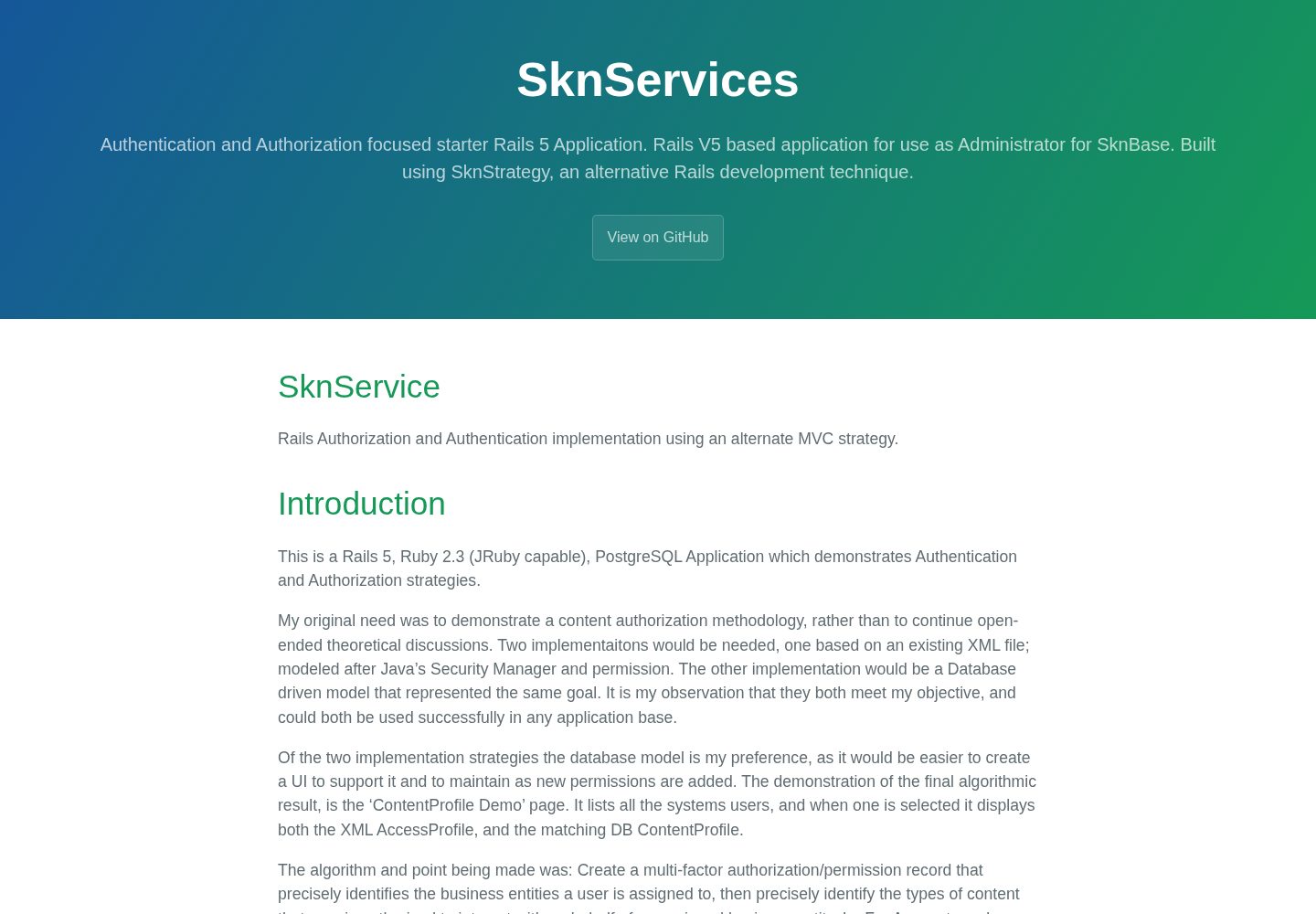
SknServices
Authentication and Authorization focused starter Rails 5 Application
Rails · 启动器