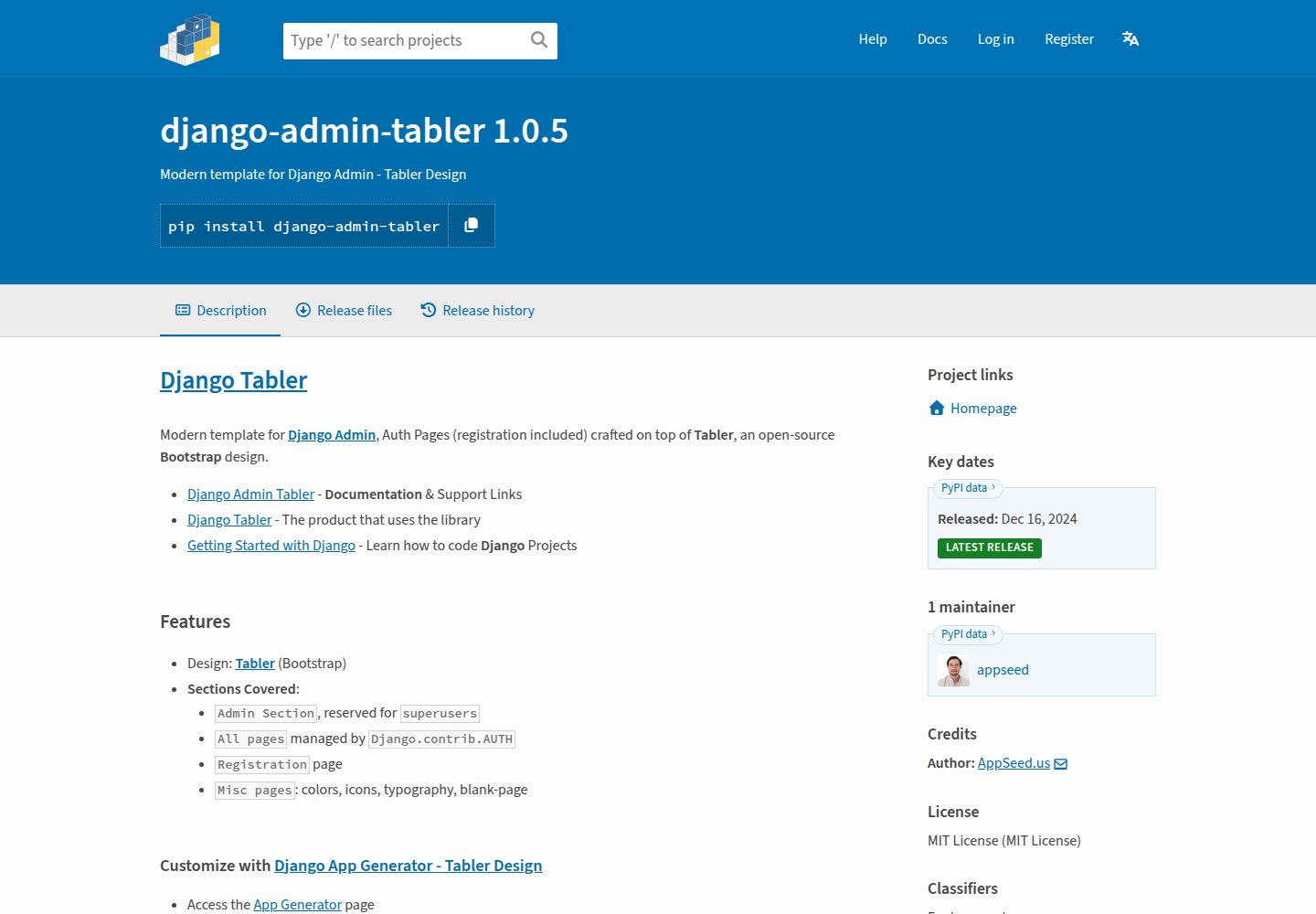
基于 Tabler 与 Bootstrap 的 Django 后台界面模板
Django后台
django-admin-tabler — Django 后台模板
作者 RamezIssac
django-admin-tabler 是一个基于 Tabler 与 Bootstrap 的 Django 后台界面模板,通过 pip 安装即可替换 Django Admin 的默认外观,并覆盖登录、注册等认证页面。
看看你的网站会是什么样
浏览真实页面截图,比较内容排版与手机效果。点击下方缩略图切换,放大查看整页细节。
全部页面与视图 3
截图用于了解视觉与布局,交互效果请以实际项目为准。
采集于 2026-10-04查看来源
值得关注的模板亮点
从已有项目资料中,快速了解它的特点。
覆盖 Django Admin 后台区域,仅超级用户可访问
覆盖 Django.contrib.AUTH 管理的认证页面与注册页
附带颜色、图标、字体排版、空白页等杂项页面
通过复制模板文件到项目 templates 目录实现自定义
以 pip 包形式安装,MIT 许可
模板详细介绍
django-admin-tabler 由 RamezIssac 维护、AppSeed 提供支持,以 MIT 许可发布。它把 Tabler(基于 Bootstrap 的开源设计)应用到 Django 项目的后台部分,替换 Django Admin 默认界面,并覆盖 Django.contrib.AUTH 管理的全部认证页面以及注册页面。模板还附带颜色、图标、字体排版和空白页等杂项页面。
使用方式是在 Django 项目的 settings.py 中把 admin_tabler 加入 INSTALLED_APPS(需放在 django.contrib.admin 之前),配置 LOGIN_REDIRECT_URL 与 EMAIL_BACKEND,并在 urls.py 中包含 admin_tabler.urls。生产环境需要执行 collectstatic。
自定义通过 Django 模板覆盖机制完成:把库中 templates 目录下的对应文件复制到项目应用的 templates 目录并保持相同路径,即可覆盖默认版本,例如 includes/footer.html、includes/sidebar.html、layouts/base.html 等。README 同时提到存在 PRO 付费版本,本次收录的仅为公开免费代码。
Django后台
适合你的项目吗?
适用场景
- 为已有 Django 项目替换默认 Admin 外观
- 需要统一后台与登录、注册页面视觉风格的项目
- 希望以模板覆盖方式小步定制后台界面的开发场景
适合人群
- 使用 Django 并需要现代化后台界面的开发者
- 接受通过 pip 安装模板包并修改 settings.py 的团队
- 需要 MIT 许可下可修改、可分发的后台模板的项目
上手与定制指南
结合仓库当前版本的说明,按下面的资料检查内容、配置与运行要求。
- 1
通过 pip install django-admin-tabler 或从 GitHub 仓库安装
- 2
在 INSTALLED_APPS 中加入 admin_tabler.apps.AdminTablerConfig,且需位于 django.contrib.admin 之前
- 3
在 settings.py 中设置 LOGIN_REDIRECT_URL 与 EMAIL_BACKEND
- 4
在 urls.py 中包含 admin_tabler.urls
- 5
生产环境执行 python manage.py collectstatic
授权与来源资料
使用条件与限制
免费使用 · 保留许可声明本次收录的是公开仓库中采用 MIT 许可的免费版本;免费范围为该版本代码,不代表外部服务或第三方素材免费。
使用时需要遵守
- 允许免费使用、修改、商用和分发该版本代码。
- 分发代码副本或实质性部分时,保留原作者版权声明和完整 MIT 许可声明。
- 代码按现状提供;担保与责任限制以原许可证及适用法律为准。
额外费用与待核对事项
- README 中另有 PRO 付费版本(Volt Dashboard PRO),本次收录的免费代码不包含 PRO 版本的功能与资源,PRO 需另行付费获取。
- 项目支持通过 AppSeed 的 Email 与 Discord 渠道提供,属于外部服务,可能需要相应账号。
- 界面基于第三方 UI Kit Tabler(Themesberg 出品),其自身许可与资源授权需另行核实。
- 项目资料提及可选付费版本或功能;本次仅收录公开免费代码,不包含付费升级。
- 演示图片、字体、图标及其他第三方素材需按各自许可核对,不能仅凭代码的 MIT 许可判断。
- 域名、托管、数据库、支付或 AI 等外部服务可能另外收费。
查看原文依据
Permission is hereby granted, free of charge
许可证原文
## [PRO Version](https://appseed.us/product/volt-dashboard-pro/django/)
README 原文
Actively supported by [AppSeed](https://appseed.us/) via `Email` and `Discord`.
README 原文
https://github.com/RamezIssac/django-admin-tabler/blob/main/LICENSE.mdhttps://github.com/RamezIssac/django-admin-tabler/blob/main/README.mdUI Kit: Tabler `v1.0.0-beta19` by Themesberg
README 原文
DeepSeek 根据仓库许可证和 README 整理 ·2026-10-04。结果仅覆盖已读取资料,依赖、图片、字体及后续条款变更以各自原文为准。
项目核对记录与介绍依据
模板资料
- 来源平台
- GitHub
- 资料与维护参考分
- 资料一般 · 65 / 100
- 技术栈
- Django
- 网站类型
- 后台
这个分数如何计算
本站按许可资料(最高30分)、演示链接(12分)、预览图(10分)、Star数(15分)、记录的维护时间(15分)、描述完整度(8分)、功能记录(5分)和分类资料(5分)计算。它不是代码、安全或性能测试,也不是 Google 评分;有链接不代表已实测可用。
这个项目需要核对什么
- 记录的仓库更新时间
- 2023-05-29
- 截图检查日期
- 2026-10-04
已收录演示链接。请用你的内容与屏幕尺寸检查;有演示不代表表单、认证或支付已经可用。
目录记录的主要技术栈是 Django。请通过依赖清单和锁文件核对实际版本与托管要求。这些说明基于收录资料,不代表代码审计或部署实测。
查看具体选型方法 →介绍的制作与核对状态
介绍由 AI 辅助整理目录与仓库资料。仓库作者不等于这篇介绍的审核者。
审核声明: [email protected] · 2026-10-04
查看当时使用的来源资料
SHA-256: a6da30a96a4875f2b6cfde75a95d958953339e891b3285b6cea1135219e8f2e2
2026-10-04T02:41:28.982Z
来源文件 / 仓库# [Django Admin Tabler](https://appseed.us/product/tabler/django/)
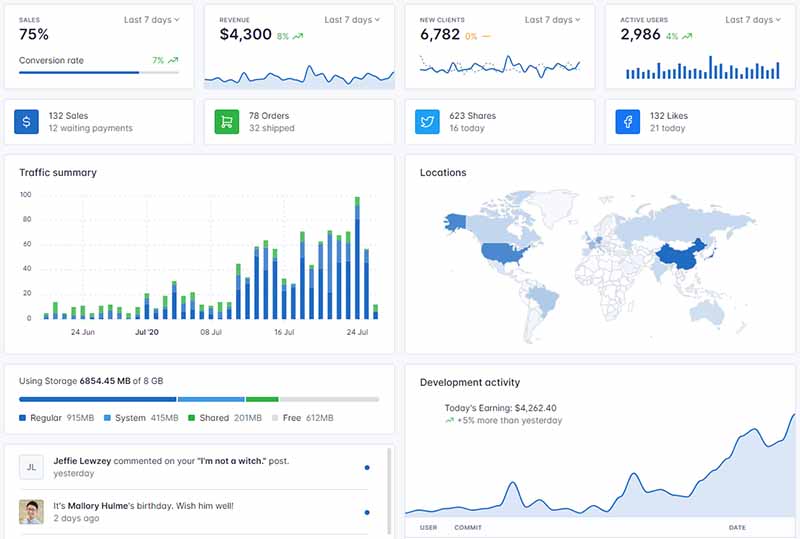
Modern template for **Django** that covers `Admin Section`, all authentication pages (registration included) crafted on top of **Tabler**, an open-source `Bootstrap` design.
> Actively supported by [AppSeed](https://appseed.us/) via `Email` and `Discord`.
<br />
**Links & Resources**
- [Django Admin Tabler](https://appseed.us/product/tabler/django/) - `Product` that uses the library
- `Features`: Fully-configured, `CI/CD` via Render
- UI Kit: Tabler `v1.0.0-beta19` by Themesberg
- **Sections Covered**:
- `Admin Section`, reserved for `superusers`
- `All pages` managed by `Django.contrib.AUTH`
- `Registration` page
- `Misc pages`: colors, icons, typography, blank-page
<br />
## Why `Django Admin Tabler`
- Modern [Bootstrap](https://www.admin-dashboards.com/bootstrap-5-templates/) Design
- `Responsive Interface`
- `Minimal Template` overriding
- `Easy integration`
<br />
## How to use it
<br />
> **Install the package** via `PIP`
```bash
$ pip install django-admin-tabler
// OR
$ pip install git+https://github.com/app-generator/django-admin-tabler.git
```
<br />
> Add `admin_tabler` application to the `INSTALLED_APPS` setting of your Django project `settings.py` file (note it should be before `django.contrib.admin`):
```python
INSTALLED_APPS = (
...
'admin_tabler.apps.AdminTablerConfig',
'django.contrib.admin',
)
```
<br />
> Add `LOGIN_REDIRECT_URL` and `EMAIL_BACKEND` of your Django project `settings.py` file:
```python
LOGIN_REDIRECT_URL = '/'
# EMAIL_BACKEND = 'django.core.mail.backends.smtp.EmailBackend'
EMAIL_BACKEND = 'django.core.mail.backends.console.EmailBackend'
```
<br />
> Add `admin_tabler` urls in your Django Project `urls.py` file
```python
from django.urls import path, include
urlpatterns = [
...
path('', include('admin_tabler.urls')),
]
```
<br />
> **Collect static** if you are in `production environment`:
```bash
$ python manage.py collectstatic
```
<br />
> **Start the app**
```bash
$ # Set up the database
$ python manage.py makemigrations
$ python manage.py migrate
$
$ # Create the superuser
$ python manage.py createsuperuser
$
$ # Start the application (development mode)
$ python manage.py runserver # default port 8000
```
Access the `admin` section in the browser: `http://127.0.0.1:8000/`
<br />
## How to Customize
When a template file is loaded, `Django` scans all template directories starting from the ones defined by the user, and returns the first match or an error in case the template is not found.
The theme used to style this starter provides the following files:
```bash
# This exists in ENV: LIB/admin_volt
< UI_LIBRARY_ROOT >
|
|-- templates/ # Root Templates Folder
| |
| |-- accounts/
| | |-- sign-in.html # Sign IN Page
| | |-- sign-up.html # Sign UP Page
| |
| |-- includes/
| | |-- footer.html # Footer component
| | |-- sidebar.html # Sidebar component
| | |-- navigation.html # Navigation Bar
| | |-- scripts.html # Scripts Component
| |
| |-- layouts/
| | |-- base.html # Masterpage
| | |-- base-auth.html # Masterpage for Auth Pages
| |
| |-- pages/
| |-- index.html # Dashboard Page
| |-- settings.html # Profile Page
| |-- *.html # All other pages
|
|-- ************************************************************************
```
When the project requires customization, we need to copy the original file that needs an update (from the virtual environment) and place it in the template folder using the same path.
For instance, if we want to customize the `footer.html` these are the steps:
- `Step 1`: create the `templates` DIRECTORY inside your app
- `Step 2`: configure the project to use this new template directory
- Edit `settings.py` TEMPLATES section
- `Step 3`: copy the `footer.html` from the original location (inside your ENV) and save it to the `YOUR_APP/templates` DIR
- Source PATH: `<YOUR_ENV>/LIB/admin_volt/templates/includes/footer.html`
- Destination PATH: `YOUR_APP/templates/includes/footer.html`
- Edit the `footer.html` (Destination PATH)
At this point, the default version of the `footer.html` shipped in the library is ignored by Django.
In a similar way, all other files and components can be customized easily.
<br />
## [PRO Version](https://appseed.us/product/volt-dashboard-pro/django/)
This design is a pixel-perfect [Bootstrap 5](https://www.admin-dashboards.com/bootstrap-5-templates/) Dashboard with a fresh, new design. `Volt Dashboard PRO` is built with over 300 frontend individual elements, like buttons, inputs, navbars, nav tabs, cards, or alerts, giving you the freedom of choosing and combining.
> Features:
- `Up-to-date Dependencies`
- `Design`: [Django Theme Volt](https://github.com/app-generator/django-volt-dashboard-pro) - `PRO Version`
- `Sections` covered by the design:
- **Admin section** (reserved for superusers)
- **Authentication**: `Django.contrib.AUTH`, Registration
- **All Pages** available in for ordinary users
- `Docker`, `Deployment`:
- `CI/CD` flow via `Render`

<br />
---
**[Django Admin Tabler](https://appseed.us/product/tabler/django/)** - Modern Admin Interface provided by **[AppSeed](https://appseed.us/)**
看看同类模板
对比同技术栈与用途的模板,找到更适合的视觉与内容结构。
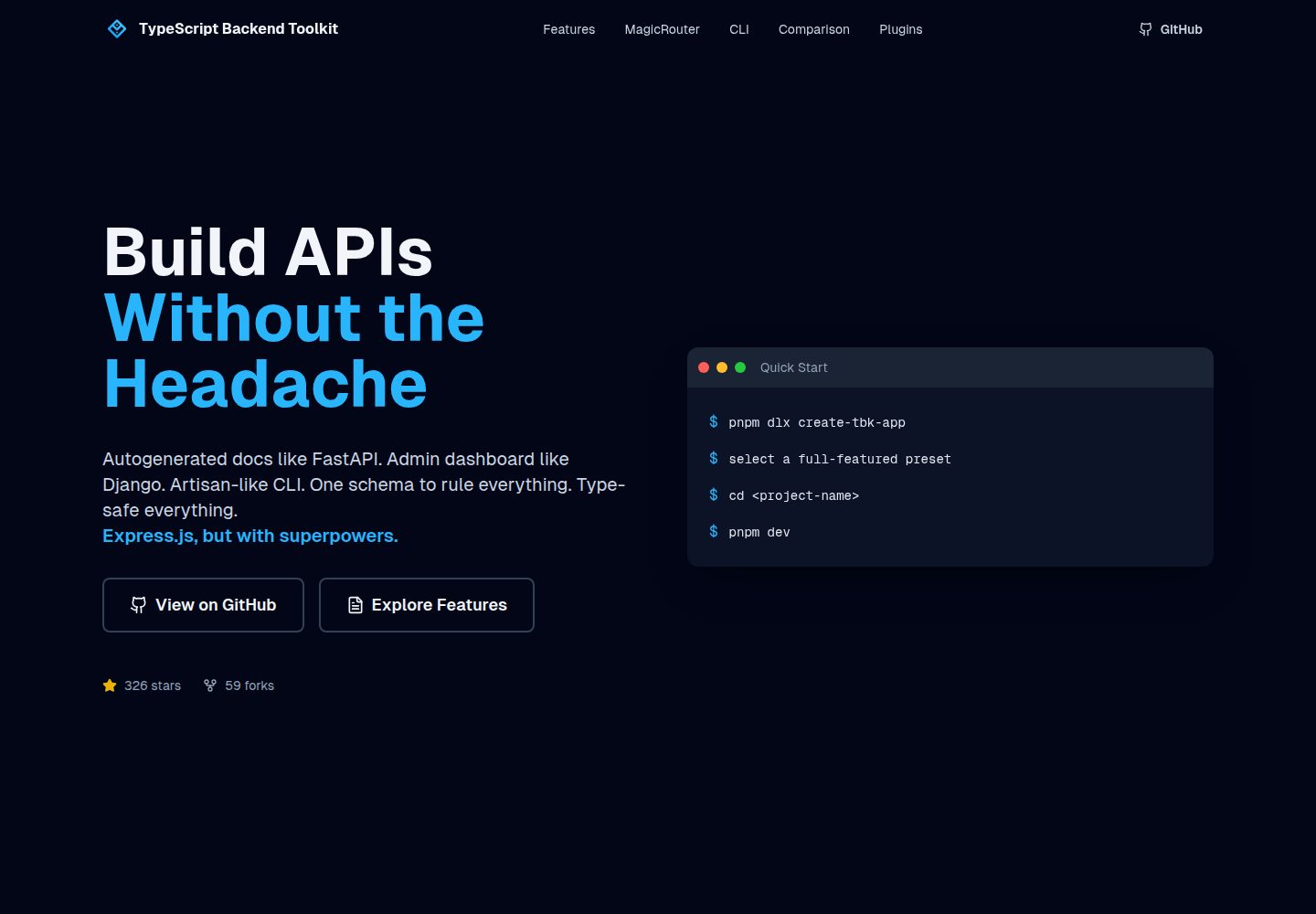
typescript-backend-toolkit
Production-ready Express.js/TypeScript framework with auto-generated OpenAPI, Artisan-style CLI, plugin system…
Django · 后台
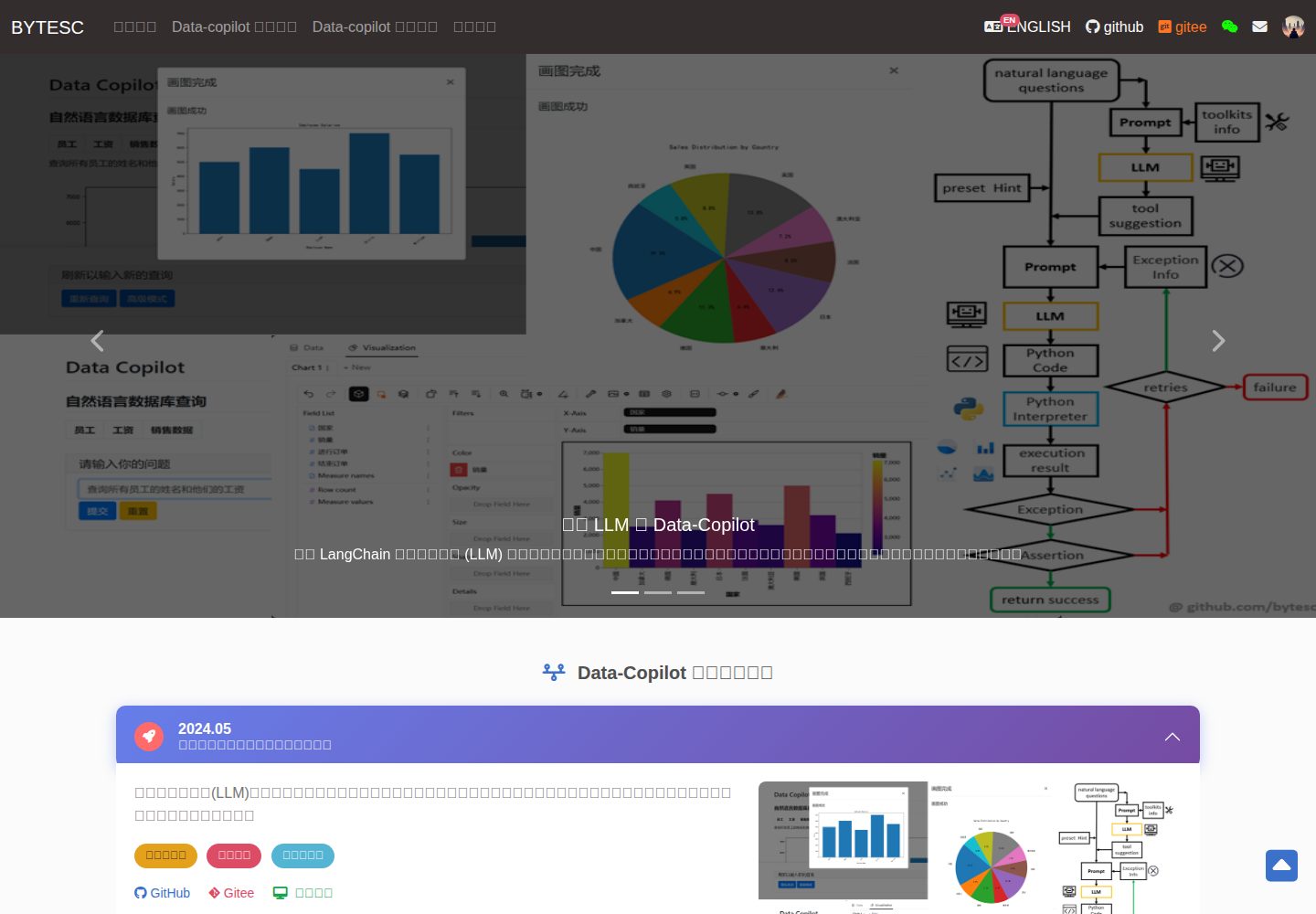
Django_Management_System_template
✨ 基于 Django 和 Mysql 的信息管理系统模板 ✨。 后台管理系统,OA ,表单系统,管理员系统,数据库管理系统模板,数据库访问模板。
Django · 后台
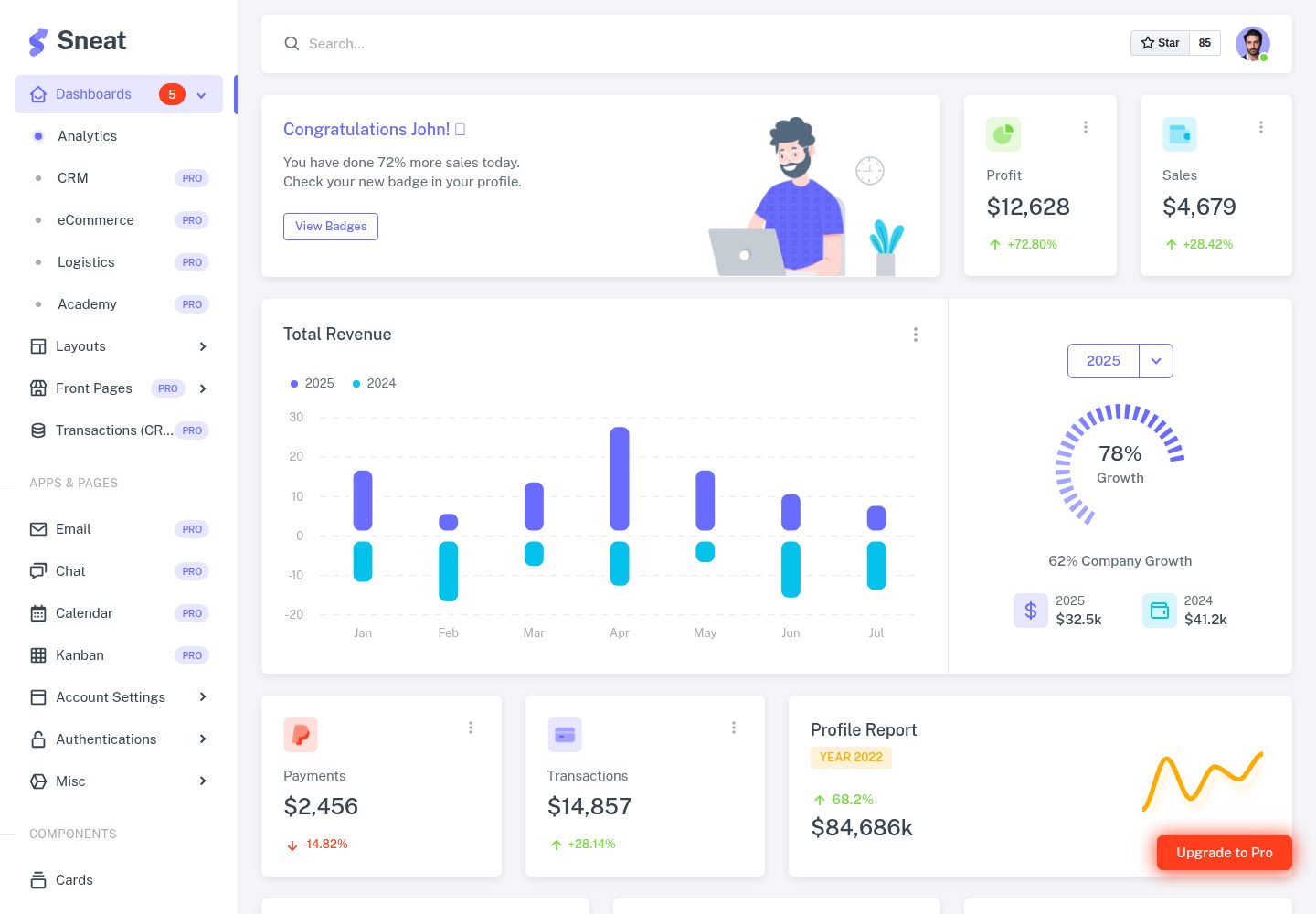
sneat-bootstrap-html-django-admin-template-free
Most Powerful & Comprehensive Free Django HTML Admin Dashboard Template built for developers! :rocket:
Django · 后台
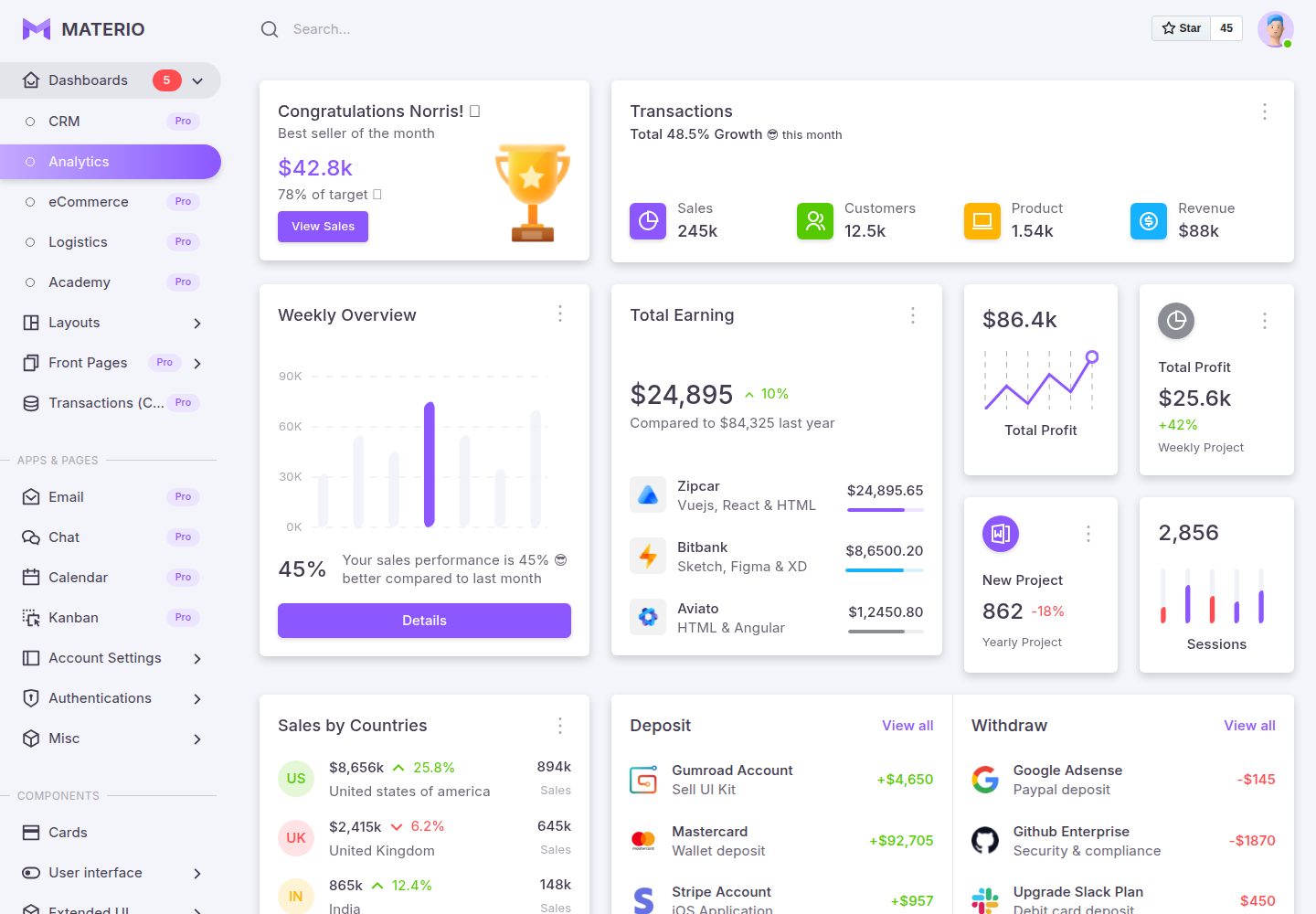
materio-bootstrap-html-django-admin-template-free
Most Powerful & Comprehensive Free Django HTML Admin Dashboard Template built for developers! :rocket:
Django · 后台
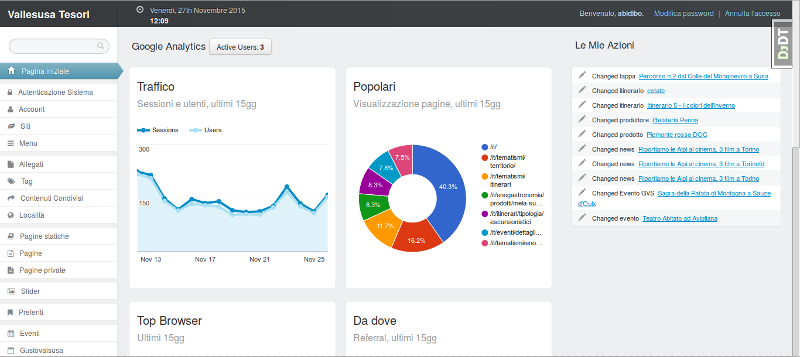
django-otto-admin
Django admin customization app for django-suit, providing google analytics widgets in the admin index template
Django · 后台
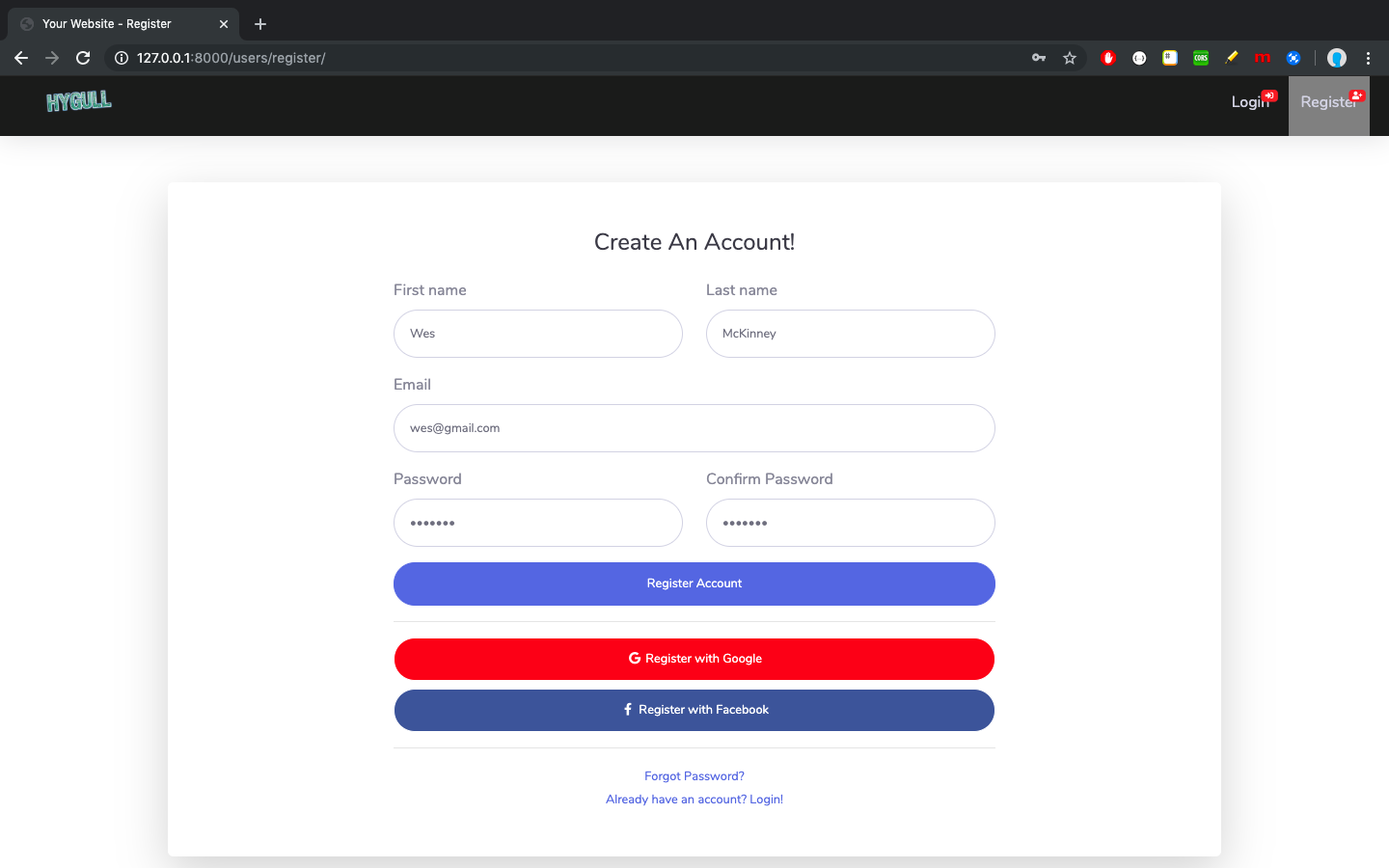
sbadmin
Django bootstrapped template integration for Admin
Django · 后台