按版本号文件夹组织文档,可在同一站点维护多个版本文档
Jekyll文档
jekyll-doc-theme — Jekyll 文档模板
作者 ReinanHS
基于 Jekyll 的项目文档主题,支持多版本文档目录、博客文章与 Disqus 评论,需借助 Travis CI 编译部署。
看看你的网站会是什么样
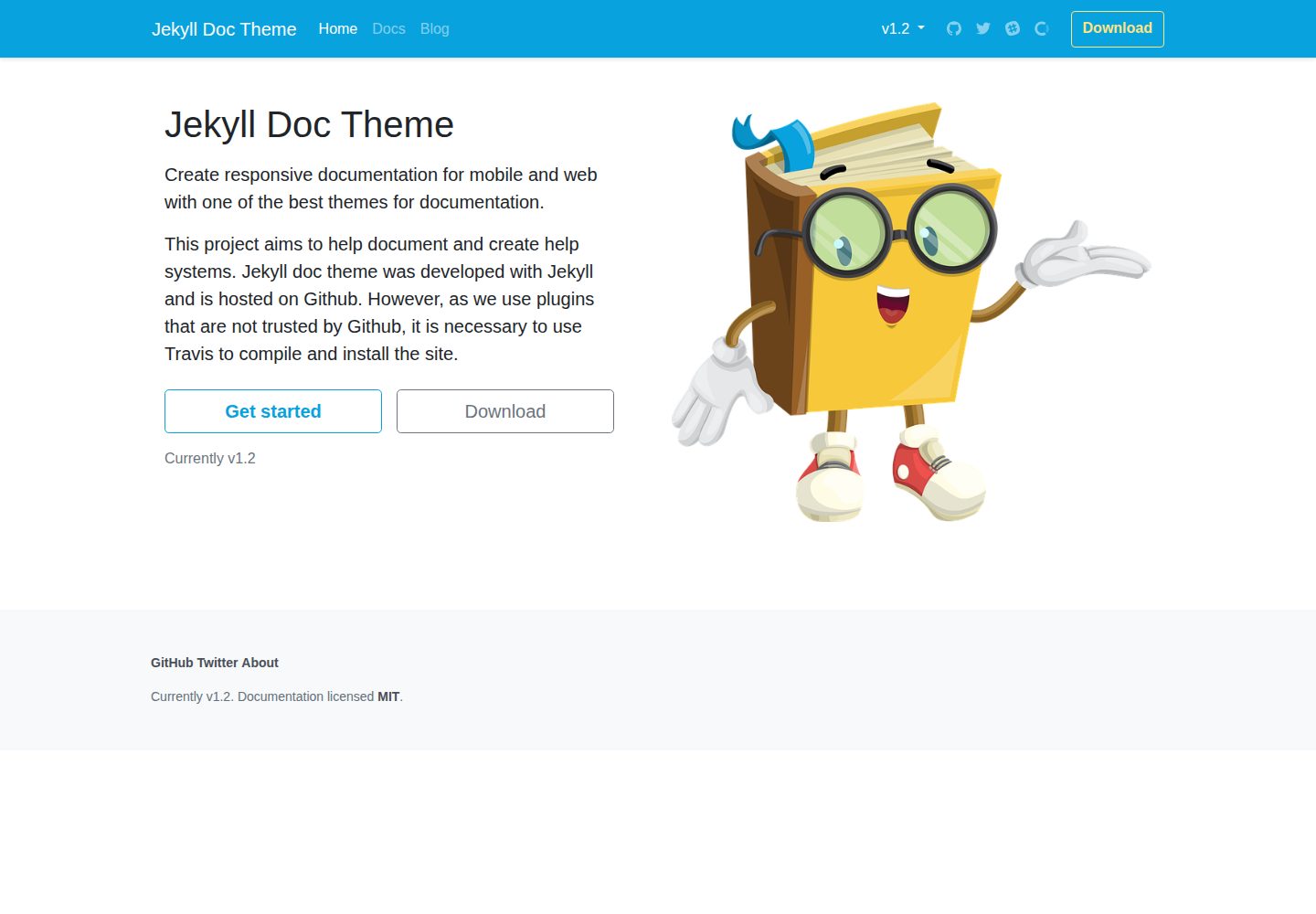
浏览真实页面截图,比较内容排版与手机效果。点击下方缩略图切换,放大查看整页细节。
全部页面与视图 3
截图用于了解视觉与布局,交互效果请以实际项目为准。
采集于 2026-10-11查看来源
值得关注的模板亮点
从已有项目资料中,快速了解它的特点。
提供 vdoc 与 vmake 两个命令分别创建文档版本和文档文件
_draft 目录用于存放不对外发布的草稿
内置搜索页与 404 页面,博客文章通过 Disqus 提供评论
使用 GitHub 不信任的插件,需通过 Travis CI 编译部署
模板详细介绍
这是一个用 Jekyll 构建的文档站点主题,面向项目文档与帮助系统的编写与发布。仓库以 MIT 许可开源,演示站与桌面、移动端截图均可访问。
主题的目录结构按用途划分:_docs 下按版本号(如 1.0、1.5、2.0)分文件夹存放不同版本文档,_draft 存放不发布的草稿,_posts 存放博客文章,_data 存放全站可访问的配置文件,pages 下包含 404 页面与搜索页。站点常规设置集中在 _config.yml。
主题提供两个自定义命令:`bundle exec jekyll vdoc <VERSION>` 用于创建文档版本,`bundle exec jekyll vmake <FILE NAME>` 用于新增文档文件。博客评论由 Disqus 提供,需在 _config.yml 中填写 disqus_shortname。
部署方面,README 明确说明主题使用了 GitHub 不信任的插件,因此不能直接依赖 GitHub Pages 构建,需要借助 Travis CI 编译并发布站点:在 Travis 中激活仓库,并配置名为 GITHUB_TOKEN 的环境变量。本地开发需先安装 Ruby 与 gem,再执行 gem install jekyll bundle、bundle install 与 bundle exec jekyll serve。
Jekyll文档
适合你的项目吗?
适用场景
- 为开源项目搭建带版本切换的文档站点
- 在同一站点内同时维护产品文档与博客文章
- 需要草稿区隔离未完成内容的文档写作流程
- 希望通过 Travis CI 自动构建并发布到 GitHub Pages
适合人群
- 熟悉 Jekyll 与 Ruby 工具链的开发者
- 需要按版本管理文档内容的项目维护者
- 愿意配置 Travis CI 与 GitHub Token 完成部署的团队
上手与定制指南
结合仓库当前版本的说明,按下面的资料检查内容、配置与运行要求。
- 1
需先安装 Ruby 与 gem,再执行 gem install jekyll bundle
- 2
克隆仓库后运行 bundle install 安装依赖,用 bundle exec jekyll serve 本地预览
- 3
站点设置集中在 _config.yml,评论功能需填写 Disqus 的 disqus_shortname
- 4
因使用 GitHub 不信任的插件,需在 Travis CI 激活仓库并配置 GITHUB_TOKEN 环境变量才能发布
- 5
演示图片、字体、图标等第三方素材需按各自许可单独核对
授权与来源资料
使用条件与限制
免费使用 · 保留许可声明本次收录的是公开仓库中采用 MIT 许可的免费版本;免费范围为该版本代码,不代表外部服务或第三方素材免费。
使用时需要遵守
- 允许免费使用、修改、商用和分发该版本代码。
- 分发代码副本或实质性部分时,保留原作者版权声明和完整 MIT 许可声明。
- 代码按现状提供;担保与责任限制以原许可证及适用法律为准。
额外费用与待核对事项
- 演示图片、字体、图标及其他第三方素材需按各自许可核对,不能仅凭代码的 MIT 许可判断。
- 域名、托管、数据库、支付或 AI 等外部服务可能另外收费。
- 该主题使用了 GitHub Pages 不信任的插件,因此无法直接依赖 GitHub Pages 构建,必须借助 Travis CI 编译并安装站点。
- 部署站点需要注册 Travis CI 账号,并将 GitHub 仓库与 Travis 同步。
- 发布生成的站点需要创建 GitHub 个人访问令牌并配置到 Travis CI 中。
- 需在 Travis CI 中创建名为 GITHUB_TOKEN 的环境变量并填入 GitHub 令牌,否则无法发布站点。
- 博客评论功能依赖第三方服务 Disqus,需使用该外部平台。
- 启用评论功能需注册 Disqus 账号,并在 _config.yml 中填写 disqus_shortname 标识。
查看原文依据
Permission is hereby granted, free of charge
许可证原文
as we use plugins that are not trusted by Github, it is necessary to use Travis to compile and install the site.
README 原文
We must create an account on [Travis CI](https://travis-ci.com/) to synchronize our GitHub repository with Travis
README 原文
After that we need to add a * token * from GitHub to Travis CI in order to publish the generated site.
README 原文
create an environment variable called `GITHUB_TOKEN`, paste the * token * in the value field
README 原文
The comments we use in the blog posts on the site are managed by [Disqus](http://disqus.com/)
README 原文
https://github.com/ReinanHS/jekyll-doc-theme/blob/master/LICENSEhttps://github.com/ReinanHS/jekyll-doc-theme/blob/master/README.mdTo activate the functionality, create an account and place your identifier in [_config.yml](_config.yml):
README 原文
DeepSeek 根据仓库许可证和 README 整理 ·2026-10-11。结果仅覆盖已读取资料,依赖、图片、字体及后续条款变更以各自原文为准。
项目核对记录与介绍依据
模板资料
- 来源平台
- GitHub
- 资料与维护参考分
- 资料较完整 · 83 / 100
- 技术栈
- Jekyll
- 网站类型
- 文档
这个分数如何计算
本站按许可资料(最高30分)、演示链接(12分)、预览图(10分)、Star数(15分)、记录的维护时间(15分)、描述完整度(8分)、功能记录(5分)和分类资料(5分)计算。它不是代码、安全或性能测试,也不是 Google 评分;有链接不代表已实测可用。
这个项目需要核对什么
- 记录的仓库更新时间
- 2026-06-23
- 截图检查日期
- 2026-10-11
已收录演示链接。请用你的内容与屏幕尺寸检查;有演示不代表表单、认证或支付已经可用。
目录记录的主要技术栈是 Jekyll。请通过依赖清单和锁文件核对实际版本与托管要求。这些说明基于收录资料,不代表代码审计或部署实测。
查看具体选型方法 →介绍的制作与核对状态
介绍由 AI 辅助整理目录与仓库资料。仓库作者不等于这篇介绍的审核者。
审核声明: [email protected] · 2026-10-13
查看当时使用的来源资料
SHA-256: 214b13bea384952c98bbcc58bdba61492c2f9faa359972335850b70782d0d593
2026-10-11T22:08:04.146Z
来源文件 / 仓库# Jekyll Doc Theme This project aims to help document and create help systems. Jekyll doc theme was developed with Jekyll and is hosted on Github. However, as we use plugins that are not trusted by Github, it is necessary to use Travis to compile and install the site. - [Installation] - [Project files] - [Project settings] - [How to create a version for your documentation?] - [How to add a publication?] - [Comments] - [Configuring Travis CI to create and deploy the site] - [Links and considerations] - [License] ## Installation You need Ruby and gem before starting, then: 1. Install Jekyll and Bundle: `gem install jekyll bundle` 1. Fork and clone the [jekyll-doc-theme](https://github.com/ReinanHS/jekyll-doc-theme): ```bach # clone the project git clone https://github.com/ReinanHS/jekyll-doc-theme.git cd jekyll-doc-theme ``` 3. Install dependencies: `bundle install` 4. Run jekyll with dependencies `bundle exec jekyll serve` ## Project files ```bash ├── _draft # To store your drafts, they will not be published on your website ├── _data # Settings files that can be accessed anywhere on the site ├── _docs # Files and publications about your documentation | ├── 1.0 # Version name folder with documentation | ├── 1.5 # Version name folder with documentation | └── 2.0 # Version name folder with documentation ├── _includes # Templates that can be included in the project ├── _layouts # layouts de temas (veja abaixo para detalhes) ├── _posts # Blog posts ├── _sass # Sass parciais ├── assets | ├── js # Files javascript, Katex, jquery, bootstrap, jekyll search, | ├── css # Files CSS, Bootstrap, font-awesome, katex and main css | ├── fonts # Font-Awesome, and other sources | └── img # Images used for templates ├── pages | ├── 404.md # Page that is displayed when the URL is wrong | ├── search.html # Search page ├── _config.yml # General site configuration └── index.html # sample home page └── .travis # Travis configuration file ``` ## Project settings The site settings are in the [_config.yml](_config.yml) file. Use a text editor to change most settings. ### How to create a version for your documentation? To create a version for your documentation you can use the command: ```bach bundle exec jekyll vdoc <VERSION> ``` ### How to add a publication? To create a file for your documentation use this command ```bach bundle exec jekyll vmake <FILE NAME> ``` ### Comments The comments we use in the blog posts on the site are managed by [Disqus](http://disqus.com/), which is a platform to increase engagement on your sites and allows people to comment on your blog. In addition to offering superior performance when compared to other systems, [Disqus](http://disqus.com/) guarantees other advantages for our readers. One is the possibility of registering through social networks, such as Facebook and Twitter. However, those who prefer can also register directly through the [Disqus](http://disqus.com/) website. To activate the functionality, create an account and place your identifier in [_config.yml](_config.yml): ```yml disqus_shortname: '<APP KEY>' ``` ### Configuring Travis CI to create and deploy the site We must create an account on [Travis CI](https://travis-ci.com/) to synchronize our GitHub repository with Travis, so we have to search for the repository on Travis and then right click to activate this repository.  After that we need to add a * token * from GitHub to Travis CI in order to publish the generated site. Go to [Github Token](https://github.com/settings/tokens) and create a personal access token. 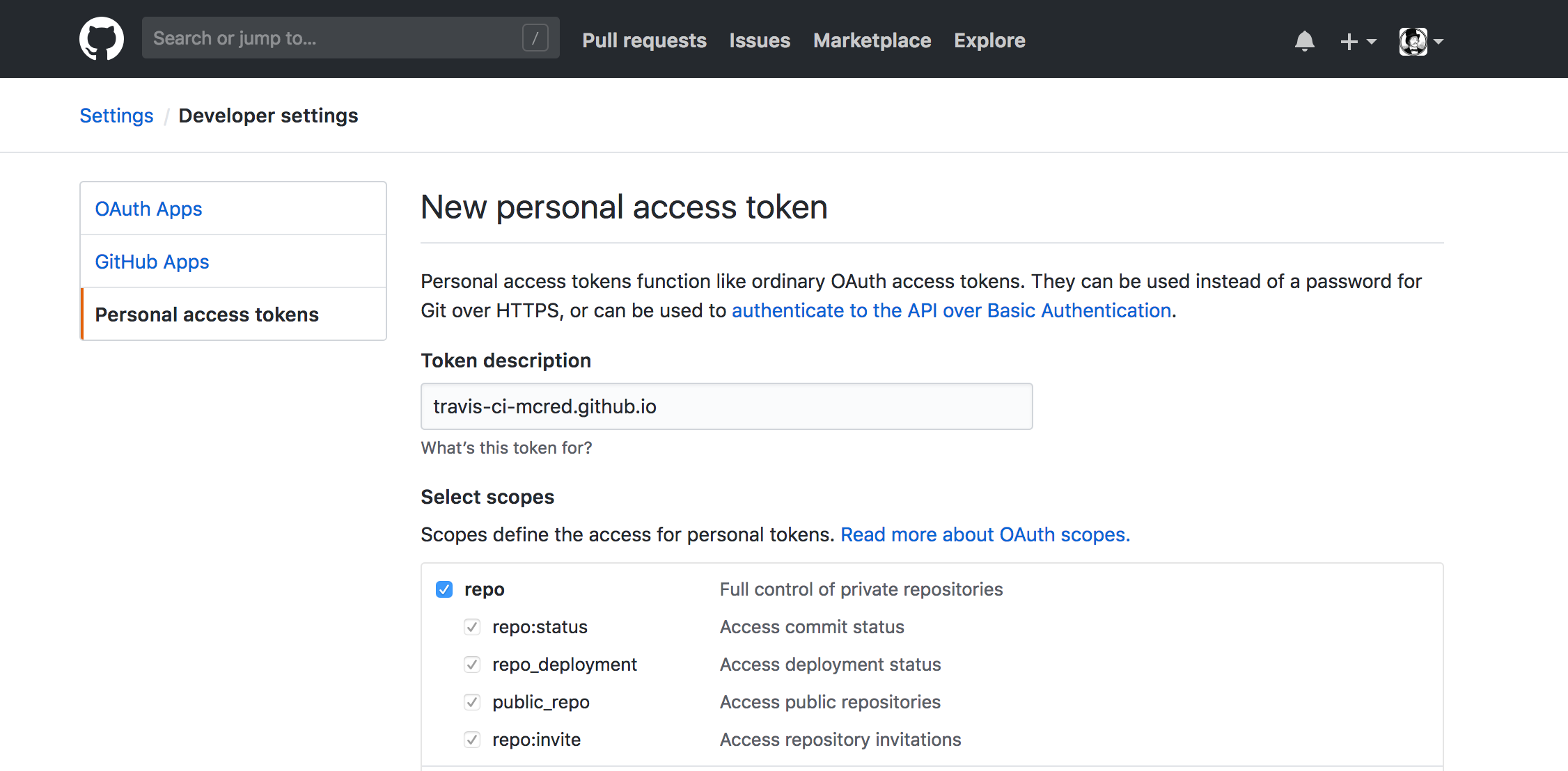 After generating your * token *, copy it immediately, as it will only be available when it is created. Take this copied * token * back to the settings page in Travis CI, create an environment variable called `GITHUB_TOKEN`, paste the * token * in the value field, make sure “Display value in creation log” is not checked and click Add. ## Links and considerations - [Supercharge GitHub Pages with Jekyll and Travis CI](https://medium.com/@mcred/supercharge-github-pages-with-jekyll-and-travis-ci-699bc0bde075) - [Colocando um site no ar com Jekyll: usando o terminal](https://jtemporal.com/do-tema-ao-ar/) - [Tecmundo: Explicando um pouco sobre o disqus](https://www.tecmundo.com.br/institucional/104360-novidade-comentarios-tecmundo-testando-o-disqus.htm) - [Github Pages](https://pages.github.com/) - [Jekyll](https://jekyllrb.com/) - [Travis](https://travis-ci.com/) - [Disqus](http://disqus.com/) # License Released under [the MIT license](LICENSE). [Installation]: #installation [Project files]: #project-files [Project settings]: #project-settings [How to create a version for your documentation?]: #how-to-create-a-version-for-your-documentation [How to add a publication?]: #how-to-add-a-publication [Comments]: #comments [Configuring Travis CI to create and deploy the site]: #configuring-travis-ci-to-create-and-deploy-the-site [Links and considerations]: #links-and-considerations [License]: #license
看看同类模板
对比同技术栈与用途的模板,找到更适合的视觉与内容结构。

minimal-mistakes
:triangular_ruler: Jekyll theme for building a personal site, blog, project documentation, or portfolio.
Jekyll · 作品集

jekyll-TeXt-theme
💎 🐳 A super customizable Jekyll theme for personal site, team site, blog, project, documentation, etc.
Jekyll · 博客
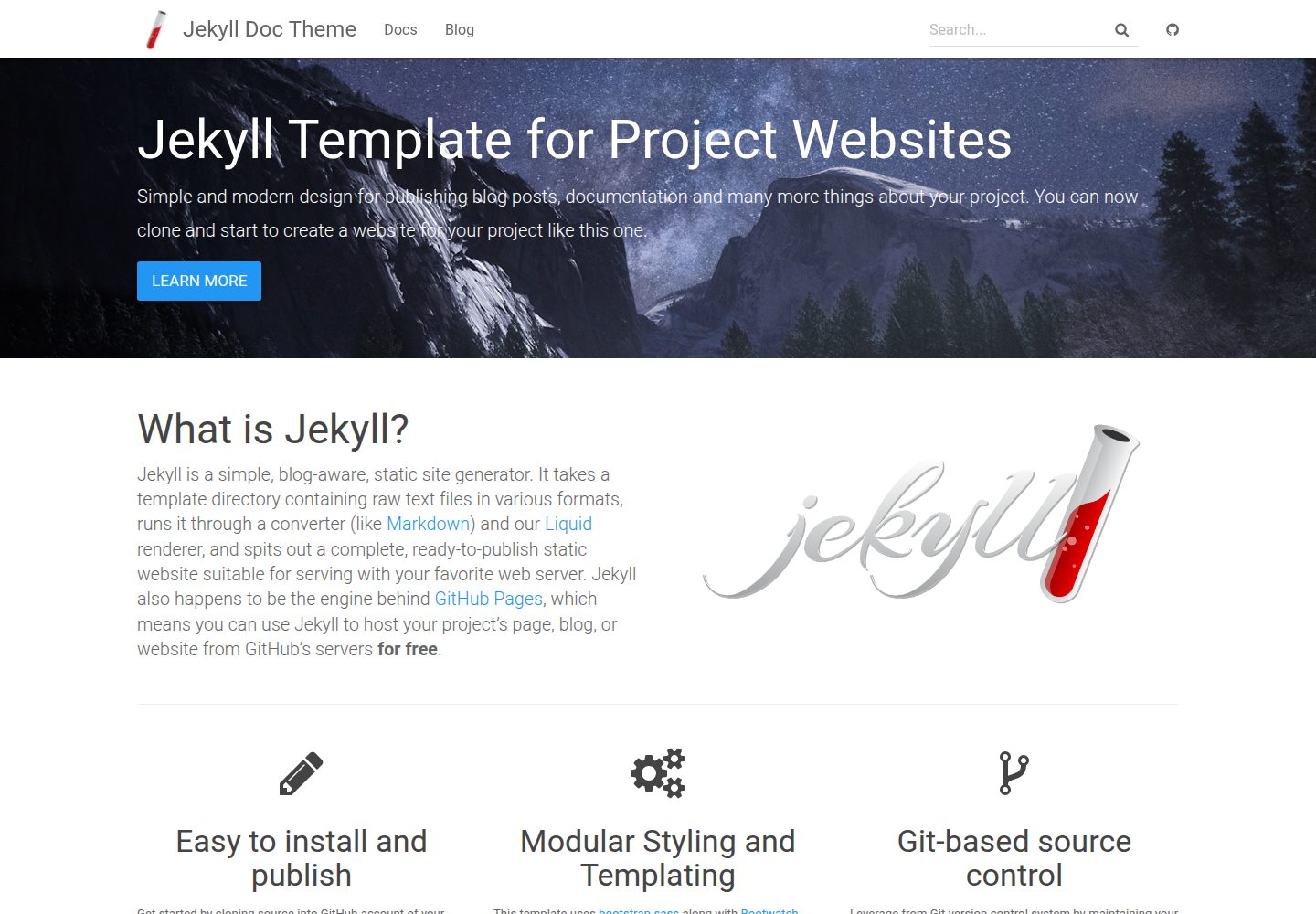
jekyll-doc-theme
Jekyll theme for creating project documentation websites
Jekyll · 文档
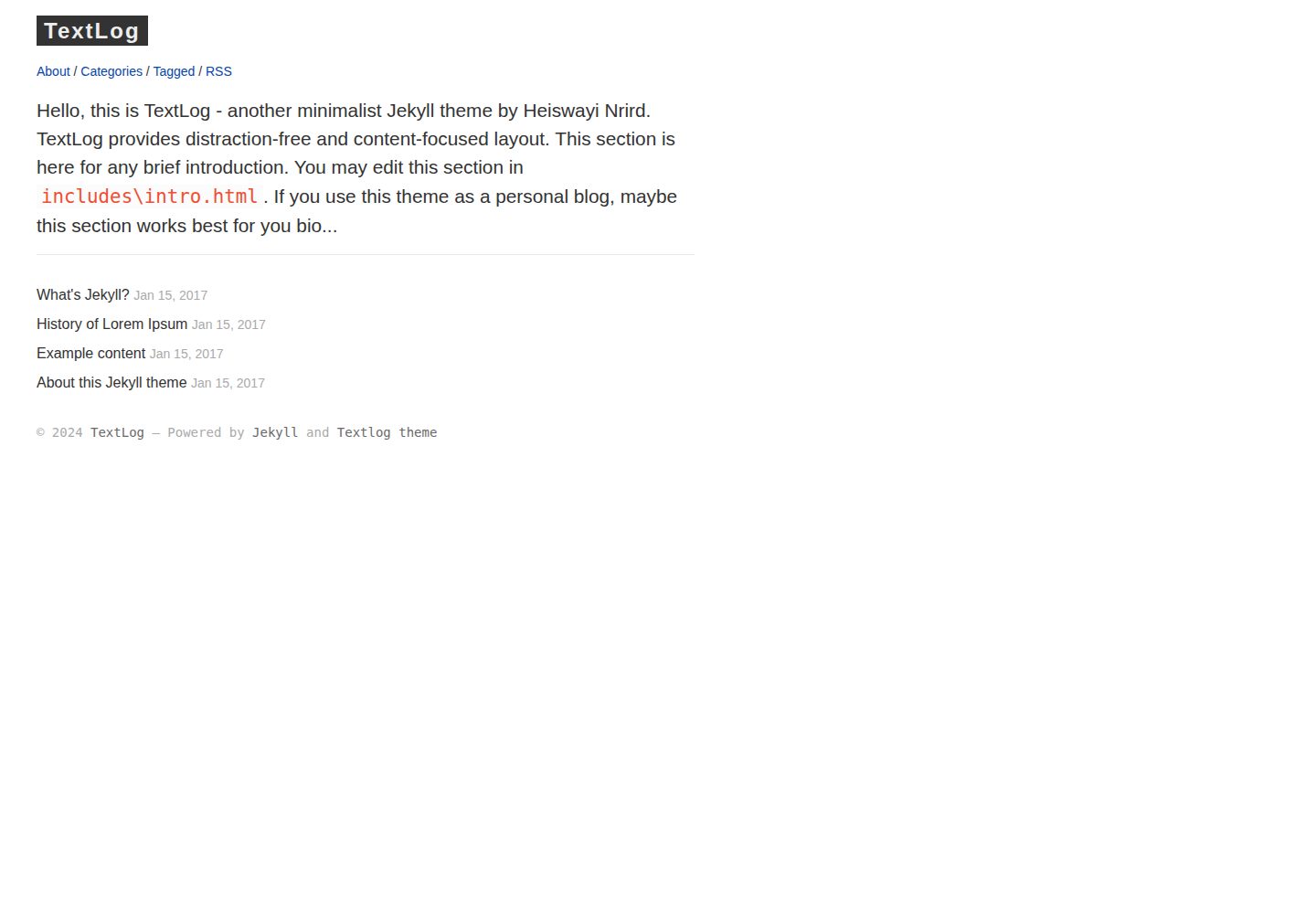
textlog
Minimalist, lefty-style Jekyll theme designed for documentation based blog.
Jekyll · 博客
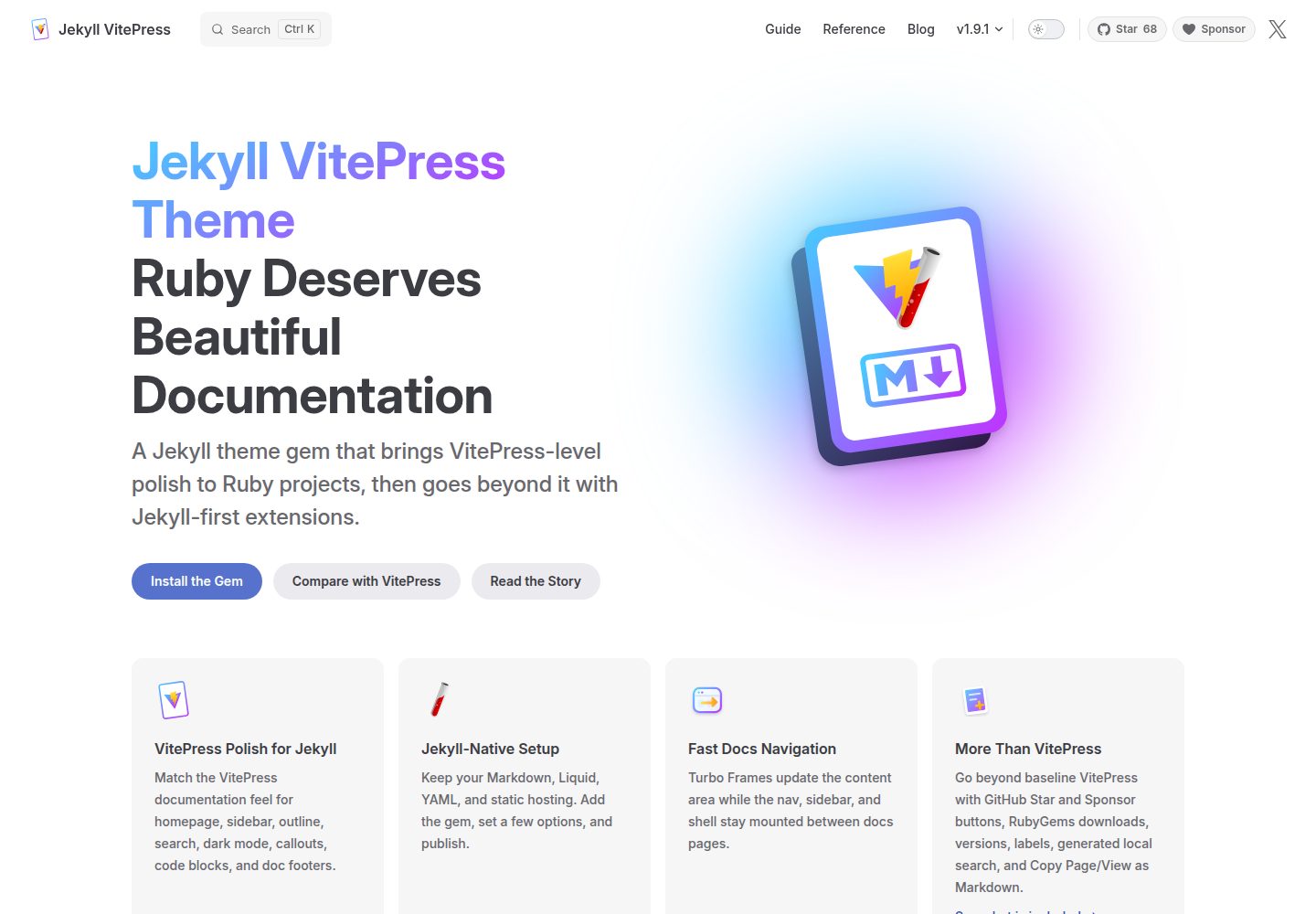
jekyll-vitepress-theme
Ruby deserves beautiful documentation. Jekyll VitePress Theme brings VitePress-level polish to Jekyll.
Jekyll · 文档
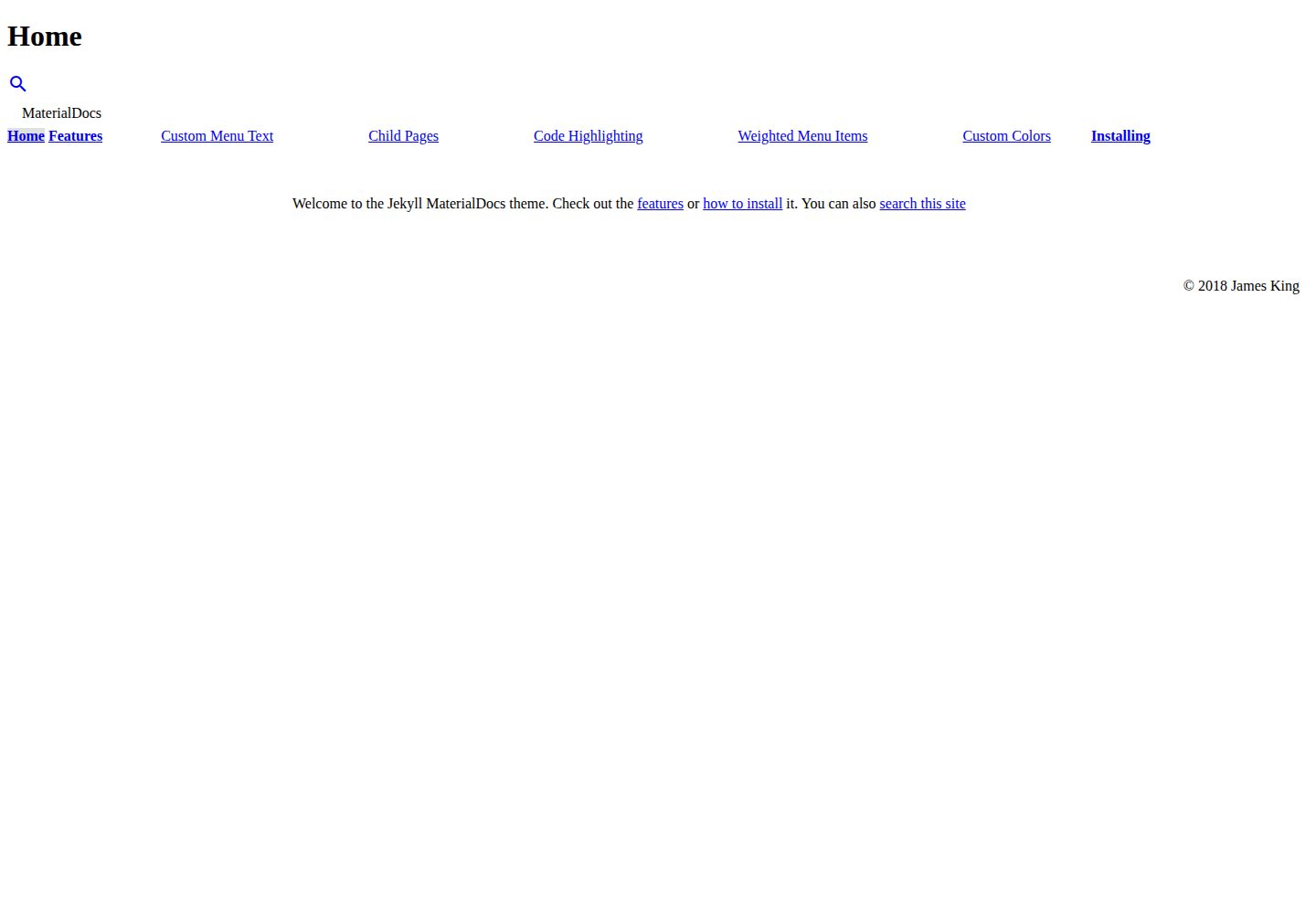
jekyll-materialdocs
MaterialDocs is a material two-column Jekyll theme designed for documentation websites.
Jekyll · 文档