Organize documentation by version number folders, allowing multiple versions to be maintained on the same site
JekyllDocumentation
jekyll-doc-theme — Jekyll Documentation Template
By ReinanHS
A Jekyll-based project documentation theme that supports multi-version documentation directories, blog posts, and Disqus comments, requiring Travis CI for build and deployment.
Explore the design
Compare the page layouts and mobile experience. Open any screenshot for a closer look.
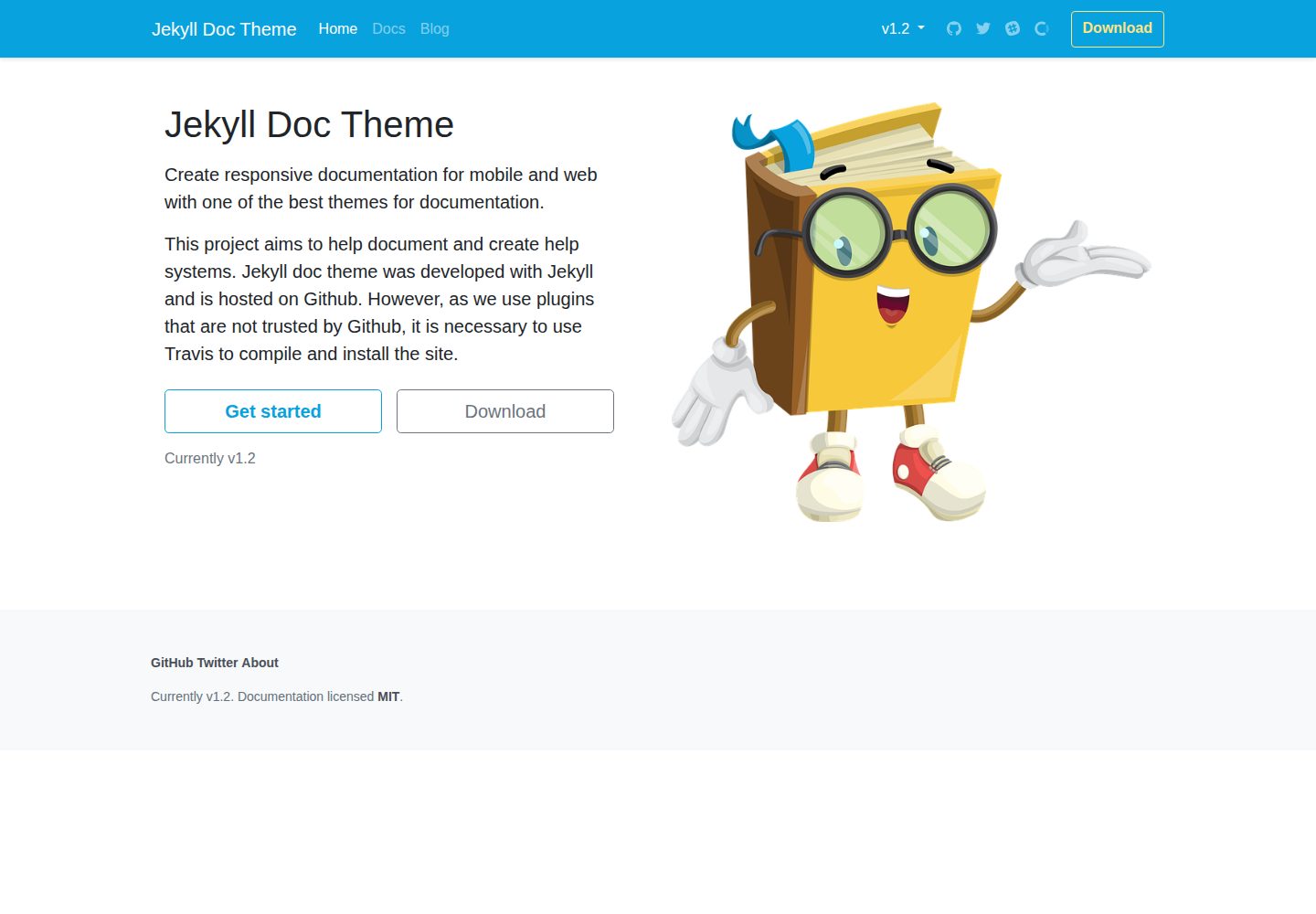
Desktop homepage1 / 3
Desktop captureTop of page
Actual screenshot captured by the server browser.
All pages & views 3
Screenshots show visual appearance; interactive behavior may differ.
Recorded 2026-10-11View source
What stands out
A quick read of the recorded project description.
Provide two commands, vdoc and vmake, to create documentation versions and documentation files respectively
The _draft directory is used to store drafts not intended for public release
Includes a built-in search page and 404 page, with blog posts commented via Disqus
Uses plugins not trusted by GitHub, requiring compilation and deployment via Travis CI
Template Details
This is a documentation site theme built with Jekyll, intended for writing and publishing project documentation and help systems. The repository is open source under the MIT license, and the demo site along with desktop and mobile screenshots are accessible.
The theme's directory structure is organized by purpose: under _docs, folders are divided by version number (e.g., 1.0, 1.5, 2.0) to store documentation for different versions; _draft holds unpublished drafts; _posts contains blog posts; _data stores site-wide accessible configuration files; and pages includes the 404 page and search page. General site settings are centralized in _config.yml.
The theme provides two custom commands: `bundle exec jekyll vdoc <VERSION>` to create a documentation version, and `bundle exec jekyll vmake <FILE NAME>` to add a new documentation file. Blog comments are provided by Disqus, and the disqus_shortname must be filled in _config.yml.
Regarding deployment, the README explicitly states that the theme uses plugins not trusted by GitHub, so it cannot rely directly on GitHub Pages for building; it requires Travis CI to compile and publish the site: activate the repository in Travis and configure an environment variable named GITHUB_TOKEN. For local development, first install Ruby and gem, then run gem install jekyll bundle, bundle install, and bundle exec jekyll serve.
JekyllDocumentation
Is it right for your project?
Use Cases
- Building a documentation site with version switching for an open-source project
- Maintaining both product documentation and blog posts on the same site
- A documentation writing workflow that requires a draft area to isolate unfinished content
- Automatically building and publishing to GitHub Pages via Travis CI
Suitable For
- Developers familiar with Jekyll and the Ruby toolchain
- Project maintainers who need to manage documentation content by version
- Teams willing to configure Travis CI and a GitHub token to complete deployment
Getting started & customization
Use these recorded setup notes alongside the repository instructions for your chosen version.
- 1
First install Ruby and gem, then run gem install jekyll bundle
- 2
After cloning the repository, run bundle install to install dependencies, and use bundle exec jekyll serve for local preview
- 3
Site settings are centralized in _config.yml; the comment feature requires filling in Disqus's disqus_shortname
- 4
Because it uses plugins not trusted by GitHub, you must activate the repository in Travis CI and configure the GITHUB_TOKEN environment variable to publish
- 5
Third-party assets such as demo images, fonts, and icons must be individually checked according to their respective licenses
License & source material
Usage conditions & limitations
Free to use · keep license noticeThis entry covers the free version of the public repository under the MIT license; the free scope is the code of this version and does not imply that external services or third-party assets are free.
Must comply with when using
- Free use, modification, commercial use, and distribution of this version's code are permitted.
- When distributing copies or substantial portions of the code, retain the original author's copyright notice and the full MIT license notice.
- The code is provided as is; warranties and limitations of liability are governed by the original license and applicable law.
Additional costs & items to verify
- Demo images, fonts, icons, and other third-party assets must be checked according to their respective licenses and cannot be judged solely by the code's MIT license.
- External services such as domains, hosting, databases, payments, or AI may incur additional charges.
- This theme uses plugins not trusted by GitHub Pages, so it cannot rely directly on GitHub Pages for building; it must be compiled and deployed via Travis CI.
- Deploying the site requires registering a Travis CI account and syncing the GitHub repository with Travis.
- Publishing the generated site requires creating a GitHub personal access token and configuring it in Travis CI.
- An environment variable named GITHUB_TOKEN must be created in Travis CI and filled with the GitHub token, otherwise the site cannot be published.
- The blog comment feature relies on the third-party service Disqus and requires using that external platform.
- Enabling the comment feature requires registering a Disqus account and filling in the disqus_shortname identifier in _config.yml.
View Original Text Basis
Permission is hereby granted, free of charge
Original License Text
as we use plugins that are not trusted by Github, it is necessary to use Travis to compile and install the site.
Original README
We must create an account on [Travis CI](https://travis-ci.com/) to synchronize our GitHub repository with Travis
Original README
After that we need to add a * token * from GitHub to Travis CI in order to publish the generated site.
Original README
create an environment variable called `GITHUB_TOKEN`, paste the * token * in the value field
Original README
The comments we use in the blog posts on the site are managed by [Disqus](http://disqus.com/)
Original README
https://github.com/ReinanHS/jekyll-doc-theme/blob/master/LICENSEhttps://github.com/ReinanHS/jekyll-doc-theme/blob/master/README.mdTo activate the functionality, create an account and place your identifier in [_config.yml](_config.yml):
Original README
Compiled by DeepSeek based on repository license and README ·2026-10-11. Results only cover the materials read; dependencies, images, fonts, and subsequent term changes are subject to their respective original texts.
Project checks & description sources
Template Information
- Source platforms
- GitHub
- Documentation and maintenance reference score
- More documented · 83 / 100
- Technologies
- Jekyll
- Website type
- Documentation
How this score is calculated
Our heuristic uses license records (up to 30), a demo link (12), a preview (10), stars (15), recorded maintenance (15), description completeness (8), feature records (5) and classification data (5). It is not a code, security or performance test, or a Google score. A link does not establish tested functionality.
What to verify for this project
- Repository update recorded
- 2026-06-23
- Screenshot last checked
- 2026-10-11
A demo link is listed. Check it with your own content and viewport sizes; its presence does not confirm that forms, authentication or payments work.
The catalog identifies Jekyll as the primary stack. Check the actual dependency manifest and lockfile for versions and hosting requirements. These notes use recorded metadata, not a code audit or a deployment test.
Use a selection guide →How this description was prepared
AI-assisted description based on catalog records and repository material. Repository authors are not automatically the reviewers of this description.
Review declaration: [email protected] · 2026-10-13
Inspect the recorded source material
SHA-256: 214b13bea384952c98bbcc58bdba61492c2f9faa359972335850b70782d0d593
2026-10-11T22:08:04.146Z
Source file / repository# Jekyll Doc Theme This project aims to help document and create help systems. Jekyll doc theme was developed with Jekyll and is hosted on Github. However, as we use plugins that are not trusted by Github, it is necessary to use Travis to compile and install the site. - [Installation] - [Project files] - [Project settings] - [How to create a version for your documentation?] - [How to add a publication?] - [Comments] - [Configuring Travis CI to create and deploy the site] - [Links and considerations] - [License] ## Installation You need Ruby and gem before starting, then: 1. Install Jekyll and Bundle: `gem install jekyll bundle` 1. Fork and clone the [jekyll-doc-theme](https://github.com/ReinanHS/jekyll-doc-theme): ```bach # clone the project git clone https://github.com/ReinanHS/jekyll-doc-theme.git cd jekyll-doc-theme ``` 3. Install dependencies: `bundle install` 4. Run jekyll with dependencies `bundle exec jekyll serve` ## Project files ```bash ├── _draft # To store your drafts, they will not be published on your website ├── _data # Settings files that can be accessed anywhere on the site ├── _docs # Files and publications about your documentation | ├── 1.0 # Version name folder with documentation | ├── 1.5 # Version name folder with documentation | └── 2.0 # Version name folder with documentation ├── _includes # Templates that can be included in the project ├── _layouts # layouts de temas (veja abaixo para detalhes) ├── _posts # Blog posts ├── _sass # Sass parciais ├── assets | ├── js # Files javascript, Katex, jquery, bootstrap, jekyll search, | ├── css # Files CSS, Bootstrap, font-awesome, katex and main css | ├── fonts # Font-Awesome, and other sources | └── img # Images used for templates ├── pages | ├── 404.md # Page that is displayed when the URL is wrong | ├── search.html # Search page ├── _config.yml # General site configuration └── index.html # sample home page └── .travis # Travis configuration file ``` ## Project settings The site settings are in the [_config.yml](_config.yml) file. Use a text editor to change most settings. ### How to create a version for your documentation? To create a version for your documentation you can use the command: ```bach bundle exec jekyll vdoc <VERSION> ``` ### How to add a publication? To create a file for your documentation use this command ```bach bundle exec jekyll vmake <FILE NAME> ``` ### Comments The comments we use in the blog posts on the site are managed by [Disqus](http://disqus.com/), which is a platform to increase engagement on your sites and allows people to comment on your blog. In addition to offering superior performance when compared to other systems, [Disqus](http://disqus.com/) guarantees other advantages for our readers. One is the possibility of registering through social networks, such as Facebook and Twitter. However, those who prefer can also register directly through the [Disqus](http://disqus.com/) website. To activate the functionality, create an account and place your identifier in [_config.yml](_config.yml): ```yml disqus_shortname: '<APP KEY>' ``` ### Configuring Travis CI to create and deploy the site We must create an account on [Travis CI](https://travis-ci.com/) to synchronize our GitHub repository with Travis, so we have to search for the repository on Travis and then right click to activate this repository.  After that we need to add a * token * from GitHub to Travis CI in order to publish the generated site. Go to [Github Token](https://github.com/settings/tokens) and create a personal access token. 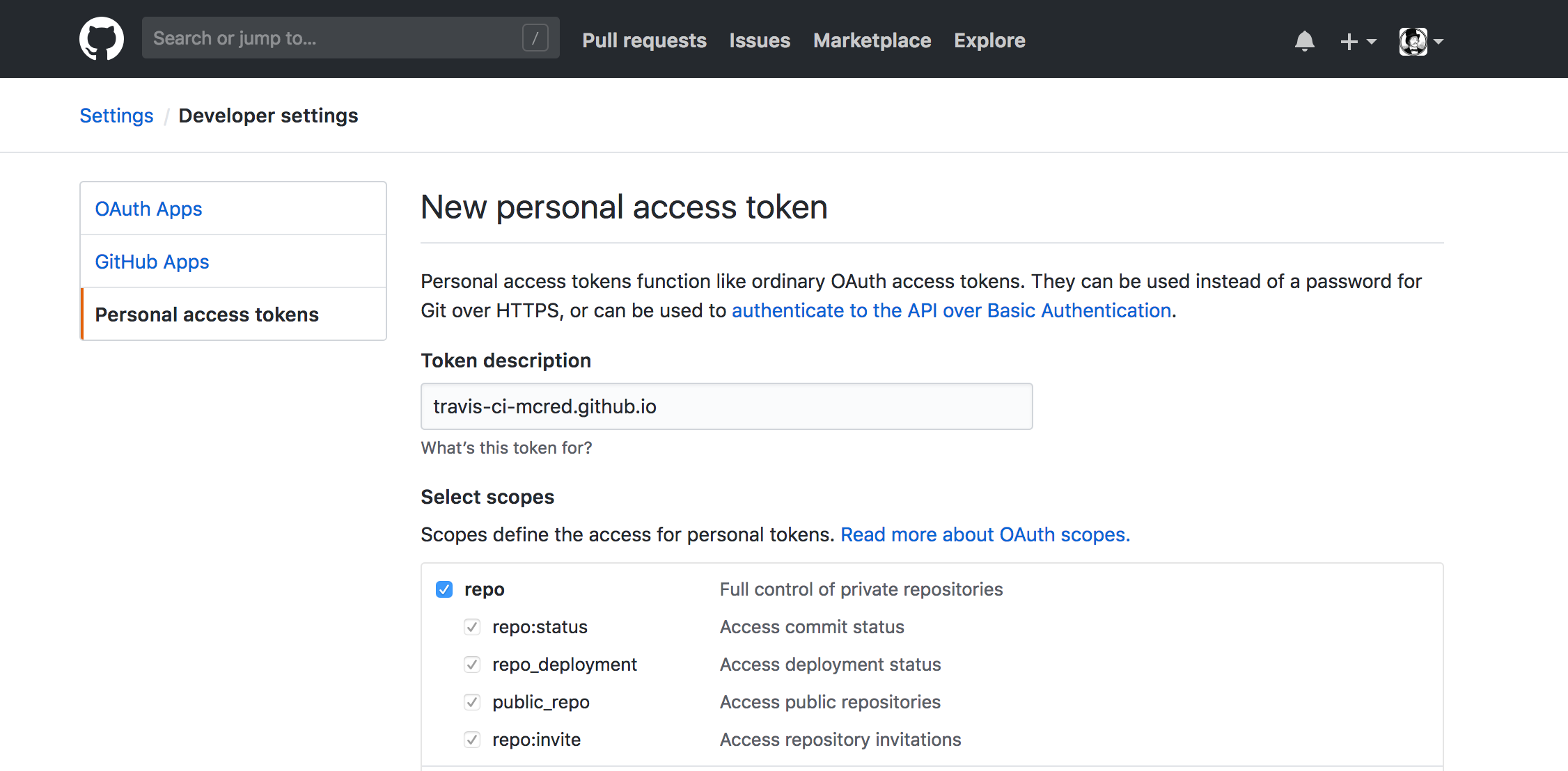 After generating your * token *, copy it immediately, as it will only be available when it is created. Take this copied * token * back to the settings page in Travis CI, create an environment variable called `GITHUB_TOKEN`, paste the * token * in the value field, make sure “Display value in creation log” is not checked and click Add. ## Links and considerations - [Supercharge GitHub Pages with Jekyll and Travis CI](https://medium.com/@mcred/supercharge-github-pages-with-jekyll-and-travis-ci-699bc0bde075) - [Colocando um site no ar com Jekyll: usando o terminal](https://jtemporal.com/do-tema-ao-ar/) - [Tecmundo: Explicando um pouco sobre o disqus](https://www.tecmundo.com.br/institucional/104360-novidade-comentarios-tecmundo-testando-o-disqus.htm) - [Github Pages](https://pages.github.com/) - [Jekyll](https://jekyllrb.com/) - [Travis](https://travis-ci.com/) - [Disqus](http://disqus.com/) # License Released under [the MIT license](LICENSE). [Installation]: #installation [Project files]: #project-files [Project settings]: #project-settings [How to create a version for your documentation?]: #how-to-create-a-version-for-your-documentation [How to add a publication?]: #how-to-add-a-publication [Comments]: #comments [Configuring Travis CI to create and deploy the site]: #configuring-travis-ci-to-create-and-deploy-the-site [Links and considerations]: #links-and-considerations [License]: #license
Explore similar templates
Compare previews and descriptions within the same stack and category.

minimal-mistakes
Minimal Mistakes is a two-column Jekyll theme for personal sites, blogs, project documentation, or portfolios.
Jekyll · Portfolio

jekyll-TeXt-theme
A customizable Jekyll theme for personal sites, team sites, blogs, projects, and documentation.
Jekyll · Blog
jekyll-doc-theme
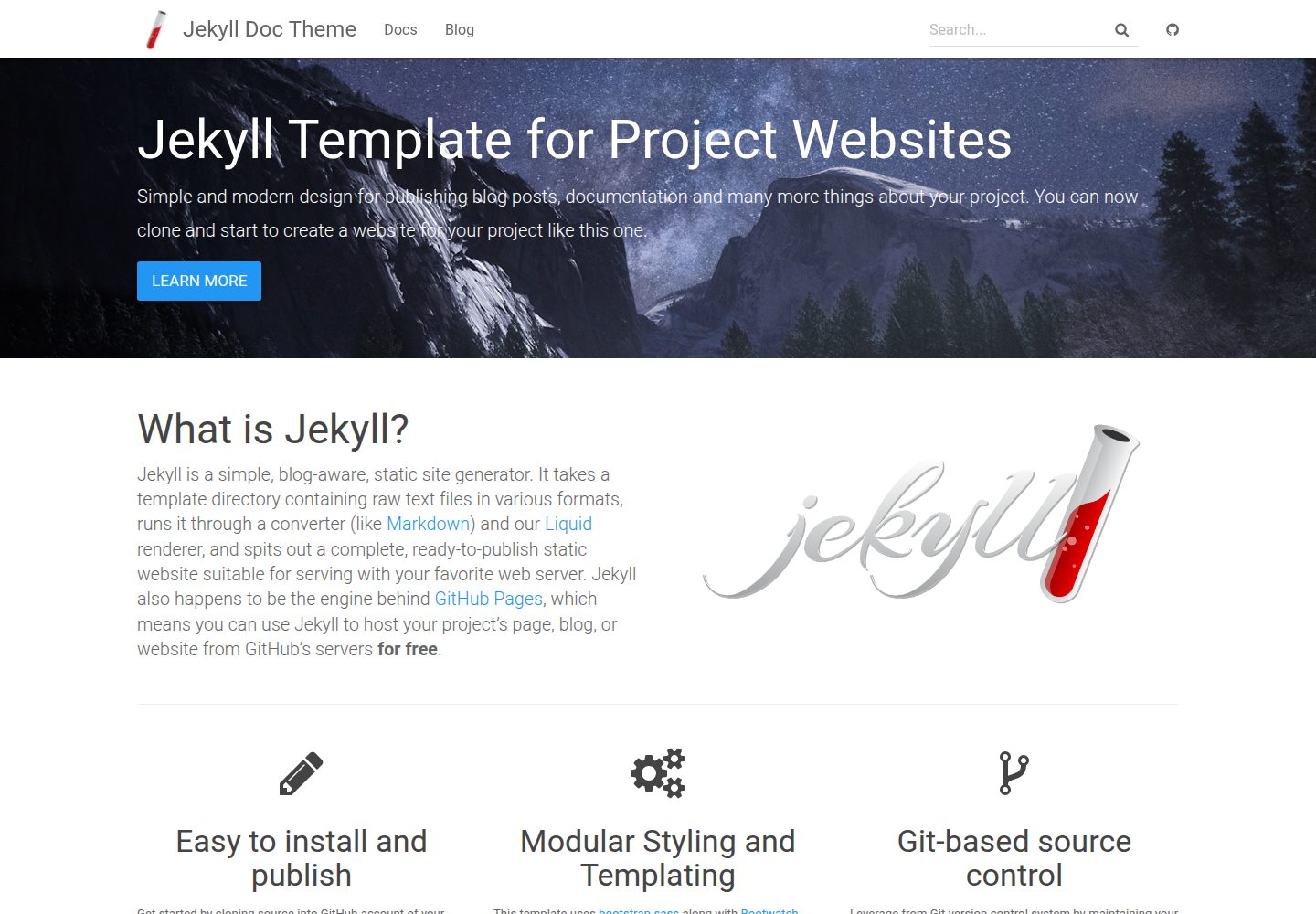
A Jekyll theme for project documentation websites, released under the MIT license. It organizes Markdown content into a navigable documentation site and can be deployed via local Ruby/Bundler build, a multi-stage Dockerfile with Nginx, or GitHub Pages remote theme.
Jekyll · Documentation
textlog
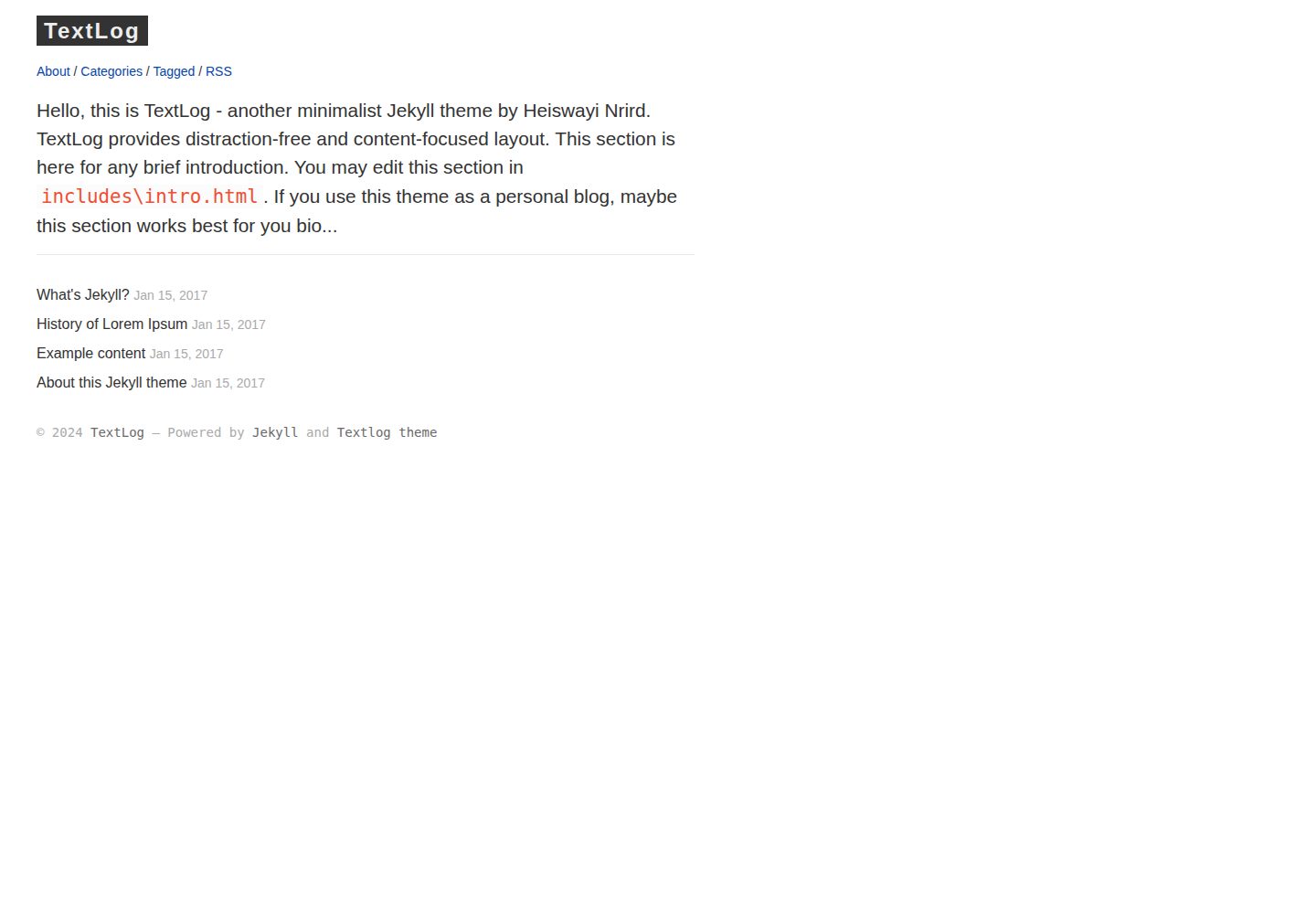
TextLog is a minimalist, left-sidebar Jekyll theme for documentation-style blogs. It includes a demo site and is MIT-licensed for free use, modification, commercial use, and distribution.
Jekyll · Blog
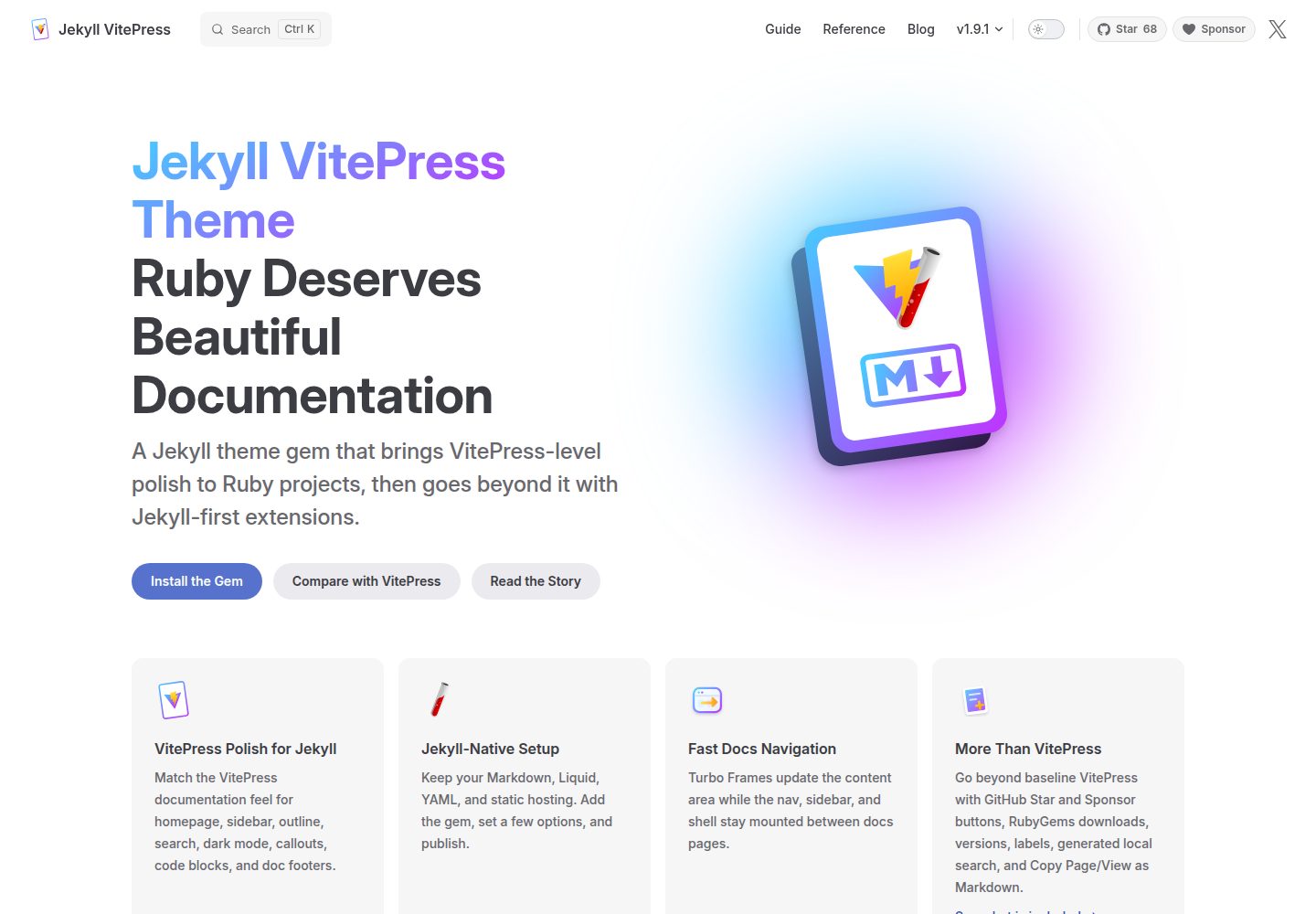
jekyll-vitepress-theme
A Jekyll documentation theme released as a Ruby gem that brings a VitePress-like interface and reading experience to Jekyll while preserving its Markdown, Liquid, YAML, and static hosting workflow.
Jekyll · Documentation
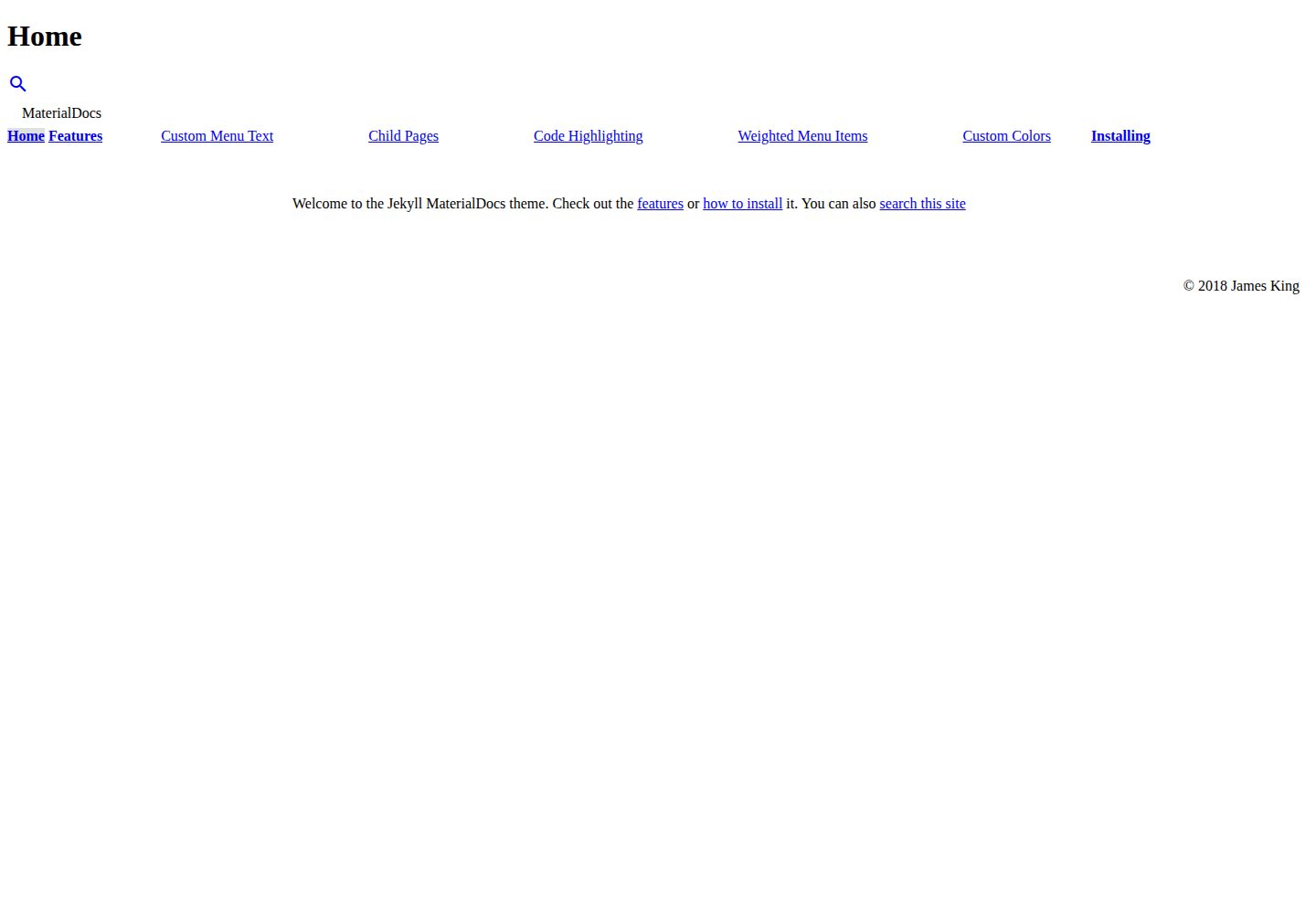
jekyll-materialdocs
MaterialDocs is a two-column Jekyll documentation theme built on Material Design Lite.
Jekyll · Documentation