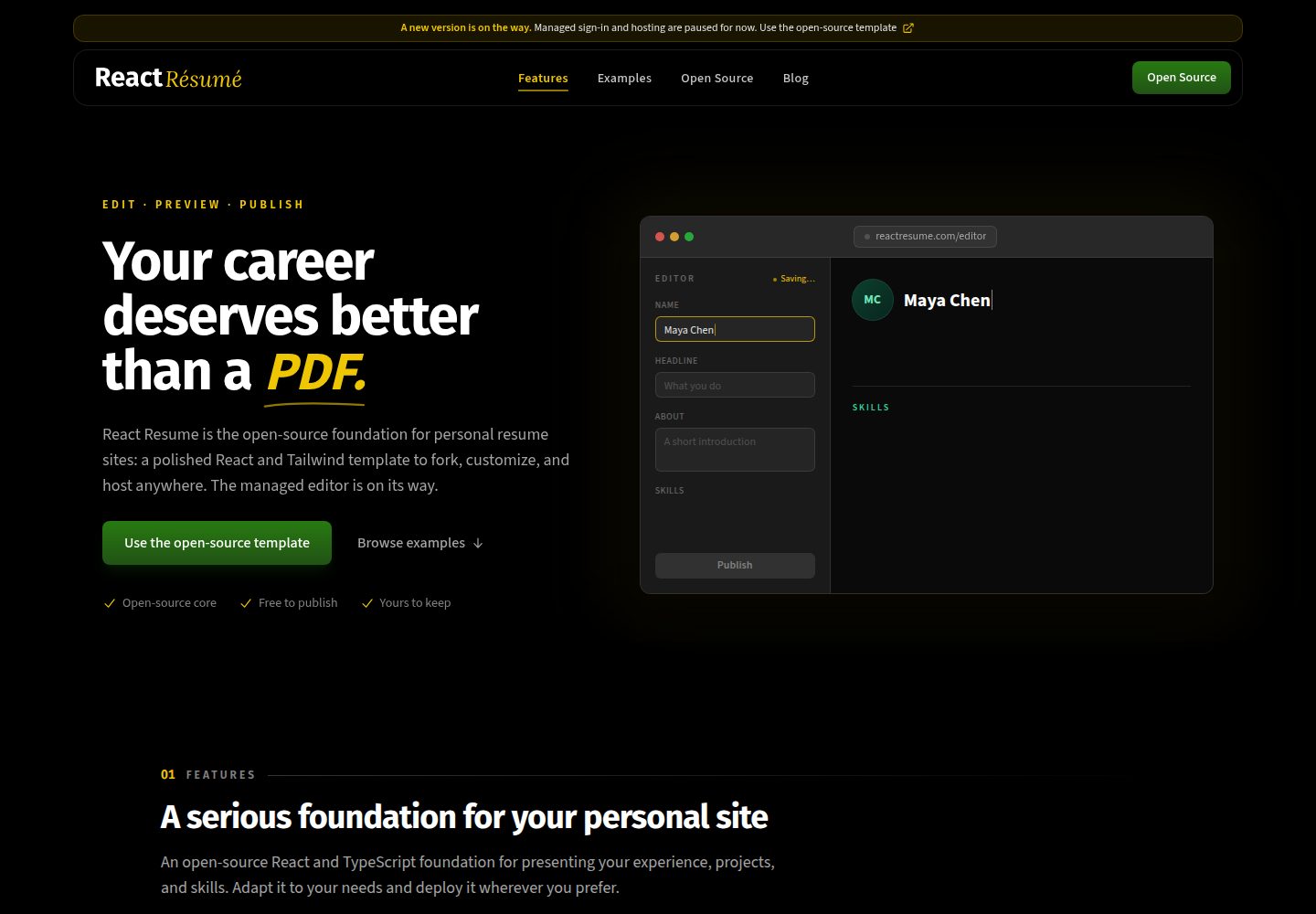
从 tbakerx/react-resume-template 派生的个人简历网站模板
React作品集
my-react-app — React 作品集模板
作者 RomanTechnologies
基于 tbakerx/react-resume-template 的个人 React 简历网站模板,使用 TypeScript、Next.js 与 Tailwind CSS,站点内容集中在单个数据文件中维护。
看看你的网站会是什么样
浏览真实页面截图,比较内容排版与手机效果。点击下方缩略图切换,放大查看整页细节。
全部页面与视图 3
截图用于了解视觉与布局,交互效果请以实际项目为准。
采集于 2026-10-02查看来源
值得关注的模板亮点
从已有项目资料中,快速了解它的特点。
使用 React 与 TypeScript,构建在 Next.js 框架上
样式由 Tailwind CSS 完成
站点内容集中在 /src/data/data.tsx 单一数据文件中维护,类型定义见 dataDef.ts
示例图片放在 src/images/ 目录并在数据文件中导入
联系表单仅处理输入与状态,提交与邮件发送需自行实现
模板详细介绍
这是一个面向软件开发者个人简历网站的开源模板,仓库由 RomanTechnologies 从 tbakerx 的 react-resume-template 派生而来。模板采用 React 与 TypeScript,构建在 Next.js 框架上,样式使用 Tailwind CSS,站点各区块的数据统一放在 /src/data/data.tsx 中,类型定义在同目录的 dataDef.ts,示例图片位于 src/images/ 并在数据文件中引入。README 说明该版本为 v2,相比旧版重新组织并现代化了各站点区块。
使用流程上,需要先准备 Node 与 Yarn 环境,Fork 并下载仓库后执行 yarn install 安装依赖,再用 yarn dev 启动本地开发服务器,通常访问 http://localhost:3000。修改数据文件后保存即可在页面上看到变化。部署方面,README 给出的路径是部署到 Vercel。
需要留意的限制:联系表单只实现了输入与状态处理,表单提交和邮件发送需要自行接入,README 中作者个人推荐使用 Sendgrid。仓库采用 MIT 许可,可免费使用、修改、商用和分发该版本代码,但分发时需保留版权声明与完整 MIT 许可声明,代码按现状提供;演示图片、字体、图标等第三方素材需按各自许可单独核对,域名、托管等外部服务可能另行收费。
React作品集
适合你的项目吗?
适用场景
- 搭建面向软件开发者的个人简历与作品展示网站
- 作为学习 React、TypeScript 与 Tailwind CSS 组合使用的参考项目
- 在已有模板基础上替换数据与图片,快速生成个人站点
- 部署到 Vercel 作为线上个人主页
适合人群
- 需要个人简历网站并愿意自行修改数据文件的开发者
- 熟悉 Node 与 Yarn 工作流、能自行安装依赖并运行开发服务器的人
- 接受自行接入邮件服务以完成联系表单提交的开发者
- 希望以 MIT 许可代码为基础进行二次修改与分发的人
上手与定制指南
结合仓库当前版本的说明,按下面的资料检查内容、配置与运行要求。
- 1
需先安装最新稳定版 Node 与 Yarn
- 2
Fork 并下载仓库后,在项目目录执行 yarn install 安装依赖
- 3
执行 yarn dev 启动本地开发,默认地址通常为 http://localhost:3000
- 4
站点内容在 /src/data/data.tsx 中修改,图片在 src/images/ 中替换或新增并更新导入
- 5
联系表单需自行接入邮件发送实现,README 中作者推荐 Sendgrid;部署方式参考 Vercel 的 Next.js 部署指南
授权与来源资料
使用条件与限制
免费使用 · 保留许可声明本次收录的是公开仓库中采用 MIT 许可的免费版本;免费范围为该版本代码,不代表外部服务或第三方素材免费。
使用时需要遵守
- 允许免费使用、修改、商用和分发该版本代码。
- 分发代码副本或实质性部分时,保留原作者版权声明和完整 MIT 许可声明。
- 代码按现状提供;担保与责任限制以原许可证及适用法律为准。
额外费用与待核对事项
- 联系表单仅实现输入与状态处理,表单提交与邮件发送需自行接入实现,模板本身不包含可用的邮件发送功能。
- README 作者个人推荐使用 Sendgrid 作为邮件服务商,属于外部第三方服务,可能需要注册账号、API 密钥并可能产生费用。
- 部署路径指向 Vercel 外部托管平台,使用该服务需注册账号,其免费额度与收费政策由 Vercel 决定,可能产生额外费用。
- 运行与构建需预先在本地安装最新稳定版 Node 与 Yarn,属于外部环境依赖。
- 演示图片、字体、图标及其他第三方素材需按各自许可核对,不能仅凭代码的 MIT 许可判断。
- 域名、托管、数据库、支付或 AI 等外部服务可能另外收费。
查看原文依据
Permission is hereby granted, free of charge
许可证原文
Form submission and the actual sending of the email is open to your own implementation.
README 原文
My personal recommendation for email provider is [Sendgrid.](https://sendgrid.com/)
README 原文
Deploying your new site to Vercel is simple
README 原文
https://github.com/RomanTechnologies/my-react-app/blob/main/LICENSEhttps://github.com/RomanTechnologies/my-react-app/blob/main/README.mdyou will need to have the latest stable versions of Node and Yarn downloaded and installed on your machine
README 原文
DeepSeek 根据仓库许可证和 README 整理 ·2026-10-02。结果仅覆盖已读取资料,依赖、图片、字体及后续条款变更以各自原文为准。
项目核对记录与介绍依据
模板资料
- 来源平台
- GitHub
- 资料与维护参考分
- 资料一般 · 65 / 100
- 技术栈
- React
- 网站类型
- 作品集
这个分数如何计算
本站按许可资料(最高30分)、演示链接(12分)、预览图(10分)、Star数(15分)、记录的维护时间(15分)、描述完整度(8分)、功能记录(5分)和分类资料(5分)计算。它不是代码、安全或性能测试,也不是 Google 评分;有链接不代表已实测可用。
这个项目需要核对什么
- 记录的仓库更新时间
- 2024-01-22
- 截图检查日期
- 2026-10-02
已收录演示链接。请用你的内容与屏幕尺寸检查;有演示不代表表单、认证或支付已经可用。
目录记录的主要技术栈是 React。请通过依赖清单和锁文件核对实际版本与托管要求。这些说明基于收录资料,不代表代码审计或部署实测。
查看具体选型方法 →介绍的制作与核对状态
介绍由 AI 辅助整理目录与仓库资料。仓库作者不等于这篇介绍的审核者。
已完成服务器许可规则与 AI 来源核对;未经过人工编辑审核。
查看当时使用的来源资料
SHA-256: fee2f18da6db8ca926c5d985dfc2a38e3fa0fa18a2582b361900be3ef146e2d6
2026-10-02T23:10:34.141Z
来源文件 / 仓库# React JS Resume Website Template  <div align="center"> <img alt="GitHub release (latest by date including pre-releases" src="https://img.shields.io/github/v/release/tbakerx/react-resume-template?include_prereleases"> <img alt="GitHub top language" src="https://img.shields.io/github/languages/top/tbakerx/react-resume-template?style=flat"> <img alt="GitHub Repo forks" src="https://img.shields.io/github/forks/tbakerx/react-resume-template?style=flat&color=success"> <img alt="GitHub Repo stars" src="https://img.shields.io/github/stars/tbakerx/react-resume-template?style=flat&color=yellow"> <img alt="GitHub package.json dependency version (prod)" src="https://img.shields.io/github/package-json/dependency-version/tbakerx/react-resume-template/react?style=flat"> <img alt="Github Repo Sponsors" src="https://img.shields.io/github/sponsors/tbakerx?style=flat&color=blueviolet"> ## React based template for software developer-focused resume websites </div> ### View a [live demo here.](https://reactresume.com) #### If this template has helped you and you'd like to support my work, feel free to [♥️ Sponsor](https://github.com/sponsors/tbakerx) the project ### 🎉 Version 2 is here! New features: 1. Completely rebuilt with React and full typescript support 2. Built on the [Next.js](https://nextjs.org/) framework for easy server side rendering/static generation, image optimization, api routes, and deployment 3. Styled entirely with [TailwindCss](https://tailwindcss.com/) 4. Re-organized data population file for customizing site. 5. Significant improvement/modernization of all site sections **Looking for the old version? You can find it [here.](https://github.com/tbakerx/react-resume-template/releases/tag/v1.0.0)** ## Description This is a React based personal resume website template. Built with typescript on the Next.js framework, styled with Tailwind css, and populated with data from a single file, you can easily create, customize and host your own personal website in minutes. Even better, the site is fully mobile-optimized and server-side rendered to ensure fast loading and a clean UI on any device. Read on to learn how to make it your own. ## Make it Your Own! ### 1. Make sure you have what you need To build this website, you will need to have the latest stable versions of Node and Yarn downloaded and installed on your machine. If you don't already have them, you can get Node [here,](https://nodejs.org/en/download/) and Yarn [here.](https://yarnpkg.com/getting-started/install) ### 2. Fork and download this repo (and star if you like!) Next, find the `Fork` button in the top right of this page. This will allow you to make your own copy, for more info on forking repo's see [here.](https://docs.github.com/en/get-started/quickstart/fork-a-repo#forking-a-repository) After this, download to your development machine using the green `Code` button at the top of the repo page. ### 3. Install dependencies and run Once you have your own copy of this repo forked and downloaded, open the folder in your favorite terminal and run `yarn install` to install dependencies. Following this, run `yarn dev` to run the project. In your terminal you should be given the url of the running instance (usually http://localhost:3000 unless you have something else running). ### 4. Customize the data to make it your own All of the data for the site is driven via a file at `/src/data/data.tsx`. This is where you'll find the existing content, and updating the values here will be reflected on the site. If you have the site running as described above, you should see these changes reflected on save. The data types for all of these items are given in the same folder in the `dataDef.ts` file. Example images can be found at `src/images/` and are imported in the data file. To change, simply update these images using the same name and location, or add new images and update the imports. ### 5. Hook up contact form Due to the variety of options available for contact form providers, I've hooked up the contact form only so far as handling inputs and state. Form submission and the actual sending of the email is open to your own implementation. My personal recommendation for email provider is [Sendgrid.](https://sendgrid.com/) ### 6. Make any other changes you like Of course, all of the code is there and nothing is hidden from you so if you would like to make any other styling/data changes, feel free! ### 7. Deploy to Vercel and enjoy your new Resume Website Deploying your new site to Vercel is simple, and can be done by following their guide [here.](https://vercel.com/guides/deploying-nextjs-with-vercel) When you're all done and the build succeeds, you should be given a url for your live site, go there and you'll see your new personal resume website! Congratulations! ## Project Created & Maintained By ### Tim Baker <a href="https://twitter.com/timbakerx"><img src="https://github.com/aritraroy/social-icons/blob/master/twitter-icon.png?raw=true" width="60"></a><a href="https://instagram.com/tbakerx"><img src="https://github.com/aritraroy/social-icons/blob/master/instagram-icon.png?raw=true" width="60"></a> [](https://github.com/tbakerx/) ## Stargazers [](https://github.com/tbakerx/react-resume-template/stargazers) ## Forkers [](https://github.com/tbakerx/react-resume-template/network/members)
看看同类模板
对比同技术栈与用途的模板,找到更适合的视觉与内容结构。

react-portfolio-template
React powered portfolio website template for developers
React · 作品集

personal-website-react
personal-website-react 是一个面向开发者的个人作品集单页模板,由 React 和 Material-UI 构建,并通过 Create React App 初始化。
React · 作品集

karngyan.com
karngyan.com 是一个面向开发者的个人网站与博客模板,作者用它搭建了自己的站点,并公开了完整代码。 模板的核心定位很明确:让写作者专注于内容,而不是花时间搭建基础设施。
React · 作品集

react-portfolio-template
react-portfolio-template 是一个由 Ryan Balieiro 开发的 React 作品集模板,定位为“sleek, futuristic”,适合开发者展示个人履历。
React · 作品集

portfolio
Personal website, Data scientist portfolio template
React · 作品集

react-portfolio
react-portfolio 是一个面向开发者的个人作品集模板,基于 React 16 和 Create React App 构建,界面样式采用 Material-UI。
React · 作品集