提供 docker-compose 配置,可一键构建并启动 Laravel 开发环境
Laravel启动器
docker-laravel-starter — Laravel 启动器模板
作者 roonyx-tech
面向 Laravel 项目的 Docker 启动器,用 make 与 docker-compose 封装本地开发、数据库、队列与计划任务容器。
看看你的网站会是什么样
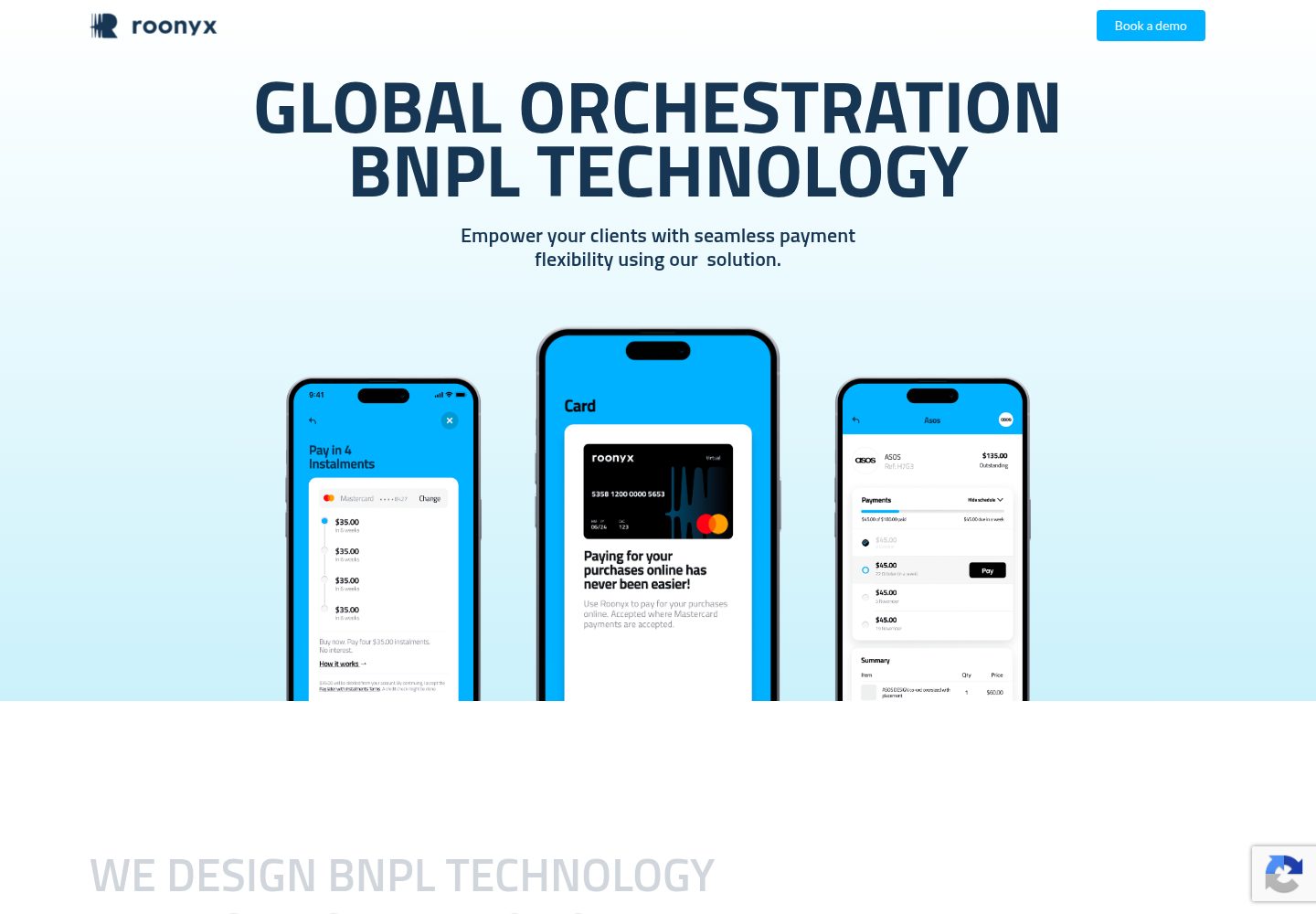
浏览真实页面截图,比较内容排版与手机效果。点击下方缩略图切换,放大查看整页细节。
目前有 1 张原始预览,可打开完整图片查看设计细节。
截图用于了解视觉与布局,交互效果请以实际项目为准。
采集于 2026-10-13查看来源
值得关注的模板亮点
从已有项目资料中,快速了解它的特点。
通过 Makefile 封装常用操作,如 make up-build-d、make console-php、make console-mysql
除主应用容器外,还包含 supervisor 容器处理队列、scheduler 容器配合 crontab 处理计划任务
README 说明如何分别在主应用、supervisor、scheduler 的 Dockerfile 中添加 PHP 扩展
内置 noVerify 代码检查与单元测试命令,支持覆盖率与指定测试套件
采用 MIT 许可,允许免费使用、修改、商用和分发该版本代码
模板详细介绍
这是 roonyx-tech 维护的 Laravel 项目启动器,目标是在新建 Laravel 项目时复用常见的 Docker 配置与开发流程。仓库自述为 Docker Laravel 8.x Starter Kit,采用 MIT 许可,公开仓库可免费使用、修改和分发,但演示图片、字体、图标等第三方素材需单独核对许可,域名、托管、数据库等外部服务可能另行收费。
项目通过 docker-compose 组织应用容器,并提供 Makefile 作为常用命令入口。除主应用容器外,还包含 supervisor 容器用于运行队列,以及 scheduler 容器配合 crontab 处理计划任务。README 说明了如何补充 PHP 扩展:主应用容器对应 ./Dockerfile,supervisor 容器对应 ./docker/supervizor/supervizor.Dockerfile,scheduler 容器对应 ./docker/scheduler/scheduler.Dockerfile。
初始化流程包括从 .env.example 复制 .env、执行 make up-build-d 构建并启动、进入 PHP 容器执行 composer install、生成应用密钥并清理缓存,最后通过 run-updates.sh 运行迁移和种子数据。测试与代码检查通过 make unit、make unit-coverage、make unit-feature、make lint 等命令完成,linter 使用 noVerify。Windows 环境需要额外安装 make 与 Cygwin 以提供 sh。仓库最后更新于 2021 年,未提供依赖清单,因此不在此确认具体框架版本或生产就绪程度。
Laravel启动器
适合你的项目吗?
适用场景
- 新建 Laravel 项目时,希望直接复用一套 Docker 与 Makefile 开发环境
- 需要在本地同时运行 Web 应用、MySQL 数据库、队列 worker 和计划任务
- 团队希望统一初始化步骤,包括依赖安装、密钥生成、迁移与种子数据
- 在容器内执行单元测试、覆盖率统计和 noVerify 代码检查
适合人群
- 使用 Laravel 并希望以 Docker 方式搭建本地开发环境的开发者
- 需要队列与计划任务容器配置的 Laravel 项目
- 偏好用 Makefile 统一常用命令的开发团队
上手与定制指南
结合仓库当前版本的说明,按下面的资料检查内容、配置与运行要求。
- 1
从 .env.example 复制生成 .env,再执行 make up-build-d 构建并启动容器
- 2
进入 PHP 容器执行 composer install,并运行 php artisan key:generate 与 php artisan optimize:clear
- 3
执行 sh run-updates.sh 运行数据库迁移和种子数据
- 4
Windows 需额外安装 make 与 Cygwin 以提供 sh,并将路径加入用户环境变量
- 5
添加 PHP 扩展需修改对应 Dockerfile:主应用为 ./Dockerfile,supervisor 为 ./docker/supervizor/supervizor.Dockerfile,scheduler 为 ./docker/scheduler/scheduler.Dockerfile
授权与来源资料
使用条件与限制
免费使用 · 保留许可声明本次收录的是公开仓库中采用 MIT 许可的免费版本;免费范围为该版本代码,不代表外部服务或第三方素材免费。
使用时需要遵守
- 允许免费使用、修改、商用和分发该版本代码。
- 分发代码副本或实质性部分时,保留原作者版权声明和完整 MIT 许可声明。
- 代码按现状提供;担保与责任限制以原许可证及适用法律为准。
额外费用与待核对事项
- 演示图片、字体、图标及其他第三方素材需按各自许可核对,不能仅凭代码的 MIT 许可判断。
- 域名、托管、数据库、支付或 AI 等外部服务可能另外收费。
查看原文依据
https://github.com/roonyx-tech/docker-laravel-starter/blob/master/LICENSEhttps://github.com/roonyx-tech/docker-laravel-starter/blob/master/README.mdPermission is hereby granted, free of charge
许可证原文
DeepSeek 根据仓库许可证和 README 整理 ·2026-10-13。结果仅覆盖已读取资料,依赖、图片、字体及后续条款变更以各自原文为准。
项目核对记录与介绍依据
模板资料
- 来源平台
- GitHub
- 资料与维护参考分
- 资料一般 · 65 / 100
- 技术栈
- Laravel
- 网站类型
- 启动器
这个分数如何计算
本站按许可资料(最高30分)、演示链接(12分)、预览图(10分)、Star数(15分)、记录的维护时间(15分)、描述完整度(8分)、功能记录(5分)和分类资料(5分)计算。它不是代码、安全或性能测试,也不是 Google 评分;有链接不代表已实测可用。
这个项目需要核对什么
- 记录的仓库更新时间
- 2021-09-08
- 截图检查日期
- 2026-10-13
已收录演示链接。请用你的内容与屏幕尺寸检查;有演示不代表表单、认证或支付已经可用。
目录记录的主要技术栈是 Laravel。请通过依赖清单和锁文件核对实际版本与托管要求。这些说明基于收录资料,不代表代码审计或部署实测。
查看具体选型方法 →介绍的制作与核对状态
介绍由 AI 辅助整理目录与仓库资料。仓库作者不等于这篇介绍的审核者。
审核声明: [email protected] · 2026-10-13
查看当时使用的来源资料
SHA-256: 4a13589faf015f2e7cc276d4f43282e62275cc72edcf0702065aff403cf3d073
2026-10-13T00:40:19.316Z
来源文件 / 仓库# About Docker Laravel 8.x Starter Kit was created as a way to save time when starting a new Laravel based project. We have taken the most common functionality and configuration in our existing Laravel projects, and put those into this project. Simply clone this project, and change the git remote to your remote repository. Docker Laravel Starter Kit is ready to start with docker-compose. ## Table of contents - [Out-of-the-box functionality](https://github.com/roonyx-tech/docker-laravel-starter#out-of-the-box-functionality) - [Getting started](https://github.com/roonyx-tech/docker-laravel-starter#getting-started) - [Dependies for Window](https://github.com/roonyx-tech/docker-laravel-starter#dependies-for-window) - [Init](https://github.com/roonyx-tech/docker-laravel-starter#init) - [Docker build and run the application](https://github.com/roonyx-tech/docker-laravel-starter#docker-build-and-run-the-application) - [How to add php extensions](https://github.com/roonyx-tech/docker-laravel-starter#how-to-add-php-extensions) - [To work with containers](https://github.com/roonyx-tech/docker-laravel-starter#to-work-with-containers) - [Check the Database](https://github.com/roonyx-tech/docker-laravel-starter#check-the-database) - [To Enter to the php container](https://github.com/roonyx-tech/docker-laravel-starter#to-enter-to-the-php-container) - [Tests and Lints](https://github.com/roonyx-tech/docker-laravel-starter#tests-and-lints) - [To Run unit tests](https://github.com/roonyx-tech/docker-laravel-starter#to-run-unit-tests) - [To Lint the files](https://github.com/roonyx-tech/docker-laravel-starter#to-lint-the-files) ## Out-of-the-box functionality - [make](https://www.gnu.org/software/make/) - [Docker](https://docs.docker.com/engine/install/ubuntu/) - [docker-compose](https://docs.docker.com/compose/) configuration for start project ## Getting Started #### Dependies for Window * Install make http://gnuwin32.sourceforge.net/packages/make.htm * Install Cygwin for sh http://www.cygwin.com/ * Add paths to user environment #### Init - Install make if need. - Clone Laravel Starter Kit - Go to root directory of the project and create ```.env``` from ```.env.example``` template ``` $ cp .env.example .env ``` #### Docker build and run the application ``` $ make up-build-d ``` - Enter the php container, install dependencies, set the app key and exit the container ``` $ make console-php $ composer install ``` - Now call noVerify to get the binary file of linter ``` $ ./vendor/bin/noverify-get ``` - Generate new app key and clear cahce here inside the container ``` $ php artisan key:generate $ php artisan optimize:clear $ exit ``` - Run migrations and seeds. ``` $ sh run-updates.sh ``` - Create a new repository on GitHub, BitBucket, or your own server - Change the git remote to your new repository - Push changes ## How to add php extensions See the ```./Dockerfile``` to supplement the main application container See the ```./docker/supervizor/supervizor.Dockerfile``` to improve the supervizor container. A supervisor working with the queue is started in this container. This container ```./docker/scheduler/scheduler.Dockerfile``` working with ```./crontab``` ## To work with containers #### Check the Database ``` $ make console-mysql $ mysql -uroot -p ``` Enter the DB password and choose DB ``` $ use mydb ``` Now you can make db queries. #### To Enter to the php container ```$ make console-php``` To check all the commands see ```./Makefile``` Also you can improve ```./build-updates.sh``` and ```./run-updates.sh``` scripts ## Tests and Lints #### To Run unit tests - To run the unit tests ```$ make unit``` - To show the coverage ```make unit-coverage``` - To run specified test suite ```make unit-feature``` #### To Lint the files - To lint the files ```make lint``` - To show list of checkers ```make lint-checkers``` - To get noVerify linter version ```make lint-v``` - To generate markdown checkers documentation ```make lint-checkers-doc```
看看同类模板
对比同技术栈与用途的模板,找到更适合的视觉与内容结构。

sage
WordPress starter theme with Laravel Blade components and templates, Tailwind CSS, and block editor support
Laravel · 启动器

wave
Wave - The Software as a Service Starter Kit, designed to help you build the SAAS of your dreams 🚀 💰
Laravel · SaaS

filament-starter
A beautiful starting point for your next TALL stack project using Filament. ⚡
Laravel · 启动器

electrik
Laravel SaaS starter kit: auth, teams, Stripe billing, and Slate 3 — Composer package for Laravel 12
Laravel · SaaS

php-saas
The everything-included starter kit for your next idea
Laravel · SaaS

filament-jetstream
A Laravel starter kit built with Filament inspired by Jetstream.
Laravel · 启动器