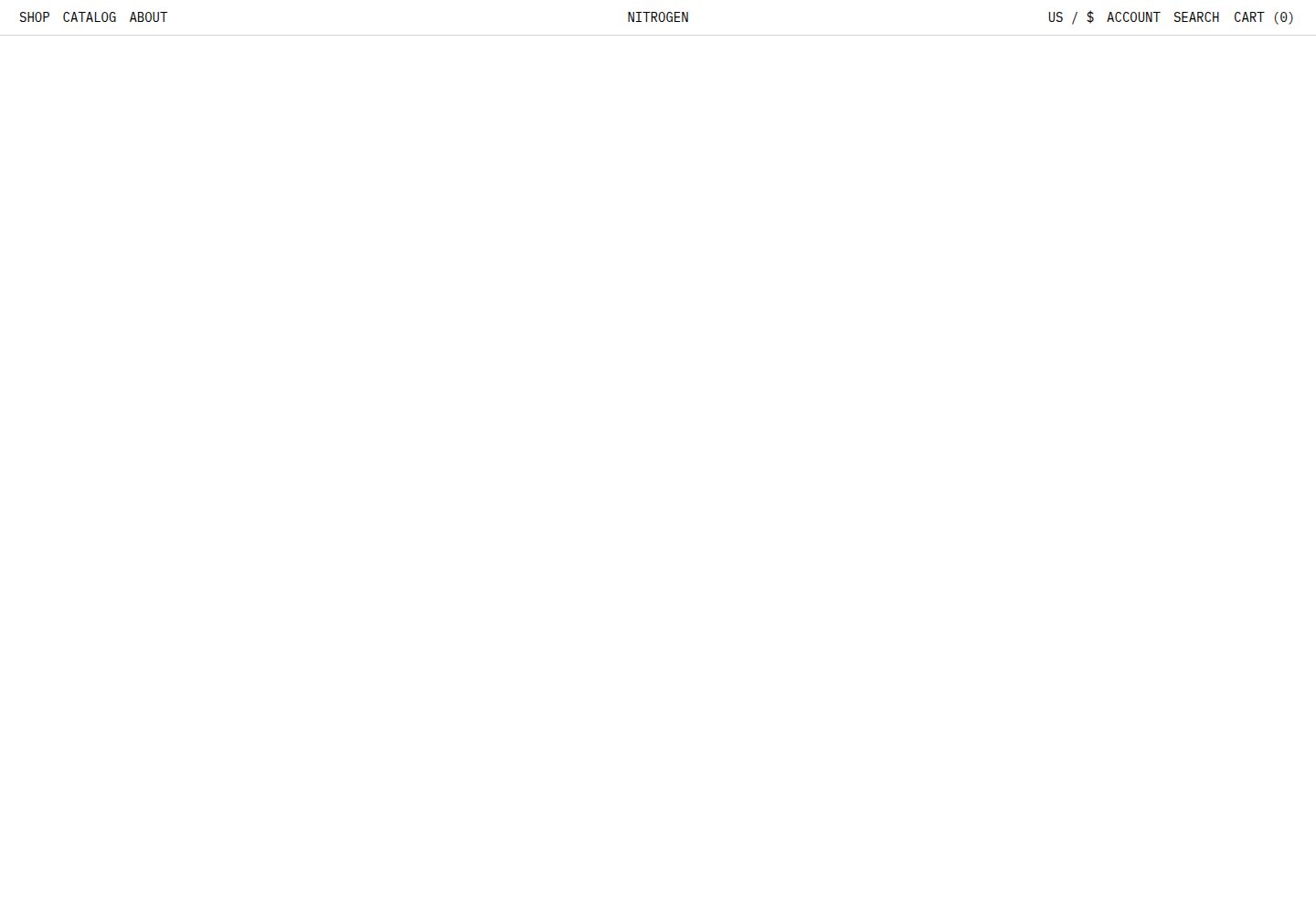
基于 Nuxt 的 Shopify 无头电商模板,参考 Hydrogen 起步主题
NuxtVue电商
nitrogen — Nuxt 电商模板
作者 rylanharper
Nitrogen 是一个基于 Nuxt 的 Shopify 无头电商模板,参考 Hydrogen 起步主题,内置购物车、集合、商品、搜索与本地化等店面功能。
看看你的网站会是什么样
浏览真实页面截图,比较内容排版与手机效果。点击下方缩略图切换,放大查看整页细节。
全部页面与视图 2
截图用于了解视觉与布局,交互效果请以实际项目为准。
采集于 2026-09-30查看来源
值得关注的模板亮点
从已有项目资料中,快速了解它的特点。
Shopify 模块可同时连接 Storefront API 与 Admin API,并附带类型化 GraphQL 客户端
内置购物车、集合分页、集合筛选排序、商品 metafields、搜索与店铺本地化
提供 useShopify 组合式函数与 flattenConnection 工具,便于数据获取与处理
附带 Klaviyo 集成、Embla 轮播、Tailwind v4 样式、sitemap 与 robots
配套 Sanity studio 模板,可在 Sanity 数据集与 Shopify 店面之间同步内容
模板详细介绍
Nitrogen 是面向 Nuxt 开发者的 Shopify 无头电商模板,灵感来自 Shopify 的 Hydrogen 框架,目标是把 Hydrogen 起步主题中的关键能力带到 Nuxt 项目中。仓库提供 Shopify 与 Klaviyo 两个自定义模块,Shopify 模块可同时连接 Storefront API 与 Admin API,并附带一个最小 GraphQL 客户端,通过服务端代理处理 API 认证与请求,同时提供类型化接口。客户端 query 函数支持选择 storefront 或 admin、设置失败重试次数、以及为常见查询开启响应缓存;默认只缓存集合、商品和搜索查询,全局查询与变更操作不建议缓存,以免出现 hydration 错误。模板还提供 useShopify 组合式函数,可用点号调用预置的 GraphQL 操作,便于配合 useAsyncData 或 Pinia 使用,并提供 flattenConnection 工具简化 GraphQL 连接对象的处理。
功能层面,模板包含购物车、带分页的集合页、集合筛选与排序、带 metafields 的商品页、搜索、店铺本地化、sitemap 与 robots、Klaviyo 集成、Embla 轮播以及 Tailwind v4 样式。README 还提到一个配套的 Sanity studio 模板,用于在 Sanity 数据集与 Shopify 店面之间同步内容,可为商品和集合页添加自定义模块或精选链接。
使用前需要配置环境变量:Shopify 的域名、Admin 访问令牌、Storefront 访问令牌与 API 版本,Klaviyo 与 Sanity 相关变量为可选。README 建议使用 2026-01 或更高的 Storefront API 版本,否则无法使用模板中的新 API 特性并可能产生破坏性变更。本地开发流程为 pnpm install、pnpm codegen、pnpm dev。项目默认使用 Cloudflare Workers 部署;若不使用 Cloudflare,可移除 @nuxthub/core 依赖、wrangler.jsonc 文件和 package.json 中的 deploy 命令。
许可方面,仓库采用 MIT 许可,允许免费使用、修改、商用和分发该版本代码,分发代码副本或实质性部分时需保留版权声明与完整 MIT 许可声明。演示图片、字体、图标等第三方素材需按各自许可核对;域名、托管、数据库、支付等外部服务可能另外收费。
NuxtVue电商
适合你的项目吗?
适用场景
- 使用 Nuxt 构建连接 Shopify 的无头电商店面
- 需要同时调用 Shopify Storefront API 与 Admin API 的复杂店面项目
- 希望以 Hydrogen 起步主题的功能为参考来组织 Nuxt 电商前端
- 需要通过 Sanity 为商品和集合页补充自定义内容模块的团队
- 计划将 Nuxt 电商站点部署到 Cloudflare Workers 的项目
适合人群
- 熟悉 Nuxt 与 Vue 并希望搭建 Shopify 无头店面的开发者
- 需要类型化 GraphQL 客户端与预置电商操作的前端团队
- 接受以环境变量方式配置 Shopify、Klaviyo、Sanity 凭据的项目
- 需要购物车、集合筛选排序、搜索与本地化等基础店面能力的电商站点
上手与定制指南
结合仓库当前版本的说明,按下面的资料检查内容、配置与运行要求。
- 1
需配置 Shopify 环境变量:NUXT_SHOPIFY_DOMAIN、NUXT_SHOPIFY_ADMIN_ACCESS_TOKEN、NUXT_SHOPIFY_STOREFRONT_ACCESS_TOKEN、NUXT_SHOPIFY_API_VERSION。
- 2
Klaviyo 与 Sanity 相关环境变量为可选,按需配置。
- 3
README 建议使用 2026-01 或更高的 Storefront API 版本,否则可能缺少新特性并出现破坏性变更。
- 4
本地开发依次执行 pnpm install、pnpm codegen、pnpm dev。
- 5
默认使用 Cloudflare Workers 部署;如不使用,可移除 @nuxthub/core 依赖、wrangler.jsonc 与 package.json 中的 deploy 命令。
授权与来源资料
使用条件与限制
免费使用 · 保留许可声明本次收录的是公开仓库中采用 MIT 许可的免费版本;免费范围为该版本代码,不代表外部服务或第三方素材免费。
使用时需要遵守
- 允许免费使用、修改、商用和分发该版本代码。
- 分发代码副本或实质性部分时,保留原作者版权声明和完整 MIT 许可声明。
- 代码按现状提供;担保与责任限制以原许可证及适用法律为准。
额外费用与待核对事项
- 使用该模板必须拥有并配置 Shopify 店铺域名,以及 Admin 与 Storefront 访问令牌等凭据,否则无法连接数据源运行店面。
- Klaviyo 集成需要申请并配置公开与私有 API 密钥,属于外部服务账号要求;未配置时相关集成功能不可用。
- Sanity 内容同步为可选功能,但启用时需创建 Sanity 项目并提供项目 ID、数据集与读取令牌等凭据。
- README 建议使用 2026-01 或更高的 Shopify Storefront API 版本,否则无法使用模板中的新 API 特性并可能出现破坏性变更。
- 项目默认以 Cloudflare Workers 部署,使用该托管方式可能产生外部平台费用;如改用其他平台需自行移除相关依赖与配置。
- 演示图片、字体、图标及其他第三方素材需按各自许可核对,不能仅凭代码的 MIT 许可判断。
- 域名、托管、数据库、支付或 AI 等外部服务可能另外收费。
查看原文依据
Permission is hereby granted, free of charge
许可证原文
NUXT_SHOPIFY_DOMAIN=your-shop-name.myshopify.com
README 原文
NUXT_KLAVIYO_PUBLIC_API_KEY=your_public_api_key
README 原文
NUXT_SANITY_PROJECT_ID=your_project_id
README 原文
It is strongly recommended that you use the `2026-01` Storefront API version or higher.
README 原文
https://github.com/rylanharper/nitrogen/blob/master/LICENSE.mdhttps://github.com/rylanharper/nitrogen/blob/master/README.mdThis project is deployed using Cloudflare Workers.
README 原文
DeepSeek 根据仓库许可证和 README 整理 ·2026-10-01。结果仅覆盖已读取资料,依赖、图片、字体及后续条款变更以各自原文为准。
项目核对记录与介绍依据
模板资料
- 来源平台
- GitHub
- 资料与维护参考分
- 资料较完整 · 96 / 100
- 技术栈
- Nuxt · Vue
- 网站类型
- 电商
这个分数如何计算
本站按许可资料(最高30分)、演示链接(12分)、预览图(10分)、Star数(15分)、记录的维护时间(15分)、描述完整度(8分)、功能记录(5分)和分类资料(5分)计算。它不是代码、安全或性能测试,也不是 Google 评分;有链接不代表已实测可用。
这个项目需要核对什么
- 记录的仓库更新时间
- 2026-06-12
- 截图检查日期
- 2026-10-01
已收录演示链接。请用你的内容与屏幕尺寸检查;有演示不代表表单、认证或支付已经可用。
目录记录的主要技术栈是 Nuxt。请通过依赖清单和锁文件核对实际版本与托管要求。这些说明基于收录资料,不代表代码审计或部署实测。
查看具体选型方法 →介绍的制作与核对状态
介绍由 AI 辅助整理目录与仓库资料。仓库作者不等于这篇介绍的审核者。
已完成服务器许可规则与 AI 来源核对;未经过人工编辑审核。
查看当时使用的来源资料
SHA-256: 276b017ad2b475fa2990df70204d70fa8a7b9693d67992202c50dc3e72bd8ec1
2026-10-01T14:37:58.467Z
来源文件 / 仓库<p align="center">
<a href="https://github.com/rylanharper/nitrogen">
<img src="./public/logo.svg" width="145" height="145" alt="Nitrogen Logo" />
</a>
</p>
# Nitrogen
Nitrogen is a Nuxt template inspired by Shopify's [Hydrogen](https://github.com/Shopify/hydrogen) framework for headless commerce. This template is designed to empower Nuxt developers to build fast, scalable, and customizable storefronts that incorporate key features from Hydrogen's starter theme.
> [!IMPORTANT]
> This template now features a minimal Sanity studio [template](https://github.com/rylanharper/nitrogen-sanity-studio), which synchronizes content between a Sanity dataset and your Shopify storefront. This allows teams to further enhance product and collection pages with custom modules or curated links — anything, really.
## ✨ Key Features
- 💪 Strongly typed
- 🛒 Cart functionality
- 🗂️ Collection pages, with pagination
- 🕹️ Collection filter and sort functionality
- 👕 Product pages, with metafields
- 🔍 Search functionality
- 🌐 Shop localization
- 💡 Sitemap, with robots
- 📫 Klaviyo integration
- 🎠 Embla Carousel
- 🎨 Tailwind v4
- 🔮 Codegen
## 📖 Documentation
> [!TIP]
> Read through the docs to learn how to configure your Shopify store to work with Nitrogen!
[Nitrogen documentation](https://nitrogen-docs.netlify.app/)
## 💻 Development
To begin using Nitrogen, you'll need to add the following environment variables:
```ini
# Shopify
NUXT_SHOPIFY_DOMAIN=your-shop-name.myshopify.com
NUXT_SHOPIFY_ADMIN_ACCESS_TOKEN=your_admin_access_token
NUXT_SHOPIFY_STOREFRONT_ACCESS_TOKEN=your_storefront_access_token
NUXT_SHOPIFY_API_VERSION=2026-01
# Klaviyo (optional)
NUXT_KLAVIYO_PUBLIC_API_KEY=your_public_api_key
NUXT_KLAVIYO_PRIVATE_API_KEY=your_private_api_key
NUXT_KLAVIYO_API_VERSION=2026-01-15
# Sanity (optional)
NUXT_SANITY_PROJECT_ID=your_project_id
NUXT_SANITY_DATASET=production
NUXT_SANITY_API_VERSION=2026-02-01
NUXT_SANITY_STUDIO_URL=http://your-studio-domain.com
NUXT_SANITY_API_READ_TOKEN=your_api_read_token
```
> [!WARNING]
> It is strongly recommended that you use the `2026-01` Storefront API version or higher. If not, you will not have access to new API features found within this template (this will cause breaking changes).
### Local Setup
1. Install dependencies using `pnpm install`
2. Generate your project types using `pnpm codegen`
3. Start the development server using `pnpm dev`
## ⚡ Basic Usage
Nitrogen features two custom modules for [Shopify](https://github.com/rylanharper/nitrogen/blob/master/modules/shopify) and [Klaviyo](https://github.com/rylanharper/nitrogen/blob/master/modules/klaviyo), located in the `/modules` folder. The Shopify module lets you connect to both the Storefront API and Admin API at the same time, which is ideal for building complex storefronts that may use Shopify to act a database in some way.
> [!TIP]
> Read the official Nuxt Author Module Guide to learn how to create and manage your own modules!
[Author Module Guide](https://nuxt.com/docs/4.x/guide/modules/getting-started)
### API Integration
A minimal [GraphQL client](https://github.com/rylanharper/nitrogen/blob/master/modules/shopify/runtime/resources/graphql-client/index.ts) is provided to seamlessly integrate with both the Storefront API and Admin API. It uses two [server-side proxies](https://github.com/rylanharper/nitrogen/blob/master/modules/shopify/runtime/server) to handle API authentication and requests, while offering a typed interface for executing GraphQL operations.
The client `query` function accepts three optional parameters:
- `api` – Choose between `storefront` (default) or `admin`.
- `maxRetries` – Number of retry attempts on failure (default: `3`).
- `cacheable` – Enable response caching for common queries (default: `true`).
> [!WARNING]
> By default, the GraphQL client only caches collection, product, and search queries. Avoid caching global queries or mutations, as this can lead to hydration errors.
### GraphQL Operations
This project includes pre-built GraphQL [operations](https://github.com/rylanharper/nitrogen/tree/master/modules/shopify/runtime/resources/operations) for common queries and mutations frequently used in headless storefront environments. All operations are powered by the GraphQL client `query`, so you can also pass optional parameters when needed:
```ts
import type { MyQuery, MyQueryVariables } from '@@/types/storefront'
import { MY_QUERY } from '../graphql/custom'
import { query } from '../graphql-client'
// Fetch example with optional params
const fetchExample = async (variables: MyQueryVariables) => {
const response = await query(MY_QUERY, variables, { api: 'admin' })
return response.data?.item
}
```
Feel free to add or remove operations that fit your project needs!
### `useShopify`
To get GraphQL operations, use the `useShopify` composable:
```ts
const shopify = useShopify()
```
Operations can be referenced using dot notation:
```ts
// Composable
const shopify = useShopify()
// With dot notation
await shopify.cart.addLines(cart.id, [ ... ])
await shopify.product.get({ handle: 'example-product' })
```
Perfect for reactive data fetching using `useAsyncData`:
```ts
// Composable
const shopify = useShopify()
// Product Query
const productVars = computed<ProductQueryVariables>(() => ({
handle: handle.value,
country: shopStore.buyerCountryCode,
language: shopStore.buyerLanguageCode,
}))
const { data: productData } = await useAsyncData(
`product-${handle.value}`,
() => shopify.product.get(productVars.value),
{ watch: [productVars] },
)
// Product response data
const product = computed(() => productData.value)
```
Ideal for working with actions in `Pinia`:
```ts
// Composable
const shopify = useShopify()
// Cart store actions
actions: {
async createCart(input?: CartInput, optionalParams?: CartOptionalInput) {
try {
const response = await shopify.cart.create({
input: input,
...optionalParams,
})
if (response?.userErrors?.length) {
throw new Error(response?.userErrors[0]?.message)
}
this.cart = response?.cart
} catch (error) {
console.error('Cannot create cart:', error)
throw error
}
},
// More cart actions...
}
```
### `flattenConnection`
A handy `flattenConnection` utility function is provided to make working with GraphQL connection objects much more simple. This utility extracts and flattens nested node arrays, making your node data easier to work with:
```ts
// Access variant nodes
const variants = computed(() =>
flattenConnection(product.value?.variants) as ProductVariantFragment[]
)
// Use node data for something...
const currentVariant = computed(() =>
variants.find((variant) =>
variant.selectedOptions.every(({ name, value }) =>
isSizeOption(name) ? value === selectedSize.value : true,
),
),
)
```
## 🚀 Deployment
This project is deployed using Cloudflare Workers. For headless ecommerce, Cloudflare offers better SSR performance and more cost-effective pricing at scale compared to providers like Vercel or Netlify.
> [!IMPORTANT]
> If you do not want to deploy on Cloudflare, no worries! Simply remove the `@nuxthub/core` dependency, `wrangler.jsonc` file, and the `deploy` command found in the `package.json`.
## 🌱 Contribute
Contributions are always welcome! If you’d like to help improve this project, here’s how you can get involved:
- Post an issue: Use the [Issues tab](https://github.com/rylanharper/nitrogen/issues) to report bugs or request new features.
- Start a discussion: Share ideas or ask for help in the [Discussions tab](https://github.com/rylanharper/nitrogen/discussions).
- Submit a pull request: If you’d like to contribute, fork the repository, make your changes, and submit a pull request for review.
I actively monitor this repository and will do my best to respond quickly. Whether it’s fixing a small typo or adding a new feature, every contribution helps!
看看同类模板
对比同技术栈与用途的模板,找到更适合的视觉与内容结构。
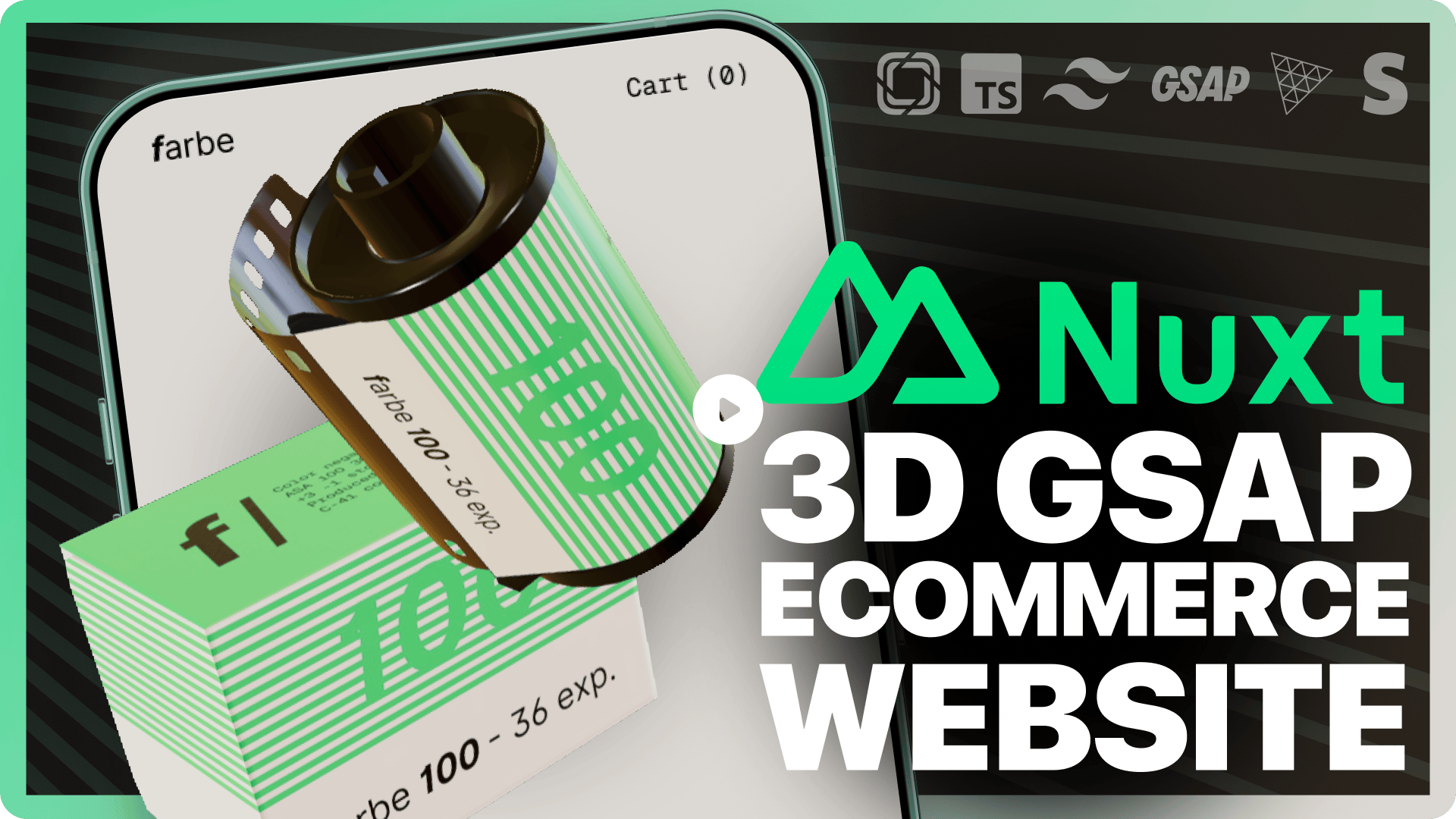
nuxt-starter-prismic-farbe
A 3D eCommerce website template powered by Nuxt and Prismic
Nuxt · 电商
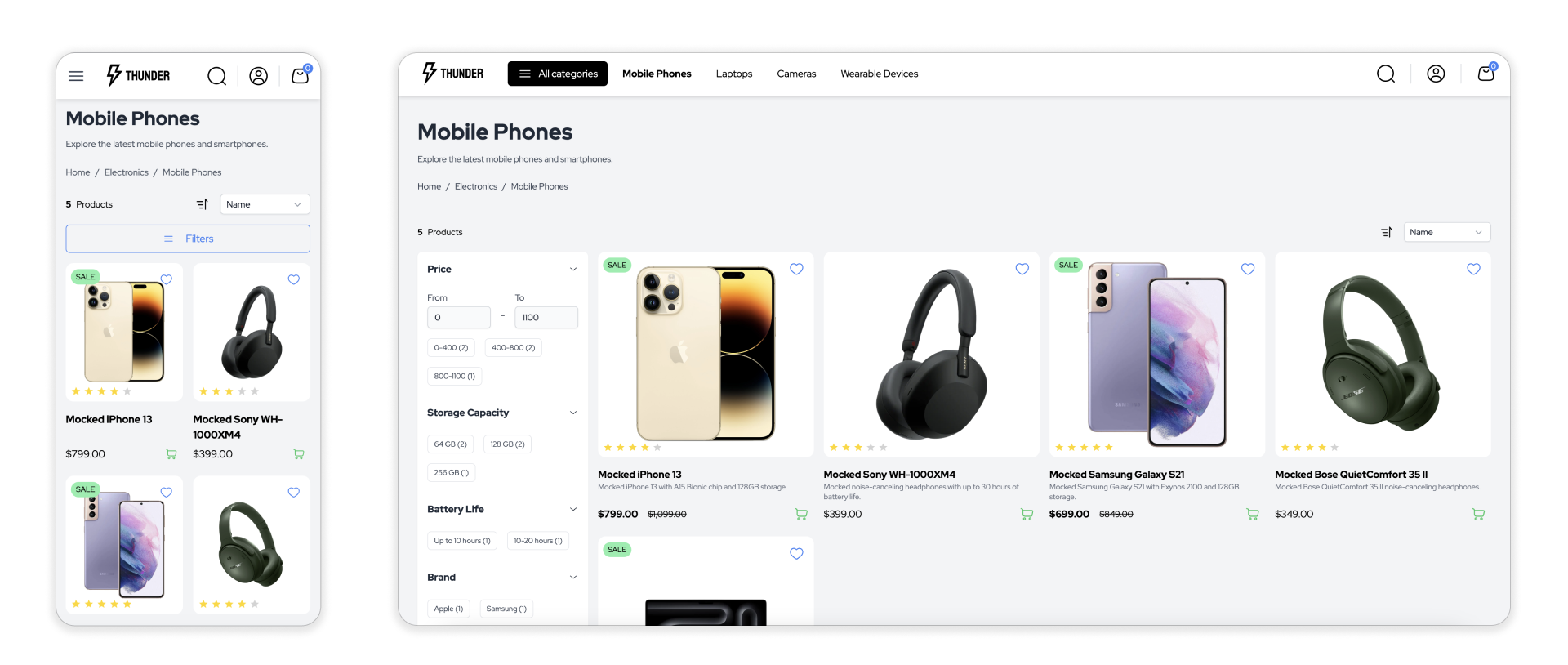
thunder
Thunder 是一个基于 Nuxt 3 构建的电商前端应用模板,目前处于积极开发阶段,适合作为在线商店的起点。
Nuxt · 电商
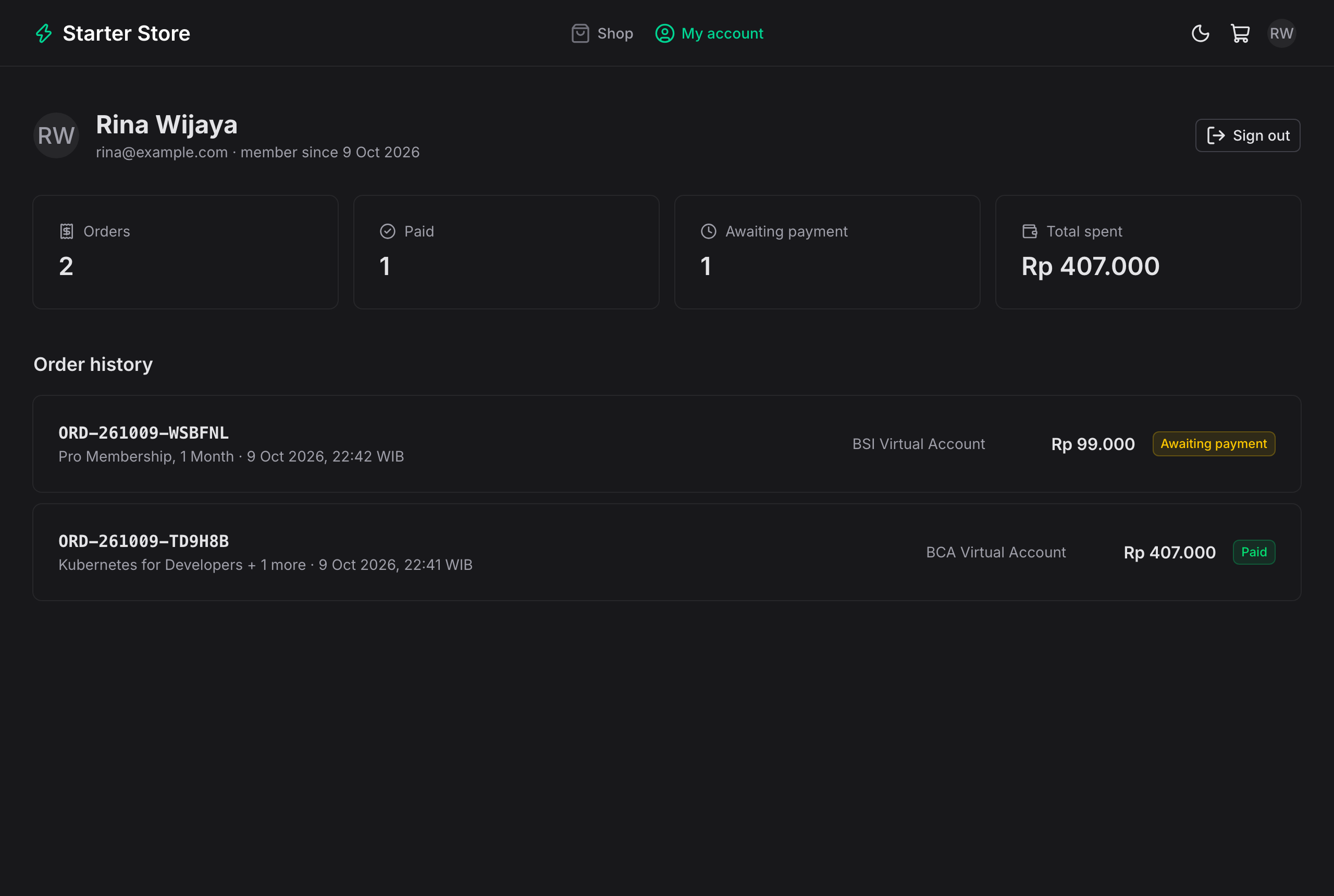
payment-gateway-starter-web
Nuxt 4 + Nuxt UI storefront and admin dashboard for payment-gateway-starter (Xendit / Midtrans, QRIS, VA, e-wa…
Nuxt · 后台
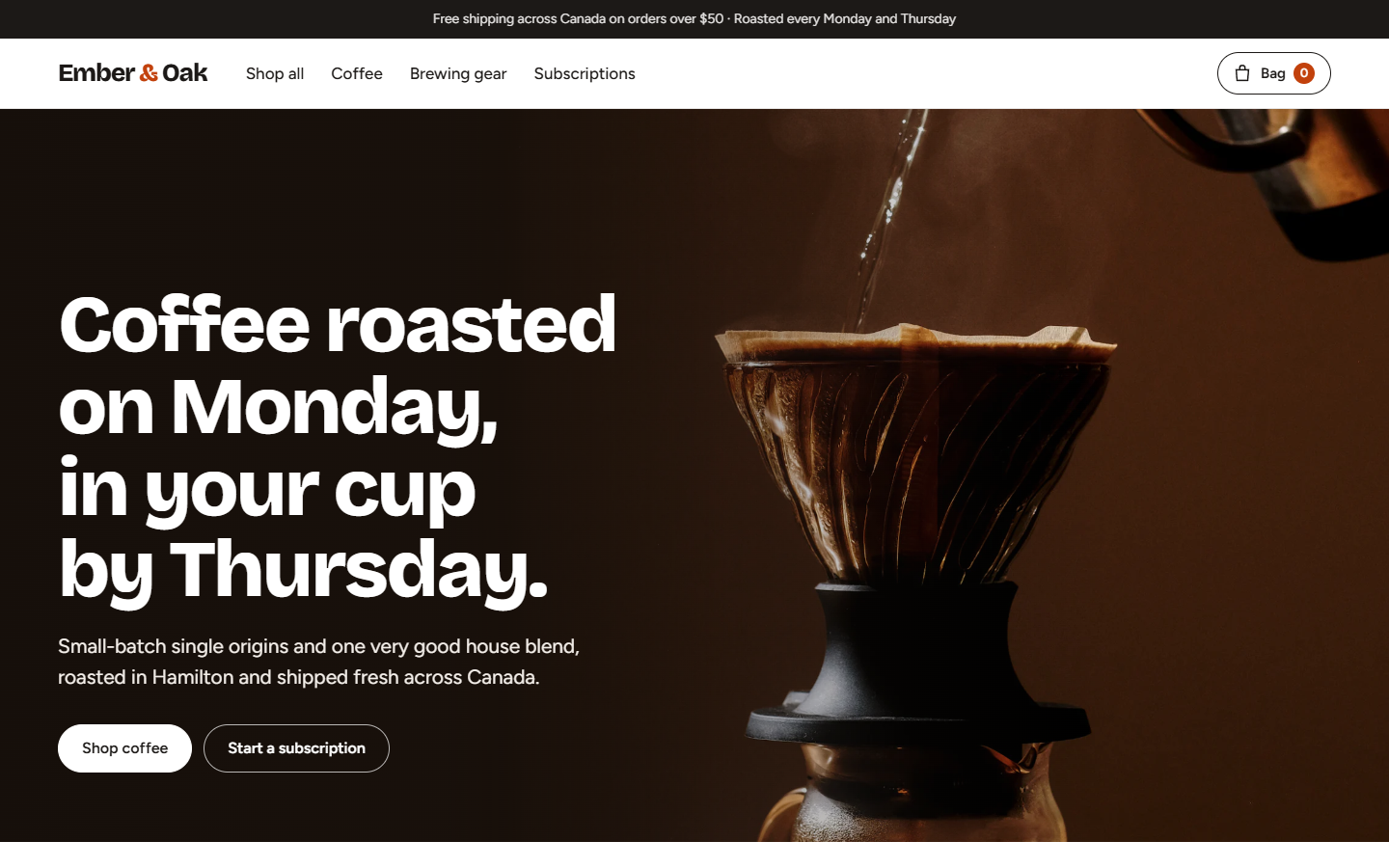
ecommerce-template
E-commerce store template (Nuxt): coffee roaster shop with product options, subscriptions, cart drawer and dem…
Nuxt · 电商
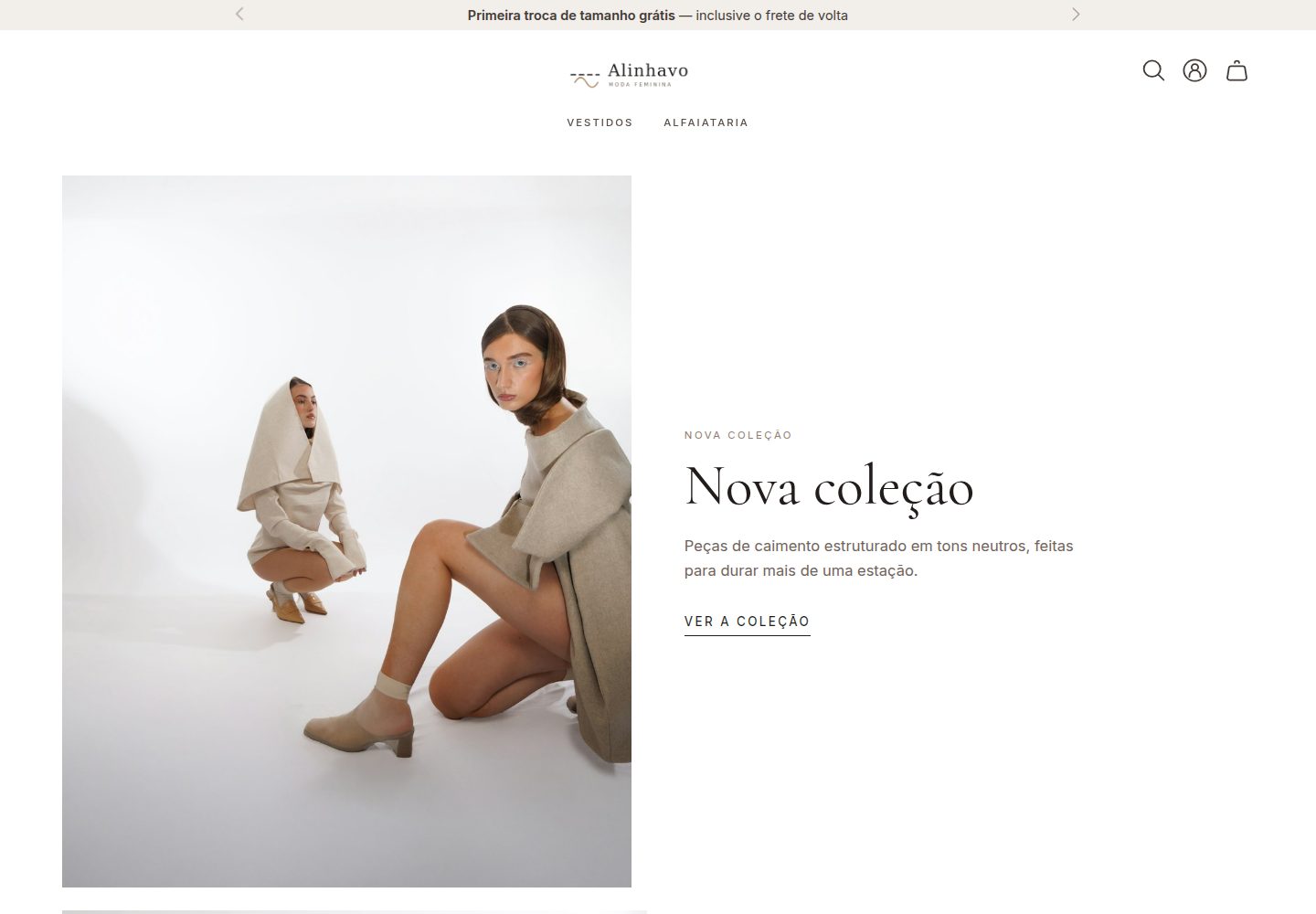
tema-alinhavo
Tema Cloud Commerce para moda feminina
Astro · 电商
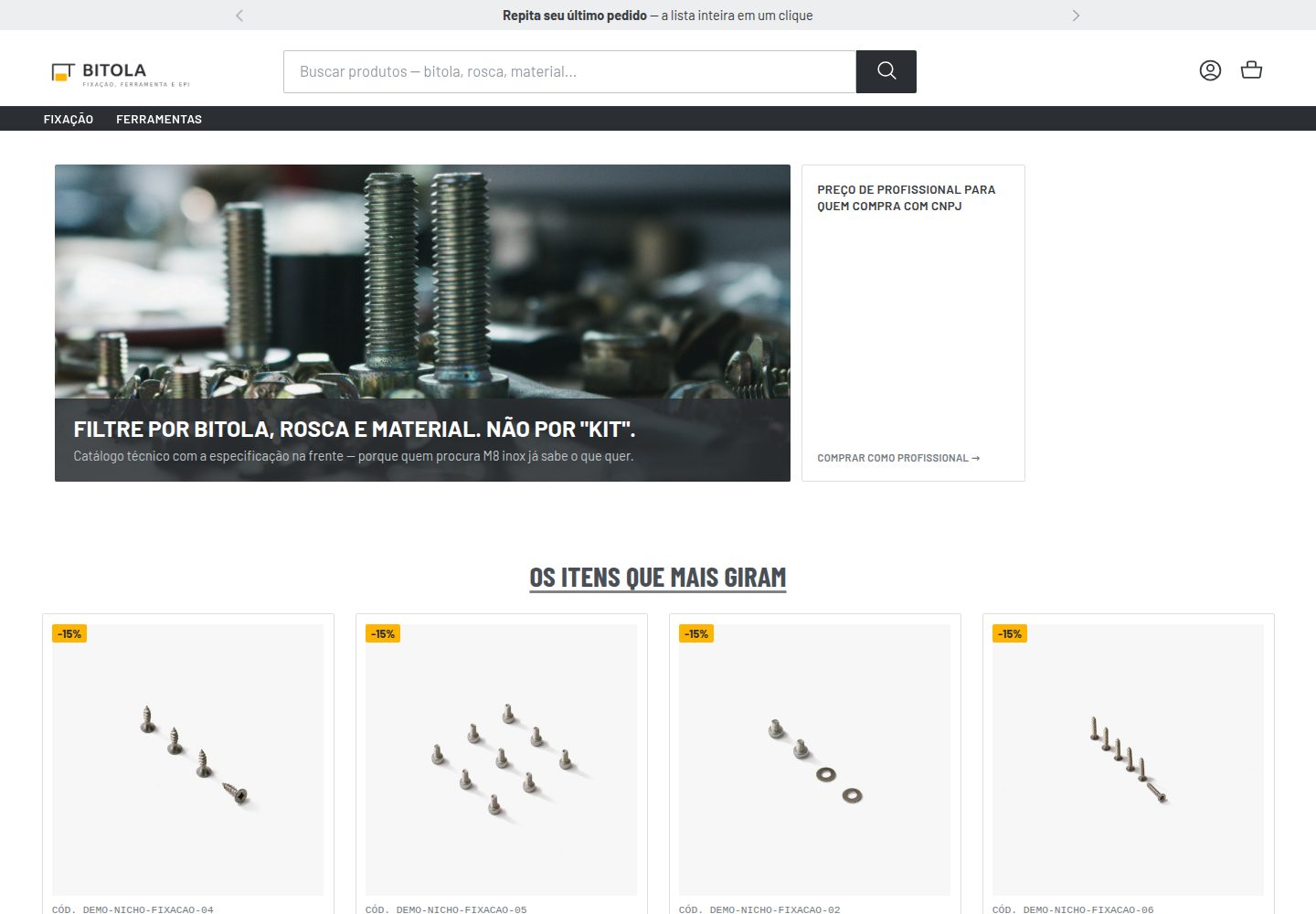
tema-bitola
Tema Cloud Commerce para construcao civil e venda B2B
Astro · 电商