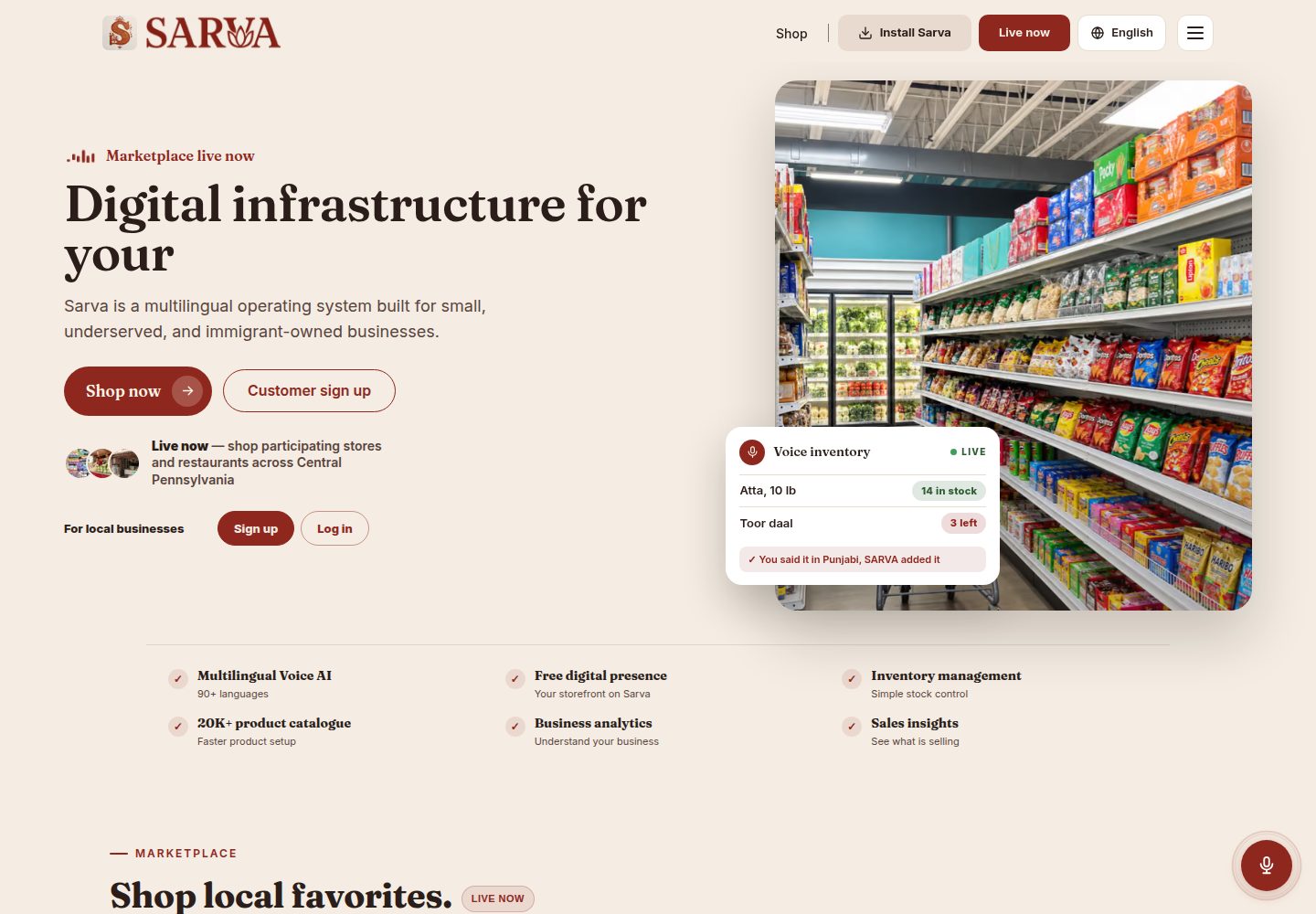
基于 Next.js App Router、React、TypeScript 与 Tailwind CSS 的前端结构
Next.jsReact电商
Sarva-template — Next.js 电商模板
作者 Shahir-47
Sarva-template 是南亚杂货配送平台 Sarva Bazaar 的公开演示模板,基于 Next.js App Router、Firebase 与 Stripe 构建,包含顾客、供应商、司机三种角色的示例代码与项目结构。
看看你的网站会是什么样
浏览真实页面截图,比较内容排版与手机效果。点击下方缩略图切换,放大查看整页细节。
全部页面与视图 3
截图用于了解视觉与布局,交互效果请以实际项目为准。
采集于 2026-10-14查看来源
值得关注的模板亮点
从已有项目资料中,快速了解它的特点。
使用 Firebase Authentication、Firestore 和 Storage 作为后端服务
集成 Stripe 支付,README 描述为顾客付款后暂存,配送确认后拆分结算给供应商和司机
集成 Google Maps API,用于地址自动补全、距离与配送时间计算、路线可视化
按顾客、供应商、司机三种角色划分路由、组件与认证 hooks
README 列出 Firestore 核心集合:users、vendors、drivers、inventory、orders、driverTransactions
模板详细介绍
Sarva-template 是 Sarva Bazaar 配送应用的公开模板仓库,用于演示、评审和学习。README 说明线上生产应用运行在私有代码库中,本仓库仅提供架构、功能与示例代码,不包含实际部署平台的源代码。
模板基于 Next.js App Router、React、TypeScript 与 Tailwind CSS 构建前端,后端使用 Firebase 的 Authentication、Firestore 和 Storage,支付集成 Stripe,位置服务使用 Google Maps API(地址自动补全、距离计算、路线规划与配送时间估算)。项目按角色划分路由与组件:customer、driver、vendor 以及 api 路由,并包含 firebase、hooks、lib、services、types、utils 等目录。
README 描述了三种用户角色的功能范围:顾客可浏览商品、下单、实时追踪订单和查看历史;供应商可管理库存、处理订单和业务资料;司机可接单、追踪配送、查看收入与配送历史。Firestore 使用 users、vendors、drivers、inventory、orders、driverTransactions 等集合。认证通过 Firebase Auth 与按角色划分的自定义 React hooks 实现。
README 未提供关于性能、生产就绪程度、测试覆盖或具体框架版本号的说明。模板定位为演示与学习用途,实际部署需自行配置 Firebase、Stripe 和 Google Maps 的密钥。
Next.js电商
适合你的项目吗?
适用场景
- 学习或评审一个多角色配送平台的项目结构与代码组织方式
- 作为起点,基于模板搭建自己的杂货配送或按需配送应用
- 参考 Firebase Auth 与按角色自定义 hooks 的认证实现模式
- 参考 Stripe 支付与 Google Maps 位置服务在 Next.js 项目中的集成方式
适合人群
- 希望了解多角色配送应用架构的前端或全栈开发者
- 需要 Next.js、Firebase、Stripe 与 Google Maps 集成示例的开发者
- 计划构建杂货配送或类似按需配送平台的团队
- 寻找可克隆、可改编的公开演示模板的学习者
上手与定制指南
结合仓库当前版本的说明,按下面的资料检查内容、配置与运行要求。
- 1
需要 Node.js 18+ 以及 npm 或 yarn
- 2
需要 Firebase 账号、Stripe 账号和 Google Maps API 密钥
- 3
在根目录创建 .env.local,按 README 填写 Firebase、Stripe、应用 URL 和 Google Maps 的环境变量
- 4
执行 npm install 或 yarn install 安装依赖,然后运行 npm run dev 或 yarn dev 启动开发服务器
- 5
README 提醒不要将真实 API 密钥提交到公开仓库,生产环境应安全配置密钥
授权与来源资料
使用条件与限制
免费使用 · 保留许可声明本次收录的是公开仓库中采用 MIT 许可的免费版本;免费范围为该版本代码,不代表外部服务或第三方素材免费。
使用时需要遵守
- 允许免费使用、修改、商用和分发该版本代码。
- 分发代码副本或实质性部分时,保留原作者版权声明和完整 MIT 许可声明。
- 代码按现状提供;担保与责任限制以原许可证及适用法律为准。
额外费用与待核对事项
- README 提及 Firebase 集成;启用相关动态功能前需自行配置,并核对 Firebase 的额度与收费。
- 演示图片、字体、图标及其他第三方素材需按各自许可核对,不能仅凭代码的 MIT 许可判断。
- 域名、托管、数据库、支付或 AI 等外部服务可能另外收费。
- README 明确说明线上生产应用运行在私有代码库中,本仓库仅为公开模板,不包含实际部署平台的源代码。
- README 说明实际部署平台的源代码不公开,本仓库仅供探索、克隆和改编。
- 运行模板需要 Firebase 账号。
- 运行模板需要 Stripe 账号。
- 运行模板需要 Google Maps API 密钥。
- README 提醒不要将真实 API 密钥提交到任何公开仓库。
- README 声明该模板仅供演示/学习使用,线上部署版本使用私有仓库。
查看原文依据
Permission is hereby granted, free of charge
许可证原文
>This is a public template repo provided for demonstration, review, and learning. The live production app at [https://www.sarvabazaar.com](https://www.sarvabazaar.com) runs on a private codebase to ensure operational security.
README 原文
>You are free to explore, clone, and adapt this template. The source code for the actual deployed platform is not public.
README 原文
- Firebase account
README 原文
- Stripe account
README 原文
- Google Maps API key
README 原文
> ⚠️ **Never commit your real API keys to any public repo.**
README 原文
https://github.com/Shahir-47/Sarva-template/blob/main/LICENSEhttps://github.com/Shahir-47/Sarva-template/blob/main/README.md*This template is for demo/learning only. The deployed version at [sarvabazaar.com](https://www.sarvabazaar.com) uses a private repository for security.*
README 原文
DeepSeek 根据仓库许可证和 README 整理 ·2026-10-14。结果仅覆盖已读取资料,依赖、图片、字体及后续条款变更以各自原文为准。
项目核对记录与介绍依据
模板资料
- 来源平台
- GitHub
- 资料与维护参考分
- 资料一般 · 74 / 100
- 技术栈
- Next.js · React
- 网站类型
- 电商
这个分数如何计算
本站按许可资料(最高30分)、演示链接(12分)、预览图(10分)、Star数(15分)、记录的维护时间(15分)、描述完整度(8分)、功能记录(5分)和分类资料(5分)计算。它不是代码、安全或性能测试,也不是 Google 评分;有链接不代表已实测可用。
这个项目需要核对什么
- 记录的仓库更新时间
- 2025-05-23
- 截图检查日期
- 2026-10-14
已收录演示链接。请用你的内容与屏幕尺寸检查;有演示不代表表单、认证或支付已经可用。
目录记录的主要技术栈是 Next.js。请通过依赖清单和锁文件核对实际版本与托管要求。这些说明基于收录资料,不代表代码审计或部署实测。
查看具体选型方法 →介绍的制作与核对状态
介绍由 AI 辅助整理目录与仓库资料。仓库作者不等于这篇介绍的审核者。
审核声明: codex-user-requested-batch-review-20261017 · 2026-10-16
查看当时使用的来源资料
SHA-256: c5bd08379414c96a6bb1a2bb7789d5c81e0a5c807cda2cd84255b095d364b38e
2026-10-14T09:59:55.343Z
来源文件 / 仓库# Sarva Delivery App – Public Template
Welcome to the open template of the Sarva Bazaar delivery app!
This repo showcases the architecture, features, and sample code for Sarva, a real-world, full-stack grocery delivery platform for South Asian markets.
> ⚠️ **Note:**
>
>This is a public template repo provided for demonstration, review, and learning. The live production app at [https://www.sarvabazaar.com](https://www.sarvabazaar.com) runs on a private codebase to ensure operational security.
>You are free to explore, clone, and adapt this template. The source code for the actual deployed platform is not public.
---
## 🚀 Live Deployment
Try the production version here: [https://www.sarvabazaar.com](https://www.sarvabazaar.com)
>_Source code for the deployed app is private_
---
## 🛠️ Tech Stack
- **Frontend:** Next.js 13+ (App Router), React, TypeScript, Tailwind CSS
- **Backend:** Firebase (Authentication, Firestore, Storage)
- **Payments:** Stripe
- **Mapping/Location:** Google Maps API (address autocomplete, distance calculation, route planning, delivery time estimation)
- **Styling:** TailwindCSS with custom color schemes
---
## 📁 Project Structure
```
src/
├── app/ # Next.js App Router pages
│ ├── customer/ # Customer-facing routes
│ ├── driver/ # Driver-facing routes
│ ├── vendor/ # Vendor-facing routes
│ └── api/ # API routes
├── components/ # Shared React components
│ ├── customer/ # Customer-specific components
│ ├── driver/ # Driver-specific components
│ ├── vendor/ # Vendor-specific components
│ └── shared/ # Shared components used across roles
├── firebase/ # Firebase config and service functions
├── hooks/ # Custom React hooks
├── lib/ # Utility libraries
├── services/ # Service layer for API interactions
├── types/ # TypeScript type definitions
└── utils/ # Utility functions
````
---
## 👤 Role-based Architecture
Sarva supports three distinct user roles:
1. **Customers:** Browse products, place orders, track deliveries
2. **Vendors:** List/manage products, process orders, manage business profile
3. **Drivers:** Accept and deliver orders, manage earnings and profile
---
## 🏁 Getting Started
### Prerequisites
- Node.js 18+
- npm or yarn
- Firebase account
- Stripe account
- Google Maps API key
### Environment Setup
Create a `.env.local` file in the root with:
```env
# Firebase
NEXT_PUBLIC_FIREBASE_API_KEY=your_firebase_api_key
NEXT_PUBLIC_FIREBASE_AUTH_DOMAIN=your_project_id.firebaseapp.com
NEXT_PUBLIC_FIREBASE_PROJECT_ID=your_project_id
NEXT_PUBLIC_FIREBASE_STORAGE_BUCKET=your_project_id.firebasestorage.app
NEXT_PUBLIC_FIREBASE_MESSAGING_SENDER_ID=your_messaging_sender_id
NEXT_PUBLIC_FIREBASE_APP_ID=your_app_id
# Stripe
NEXT_PUBLIC_STRIPE_PUBLISHABLE_KEY=your_stripe_publishable_key
STRIPE_SECRET_KEY=your_stripe_secret_key
# App URL
NEXT_PUBLIC_APP_URL=http://localhost:3000/
# Location Services
GOOGLE_MAPS_API_KEY=your_google_maps_api_key
````
> ⚠️ **Never commit your real API keys to any public repo.**
> Use environment variables for local dev, and configure secrets securely for production.
### Installation
```bash
# Clone the repo
git clone https://github.com/YOUR-USERNAME/sarva-template.git
cd sarva-template
# Install dependencies
npm install
# or
yarn install
# Start the development server
npm run dev
# or
yarn dev
```
Visit `http://localhost:3000` to view the app.
---
## 🔒 Authentication Flow
Sarva uses Firebase Auth with custom React hooks for each user role:
* `useAuth.tsx` – Customers
* `useVendorAuth.tsx` – Vendors
* `useDriverAuth.tsx` – Drivers
Each hook manages:
* Authentication state
* User profile data
* Loading and error states
---
## ✨ Key Features
### Customer Portal
* Browse vendors and products
* Add to cart and place orders (multiple payment options)
* Track order status in real-time
* View order history
### Vendor Portal
* Dashboard with key metrics
* Inventory management (add, edit, delete products)
* Order management (view, prepare, mark as ready)
* Profile/business settings
### Driver Portal
* See available delivery jobs
* Accept and track deliveries
* Earnings dashboard and delivery history
* Manage profile and vehicle info
---
## 🗄️ Database Structure
Sarva uses Firestore with these core collections:
* `users` – Customer accounts and profiles
* `vendors` – Vendor business data
* `drivers` – Driver profiles
* `inventory` – Product listings
* `orders` – Orders and status
* `driverTransactions` – Delivery records and earnings
---
## 🧑💻 Common Tasks
### Adding a New Component
1. Create your component under `src/components/`
2. Export it
3. Import and use where needed
### Firebase Data Access Example
```typescript
import { getVendorInventoryItems } from "@/firebase/inventory";
const result = await getVendorInventoryItems(vendorId);
if (result.success) {
const items = result.data;
// Use the data
}
```
### Authentication Example
```typescript
import { useAuth } from "@/hooks/useAuth";
function MyComponent() {
const { user, userData, loading } = useAuth();
if (loading) return <LoadingScreen />;
if (!user) return <NotAuthenticated />;
return <YourComponent userData={userData} />;
}
// Similar pattern for useVendorAuth and useDriverAuth
```
---
## 🔄 Order & Payment Flow
1. **Customer** creates an order
2. **Vendor** processes and marks as “ready for pickup”
3. **Driver** accepts, picks up, and marks as delivered
4. **Customer** receives delivery, can leave feedback
Payments use Stripe with a split flow:
* Customer pays
* Payment is held until delivery is confirmed
* Split payout between vendor and driver
---
## 🗺️ Working with Location Services
### Google Maps API
* Address autocomplete and geocoding
* Distance and delivery time calculation
* Route visualization for drivers and customers
Make sure API keys are in your `.env.local`.
---
## ☁️ Deployment
Deploy to Vercel or any Next.js-friendly platform:
```bash
# Build for production
npm run build
# or
yarn build
# Start production server
npm start
# or
yarn start
```
---
## 🛠️ Troubleshooting
### Firebase Issues
* Double-check your `.env.local`
* Ensure Firebase project has Firestore and Auth enabled
* Check Firebase Console for service disruptions
### Map/API Issues
* Check your API keys and quotas
* Ensure Maps API is loaded properly
### Auth Errors
* Clear cookies/localStorage
* Check if user exists in Firebase Auth
* Verify email settings
---
## 🤝 Contributing
1. Fork this repo
2. Create a feature branch (`git checkout -b feature/amazing-feature`)
3. Commit your changes
4. Push to your branch
5. Open a Pull Request
---
## 📄 License
MIT License – see [LICENSE](LICENSE) for details
---
## 📬 Contact
For questions or support, use [Sarva Bazaar website](https://www.sarvabazaar.com)
or open an issue in this repository.
---
*This template is for demo/learning only. The deployed version at [sarvabazaar.com](https://www.sarvabazaar.com) uses a private repository for security.*
看看同类模板
对比同技术栈与用途的模板,找到更适合的视觉与内容结构。

Next.js Commerce
Next.js Commerce 是 Vercel 团队维护的电商启动模板,基于 Next.js App Router 构建,采用服务端渲染、React Server Components、Server Actions …
Next.js · 电商
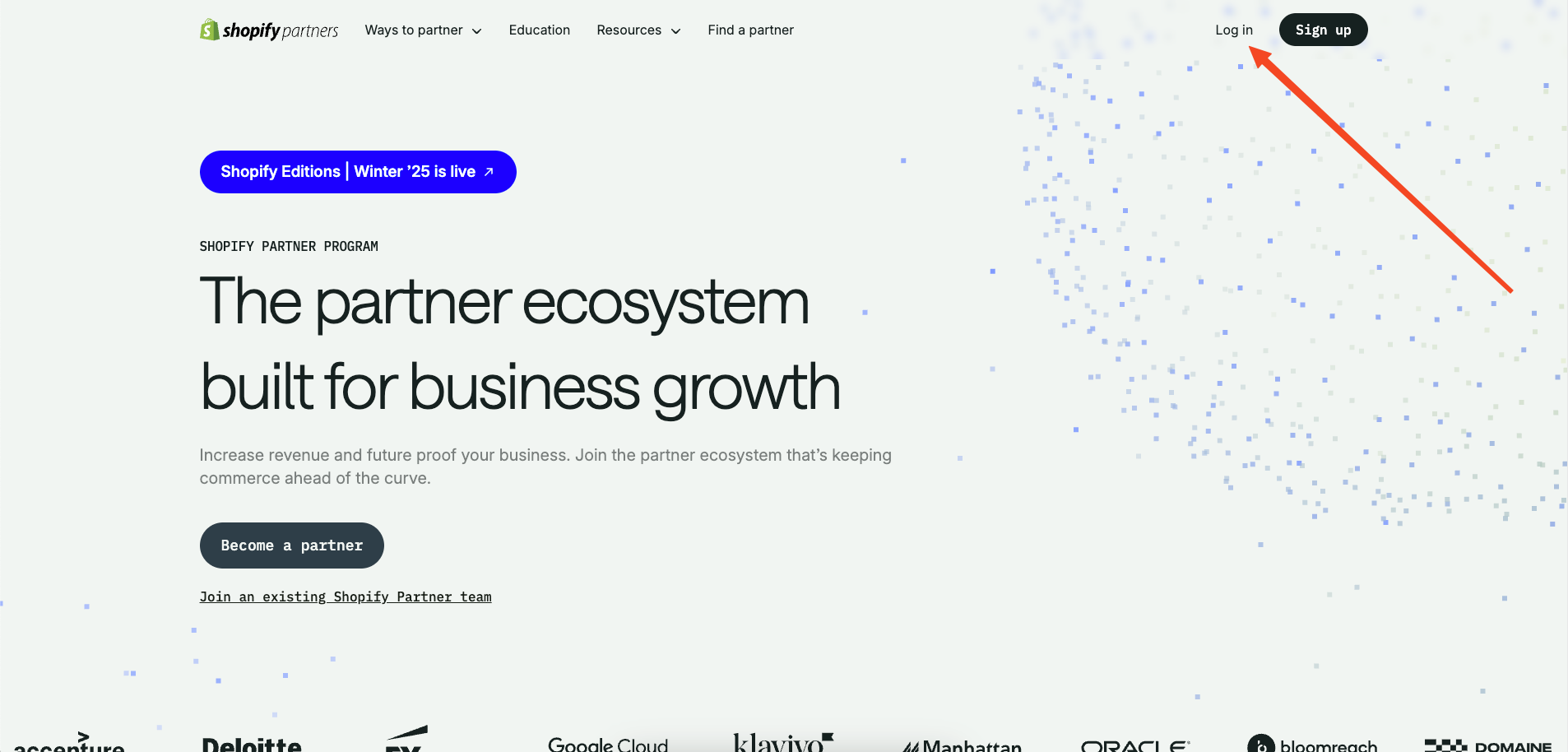
commerceplate
Commerceplate 是一个基于 Next.js 16、Tailwind CSS 4 和 TypeScript 的 Shopify 电商启动模板,由 Zeon Studio 开发并免费开源。
Next.js · 电商
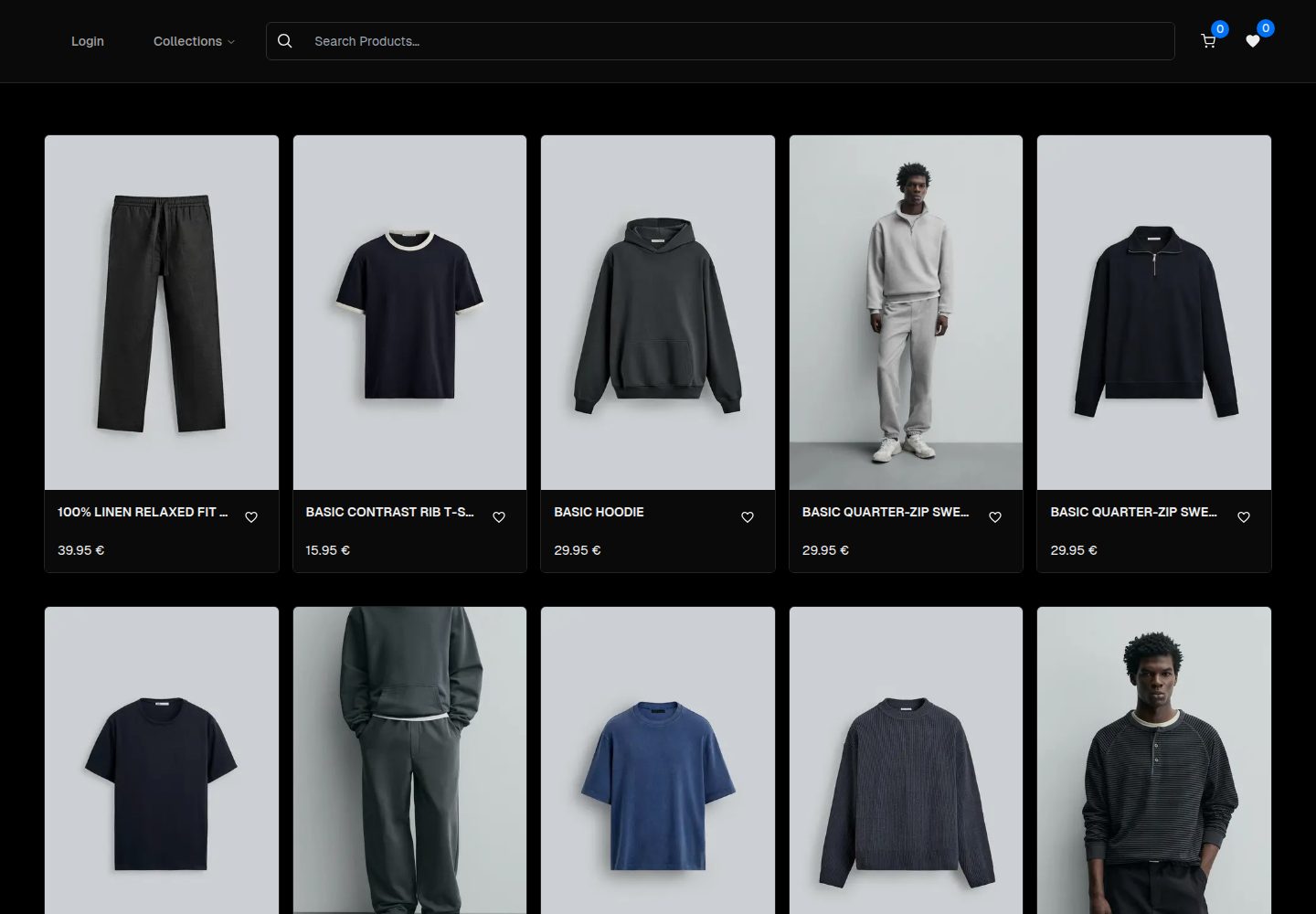
ecommerce-template
An ecommerce template built with NextJS 16, TypeScript and TailwindCSS
Next.js · 电商
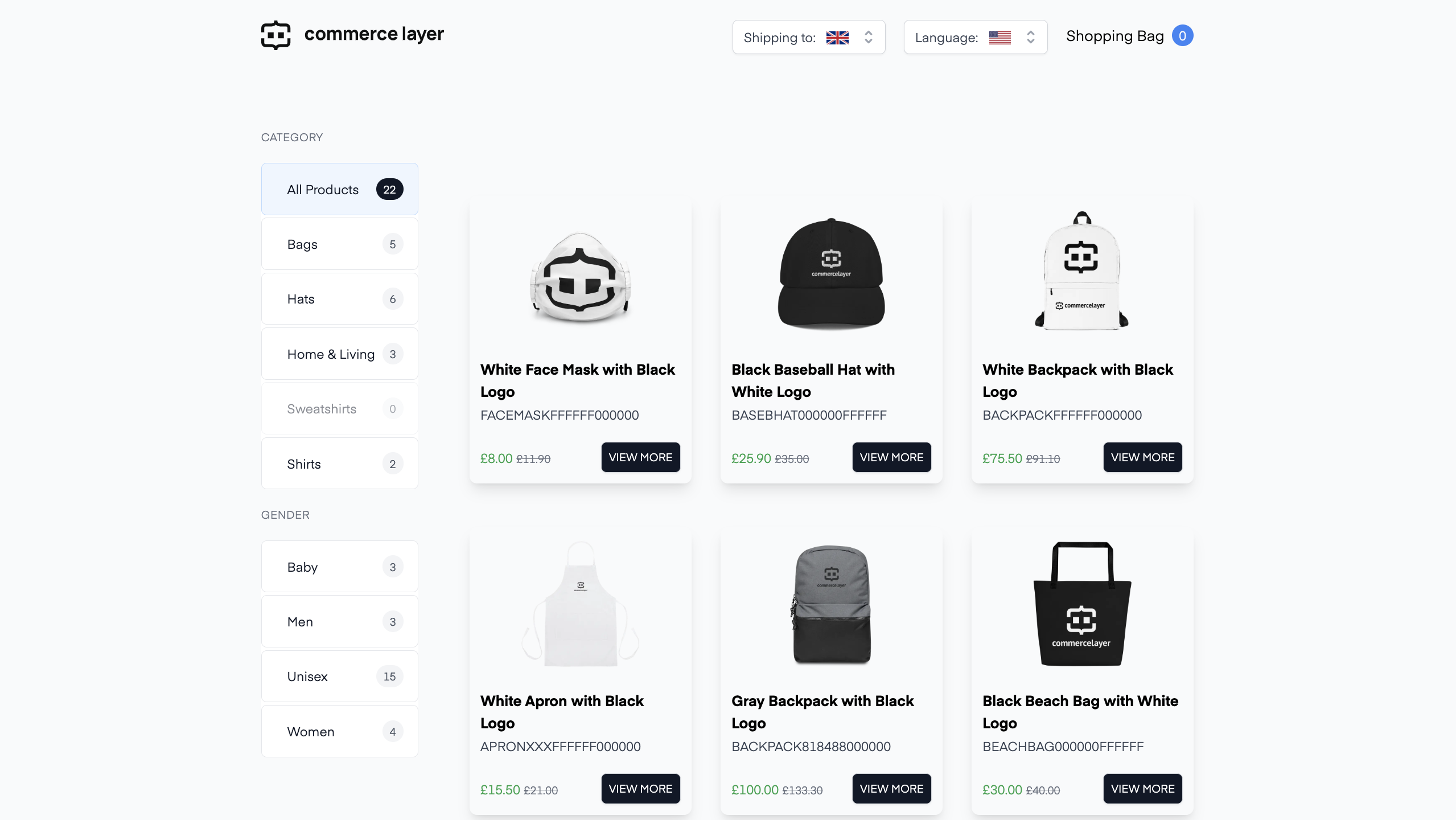
commercelayer-sanity-template
A multi-country ecommerce template built with Commerce Layer, Next.js, Sanity studio, and deployed to Netlify.
Next.js · 电商
boundless-nextjs-ecommerce-template
Next.js E-Commerce template. Strong TypeScript, Ready to use, For high-performance e-commerce websites.
Next.js · 电商
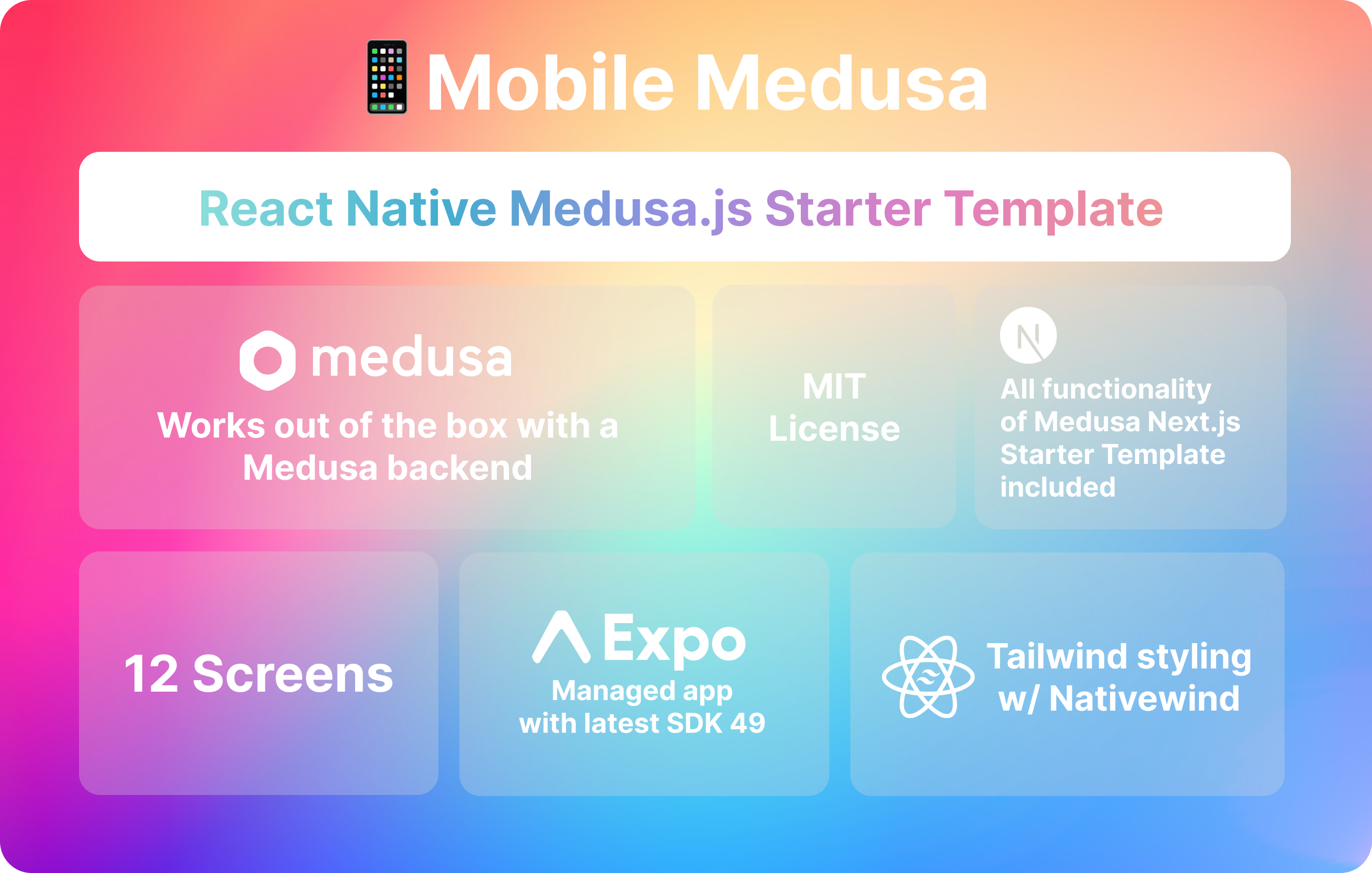
mobile-medusa
📱 Combine your Medusa.js e-commerce backend and/or web storefront with a Expo mobile app that matches Medusa …
Next.js · 电商