基于 Astro 与 Tailwind CSS,支持深色模式
Astro文档
website (SketchTheDocs) — Astro 文档模板
作者 SketchTheDocs
基于 Astro 与 Tailwind CSS 的文档/博客类网站模板,用于托管 SketchTheDocs 站点,采用 MIT 许可。
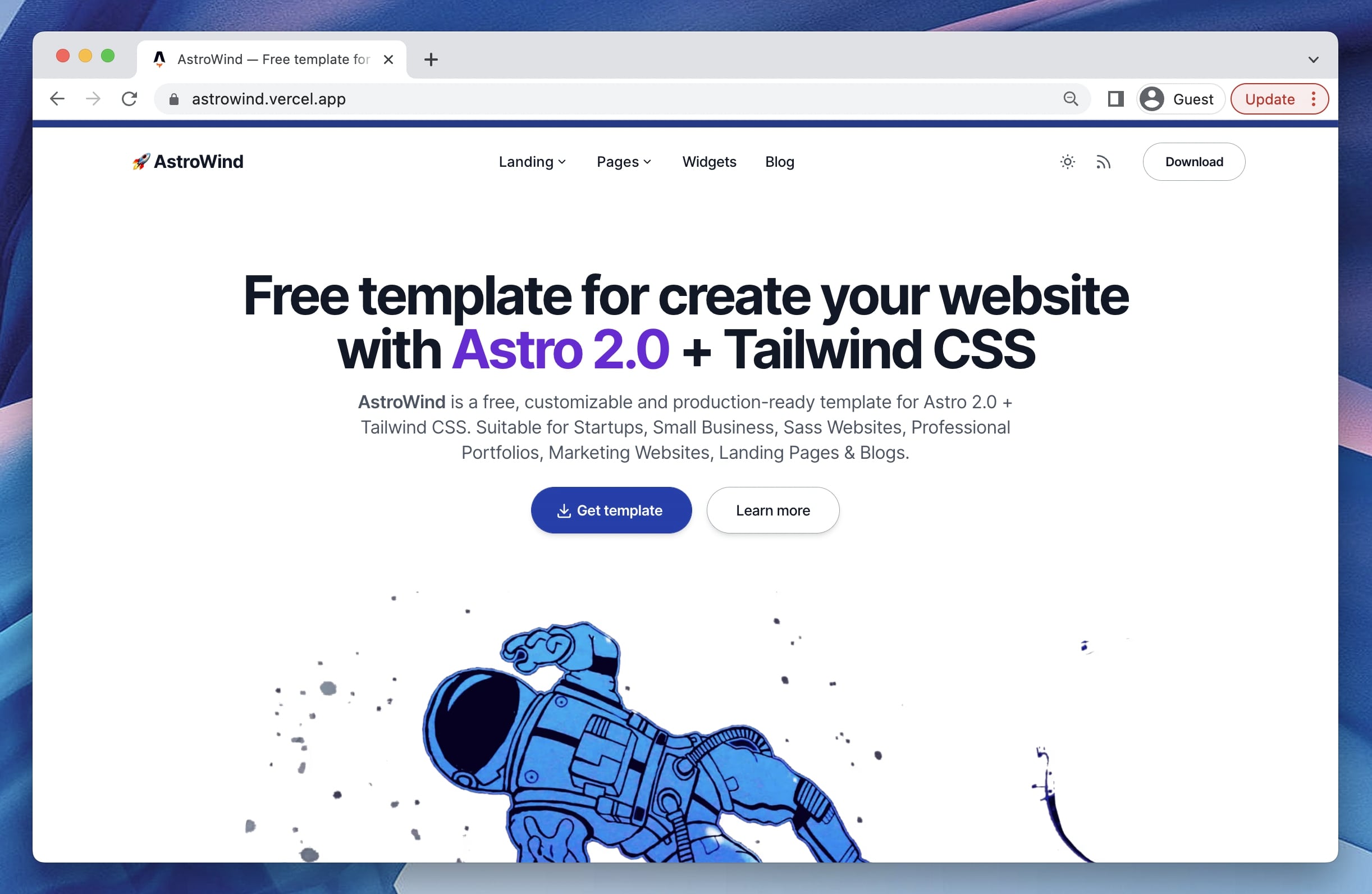
看看你的网站会是什么样
浏览真实页面截图,比较内容排版与手机效果。点击下方缩略图切换,放大查看整页细节。
目前有 1 张原始预览,可打开完整图片查看设计细节。
截图用于了解视觉与布局,交互效果请以实际项目为准。
采集于 2026-10-03查看来源
值得关注的模板亮点
从已有项目资料中,快速了解它的特点。
博客支持 MDX、分类与标签、社交分享及自动 RSS 订阅
包含图片优化、字体优化与基于路由的站点地图生成
提供 Open Graph 标签,便于社交平台分享
内置 Google Analytics 与 Splitbee 分析集成
配置集中在 src/config.mjs,可调整站点名称、SEO 默认值、语言与博客路径
模板详细介绍
该仓库是 SketchTheDocs 的官方网站模板,基于 Astro 构建,用于托管在 https://www.sketchthedocs.dev。模板本身来自 AstroWind,是一个使用 Astro 与 Tailwind CSS 的免费开源网站模板,面向快速搭建新站点并考虑常见 Web 实践。
功能层面,模板集成 Tailwind CSS 并支持深色模式;博客部分支持 MDX、分类与标签、社交分享,并可生成 RSS 订阅;同时包含图片与字体优化、基于路由的站点地图生成、用于社交分享的 Open Graph 标签,以及内置的 Google Analytics 与 Splitbee 分析集成。项目结构中,页面位于 src/pages/,组件位于 src/components/,静态资源可放在 public/ 或 src/assets/,博客内容位于 src/content/post/,基础配置集中在 src/config.mjs。
使用限制方面,模板仅使用少量原生 JavaScript 提供基础功能,具体框架(React、Vue、Svelte、Solid 等)由开发者自行选择。仓库资料未说明该站点当前的实际内容形态与部署状态,预览图来自项目 README,并非该仓库实际页面截图。
Astro文档
适合你的项目吗?
适用场景
- 搭建以文档或博客内容为主的静态网站
- 需要一个带分类、标签和 RSS 的博客结构
- 希望使用 Tailwind CSS 并支持深色模式的站点
- 部署到 Netlify、Vercel 或任意静态托管服务
适合人群
- 熟悉 Astro 与 Tailwind CSS 的开发者
- 需要快速起步的文档或博客类站点项目
- 希望自行选择前端框架并按需扩展的团队
上手与定制指南
结合仓库当前版本的说明,按下面的资料检查内容、配置与运行要求。
- 1
使用 npm install 安装依赖,npm run dev 启动本地开发服务器(默认 localhost:3000)
- 2
npm run build 生成生产构建到 ./dist/,npm run preview 可在部署前本地预览
- 3
站点基础信息、SEO 默认值、语言、博客路径等在 src/config.mjs 中配置
- 4
博客文章放在 src/content/post/,支持 .md 与 .mdx 文件
- 5
演示图片、字体、图标等第三方素材需单独核对其许可,MIT 许可仅覆盖代码
授权与来源资料
使用条件与限制
免费使用 · 保留许可声明本次收录的是公开仓库中采用 MIT 许可的免费版本;免费范围为该版本代码,不代表外部服务或第三方素材免费。
使用时需要遵守
- 允许免费使用、修改、商用和分发该版本代码。
- 分发代码副本或实质性部分时,保留原作者版权声明和完整 MIT 许可声明。
- 代码按现状提供;担保与责任限制以原许可证及适用法律为准。
额外费用与待核对事项
- 模板仅含少量原生 JavaScript 提供基础功能,不绑定任何前端框架;如需 React、Vue、Svelte、Solid 等交互能力,须由开发者自行选择并集成。
- Google Analytics 为可选集成,默认关闭;启用需自行提供 G-XXXXXXXXXX 形式的跟踪 ID,属于外部服务,可能涉及账号与费用。
- 内置分析集成依赖 Google Analytics 与 Splitbee 等外部服务,使用前需自行注册账号并遵守其条款,可能产生额外成本。
- 部署到 Netlify 需先将仓库克隆到自己的 GitHub 账号,并依赖 Netlify 外部托管服务,可能涉及账号注册与付费额度。
- 部署到 Vercel 需先将仓库克隆到自己的 GitHub 账号,并依赖 Vercel 外部托管服务,可能涉及账号注册与付费额度。
- 演示图片、字体、图标及其他第三方素材需按各自许可核对,不能仅凭代码的 MIT 许可判断。
- 域名、托管、数据库、支付或 AI 等外部服务可能另外收费。
查看原文依据
Permission is hereby granted, free of charge
许可证原文
Very little vanilla javascript is used only to provide basic functionality so that each developer decides which framework (React, Vue, Svelte, Solid JS...) to use and how to approach their goals..
README 原文
googleAnalyticsId: false, // Or "G-XXXXXXXXXX",
README 原文
✅ **Analytics** built-in Google Analytics, and Splitbee integration.
README 原文
Clone this repository on own GitHub account and deploy to Netlify:
README 原文
https://github.com/SketchTheDocs/website/blob/main/LICENSE.mdhttps://github.com/SketchTheDocs/website/blob/main/README.mdClone this repository on own GitHub account and deploy to Vercel:
README 原文
DeepSeek 根据仓库许可证和 README 整理 ·2026-10-03。结果仅覆盖已读取资料,依赖、图片、字体及后续条款变更以各自原文为准。
项目核对记录与介绍依据
模板资料
- 来源平台
- GitHub
- 资料与维护参考分
- 资料一般 · 56 / 100
- 技术栈
- Astro
- 网站类型
- 文档
这个分数如何计算
本站按许可资料(最高30分)、演示链接(12分)、预览图(10分)、Star数(15分)、记录的维护时间(15分)、描述完整度(8分)、功能记录(5分)和分类资料(5分)计算。它不是代码、安全或性能测试,也不是 Google 评分;有链接不代表已实测可用。
这个项目需要核对什么
- 记录的仓库更新时间
- 2023-06-08
- 截图检查日期
- 2026-10-03
目前没有记录演示链接。请依据仓库说明在本地评估;仅凭截图无法确认交互行为。
目录记录的主要技术栈是 Astro。请通过依赖清单和锁文件核对实际版本与托管要求。这些说明基于收录资料,不代表代码审计或部署实测。
查看具体选型方法 →介绍的制作与核对状态
介绍由 AI 辅助整理目录与仓库资料。仓库作者不等于这篇介绍的审核者。
审核声明: [email protected] · 2026-10-04
查看当时使用的来源资料
SHA-256: 959d2cb8417f093fc9e80e60360af0d32b143004542fba256bf089863a78cd98
2026-10-03T09:20:11.492Z
来源文件 / 仓库# 🚀 AstroWind
<img src="https://raw.githubusercontent.com/onwidget/.github/main/resources/astrowind/lighthouse-score.png" align="right"
alt="AstroWind Lighthouse Score" width="100" height="358">
🌟 _Most *starred* & *forked* Astro theme in 2022_. 🌟
**AstroWind** is a free and open-source template to make your website using **[Astro 2.0](https://astro.build/blog/astro-2/) + [Tailwind CSS](https://tailwindcss.com/)**. Ready to start a new project and designed taking into account web best practices.
## Features
- ✅ Integration with **Tailwind CSS** ([@astrojs/tailwind](https://docs.astro.build/en/guides/integrations-guide/tailwind/)) supporting **Dark mode**.
- ✅ **Production-ready** scores in [Lighthouse](https://web.dev/measure/) and [PageSpeed Insights](https://pagespeed.web.dev/) reports.
- ✅ **Fast and SEO friendly blog** with automatic **RSS feed** ([@astrojs/rss](https://docs.astro.build/en/guides/rss/)), [**MDX** support](https://docs.astro.build/en/guides/integrations-guide/mdx/), **Categories & Tags**, **Social Share**, ...
- ✅ **Image optimization** ([@astrojs/images](https://docs.astro.build/en/guides/integrations-guide/image/)) and **Font optimization**.
- ✅ Generation of **project sitemap** based on your routes ([@astrojs/sitemap](https://docs.astro.build/en/guides/integrations-guide/sitemap/)).
- ✅ **Open Graph tags** for social media sharing.
- ✅ **Analytics** built-in Google Analytics, and Splitbee integration.
<br>
<img src="https://raw.githubusercontent.com/onwidget/.github/main/resources/astrowind/screenshot-astro2.jpg" alt="AstroWind Theme Screenshot">
[](https://onwidget.com)
[](https://github.com/onwidget/astrowind/blob/main/LICENSE.md)
[](https://github.com/onwidget)
[](https://github.com/onwidget/astrowind#contributing)
[](https://snyk.io/test/github/onwidget/astrowind)
[](https://github.com/onwidget/astrowind)
[](https://github.com/onwidget/astrowind)
<br>
<details open>
<summary>Table of Contents</summary>
- [Demo](#demo)
- [Getting started](#getting-started)
- [Project structure](#project-structure)
- [Commands](#commands)
- [Configuration](#configuration)
- [Deploy](#deploy)
- [Frequently Asked Questions](#frequently-asked-questions)
- [Related Projects](#related-projects)
- [Contributing](#contributing)
- [Acknowledgements](#acknowledgements)
- [License](#license)
</details>
<br>
## Demo
📌 [https://astrowind.vercel.app/](https://astrowind.vercel.app/)
<br>
## Getting started
**AstroWind** tries to give you quick access to creating a website using [Astro 2.0](https://astro.build/blog/astro-2/) + [Tailwind CSS](https://tailwindcss.com/). It's a free theme focuses on simplicity, good practices and high performance.
Very little vanilla javascript is used only to provide basic functionality so that each developer decides which framework (React, Vue, Svelte, Solid JS...) to use and how to approach their goals..
### Project structure
Inside AstroWind template, you'll see the following folders and files:
```
/
├── public/
│ ├── robots.txt
│ └── favicon.ico
├── src/
│ ├── assets/
│ │ ├── images/
│ │ └── styles/
│ │ └── base.css
│ ├── components/
│ │ ├── blog/
│ │ ├── common/
│ │ ├── widgets/
│ │ │ ├── Header.astro
│ │ │ └── ...
│ │ ├── CustomStyles.astro
│ │ └── Logo.astro
│ ├── content/
│ │ ├── post/
│ │ │ ├── post-slug-1.md
│ │ │ ├── post-slug-2.mdx
│ │ │ └── ...
│ │ └-- config.ts
│ ├── layouts/
│ │ ├── BaseLayout.astro
│ │ └── ...
│ ├── pages/
│ │ ├── [...blog]/
│ │ │ ├── [category]/
│ │ │ ├── [tag]/
│ │ │ ├── [...page].astro
│ │ │ └── index.astro
│ │ ├── index.astro
│ │ ├── 404.astro
│ │ ├-- rss.xml.ts
│ │ └── ...
│ ├── utils/
│ ├── config.mjs
│ └── data.js
├── package.json
├── astro.config.mjs
└── ...
```
Astro looks for `.astro` or `.md` files in the `src/pages/` directory. Each page is exposed as a route based on its file name.
There's nothing special about `src/components/`, but that's where we like to put any Astro/React/Vue/Svelte/Preact components.
Any static assets, like images, can be placed in the `public/` directory if they do not require any transformation or in the `assets/` directory if they are imported directly.
[](https://githubbox.com/onwidget/astrowind/tree/main)
> 🧑🚀 **Seasoned astronaut?** Delete this file. Update `config.mjs` and contents. Have fun!
<br>
### Commands
All commands are run from the root of the project, from a terminal:
| Command | Action |
| :-------------------- | :------------------------------------------------- |
| `npm install` | Installs dependencies |
| `npm run dev` | Starts local dev server at `localhost:3000` |
| `npm run build` | Build your production site to `./dist/` |
| `npm run preview` | Preview your build locally, before deploying |
| `npm run format` | Format codes with Prettier |
| `npm run lint:eslint` | Run Eslint |
| `npm run astro ...` | Run CLI commands like `astro add`, `astro preview` |
<br>
### Configuration
Basic configuration file: `./src/config.mjs`
```javascript
const CONFIG = {
name: 'Example',
origin: 'https://example.com',
basePathname: '/', // Change this if you need to deploy to Github Pages, for example
trailingSlash: false, // Generate permalinks with or without "/" at the end
title: 'Example - This is the homepage title of Example', // Default seo title
description: 'This is the homepage description of Example', // Default seo description
defaultImage: 'image.jpg', // Default seo image
defaultTheme: 'system', // Values: "system" | "light" | "dark" | "light:only" | "dark:only"
language: 'en', // Default language
textDirection: 'ltr', // Default html text direction
dateFormatter: new Intl.DateTimeFormat('en', {
// Date format
year: 'numeric',
month: 'short',
day: 'numeric',
timeZone: 'UTC',
}),
googleAnalyticsId: false, // Or "G-XXXXXXXXXX",
googleSiteVerificationId: false, // Or some value,
blog: {
disabled: false,
postsPerPage: 4,
post: {
permalink: '/%slug%', // variables: %slug%, %year%, %month%, %day%, %hour%, %minute%, %second%, %category%
noindex: false,
disabled: false,
},
list: {
pathname: 'blog', // Blog main path, you can change this to "articles" (/articles)
noindex: false,
disabled: false,
},
category: {
pathname: 'category', // Category main path /category/some-category
noindex: true,
disabled: false,
},
tag: {
pathname: 'tag', // Tag main path /tag/some-tag
noindex: true,
disabled: false,
},
},
};
```
<br>
### Deploy
#### Deploy to production (manual)
You can create an optimized production build with:
```shell
npm run build
```
Now, your website is ready to be deployed. All generated files are located at
`dist` folder, which you can deploy the folder to any hosting service you
prefer.
#### Deploy to Netlify
Clone this repository on own GitHub account and deploy to Netlify:
[](https://app.netlify.com/start/deploy?repository=https://github.com/onwidget/astrowind)
#### Deploy to Vercel
Clone this repository on own GitHub account and deploy to Vercel:
[](https://vercel.com/new/clone?repository-url=https%3A%2F%2Fgithub.com%2Fonwidget%2Fastrowind)
<br>
## Frequently Asked Questions
- Why?
-
-
<br>
## Related projects
- [TailNext](https://tailnext.vercel.app/) - Free template using Next.js 13 and Tailwind CSS with the new App Router.
- [Qwind](https://qwind.pages.dev/) - Free template to make your website using Qwik + Tailwind CSS.
## Contributing
If you have any idea, suggestions or find any bugs, feel free to open a discussion, an issue or create a pull request.
That would be very useful for all of us and we would be happy to listen and take action.
## Acknowledgements
Initially created by [onWidget](https://onwidget.com) and maintained by a community of [contributors](https://github.com/onwidget/astrowind/graphs/contributors).
## License
**AstroWind** is licensed under the MIT license — see the [LICENSE](./LICENSE.md) file for details.
看看同类模板
对比同技术栈与用途的模板,找到更适合的视觉与内容结构。
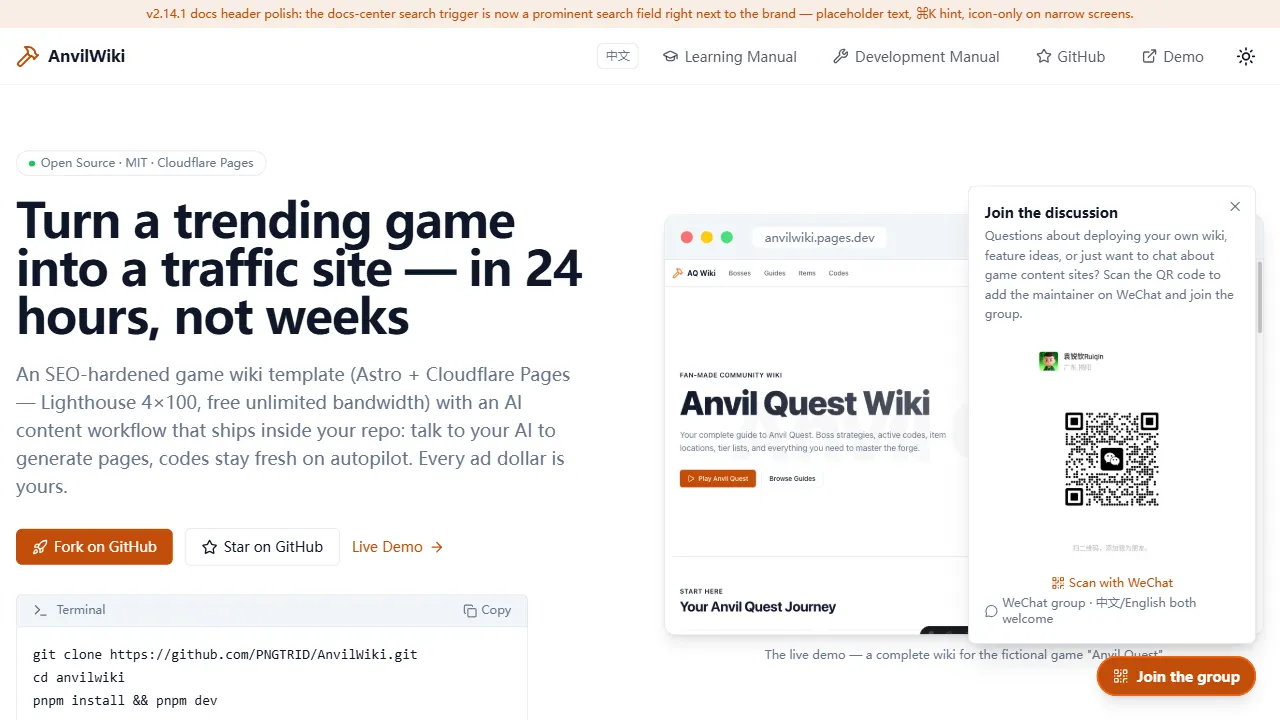
AnvilWiki
AnvilWiki 是一个围绕游戏攻略站场景设计的 Astro 静态模板,目标用户是希望快速搭建游戏内容站、通过 SEO 获取流量并利用广告变现的创作者。
Astro · 游戏站
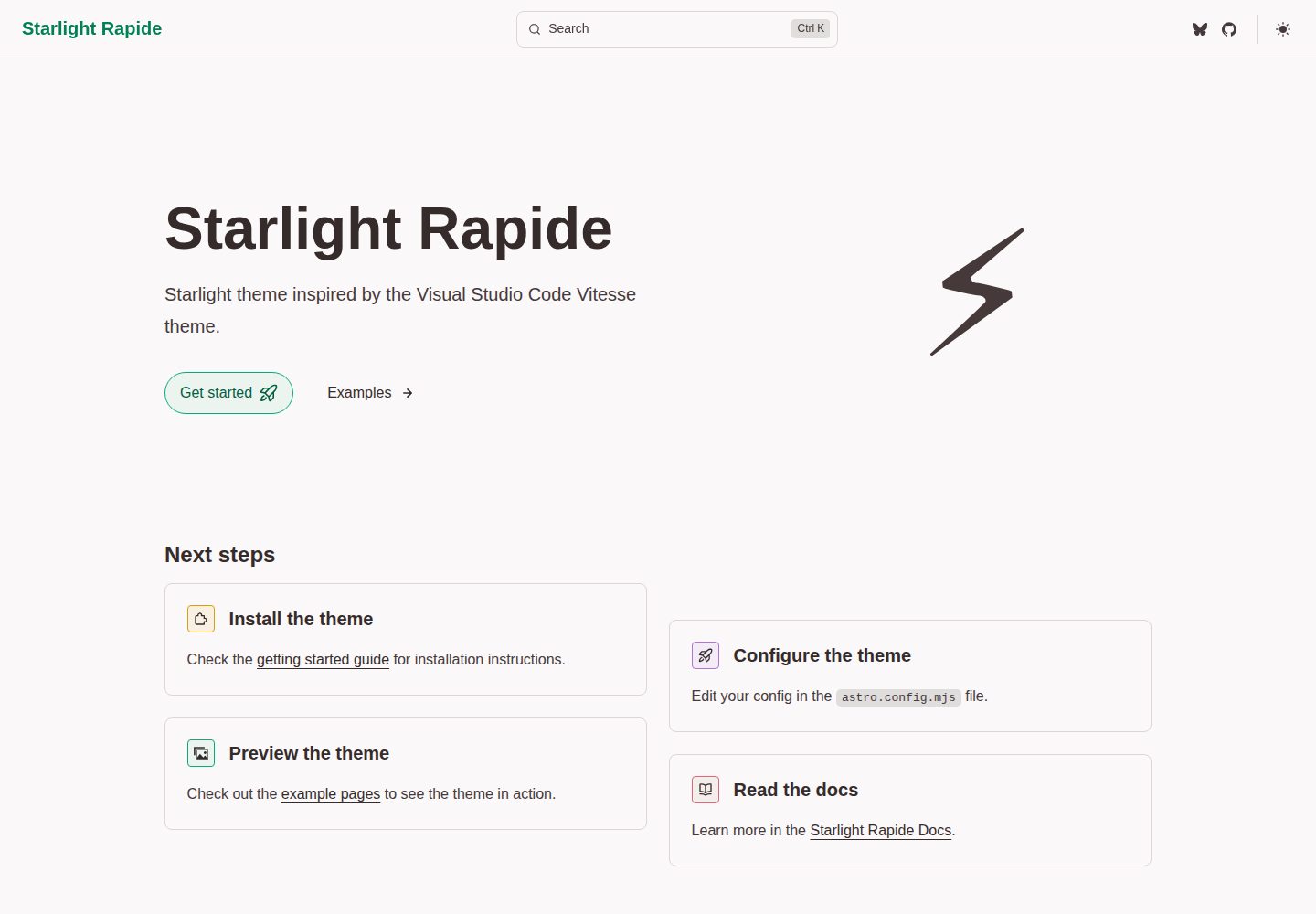
starlight-theme-rapide
Starlight theme inspired by the Visual Studio Code Vitesse theme
Astro · 文档
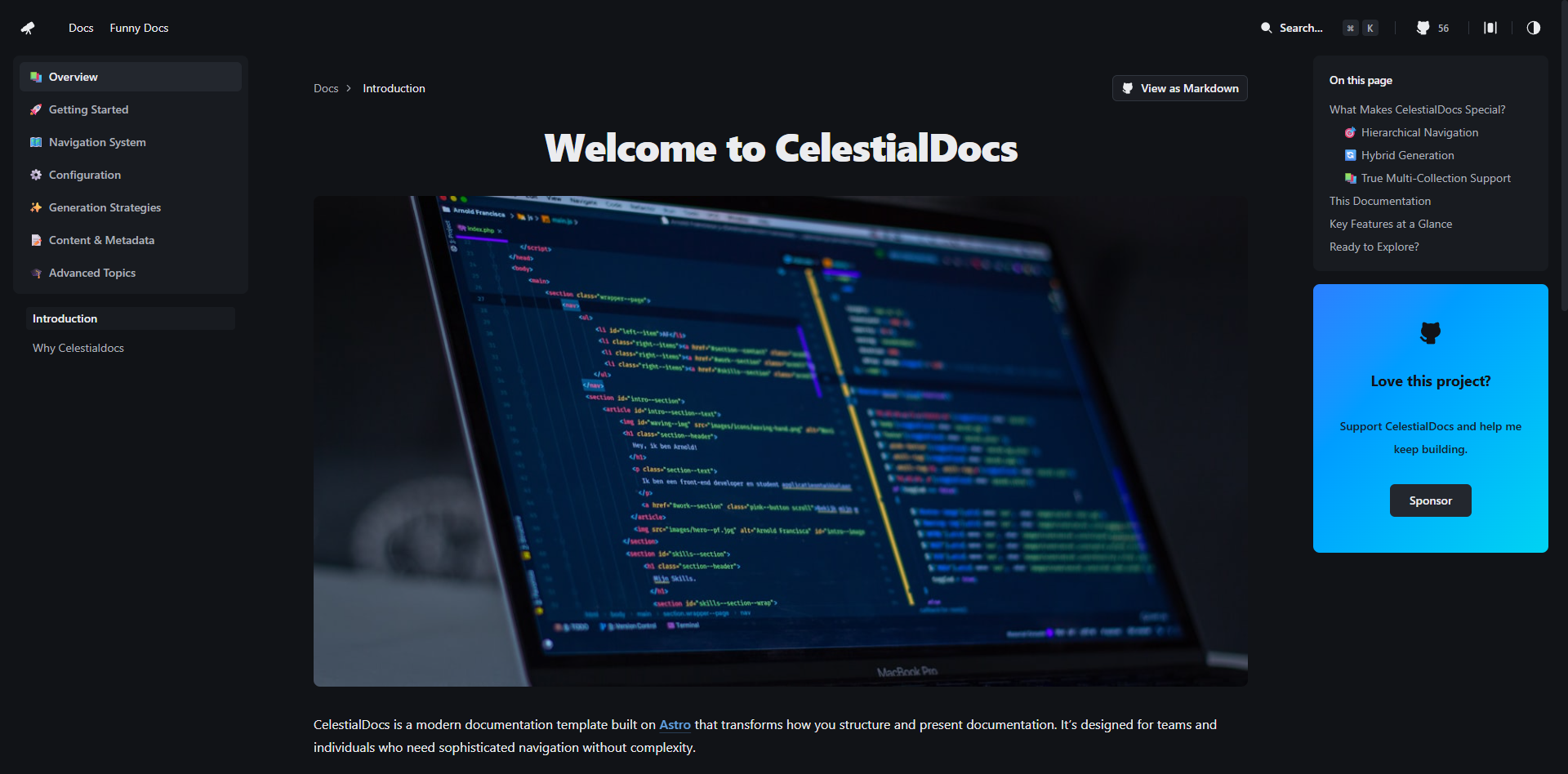
CelestialDocs
CelestialDocs 是一个基于 Astro 的文档平台模板,定位是让团队在一个仓库里同时维护文档、博客和产品页面。
Astro · 文档
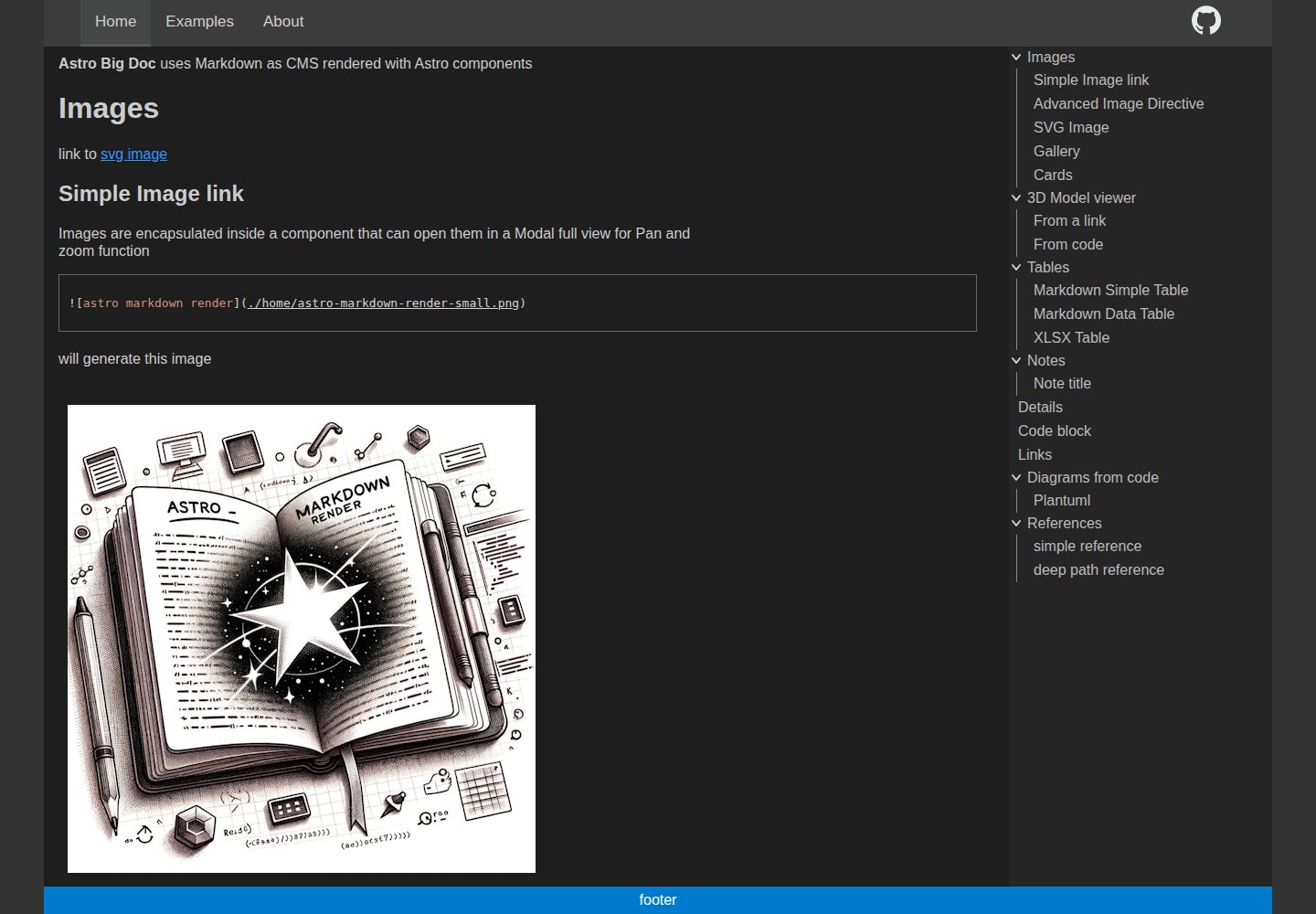
astro-big-doc
Astro Theme with zero config hierarchical menu and table of content, render pure standard Markdown .md with cu…
Astro · 文档
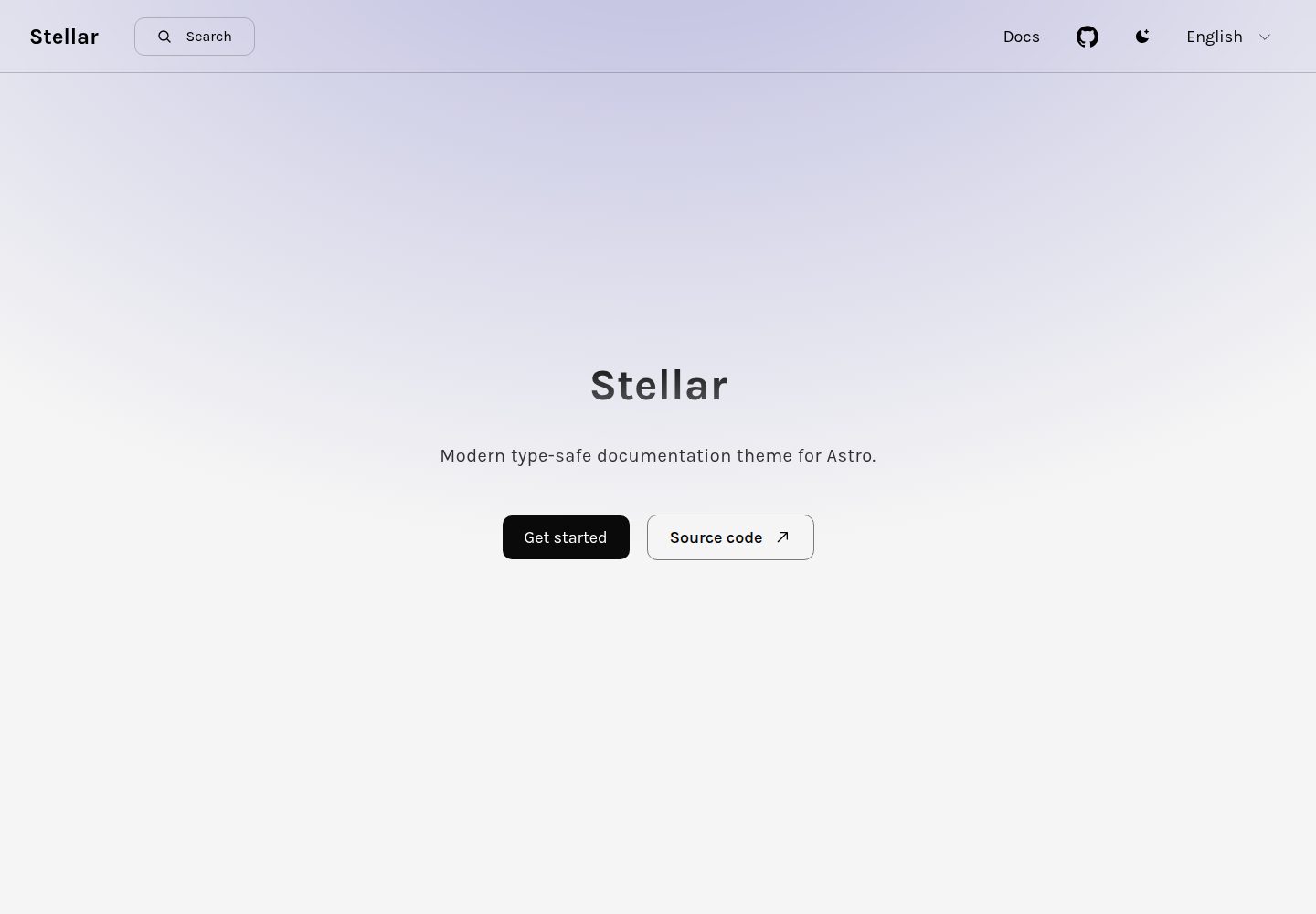
stellar
Modern type-safe documentation theme for Astro.
Astro · 文档
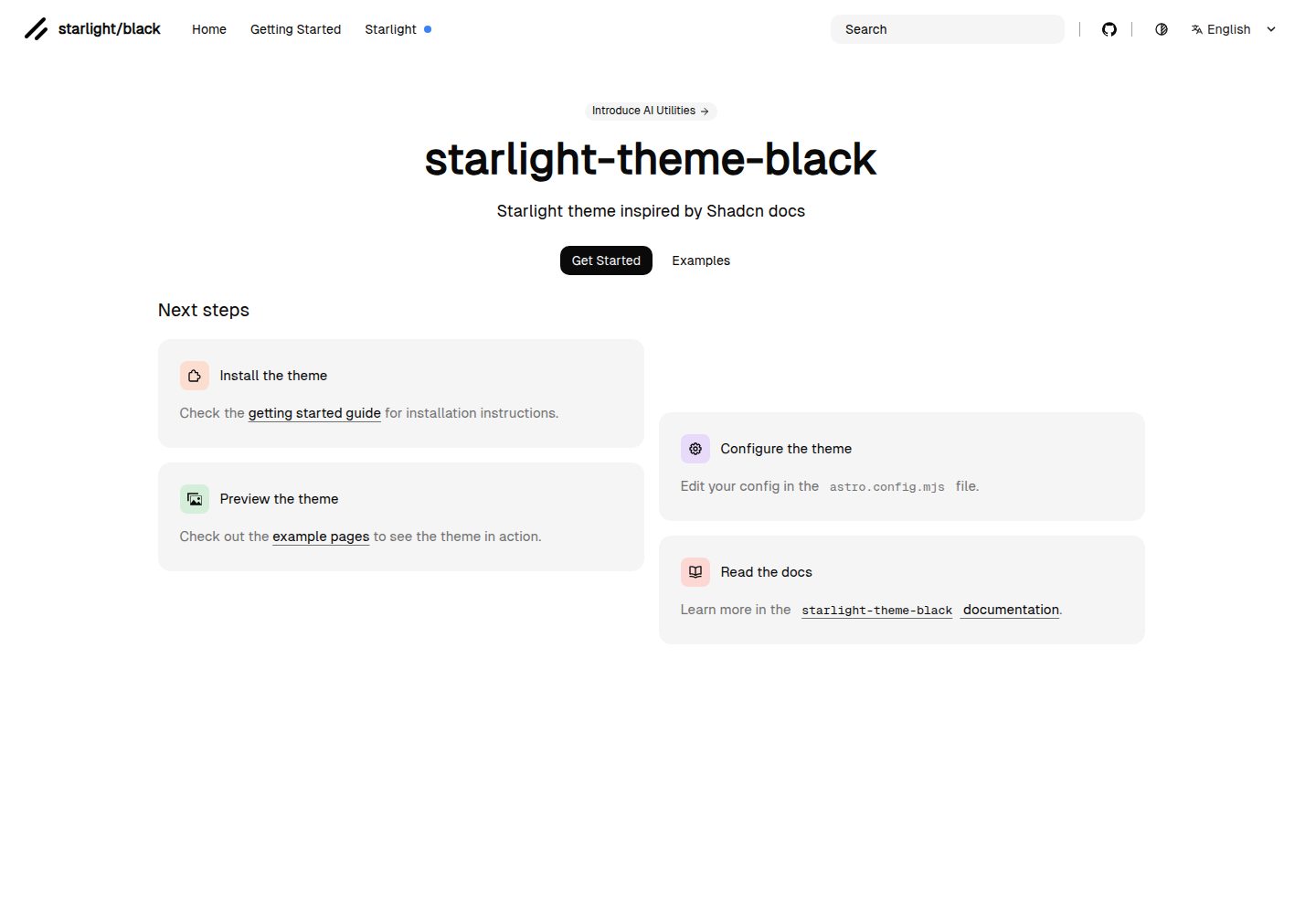
starlight-theme-black
Starlight theme inspired by @shadcn docs
Astro · 文档