静态 React 站点,内容存于 Supabase,无需自建服务器
ViteReact后台作品集博客
abhinomous — Vite 后台模板
作者 SuTechs
abhinomous 是一个基于 Vite 与 React 的静态个人站点模板,包含博客、书评、学习日志与生活照片,内容存于 Supabase,并通过隐藏的 /goku/ 管理后台撰写。
看看你的网站会是什么样
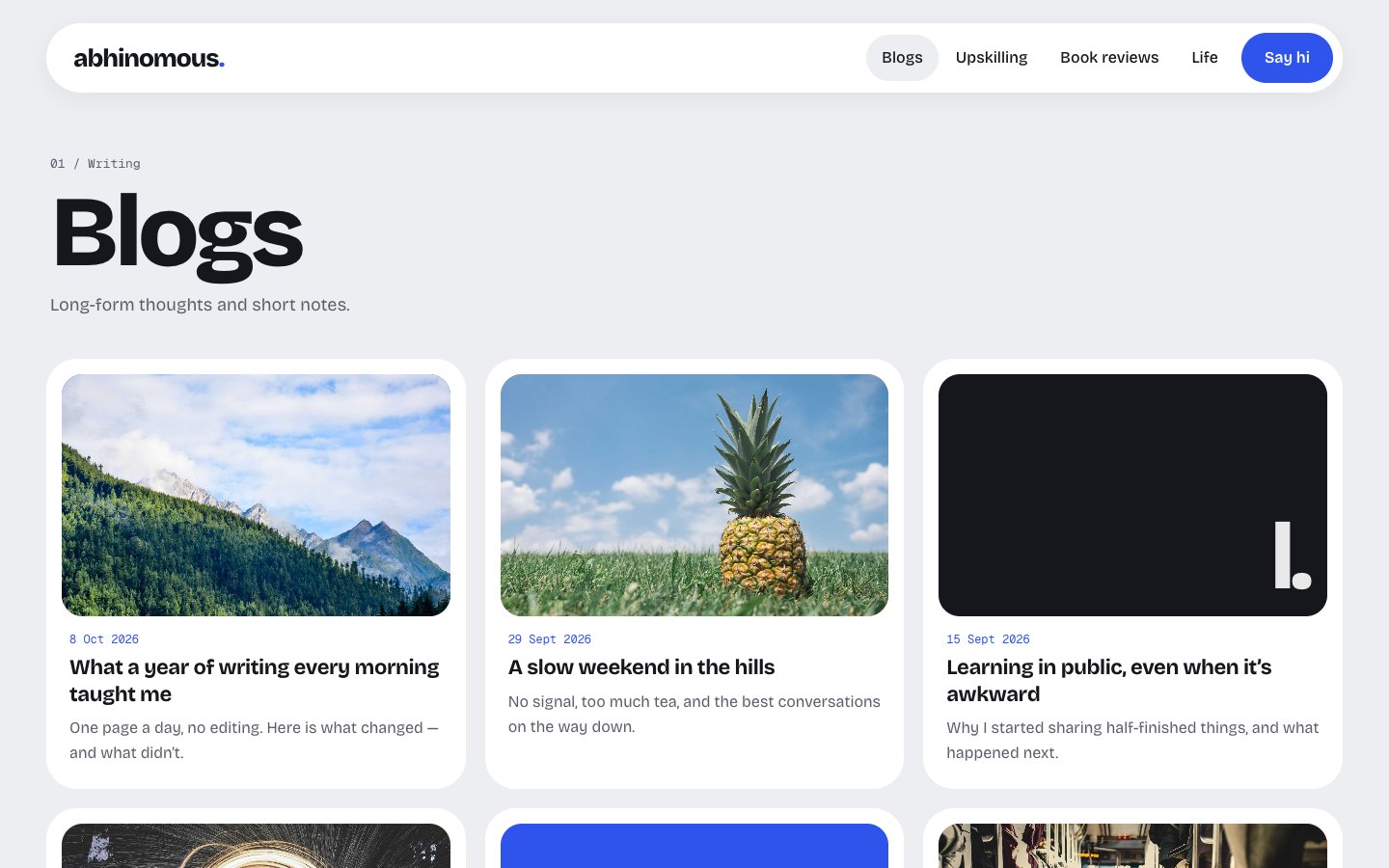
浏览真实页面截图,比较内容排版与手机效果。点击下方缩略图切换,放大查看整页细节。
目前有 1 张原始预览,可打开完整图片查看设计细节。
截图用于了解视觉与布局,交互效果请以实际项目为准。
采集于 2026-10-11查看来源
值得关注的模板亮点
从已有项目资料中,快速了解它的特点。
内置隐藏管理后台 /goku/,含富文本编辑器、图片上传、草稿与首页设置
本地测试模式:npm run dev 使用浏览器内模拟数据运行整站与后台,无需 Supabase 账号
访问控制由 Supabase Row Level Security 实现,注册关闭,仅 admins 表中的用户可写入
附带 Apache、Netlify、Cloudflare Pages 与 GitHub Pages 的静态托管重写配置
提供 GitHub Actions 部署流程与定期 ping 数据库的保活工作流
模板详细介绍
abhinomous 是 Abhishek Kumar 的个人站点,同时作为可复用的模板发布。站点为静态 React 应用,前端使用 Vite 构建,内容存放在 Supabase,访客从浏览器直接读取已发布内容,无需自建服务器。
页面结构包括:首页(随鼠标倾斜的头像、近期文章、每周引语与各栏目入口)、博客(三列文章网格与文章详情页)、书评(带星级评分的封面书架,无封面时自动生成)、Upskilling(GitHub 风格的每日学习记录方格,以及进行中与已完成列表)、Life, lately(拍立得风格照片日志)。管理后台位于 /goku/,使用邮箱与密码登录,提供富文本编辑器、图片上传、草稿、从手机批量上传照片,以及首页设置(简介、引语、社交链接、头像)。所有页面与后台均适配手机。
本地开发提供测试模式:npm run dev 在浏览器内使用模拟的 Supabase 与示例数据运行整站和后台,无需注册 Supabase 即可试用;在此模式下的增删改仅保存在当前浏览器,可通过后台的 Reset test data 恢复示例数据。示例照片来自 picsum.photos,需要联网。
接入真实数据需要自行创建 Supabase 项目,执行 supabase/schema.sql 建表并设置访问规则与 media 存储桶,关闭注册,手动创建管理员用户并将其加入 public.admins 表,再把项目 URL 与 publishable key 写入 .env。构建产物为 dist/ 目录下的静态文件,可部署到任意静态托管;直接访问 /blogs/my-post 这类路径需要托管方对未知路径返回 index.html,仓库已附带 Apache、Netlify/Cloudflare Pages 与 GitHub Pages 的相应配置。README 还描述了面向 Hostinger 的自动部署流程,以及用 GitHub Actions 定期 ping 数据库以避免免费 Supabase 项目休眠。
权限由数据库的 Row Level Security 控制:任何人可读取已发布内容,只有 public.admins 中的用户可读取草稿、写入或上传图片;注册功能关闭。管理后台入口不在站内链接、带 noindex 且未列入 robots.txt,但 README 明确指出这只是辅助措施,真正的保护来自数据库规则。
ViteReact后台作品集博客
适合你的项目吗?
适用场景
- 搭建包含博客、书评、学习记录与照片日志的个人站点
- 需要一个不暴露在站内链接中、仅作者可登录使用的写作后台
- 希望站点为静态托管,但内容通过 Supabase 在线编辑而无需重新构建
- 在本地无 Supabase 账号的情况下先试用整站与后台的交互
- 将模板部署到 Hostinger 或其他静态托管并绑定自有域名
适合人群
- 希望用 Supabase 作为内容后端、以静态方式托管个人站点的开发者
- 需要博客、书评、学习日志与照片日志等多种内容栏目的个人作者
- 能自行创建 Supabase 项目、执行 SQL 并配置环境变量的使用者
- 接受在浏览器端使用 Supabase publishable key、依赖数据库规则做权限控制的项目
上手与定制指南
结合仓库当前版本的说明,按下面的资料检查内容、配置与运行要求。
- 1
需要 Node.js 20.19 或更高版本;克隆仓库后执行 npm install 与 npm run dev 即可进入本地测试模式
- 2
接入真实数据需创建 Supabase 项目,在 SQL Editor 运行 supabase/schema.sql,并关闭 Allow new users to sign up
- 3
在 Authentication 中手动创建管理员用户并勾选 Auto Confirm User,再将该用户插入 public.admins 表
- 4
将 Supabase 项目 URL 与 publishable key 写入 .env(可从 .env.example 复制);README 强调不要使用 secret / service_role key
- 5
npm run build 生成 dist/ 静态文件,部署时需让托管方对未知路径返回 index.html,仓库已附带常见托管平台的配置文件
授权与来源资料
使用条件与限制
免费使用 · 保留许可声明本次收录的是公开仓库中采用 MIT 许可的免费版本;免费范围为该版本代码,不代表外部服务或第三方素材免费。
使用时需要遵守
- 允许免费使用、修改、商用和分发该版本代码。
- 分发代码副本或实质性部分时,保留原作者版权声明和完整 MIT 许可声明。
- 代码按现状提供;担保与责任限制以原许可证及适用法律为准。
额外费用与待核对事项
- 演示图片、字体、图标及其他第三方素材需按各自许可核对,不能仅凭代码的 MIT 许可判断。
- 域名、托管、数据库、支付或 AI 等外部服务可能另外收费。
- 使用真实数据需自行创建 Supabase 项目作为外部服务后端,站点内容与后台均依赖该第三方服务。
- 需在 Supabase 中关闭注册,仅手动创建的管理员账号可登录后台,普通访客无法自行注册。
- 管理员账号必须在 Supabase 控制台手动创建并勾选 Auto Confirm User,无法通过站点自行注册。
- 需将 Supabase 项目 URL 与 publishable key 写入 .env 环境变量,构建与运行依赖该配置。
- 只能使用 publishable key,禁止在项目任何位置使用 secret / service_role key,权限完全依赖数据库规则。
- 生产构建必须提供真实 Supabase 的 .env 配置,缺少时构建会失败,无法脱离 Supabase 生成正式站点。
- 部署到静态托管时需配置对未知路径返回 index.html,否则直接访问文章等深层链接会失败。
- 发布脚本依赖 GitHub CLI,并要求 main 分支工作区干净,否则无法完成版本发布。
- 免费 Supabase 项目在长时间无活动后会暂停,需依赖保活工作流定期 ping 数据库以维持可用。
- 本地测试模式下的示例照片来自 picsum.photos,需要联网才能加载。
查看原文依据
Permission is hereby granted, free of charge
许可证原文
Create a free project at [supabase.com](https://supabase.com).
README 原文
**Authentication → Sign In / Providers:** turn **off** "Allow new users to sign up".
README 原文
**Authentication → Users → Add user → Create new user:** enter the admin's email and password, and tick **Auto Confirm User**.
README 原文
**Project Settings → API Keys:** copy the project URL and the **publishable** key into `.env`:
README 原文
> Use only the **publishable** key. It's built into the site's JavaScript, so anyone can see it, and Supabase designed it for exactly that: the database rules decide what it can do. **Never** use the secret / `service_role` key anywhere in this project.
README 原文
`npm run build` creates a static site in `dist/`. It always uses the real Supabase from `.env`, and refuses to build without it.
README 原文
Links that open a page directly, like `/blogs/my-post`, need the host to serve `index.html` for unknown paths, and `dist/` ships the config for the common hosts:
README 原文
It needs the [GitHub CLI](https://cli.github.com) and a clean working tree on `main`.
README 原文
Free Supabase projects pause after a stretch with no activity. The [keep-awake workflow](.github/workflows/keep-supabase-awake.yml) pings the database twice a week.
README 原文
https://github.com/SuTechs/abhinomous/blob/main/LICENSEhttps://github.com/SuTechs/abhinomous/blob/main/README.mdThe dummy photos load from picsum.photos, so they need an internet connection.
README 原文
DeepSeek 根据仓库许可证和 README 整理 ·2026-10-11。结果仅覆盖已读取资料,依赖、图片、字体及后续条款变更以各自原文为准。
项目核对记录与介绍依据
模板资料
- 来源平台
- GitHub
- 资料与维护参考分
- 资料较完整 · 85 / 100
- 技术栈
- Vite · React
- 网站类型
- 后台 · 作品集 · 博客
这个分数如何计算
本站按许可资料(最高30分)、演示链接(12分)、预览图(10分)、Star数(15分)、记录的维护时间(15分)、描述完整度(8分)、功能记录(5分)和分类资料(5分)计算。它不是代码、安全或性能测试,也不是 Google 评分;有链接不代表已实测可用。
这个项目需要核对什么
- 记录的仓库更新时间
- 2026-10-11
- 截图检查日期
- 2026-10-11
已收录演示链接。请用你的内容与屏幕尺寸检查;有演示不代表表单、认证或支付已经可用。
目录记录的主要技术栈是 Vite。请通过依赖清单和锁文件核对实际版本与托管要求。这些说明基于收录资料,不代表代码审计或部署实测。
查看具体选型方法 →介绍的制作与核对状态
介绍由 AI 辅助整理目录与仓库资料。仓库作者不等于这篇介绍的审核者。
审核声明: [email protected] · 2026-10-13
查看当时使用的来源资料
SHA-256: f3305672bd3e048c1b7f1cc0f4b282254d0aeae6a2f314feea7a8836e2aa948a
2026-10-11T18:30:09.340Z
来源文件 / 仓库<div align="center">
# abhinomous<span>.</span>
**A personal site for blogs, book reviews, learning logs and life photos, with a private admin to write it all.**
[**abhinomous.com**](https://abhinomous.com) · [Quick start](#quick-start) · [Make it yours](#make-it-yours) · [Deploy](#deploy)
[](https://github.com/SuTechs/abhinomous/actions/workflows/ci.yml)
[](LICENSE)
<img src="docs/screenshots/home.jpg" alt="Abhinomous homepage: a blue hero card with a 3D-style avatar, recent posts and a quote" width="100%">
</div>
Abhinomous is the personal site of Abhishek Kumar, built as a template anyone can reuse. It's a fast static site with a bento-style design. Content lives in [Supabase](https://supabase.com), and the owner writes it from a hidden admin page. There's no server to run: build once, upload anywhere.
## What's inside
- **Homepage:** a big avatar that tilts with the mouse, recent posts, a quote of the week, and tiles for every section.
- **Blogs:** a 3-column grid of posts, plus post pages with a banner image and comfortable reading typography.
- **Book reviews:** a bookshelf of covers with star ratings. Books without a cover get a generated one.
- **Upskilling:** a GitHub-style learning log (one square per day) and lists of what's in progress and what's done.
- **Life, lately:** a polaroid photo log.
- **Admin at `/goku/`:** email + password login (no sign-ups), a rich-text editor with image uploads, drafts, bulk photo upload from a phone, and homepage settings (intro, quote, social links, avatar).
- **Works on phones:** every page and the admin are responsive.
- **Local test mode:** `npm run dev` runs the whole site and admin on dummy data in your browser. No Supabase account is needed to try it.
<table>
<tr>
<td><img src="docs/screenshots/blogs.jpg" alt="Blog list"></td>
<td><img src="docs/screenshots/post.jpg" alt="Blog post"></td>
<td><img src="docs/screenshots/books.jpg" alt="Book reviews"></td>
</tr>
<tr>
<td align="center">Blogs</td>
<td align="center">Post</td>
<td align="center">Book reviews</td>
</tr>
<tr>
<td><img src="docs/screenshots/upskilling.jpg" alt="Upskilling learning log"></td>
<td><img src="docs/screenshots/life.jpg" alt="Life, lately photo log"></td>
<td><img src="docs/screenshots/admin-editor.jpg" alt="Admin post editor"></td>
</tr>
<tr>
<td align="center">Upskilling</td>
<td align="center">Life, lately</td>
<td align="center">Admin editor</td>
</tr>
</table>
<img src="docs/screenshots/mobile.jpg" alt="The homepage, a blog post, the upskilling page and the admin on a phone" width="100%">
## Quick start
You need [Node.js](https://nodejs.org) 20.19 or newer.
```bash
git clone https://github.com/SuTechs/abhinomous.git
cd abhinomous
npm install
npm run dev
```
Open http://localhost:5173 for the site and http://localhost:5173/goku/ for the admin. Click **Sign in as test admin** to log in.
This is **local test mode**, which works like this:
- The site runs on a small in-browser stand-in for Supabase ([`src/lib/mock/`](src/lib/mock)), filled with [dummy content](src/lib/mock/seed.ts).
- Anything you add, edit, upload or delete is saved in that browser only. **Reset test data** in the admin header restores the dummy data.
- It follows the same rules as the real database: visitors never see drafts, and only a signed-in admin can make changes.
- The dummy photos load from picsum.photos, so they need an internet connection.
## Make it yours
| What | Where |
| --- | --- |
| Name, site title, wordmark, description | [`src/site.config.ts`](src/site.config.ts) |
| Intro line, quote, social links, email, avatar | Admin → **Homepage** (stored in Supabase) |
| Colours and fonts | `@theme` in [`src/styles.css`](src/styles.css) |
| Placeholder avatar | [`public/avatar.svg`](public/avatar.svg), used until you upload one in the admin |
| Admin address (`/goku/`) | Rename the `goku/` folder and its entry in [`vite.config.ts`](vite.config.ts) |
| Dummy content for local test mode | [`src/lib/mock/seed.ts`](src/lib/mock/seed.ts) |
## Set up Supabase
1. Create a free project at [supabase.com](https://supabase.com).
2. **SQL Editor → New query:** paste [`supabase/schema.sql`](supabase/schema.sql) and click **Run**. This creates the tables, the access rules and a `media` bucket for images. It's safe to run again after updates.
3. **Authentication → Sign In / Providers:** turn **off** "Allow new users to sign up".
4. **Authentication → Users → Add user → Create new user:** enter the admin's email and password, and tick **Auto Confirm User**.
5. **SQL Editor:** make that user an admin:
```sql
insert into public.admins (user_id) select id from auth.users where email = '[email protected]';
```
6. **Project Settings → API Keys:** copy the project URL and the **publishable** key into `.env`:
```bash
cp .env.example .env
```
7. Run against the real database:
```bash
npm run prod
```
> [!IMPORTANT]
> Use only the **publishable** key. It's built into the site's JavaScript, so anyone can see it, and Supabase designed it for exactly that: the database rules decide what it can do. **Never** use the secret / `service_role` key anywhere in this project.
## Deploy
`npm run build` creates a static site in `dist/`. It always uses the real Supabase from `.env`, and refuses to build without it.
### Hostinger, with auto-deploy (how abhinomous.com runs)
Every push to `main` runs the [Deploy workflow](.github/workflows/deploy.yml). It builds the site and publishes it to the `deploy` branch, and Hostinger pulls that branch. No GitHub account linking is needed.
1. **GitHub → your repo → Settings → Secrets and variables → Actions:** add `VITE_SUPABASE_URL` and `VITE_SUPABASE_PUBLISHABLE_KEY`. The next push to `main` (or **Actions → Deploy → Run workflow**) creates the `deploy` branch.
2. **hPanel → Websites → Create website → PHP/HTML website.** Make sure its `public_html` folder is empty; delete Hostinger's default file in File Manager if there is one.
3. **Website → Advanced → Git:**
- Repository: `https://github.com/<you>/<repo>.git`
- Branch: `deploy`
- Install path: leave empty
- Click **Create**, then **Deploy**.
4. **Same page → Auto deployment:** copy the webhook URL and add it under **GitHub → Settings → Webhooks → Add webhook** (payload URL only, defaults for the rest).
5. Connect your domain.
The two values are used when the site is built: if you change a secret, re-run the Deploy workflow.
### Any other static host
Upload the contents of `dist/`. Links that open a page directly, like `/blogs/my-post`, need the host to serve `index.html` for unknown paths, and `dist/` ships the config for the common hosts:
- `.htaccess` for Apache, Hostinger and cPanel
- `_redirects` for Netlify and Cloudflare Pages
- `404.html` for GitHub Pages and similar
## Releasing
```bash
npm run release # 0.1.0 → 0.1.1
npm run release -- minor # 0.1.0 → 0.2.0
```
The script checks the site builds, bumps the version, tags it, and pushes `main`; the Deploy workflow then publishes the site. It also creates a [GitHub Release](https://github.com/SuTechs/abhinomous/releases) with notes. It needs the [GitHub CLI](https://cli.github.com) and a clean working tree on `main`.
## Scripts
| Command | What it does |
| --- | --- |
| `npm run dev` | Local test mode: dummy data, test admin, no Supabase needed |
| `npm run prod` | Dev server against the real Supabase in `.env` |
| `npm run build` | Production build into `dist/` (needs `.env`) |
| `npm run preview` | Serves the production build locally |
| `npm run typecheck` | TypeScript check |
| `npm run release` | Version, tag, push and GitHub Release |
## How it works
```mermaid
flowchart LR
V[Visitor] -->|reads the static site| H[Static host]
V -->|reads published content| S[(Supabase)]
A[Admin at /goku/] -->|signs in, writes, uploads| S
```
- The site is a static React app. It talks to Supabase from the browser using the publishable key.
- **Row Level Security** does the guarding:
- Anyone can read published posts, reviews and photos, the skills list, the learning log and the homepage settings.
- Only users listed in `public.admins` can read drafts, write anything or upload images. The check runs in a private database function the API doesn't expose.
- Sign-ups are off, so nobody else can get an account.
- The `/goku/` admin is not linked anywhere, has `noindex`, and isn't listed in `robots.txt`. That's only a courtesy, though; the database rules are the real protection.
- The admin is a separate page, so visitors never download the editor.
## Project layout
```
index.html public site entry
goku/index.html admin entry (noindex)
src/site.config.ts your name, title and description
src/site/ public site: tiny router, components, pages
src/admin/ admin: login, editors (Tiptap), image upload
src/lib/ Supabase client, types, queries
src/lib/mock/ local test mode: in-browser stand-in + dummy data
supabase/schema.sql tables, access rules, storage bucket
public/ avatar, favicon, robots.txt, host redirect files
scripts/ build helpers and the release script
.github/workflows/ CI, deploy, keep-Supabase-awake
```
**Built with:** [React 19](https://react.dev) · [Vite](https://vite.dev) · [Tailwind CSS 4](https://tailwindcss.com) · [Supabase](https://supabase.com) · [Tiptap](https://tiptap.dev) · [Bricolage Grotesque](https://fonts.google.com/specimen/Bricolage+Grotesque) & [Geist Mono](https://fonts.google.com/specimen/Geist+Mono)
## Keeping Supabase awake
Free Supabase projects pause after a stretch with no activity. The [keep-awake workflow](.github/workflows/keep-supabase-awake.yml) pings the database twice a week. It uses the same two repository secrets as the Deploy workflow, so once deploys work, it works too.
## License
[MIT](LICENSE). Use it for your own site: fork it, change [`src/site.config.ts`](src/site.config.ts), and make it yours. A link back is appreciated but not required.
看看同类模板
对比同技术栈与用途的模板,找到更适合的视觉与内容结构。

kiaalap
Free admin dashboard template focused on education, online course and school management. Build using Bootstrap…
Vite · 后台

react-vite-admin
This Starter utilizes React, Recoil, React Query, React Hooks, Typescript, Axios And Vite. 全新技术栈的后台管理系统
Vite · 后台
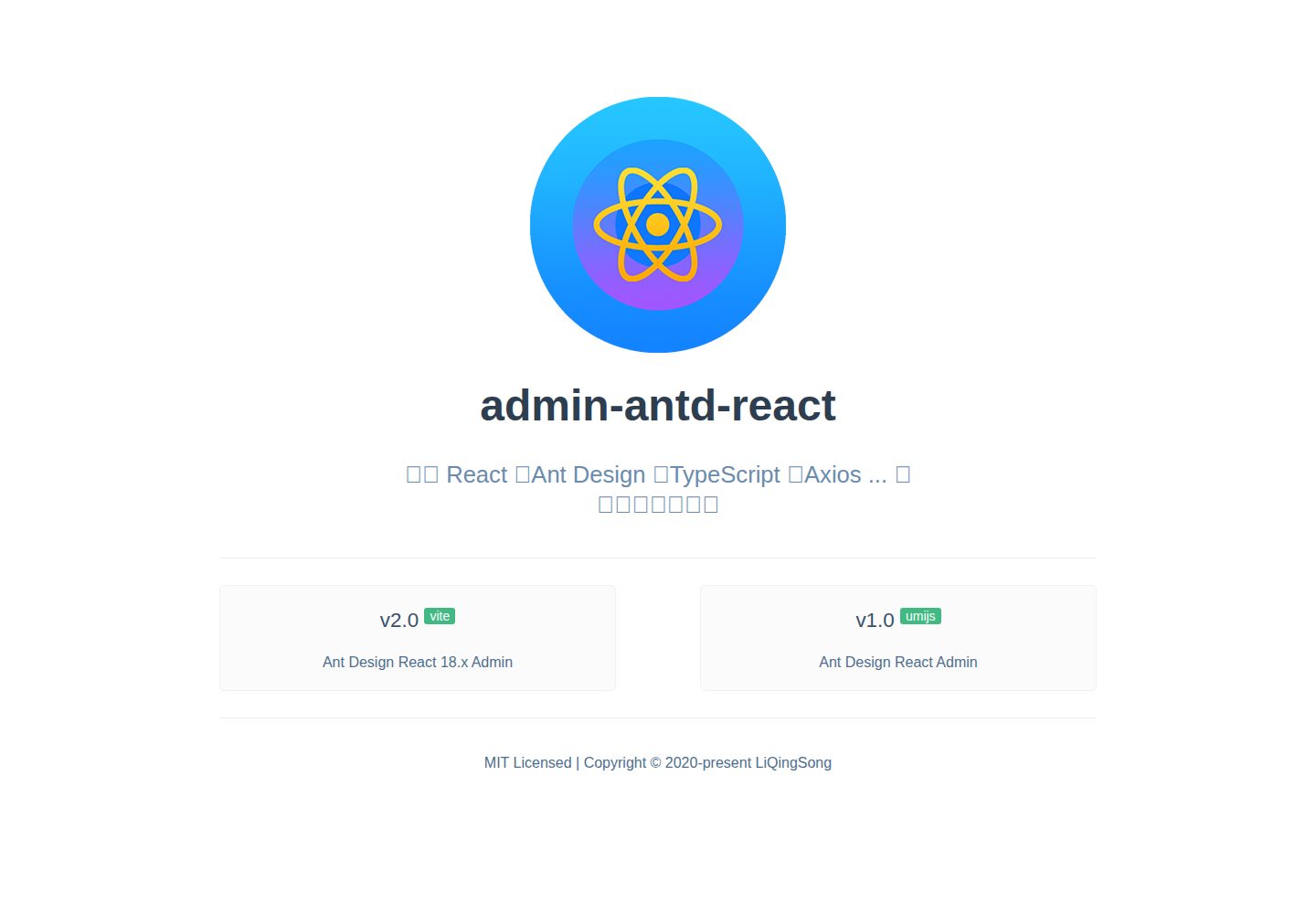
admin-antd-react
React + Ant Design Admin template
Vite · 后台
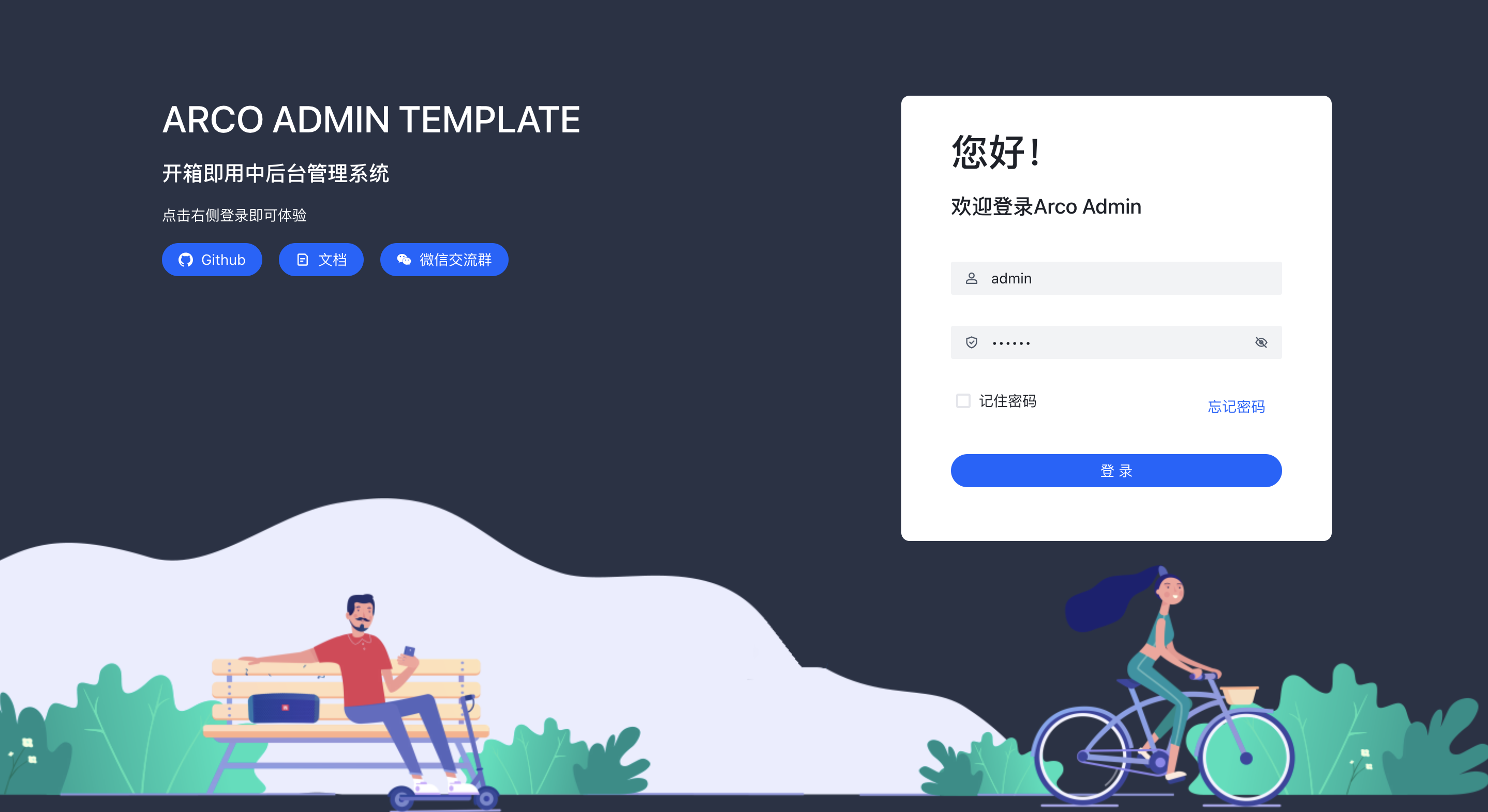
arco-admin-template
🔥基于 vite构建的react后台模版 使用: acro-design + react-router-dom v6 + mockjs + less,支持国际化,亮色暗色切换等
Vite · 后台
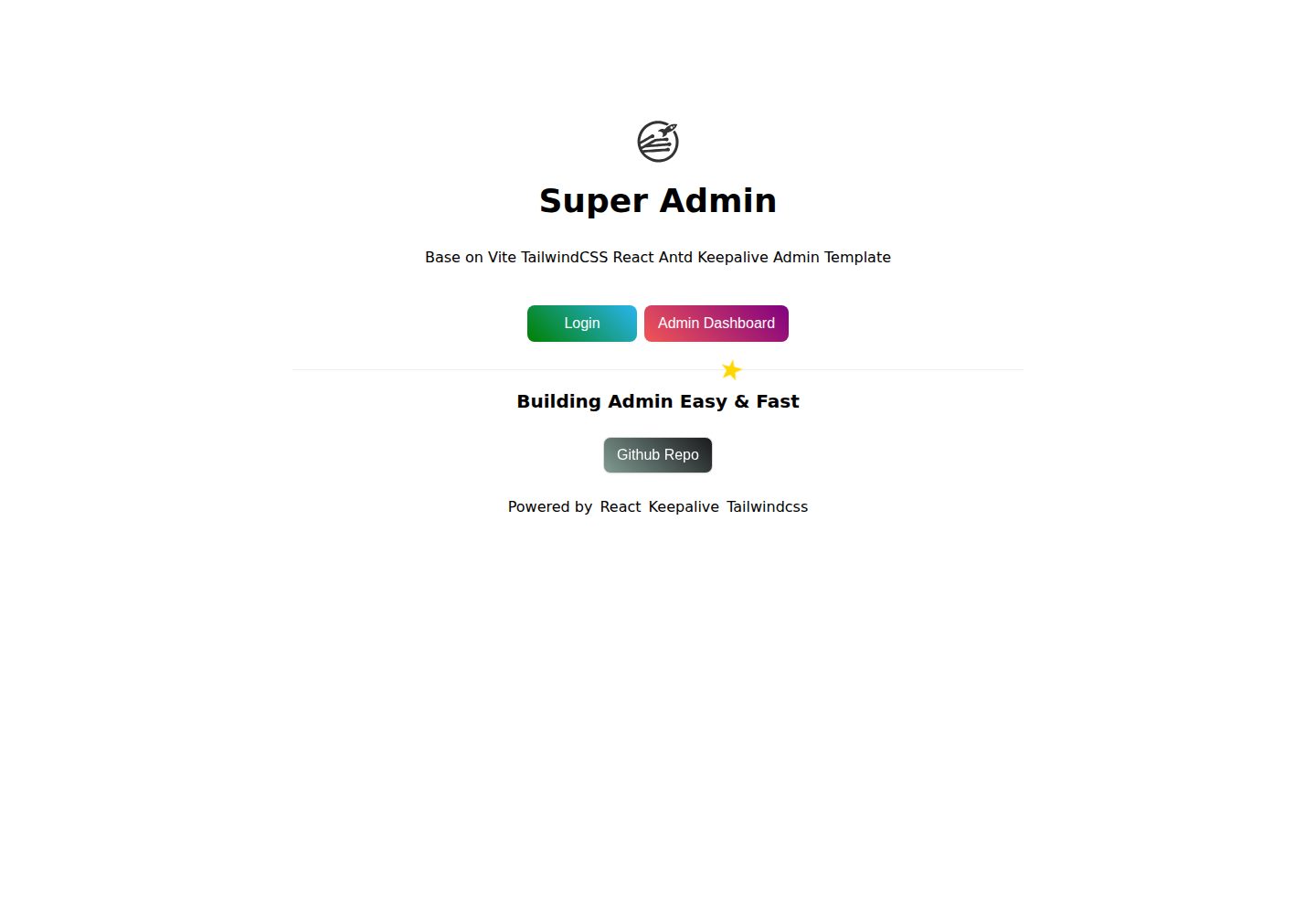
super-admin
React Admin template with multiple cached tabs 🔨... 管理后台多tab缓存标签页解决方案,正在建设中 🔨...
Vite · 后台
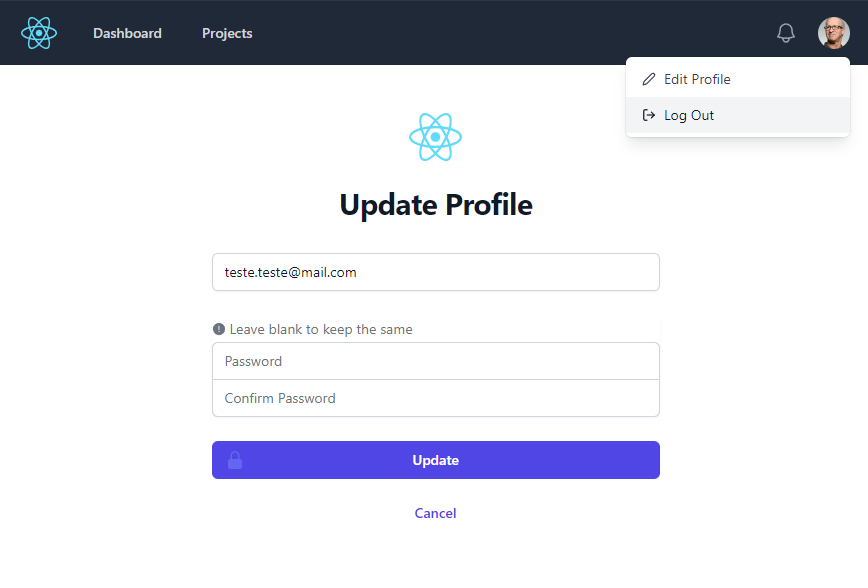
react-vite-tailwind-typescript-firebase-auth-template
Good starting point for your next application with React.JS, TypeScript, TailwindCSS, Firebase Auth and Vite.
Vite · 后台