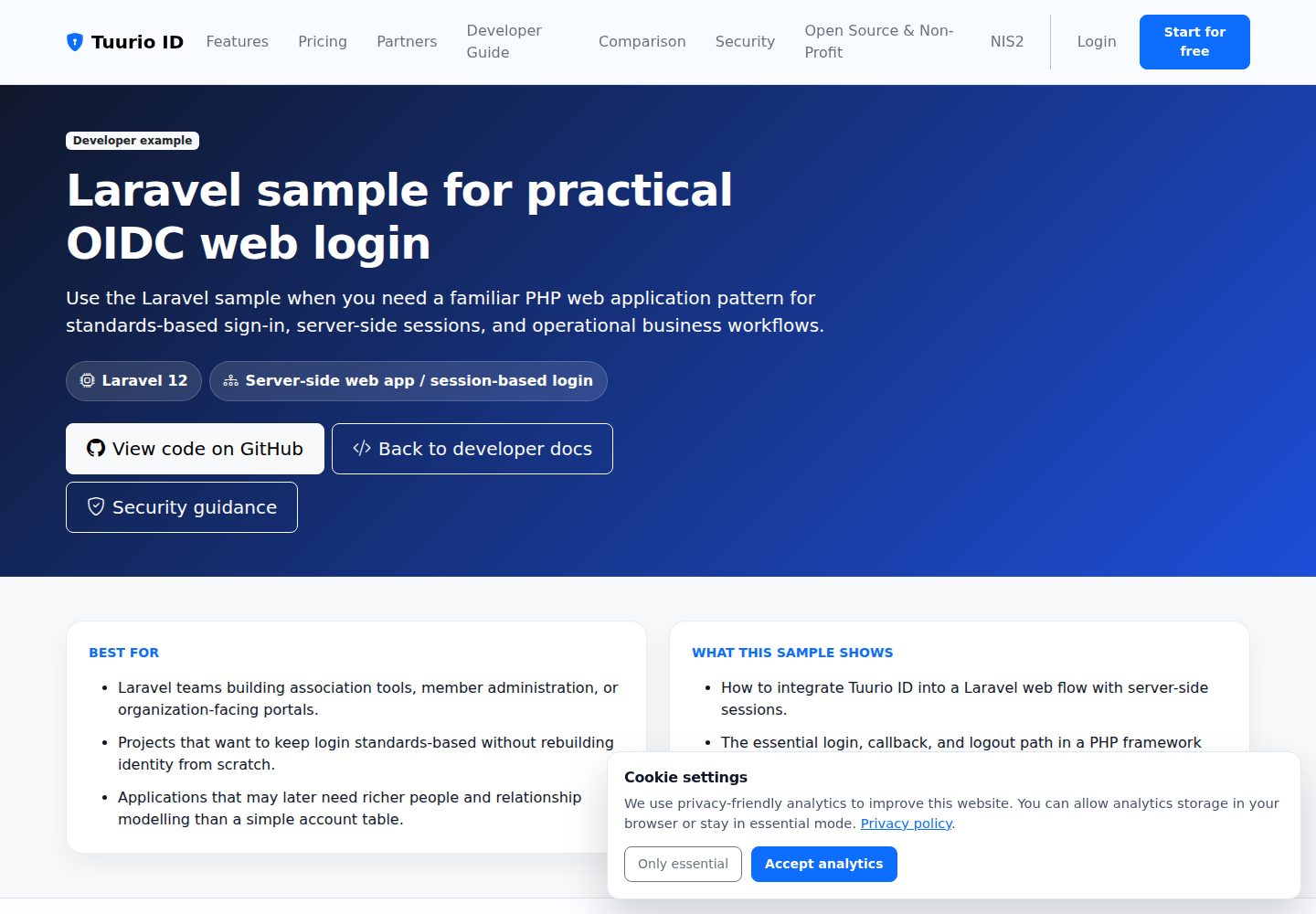
使用 OpenID Connect Authorization Code 流程,浏览器客户端采用 PKCE S256 且不含 client secret
Laravel启动器
laravel-oidc-auth-starter — Laravel 启动器模板
作者 Tuurio
基于 Laravel 的 Tuurio ID 认证示例项目,演示 OpenID Connect Authorization Code 流程、会话登录、受保护路由、登出与 Webhook 接收。
看看你的网站会是什么样
浏览真实页面截图,比较内容排版与手机效果。点击下方缩略图切换,放大查看整页细节。
全部页面与视图 3
截图用于了解视觉与布局,交互效果请以实际项目为准。
采集于 2026-10-14查看来源
值得关注的模板亮点
从已有项目资料中,快速了解它的特点。
提供 /login、/auth/callback、/logout、/logout/callback 完整登录登出示例
令牌存储在 Laravel 会话中,并渲染 UserInfo 信息
提供 POST /webhooks/tuurio 端点,校验配置的 API key 请求头后记录事件
要求 PHP 8.2+ 与 Composer,README 说明无需 Node.js 或 Vite 构建步骤
由 Tuurio/auth_samples 上游示例同步生成,修复建议提交上游
模板详细介绍
这是一个 Laravel 认证起始模板,用于接入 Tuurio ID 的 OpenID Connect 登录。README 说明它采用 Authorization Code 流程,浏览器与原生客户端使用 PKCE S256 且不包含 client secret,重定向与登出后重定向 URI 必须精确匹配。示例包含 /login 发起授权、/auth/callback 交换授权码并把令牌存入 Laravel 会话、/logout 调用提供方登出端点、/logout/callback 确认本地会话已清除,以及 POST /webhooks/tuurio 校验 API key 请求头并记录事件。
运行环境要求 PHP 8.2+,使用 Composer 管理依赖,README 明确说明不需要 Node.js 或 Vite 构建步骤。验证命令为 composer install、复制 .env.example、生成应用密钥并执行 php artisan test。项目由上游 Tuurio/auth_samples 的 Laravel 示例同步生成,README 建议把实现修复提交到上游,以免被下一次同步覆盖。
README 未提供关于生产部署、性能、并发处理或除 Tuurio ID 之外的集成说明;Webhook 部分仅说明事件会写入 storage/logs/laravel.log,并提示部署后需让 TUURIO_WEBHOOK_URL 与 TUURIO_WEBHOOK_LISTEN_PATH 和实际路由保持一致。
Laravel启动器
适合你的项目吗?
适用场景
- 在 Laravel 项目中接入 Tuurio ID 的 OIDC 登录与会话管理
- 参考受保护路由与 RP-initiated 登出的实现方式
- 搭建接收 Tuurio Webhook 并校验 API key 请求头的服务端端点
- 作为学习 Authorization Code + PKCE 流程的 Laravel 示例代码
适合人群
- 使用 Laravel 并希望接入 Tuurio ID 认证的开发者
- 需要参考 OIDC 登录、登出与 Webhook 校验示例的团队
- 已具备 PHP 8.2+ 与 Composer 环境的项目
上手与定制指南
结合仓库当前版本的说明,按下面的资料检查内容、配置与运行要求。
- 1
README 提供的快速开始命令为 npx [email protected] init --framework laravel --project-dir . --auth browser --yes --output json --campaign github_laravel --no-open --no-wait,需自行确认后再执行
- 2
本地运行:复制 .env.example 为 .env、执行 composer install、php artisan key:generate,再用 php artisan serve --host=127.0.0.1 --port=8000 启动
- 3
在 Tuurio 客户端配置 Redirect URI http://localhost:8000/auth/callback 与 Post-logout Redirect URI http://localhost:8000/logout/callback
- 4
按 README 填写 TUURIO_ISSUER、TUURIO_CLIENT_ID、TUURIO_REDIRECT_URI、TUURIO_SCOPE 等 .env 键,Webhook 相关键需与租户配置一致
- 5
不要将凭据、client secret、授权码、令牌或会话 cookie 粘贴到对话中;浏览器与原生应用为公共客户端,不应包含 client secret
授权与来源资料
使用条件与限制
免费使用 · 保留许可声明本次收录的是公开仓库中采用 Apache-2.0 许可的免费版本;免费范围为该版本代码,不代表外部服务或第三方素材免费。
使用时需要遵守
- 允许免费使用、修改、商用和分发;分发时需随附 Apache-2.0 许可证。
- 修改过的文件需显著标明改动,并保留相关版权、专利、商标及归属声明。
- 若原项目附有 NOTICE 文件,分发衍生作品时需保留其中适用的归属声明。
- 许可包含适用的贡献者专利授权;发起许可所述专利诉讼会终止该专利授权,且不授予商标使用权。
- 代码按现状提供;担保与责任限制以原许可证及适用法律为准。
额外费用与待核对事项
- 演示图片、字体、图标及其他第三方素材需按各自许可核对,不能仅凭代码的 Apache-2.0 许可判断。
- 域名、托管、数据库、支付或 AI 等外部服务可能另外收费。
- 该模板由上游 Tuurio/auth_samples 的 Laravel 示例同步生成,README 建议将实现修复提交到上游,否则可能被下一次同步发布覆盖。
- 快速开始依赖执行 npx [email protected] 的 Tuurio 配置命令,需自行审阅并批准该命令。
- 需自行完成安全的浏览器交接流程以完成 Tuurio ID 配置。
- 不得将凭据、client secret、授权码、令牌、会话 cookie 或环境文件内容粘贴到对话中;浏览器与原生应用为公共客户端,不应包含 client secret。
- 需要 Tuurio ID 租户的 issuer 地址(TUURIO_ISSUER)才能运行认证流程。
- .env 中需要填写 Tuurio 客户端密钥 TUURIO_CLIENT_SECRET。
- Webhook 端点需要配置 TUURIO_WEBHOOK_API_KEY 才能通过请求头校验。
- 若配置流程生成了实时 Webhook,.env 中会包含端点元数据,需与租户配置保持一致。
- 若在部署前配置且仅有占位域名,需在最终 URL 确定后到 Tuurio 管理后台更新 Webhook 端点。
- 不得在未校验配置的 API key 请求头的情况下暴露 Webhook 路由,需保证 TUURIO_WEBHOOK_API_KEY_HEADER 与 TUURIO_WEBHOOK_API_KEY 和租户配置一致。
查看原文依据
no-charge, royalty-free, irrevocable copyright license
许可证原文
> Generated from [`Tuurio/auth_samples/auth_samples_laravel`](https://github.com/Tuurio/auth_samples/tree/main/auth_samples_laravel). Submit implementation fixes upstream so they are not replaced by the next synchronized release.
README 原文
npx [email protected] init --framework laravel --project-dir . --auth browser --yes --output json --campaign github_laravel --no-open --no-wait
README 原文
4. Approve the exact command, then complete the secure browser handoff yourself.
README 原文
Never paste credentials, client secrets, authorization codes, tokens, session cookies, or environment-file contents into an agent chat. Browser and native applications are public clients and must not contain a client secret.
README 原文
TUURIO_ISSUER=https://<tenantId>.id.tuurio.com
README 原文
TUURIO_CLIENT_SECRET=YOUR_CLIENT_SECRET
README 原文
TUURIO_WEBHOOK_API_KEY=
README 原文
- If provisioning generated a live webhook for you, the `.env` already contains the endpoint metadata
README 原文
- If you provisioned the sample before deployment and only had a placeholder domain, update the webhook endpoint in the Tuurio admin after the final URL is known.
README 原文
https://github.com/Tuurio/laravel-oidc-auth-starter/blob/main/LICENSEhttps://github.com/Tuurio/laravel-oidc-auth-starter/blob/main/README.md- Do not expose the webhook route without checking the configured API key header. This sample expects `TUURIO_WEBHOOK_API_KEY_HEADER` and `TUURIO_WEBHOOK_API_KEY` to be set consistently with the tenant webhook configuration.
README 原文
DeepSeek 根据仓库许可证和 README 整理 ·2026-10-14。结果仅覆盖已读取资料,依赖、图片、字体及后续条款变更以各自原文为准。
项目核对记录与介绍依据
模板资料
- 来源平台
- GitHub
- 资料与维护参考分
- 资料较完整 · 80 / 100
- 技术栈
- Laravel
- 网站类型
- 启动器
这个分数如何计算
本站按许可资料(最高30分)、演示链接(12分)、预览图(10分)、Star数(15分)、记录的维护时间(15分)、描述完整度(8分)、功能记录(5分)和分类资料(5分)计算。它不是代码、安全或性能测试,也不是 Google 评分;有链接不代表已实测可用。
这个项目需要核对什么
- 记录的仓库更新时间
- 2026-08-08
- 截图检查日期
- 2026-10-14
已收录演示链接。请用你的内容与屏幕尺寸检查;有演示不代表表单、认证或支付已经可用。
目录记录的主要技术栈是 Laravel。请通过依赖清单和锁文件核对实际版本与托管要求。这些说明基于收录资料,不代表代码审计或部署实测。
查看具体选型方法 →介绍的制作与核对状态
介绍由 AI 辅助整理目录与仓库资料。仓库作者不等于这篇介绍的审核者。
审核声明: codex-user-requested-batch-review-20261017 · 2026-10-16
查看当时使用的来源资料
SHA-256: 48eb959b6e7ca49d8d4dc3c5f5734e11dd99893e0e27d293e677af5ad80e373b
2026-10-14T05:04:59.785Z
来源文件 / 仓库# Laravel OIDC Auth Starter Laravel authentication starter for Tuurio ID with sessions, protected routes, logout, and OpenID Connect Authorization Code flow. [](https://github.com/Tuurio/laravel-oidc-auth-starter/actions/workflows/verify.yml)  > Generated from [`Tuurio/auth_samples/auth_samples_laravel`](https://github.com/Tuurio/auth_samples/tree/main/auth_samples_laravel). Submit implementation fixes upstream so they are not replaced by the next synchronized release. ## What you get - Standards-based OpenID Connect authentication with framework-native integration. - Exact redirect and post-logout redirect handling. - Protected-route and logout examples. - A reviewed, pinned Tuurio provisioning workflow. ## Quickstart 1. Create a repository with **Use this template** or clone this repository. 2. Follow the framework-specific prerequisites below. 3. Review and run this pinned provisioning command: ```bash npx [email protected] init --framework laravel --project-dir . --auth browser --yes --output json --campaign github_laravel --no-open --no-wait ``` 4. Approve the exact command, then complete the secure browser handoff yourself. 5. Run the build and verify one real sign-in and sign-out. Never paste credentials, client secrets, authorization codes, tokens, session cookies, or environment-file contents into an agent chat. Browser and native applications are public clients and must not contain a client secret. ## Runtime and verification - Runtime: PHP 8.2+ - Package manager: Composer - Verification: `composer install --no-interaction && cp .env.example .env && php artisan key:generate && php artisan test` ## Security model This starter uses OpenID Connect Authorization Code flow. Browser and native clients use PKCE S256 and contain no client secret. Redirect and post-logout redirect URIs must match exactly. Identity comes from the established OIDC integration or an authenticated UserInfo request; decoded JWT payloads are never treated as validation. Keep generated local environment files ignored and never commit tokens or credentials. ## Framework instructions # Tuurio Auth Laravel Demo A server-rendered Laravel sample that signs in with OIDC, keeps tokens in the Laravel session, renders UserInfo, supports RP-initiated logout, and exposes a webhook endpoint with API key header validation. ## Integration guide - Detailed integration guide: [Laravel example page](https://id.tuurio.com/public/developers/examples/laravel) - General developer docs: [Tuurio ID developers](https://id.tuurio.com/public/developers) ## Setup ```bash cd auth_samples_laravel cp .env.example .env composer install php artisan key:generate php artisan serve --host=127.0.0.1 --port=8000 ``` Open `http://localhost:8000`. No Node.js or Vite build step is required. ## Required client URLs Configure your Tuurio client with these redirect URLs: ```text Redirect URI: http://localhost:8000/auth/callback Post-logout Redirect URI: http://localhost:8000/logout/callback ``` ## `.env` keys ```env TUURIO_ISSUER=https://<tenantId>.id.tuurio.com TUURIO_CLIENT_ID=laravel-demo TUURIO_CLIENT_SECRET=YOUR_CLIENT_SECRET TUURIO_REDIRECT_URI=http://localhost:8000/auth/callback TUURIO_POST_LOGOUT_REDIRECT_URI=http://localhost:8000/logout/callback TUURIO_SCOPE=openid profile email TUURIO_WEBHOOK_ID= TUURIO_WEBHOOK_URL= TUURIO_WEBHOOK_EDIT_URL= TUURIO_WEBHOOK_SIGNING_SECRET= TUURIO_WEBHOOK_LISTEN_PATH=/webhooks/tuurio TUURIO_WEBHOOK_API_KEY_HEADER=X-Tuurio-Webhook-Key TUURIO_WEBHOOK_API_KEY= ``` ## What is included - `/login` starts Authorization Code + PKCE - `/auth/callback` exchanges the code and stores tokens in the Laravel session - `/logout` calls the provider logout endpoint with `client_id + post_logout_redirect_uri` - `/logout/callback` confirms the local session is gone - `POST /webhooks/tuurio` validates the configured API key header and logs incoming events ## Webhook notes - Incoming webhook payloads are logged to `storage/logs/laravel.log` - The sample validates the configured API key header before accepting the event - If provisioning generated a live webhook for you, the `.env` already contains the endpoint metadata ## Webhook deployment notes - If your deployed app already has a stable public URL, set `TUURIO_WEBHOOK_URL` to that final endpoint and keep `TUURIO_WEBHOOK_LISTEN_PATH` aligned with your Laravel route. - If you provisioned the sample before deployment and only had a placeholder domain, update the webhook endpoint in the Tuurio admin after the final URL is known. - Keep `TUURIO_WEBHOOK_EDIT_URL` if provisioning filled it in. It points back to the webhook configuration you may need to adjust later. - Do not expose the webhook route without checking the configured API key header. This sample expects `TUURIO_WEBHOOK_API_KEY_HEADER` and `TUURIO_WEBHOOK_API_KEY` to be set consistently with the tenant webhook configuration. ## License Licensed under the Apache License, Version 2.0. See [`LICENSE`](./LICENSE).
看看同类模板
对比同技术栈与用途的模板,找到更适合的视觉与内容结构。

sage
WordPress starter theme with Laravel Blade components and templates, Tailwind CSS, and block editor support
Laravel · 启动器

wave
Wave - The Software as a Service Starter Kit, designed to help you build the SAAS of your dreams 🚀 💰
Laravel · SaaS

filament-starter
A beautiful starting point for your next TALL stack project using Filament. ⚡
Laravel · 启动器

electrik
Laravel SaaS starter kit: auth, teams, Stripe billing, and Slate 3 — Composer package for Laravel 12
Laravel · SaaS

php-saas
The everything-included starter kit for your next idea
Laravel · SaaS

filament-jetstream
A Laravel starter kit built with Filament inspired by Jetstream.
Laravel · 启动器