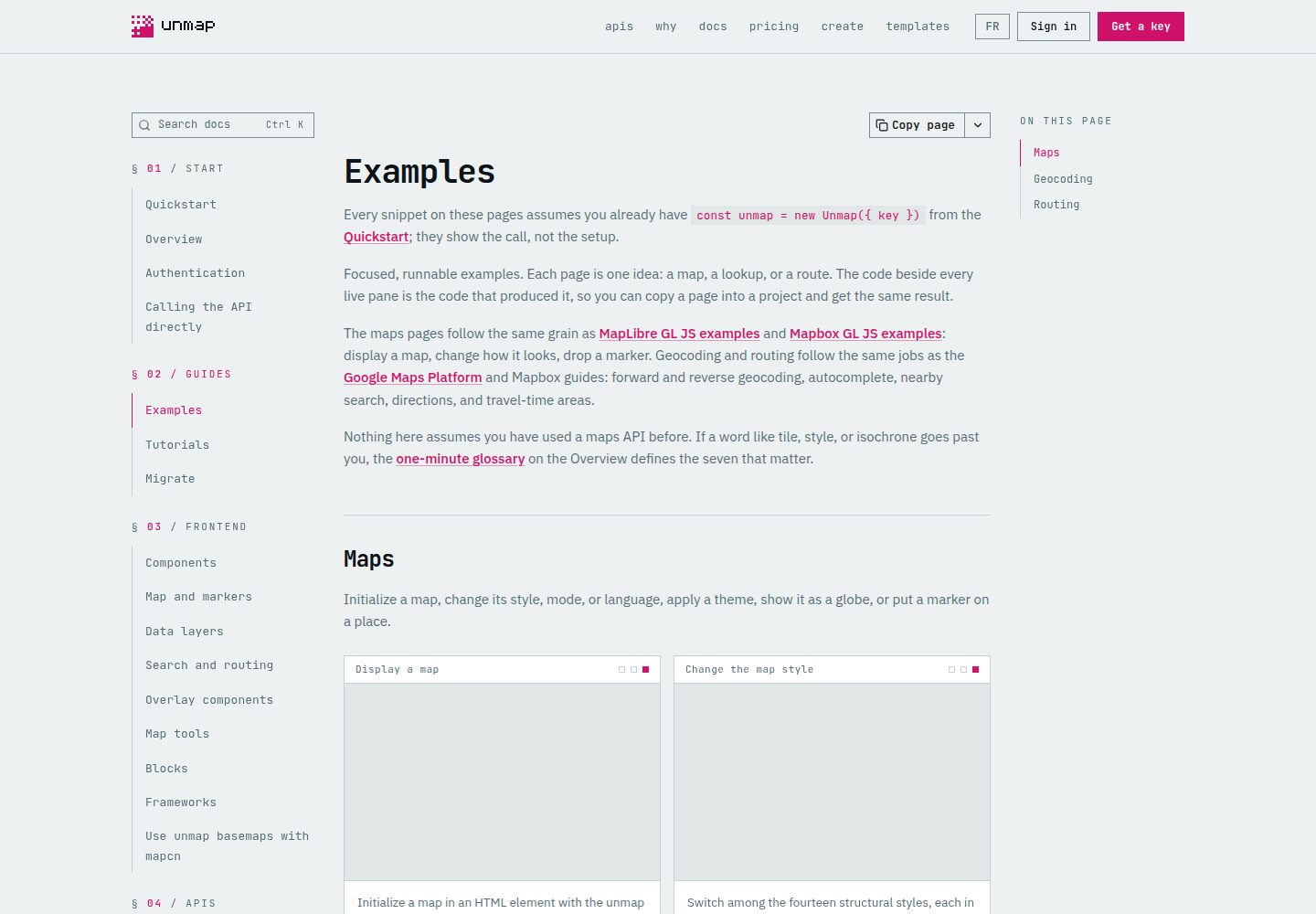
按技术栈分为纯 TypeScript/Vite、Next.js/React、Nuxt/Vue 与无框架 HTML 四条独立通道,各自安装与启动互不影响
Next.jsNuxtVueReact文档
examples — Next.js 文档模板
作者 unmap-dev
Unmap 官方示例仓库,提供可运行的 API 示例、地图模板与 React/Vue 页面区块,覆盖 Next.js、Nuxt、Vue、React 及纯 TypeScript 与 HTML 场景。
看看你的网站会是什么样
浏览真实页面截图,比较内容排版与手机效果。点击下方缩略图切换,放大查看整页细节。
全部页面与视图 2
截图用于了解视觉与布局,交互效果请以实际项目为准。
采集于 2026-10-11查看来源
值得关注的模板亮点
从已有项目资料中,快速了解它的特点。
Next.js/React 通道包含 12 个地图示例、4 个模板和 9 个页面区块,Nuxt/Vue 通道包含 9 个页面区块
HTML + GeoJSON 模板无需安装依赖,提供英文与法文两份下载文件及配套 GeoJSON
CATALOG.md 汇总全部示例并附源码与文档指南链接,可按用途快速定位起点
提供 AGENTS.md 与 AGENT_PROMPT.md,便于用编码代理按最近示例搭建应用
各通道提供独立 check 命令,校验类型与构建,且不需要 API key
模板详细介绍
该仓库把 Unmap 文档中的 API 示例、模板和前端 UI 区块整理成可直接运行的版本,方便先跑通一个地图,再把源码复制进自己的项目。内容按技术栈分成几条独立通道:纯 TypeScript/Vite 通道含 25 个 API 示例,Next.js/React 通道含 12 个地图示例、4 个模板和 9 个页面区块,Nuxt/Vue 通道含 9 个页面区块,另有不依赖框架的 HTML + GeoJSON 模板(含英文与法文版本)。仓库根目录的 CATALOG.md 汇总全部条目并附源码与指南链接。
使用前需要准备 Git、Node.js 24 以上版本以及浏览器 key,并在 Unmap 控制台为对应来源域名放行。框架通道统一使用 pnpm 10.29.3,按需只安装所选通道。纯 TypeScript 示例可在页面内粘贴 key 直接运行,也可通过 .env.local 配置;Next.js 与 Nuxt 通道分别读取 NEXT_PUBLIC_UNMAP_KEY 与 NUXT_PUBLIC_UNMAP_KEY;HTML 模板需要手动替换文件中的 YOUR_UNMAP_API_KEY。
仓库同时提供 AGENTS.md 与 AGENT_PROMPT.md,用于让编码代理按最近示例搭建应用。检查命令按通道划分(sdk、next、nuxt 各自的 check),全量工作区检查会额外校验目录与源码完整性,这些检查不需要 API key。
需要注意的限制:底图覆盖全球,但搜索与路径规划目前仅覆盖加拿大;部分 Legal Land 与 Energy 示例依赖附加组件;示例中的演示数据、字体、图标等第三方素材各自保留许可与署名要求,需单独核对;浏览器端环境变量在交付的应用中可见,应配合来源限制使用,服务端凭据需留在服务端。
Next.jsNuxtVueReact文档
适合你的项目吗?
适用场景
- 在页面上放置一张地图,或实现地点搜索、路径规划等基础地图能力
- 构建门店/分支机构查找器(store locator)或本地指南类页面
- 用 GeoJSON 绘制自有地理数据,或制作带章节的地理叙事页面
- 在已有 shadcn 项目中通过 registry 安装地图组件及其依赖
- 把文档中的示例代码复制进现有 Next.js、Nuxt、Vue 或 React 应用
适合人群
- 正在使用 Next.js、Nuxt、Vue 或 React 并需要接入地图功能的开发者
- 希望先运行示例再决定技术方案的团队
- 需要无框架 HTML 模板快速嵌入地图的静态站点项目
- 使用编码代理按示例搭建地图应用的开发者
上手与定制指南
结合仓库当前版本的说明,按下面的资料检查内容、配置与运行要求。
- 1
准备 Git、Node.js 24 以上版本和浏览器 key,并在 Unmap 控制台为对应来源(如 http://localhost:3000)放行
- 2
框架通道使用 pnpm 10.29.3,在仓库根目录按需只安装所选通道,例如 pnpm --filter unmap-examples-next install --frozen-lockfile
- 3
Next.js 与 Nuxt 通道需分别复制 .env.example 并设置 NEXT_PUBLIC_UNMAP_KEY 或 NUXT_PUBLIC_UNMAP_KEY;纯 TypeScript 通道也可在页面内粘贴 key
- 4
HTML 模板需在本地替换文件中的 YOUR_UNMAP_API_KEY,并避免把配置好的副本提交到 Git
- 5
地图容器需要设置高度并引入 MapLibre CSS,坐标使用 [经度, 纬度] 顺序
授权与来源资料
使用条件与限制
免费使用 · 保留许可声明本次收录的是公开仓库中采用 MIT 许可的免费版本;免费范围为该版本代码,不代表外部服务或第三方素材免费。
使用时需要遵守
- 允许免费使用、修改、商用和分发该版本代码。
- 分发代码副本或实质性部分时,保留原作者版权声明和完整 MIT 许可声明。
- 代码按现状提供;担保与责任限制以原许可证及适用法律为准。
额外费用与待核对事项
- 演示图片、字体、图标及其他第三方素材需按各自许可核对,不能仅凭代码的 MIT 许可判断。
- 域名、托管、数据库、支付或 AI 等外部服务可能另外收费。
- 使用前需准备 Git、Node.js 24 以上版本,并需在 Unmap 控制台为对应来源域名放行浏览器 key,否则地图无法加载。
- 首次运行地图需要联网访问 SDK CDN 与 API,离线环境无法使用。
- 框架通道必须使用 pnpm 10.29.3,版本不符可能导致安装或启动失败。
- 部分 Legal Land 与 Energy 示例依赖附加组件,需先在 key 上启用对应 add-on 才能运行。
- 底图覆盖全球,但搜索与路径规划功能仅覆盖加拿大范围。
- 浏览器端环境变量在交付的应用中可见,需配合来源限制使用,服务端凭据必须留在服务端。
- 托管 API 的使用需要 key,并受其服务条款与配额限制。
- 示例数据与依赖保留各自的署名与许可,需单独核对,不随仓库 MIT 许可一并授权。
- HTML 模板需本地替换 YOUR_UNMAP_API_KEY,且配置好的副本应排除在 Git 之外或在提交前还原 key。
查看原文依据
Permission is hereby granted, free of charge
许可证原文
Have **Git, Node.js 24+, and a browser key** ready. Allow **`http://localhost:3003`** on the key in the dashboard.
README 原文
The first map needs an internet connection to the SDK CDN and API.
README 原文
Use **pnpm 10.29.3** for the framework starters.
README 原文
Some Legal Land and Energy examples need add-ons. Check the linked guide before choosing them as a first example.
README 原文
The basemap is worldwide; search and routing cover Canada.
README 原文
Browser environment variables are visible in the delivered app; use origin restrictions and keep server credentials server-side.
README 原文
Hosted API use requires a key and follows its service terms and quotas.
README 原文
Sample data and dependencies retain their own attribution and licenses.
README 原文
https://github.com/unmap-dev/examples/blob/main/LICENSEhttps://github.com/unmap-dev/examples/blob/main/README.mdReplace `YOUR_UNMAP_API_KEY` locally in the chosen HTML file before refreshing. Keep your configured copy outside Git or revert the key before committing.
README 原文
DeepSeek 根据仓库许可证和 README 整理 ·2026-10-11。结果仅覆盖已读取资料,依赖、图片、字体及后续条款变更以各自原文为准。
项目核对记录与介绍依据
模板资料
- 来源平台
- GitHub
- 资料与维护参考分
- 资料较完整 · 85 / 100
- 技术栈
- Next.js · Nuxt · Vue · React
- 网站类型
- 文档
这个分数如何计算
本站按许可资料(最高30分)、演示链接(12分)、预览图(10分)、Star数(15分)、记录的维护时间(15分)、描述完整度(8分)、功能记录(5分)和分类资料(5分)计算。它不是代码、安全或性能测试,也不是 Google 评分;有链接不代表已实测可用。
这个项目需要核对什么
- 记录的仓库更新时间
- 2026-10-10
- 截图检查日期
- 2026-10-11
已收录演示链接。请用你的内容与屏幕尺寸检查;有演示不代表表单、认证或支付已经可用。
目录记录的主要技术栈是 Next.js。请通过依赖清单和锁文件核对实际版本与托管要求。这些说明基于收录资料,不代表代码审计或部署实测。
查看具体选型方法 →介绍的制作与核对状态
介绍由 AI 辅助整理目录与仓库资料。仓库作者不等于这篇介绍的审核者。
审核声明: [email protected] · 2026-10-11
查看当时使用的来源资料
SHA-256: df1c7fc4692a584fe59b569ec9bc0a9198d6dee92e570cf6d02895720ec88b48
2026-10-11T02:06:25.831Z
来源文件 / 仓库# Unmap examples, templates & blocks Start with a working map, then copy the source into your project. These are runnable versions of the [API examples](https://unmap.dev/docs/guides/examples), [templates](https://unmap.dev/templates), and [UI blocks](https://unmap.dev/docs/frontend/blocks) in Unmap's docs. [Complete catalog](CATALOG.md) · [Get a browser key](https://unmap.dev/dashboard) · [SDK source](https://github.com/unmap-dev/sdk-js) · [Full Maps app](https://github.com/unmap-dev/maps) · [Agent prompt](AGENT_PROMPT.md) ## First map in under 60 seconds · no install Have **Git, Node.js 24+, and a browser key** ready. Allow **`http://localhost:3003`** on the key in the dashboard. You can try a map, search, and directions without installing any dependencies: ```sh git clone --depth 1 https://github.com/unmap-dev/examples.git cd examples node scripts/serve.mjs quickstart 3003 ``` Open **[localhost:3003/basic-map.html](http://localhost:3003/basic-map.html)**, paste your browser key, and click **Run example**. You should see Calgary. The key stays in page memory and is not saved. Edit [`quickstart/example.js`](quickstart/example.js), refresh, and make it yours. `Ctrl+C` stops the server. The 60-second target assumes these prerequisites and a key are ready. The first map needs an internet connection to the SDK CDN and API. Framework installs download more dependencies; install only the lane you need below. ## Choose a starter Use **pnpm 10.29.3** for the framework starters. Enable your installed Corepack with `corepack enable`, or install that version using your normal Node setup. Run the following commands from the repository root. | Starter | What's included | Install only this lane | Start | URL | | --- | --- | --- | --- | --- | | Plain TypeScript / Vite | 25 API examples | `pnpm --filter unmap-examples-sdk install --frozen-lockfile` | `pnpm dev:sdk` | http://localhost:3002 | | Next.js / React | 12 map examples, 4 templates, 9 page blocks | `pnpm --filter unmap-examples-next install --frozen-lockfile` | `pnpm dev:next` | http://localhost:3000 | | Nuxt / Vue | 9 page blocks | `pnpm --filter unmap-examples-nuxt install --frozen-lockfile` | `pnpm dev:nuxt` | http://localhost:3001 | | HTML + GeoJSON | 3 downloadable templates, English and French | No install | `node scripts/serve.mjs html 3003` | http://localhost:3003 | Each framework opens a catalog linking its examples. Allow the exact origin for your chosen starter on your browser key. ### Plain TypeScript · fastest editable API examples ```sh pnpm --filter unmap-examples-sdk install --frozen-lockfile pnpm dev:sdk ``` Open **[Display a map](http://localhost:3002/examples/display-a-map/)**, paste your key in the page, and press **Run example**. No environment file is needed. Edit [`sdk/examples/display-a-map/main.ts`](sdk/examples/display-a-map/main.ts); Vite reloads it automatically. Each example's directory includes the original docs and its printed snippet. For a key shared across examples, copy [`sdk/.env.example`](sdk/.env.example) to `sdk/.env.local`, set `VITE_UNMAP_KEY`, and restart. A configured environment key takes precedence over the page input. ### Next.js / React ```sh pnpm --filter unmap-examples-next install --frozen-lockfile cp next/.env.example next/.env.local ``` Set `NEXT_PUBLIC_UNMAP_KEY` in `next/.env.local`, then run `pnpm dev:next`. Open **[Store locator](http://localhost:3000/store-locator/)** or **[Markers](http://localhost:3000/map-markers/)**. The page entry is [`next/app/store-locator/page.tsx`](next/app/store-locator/page.tsx); its block is [`next/components/ui/store-locator.tsx`](next/components/ui/store-locator.tsx). ### Nuxt / Vue ```sh pnpm --filter unmap-examples-nuxt install --frozen-lockfile cp nuxt/.env.example nuxt/.env ``` Set `NUXT_PUBLIC_UNMAP_KEY` in `nuxt/.env`, then run `pnpm dev:nuxt`. Open **[Store locator](http://localhost:3001/store-locator)**. Start editing [`nuxt/app/pages/store-locator.vue`](nuxt/app/pages/store-locator.vue), or the block in [`nuxt/app/components/ui/store-locator`](nuxt/app/components/ui/store-locator). ### Downloadable HTML templates Serve `html/` with the command in the table. The files are the docs' actual downloads, with no framework dependencies. Replace `YOUR_UNMAP_API_KEY` locally in the chosen HTML file before refreshing. Keep your configured copy outside Git or revert the key before committing. For a demo that accepts the key in the page instead, use `quickstart/`. Each template has `en.html`, `fr.html`, and matching GeoJSON under `html/<template>/`. Edit the data embedded in the HTML when changing the rendered locations; the GeoJSON file is a matching download for use in other projects. ## Find the right starting point | You want to… | Start here | | --- | --- | | Put a map on a page | [`sdk/examples/display-a-map`](sdk/examples/display-a-map) | | Search Canadian places | [`sdk/examples/search-for-a-place`](sdk/examples/search-for-a-place) | | Calculate directions | [`sdk/examples/get-directions`](sdk/examples/get-directions) | | Plot your own GeoJSON | [`next/app/map-geojson/page.tsx`](next/app/map-geojson/page.tsx) | | Build a branch finder | [`next/app/store-locator/page.tsx`](next/app/store-locator/page.tsx) / [`nuxt/app/pages/store-locator.vue`](nuxt/app/pages/store-locator.vue) | | Publish a local guide | [`next/app/local-guide/page.tsx`](next/app/local-guide/page.tsx) / [`html/local-guide`](html/local-guide) | | Tell a geographic story | [`next/app/map-story/page.tsx`](next/app/map-story/page.tsx) | | Explore every example | [CATALOG.md](CATALOG.md), with source and guide links | ## Copy an example into your app 1. Choose the closest entry in [CATALOG.md](CATALOG.md) and open its guide. 2. Copy the page and its imported map components, `lib` helpers, and sample data. The repository includes those dependencies so you can edit them. 3. Install the `@unmap/*` packages used by that example. Use the same MapLibre version for the renderer and worker; copy the lane's worker setup if your app does not already have it. 4. Import MapLibre CSS once and preserve the registry CSS required by the copied components. Give the map a height and use **[longitude, latitude]** coordinates. 5. Replace demonstration data with your own data, preserve applicable attribution, and use your app's browser key configuration. For an existing shadcn project, the [registry installation guide](https://unmap.dev/docs/frontend/map) can install components and their dependencies directly. Sample data attribution is in [DATA.md](DATA.md); copied UI license notices are in [THIRD_PARTY.md](THIRD_PARTY.md). Gallery components accept `lang="fr"`; HTML templates include separate French downloads. Some Legal Land and Energy examples need add-ons. Check the linked guide before choosing them as a first example. The map story may request routes or travel-time areas as chapters open. ## Build with an agent Paste this into your clone, fork, or existing app: ```text Use https://github.com/unmap-dev/examples to build [describe my use case]. Read README.md, AGENTS.md, and CATALOG.md. Choose the nearest example for my existing framework; install only that lane. Reuse its components and helpers, keep attribution, and replace sample data only as needed. Keep my browser key in ignored environment configuration or the demo's page input. Configure MapLibre CSS, its matching worker, map height, and lifecycle cleanup. Run the chosen lane's checks, start the app, and report the URL and setup steps. ``` [AGENT_PROMPT.md](AGENT_PROMPT.md) includes a more detailed prompt and completion criteria. [AGENTS.md](AGENTS.md) provides repository instructions for compatible agents. ## Check your changes For one starter, use its focused check: ```sh pnpm --dir sdk check # TypeScript + production build pnpm --dir next check # TypeScript + static Next.js build pnpm --dir nuxt check # Vue types + static Nuxt build ``` To work on all starters, install the whole workspace with `pnpm install --frozen-lockfile`, then run `pnpm check`. This also verifies catalog and source integrity. Checks require no API key; live maps and requests do. The full workspace workflow is separate from the quickstart. ## Troubleshooting | Symptom | Fix | | --- | --- | | Framework catalog loads, map does not | Set the key in that lane's file above and restart; plain TypeScript also accepts a page input. | | Key / origin rejected | Allow the exact `http://localhost:<port>` origin. `127.0.0.1` needs a separate allowed origin. | | Blank map / controls misplaced | Give the map a height and import MapLibre CSS. | | Worker 404 | Start with the supplied dev script so the matching worker is copied to `public/maplibre/`. | | Layer denied | Enable the required add-on on your key, or choose a basic example. | | pnpm / dev command missing | Use pnpm 10.29.3 in the repo root and install the selected lane first. | | Port already used | Stop the other process or change the lane's port; update your allowed origin too. | The basemap is worldwide; search and routing cover Canada. Browser environment variables are visible in the delivered app; use origin restrictions and keep server credentials server-side. ## Contributing and license [Issues](https://github.com/unmap-dev/examples/issues) and pull requests are welcome; see [CONTRIBUTING.md](CONTRIBUTING.md). These verified snapshots come from the product repository's docs and registry. Maintainers backport accepted upstream changes there before the next sync. Your own fork can be customized normally. Source is [MIT](LICENSE). Sample data and dependencies retain their own attribution and licenses. Hosted API use requires a key and follows its service terms and quotas.
看看同类模板
对比同技术栈与用途的模板,找到更适合的视觉与内容结构。

nextjs-prisma-boilerplate
nemanjam/nextjs-prisma-boilerplate 是一个面向中小型全栈应用的生产级启动器,围绕 Next.js 12、React 18、Prisma 4 和 Postgres 构建。
Next.js · 文档

rubix-documents
Documents is a powerful and flexible Next.js documentation starter kit designed to simplify the process of cre…
Next.js · 文档
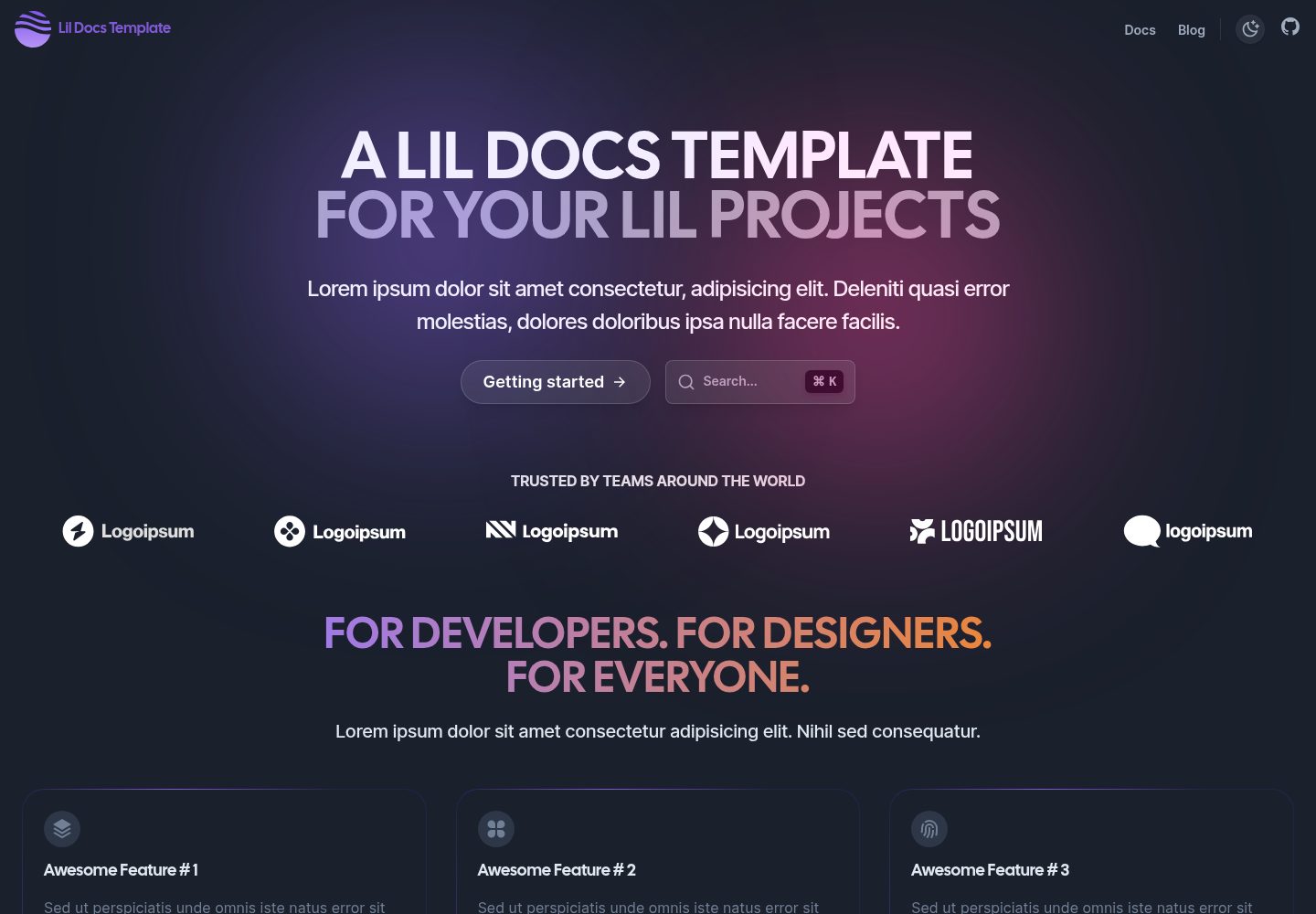
lil-docs-template
A lil docs template for lil projects.
Next.js · 文档
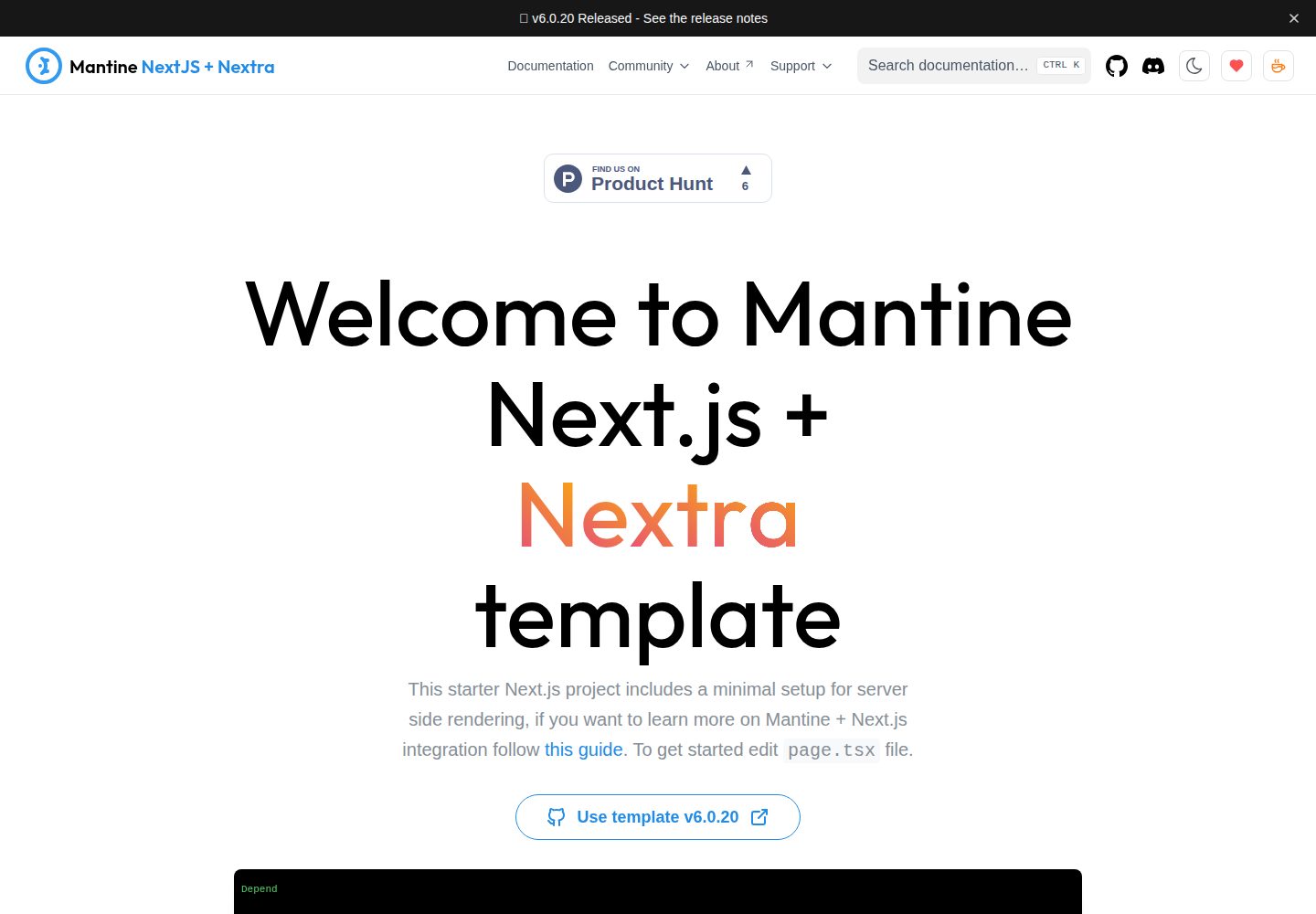
next-app-nextra-template
Template for Next.js 16 app router + Mantine 9 UI + Nextra 4
Next.js · 文档
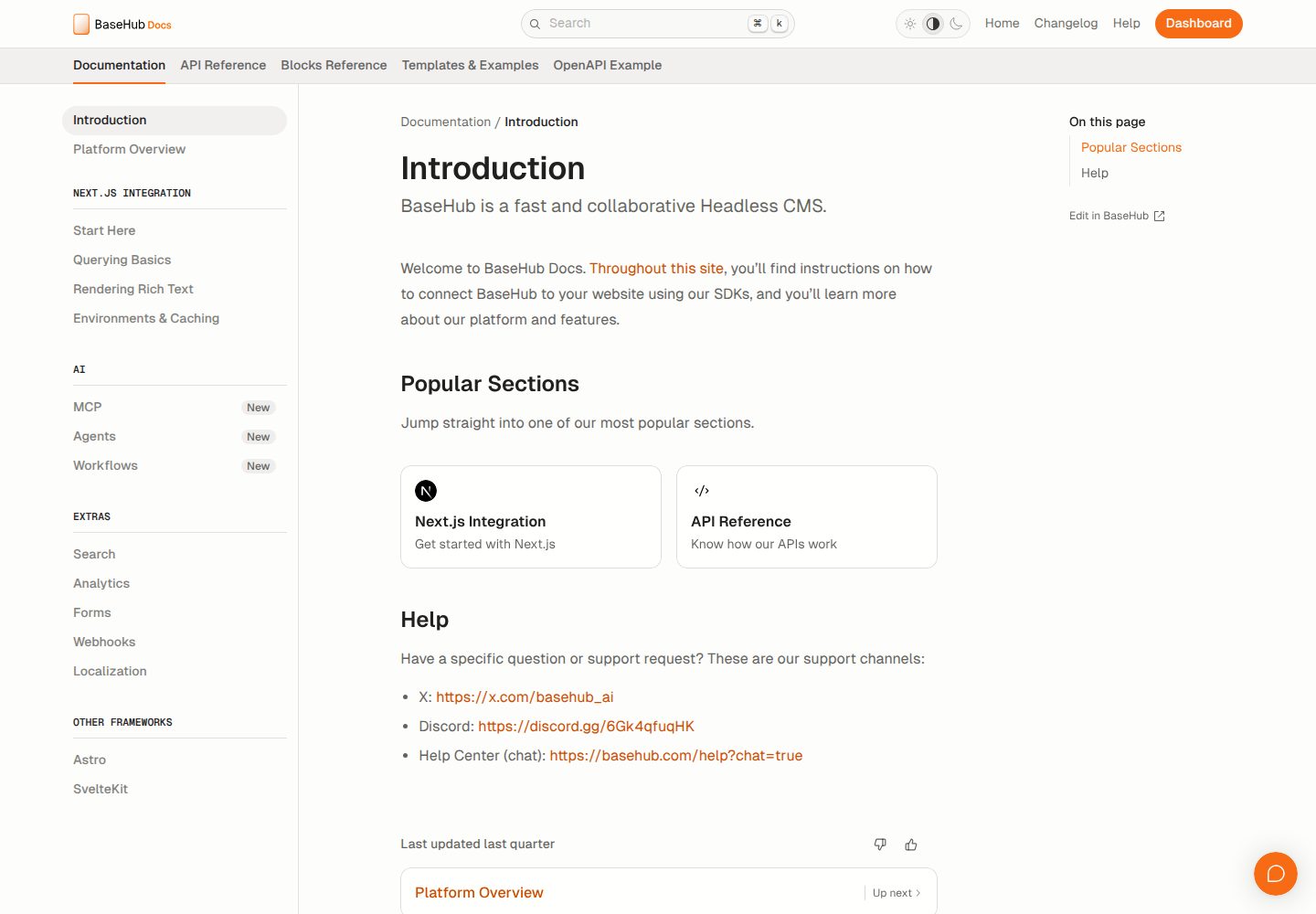
docs-template
Fully featured documentation website, powered by Next.js, Radix Themes, and BaseHub.
Next.js · 文档
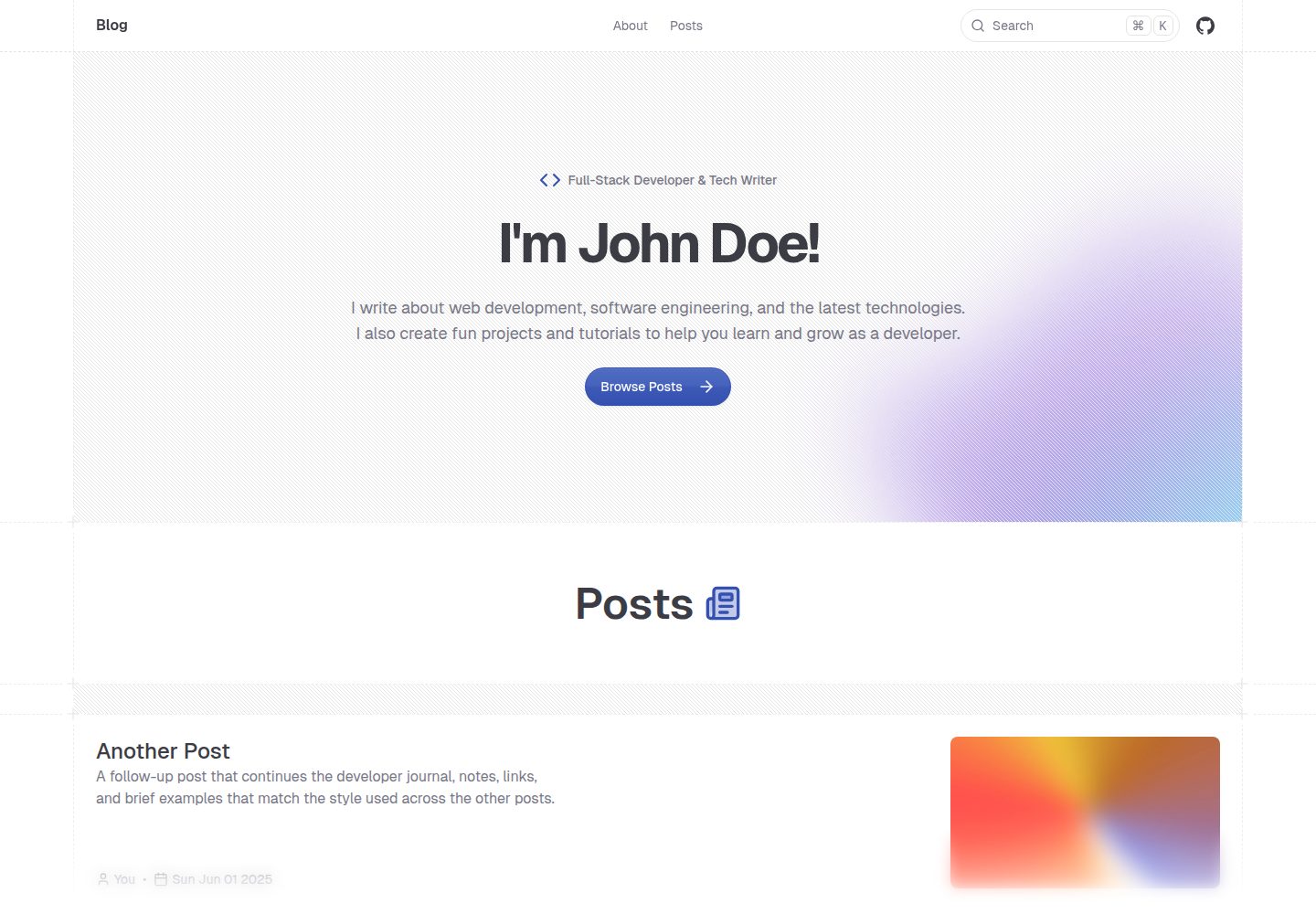
shadcn-blog
A blog template built using Next.JS 15, shadcn/ui, and fumadocs.
Next.js · 博客