Vue.js 单页应用启动器,可独立运行或接入 Laravel / Laravel Spark
VueLaravel启动器
strong-together — Vue 启动器模板
作者 websemantics
基于 Browserify 与 Semantic-UI 的 Vue.js 单页应用启动器,可独立运行,也可用于 Laravel 或 Laravel Spark 项目。
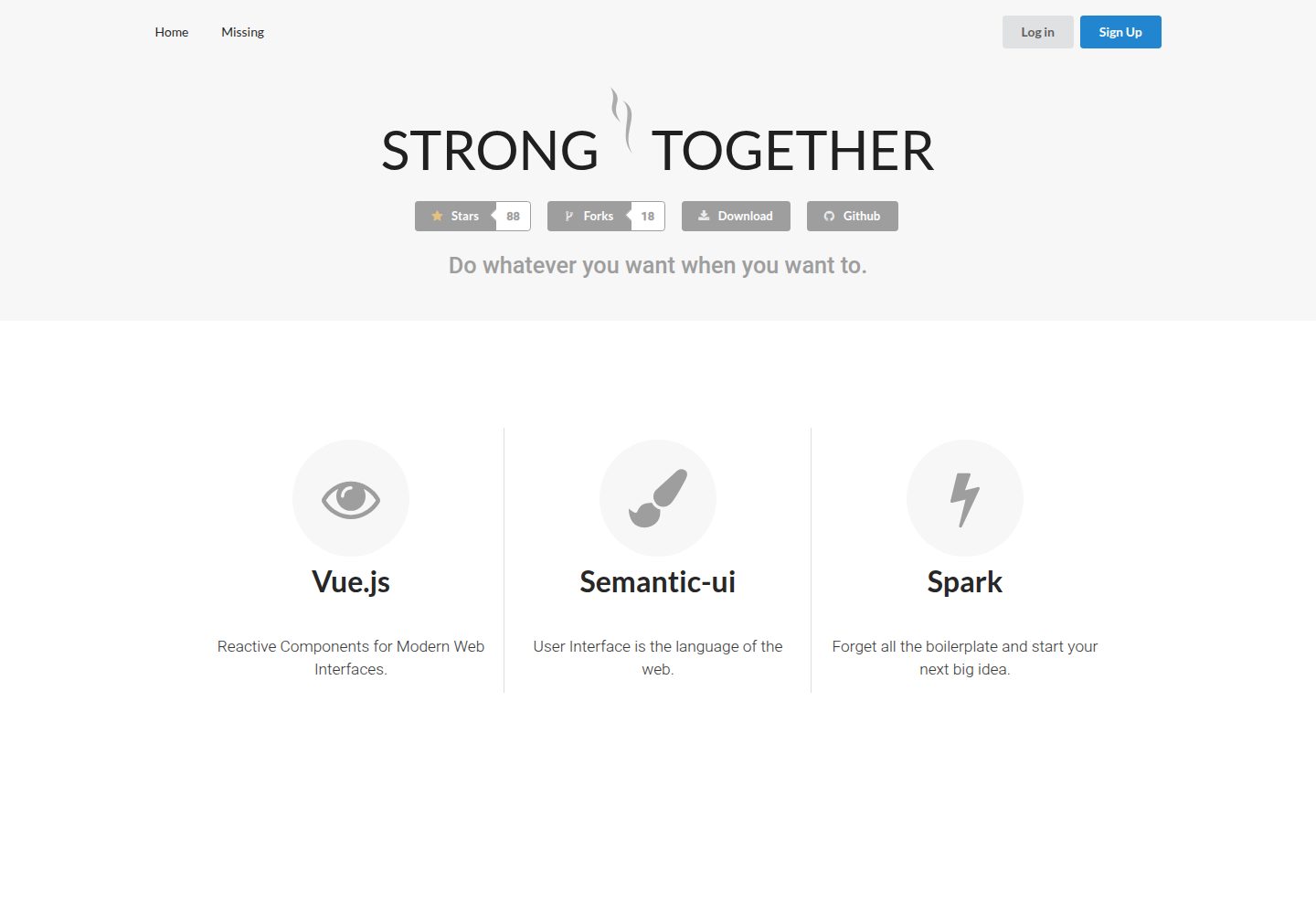
看看你的网站会是什么样
浏览真实页面截图,比较内容排版与手机效果。点击下方缩略图切换,放大查看整页细节。
目前有 1 张原始预览,可打开完整图片查看设计细节。
截图用于了解视觉与布局,交互效果请以实际项目为准。
采集于 2026-10-01查看来源
值得关注的模板亮点
从已有项目资料中,快速了解它的特点。
构建基于 Browserify,UI 采用 Semantic-UI
已预置 Semantic-UI 的 Less 源文件,支持按元素切换主题
提供 variables 与 overrides 两类文件用于覆盖元素默认样式
npm 脚本覆盖安装、构建、监听与 gh-pages 部署流程
模板详细介绍
strong-together 是一个 Vue.js 单页应用启动项目,由 websemantics 维护,采用 MIT 许可。它既可作为独立前端项目使用,也可接入 Laravel 或 Laravel Spark 项目。构建工具链基于 Browserify,UI 层使用 Semantic-UI,并已预先配置好 Semantic-UI 的 Less 源文件,便于调整主题与覆盖样式。
项目通过 npm 脚本管理流程:安装依赖后,npm run build 会把 JavaScript 与 CSS 输出到 public 目录;npm run watch 在 resources 目录内容变化时重新编译;npm run deploy 可在配置 .travis.yml 后部署到 gh-pages。仓库提供在线演示页面。
主题定制方面,resources/assets/less/semantic/theme.config 可按元素切换主题(例如把 button、input 从 default 改为 github),resources/assets/less/semantic/site 下则提供各元素的 variables 与 overrides 文件用于覆盖默认样式。README 未给出具体框架版本号,也未说明生产环境适用性;仓库最后更新于 2017 年,使用前需自行核对依赖与兼容性。
VueLaravel启动器
适合你的项目吗?
适用场景
- 快速搭建一个 Vue.js 单页应用的前端骨架
- 为 Laravel 或 Laravel Spark 项目准备 Vue 前端结构
- 需要基于 Semantic-UI 并深度定制主题样式的项目起步
- 通过 gh-pages 发布静态演示页面
适合人群
- 使用 Vue.js 开发单页应用并希望自带构建配置的开发者
- 使用 Laravel 或 Laravel Spark 并需要前端启动模板的团队
- 需要基于 Semantic-UI 调整主题与样式覆盖的前端项目
上手与定制指南
结合仓库当前版本的说明,按下面的资料检查内容、配置与运行要求。
- 1
克隆仓库后执行 npm install 安装 Node.js 依赖
- 2
执行 npm run build 将 JavaScript 与 CSS 编译到 public 目录
- 3
开发时运行 npm run watch,监听 resources 目录的改动
- 4
部署到 gh-pages 前需先配置 .travis.yml,再执行 npm run deploy
- 5
仓库最后更新于 2017 年,使用前请核对依赖版本与当前环境的兼容性
授权与来源资料
使用条件与限制
免费使用 · 保留许可声明本次收录的是公开仓库中采用 MIT 许可的免费版本;免费范围为该版本代码,不代表外部服务或第三方素材免费。
使用时需要遵守
- 允许免费使用、修改、商用和分发该版本代码。
- 分发代码副本或实质性部分时,保留原作者版权声明和完整 MIT 许可声明。
- 代码按现状提供;担保与责任限制以原许可证及适用法律为准。
额外费用与待核对事项
- 演示图片、字体、图标及其他第三方素材需按各自许可核对,不能仅凭代码的 MIT 许可判断。
- 域名、托管、数据库、支付或 AI 等外部服务可能另外收费。
查看原文依据
https://github.com/websemantics/strong-together/blob/master/LICENSEhttps://github.com/websemantics/strong-together/blob/master/README.mdPermission is hereby granted, free of charge
许可证原文
DeepSeek 根据仓库许可证和 README 整理 ·2026-10-01。结果仅覆盖已读取资料,依赖、图片、字体及后续条款变更以各自原文为准。
项目核对记录与介绍依据
模板资料
- 来源平台
- GitHub
- 资料与维护参考分
- 资料较完整 · 77 / 100
- 技术栈
- Vue · Laravel
- 网站类型
- 启动器
这个分数如何计算
本站按许可资料(最高30分)、演示链接(12分)、预览图(10分)、Star数(15分)、记录的维护时间(15分)、描述完整度(8分)、功能记录(5分)和分类资料(5分)计算。它不是代码、安全或性能测试,也不是 Google 评分;有链接不代表已实测可用。
这个项目需要核对什么
- 记录的仓库更新时间
- 2017-08-23
- 截图检查日期
- 2026-10-01
已收录演示链接。请用你的内容与屏幕尺寸检查;有演示不代表表单、认证或支付已经可用。
目录记录的主要技术栈是 Vue。请通过依赖清单和锁文件核对实际版本与托管要求。这些说明基于收录资料,不代表代码审计或部署实测。
查看具体选型方法 →介绍的制作与核对状态
介绍由 AI 辅助整理目录与仓库资料。仓库作者不等于这篇介绍的审核者。
已完成服务器许可规则与 AI 来源核对;未经过人工编辑审核。
查看当时使用的来源资料
SHA-256: 6b9533da85217e760cb23c396e97af62acf0071c4e4ce90dd526a26d1ea4d307
2026-10-01T02:34:45.099Z
来源文件 / 仓库```
.
`:. ':.
`:. ':.
,:: ::
;:' :
.:' ;:' '
.:' :' /|
_____________ :: / ___/ |
\ _____\\\\ \ : / / __|_____
\ \ \\\\ \ ` / / /
\ \ \\\\ \ //______ /
\ \ \\\\ \ / ///| / _________
\ \ \\\\ \ / ////| / \ _____ \
\ \ \\\\ \ / //// | / \ \ \ \
\ \_____\\\\ \/ ////__________________\ \____\ \
\_______\\\\ ////____________________\ \______\
\\\\ //// \ \
\\\\////________________________\ \
\\\///____________________________\
____ ___ ____ ____ _ _ ____ ___ ____ ____ ____ ___ _ _ ____ ____
[__ | |__/ | | |\ | | __ | | | | __ |___ | |__| |___ |__/
___] | | \ |__| | \| |__] | |__| |__] |___ | | | |___ | \
```
[](http://standardjs.com/) [](https://travis-ci.org/websemantics/strong-together)
> A starter project to build single page [Vue.js](https://vuejs.org) apps as stand-alone or for [Laravel](https://laravel.com) / [Laravel Spark](https://spark.laravel.com) projects; based on [Browserify](http://browserify.org/)
and [Semantic-ui](http://semantic-ui.com/).
### [Demo](http://websemantics.github.io/strong-together) [Submit Issue](https://github.com/websemantics/strong-together/issues)
## Install
Clone this repo and install all Node.js packages, and configure Semantic-ui for the project.
``` bash
# install dependencies
npm install
```
## Build
The build process will populate the `public` folder with javascript and css files.
``` bash
# compile resources
npm run build
```
## Development
To support development run `watch` script to build when changes are made inside `resources` folder.
``` bash
# compile resources when changes made
npm run watch
```
## Deploy
This command will deploy this project to gh-pages if `.travis.yml` is setup.
``` bash
# ship to gh-pages
npm run deploy
```
## Semantic-ui
This project has been setup to work with [Semantic-ui](http://semantic-ui.com) out-of-the-box. All the files required to modify the framework styles are located at `resources/assets/less/semantic` folder.
#### Change Theme
To change current Semantic-ui theme edit `resources/assets/less/semantic/theme.config` and modify per element.
Example,
```js
/* Elements */
@button : 'github';
@container : 'default';
@divider : 'default';
@flag : 'default';
@header : 'default';
@icon : 'default';
@image : 'default';
@input : 'github';
```
The above example changes the theme for the `button` and `input` elements from `default` to the `github` theme. Run `gulp` to build the project and view the changes.
#### Override Styles
To override the default Semantic-ui styles, find the target elements files here, `resources/assets/less/semantic/site`.
There are two files to control any Semantic-ui element styles for the currently selected theme ('default', 'github' etc). For `Button` element, we can either override the element `less` variables,
```
strong-together/resources/assets/less/semantic/site/elements/button.variables
```
Or the element styles directly,
```
strong-together/resources/assets/less/semantic/site/elements/button.overrides
```
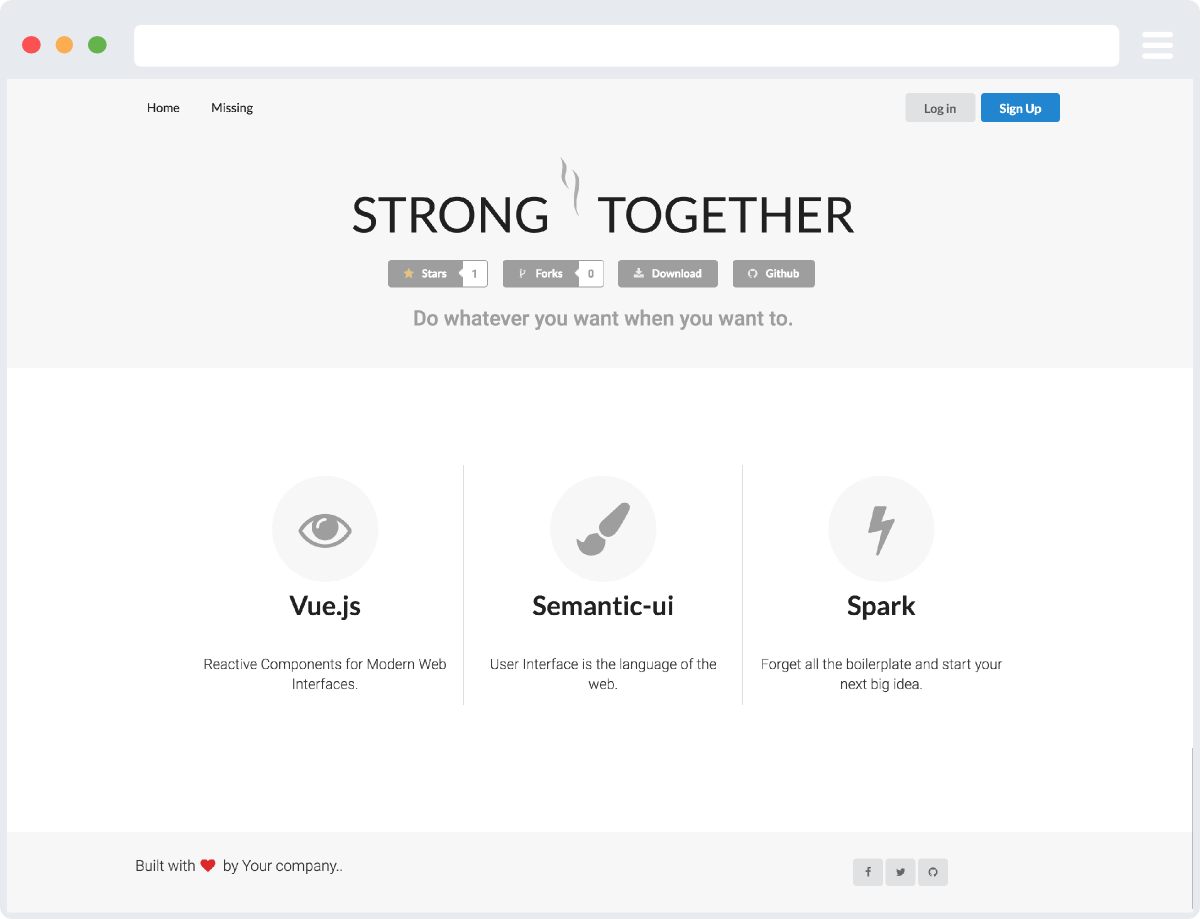
## Screenshot
[](http://websemantics.github.io/strong-together)
## Credits
This project was inspired by aspects of [Browserify Vue-cli Template](https://github.com/vuejs-templates/browserify) and [Vue.js Starter Website](https://github.com/layer7be/vue-starter).
看看同类模板
对比同技术栈与用途的模板,找到更适合的视觉与内容结构。

vitesse
🏕 Opinionated Vite + Vue Starter Template
Vue · 启动器

vitesse-webext
⚡️ WebExtension Vite Starter Template
Vue · 启动器

laravel-vue-spa
A Laravel-Vue SPA starter kit.
Vue · 启动器

vue3-h5-template
vue3-h5-template 是一个面向移动端 H5 项目的启动模板,基于 Vue3、Vite 和 Vant4 构建,同时集成了 TypeScript、Tailwindcss、Pinia、Vue-router 等常用…
Vue · 启动器

tov-template
vite + vue3 + ts 开箱即用现代开发模板 | vite + vue3 + ts out-of-the-box modern development template
Vue · 启动器

shadcn-vue-landing-page
New design 🎉 Vue + Shadcn-vue + TypeScript + Tailwind. Landing page template ease-to-use
Vue · 企业官网