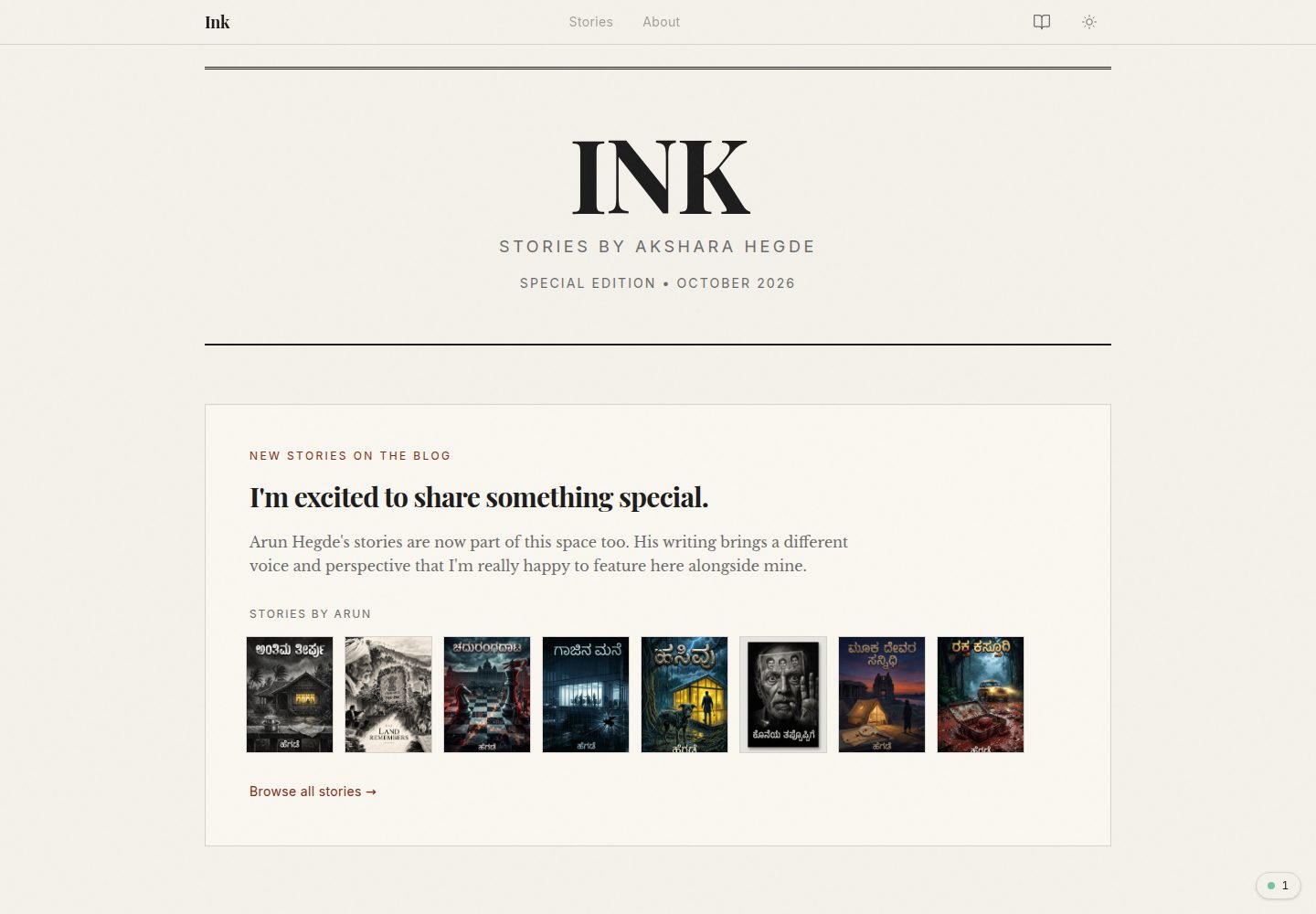
Content is divided into stories and blog, stored in content/stories and content/blog respectively
NuxtVueBlog
ink — Nuxt Blog Template
By aksharahegde
A Nuxt-based writing showcase template for displaying books, stories, and blog posts, with dark mode, page prerendering, and one-click deployment to NuxtHub.
Explore the design
Compare the page layouts and mobile experience. Open any screenshot for a closer look.
Desktop homepage1 / 3
Desktop captureTop of page
Actual screenshot captured by the server browser.
All pages & views 3
Screenshots show visual appearance; interactive behavior may differ.
Recorded 2026-10-08View source
What stands out
A quick read of the recorded project description.
Uses Nuxt Content to manage content and integrates with NuxtHub
Supports prerendering all pages and dark mode
Provides two separate DetailCard components for story and blog to facilitate customization
The README provides a one-click deployment entry for NuxtHub
Template Details
Ink is a Nuxt template aimed at writers; the repository describes it as "for showcasing your writing," and the demo site includes a homepage and inner pages such as about. Content is split into stories and blog directories, corresponding to stories and blog posts, and card components are maintained separately for these two categories. The template uses Nuxt Content to manage content and states that it is integrated with NuxtHub; the database and content require first creating a project on NuxtHub and then connecting it. The README lists features including prerendering all pages, dark mode, SEO friendliness, ease of customization, and one-click deployment to NuxtHub. The project structure follows Nuxt's app/ directory organization, containing subdirectories such as components, composables, layouts, and pages, plus top-level directories including content, layers, modules, and server. Local development uses bun to install dependencies and run the dev script. Note that the template relies on NuxtHub for database and content management, so it cannot be run by simply cloning the repository; the corresponding NuxtHub project must be configured first.
NuxtBlog
Is it right for your project?
Use Cases
- Building a showcase site for personal books or story works
- A personal writing homepage that publishes both stories and blog posts
- Starting a content-oriented project based on Nuxt Content that needs to connect to NuxtHub
Suitable For
- Developers using Nuxt who want to quickly obtain a writing showcase page
- Individual authors who need both story and blog content forms
- Users planning to deploy to NuxtHub and accepting its content and database hosting approach
Getting started & customization
Use these recorded setup notes alongside the repository instructions for your chosen version.
- 1
For local development, use bun install to install dependencies, then bun run dev to start
- 2
The template relies on NuxtHub for database and content management; you must first create a project on NuxtHub and connect the database and content
- 3
Write story content into content/stories and blog content into content/blog
- 4
Card styles can be modified separately in app/components/story/DetailCard.vue and app/components/blog/DetailCard.vue
- 5
The code uses the MIT license, but third-party assets such as demo images, fonts, and icons must be checked separately under their respective licenses
License & source material
Usage conditions & limitations
Free to use · keep license noticeThis entry covers the free version under the MIT license in the public repository; the free scope is the code of this version and does not mean that external services or third-party assets are free.
Must comply with when using
- Allows free use, modification, commercial use, and distribution of this version's code.
- When distributing copies or substantial portions of the code, retain the original author's copyright notice and the complete MIT license notice.
- The code is provided as is; warranties and limitations of liability are governed by the original license and applicable law.
Additional costs & items to verify
- Demo images, fonts, icons, and other third-party assets must be checked under their respective licenses and cannot be judged solely by the code's MIT license.
- External services such as domains, hosting, databases, payments, or AI may incur additional charges.
- The template relies on NuxtHub for database and content management; before use, you must first create a project on NuxtHub and connect the database and content, and it cannot be run by simply cloning the repository.
- The one-click deployment feature targets the NuxtHub platform, and deployment and hosting require using that external service.
View Original Text Basis
Permission is hereby granted, free of charge
Original License Text
NOTE: It uses NuxtHub for database and content management. So create a new project on NuxtHub and add the database and content to it.
Original README
https://github.com/aksharahegde/ink/blob/main/LICENSEhttps://github.com/aksharahegde/ink/blob/main/README.md- One-click deploy to NuxtHub
Original README
Compiled by DeepSeek based on repository license and README ·2026-10-08. Results only cover the materials read; dependencies, images, fonts, and subsequent term changes are subject to their respective original texts.
Project checks & description sources
Template Information
- Source platforms
- GitHub
- Documentation and maintenance reference score
- More documented · 80 / 100
- Technologies
- Nuxt · Vue
- Website type
- Blog
How this score is calculated
Our heuristic uses license records (up to 30), a demo link (12), a preview (10), stars (15), recorded maintenance (15), description completeness (8), feature records (5) and classification data (5). It is not a code, security or performance test, or a Google score. A link does not establish tested functionality.
What to verify for this project
- Repository update recorded
- 2026-10-08
- Screenshot last checked
- 2026-10-08
A demo link is listed. Check it with your own content and viewport sizes; its presence does not confirm that forms, authentication or payments work.
The catalog identifies Nuxt as the primary stack. Check the actual dependency manifest and lockfile for versions and hosting requirements. These notes use recorded metadata, not a code audit or a deployment test.
Use a selection guide →How this description was prepared
AI-assisted description based on catalog records and repository material. Repository authors are not automatically the reviewers of this description.
Review declaration: [email protected] · 2026-10-09
Inspect the recorded source material
SHA-256: 7371aa385dca58b2c148958272c4e18bf38b6aa39076cc7cb0d490e00366ca7a
2026-10-08T18:54:28.999Z
Source file / repository# Ink A minimal and clean template for showcasing your writing.  ### Performance Insights  [](https://hub.nuxt.com/new?template=https://github.com/nuxthub/ink) ### Features - Pre-render all pages - Dark mode - SEO friendly - Easy to customize - One-click deploy to NuxtHub ### Project Structure ```code .output/ .nuxt/ app/ assets/ components/ composables/ layouts/ middleware/ pages/ plugins/ utils/ app.config.ts app.vue router.options.ts content/ layers/ modules/ node_modules/ public/ server/ api/ middleware/ plugins/ routes/ utils/ nuxt.config.ts ``` ### Customize - Edit `content/stories` to add your stories - Edit `content/blog` to add your blog posts - Edit `app/components/story/DetailCard.vue` to customize the story card - Edit `app/components/blog/DetailCard.vue` to customize the blog card ### Package details - Nuxt 3 (with Nuxt 4 compatibility features) - Nuxt UI (Basic) - Nuxt Content (100% NuxtHub integration) ### Local Development ```bash bun install ``` ```bash bun run dev ``` NOTE: It uses NuxtHub for database and content management. So create a new project on NuxtHub and add the database and content to it.
Explore similar templates
Compare previews and descriptions within the same stack and category.
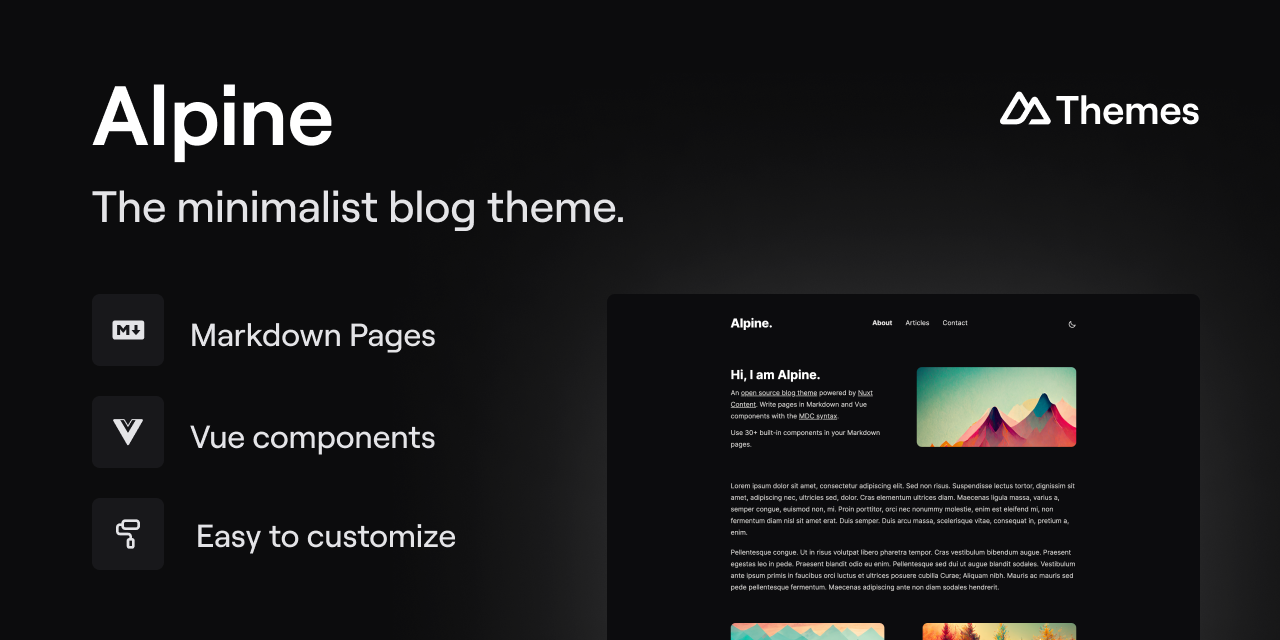
alpine-theme
Alpine is a minimalist blog theme built on Nuxt and Nuxt Content, supporting Markdown and MDC syntax with over 30 components from Nuxt Elements.
Nuxt · Blog
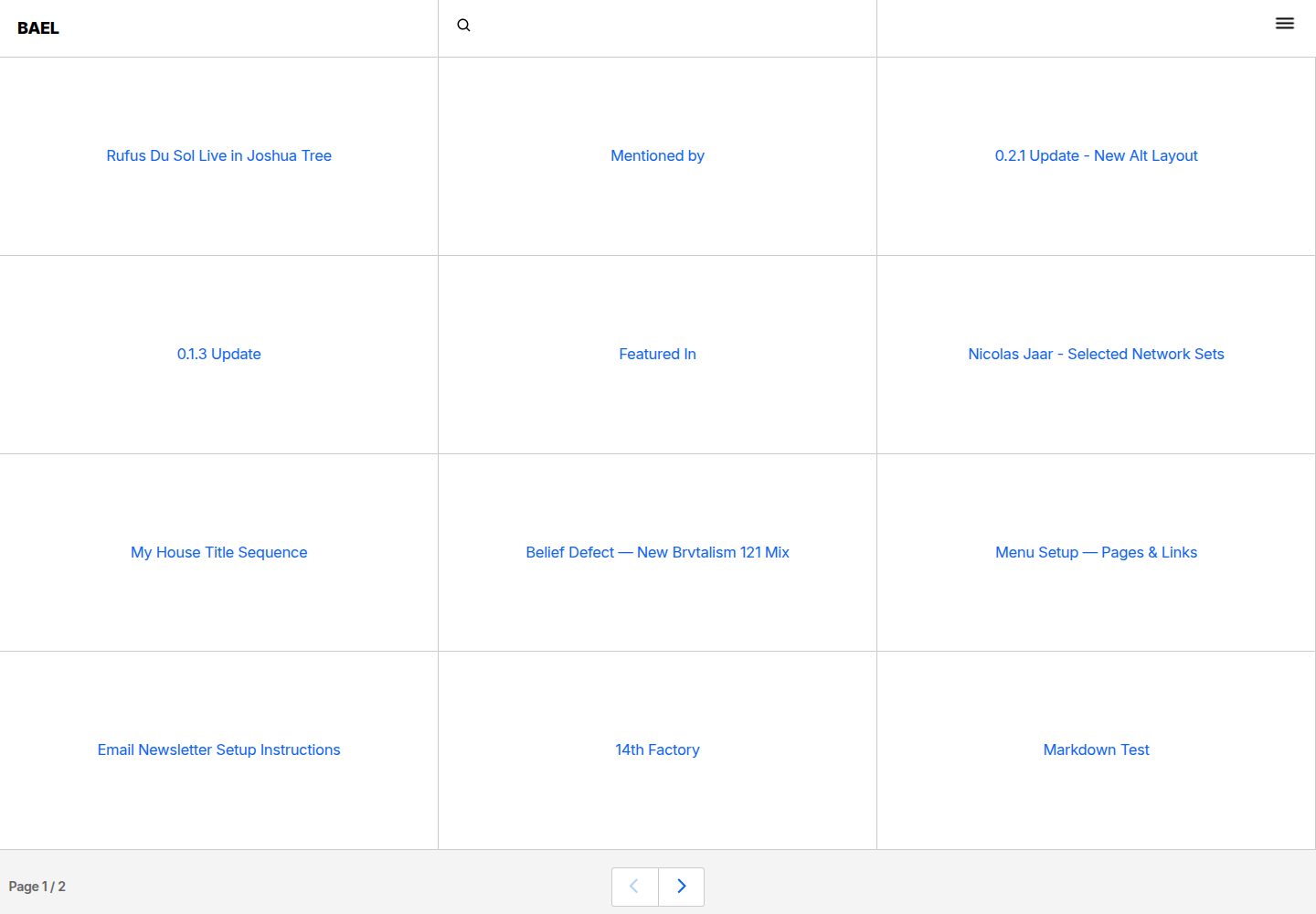
bael-template
Bael is a brutalist-style blog template built with Nuxt.js and Vue.js, using Netlify CMS for content management and deploying to Netlify. Content is stored as files in a Git repository and edited through the /admin path.
Nuxt · Blog

bloggrify
Bloggrify is a Nuxt layer that turns Markdown files into a blog site, built on Nuxt Content with preconfigured analytics, newsletter, comments, SEO, RSS, and content components.
Nuxt · Blog
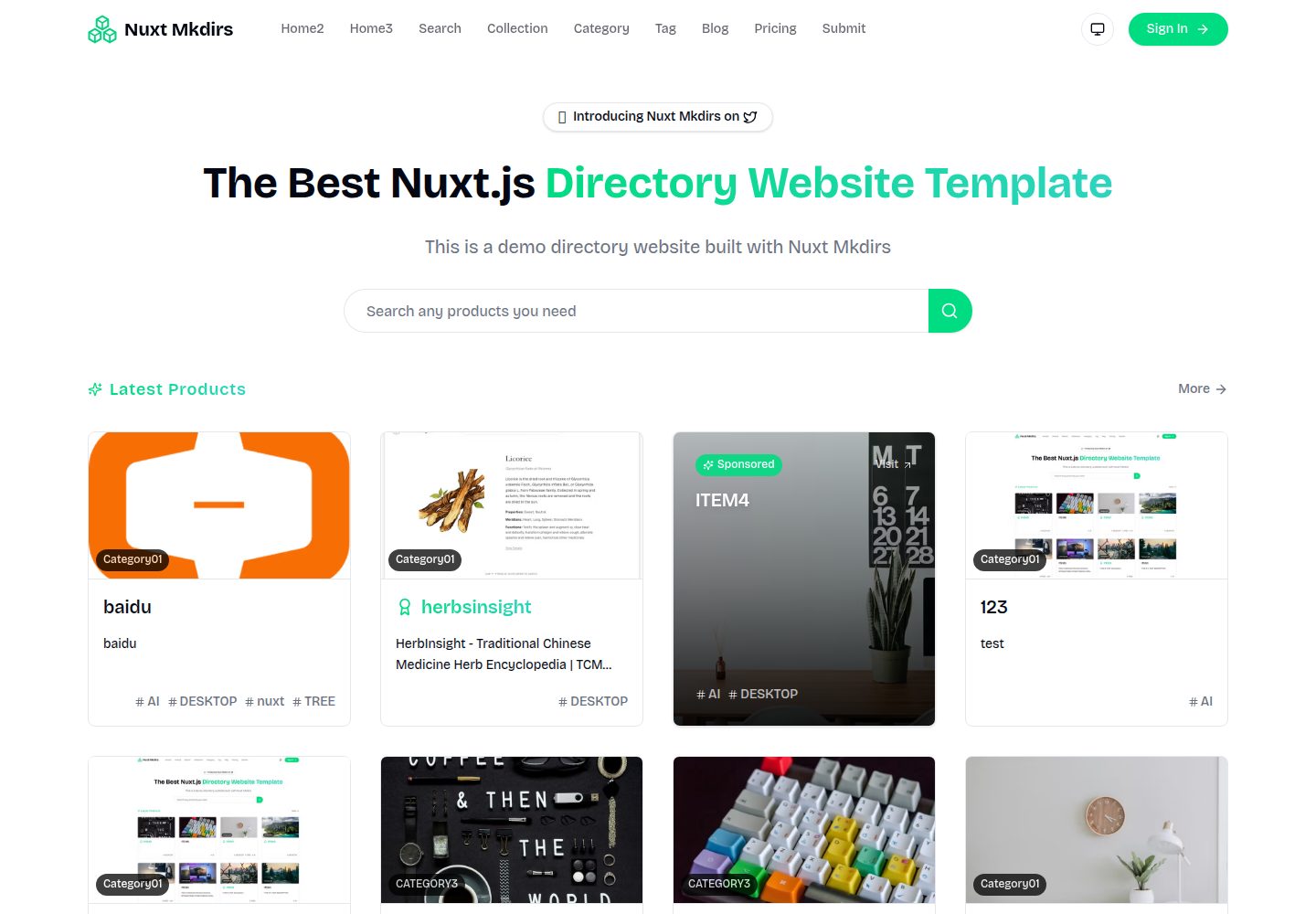
Nuxt_Mkdirs
An open-source directory site template built with Nuxt and Sanity CMS, with three homepage layouts, Google/GitHub OAuth login, Stripe and Creem payment channels, Resend transactional email and newsletter subscriptions, and optional AI auto-fill for submissions.
Nuxt · Blog
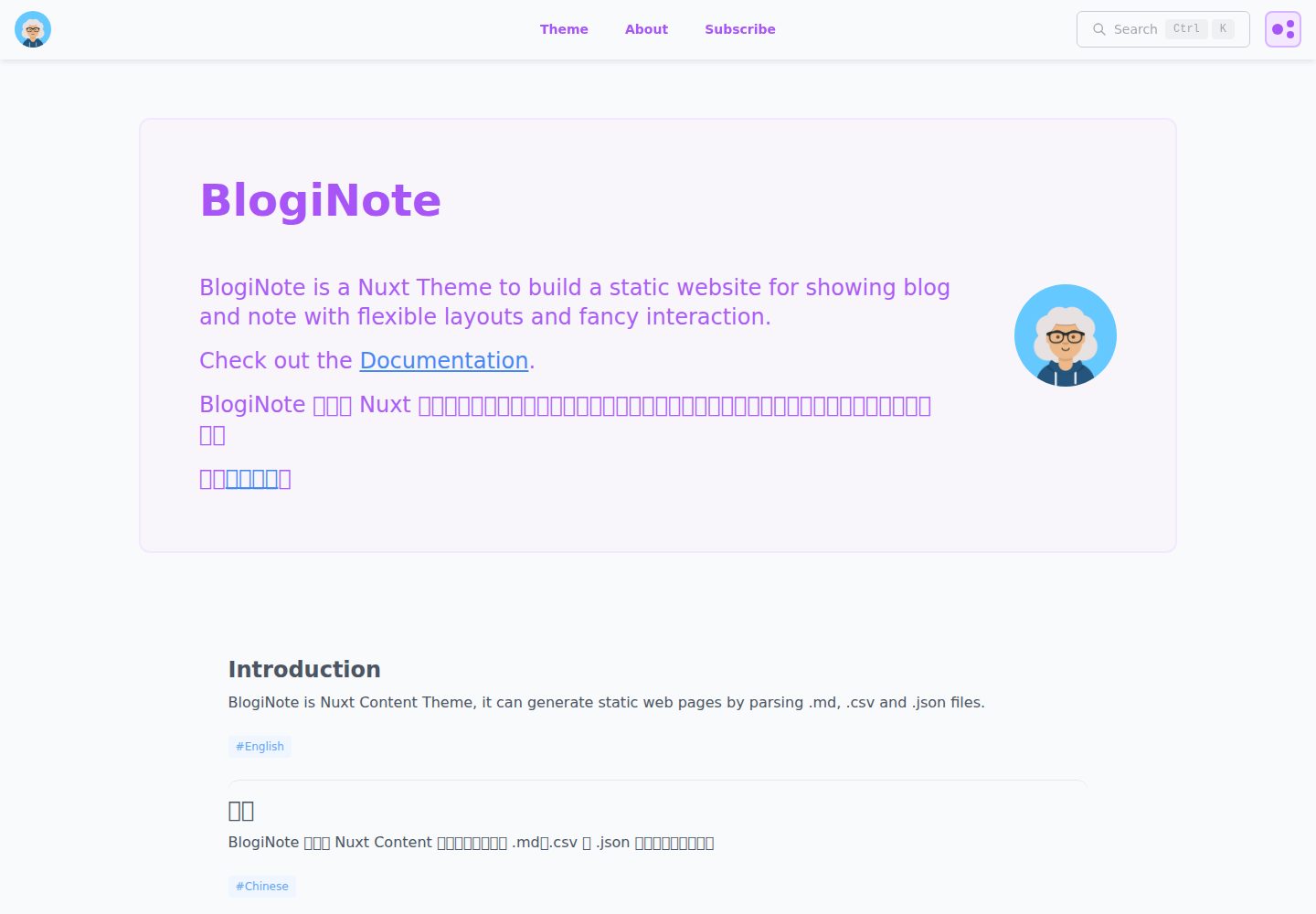
BlogiNote
BlogiNote is a Nuxt Content theme that generates a static blog and notes site from Markdown, JSON, CSV, and other files.
Nuxt · Blog
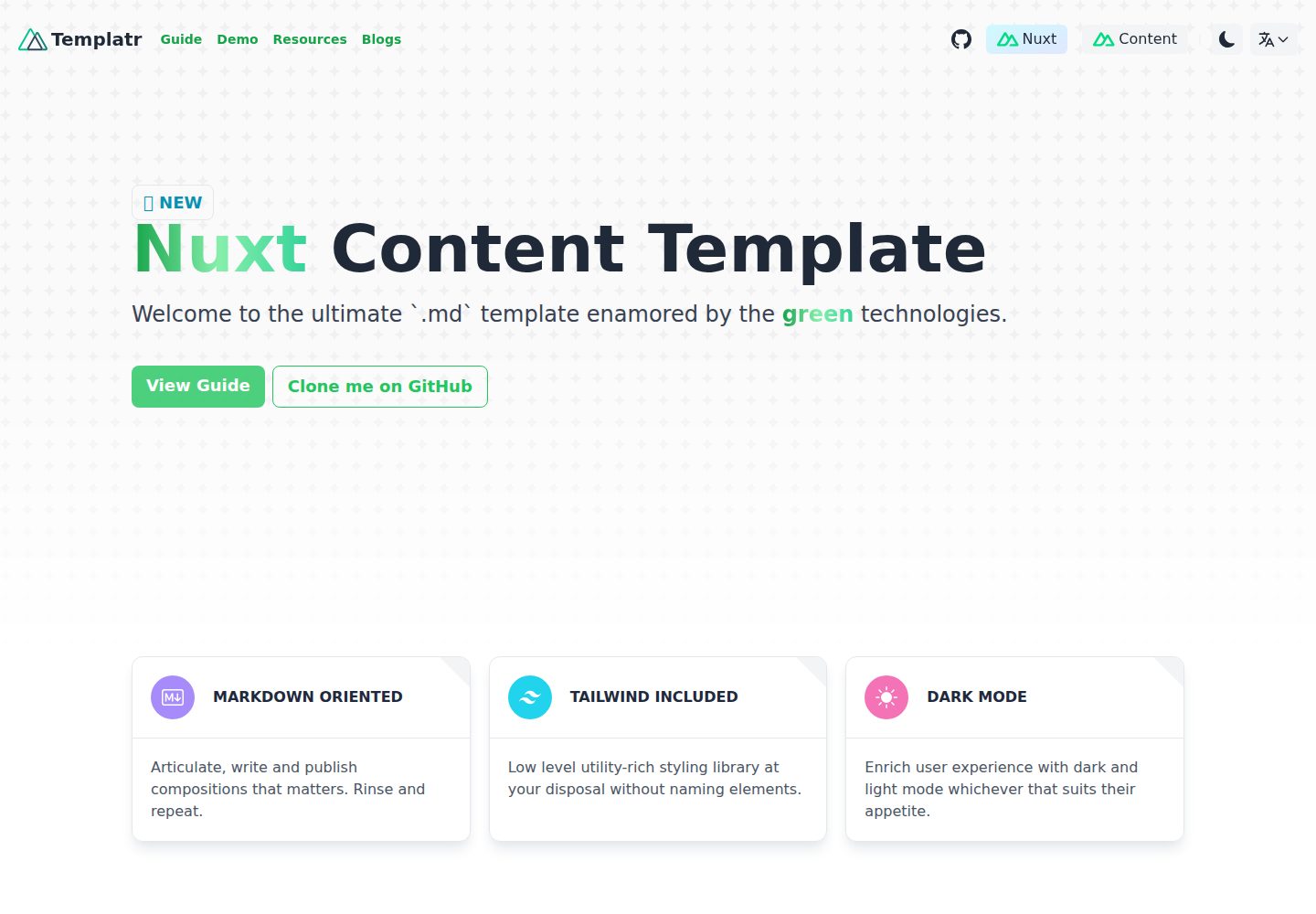
nuxt-content-template
An opinionated Nuxt Content template for Markdown blogs, with i18n, dark mode, TailwindCSS, LaTeX formulas, and static generation.
Nuxt · Blog