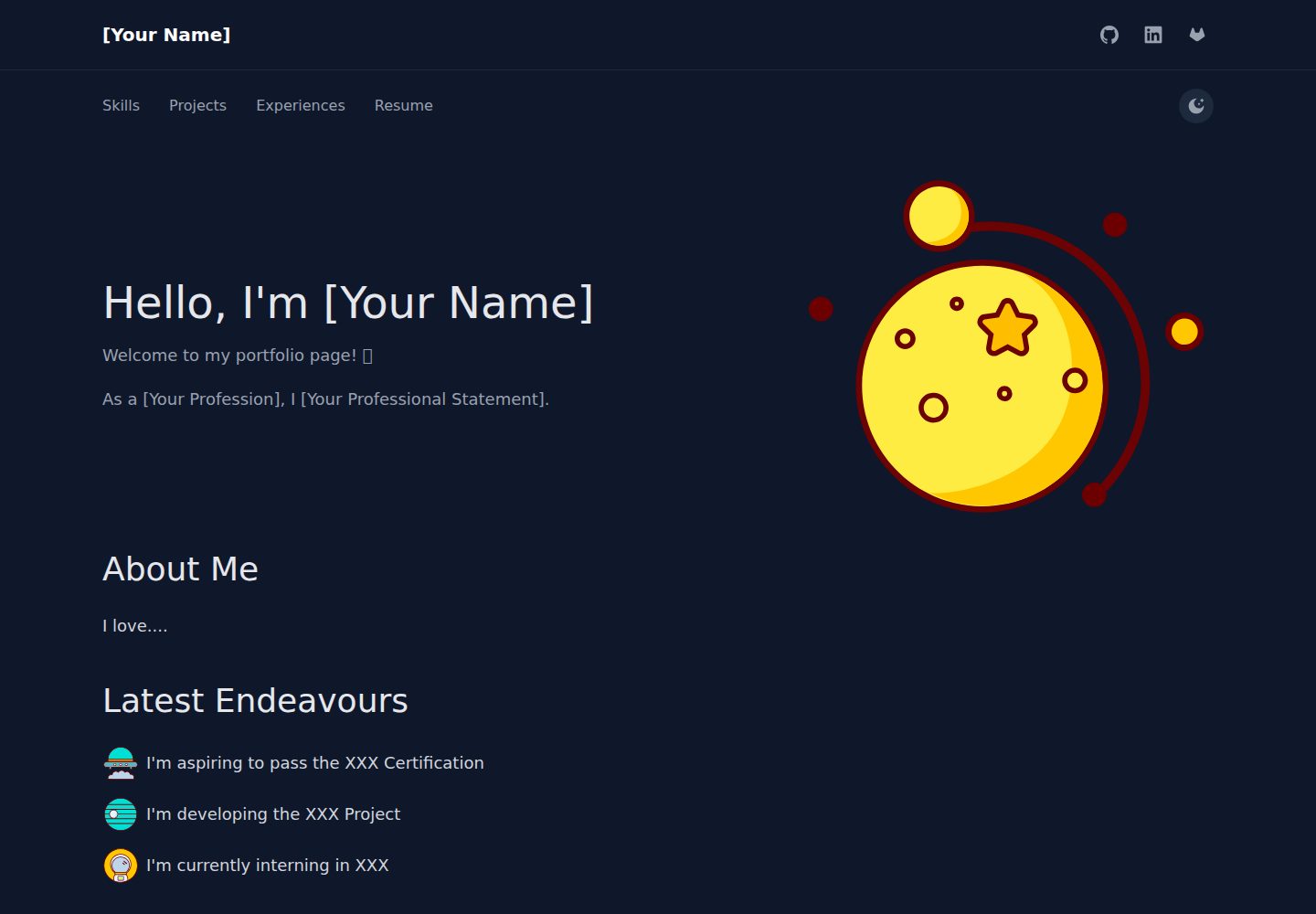
Content is centralized in five YAML files under src/content, so content changes do not require editing React code
GatsbyReactPortfolio
NocturnalProject — Gatsby Portfolio Template
By algebananazzzzz
An open source personal portfolio template built with Gatsby, React, and TailwindCSS. Content is configured through YAML files under src/content, and it supports automatic builds and deployment to GitHub Pages via GitHub Actions.
Explore the design
Compare the page layouts and mobile experience. Open any screenshot for a closer look.
Desktop homepage1 / 3
Desktop captureTop of page
Actual screenshot captured by the server browser.
All pages & views 3
Screenshots show visual appearance; interactive behavior may differ.
Recorded 2026-09-30View source
What stands out
A quick read of the recorded project description.
Includes common portfolio sections such as About, Projects, Skills, and Experiences
Project entries support tech stack icons, demo links, and video popups
Built-in light/dark mode switching and responsive navigation
Provides three documents: Getting Started, Customization, and Developer Guide
The README explains automatic builds and deployment to GitHub Pages via GitHub Actions
Template Details
NocturnalProject is a static site template for personal portfolios, built with Gatsby and React and styled with TailwindCSS. The repository is provided under the MIT license, allowing free use, modification, commercial use, and distribution, provided the copyright notice and full license notice are retained when distributing.
The template separates content from code: the navigation bar, self-introduction, projects, skills, and experience correspond to five YAML files under src/content: navbar.yml, aboutme.yml, project.yml, skills.yml, and experience.yml. Editing these files updates the page content without changing React components. Custom SVG icons go in src/assets/svg/, and static files such as PDFs, images, and videos go in static/.
The page structure includes sections such as About, Projects, Skills, and Experiences. Project entries can display tech stack icons, demo links, and video popups. The skills page shows certifications and technology categories, the experience page is presented as a timeline, and light/dark mode switching is supported. The repository includes three documents: Getting Started, Customization, and Developer Guide, aimed at first-time users, content editors, and code contributors respectively.
For deployment, the README explains that after pushing the repository to GitHub, GitHub Actions automatically builds it and publishes it on GitHub Pages; local preview uses gatsby develop, with the default address at http://localhost:8000. The licenses for third-party assets such as demo images, fonts, and icons must be checked separately and cannot be determined solely by the code's MIT license; external services such as domains and hosting may incur additional costs.
GatsbyReactPortfolio
Is it right for your project?
Use Cases
- Individual developers organizing projects, skills, and work experience and publishing them as a static portfolio
- Users who maintain content in YAML and do not want to touch React components when editing copy
- Scenarios where a resume PDF, demo videos, or images need to be hosted alongside the site
- Personal sites that need free publishing and automatic updates via GitHub Pages
Suitable For
- Individual users with a GitHub account who are willing to update the site by pushing code with Git
- Non-frontend developers who accept organizing content in YAML files
- Portfolio pages that need light/dark mode and a responsive layout
- Developers who want to freely modify and distribute the template under the MIT license
Getting started & customization
Use these recorded setup notes alongside the repository instructions for your chosen version.
- 1
After cloning the repository, run npm install, then use gatsby develop to preview locally at http://localhost:8000
- 2
Edit navbar.yml, aboutme.yml, project.yml, skills.yml, and experience.yml under src/content/ to replace the sample content
- 3
Place custom SVG icons in src/assets/svg/, and static files such as PDFs, images, and videos in static/
- 4
To deploy to GitHub Pages, point origin to your own repository and push, then in the repository Settings → Pages select the gh-pages branch as the source
- 5
The licenses for third-party assets such as demo images, fonts, and icons must be checked separately; external services such as domains and hosting may incur additional charges
License & source material
Usage conditions & limitations
Free to use · keep license noticeThis entry covers the free version in the public repository under the MIT license; the free scope is the code of that version and does not mean external services or third-party assets are free.
Must comply with when using
- The code of this version may be used, modified, used commercially, and distributed for free.
- When distributing copies or substantial portions of the code, retain the original author's copyright notice and the full MIT license notice.
- The code is provided as is; warranties and limitations of liability are governed by the original license and applicable law.
Additional costs & items to verify
- Deployment depends on GitHub Actions and GitHub Pages services, requiring a GitHub account and pushing the repository to GitHub; using these external services may be subject to their terms and may incur additional costs.
- Static files such as resumes, images, and videos must be placed in the static/ directory and referenced in YAML; the template does not include these assets.
- Custom icons must be added to src/assets/svg/; the template does not provide authorization for third-party icon assets.
- Demo images, fonts, icons, and other third-party assets must be checked against their respective licenses and cannot be determined solely by the code's MIT license.
- External services such as domains, hosting, databases, payments, or AI may incur additional charges.
View Original Text Basis
Permission is hereby granted, free of charge
Original License Text
GitHub Actions will automatically build and deploy your site.
Original README
Place your PDF in `static/` and reference it in `navbar.yml`.
Original README
https://github.com/algebananazzzzz/NocturnalProject/blob/main/LICENSE.txthttps://github.com/algebananazzzzz/NocturnalProject/blob/main/README.mdAdd custom icons to `src/assets/svg/`
Original README
Compiled by DeepSeek based on repository license and README ·2026-10-01. Results only cover the materials read; dependencies, images, fonts, and subsequent term changes are subject to their respective original texts.
Project checks & description sources
Template Information
- Source platforms
- GitHub
- Documentation and maintenance reference score
- More documented · 85 / 100
- Technologies
- Gatsby · React
- Website type
- Portfolio
How this score is calculated
Our heuristic uses license records (up to 30), a demo link (12), a preview (10), stars (15), recorded maintenance (15), description completeness (8), feature records (5) and classification data (5). It is not a code, security or performance test, or a Google score. A link does not establish tested functionality.
What to verify for this project
- Repository update recorded
- 2025-11-09
- Screenshot last checked
- 2026-10-01
A demo link is listed. Check it with your own content and viewport sizes; its presence does not confirm that forms, authentication or payments work.
The catalog identifies Gatsby as the primary stack. Check the actual dependency manifest and lockfile for versions and hosting requirements. These notes use recorded metadata, not a code audit or a deployment test.
Use a selection guide →How this description was prepared
AI-assisted description based on catalog records and repository material. Repository authors are not automatically the reviewers of this description.
Automatically checked against source and license rules; no manual editorial review.
Inspect the recorded source material
SHA-256: 94a6a5f0de5a8b87e72e1354c9906340101aafcdd8e67ba986e81582a8660a2b
2026-10-01T14:20:26.318Z
Source file / repository# Nocturnal Project > **A stylish, dark-mode portfolio template you can customize in 5 minutes—no coding required.** 🌐 **[View Demo Site](https://algebananazzzzz.github.io/NocturnalProject/)** --- ## Why Nocturnal? ✨ **5-Minute Setup** – Edit YAML files, push to GitHub, done 🎨 **Beautiful by Default** – Modern design with dark mode built-in ⚡ **Zero Code Changes** – Customize everything through simple YAML files 🚀 **Auto-Deploy** – GitHub Actions builds and deploys automatically 📱 **Fully Responsive** – Looks great on mobile, tablet, and desktop 🛠️ **Production Ready** – Built with React, Gatsby, and TailwindCSS --- ## Quick Start # 1. Clone and install ```bash git clone https://github.com/algebananazzzzz/NocturnalProject.git cd NocturnalProject npm install ``` 2. Preview locally, visit http://localhost:8000 ```bash gatsby develop ``` 3. Customize content (edit YAML files in src/content/) - navbar.yml (your name, social links) - aboutme.yml (introduction, bio) - project.yml (your projects) - skills.yml (technical skills, certifications) - experience.yml (work history, timeline) 4. Deploy to GitHub Pages ```bash git remote set-url origin https://github.com/YOUR_USERNAME/YOUR_REPO.git git add -A && git commit -m "My portfolio" git push -u origin main ``` **That's it!** GitHub Actions will automatically build and deploy your site. --- ## What You Get ### 🎯 Ready-to-Use Sections - **About** – Introduction with custom sections (education, interests, etc.) - **Projects** – Showcase with tech stack icons, demos, and videos - **Skills** – Certifications, tech icons, and skill categories - **Experiences** – Professional timeline with color-coded milestones ### 🎨 Built-in Features - Dark/light mode with one-click toggle - Responsive navigation - Video popup modals for project demos - Social contact buttons - Custom SVG icon system - PDF/document attachments ### ⚙️ Technical Stack - **Gatsby** – Blazing fast static site generation - **React** – Modern component architecture - **TailwindCSS** – Utility-first styling - **TypeScript** – Type-safe development - **GitHub Actions** – Automated CI/CD pipeline --- ## Documentation Choose the guide that fits your needs: | Guide | For | What's Inside | |-------|-----|---------------| | **[Getting Started](docs/GETTING_STARTED.md)** | First-time users | Installation, local dev, deployment | | **[Customization Guide](docs/CUSTOMIZATION.md)** | Content editors | YAML file reference with examples | | **[Developer Guide](docs/DEVELOPER_GUIDE.md)** | Code contributors | Architecture, components, styling | **Quick links:** - [How to customize content?](docs/CUSTOMIZATION.md) – Complete YAML reference - [How to deploy?](docs/GETTING_STARTED.md#deployment) – GitHub Pages setup - [How to modify styles?](docs/DEVELOPER_GUIDE.md#styling-with-tailwind) – Tailwind customization --- ## Customization All content is managed through **5 simple YAML files** in `src/content/`: | File | What to Edit | |------|--------------| | `navbar.yml` | Your name, social links | | `aboutme.yml` | Introduction, bio, education | | `project.yml` | Projects, demos, tech stacks | | `skills.yml` | Certifications, technologies | | `experience.yml` | Work history, achievements | **Also customize:** - **SVG Icons** – Add custom icons to `src/assets/svg/` - **Static Files** – PDFs, videos, images in `static/` **📚 [Complete customization guide →](docs/CUSTOMIZATION.md)** – YAML reference, SVG management, examples --- ## Deployment ### GitHub Pages (Recommended) 1. **Create a new GitHub repository** 2. **Push your code:** ```bash git remote set-url origin https://github.com/YOUR_USERNAME/YOUR_REPO.git git push -u origin main ``` 3. **Enable GitHub Pages:** - Go to Settings → Pages - Source: Deploy from branch `gh-pages` **Your site will be live at:** `https://YOUR_USERNAME.github.io/YOUR_REPO/` GitHub Actions automatically rebuilds your site on every push. **📚 [Detailed deployment guide →](docs/GETTING_STARTED.md#deployment)** --- ## Project Structure ``` NocturnalProject/ ├── src/ │ ├── content/ ← Edit these YAML files to customize │ │ ├── navbar.yml │ │ ├── aboutme.yml │ │ ├── project.yml │ │ ├── skills.yml │ │ └── experience.yml │ ├── assets/svg/ ← Add custom icons here │ └── pages/ ← React components (no changes needed) ├── static/ ← Place PDFs, images, videos here └── docs/ ← Documentation guides ``` --- ## FAQ **Q: Do I need to know React/Gatsby?** A: Nope! Just edit YAML files. No coding needed for content changes. **Q: Can I change colors and styles?** A: Yes! See the [Developer Guide](docs/DEVELOPER_GUIDE.md#styling-with-tailwind) for Tailwind customization. **Q: How do I add my resume/CV?** A: Place your PDF in `static/` and reference it in `navbar.yml`. [Example →](docs/CUSTOMIZATION.md#navbar-configuration) **Q: Can I add custom sections?** A: Absolutely! YAML files support any custom sections you create. [Guide →](docs/CUSTOMIZATION.md#advanced-tips) **Q: Is dark mode automatic?** A: Yes! Visitors can toggle between light/dark mode, and their preference is saved. --- ## Examples Want inspiration? Check out these sections in the demo: - [About Page](https://algebananazzzzz.github.io/NocturnalProject/) – Custom sections with icons - [Projects](https://algebananazzzzz.github.io/NocturnalProject/projects) – Tech stack display - [Skills](https://algebananazzzzz.github.io/NocturnalProject/skills) – Certifications and icons - [Experiences](https://algebananazzzzz.github.io/NocturnalProject/experiences) – Timeline with colors --- ## License MIT License – See [LICENSE.txt](LICENSE.txt) for details. **Feel free to use this template for your portfolio!** If you find it useful, consider giving it a star ⭐ --- ## Contributing Contributions are welcome! Whether it's: - 🐛 Bug reports - 💡 Feature suggestions - 🔧 Code improvements - 📚 Documentation updates **[Open an issue](https://github.com/algebananazzzzz/NocturnalProject/issues)** or submit a pull request. --- **Made with ❤️ using Gatsby, React, and TailwindCSS**
Explore similar templates
Compare previews and descriptions within the same stack and category.
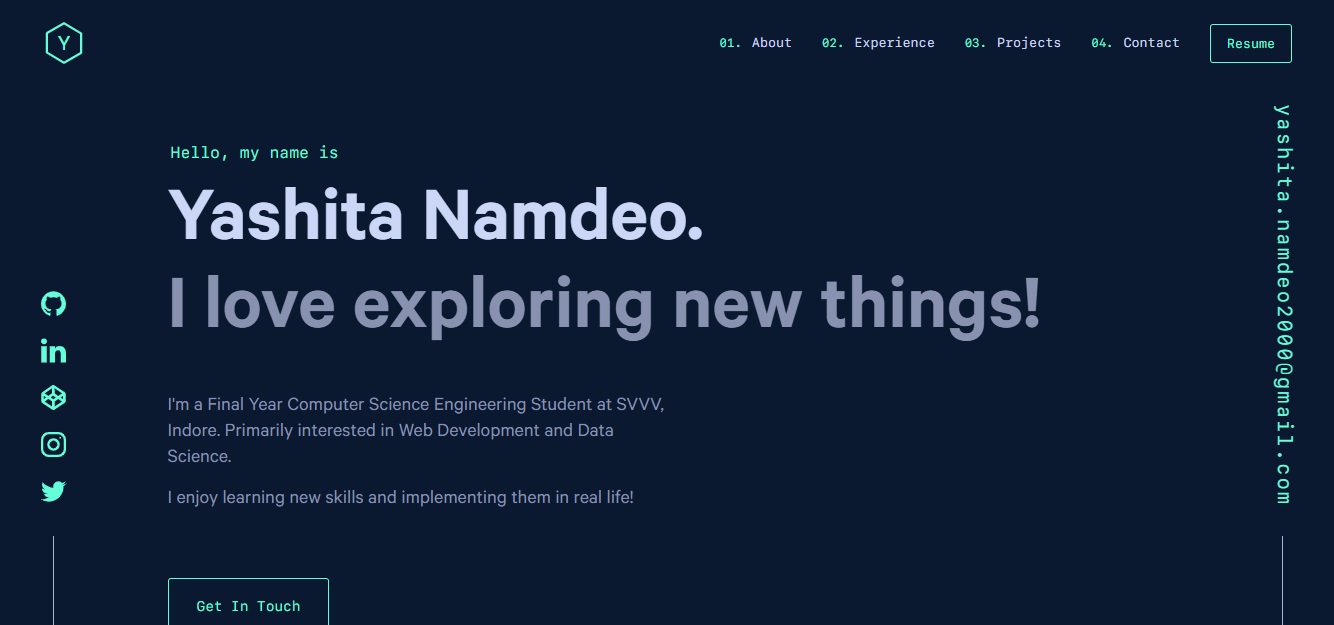
yashitanamdeo.github.io
A Gatsby and React personal portfolio template with a dark theme and navy blue and green accents, based on Yashita Namdeo's first personal homepage.
Gatsby · Portfolio

clay-theme
Clay is an image-centric Gatsby theme for publishers, portfolios, and photography blogs. It includes PWA support, a preconfigured Netlify/Decap CMS, PurgeCSS, Netlify deployment settings, and Netlify Forms.
Gatsby · Portfolio
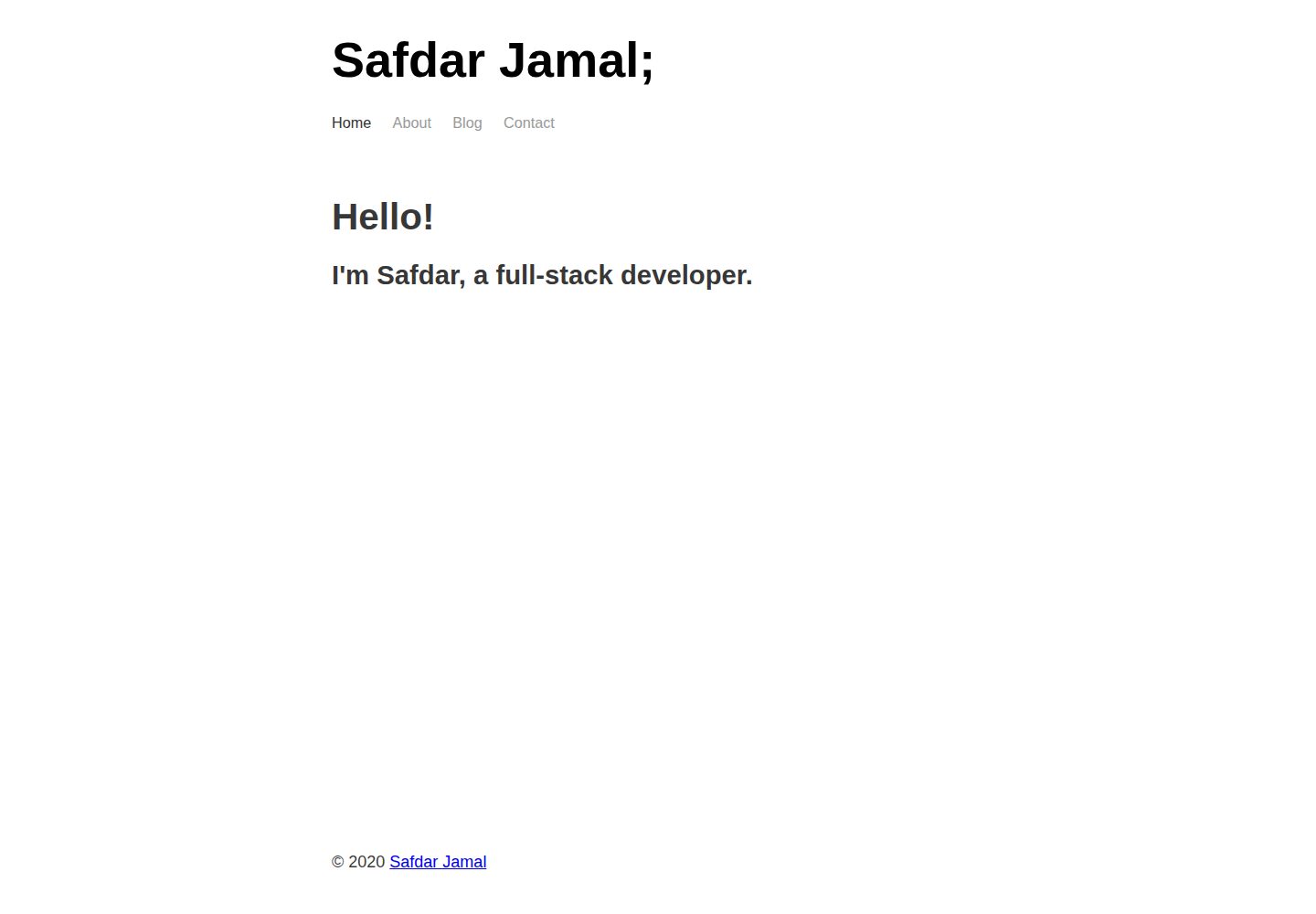
gatsby-markdown-blog
A minimal Gatsby and Markdown starter for personal blogs and portfolios, with Home, About, Blog, and Contact pages, Sass styling, React Helmet metadata, and Netlify or Vercel deployment. MIT-licensed code; third-party assets and external services require separate checks.
Gatsby · Portfolio
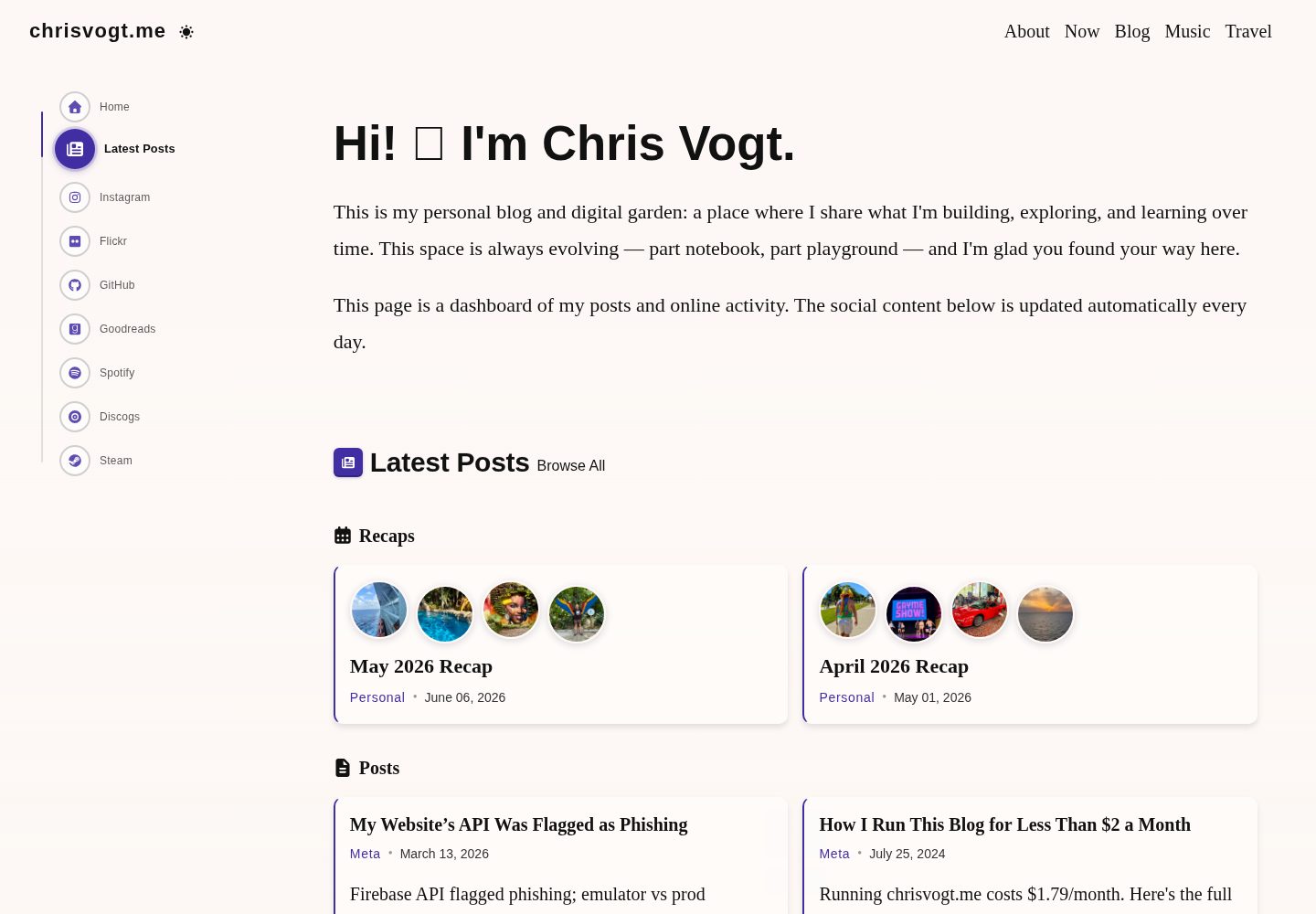
gatsby-theme-chronogrove
A Gatsby theme for personal websites and blogs, with a social activity dashboard homepage, built-in widgets for GitHub, Instagram, Spotify, Goodreads, Steam, and MDX blog support.
Gatsby · Portfolio
gatsby-starter-chronoblog-profile
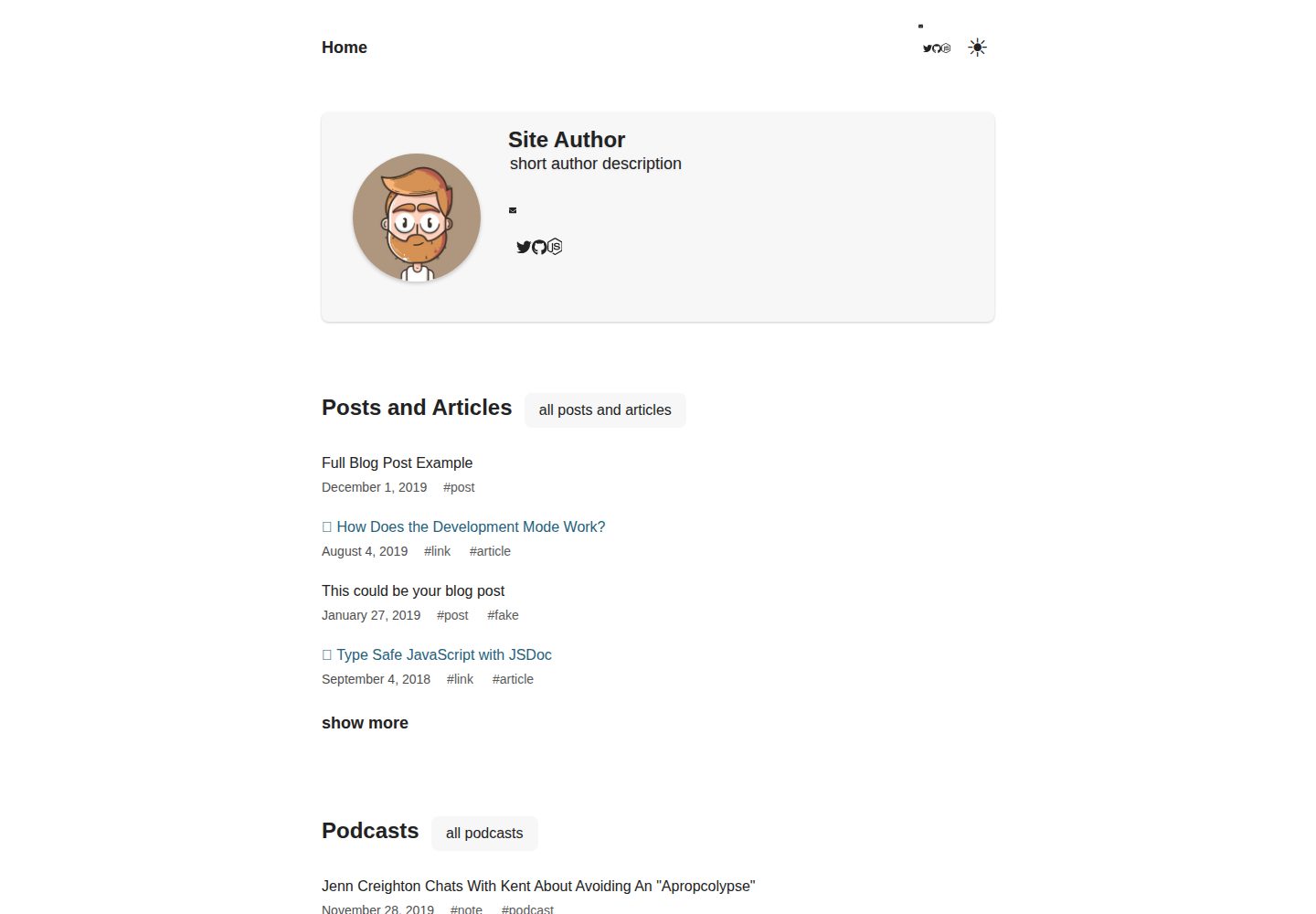
A Chronoblog Gatsby theme starter for personal websites, with a homepage built from compact text feeds organized by tags. Content and pages use MDX, and site elements like menus and footers can also be customized with MDX.
Gatsby · Portfolio
gatsby-portfolio
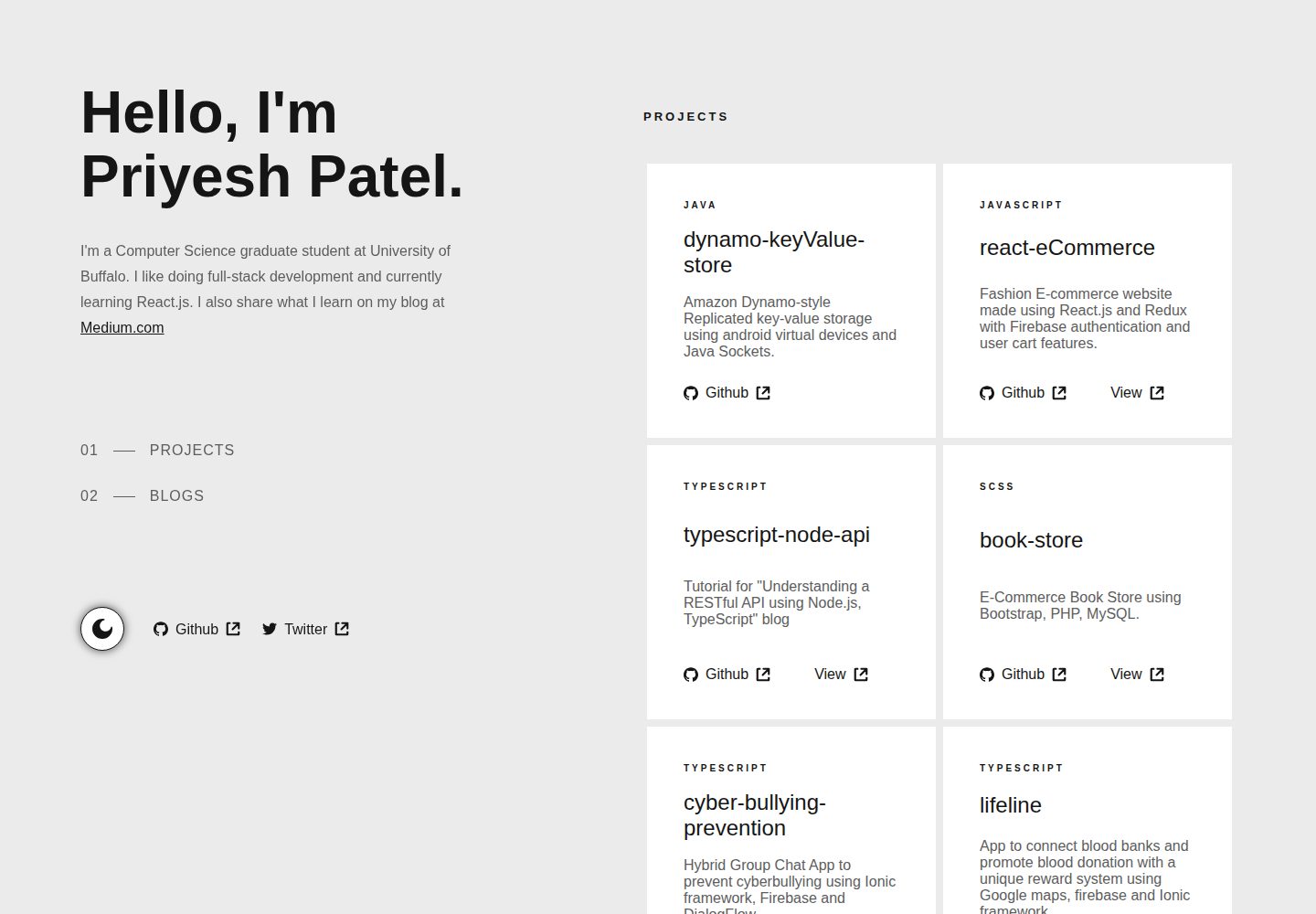
A Gatsby-based personal portfolio template that manages personal information, blog, and project data via JSON files under src/data, with dark/light mode toggle, mobile-first responsive layout, and smooth scrolling via react-scroll.
Gatsby · Portfolio