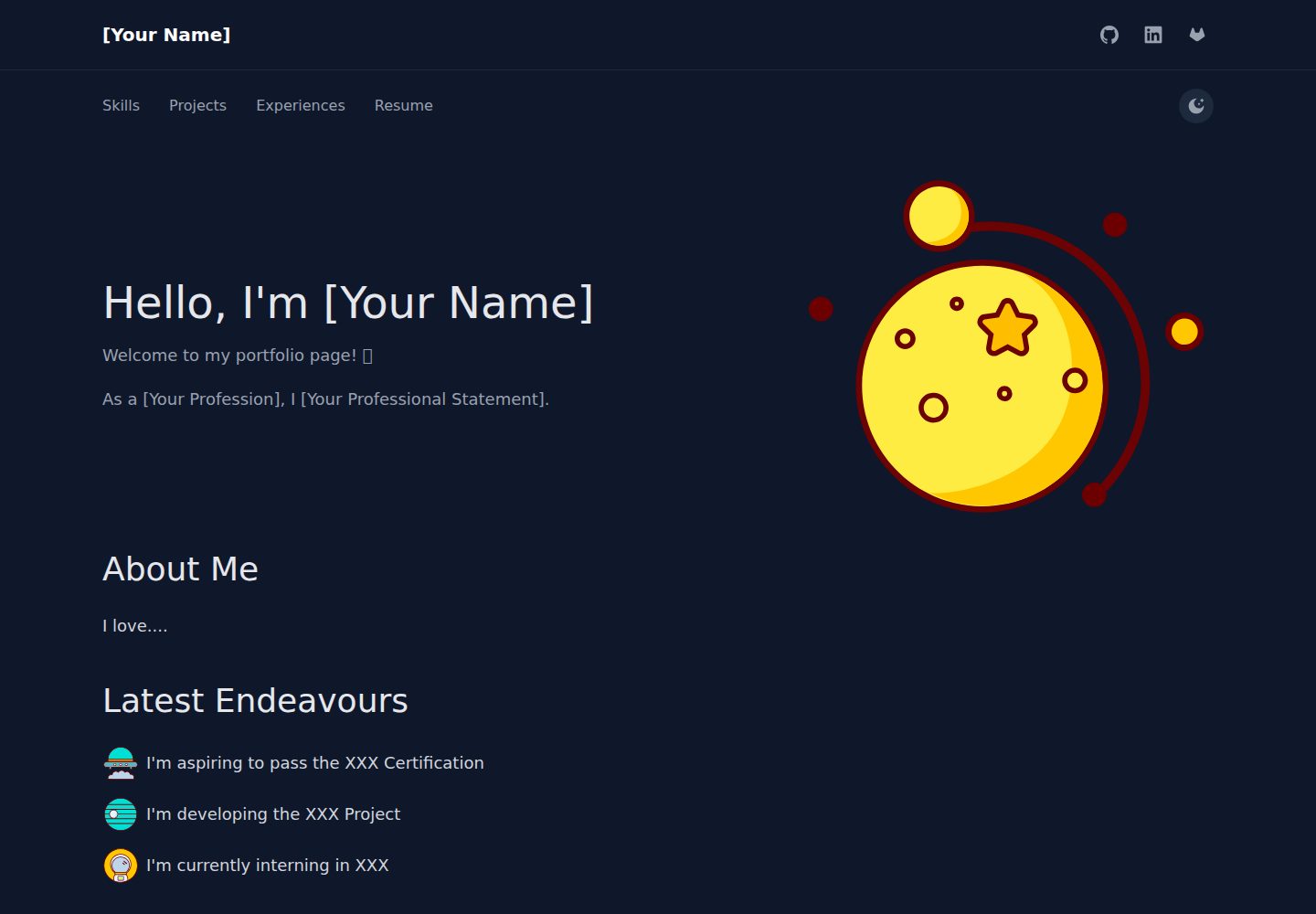
内容集中在 src/content 下的五个 YAML 文件,改内容不必改 React 代码
GatsbyReact作品集
NocturnalProject — Gatsby 作品集模板
作者 algebananazzzzz
基于 Gatsby、React 与 TailwindCSS 的开源个人作品集模板,内容通过 src/content 下的 YAML 文件配置,支持 GitHub Actions 自动构建并部署到 GitHub Pages。
看看你的网站会是什么样
浏览真实页面截图,比较内容排版与手机效果。点击下方缩略图切换,放大查看整页细节。
全部页面与视图 3
截图用于了解视觉与布局,交互效果请以实际项目为准。
采集于 2026-09-30查看来源
值得关注的模板亮点
从已有项目资料中,快速了解它的特点。
包含 About、Projects、Skills、Experiences 等作品集常用板块
项目条目支持技术栈图标、演示链接与视频弹窗
内置明暗模式切换与响应式导航
提供 Getting Started、Customization、Developer Guide 三份文档
README 说明可通过 GitHub Actions 自动构建并部署到 GitHub Pages
模板详细介绍
NocturnalProject 是一个面向个人作品集场景的静态站点模板,使用 Gatsby 与 React 构建,样式基于 TailwindCSS。仓库提供 MIT 许可,可免费使用、修改、商用与分发,分发时需保留版权声明与完整许可声明。
模板把内容与代码分离:导航栏、自我介绍、项目、技能、经历分别对应 src/content 目录下的 navbar.yml、aboutme.yml、project.yml、skills.yml、experience.yml 五个 YAML 文件,修改这些文件即可更新页面内容,无需改动 React 组件。自定义 SVG 图标放在 src/assets/svg/,PDF、图片、视频等静态文件放在 static/。
页面结构包含 About、Projects、Skills、Experiences 等板块,项目条目可展示技术栈图标、演示链接与视频弹窗,技能页展示认证与技术分类,经历页以时间线形式呈现,并支持明暗模式切换。仓库附带 Getting Started、Customization、Developer Guide 三份文档,分别面向初次使用者、内容编辑者与代码贡献者。
部署方面,README 说明将仓库推送到 GitHub 后由 GitHub Actions 自动构建,并在 GitHub Pages 上发布;本地预览使用 gatsby develop,默认地址为 http://localhost:8000。演示图片、字体、图标等第三方素材的许可需单独核对,不能仅凭代码的 MIT 许可判断;域名、托管等外部服务可能产生额外费用。
GatsbyReact作品集
适合你的项目吗?
适用场景
- 个人开发者整理项目、技能与工作经历并发布为静态作品集
- 用 YAML 维护内容、不希望在改文案时接触 React 组件的使用者
- 需要把简历 PDF、演示视频或图片随站点一起托管的场景
- 希望通过 GitHub Pages 免费发布并自动更新的个人站点
适合人群
- 有 GitHub 账号、愿意用 Git 推送代码来更新站点的个人用户
- 接受用 YAML 文件组织内容的非前端开发者
- 需要明暗模式与响应式布局的作品集页面
- 希望基于 MIT 许可自由修改和分发模板的开发者
上手与定制指南
结合仓库当前版本的说明,按下面的资料检查内容、配置与运行要求。
- 1
克隆仓库后执行 npm install,再用 gatsby develop 在 http://localhost:8000 本地预览
- 2
编辑 src/content/ 下的 navbar.yml、aboutme.yml、project.yml、skills.yml、experience.yml 来替换示例内容
- 3
自定义 SVG 图标放入 src/assets/svg/,PDF、图片、视频等静态文件放入 static/
- 4
部署到 GitHub Pages 时需把 origin 指向自己的仓库并推送,然后在仓库 Settings → Pages 中选择 gh-pages 分支作为来源
- 5
演示图片、字体、图标等第三方素材的许可需单独核对,域名与托管等外部服务可能另外收费
授权与来源资料
使用条件与限制
免费使用 · 保留许可声明本次收录的是公开仓库中采用 MIT 许可的免费版本;免费范围为该版本代码,不代表外部服务或第三方素材免费。
使用时需要遵守
- 允许免费使用、修改、商用和分发该版本代码。
- 分发代码副本或实质性部分时,保留原作者版权声明和完整 MIT 许可声明。
- 代码按现状提供;担保与责任限制以原许可证及适用法律为准。
额外费用与待核对事项
- 部署依赖 GitHub Actions 与 GitHub Pages 服务,需拥有 GitHub 账号并将仓库推送到 GitHub;使用这些外部服务可能受其条款约束并可能产生额外费用。
- 简历、图片、视频等静态文件需自行放入 static/ 目录并在 YAML 中引用,模板不附带这些素材。
- 自定义图标需自行添加到 src/assets/svg/,模板不提供第三方图标素材的授权。
- 演示图片、字体、图标及其他第三方素材需按各自许可核对,不能仅凭代码的 MIT 许可判断。
- 域名、托管、数据库、支付或 AI 等外部服务可能另外收费。
查看原文依据
Permission is hereby granted, free of charge
许可证原文
GitHub Actions will automatically build and deploy your site.
README 原文
Place your PDF in `static/` and reference it in `navbar.yml`.
README 原文
https://github.com/algebananazzzzz/NocturnalProject/blob/main/LICENSE.txthttps://github.com/algebananazzzzz/NocturnalProject/blob/main/README.mdAdd custom icons to `src/assets/svg/`
README 原文
DeepSeek 根据仓库许可证和 README 整理 ·2026-10-01。结果仅覆盖已读取资料,依赖、图片、字体及后续条款变更以各自原文为准。
项目核对记录与介绍依据
模板资料
- 来源平台
- GitHub
- 资料与维护参考分
- 资料较完整 · 85 / 100
- 技术栈
- Gatsby · React
- 网站类型
- 作品集
这个分数如何计算
本站按许可资料(最高30分)、演示链接(12分)、预览图(10分)、Star数(15分)、记录的维护时间(15分)、描述完整度(8分)、功能记录(5分)和分类资料(5分)计算。它不是代码、安全或性能测试,也不是 Google 评分;有链接不代表已实测可用。
这个项目需要核对什么
- 记录的仓库更新时间
- 2025-11-09
- 截图检查日期
- 2026-10-01
已收录演示链接。请用你的内容与屏幕尺寸检查;有演示不代表表单、认证或支付已经可用。
目录记录的主要技术栈是 Gatsby。请通过依赖清单和锁文件核对实际版本与托管要求。这些说明基于收录资料,不代表代码审计或部署实测。
查看具体选型方法 →介绍的制作与核对状态
介绍由 AI 辅助整理目录与仓库资料。仓库作者不等于这篇介绍的审核者。
已完成服务器许可规则与 AI 来源核对;未经过人工编辑审核。
查看当时使用的来源资料
SHA-256: 94a6a5f0de5a8b87e72e1354c9906340101aafcdd8e67ba986e81582a8660a2b
2026-10-01T14:20:26.318Z
来源文件 / 仓库# Nocturnal Project > **A stylish, dark-mode portfolio template you can customize in 5 minutes—no coding required.** 🌐 **[View Demo Site](https://algebananazzzzz.github.io/NocturnalProject/)** --- ## Why Nocturnal? ✨ **5-Minute Setup** – Edit YAML files, push to GitHub, done 🎨 **Beautiful by Default** – Modern design with dark mode built-in ⚡ **Zero Code Changes** – Customize everything through simple YAML files 🚀 **Auto-Deploy** – GitHub Actions builds and deploys automatically 📱 **Fully Responsive** – Looks great on mobile, tablet, and desktop 🛠️ **Production Ready** – Built with React, Gatsby, and TailwindCSS --- ## Quick Start # 1. Clone and install ```bash git clone https://github.com/algebananazzzzz/NocturnalProject.git cd NocturnalProject npm install ``` 2. Preview locally, visit http://localhost:8000 ```bash gatsby develop ``` 3. Customize content (edit YAML files in src/content/) - navbar.yml (your name, social links) - aboutme.yml (introduction, bio) - project.yml (your projects) - skills.yml (technical skills, certifications) - experience.yml (work history, timeline) 4. Deploy to GitHub Pages ```bash git remote set-url origin https://github.com/YOUR_USERNAME/YOUR_REPO.git git add -A && git commit -m "My portfolio" git push -u origin main ``` **That's it!** GitHub Actions will automatically build and deploy your site. --- ## What You Get ### 🎯 Ready-to-Use Sections - **About** – Introduction with custom sections (education, interests, etc.) - **Projects** – Showcase with tech stack icons, demos, and videos - **Skills** – Certifications, tech icons, and skill categories - **Experiences** – Professional timeline with color-coded milestones ### 🎨 Built-in Features - Dark/light mode with one-click toggle - Responsive navigation - Video popup modals for project demos - Social contact buttons - Custom SVG icon system - PDF/document attachments ### ⚙️ Technical Stack - **Gatsby** – Blazing fast static site generation - **React** – Modern component architecture - **TailwindCSS** – Utility-first styling - **TypeScript** – Type-safe development - **GitHub Actions** – Automated CI/CD pipeline --- ## Documentation Choose the guide that fits your needs: | Guide | For | What's Inside | |-------|-----|---------------| | **[Getting Started](docs/GETTING_STARTED.md)** | First-time users | Installation, local dev, deployment | | **[Customization Guide](docs/CUSTOMIZATION.md)** | Content editors | YAML file reference with examples | | **[Developer Guide](docs/DEVELOPER_GUIDE.md)** | Code contributors | Architecture, components, styling | **Quick links:** - [How to customize content?](docs/CUSTOMIZATION.md) – Complete YAML reference - [How to deploy?](docs/GETTING_STARTED.md#deployment) – GitHub Pages setup - [How to modify styles?](docs/DEVELOPER_GUIDE.md#styling-with-tailwind) – Tailwind customization --- ## Customization All content is managed through **5 simple YAML files** in `src/content/`: | File | What to Edit | |------|--------------| | `navbar.yml` | Your name, social links | | `aboutme.yml` | Introduction, bio, education | | `project.yml` | Projects, demos, tech stacks | | `skills.yml` | Certifications, technologies | | `experience.yml` | Work history, achievements | **Also customize:** - **SVG Icons** – Add custom icons to `src/assets/svg/` - **Static Files** – PDFs, videos, images in `static/` **📚 [Complete customization guide →](docs/CUSTOMIZATION.md)** – YAML reference, SVG management, examples --- ## Deployment ### GitHub Pages (Recommended) 1. **Create a new GitHub repository** 2. **Push your code:** ```bash git remote set-url origin https://github.com/YOUR_USERNAME/YOUR_REPO.git git push -u origin main ``` 3. **Enable GitHub Pages:** - Go to Settings → Pages - Source: Deploy from branch `gh-pages` **Your site will be live at:** `https://YOUR_USERNAME.github.io/YOUR_REPO/` GitHub Actions automatically rebuilds your site on every push. **📚 [Detailed deployment guide →](docs/GETTING_STARTED.md#deployment)** --- ## Project Structure ``` NocturnalProject/ ├── src/ │ ├── content/ ← Edit these YAML files to customize │ │ ├── navbar.yml │ │ ├── aboutme.yml │ │ ├── project.yml │ │ ├── skills.yml │ │ └── experience.yml │ ├── assets/svg/ ← Add custom icons here │ └── pages/ ← React components (no changes needed) ├── static/ ← Place PDFs, images, videos here └── docs/ ← Documentation guides ``` --- ## FAQ **Q: Do I need to know React/Gatsby?** A: Nope! Just edit YAML files. No coding needed for content changes. **Q: Can I change colors and styles?** A: Yes! See the [Developer Guide](docs/DEVELOPER_GUIDE.md#styling-with-tailwind) for Tailwind customization. **Q: How do I add my resume/CV?** A: Place your PDF in `static/` and reference it in `navbar.yml`. [Example →](docs/CUSTOMIZATION.md#navbar-configuration) **Q: Can I add custom sections?** A: Absolutely! YAML files support any custom sections you create. [Guide →](docs/CUSTOMIZATION.md#advanced-tips) **Q: Is dark mode automatic?** A: Yes! Visitors can toggle between light/dark mode, and their preference is saved. --- ## Examples Want inspiration? Check out these sections in the demo: - [About Page](https://algebananazzzzz.github.io/NocturnalProject/) – Custom sections with icons - [Projects](https://algebananazzzzz.github.io/NocturnalProject/projects) – Tech stack display - [Skills](https://algebananazzzzz.github.io/NocturnalProject/skills) – Certifications and icons - [Experiences](https://algebananazzzzz.github.io/NocturnalProject/experiences) – Timeline with colors --- ## License MIT License – See [LICENSE.txt](LICENSE.txt) for details. **Feel free to use this template for your portfolio!** If you find it useful, consider giving it a star ⭐ --- ## Contributing Contributions are welcome! Whether it's: - 🐛 Bug reports - 💡 Feature suggestions - 🔧 Code improvements - 📚 Documentation updates **[Open an issue](https://github.com/algebananazzzzz/NocturnalProject/issues)** or submit a pull request. --- **Made with ❤️ using Gatsby, React, and TailwindCSS**
看看同类模板
对比同技术栈与用途的模板,找到更适合的视觉与内容结构。
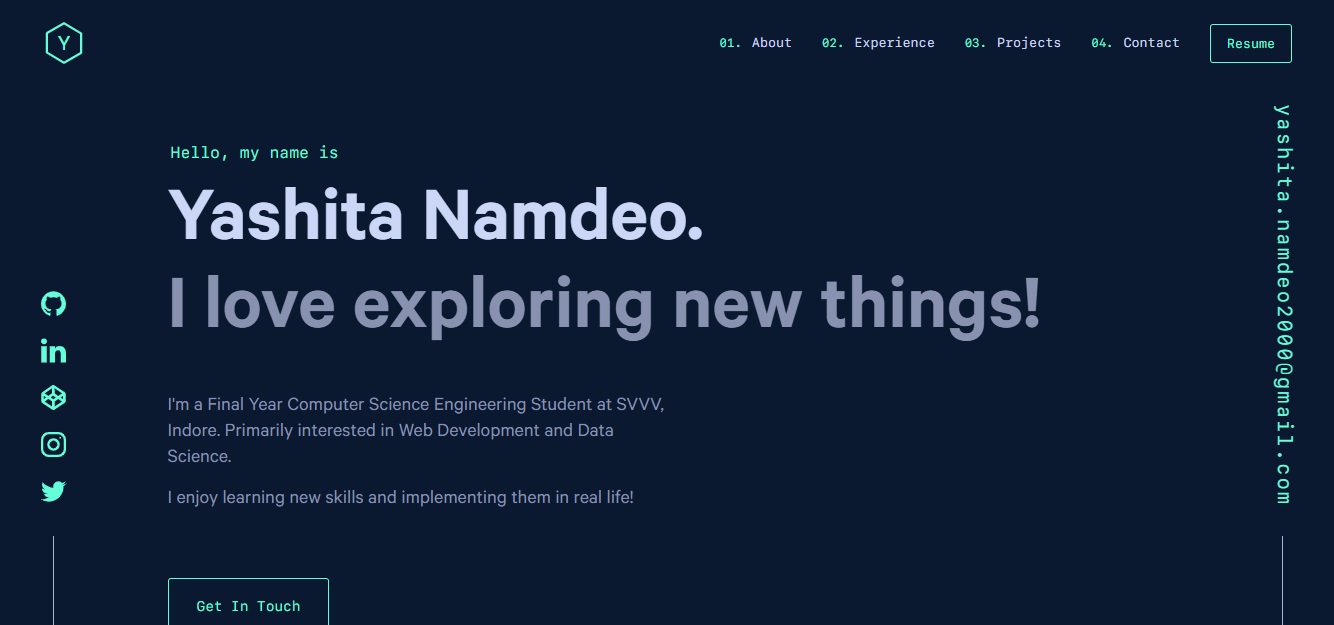
yashitanamdeo.github.io
yashitanamdeo.github.io 是一个基于 Gatsby 和 React 构建的个人作品集网站模板,源自开发者 Yashita Namdeo 的第一版个人主页。
Gatsby · 作品集

clay-theme
Image-centric Gatsby theme for publishers, portfolios, photographers blogs and more.
Gatsby · 作品集
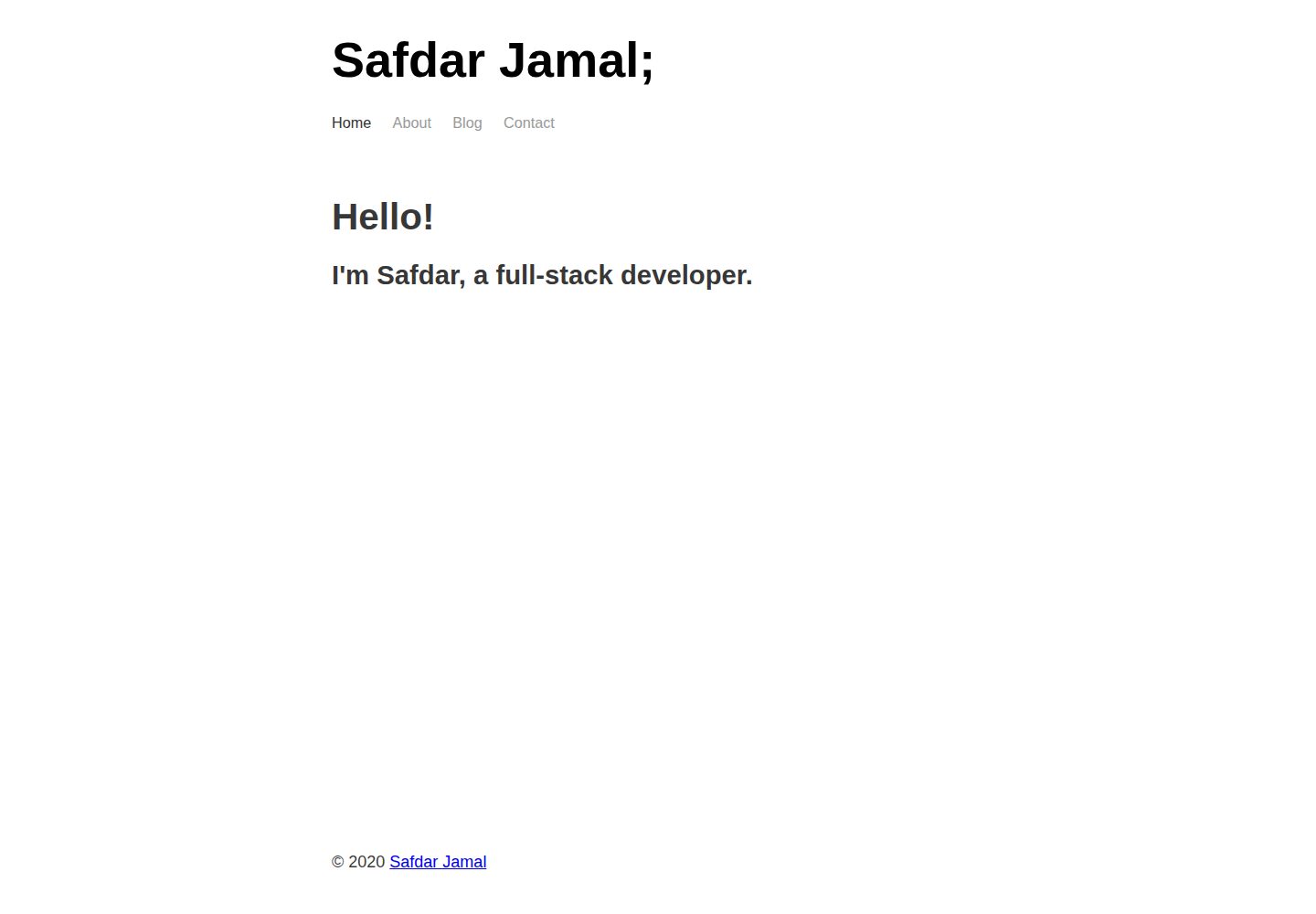
gatsby-markdown-blog
A minimal starter template for building personal/blogging websites with Gatsby, Markdown, and Netlify.
Gatsby · 作品集
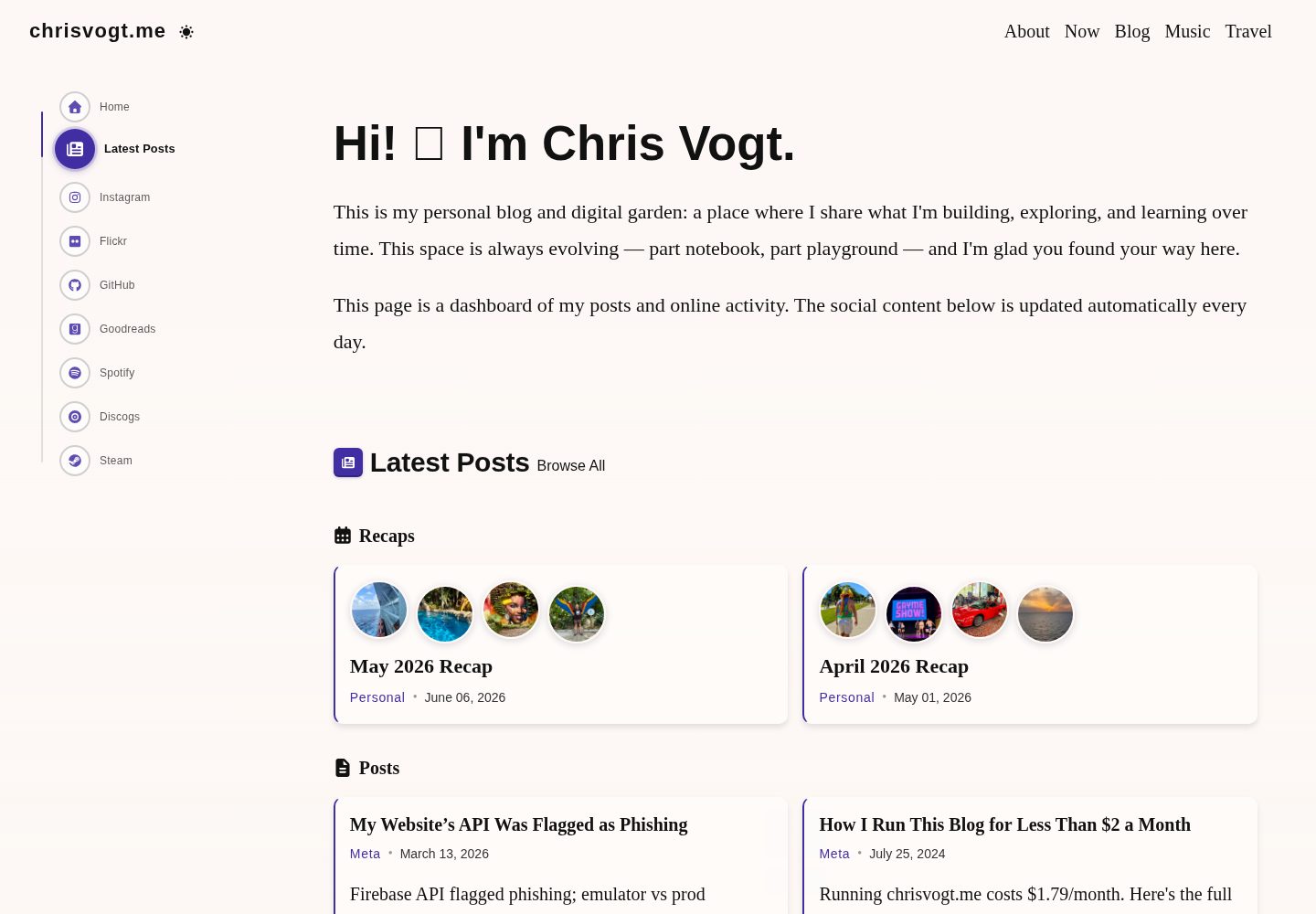
gatsby-theme-chronogrove
A homemade GatsbyJS theme for my personal blog and website.
Gatsby · 作品集
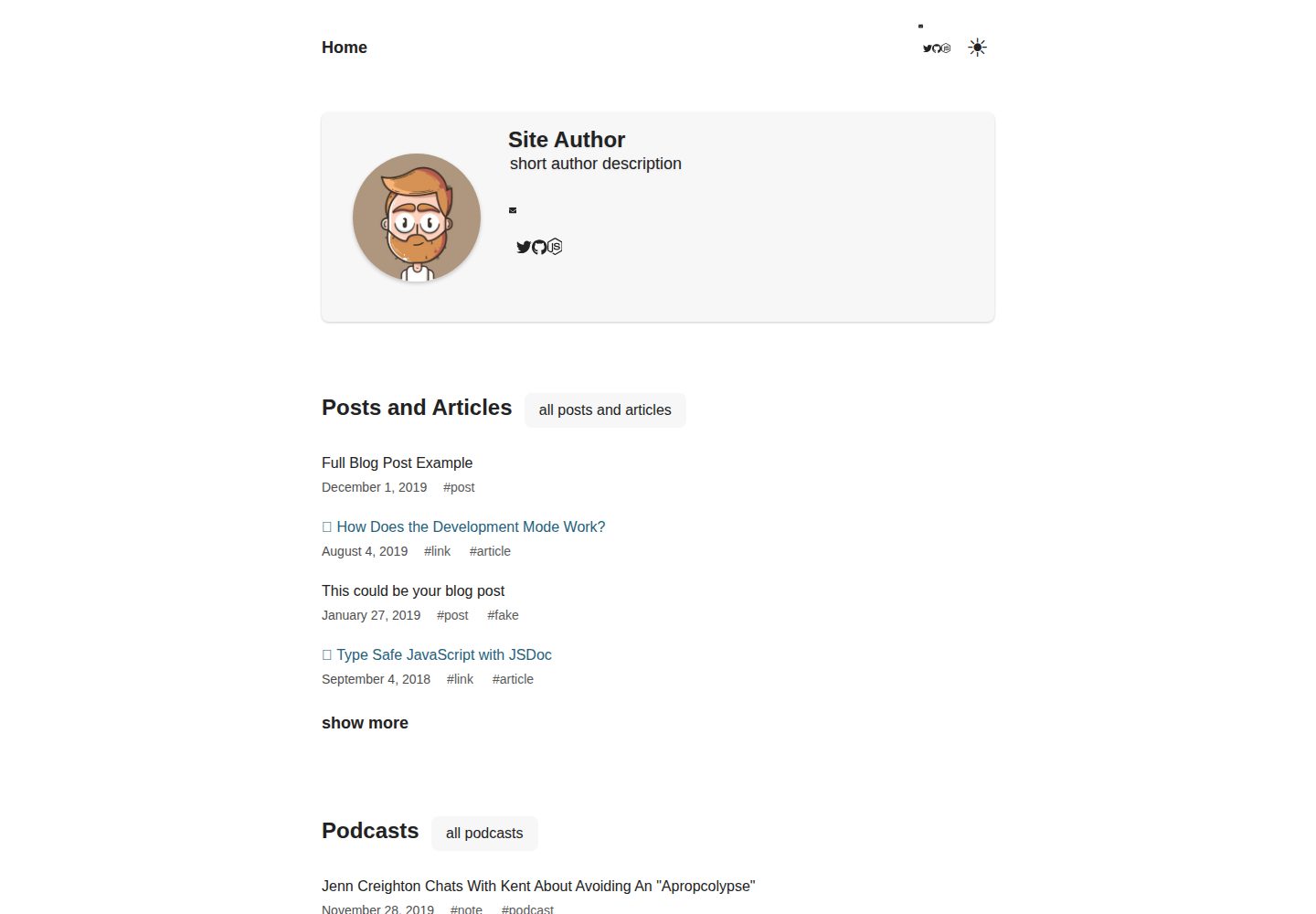
gatsby-starter-chronoblog-profile
Chronoblog Gatsby Theme Starter. This starter will help you launch a personal website with a simple text feed …
Gatsby · 作品集
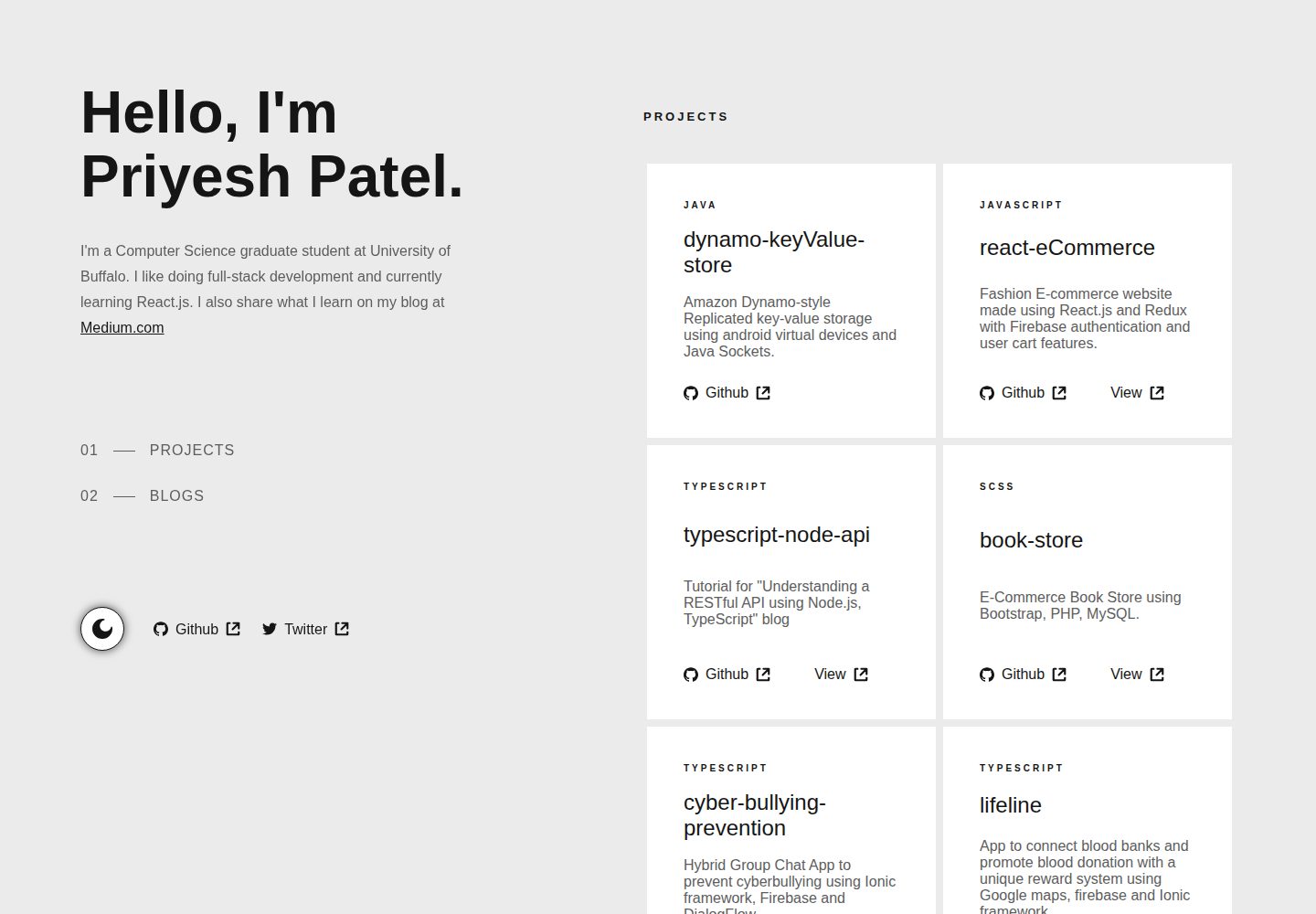
gatsby-portfolio
Personal website using gatsby.js
Gatsby · 作品集