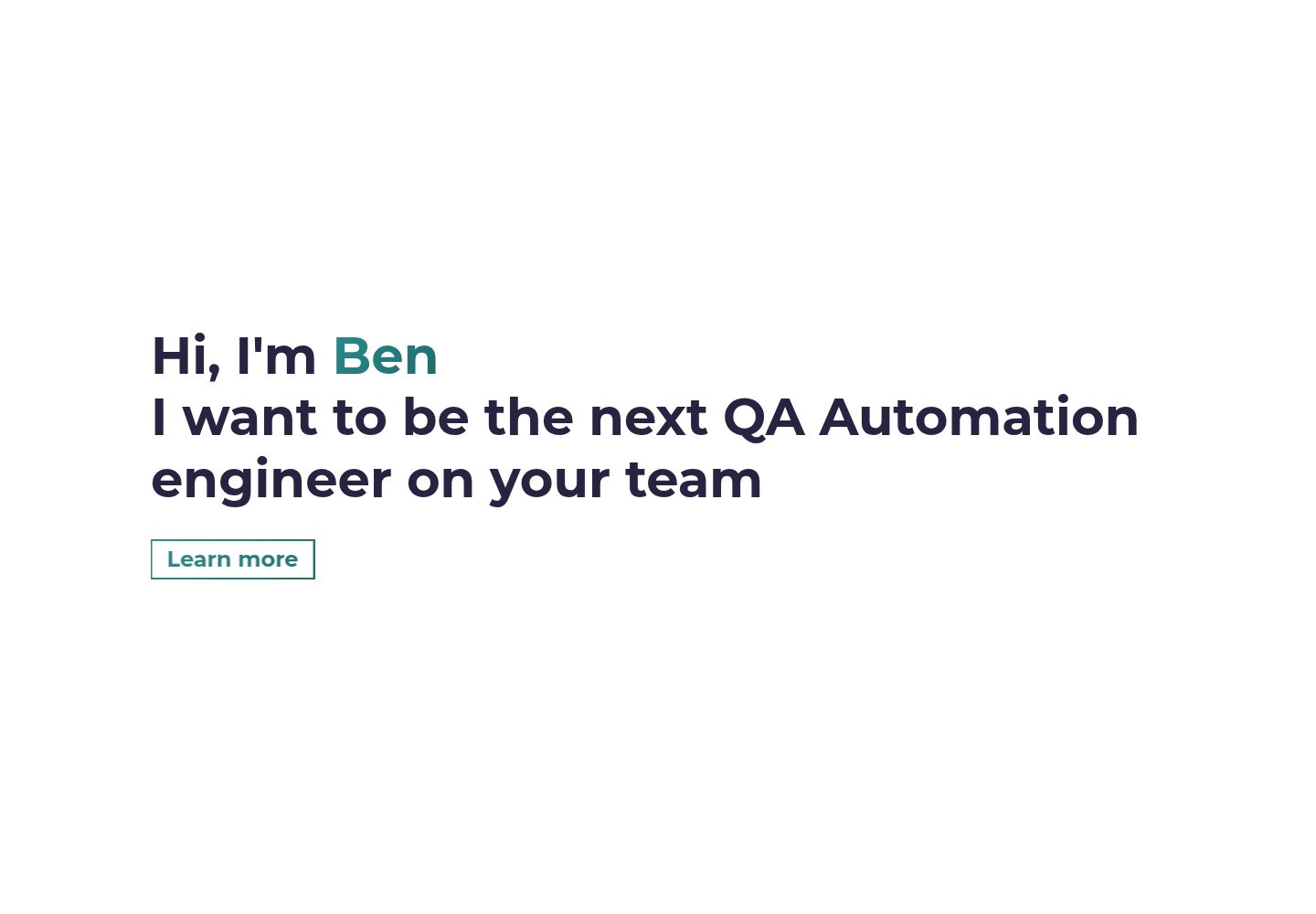
A personal portfolio based on the Gatsby Simplefolio template, with a single-page layout written in React
GatsbyReactPortfolio
ben-portfolio — Gatsby Portfolio Template
By ben-redd
A personal portfolio site built on the Gatsby Simplefolio template, using a single-page structure to present a personal introduction, several projects, and contact information, with code under the MIT license.
Explore the design
Compare the page layouts and mobile experience. Open any screenshot for a closer look.
Desktop homepage1 / 2
Desktop captureTop of page
Actual screenshot captured by the server browser.
All pages & views 2
Screenshots show visual appearance; interactive behavior may differ.
Recorded 2026-09-30View source
What stands out
A quick read of the recorded project description.
Styled with Bootstrap and custom SCSS, with theme colors configured as a gradient via two SCSS variables
Page content is centralized in src/mock/data.js, divided into five data object groups: hero, about, projects, contact, and footer
Project entries and footer social links can be added or removed as needed; when a resume or repository link is missing, the corresponding button is automatically hidden
Uses Gatsby's image optimization capabilities; images must be placed in the src/images/ directory
Code is under the MIT license, permitting free use, modification, commercial use, and distribution
Template Details
ben-portfolio is ben-redd's personal portfolio repository, used to showcase several projects and introduce himself. It is built on the Gatsby Simplefolio template, hosted on Netlify, and available online at benjamin-redd.com.
The site uses a single-page layout, is written in React, styled with Bootstrap and custom SCSS, and leverages Gatsby for image optimization. Page content is driven by several data objects in src/mock/data.js, corresponding to the hero section (heroData), about (aboutData), project list (projectsData), contact (contactData), and footer social links (footerData). Project entries can be added or removed as needed; when a resume link or repository URL is not provided, the corresponding button is hidden. Footer social icons can likewise be added or removed as needed. Theme colors are adjusted via the $main-color and $secondary-color variables in src/styles/abstracts/_variables.scss, forming a gradient color scheme.
The README documents the prerequisites for local development (Git, Node.js, Gatsby CLI, with Yarn as an alternative to NPM) and how to start (npm install followed by npm run develop, with default access at http://localhost:8000/), and provides troubleshooting steps for NPM installation errors: clear the cache, delete node_modules and package-lock.json, then reinstall. For deployment, the author recommends Netlify.
Note: the repository itself provides no statements about performance, accessibility, or browser compatibility; feature descriptions in the template materials come from the upstream Simplefolio template and do not represent additional implementations in this repository. The licensing of third-party assets such as demo images, fonts, and icons must be checked separately and cannot be determined solely from the code's MIT license.
GatsbyPortfolio
Is it right for your project?
Use Cases
- Developers building a personal portfolio page to showcase several projects and a self-introduction
- A single-page static personal site with configurable gradient theme colors
- A personal project using Gatsby as the tech stack and planned for deployment to Netlify
- A starter template for learning the Gatsby + React + Bootstrap/SCSS combination
Suitable For
- Developers who want to quickly start a personal portfolio
- Front-end users familiar with or willing to use Gatsby, React, and SCSS
- Template users who need an MIT-licensed template that can be freely modified and used commercially
- Individual users preparing to host a static site with Netlify
Getting started & customization
Use these recorded setup notes alongside the repository instructions for your chosen version.
- 1
Git, Node.js (including NPM), and Gatsby CLI must be installed in advance; Yarn can be used instead of NPM
- 2
After cloning the repository, run npm install to install dependencies, then npm run develop to start the development server, with the default address at http://localhost:8000/
- 3
If NPM installation errors occur, the README recommends clearing the npm cache, deleting node_modules and package-lock.json, and reinstalling
- 4
Fill in the hero, about, projects, contact, and footer data in src/mock/data.js; images must be placed in the src/images/ directory
- 5
After configuration is complete, set githubButtons' isEnabled to false to hide the GitHub star and fork buttons
License & source material
Usage conditions & limitations
Free to use · keep license noticeThis entry covers the free version in the public repository under the MIT license; the free scope is the code of that version and does not mean that external services or third-party assets are free.
Must comply with when using
- The code of this version may be used, modified, used commercially, and distributed free of charge.
- When distributing copies or substantial portions of the code, retain the original author's copyright notice and the full MIT license notice.
- The code is provided as is; warranties and limitations of liability are governed by the original license and applicable law.
Additional costs & items to verify
- Before use, the Gatsby CLI command-line tool must be installed separately; it is an external development dependency, not bundled with the project.
- Deployment recommends third-party hosting services such as Netlify, which may involve external platform accounts and fees.
- Images must be placed in the src/images/ directory, otherwise Gatsby cannot display them correctly.
- After configuration is complete, githubButtons' isEnabled must be set to false to hide the GitHub star and fork buttons.
- Demo images, fonts, icons, and other third-party assets must be checked against their respective licenses and cannot be determined solely from the code's MIT license.
- External services such as domains, hosting, databases, payments, or AI may incur additional charges.
View Original Text Basis
Permission is hereby granted, free of charge
Original License Text
Also you need to have installed [Gatsby CLI](https://www.gatsbyjs.org/docs/quick-start/)
Original README
I highly recommend to use [Netlify](https://netlify.com) to achieve this on the EASIEST WAY
Original README
All the images must live inside the `src/images/` folder in order for Gatsby to show the images correctly.
Original README
https://github.com/ben-redd/ben-portfolio/blob/master/LICENSE.mdhttps://github.com/ben-redd/ben-portfolio/blob/master/README.mdSet `isEnabled` to `false` once you finish setup your portfolio.
Original README
Compiled by DeepSeek based on repository license and README ·2026-10-01. Results only cover the materials read; dependencies, images, fonts, and subsequent term changes are subject to their respective original texts.
Project checks & description sources
Template Information
- Source platforms
- GitHub
- Documentation and maintenance reference score
- More documented · 80 / 100
- Technologies
- Gatsby · React
- Website type
- Portfolio
How this score is calculated
Our heuristic uses license records (up to 30), a demo link (12), a preview (10), stars (15), recorded maintenance (15), description completeness (8), feature records (5) and classification data (5). It is not a code, security or performance test, or a Google score. A link does not establish tested functionality.
What to verify for this project
- Repository update recorded
- 2026-09-29
- Screenshot last checked
- 2026-10-01
A demo link is listed. Check it with your own content and viewport sizes; its presence does not confirm that forms, authentication or payments work.
The catalog identifies Gatsby as the primary stack. Check the actual dependency manifest and lockfile for versions and hosting requirements. These notes use recorded metadata, not a code audit or a deployment test.
Use a selection guide →How this description was prepared
AI-assisted description based on catalog records and repository material. Repository authors are not automatically the reviewers of this description.
Automatically checked against source and license rules; no manual editorial review.
Inspect the recorded source material
SHA-256: 27fe5e01d509c523c131d14fe23a58a4e6abc05e9ea577db6d8338f7e1c25401
2026-10-01T14:23:31.797Z
Source file / repository### Note: if you run into error code 1 when installing packages via npm, run the following to fix it or see this thread https://github.com/gatsbyjs/gatsby/issues/27548 $ npm cache clean or npm cache clean --force then $ rm -rf node_modules package-lock.json then $ npm install if Socket timeout again use command npm install $ npm run develop # Gatsby Simplefolio ⚡️ [](https://github.com/cobidev/gatsby-simplefolio/blob/master/LICENSE.md)   ## A clean, beautiful and responsive portfolio template for Developers <h2 align="center"> <img src="https://github.com/cobidev/gatsby-simplefolio/blob/master/examples/example.gif" alt="Gatsby Simplefolio" width="600px" /> <br> </h2> ## Features ⚡️ Modern UI Design + Reveal Animations\ ⚡️ One Page Layout built with React\ ⚡️ Styled with Bootstrap v4.3 + Custom SCSS\ ⚡️ Fully Responsive\ ⚡️ Configurable color scheme\ ⚡️ Image optimization with Gatsby\ ⚡️ Easy site customization\ ⚡️ Well organized documentation To view a demo example, **[click here](https://gatsby-simplefolio.netlify.com/)**\ To view a live example, **[click here](https://cobidev.com/)** --- ## Getting Started 🚀 These instructions will get you a copy of the project up and running on your local machine for development and testing purposes. See deployment for notes on how to deploy the project on a live system. ### Prerequisites 📋 You'll need [Git](https://git-scm.com) and [Node.js](https://nodejs.org/en/download/) (which comes with [NPM](http://npmjs.com)) installed on your computer.\ Also you need to have installed [Gatsby CLI](https://www.gatsbyjs.org/docs/quick-start/) ``` [email protected] or higher [email protected] or higher [email protected] or higher [email protected] or higher ``` Also, you can use [Yarn](https://yarnpkg.com/) instead of NPM ☝️ ``` [email protected] or higher ``` --- ## How To Use 🔧 From your command line, first clone Simplefolio: ```bash # Clone this repository $ git clone https://github.com/cobidev/gatsby-simplefolio # Go into the repository $ cd gatsby-simplefolio # Remove current origin repository $ git remote remove origin ``` Then you can install the dependencies either using NPM or Yarn: Using NPM: ```bash # Install dependencies $ npm install # Start development server $ npm run develop ``` Using Yarn: ```bash # Install dependencies $ yarn # Start development server $ yarn develop ``` **NOTE**: If your run into issues installing the dependencies with NPM, use this command: ```bash # Install dependencies with all permissions $ sudo npm install --unsafe-perm=true --allow-root ``` Once your server has started, go to this url `http://localhost:8000/` and you will see the website running on a Development Server: <h2 align="center"> <img src="https://github.com/cobidev/gatsby-simplefolio/blob/master/examples/example.png" alt="Gatsby Simplefolio" width="100%"> </h2> --- ## Instructions: ### Step 1 - STRUCTURE Go to `/src/mock/data.js` and fill your information, they are 5 objects: ### Hero Section ```javascript export const heroData = { title: '', // Hello, my name is name: '', // John subtitle: '', // I'm the Unknown Developer. cta: '', // Know more }; ``` ### About Section **_Important Note_**: All the images must live inside the `src/images/` folder in order for Gatsby to show the images correctly. ```javascript export const aboutData = { img: 'profile.jpg', // put your profile image (recommended aspect radio: square) paragraphOne: '', paragraphTwo: '', paragraphThree: '', resume: 'https://www.resumemaker.online/es.php', // if no resume, the button will not show up }; ``` ### Projects Section **_Important Note_**: All the images must live inside the `src/images/` folder in order for Gatsby to show the images correctly. Put as many projects object you want inside the `array`. ```javascript export const projectsData = [ { id: nanoid(), img: 'project.jpg', title: '', info: '', info2: '', url: '', repo: 'https://github.com/cobidev/react-simplefolio', // if no repo, the button will not show up }, { id: nanoid(), img: 'project.jpg', title: '', info: '', info2: '', url: '', repo: 'https://github.com/cobidev/react-simplefolio', // if no repo, the button will not show up }, ... ]; ``` ### Contact Section ```javascript export const contactData = { cta: '', // call to action text for the contact section btn: '', // text inside the button email: '', }; ``` ### Footer Section You can remove or add as many you social-media icons you want.\ Just put an object with the corresponding values inside the networks `array` or remove it from there. ```javascript export const footerData = { networks: [ { id: nanoid(), name: 'twitter', url: '', // your twitter url }, { id: nanoid(), name: 'codepen', url: '', // your codepen url }, { id: nanoid(), name: 'linkedin', url: '', // your linkedin url }, { id: nanoid(), name: 'github', url: '', // your github url }, ], }; ``` ### Required - Disable GitHub buttons Set `isEnabled` to `false` once you finish setup your portfolio.\ By setting to `false` it will hide the GitHub stars/fork buttons ```javascript export const githubButtons = { isEnabled: true, // true is the default value }; ``` ### Step 2 - STYLES Change the color theme of the website ( choose 2 colors to create a gradient ): Go to `src/styles/abstracts/_variables.scss` and only change the values on this classes `$main-color` and `$secondary-color` to your prefered HEX color ```scss // Default values $main-color: #02aab0; $secondary-color: #00cdac; ``` **_Note_**: I highly recommend to checkout gradients variations on [UI Gradient](https://uigradients.com/#BrightVault) --- ## Deployment 📦 Once you have done with your setup. You need to put your website online! I highly recommend to use [Netlify](https://netlify.com) to achieve this on the EASIEST WAY ## Others versions 👥 [Simplefolio](https://github.com/cobidev/simplefolio) by [Jacobo Martinez](https://github.com/cobidev)\ [Ember.js Simplefolio](https://github.com/sernadesigns/simplefolio-ember) by [Michael Serna](https://github.com/sernadesigns) ## Technologies used 🛠️ - [Gatsby](https://www.gatsbyjs.org/) - Static Site Generator - [GraphQL](https://graphql.org/) - Query language for APIs - [React](https://es.reactjs.org/) - Front-End JavaScript library - [Bootstrap 4](https://getbootstrap.com/docs/4.3/getting-started/introduction/) - Front-End UI library - [Sass](https://sass-lang.com/documentation) - CSS extension language ## Authors - **Jacobo Martinez** - [https://github.com/cobidev](https://github.com/cobidev) ## Status [](https://app.netlify.com/sites/gatsby-simplefolio/deploys) ## License 📄 This project is licensed under the MIT License - see the [LICENSE.md](LICENSE.md) file for details ## Acknowledgments 🎁 I was motivated to create this project because I wanted to contribute on something useful for the dev community, thanks to [ZTM Community](https://github.com/zero-to-mastery) and [Andrei](https://github.com/aneagoie)
Explore similar templates
Compare previews and descriptions within the same stack and category.
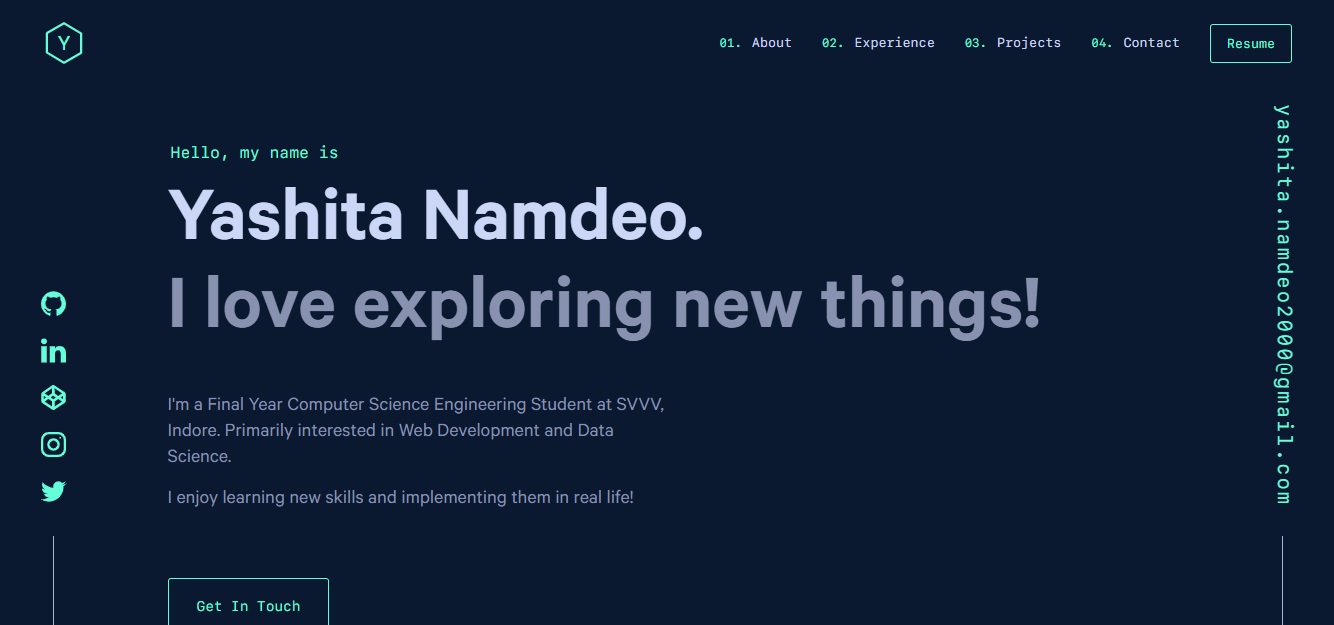
yashitanamdeo.github.io
A Gatsby and React personal portfolio template with a dark theme and navy blue and green accents, based on Yashita Namdeo's first personal homepage.
Gatsby · Portfolio

clay-theme
Clay is an image-centric Gatsby theme for publishers, portfolios, and photography blogs. It includes PWA support, a preconfigured Netlify/Decap CMS, PurgeCSS, Netlify deployment settings, and Netlify Forms.
Gatsby · Portfolio
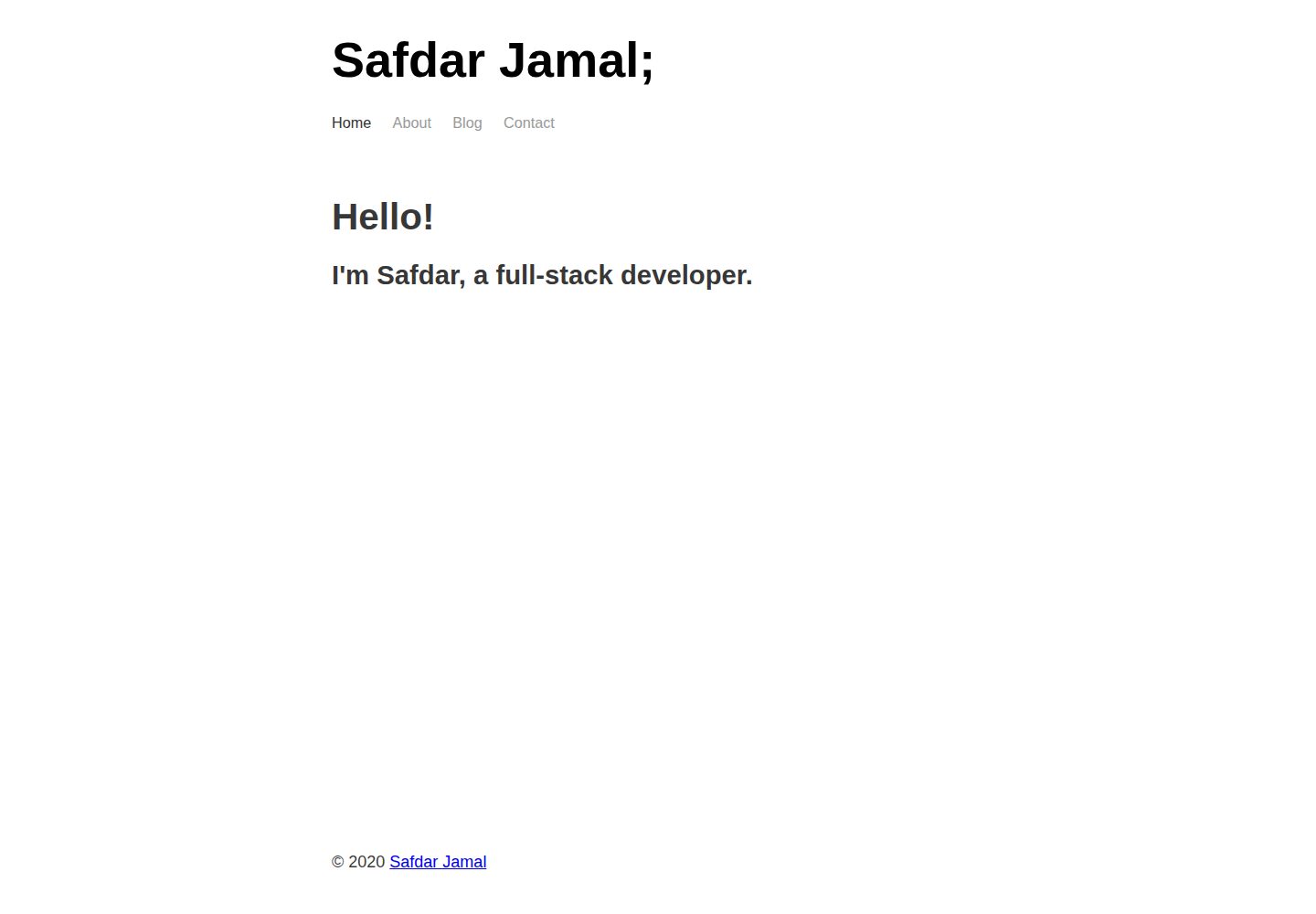
gatsby-markdown-blog
A minimal Gatsby and Markdown starter for personal blogs and portfolios, with Home, About, Blog, and Contact pages, Sass styling, React Helmet metadata, and Netlify or Vercel deployment. MIT-licensed code; third-party assets and external services require separate checks.
Gatsby · Portfolio
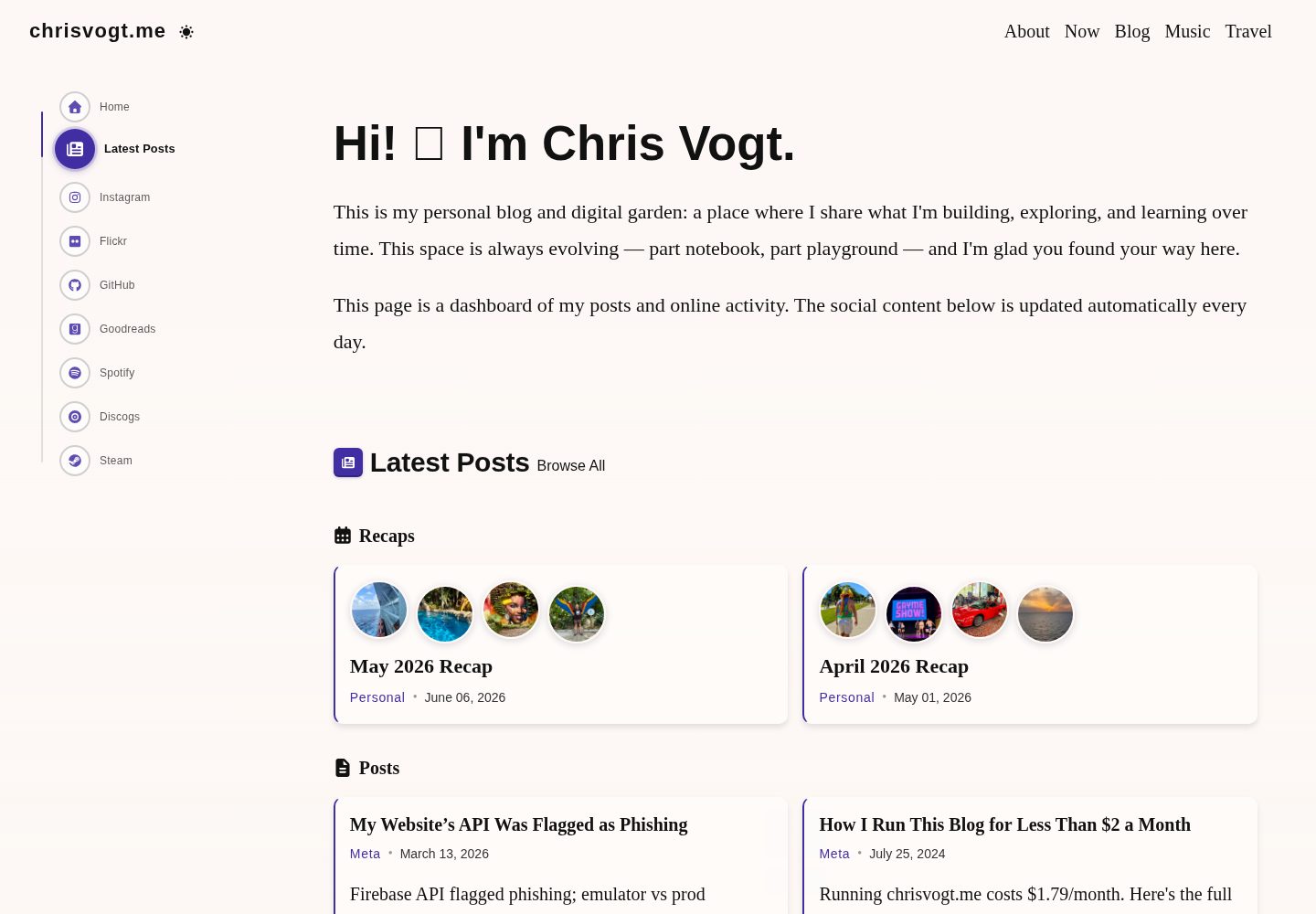
gatsby-theme-chronogrove
A Gatsby theme for personal websites and blogs, with a social activity dashboard homepage, built-in widgets for GitHub, Instagram, Spotify, Goodreads, Steam, and MDX blog support.
Gatsby · Portfolio
gatsby-starter-chronoblog-profile
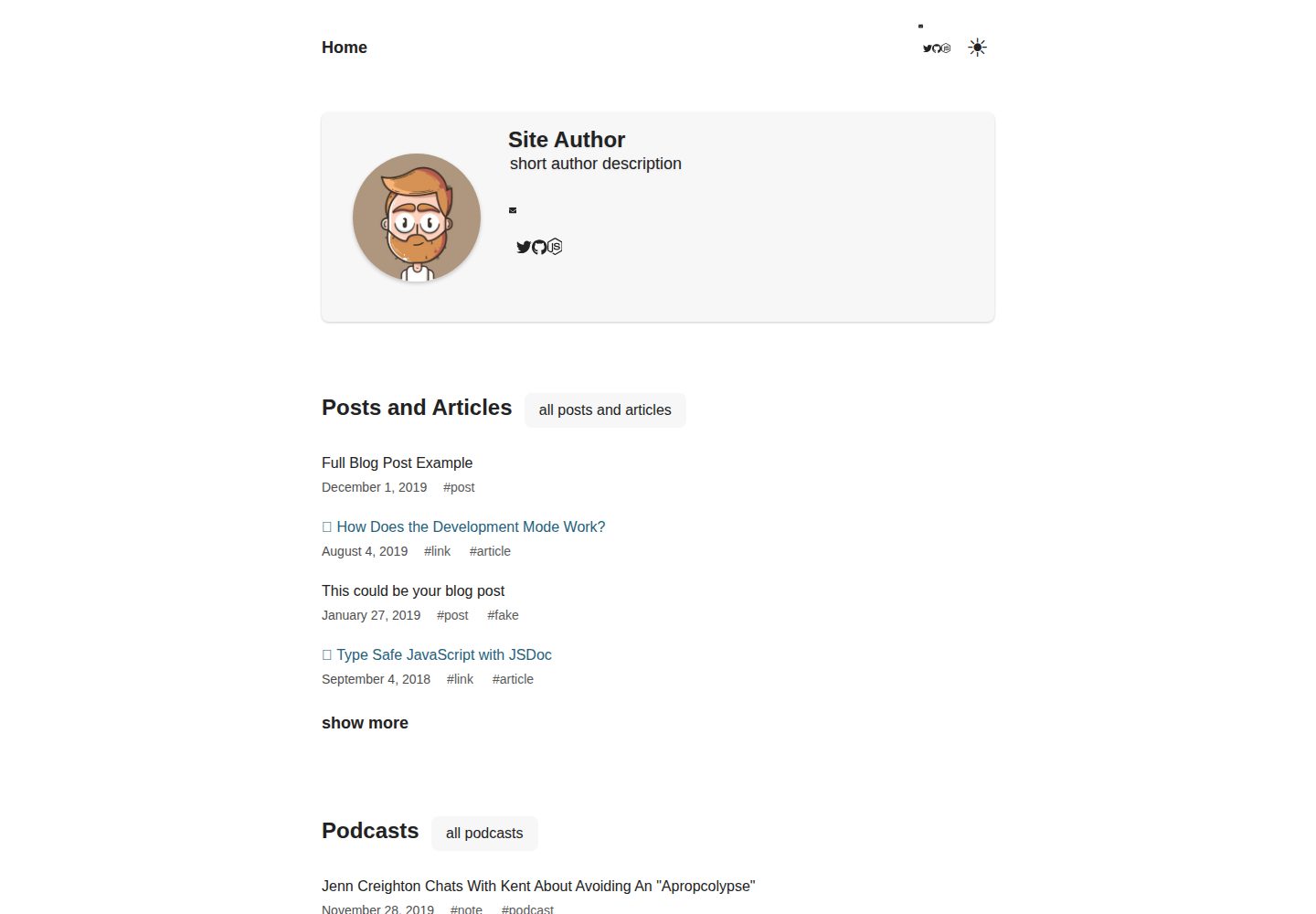
A Chronoblog Gatsby theme starter for personal websites, with a homepage built from compact text feeds organized by tags. Content and pages use MDX, and site elements like menus and footers can also be customized with MDX.
Gatsby · Portfolio
gatsby-portfolio
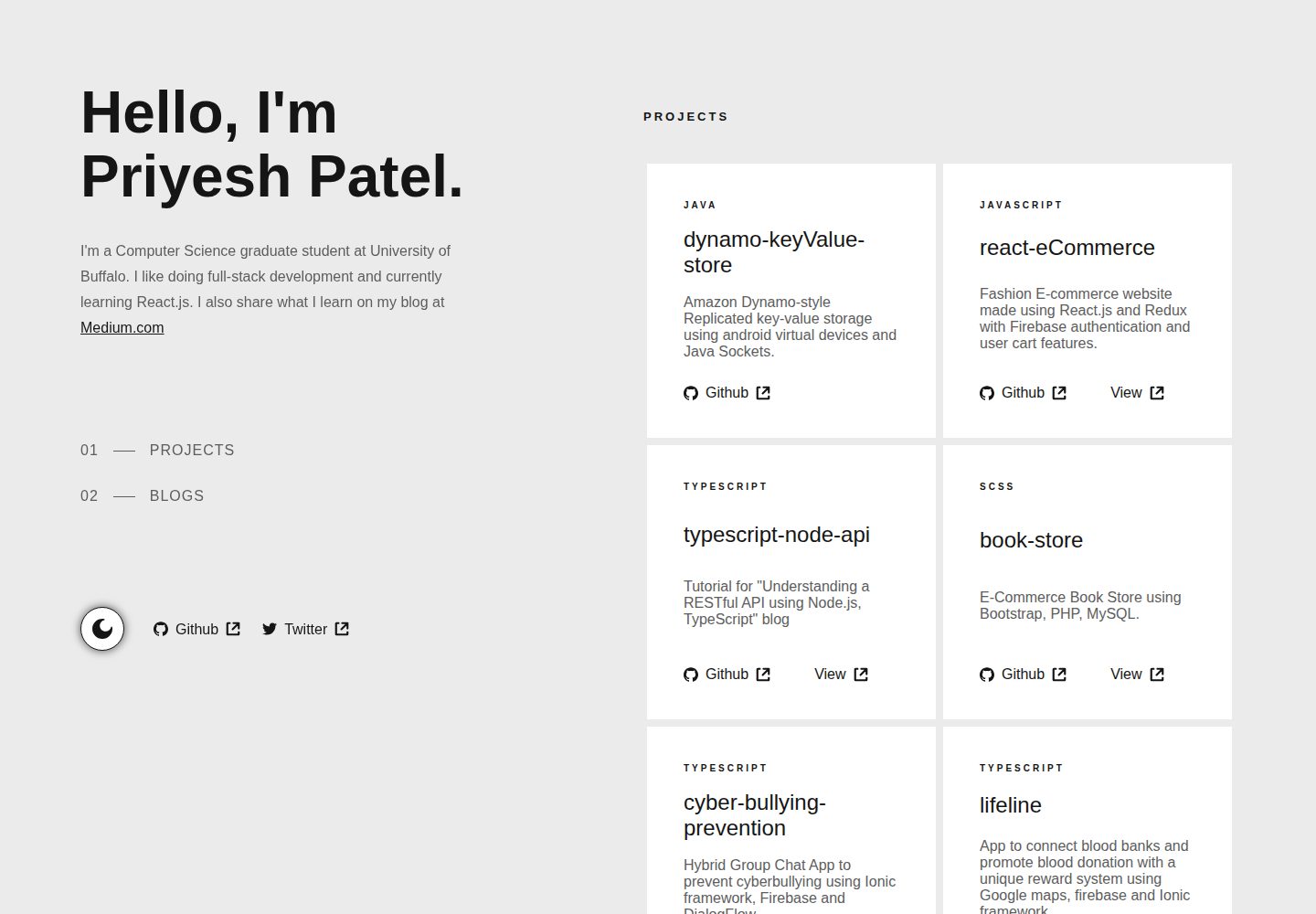
A Gatsby-based personal portfolio template that manages personal information, blog, and project data via JSON files under src/data, with dark/light mode toggle, mobile-first responsive layout, and smooth scrolling via react-scroll.
Gatsby · Portfolio