The README positions it as a feature-complete starter template for Bun and labels it a Next.js Bun Starter
Next.jsReactStarter
relibun — Next.js Starter Template
By blefnk
Relibun is a Next.js starter template based on Bun; the README mainly introduces the Bun toolchain itself and does not explain the template's specific features or configuration.
Explore the design
Compare the page layouts and mobile experience. Open any screenshot for a closer look.
Desktop homepage1 / 3
Desktop captureTop of page
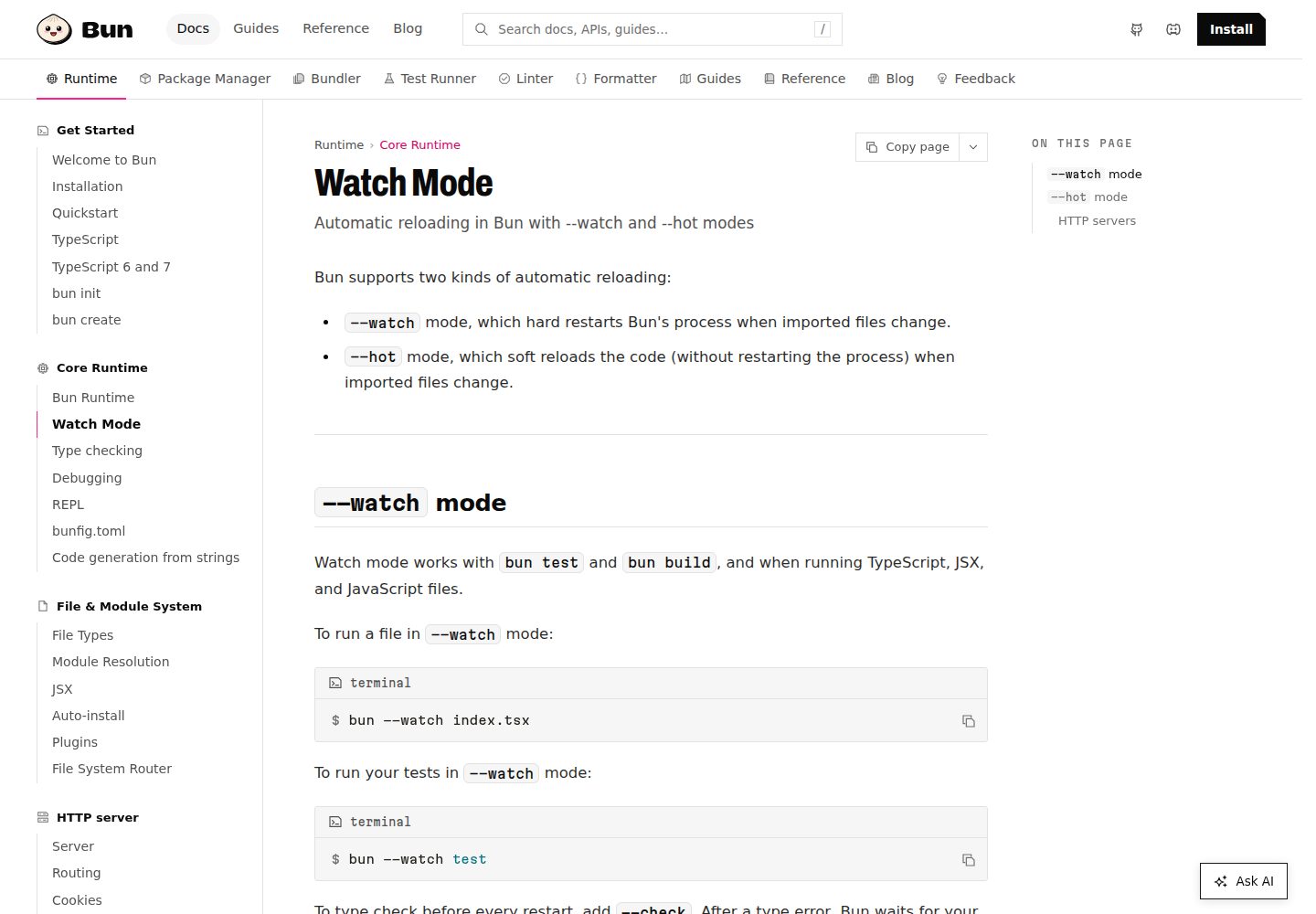
Actual screenshot captured by the server browser.
All pages & views 3
Screenshots show visual appearance; interactive behavior may differ.
Recorded 2026-10-13View source
What stands out
A quick read of the recorded project description.
Uses Bun as the runtime, allowing TypeScript and JSX to run directly without additional transpilation configuration
The Bun command line also provides a test runner, script runner, and Node.js-compatible package manager
The README gives Bun installation methods on Linux (x64, arm64) and macOS (x64, Apple Silicon), including install script, npm, Homebrew, and Docker
The README states that Bun is still in development and recommends it for speeding up development workflows or for simpler production code in resource-constrained environments
Template Details
In the README, Relibun is described as a "feature-complete starter template for Bun" and labeled "Next.js Bun Starter," meaning a Bun starter template aimed at Next.js projects. The body of the README is almost entirely about Bun itself: Bun is an all-in-one toolkit for JavaScript and TypeScript, providing a runtime, test runner, script runner, and Node.js-compatible package manager through a single executable, `bun`, and it supports running TypeScript and JSX directly.
As for the template itself, the README provides no directory structure, page composition, styling approach, dependency list, environment variables, or build and deployment steps, so it is impossible to confirm which specific pages, components, or integrations the template includes. Links to Next.js, React, Elysia, Hono, Express, and others that appear in the README are ecosystem entry points in the Bun documentation and cannot be taken as evidence that the template has integrated these frameworks.
The README also states that Bun is still in development and recommends it for speeding up development workflows, or for running simpler production code in resource-constrained environments such as serverless functions. The template's availability and production readiness are not addressed in the README.
Next.jsStarter
Is it right for your project?
Use Cases
- Starting a basic skeleton for a Next.js project with Bun as the runtime
- Replacing part of the Node.js toolchain in a development workflow with commands such as bun run, bun test, and bun install
- Setting up a Bun environment on Linux or macOS using the installation methods in the README and then running this starter template
Suitable For
- Developers who want to start a Next.js project with Bun as the runtime
- Developers who need a reference for Bun installation and basic command usage
- Developers working in Linux or macOS environments
Getting started & customization
Use these recorded setup notes alongside the repository instructions for your chosen version.
- 1
The README does not provide installation and startup steps for the template itself; it only gives Bun installation methods
- 2
Bun supports Linux (x64, arm64) and macOS (x64, Apple Silicon); on Linux, kernel 5.6 or later is recommended, with 5.1 as the minimum
- 3
The README states that Bun currently does not provide a native Windows build, and Windows users need to use it through WSL
- 4
Bun can be installed using the install script, npm, Homebrew, or Docker, and upgraded with bun upgrade
- 5
The README does not explain the template's environment variables, build, or deployment configuration
License & source material
Usage conditions & limitations
Free to use · keep license noticeThis entry covers the free version under the MIT license in the public repository; the free scope is the code of that version and does not mean that external services or third-party assets are free.
Must comply with when using
- You may use, modify, use commercially, and distribute the code of this version for free.
- When distributing copies or substantial portions of the code, retain the original author's copyright notice and the complete MIT license notice.
- The code is provided as is; warranties and limitations of liability are governed by the original license and applicable law.
Additional costs & items to verify
- Demo images, fonts, icons, and other third-party assets must be checked against their respective licenses and cannot be judged solely by the code's MIT license.
- External services such as domains, hosting, databases, payments, or AI may incur separate charges.
- The README states that Bun is still in development and recommends it only for speeding up development workflows or for running simpler production code in resource-constrained environments such as serverless functions; full Node.js compatibility is not guaranteed.
- Bun supports only Linux (x64, arm64) and macOS (x64, Apple Silicon); other platforms cannot use it directly.
- Linux users are advised to use kernel 5.6 or later, with 5.1 as the minimum requirement.
- Bun currently does not provide a native Windows build, and Windows users need to use it through WSL or another installation method.
View Original Text Basis
Permission is hereby granted, free of charge
Original License Text
> **Bun is still under development.** Use it to speed up your development workflows or run simpler production code in resource-constrained environments like serverless functions. We're working on more complete Node.js compatibility and integration with existing frameworks. Join the [Discord](https://bun.sh/discord) and watch the [GitHub repository](https://github.com/oven-sh/bun) to keep tabs on future releases.
Original README
Bun supports Linux (x64 & arm64) and macOS (x64 & Apple Silicon).
Original README
> **Linux users** — Kernel version 5.6 or higher is strongly recommended, but the minimum is 5.1.
Original README
https://github.com/blefnk/relibun/blob/main/LICENSEhttps://github.com/blefnk/relibun/blob/main/README.md> **Windows users** — Bun does not currently provide a native Windows build. We're working on this; progress can be tracked at [this issue](https://github.com/oven-sh/bun/issues/43). In the meantime, use one of the installation methods below for Windows Subsystem for Linux.
Original README
Compiled by DeepSeek based on repository license and README ·2026-10-13. Results only cover the materials read; dependencies, images, fonts, and subsequent term changes are subject to their respective original texts.
Project checks & description sources
Template Information
- Source platforms
- GitHub
- Documentation and maintenance reference score
- Partly documented · 68 / 100
- Technologies
- Next.js · React
- Website type
- Starter
How this score is calculated
Our heuristic uses license records (up to 30), a demo link (12), a preview (10), stars (15), recorded maintenance (15), description completeness (8), feature records (5) and classification data (5). It is not a code, security or performance test, or a Google score. A link does not establish tested functionality.
What to verify for this project
- Repository update recorded
- 2023-09-07
- Screenshot last checked
- 2026-10-13
A demo link is listed. Check it with your own content and viewport sizes; its presence does not confirm that forms, authentication or payments work.
The catalog identifies Next.js as the primary stack. Check the actual dependency manifest and lockfile for versions and hosting requirements. These notes use recorded metadata, not a code audit or a deployment test.
Use a selection guide →How this description was prepared
AI-assisted description based on catalog records and repository material. Repository authors are not automatically the reviewers of this description.
Review declaration: codex-user-requested-batch-review-20261017 · 2026-10-16
Inspect the recorded source material
SHA-256: b6d21c3ee65756fa3ab0d53713f548f4a221b61af2a0588a4e4d8b7718f75307
2026-10-13T22:01:47.940Z
Source file / repository# Relibun is a feature-complete starter for Bun 🚀 [Bun](https://bun.sh) is a fast JavaScript all-in-one toolkit 🧁 Next.js Bun Starter. Build faster with Bun. Develop, test, run, and bundle JavaScript & TypeScript projects, like this one starter—all with Bun. Bun is an all-in-one JavaScript runtime & toolkit designed for speed, complete with a bundler, test runner, and Node.js-compatible package manager. **Bun just was released – 07 September 2023 🚀** <p align="center"> <a href="https://bun.sh"><img src="https://user-images.githubusercontent.com/709451/182802334-d9c42afe-f35d-4a7b-86ea-9985f73f20c3.png" alt="Logo" height=170></a> </p> <h1 align="center">Bun</h1> <p align="center"> <a href="https://bun.sh/discord" target="_blank"><img height=20 src="https://img.shields.io/discord/876711213126520882" /></a> <img src="https://img.shields.io/github/stars/oven-sh/bun" alt="stars"> <a href="https://twitter.com/jarredsumner/status/1542824445810642946"><img src="https://img.shields.io/static/v1?label=speed&message=fast&color=success" alt="Bun speed" /></a> </p> <div align="center"> <a href="https://bun.sh/docs">Documentation</a> <span> • </span> <a href="https://discord.com/invite/CXdq2DP29u">Discord</a> <span> • </span> <a href="https://github.com/oven-sh/bun/issues/new">Issues</a> <span> • </span> <a href="https://github.com/oven-sh/bun/issues/159">Roadmap</a> <br /> </div> ### [Read the docs →](https://bun.sh/docs) | [Check Bun repo →](https://github.com/oven-sh/bun) ## What is Bun? > **Bun is still under development.** Use it to speed up your development workflows or run simpler production code in resource-constrained environments like serverless functions. We're working on more complete Node.js compatibility and integration with existing frameworks. Join the [Discord](https://bun.sh/discord) and watch the [GitHub repository](https://github.com/oven-sh/bun) to keep tabs on future releases. Bun is an all-in-one toolkit for JavaScript and TypeScript apps. It ships as a single executable called `bun`. At its core is the _Bun runtime_, a fast JavaScript runtime designed as a drop-in replacement for Node.js. It's written in Zig and powered by JavaScriptCore under the hood, dramatically reducing startup times and memory usage. ```bash bun run index.tsx # TS and JSX supported out of the box ``` The `bun` command-line tool also implements a test runner, script runner, and Node.js-compatible package manager. Instead of 1,000 node_modules for development, you only need `bun`. Bun's built-in tools are significantly faster than existing options and usable in existing Node.js projects with little to no changes. ```bash bun test # run tests bun run start # run the `start` script in `package.json` bun install <pkg> # install a package bunx cowsay 'Hello, world!' # execute a package ``` ## Install Bun supports Linux (x64 & arm64) and macOS (x64 & Apple Silicon). > **Linux users** — Kernel version 5.6 or higher is strongly recommended, but the minimum is 5.1. > > **Windows users** — Bun does not currently provide a native Windows build. We're working on this; progress can be tracked at [this issue](https://github.com/oven-sh/bun/issues/43). In the meantime, use one of the installation methods below for Windows Subsystem for Linux. ```sh # with install script (recommended) curl -fsSL https://bun.sh/install | bash # with npm npm install -g bun # with Homebrew brew tap oven-sh/bun brew install bun # with Docker docker pull oven/bun docker run --rm --init --ulimit memlock=-1:-1 oven/bun ``` ### Upgrade To upgrade to the latest version of Bun, run: ```sh bun upgrade ``` Bun automatically releases a canary build on every commit to `main`. To upgrade to the latest canary build, run: ```sh bun upgrade --canary ``` [View canary build](https://github.com/oven-sh/bun/releases/tag/canary) ## Quick links - Intro - [What is Bun?](https://bun.sh/docs/index) - [Installation](https://bun.sh/docs/installation) - [Quick Start](https://bun.sh/docs/quickstart) - CLI - [`bun run`](https://bun.sh/docs/cli/run) - [`bun install`](https://bun.sh/docs/cli/install) - [`bun test`](https://bun.sh/docs/cli/test) - [`bun create`](https://bun.sh/docs/cli/create) - [`bunx`](https://bun.sh/docs/cli/bunx) - Runtime - [Runtime](https://bun.sh/docs/runtime/index) - [Module resolution](https://bun.sh/docs/runtime/modules) - [Hot & live reloading](https://bun.sh/docs/runtime/hot) - [Plugins](https://bun.sh/docs/bundler/plugins) - Ecosystem - [Node.js](https://bun.sh/docs/ecosystem/nodejs) - [TypeScript](https://bun.sh/docs/ecosystem/typescript) - [React](https://bun.sh/docs/ecosystem/react) - [Elysia](https://bun.sh/docs/ecosystem/elysia) - [Hono](https://bun.sh/docs/ecosystem/hono) - [Express](https://bun.sh/docs/ecosystem/express) - [awesome-bun](https://github.com/apvarun/awesome-bun) - API - [HTTP](https://bun.sh/docs/api/http) - [WebSockets](https://bun.sh/docs/api/websockets) - [TCP Sockets](https://bun.sh/docs/api/tcp) - [File I/O](https://bun.sh/docs/api/file-io) - [SQLite](https://bun.sh/docs/api/sqlite) - [FileSystemRouter](https://bun.sh/docs/api/file-system-router) - [Globals](https://bun.sh/docs/api/globals) - [Spawn](https://bun.sh/docs/api/spawn) - [Transpiler](https://bun.sh/docs/api/transpiler) - [Console](https://bun.sh/docs/api/console) - [FFI](https://bun.sh/docs/api/ffi) - [HTMLRewriter](https://bun.sh/docs/api/html-rewriter) - [Testing](https://bun.sh/docs/api/test) - [Utils](https://bun.sh/docs/api/utils) - [Node-API](https://bun.sh/docs/api/node-api) ## Contributing Refer to the [Project > Development](https://bun.sh/docs/project/development) guide to start contributing to Bun. ## License Refer to the [Project > License](https://bun.sh/docs/project/licensing) page for information about Bun's licensing.
Explore similar templates
Compare previews and descriptions within the same stack and category.

Next.js SaaS Starter
The official Next.js SaaS starter template, integrating email/password authentication, Stripe Checkout subscriptions, a dashboard with user/team CRUD, basic Owner/Member RBAC, and activity logging.
Next.js · SaaS

Next.js Commerce
Vercel's officially maintained Next.js App Router ecommerce starter with deep Shopify integration, offering a complete product catalog, cart, and checkout flow. Core logic is modular for swapping backends, and community provider versions exist for BigCommerce, Medusa, and Saleor.
Next.js · E-commerce

Next-js-Boilerplate
A developer-first Next.js 16 starter with Tailwind CSS 4 and TypeScript, supporting both App Router and Page Router.
Next.js · Starter

tailwind-nextjs-starter-blog
A Next.js and Tailwind CSS blog starter template using Contentlayer for Markdown/MDX, with built-in SEO, code highlighting, and tags. It targets personal technical blogs and migration from Jekyll/Hugo to React, and supports one-click Vercel deployment.
Next.js · Blog

next-forge
next-forge is a Turborepo-based Next.js template maintained by Vercel, positioned as a starting point for SaaS products.
Next.js · Starter

SaaS-Boilerplate
SaaS-Boilerplate is an open-source SaaS starter template built with Next.js App Router, React 19, TypeScript, Tailwind CSS, and Shadcn UI.
Next.js · SaaS