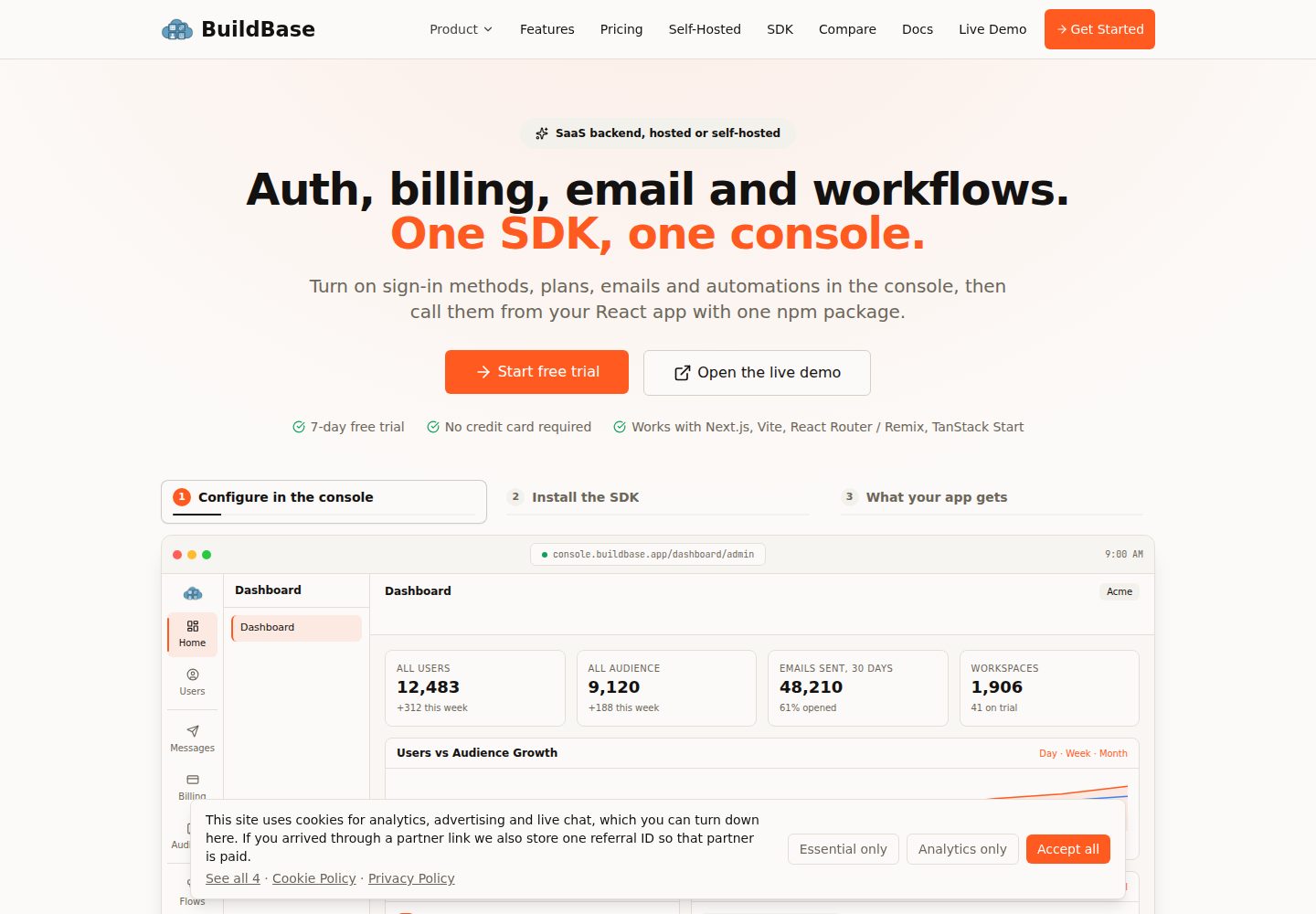
A single createAgentStack() configuration drives the MCP server, Agent OAuth, and all discovery documents
Next.jsReactSaaSStarter
nextjs-agent-mcp-starter — Next.js SaaS Template
By buildbase-app
An agent-first starter built on Next.js App Router and @buildbase/sdk that unifies MCP server, Agent OAuth, and discovery documents through a single createAgentStack() configuration.
Explore the design
Compare the page layouts and mobile experience. Open any screenshot for a closer look.
Desktop homepage1 / 3
Desktop captureTop of page
Actual screenshot captured by the server browser.
All pages & views 3
Screenshots show visual appearance; interactive behavior may differ.
Recorded 2026-10-03View source
What stands out
A quick read of the recorded project description.
The MCP endpoint is at /mcp, matching the RFC 9728 canonical resource to prevent clients from rejecting it due to a mismatch
Exposes 48 tools by default: 42 BuildBase built-in tools, 1 health-check example, and 5 project CRUD tools
Built-in build failure on missing environment variables, per-user rate limiting, error redaction, and request body size limit
Provides agent discovery routes such as .well-known, llms.txt, auth.md, and security.txt
Template Details
This template is aimed at developers who want AI agents to call application capabilities directly. It consolidates the MCP server, Agent OAuth authentication, and the full agent discovery surface (.well-known documents, llms.txt, auth.md, robots.txt, security.txt, sitemap.xml) into a single createAgentStack() configuration, and integrates with the BuildBase platform via @buildbase/sdk.
For authentication, it supports only agent login; there is no in-app login UI for human users. Users authenticate on BuildBase-hosted login and authorization pages when an agent initiates the OAuth flow, which includes dynamic client registration (DCR) and PKCE. The README states that the template requires a BuildBase account, an OAuth2 agent client, and Agent Readiness enabled in the console; otherwise agents cannot complete authentication.
The template exposes 48 tools by default: 42 BuildBase built-in tools (covering reads and writes, including destructive operations such as deleting a workspace and canceling a subscription), one app_health custom tool example, and 5 project CRUD tools (create/list/get/update/delete_project). The latter use zod schemas, annotations, and per-user ownership isolation based on ctx.auth.userId. The project tools use an in-memory demo data store that resets on restart and is not shared across serverless instances; the README recommends replacing it with a real database.
Environment and security measures already wired into the template include: build failure when required environment variables are missing, per-user sliding-window rate limiting of 120 requests per minute (in-memory implementation), agent-facing error redaction, an SDK default request body limit of 1 MiB, and CI that runs lint, build, and typecheck on every push/PR. The README explicitly notes that localhost cannot be used for agent flows because the BuildBase platform calls the token endpoint server-to-server and blocks loopback addresses; local development requires a tunnel.
Next.jsSaaSStarter
Is it right for your project?
Use Cases
- Adding an MCP server to an existing application so clients like Claude Code can call tools as an agent
- Setting up an Agent OAuth authorization flow that requires dynamic client registration and PKCE
- Learning from a minimal example how to write custom MCP tools with zod schemas and per-user ownership isolation
- Completing agent discovery documents for a site (.well-known, llms.txt, auth.md, security.txt, etc.)
Suitable For
- Developers using Next.js App Router who want to expose capabilities in an agent-first way
- Teams that have or plan to open a BuildBase account and need Agent OAuth and MCP integration
- Projects that need a reference for narrowing tool permissions (readonly or include/exclude)
Getting started & customization
Use these recorded setup notes alongside the repository instructions for your chosen version.
- 1
Requires a BuildBase account and an OAuth2 agent client created in the console (with PKCE enabled), configuring the Token, Revoke, and Profile URLs; leave the Redirect URL empty for DCR registration
- 2
In the console under Admin → Auth → Agent access, enable Agent readiness and Let agents register themselves, and select the above client as the base client
- 3
Copy .env.example to .env.local and fill it in; NEXT_PUBLIC_* variables are inlined at build time, so rebuild after changing them
- 4
localhost cannot be used for agent flows; local development requires a tunnel (e.g., ngrok) with the tunnel address written into the console URLs and NEXT_PUBLIC_SITE_URL
- 5
Before going live, replace the in-memory project store with a real database, trim the builtinTools.include list, and update NEXT_PUBLIC_SITE_URL and the console client URLs
License & source material
Usage conditions & limitations
Free to use · keep license noticeThis entry covers the free version under the MIT license in the public repository; the free scope is the code of that version and does not imply that external services or third-party assets are free.
Must comply with when using
- You may use, modify, commercialize, and distribute the code of this version for free.
- When distributing copies or substantial portions of the code, retain the original author's copyright notice and the full MIT license notice.
- The code is provided as is; warranties and limitations of liability are governed by the original license and applicable law.
Additional costs & items to verify
- Using this template requires a BuildBase account and an OAuth2 agent client created in the console with Agent Readiness enabled; otherwise agents cannot complete authentication and the template's core functionality is unavailable.
- The agent authentication flow cannot run on localhost because the BuildBase platform calls the token endpoint server-to-server and blocks loopback addresses; local development must use a tunnel such as ngrok and configure a public address.
- The project CRUD tools use an in-memory demo store by default, which resets on server restart and is not shared across serverless instances; production use requires replacing it with a real database.
- The template exposes all 48 tools by default (including destructive write operations such as deleting a workspace and canceling a subscription) for demonstration only; production environments must narrow the tool scope themselves.
- Demo images, fonts, icons, and other third-party assets must be checked against their respective licenses; the code's MIT license alone is not sufficient to judge them.
- External services such as domains, hosting, databases, payments, or AI may incur additional charges.
View Original Text Basis
Permission is hereby granted, free of charge
Original License Text
This starter requires a [BuildBase](https://buildbase.app) account with an OAuth2 agent client and Agent Readiness enabled. Without it, agents cannot authenticate.
Original README
`localhost` will not work for the agent flow
Original README
The project tools use an **in-memory demo store**: it resets on every server restart and is not shared across serverless instances.
Original README
https://github.com/buildbase-app/nextjs-agent-mcp-starter/blob/main/LICENSEhttps://github.com/buildbase-app/nextjs-agent-mcp-starter/blob/main/README.mdThis starter deliberately exposes the full surface to demonstrate capability. **For production, narrow it**
Original README
Compiled by DeepSeek based on repository license and README ·2026-10-03. Results only cover the materials read; dependencies, images, fonts, and subsequent term changes are subject to their respective original texts.
Project checks & description sources
Template Information
- Source platforms
- GitHub
- Documentation and maintenance reference score
- More documented · 85 / 100
- Technologies
- Next.js · React
- Website type
- SaaS · Starter
How this score is calculated
Our heuristic uses license records (up to 30), a demo link (12), a preview (10), stars (15), recorded maintenance (15), description completeness (8), feature records (5) and classification data (5). It is not a code, security or performance test, or a Google score. A link does not establish tested functionality.
What to verify for this project
- Repository update recorded
- 2026-07-10
- Screenshot last checked
- 2026-10-03
A demo link is listed. Check it with your own content and viewport sizes; its presence does not confirm that forms, authentication or payments work.
The catalog identifies Next.js as the primary stack. Check the actual dependency manifest and lockfile for versions and hosting requirements. These notes use recorded metadata, not a code audit or a deployment test.
Use a selection guide →How this description was prepared
AI-assisted description based on catalog records and repository material. Repository authors are not automatically the reviewers of this description.
Automatically checked against source and license rules; no manual editorial review.
Inspect the recorded source material
SHA-256: 343992b58c4df1c77b0151d540b03b931b7271e6ccfb8397789eedf48cdb7d59
2026-10-03T02:56:01.235Z
Source file / repository# BuildBase Agent MCP Starter (`nextjs-agent-mcp-starter`)
    
Next.js 16 (App Router) + [`@buildbase/sdk`](https://www.npmjs.com/package/@buildbase/sdk) ≥ 0.0.54 starter for an **agent-first app**: a live MCP server with BuildBase-powered agent OAuth and the full agent-discovery surface, all from one `createAgentStack()` config.
> **Important:** This starter requires a [BuildBase](https://buildbase.app) account with an OAuth2 agent client and Agent Readiness enabled. Without it, agents cannot authenticate.
**Agent auth only.** There is no app-side login UI — users authenticate on BuildBase's hosted login + consent screen during the agent's OAuth flow. (For human sign-in wiring, see the `nextjs-starter` reference app.)
Verified end-to-end with Claude Code as the MCP client: discovery → dynamic client registration → consent → token mint → 31 tools, including writes.
## Setup
1. Copy `.env.example` → `.env.local` and fill it in (see [Environment](#environment)).
2. In [console.buildbase.app](https://console.buildbase.app):
- Create an **OAuth2 agent client** (Type `oauth2`, Client kind `Agent (third-party)`, PKCE on) with:
- Application Token URL → `https://<your-public-origin>/api/agent/token`
- Application Revoke URL → `https://<your-public-origin>/api/agent/token/revoke`
- Application Profile URL → `https://<your-public-origin>/api/profile`
- Redirect URLs: leave empty — agents register their own via DCR.
- Admin → Auth → **Agent access**: enable **Agent readiness** and **Let agents register themselves**, picking the client above as the **base client**.
3. `npm install && npm run build && npm start`, then connect an agent:
```bash
claude mcp add --transport http my-app https://<your-public-origin>/mcp
```
> **`localhost` will not work for the agent flow** — the BuildBase platform calls your token endpoints server-to-server and blocks loopback addresses. For local dev, tunnel (`ngrok http 3000`) and use the tunnel origin in the console URLs and `NEXT_PUBLIC_SITE_URL`.
## Environment
| Var | Purpose |
|---|---|
| `NEXT_PUBLIC_BUILDBASE_SERVER_URL` / `NEXT_PUBLIC_BUILDBASE_ORG_ID` | Your BuildBase org |
| `NEXT_PUBLIC_SITE_URL` | This app's public origin — appears in every discovery document and token audience |
| `BUILDBASE_AGENT_CLIENT_SECRET` | Secret of the **agent base** client — the platform signs `applicationTokenUrl`/`RevokeUrl` calls with it |
| `SYSTEM_SECRET` | App-owned token signing + session encryption (`openssl rand -hex 32`). Never leaves the app. |
| `SECURITY_CONTACT_EMAIL` | Shown in `/security.txt` |
`NEXT_PUBLIC_*` values are inlined at **build time** — rebuild after changing them.
## What's wired
| File | Purpose |
|---|---|
| `src/lib/agent.ts` | `createAgentStack()` — one config for MCP + discovery + custom tools |
| `src/lib/buildbase.ts` | Minimal `BuildBase()` factory (`withSession` for per-request sessions) |
| `src/app/mcp/route.ts` | Live MCP server (streamable HTTP, MCP 2025-06-18). Served at `/mcp` so the endpoint equals the canonical RFC 9728 resource — MCP clients reject a mismatch, so don't move it to `/api/mcp`. |
| `src/app/.well-known/[...path]/route.ts` | All `.well-known/*` discovery docs |
| `src/app/{llms.txt,auth.md,robots.txt,security.txt,sitemap.xml}/route.ts` | Root discovery docs |
| `src/app/api/agent/token/route.ts` | Platform-called token mint (`handleAppTokenRequest` + `mintAgentToken`) |
| `src/app/api/agent/token/revoke/route.ts` | Platform-called revocation webhook |
| `src/app/api/profile/route.ts` | Verifies a minted agent token, returns the user profile |
## Tools exposed (48)
- **42 BuildBase built-in tools** — the complete catalog, listed explicitly in `builtinTools.include` (grouped by category in `src/lib/agent.ts`): every read (workspaces, users, subscription, plans, invoices, quota, usage logs, credits, feature flags, permissions, settings) **and every write**, including destructive operations (`delete_workspace`, `cancel_subscription`, `remove_workspace_user`, …). Narrowing the surface is just deleting lines.
- **`app_health`** — minimal custom-tool example.
- **5 project CRUD tools** (`create/list/get/update/delete_project`) — a complete custom-tool example with zod schemas, annotations, and per-user ownership scoping via `ctx.auth.userId`.
This starter deliberately exposes the full surface to demonstrate capability. **For production, narrow it**: `builtinTools: 'readonly'` (least privilege) or `{ include: [...] }` / `{ exclude: [...] }` with exactly the operations you want agents to perform. Whatever you expose, every call runs under the granting user's session — an agent can never exceed its user's permissions.
> ⚠️ The project tools use an **in-memory demo store**: it resets on every server restart and is not shared across serverless instances. Swap `projectStore` in `src/lib/agent.ts` for your real database; the tool logic stays the same.
Every tool runs under the granting user's BuildBase session — an agent can never exceed its user's permissions.
**After adding/changing tools:** rebuild + restart, then reconnect in the client (`/mcp` → Reconnect in Claude Code) — MCP clients cache `tools/list` per connection.
## Production hardening (already wired)
- **Env fail-fast** — missing required env fails the build with a clear message instead of a silently broken discovery surface.
- **Rate limiting** — 120 req/min per user (sliding window, in-memory; back with Redis/KV or an edge limiter when scaling out).
- **Error redaction** — tools throw `ToolError` for agent-facing messages; anything else returns a generic message in production while the full error goes to `onError` logging.
- **Request-size cap** — SDK default 1 MiB (413 above it).
- **CI** — lint + build + typecheck on every push/PR (`.github/workflows/ci.yml`).
## Before going live
- Deploy behind a real domain; update `NEXT_PUBLIC_SITE_URL` + the console client URLs (Token/Revoke/Profile).
- Replace the demo project store with a database.
- Prune the `builtinTools.include` list — start by removing the "Destructive" group.
- If browser-based MCP clients must be restricted, set `allowedOrigins` in `mcp.handler`.
- Point `onError` at your real telemetry instead of `console.error`.
Explore similar templates
Compare previews and descriptions within the same stack and category.

Next.js SaaS Starter
The official Next.js SaaS starter template, integrating email/password authentication, Stripe Checkout subscriptions, a dashboard with user/team CRUD, basic Owner/Member RBAC, and activity logging.
Next.js · SaaS

Next.js Commerce
Vercel's officially maintained Next.js App Router ecommerce starter with deep Shopify integration, offering a complete product catalog, cart, and checkout flow. Core logic is modular for swapping backends, and community provider versions exist for BigCommerce, Medusa, and Saleor.
Next.js · E-commerce

Next-js-Boilerplate
A developer-first Next.js 16 starter with Tailwind CSS 4 and TypeScript, supporting both App Router and Page Router.
Next.js · Starter

tailwind-nextjs-starter-blog
A Next.js and Tailwind CSS blog starter template using Contentlayer for Markdown/MDX, with built-in SEO, code highlighting, and tags. It targets personal technical blogs and migration from Jekyll/Hugo to React, and supports one-click Vercel deployment.
Next.js · Blog

next-forge
next-forge is a Turborepo-based Next.js template maintained by Vercel, positioned as a starting point for SaaS products.
Next.js · Starter

SaaS-Boilerplate
SaaS-Boilerplate is an open-source SaaS starter template built with Next.js App Router, React 19, TypeScript, Tailwind CSS, and Shadcn UI.
Next.js · SaaS