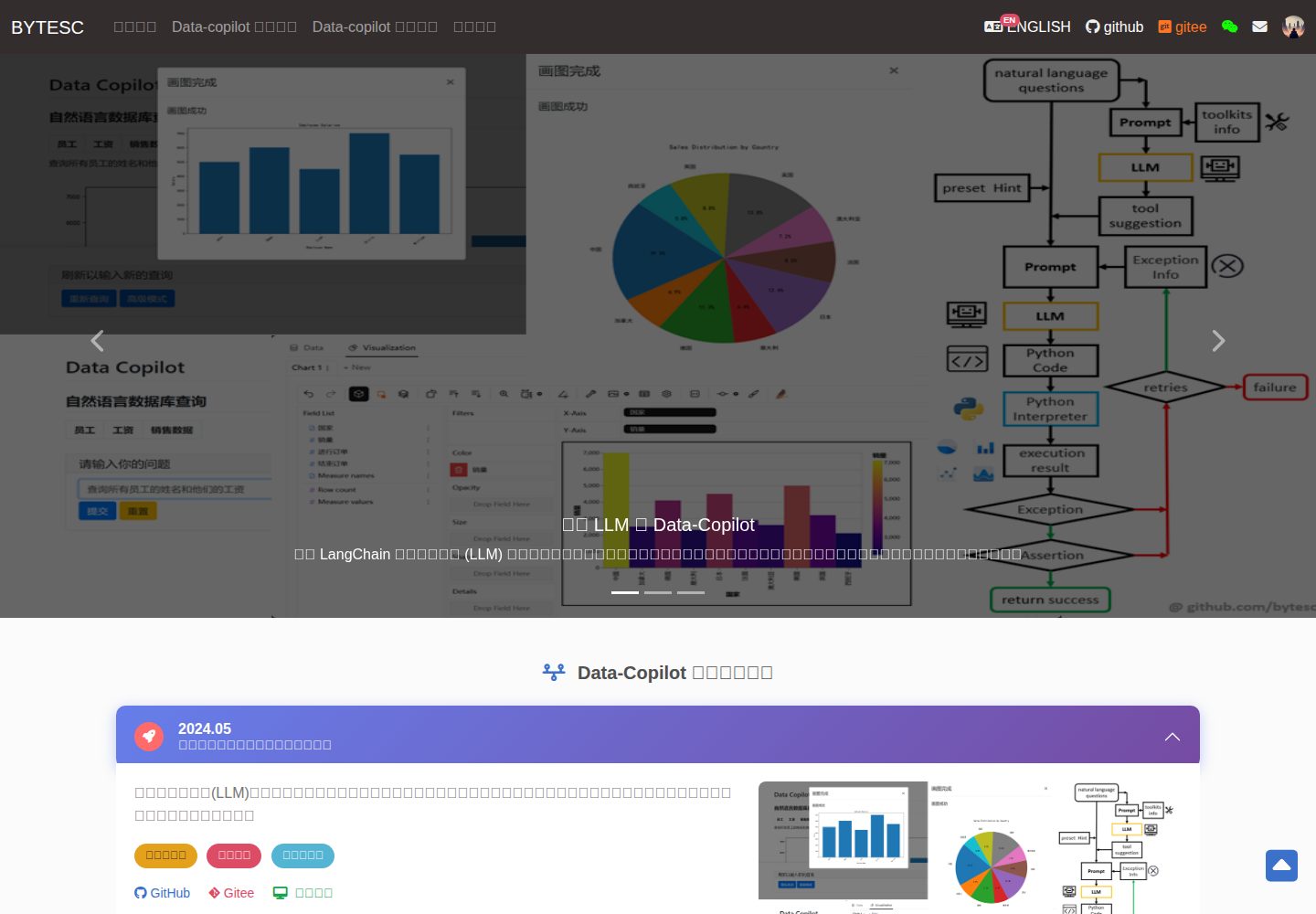
Provides CRUD pages and forms for modules such as users, departments, numbers, and tasks
DjangoAdmin dashboard
Django_Management_System_template — Django Admin dashboard Template
By bytesc
A non-separated frontend-backend information management system template based on Django and MySQL, providing CRUD and login authentication examples for modules such as users, departments, numbers, and tasks.
Explore the design
Compare the page layouts and mobile experience. Open any screenshot for a closer look.
Desktop homepage1 / 2
Desktop captureTop of page
Actual screenshot captured by the server browser.
All pages & views 2
Screenshots show visual appearance; interactive behavior may differ.
Recorded 2026-10-01View source
What stands out
A quick read of the recorded project description.
Uses cookies to store login status; unauthenticated access to protected pages redirects to the login page
Views are split by business into the srcs/views directory, and forms are centrally defined for easy lookup by module
Includes utility functions for pagination navigation, MD5 encryption, and Bootstrap forms
The database can be switched between MySQL and SQLite; the README provides configuration and initialization steps
Template Details
This template is a Django admin management system example that uses a non-separated frontend-backend approach, rendering pages through Django templates and directly operating the database. The repository includes modules for user management, department management, number management, and task management. Each module provides list, add, and edit pages, along with form handling and pagination navigation utilities. The login feature uses cookies to store login status; unauthenticated users can only access the homepage and login page, otherwise they are redirected. The project structure splits views by business into the srcs/views directory, centralizes form definitions, and includes custom middleware for authentication. The database is configured for MySQL by default but can be switched to SQLite; the README provides steps for dependency installation, database configuration, migration, creating an administrator, and running the development server, and states that the default login account is admin with password 12345678. The template code includes detailed comments and is suitable as a starting point for learning Django CRUD and admin management development.
DjangoAdmin backend
Is it right for your project?
Use Cases
- Learning how to implement CRUD with a non-separated Django frontend and backend
- Building a prototype for an internal OA or admin management system
- Using as base code for a course project or practice project
- Referencing Django middleware for login authentication and page redirection
Suitable For
- Developers learning the Django framework who want to understand a complete admin management workflow
- Students or independent developers who need to quickly build an internal information management prototype
- Backend beginners who want to reference Django template rendering and form handling practices
Getting started & customization
Use these recorded setup notes alongside the repository instructions for your chosen version.
- 1
Install dependencies: pip install -r requirement.txt
- 2
Configure the database in settings.py; for MySQL, manually create a database with the same name as NAME, or switch to SQLite
- 3
Run python manage.py makemigrations and python manage.py migrate to initialize the database
- 4
Manually create an administrator account via python manage.py shell; the default login username is admin and password is 12345678
- 5
Run python manage.py runserver to start the development server; if the port is occupied, specify another port
License & source material
Usage conditions & limitations
Free to use · keep license noticeThis entry covers the free version under the MIT license in a public repository; the free scope applies to that version's code and does not imply that external services or third-party assets are free.
Must comply with when using
- Free use, modification, commercial use, and distribution of this version's code are permitted.
- When distributing copies or substantial portions of the code, retain the original author's copyright notice and the full MIT license notice.
- The code is provided as is; warranties and limitations of liability are governed by the original license and applicable law.
Additional costs & items to verify
- When using MySQL, you must prepare and run a MySQL server yourself, manually create a database with the same name as NAME, and fill in your own USER, PASSWORD, HOST, and PORT in settings.py; SQLite can also be used instead.
- You must manually execute code via the Django shell to create an administrator account before you can log in and use it; the template does not provide automatic administrator initialization.
- The README states the default login credentials are username admin and password 12345678, which is an example weak password and should be changed before actual deployment.
- Demo images, fonts, icons, and other third-party assets must be checked against their respective licenses and cannot be judged solely by the code's MIT license.
- External services such as domains, hosting, databases, payments, or AI may incur additional charges.
View Original Text Basis
Permission is hereby granted, free of charge
Original License Text
如果使用 mysql 就使用下面一个 DATABASES,把上面的注释掉。 在里面填写自己 mysql 服务器的 `'USER'`,`'PASSWORD'`,`'HOST'`,`'PORT'`。 手动创建和 `'NAME'` 字段内容同名的数据库
Original README
手动添加管理员 ```python import app01.models app01.models.MyAdmin.objects.create(id="admin", user_name="admin", password="9b7bdac3cbd4af86551d5f27d64a5291") exit() ```
Original README
https://github.com/bytesc/Django_Management_System_template/blob/main/LICENSEhttps://github.com/bytesc/Django_Management_System_template/blob/main/README.md登录用户名是`admin`,密码是`12345678`
Original README
Compiled by DeepSeek based on repository license and README ·2026-10-01. Results only cover the materials read; dependencies, images, fonts, and subsequent term changes are subject to their respective original texts.
Project checks & description sources
Template Information
- Source platforms
- GitHub
- Documentation and maintenance reference score
- More documented · 76 / 100
- Technologies
- Django
- Website type
- Admin dashboard
How this score is calculated
Our heuristic uses license records (up to 30), a demo link (12), a preview (10), stars (15), recorded maintenance (15), description completeness (8), feature records (5) and classification data (5). It is not a code, security or performance test, or a Google score. A link does not establish tested functionality.
What to verify for this project
- Repository update recorded
- 2023-11-26
- Screenshot last checked
- 2026-10-01
A demo link is listed. Check it with your own content and viewport sizes; its presence does not confirm that forms, authentication or payments work.
The catalog identifies Django as the primary stack. Check the actual dependency manifest and lockfile for versions and hosting requirements. These notes use recorded metadata, not a code audit or a deployment test.
Use a selection guide →How this description was prepared
AI-assisted description based on catalog records and repository material. Repository authors are not automatically the reviewers of this description.
Automatically checked against source and license rules; no manual editorial review.
Inspect the recorded source material
SHA-256: 2ff2c4b3988ac0f3f763b58cf6644ce032b16b82cf61f69a912a98a77f48bc75
2026-10-01T02:42:05.342Z
Source file / repository# django_management_system_template
✨ **基于 Django 和 Mysql 的管理系统模板** ✨:后台管理系统,OA ,表单系统,管理员系统,数据库管理系统模板,数据库访问模板。前端后端不分离,Web 应用增删改查数据库。前端,Web应用,mysql数据库。详细注释,高度封装,易复用。
[个人网站:www.bytesc.top](http://www.bytesc.top)
[个人博客:blog.bytesc.top](http://blog.bytesc.top)
🔔 如有项目相关问题,欢迎在本项目提出`issue`,我一般会在 24 小时内回复。
## 界面展示
首页

登录

使用 cookie 保存登录状态。未登录的用户只能访问首页和登录页面。否则重定向到登录页面。

用户管理

添加用户

部门管理

号码管理

编辑号码

任务管理

## 使用方法
安装依赖
```bash
pip install -r requirement.txt
```
打开 setting.py,找到83行左右。
如果使用 mysql 就使用下面一个 DATABASES,把上面的注释掉。
在里面填写自己 mysql 服务器的 `'USER'`,`'PASSWORD'`,`'HOST'`,`'PORT'`。
手动创建和 `'NAME'` 字段内容同名的数据库
如果使用 sqlite 就使用上面一个 DATABASES,把下面的注释掉即可。
```python
# Database
# https://docs.djangoproject.com/en/4.1/ref/settings/#databases
# DATABASES = {
# "default": {
# "ENGINE": "django.db.backends.sqlite3",
# "NAME": BASE_DIR / "db.sqlite3",
# }
# }
DATABASES = {
'default': {
'ENGINE': 'django.db.backends.mysql',
'NAME': 'djangolearntest',
'USER': 'root',
'PASSWORD': '123456',
'HOST': '127.0.0.1',
'PORT': '3306',
}
}
```
初始化数据库
```bash
python manage.py makemigrations
python manage.py migrate
```
进入django shell
```bash
python manage.py shell
```
手动添加管理员
```python
import app01.models
app01.models.MyAdmin.objects.create(id="admin", user_name="admin", password="9b7bdac3cbd4af86551d5f27d64a5291")
exit()
```
运行
```bash
python manage.py runserver
```
如果默认 8000 端口被占用,换端口即可
```bash
python manage.py runserver 8008
```
登录用户名是`admin`,密码是`12345678`

## 项目结构
```txt
.
│ .gitignore
│ cmd.txt
│ guide.md
│ LICENSE
│ manage.py
│ README.md
│ requirement.txt
├─app01
│ │ admin.py
│ │ apps.py
│ │ models.py
│ │ tests.py
│ │ views.py
│ │ __init__.py
│ │
│ └─ middle_ware
│ └─ my_auth.py
├─srcs
│ │ ├─forms
│ │ │ └─ form.py
│ │ │
│ │ └─views
│ │ account.py
│ │ departments.py
│ │ myadmin.py
│ │ number.py
│ │ order.py
│ │ task.py
│ │ user.py
│ ├─static
│ │
│ ├─templates
│ │ │ change.html
│ │ │ error.html
│ │ │ index.html
│ │ │ layout.html
│ │ │
│ │ ├─account
│ │ │ login.html
│ │ │
│ │ ├─departments
│ │ │ depart_add.html
│ │ │ depart_edit.html
│ │ │ depart_list.html
│ │ │
│ │ ├─myadmin
│ │ │ myadmin_list.html
│ │ │
│ │ ├─numbers
│ │ │ num_add.html
│ │ │ num_edit.html
│ │ │ num_list.html
│ │ │
│ │ ├─order
│ │ │ order_list.html
│ │ │
│ │ ├─task
│ │ │ task_list.html
│ │ │
│ │ └─users
│ │ user_add.html
│ │ user_edit.html
│ │ user_list.html
│ │
│ └─ utils
│ bootstrap_modelform.py
│ md5.py
│ page_nav.py
│
├─Learntest
│ asgi.py
│ settings.py
│ urls.py
│ wsgi.py
│
└─ readme_img
```
Explore similar templates
Compare previews and descriptions within the same stack and category.
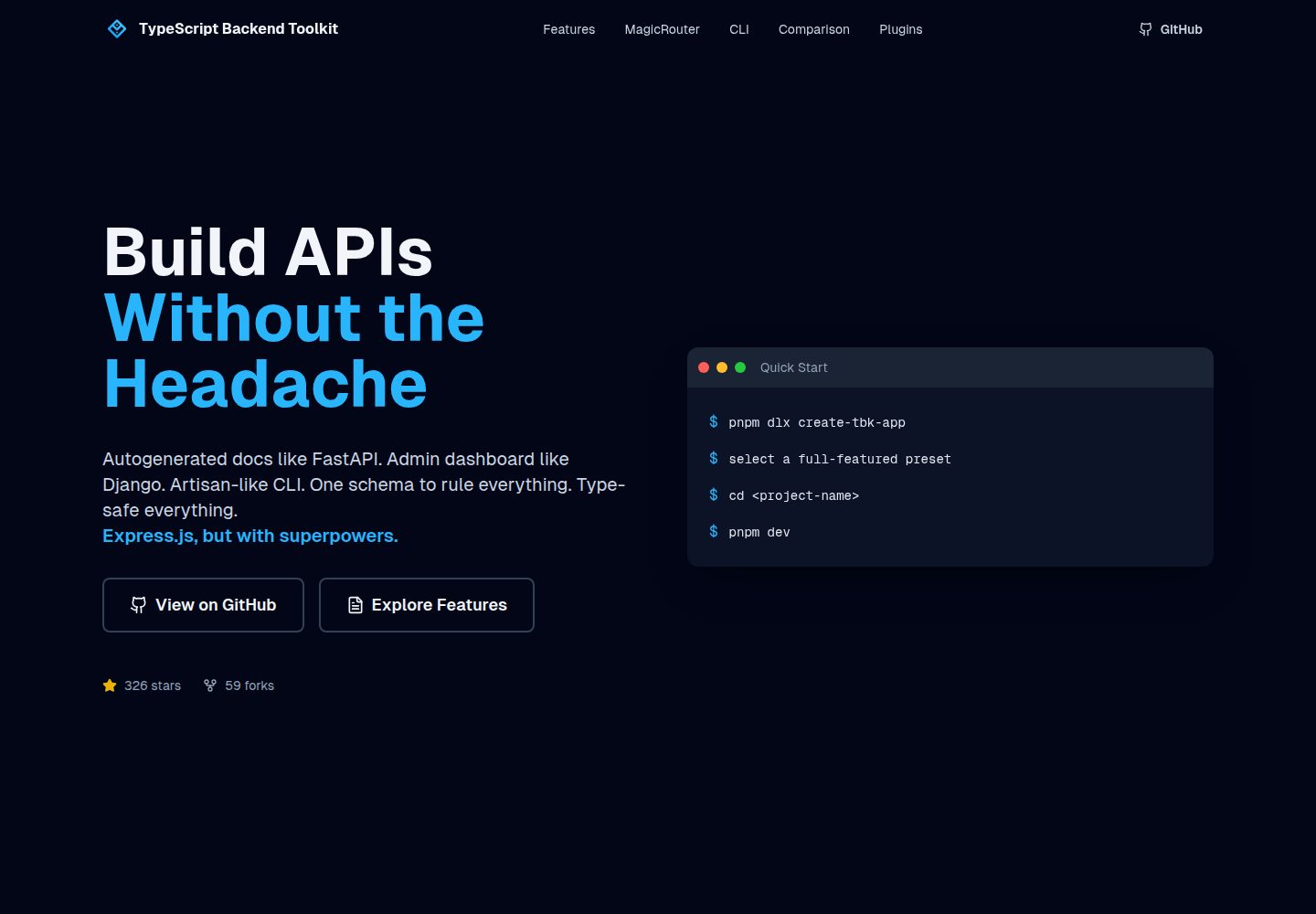
typescript-backend-toolkit
An Express.js and TypeScript backend toolkit with auto-generated OpenAPI documentation, a Django-style admin panel, an Artisan-style tbk CLI, and a plugin architecture. It integrates Zod validation, JWT and Google login, BullMQ queues with BullBoard, Socket.IO, and multi-provider storage/cache/email.
Django · Admin dashboard
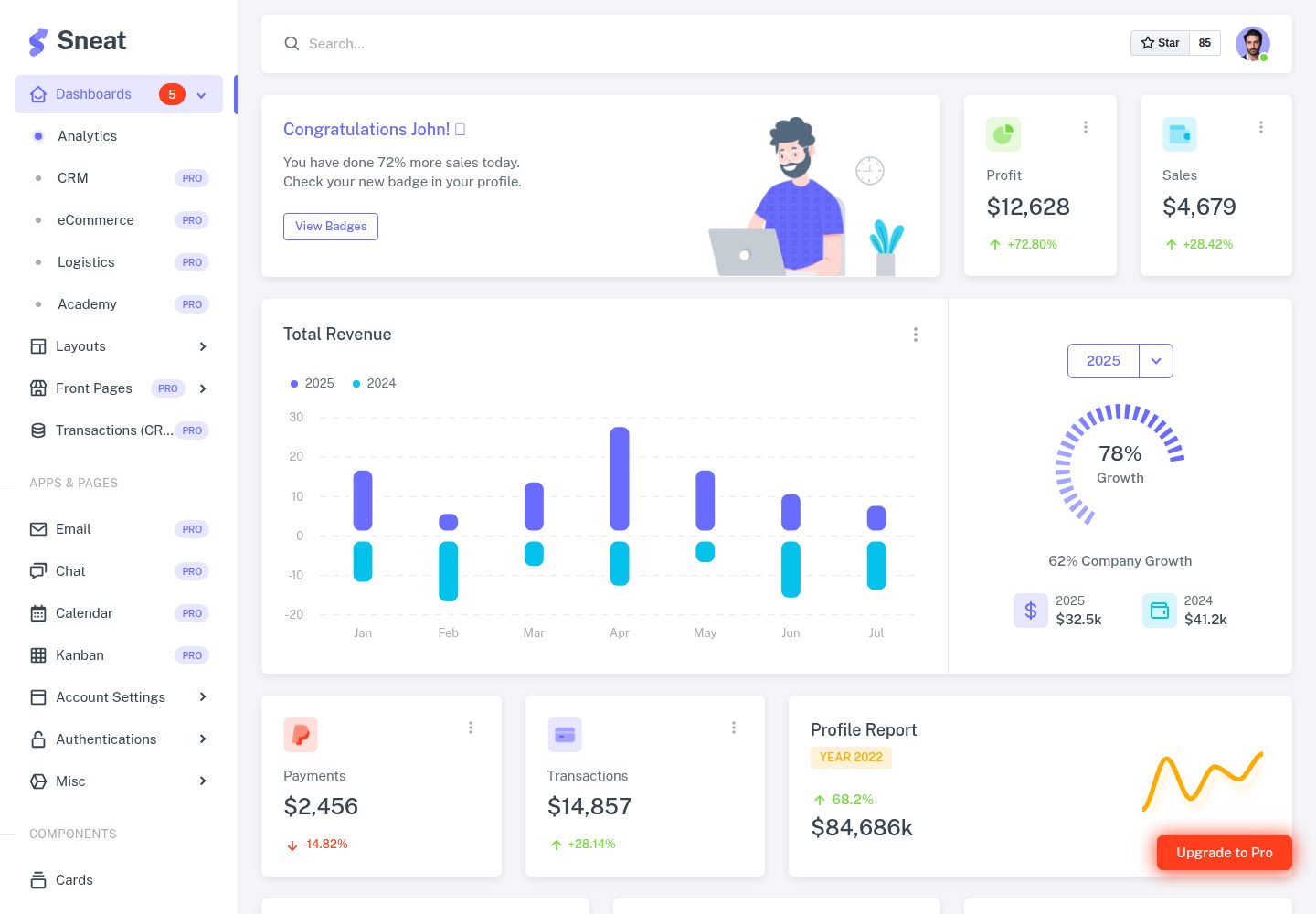
sneat-bootstrap-html-django-admin-template-free
Sneat Free is a Django and Bootstrap 5 admin template under the MIT license, offering an Analytics dashboard, multiple layouts, authentication pages, forms, tables, and extended UI.
Django · Admin dashboard
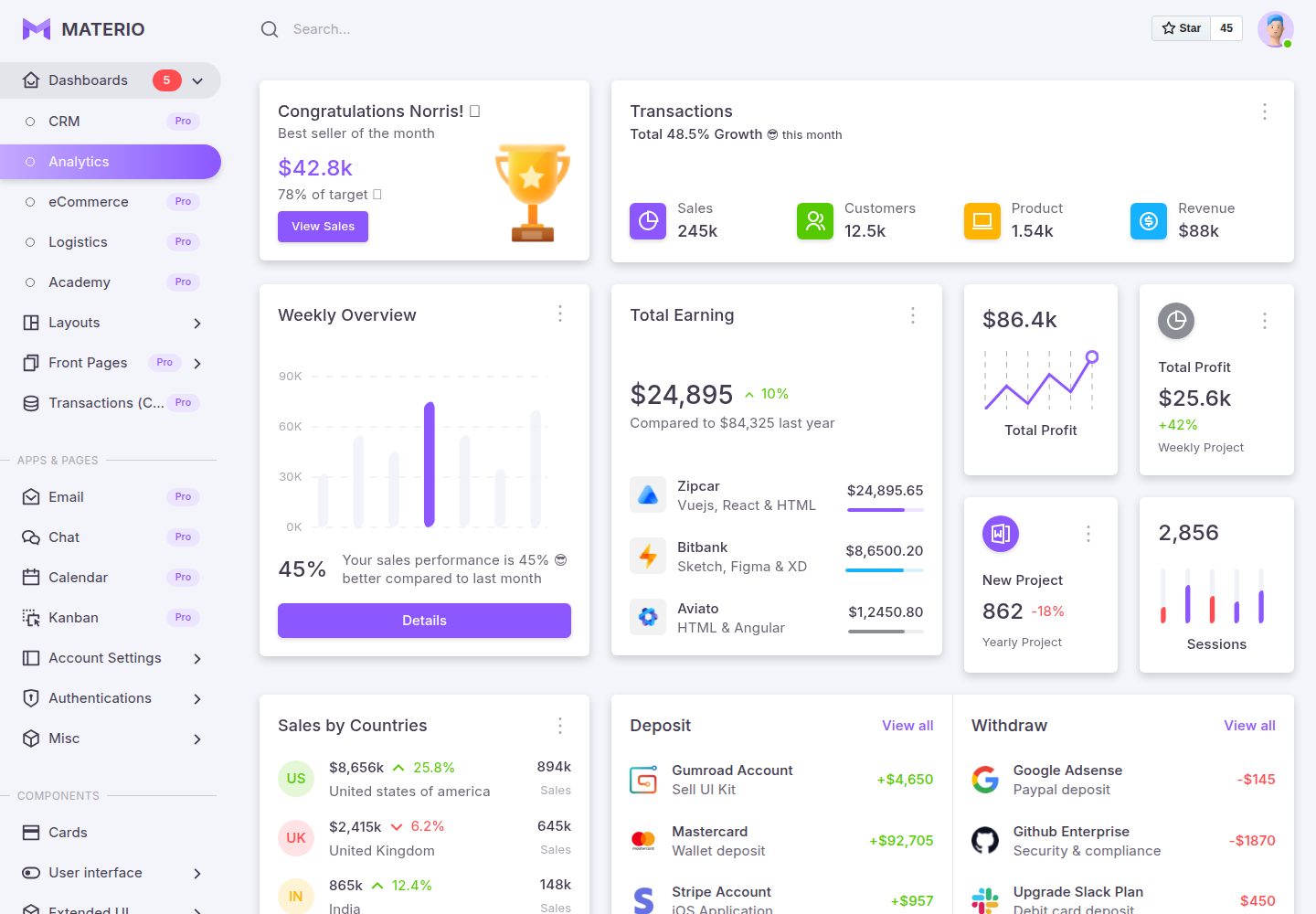
materio-bootstrap-html-django-admin-template-free
Materio Free is a Django admin template with a Bootstrap frontend, released under the MIT license.
Django · Admin dashboard
django-otto-admin
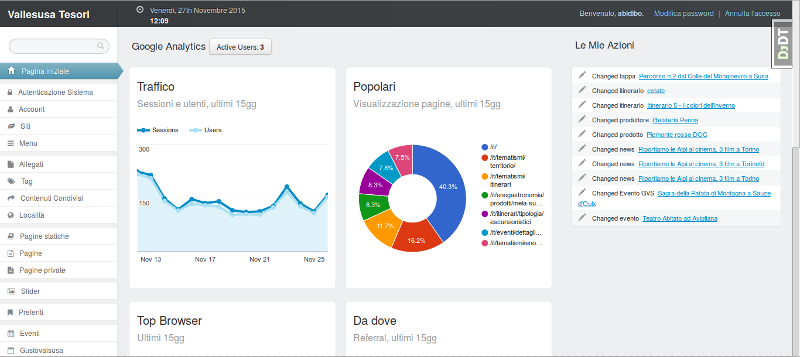
An MIT-licensed Django admin customization app that embeds a Google Analytics data panel into the django-suit admin index page. It shows real-time active users, last-15-day traffic, top pages, browsers, referrals, visitor countries, and social interactions via the Google Analytics Embed API.
Django · Admin dashboard
sbadmin
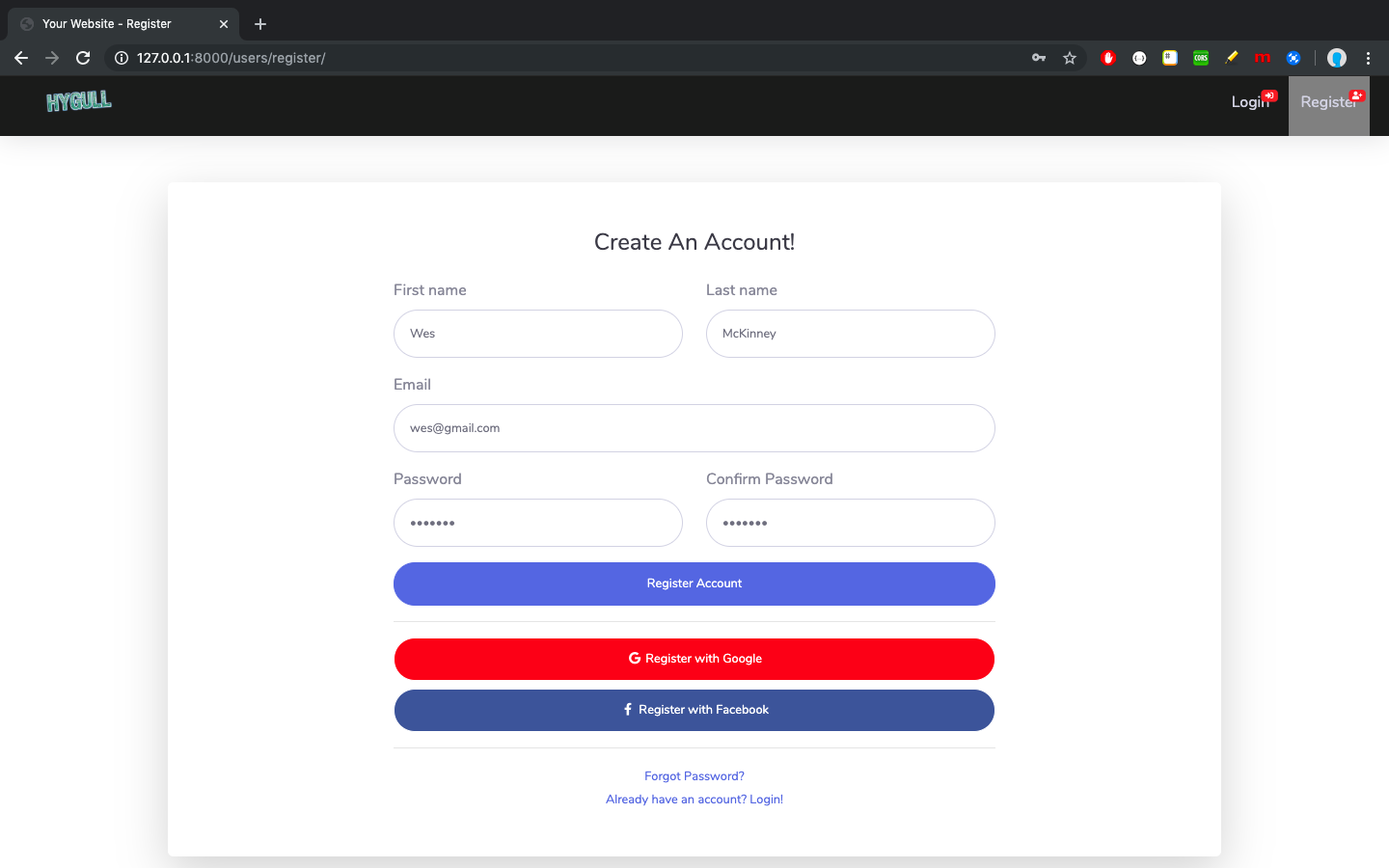
A Django sample project that integrates all pages of the free Bootstrap admin theme SB Admin 2 into Django templates, covering login, registration, password recovery, dashboard, tables, and charts.
Django · Admin dashboard
django_project
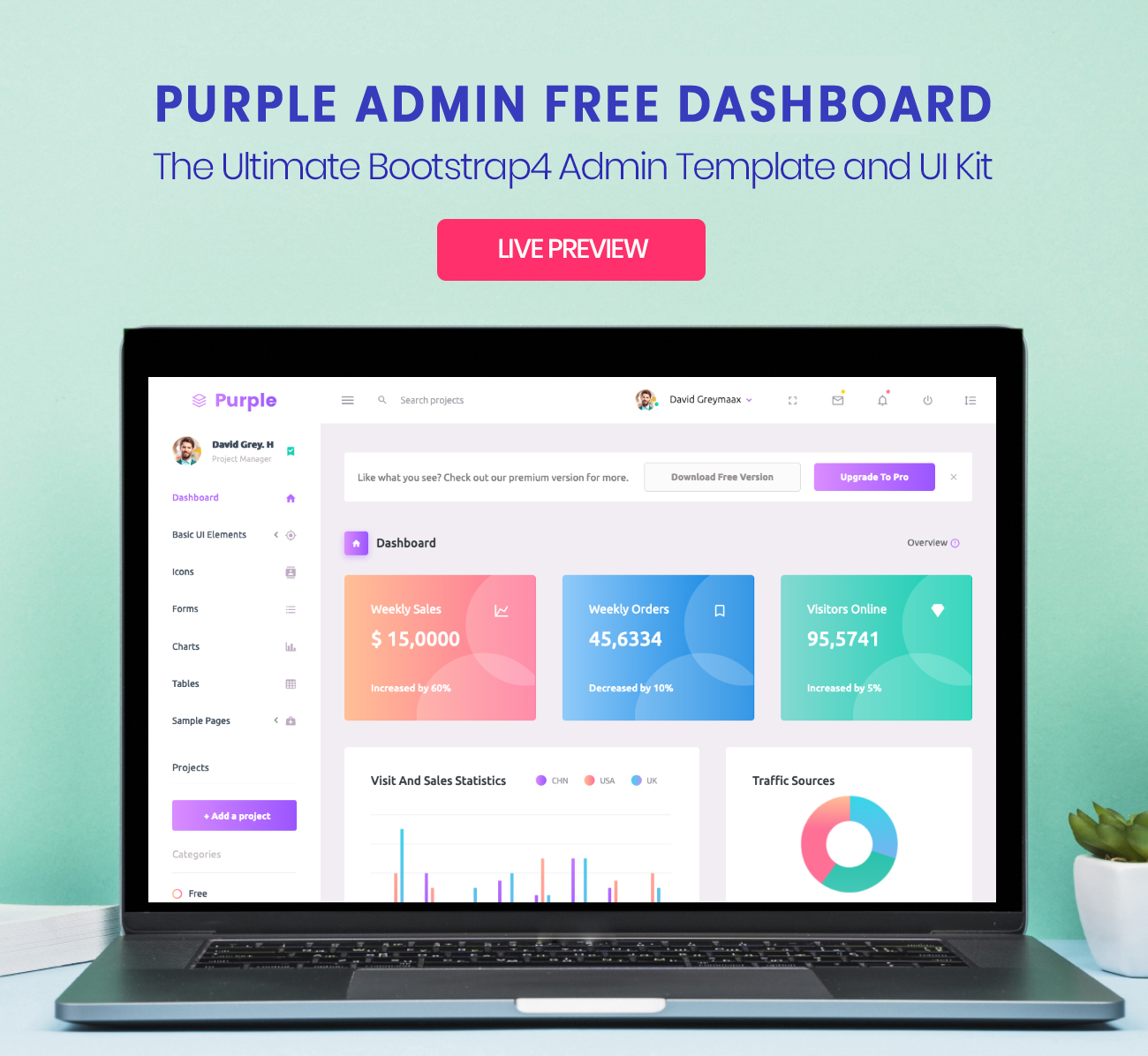
Purple Admin is a free responsive admin template built with Bootstrap 4, ported to Django. It features a purple-themed data interface with neatly arranged admin components, incorporating Material Design Icons and jQuery.
Django · Admin dashboard