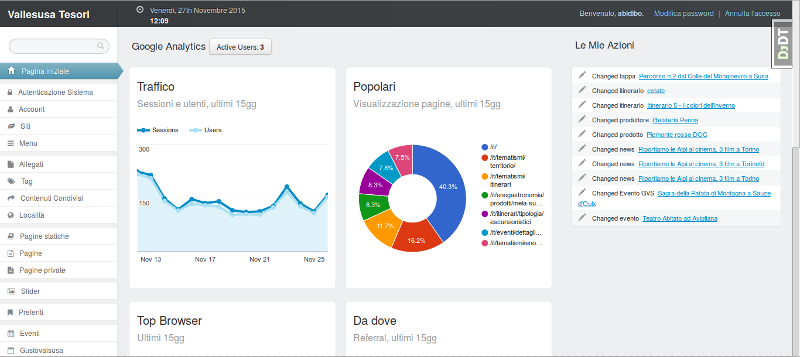
Embeds a Google Analytics data panel in the django-suit admin index page
DjangoAdmin dashboard
django-otto-admin — Django Admin dashboard Template
By otto-torino
django-otto-admin is an MIT-licensed Django admin customization app that adds a Google Analytics data panel to the django-suit admin index page.
Explore the design
Compare the page layouts and mobile experience. Open any screenshot for a closer look.
Author preview
Author-provided preview
Preview provided in the project README.
One original preview is available. Open the full image to inspect the design.
Screenshots show visual appearance; interactive behavior may differ.
Recorded 2026-10-03View source
What stands out
A quick read of the recorded project description.
The panel includes real-time active users, traffic over the last 15 days, top pages, browsers, referral sources, visitor countries, and social interactions
Provides English and Italian languages
Customizable copyright string, developer name and link, and support email
Connects to data via a service account JSON key and an Analytics view ID
Template Details
django-otto-admin targets Django projects that use django-suit, embedding Google Analytics reporting components in the admin index template. The project reads data through the Google Analytics Embed API and displays metrics such as real-time active users, traffic over the last 15 days (sessions and users), top page views, main browsers, referral traffic, visitor countries, and social interactions.
Before use, you need to create a service account in the Google Developer Console and download a JSON key, then add that service account to the Google Analytics view with read-only permissions. After that, configure the key file path and view ID in Django settings, and add otto_admin before suit in INSTALLED_APPS. In addition to the analytics panel, the app provides English and Italian languages, as well as customizable copyright string, developer name and link, and support email.
The project depends on django-suit and google-api-python-client. The repository was last updated in 2018, and the materials do not state compatibility with newer Django versions.
DjangoAdmin
Is it right for your project?
Use Cases
- Django projects already using django-suit want to view website traffic overview directly on the admin index page
- Need to put Google Analytics real-time and last-15-day data into an internal management interface
- Need to configure custom copyright, developer, and support email information for the admin footer
- Projects that need an English or Italian admin interface
Suitable For
- Django projects using django-suit as the admin theme
- Teams that already have a Google Analytics view and are willing to create a read-only service account
- Operations or content management staff who want to reduce switching between the admin and Analytics
Getting started & customization
Use these recorded setup notes alongside the repository instructions for your chosen version.
- 1
Install via pip install django-otto-admin
- 2
In INSTALLED_APPS, place otto_admin before suit
- 3
Create a service account in the Google Developer Console and download the JSON key, then add it to the project
- 4
Add the service account email to the target Google Analytics view with read-only permissions
- 5
Configure OA_ANALYTICS_CREDENTIALS_JSON and OA_ANALYTICS_VIEW_ID; optionally configure OA_COPYRIGHT, OA_SUPPORT_EMAIL, OA_POWERED_BY, and OA_POWERED_BY_URL
License & source material
Usage conditions & limitations
Free to use · keep license noticeThis entry covers the free version under the MIT license in the public repository; the free scope is the code of that version and does not mean external services or third-party assets are free.
Must comply with when using
- You may use, modify, commercialize, and distribute the code of this version for free.
- When distributing copies or substantial portions of the code, retain the original author's copyright notice and the full MIT license notice.
- The code is provided as is; warranties and limitations of liability are governed by the original license and applicable law.
Additional costs & items to verify
- Before using the analytics panel, you must have a Google Analytics view and add a service account to it (read-only permissions recommended), so it depends on external Google services and accounts.
- You need to create a service account in the Google Developer Console and generate a JSON key, which is an external service account and key requirement.
- You must configure the service account JSON key file path; without this configuration, the analytics feature cannot be used.
- You must configure the Google Analytics view ID, which is a required external service parameter.
- It depends on the django-suit admin theme; without that third-party package installed, it cannot be used.
- It depends on the google-api-python-client library to access the Google Analytics API.
- Demo images, fonts, icons, and other third-party assets must be checked against their respective licenses; you cannot judge solely by the code's MIT license.
- External services such as domains, hosting, databases, payments, or AI may incur additional charges.
View Original Text Basis
Permission is hereby granted, free of charge
Original License Text
Add the service account as a user in Google Analytics.
Original README
create a service account
Original README
###__OA_ANALYTICS_CREDENTIALS_JSON (required)__
Original README
###__OA_ANALYTICS_VIEW_ID (required)__
Original README
- django-suit
Original README
https://github.com/otto-torino/django-otto-admin/blob/master/LICENSEhttps://github.com/otto-torino/django-otto-admin/blob/master/README.md- google-api-python-client
Original README
Compiled by DeepSeek based on repository license and README ·2026-10-03. Results only cover the materials read; dependencies, images, fonts, and subsequent term changes are subject to their respective original texts.
Project checks & description sources
Template Information
- Source platforms
- GitHub
- Documentation and maintenance reference score
- Partly documented · 60 / 100
- Technologies
- Django
- Website type
- Admin dashboard
How this score is calculated
Our heuristic uses license records (up to 30), a demo link (12), a preview (10), stars (15), recorded maintenance (15), description completeness (8), feature records (5) and classification data (5). It is not a code, security or performance test, or a Google score. A link does not establish tested functionality.
What to verify for this project
- Repository update recorded
- 2018-01-22
- Screenshot last checked
- 2026-10-03
No demo link is recorded. Use the repository instructions to evaluate the project locally; the screenshot alone cannot establish interactive behavior.
The catalog identifies Django as the primary stack. Check the actual dependency manifest and lockfile for versions and hosting requirements. These notes use recorded metadata, not a code audit or a deployment test.
Use a selection guide →How this description was prepared
AI-assisted description based on catalog records and repository material. Repository authors are not automatically the reviewers of this description.
Automatically checked against source and license rules; no manual editorial review.
Inspect the recorded source material
SHA-256: 45c965f6eb402f9b2ca7881480f56f5066485b71f44b58805b3599f4c34267bc
2026-10-03T07:45:28.049Z
Source file / repository# django-otto-admin
Django admin customization app for [django-suit](https://github.com/darklow/django-suit)
Would you like to have some google analytics report widgets in your admin index page? Then you're in the right place!

## Features
- locales: en, it
- custom copyright string
- custom developed by string and url
- custom support mailto
- admin index with google analytics panel implemented through [analytics embed API](https://ga-dev-tools.appspot.com/)
- Realtime active users
- Traffic (sessions and users), last 15 days
- Popular Page views, last 15 days
- Top Browsers, last 15 days
- Referral traffic, last 15 days
- Visitors Countries, last 15 days
- Social actions, last 15 days
### Configure your analytics widgets
Follow the steps in the Google Identity Platform documentation to [create a service account](https://developers.google.com/identity/protocols/OAuth2ServiceAccount#creatinganaccount) from the [Google Developer Console](https://console.developers.google.com/).
Once the service account is created, you can click the Generate New JSON Key button to create and download the key and add it to your project.
Add the service account as a user in Google Analytics. The service account you created in the previous step has an email address that you can add to any of the Google Analytics views you'd like to request data from. It's generally best to only grant the service account read-only access.
Then you will need to configure __otto\_admin__ with the json path and the view ID (continue reading).
## Requirements
- django-suit
- google-api-python-client
## Getting Started
1. Install django-otto-admin
```
pip install django-otto-admin
```
2. Configure your django-suit installation
3. Add `otto_admin` to your installed apps __before__ `suit`
```
INSTALLED_APPS = (
'otto_admin',
'suit',
'django.contrib.admin',
# ...
```
4. Configure your settings
## Settings configuration
###__OA_ANALYTICS_CREDENTIALS_JSON (required)__
full path to the json key file of your app service account
###__OA_ANALYTICS_VIEW_ID (required)__
id of the analytics view you want to show in the admin index
###__OA_COPYRIGHT__
Copyright string, default '2015 Otto srl'
###__OA_SUPPORT_EMAIL__
Mailto support email, default '[email protected]'
###__OA_POWERED_BY__
Powered by string, default 'Otto srl'
###__OA_POWERED_BY_URL__
Powered by url, default 'http://www.otto.to.it'
Explore similar templates
Compare previews and descriptions within the same stack and category.
typescript-backend-toolkit
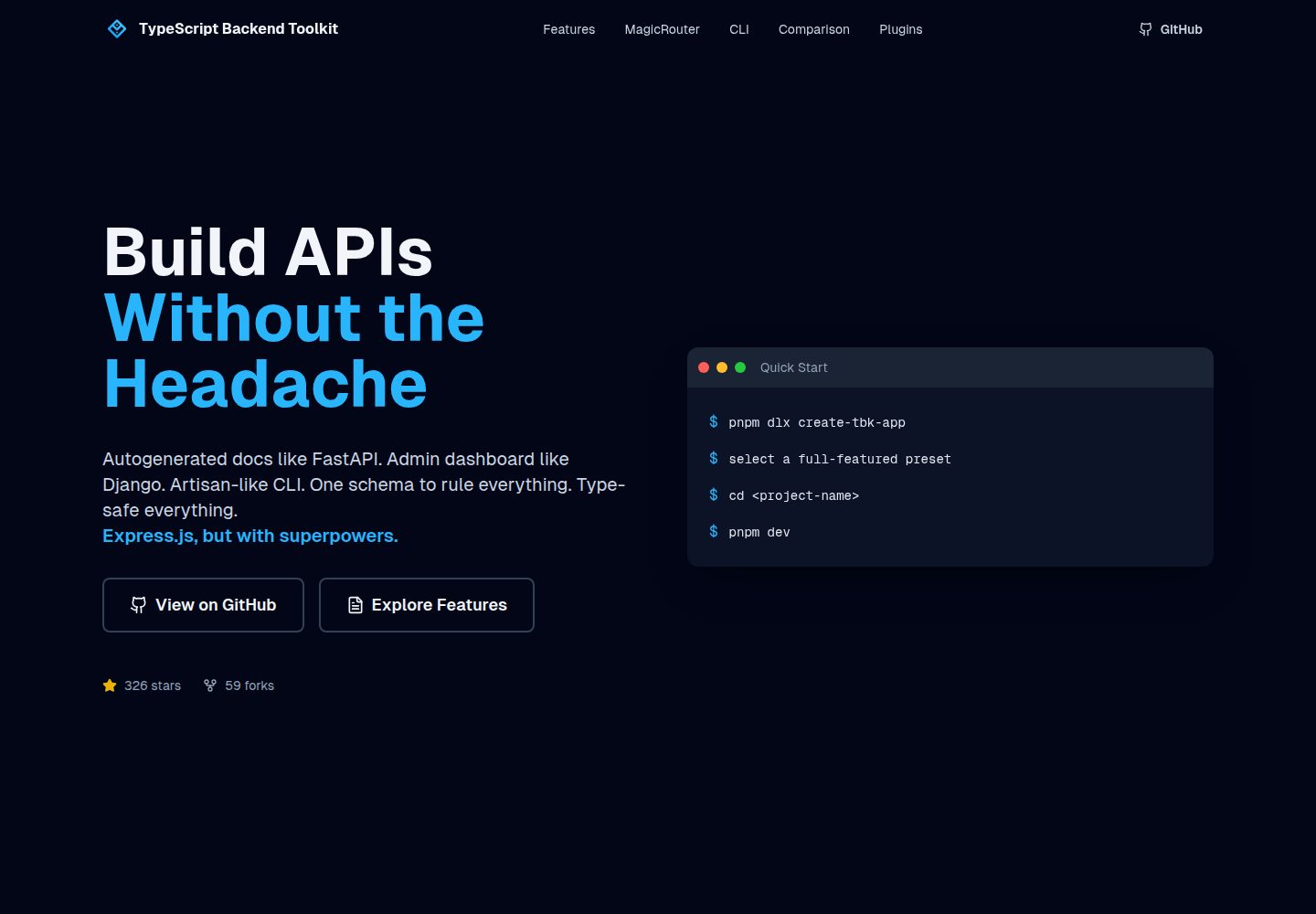
An Express.js and TypeScript backend toolkit with auto-generated OpenAPI documentation, a Django-style admin panel, an Artisan-style tbk CLI, and a plugin architecture. It integrates Zod validation, JWT and Google login, BullMQ queues with BullBoard, Socket.IO, and multi-provider storage/cache/email.
Django · Admin dashboard
Django_Management_System_template
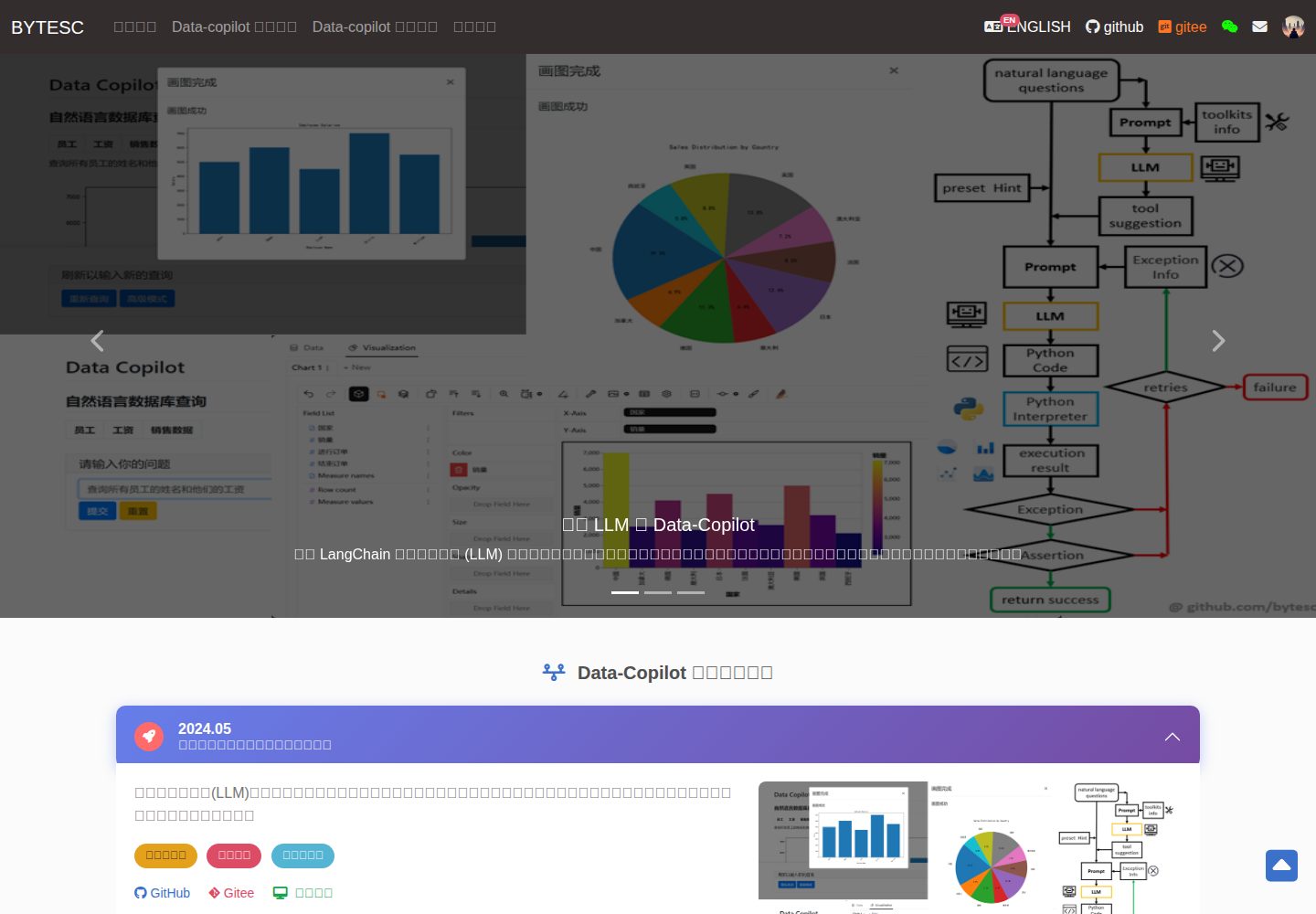
A Django and MySQL-based non-separated frontend-backend information management system template. It includes CRUD pages and forms for users, departments, numbers, and tasks, cookie-based login authentication with middleware redirection, pagination navigation, MD5 encryption, and Bootstrap form utilities.
Django · Admin dashboard
sneat-bootstrap-html-django-admin-template-free
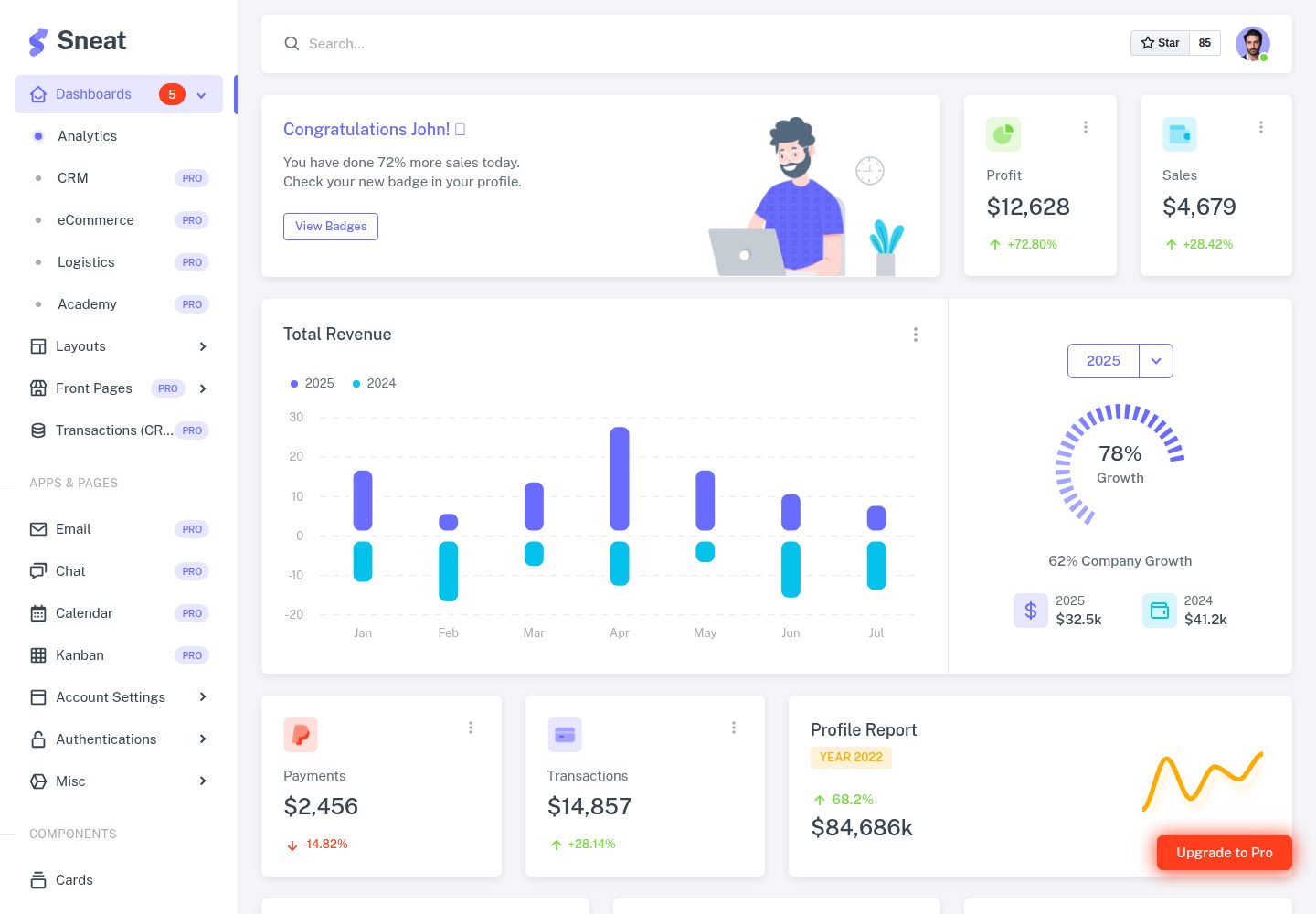
Sneat Free is a Django and Bootstrap 5 admin template under the MIT license, offering an Analytics dashboard, multiple layouts, authentication pages, forms, tables, and extended UI.
Django · Admin dashboard
materio-bootstrap-html-django-admin-template-free
Materio Free is a Django admin template with a Bootstrap frontend, released under the MIT license.
Django · Admin dashboard
sbadmin
A Django sample project that integrates all pages of the free Bootstrap admin theme SB Admin 2 into Django templates, covering login, registration, password recovery, dashboard, tables, and charts.
Django · Admin dashboard
django_project
Purple Admin is a free responsive admin template built with Bootstrap 4, ported to Django. It features a purple-themed data interface with neatly arranged admin components, incorporating Material Design Icons and jQuery.
Django · Admin dashboard