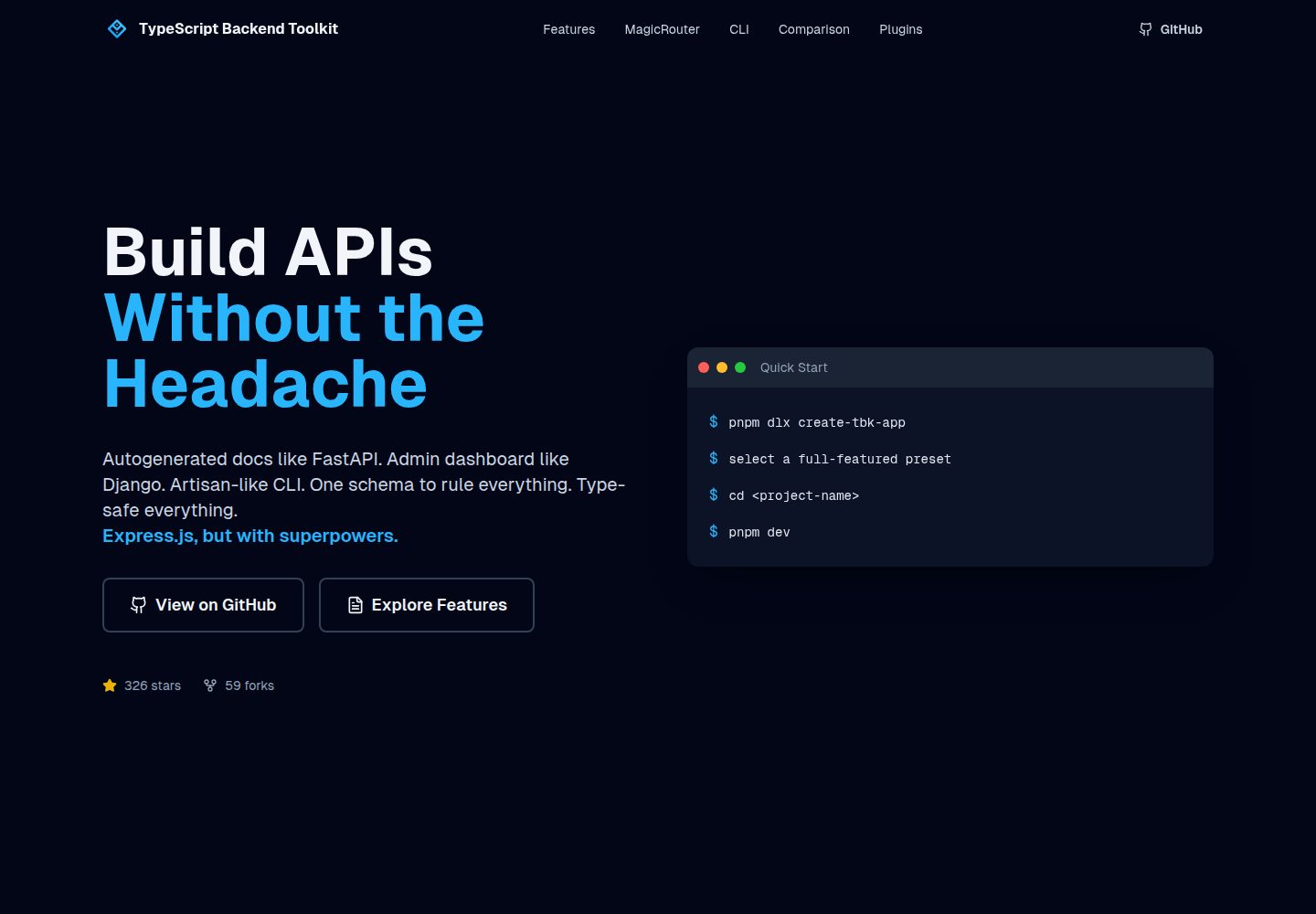
Auto-generated OpenAPI documentation, viewable in real time at /docs and kept in sync
DjangoReactAdmin dashboardStarter
typescript-backend-toolkit — Django Admin dashboard Template
By muneebhashone
An Express.js and TypeScript backend toolkit that provides auto-generated OpenAPI documentation, a Django-style admin panel, a plugin system, and an Artisan-style CLI, integrating JWT authentication, BullMQ queues, Socket.IO real-time communication, and multi-provider storage/cache/email.
Explore the design
Compare the page layouts and mobile experience. Open any screenshot for a closer look.
Desktop homepage1 / 2
Desktop captureTop of page
Actual screenshot captured by the server browser.
All pages & views 2
Screenshots show visual appearance; interactive behavior may differ.
Recorded 2026-09-30View source
What stands out
A quick read of the recorded project description.
Built-in Django-style admin panel for managing data and operational tasks
Artisan-style tbk CLI for generating modules, plugins, and database seed scripts
Plugin architecture where authentication, real-time communication, admin panel, queues, and other capabilities are integrated as plugins
Integrates Zod validation, JWT authentication, BullMQ queues, Socket.IO, and multi-provider storage/cache/email
Directory structure organized by responsibility, making it easy for AI coding agents to work with fixed patterns
Template Details
TypeScript Backend Toolkit is a framework-oriented project for backend developers, built with Express.js and TypeScript, and includes a React-based admin panel interface. Through a plugin architecture, it separates capabilities such as authentication, real-time communication, queues, and the admin panel from the core code, while providing a tbk CLI similar to Laravel Artisan for generating modules, plugins, and database seed scripts. The project includes auto-generated OpenAPI documentation (viewable at /docs) and a Django-style data management admin panel, and integrates Zod end-to-end validation, JWT and Google login, file uploads (S3/R2/local), BullMQ queues with BullBoard, Socket.IO real-time communication, and transactional email templates.
The project directory is organized by responsibility: app/ handles startup and plugin registration, modules/ contains business logic, plugins/ extends functionality, lib/ connects infrastructure such as databases, queues, email, and storage, utils/ holds pure functions, config/ validates environment variables, and routes/ declares HTTP endpoints. Before development, you need Docker and Docker Compose, PNPM, and Node.js 20+ (LTS). You can use the npx create-tbk-app scaffold to select features as needed or create a project using a preset.
Note that the repository uses the MIT license, and the free scope is limited to the code of this version itself; third-party assets such as demo images, fonts, and icons must be checked against their respective licenses, and external services such as domains, hosting, databases, payments, or AI may incur additional charges.
DjangoReactAdmin panelStarter
Is it right for your project?
Use Cases
- Quickly building a TypeScript backend service with auto-generated API documentation and an admin management interface
- Introducing capabilities such as authentication, queues, and real-time communication as plugins on demand without modifying core code
- Using the scaffold to create a new backend project with presets or interactively and generate modules
- Previewing transactional email templates and debugging real-time communication events and queue tasks during development
Suitable For
- Backend developers familiar with TypeScript and Express.js
- Teams needing a modular, type-safe backend architecture
- Developers who want to maintain consistent project structure with a CLI and code generation
- Projects that need auto-generated OpenAPI documentation or an admin panel
Getting started & customization
Use these recorded setup notes alongside the repository instructions for your chosen version.
- 1
Docker and Docker Compose, PNPM, and Node.js 20+ (LTS) must be installed in advance
- 2
You can create a project with npx create-tbk-app, supporting interactive mode or the --preset option
- 3
During development, run pnpm dev to start hot reload, and visit http://localhost:3000/docs to view the auto-generated API documentation
- 4
The production deployment process is pnpm build, then copy .env.production to .env, then run pnpm start:prod
- 5
External services (domains, hosting, databases, payments, or AI, etc.) may incur additional charges, and third-party assets must be checked against their respective licenses
License & source material
Usage conditions & limitations
Free to use · keep license noticeThis entry covers the free version under the MIT license in the public repository; the free scope is the code of this version and does not mean external services or third-party assets are free.
Must comply with when using
- You may use, modify, commercialize, and distribute the code of this version for free.
- When distributing copies or substantial portions of the code, retain the original author's copyright notice and the full MIT license notice.
- The code is provided as is; warranties and limitations of liability are governed by the original license and applicable law.
Additional costs & items to verify
- Using this project requires Docker and Docker Compose to be installed in advance, which are external runtime environment dependencies.
- The runtime environment requires Node.js 20 or a higher LTS version; lower versions cannot be used.
- The built-in authentication relies on Google login; using this feature requires configuring a Google account and corresponding credentials.
- The file upload feature relies on external storage services such as S3 or Cloudflare R2, which may incur additional costs.
- The queue feature relies on BullMQ and typically requires support from an available external service such as Redis.
- The transactional email feature requires integration with an external email sending service, which may involve accounts and costs.
- Demo images, fonts, icons, and other third-party assets must be checked against their respective licenses and cannot be judged solely by the code's MIT license.
- External services such as domains, hosting, databases, payments, or AI may incur additional charges.
View Original Text Basis
Permission is hereby granted, free of charge
Original License Text
**Docker + Docker Compose**
Original README
**Node.js 20+ (LTS)**
Original README
**Auth** (Google Sign‑In + JWT sessions)
Original README
**File Uploads** (S3/R2/Local, multipart)
Original README
**Queues** (BullMQ + BullBoard)
Original README
https://github.com/muneebhashone/typescript-backend-toolkit/blob/main/LICENSEhttps://github.com/muneebhashone/typescript-backend-toolkit/blob/main/README.md**Emails** (transactional templates)
Original README
Compiled by DeepSeek based on repository license and README ·2026-09-30. Results only cover the materials read; dependencies, images, fonts, and subsequent term changes are subject to their respective original texts.
Project checks & description sources
Template Information
- Source platforms
- GitHub
- Documentation and maintenance reference score
- More documented · 96 / 100
- Technologies
- Django · React
- Website type
- Admin dashboard · Starter
How this score is calculated
Our heuristic uses license records (up to 30), a demo link (12), a preview (10), stars (15), recorded maintenance (15), description completeness (8), feature records (5) and classification data (5). It is not a code, security or performance test, or a Google score. A link does not establish tested functionality.
What to verify for this project
- Repository update recorded
- 2026-08-25
- Screenshot last checked
- 2026-09-30
A demo link is listed. Check it with your own content and viewport sizes; its presence does not confirm that forms, authentication or payments work.
The catalog identifies Django as the primary stack. Check the actual dependency manifest and lockfile for versions and hosting requirements. These notes use recorded metadata, not a code audit or a deployment test.
Use a selection guide →How this description was prepared
AI-assisted description based on catalog records and repository material. Repository authors are not automatically the reviewers of this description.
Automatically checked against source and license rules; no manual editorial review.
Inspect the recorded source material
SHA-256: a418c9ea8b3cd1fe3cd955b3322444b6f7da5acbb7564b7b774040df7670f6a9
2026-09-30T09:12:27.534Z
Source file / repository<p align="center">
<img src="logo.png" width="200px" align="center" alt="TypeScript Backend Toolkit logo" />
<h1 align="center">TypeScript Backend Toolkit</h1>
<p align="center">
<br/>
<strong>Developer‑first backend toolkit</strong><br/>
Simple for beginners, productive for experts — and structured so tools (including AI agents) can follow it without guesswork.<br/>
Predictable architecture. Type‑safe patterns. Plugin‑based. Production‑ready.
</p>
<p align="center">
<a href="#quick-start">Quick Start</a> •
<a href="#features">Features</a> •
<a href="#cli">CLI</a> •
<a href="#architecture">Architecture</a> •
<a href="docs/">Documentation</a>
</p>
</p>
<br/>
## Prerequisites
Before you get started, make sure you have the following installed on your machine:
- **Docker + Docker Compose**
- **PNPM**
- **Node.js 20+ (LTS)**
## Quick Start
### Scaffold a New Project
Use the CLI scaffolder to create a new project with only the features you need:
```bash
# Interactive mode (recommended)
npx create-tbk-app my-backend-api
# Or with a preset
npx create-tbk-app my-api --preset=standard
# Then start developing
cd my-api
pnpm dev
```
See [create-tbk-app README](packages/create-tbk-app/README.md) for all options and presets.
**Visit `http://localhost:3000/docs`** for your auto-generated API documentation.
## Features
- **Auto‑generated Admin Dashboard (Django‑style)** — Manage data and ops out of the box.
- **Auto‑generated OpenAPI docs (FastAPI‑style)** — Live docs at `/docs`, always in sync.
- **Plugin‑based system** — Add capabilities (auth, realtime, admin, queues) as plugins.
- **First‑class CLI (Artisan‑like)** — Generate modules, plugins, and seeders with consistent, type‑safe patterns.
- **Production‑ready stack** — Zod validation, JWT auth, file uploads, queues, emails, and more.
### Works great with AI agents (optional)
The project is intentionally structured so almost any AI coding agent can work reliably: predictable files, clear schemas, and consistent codegen. Use AI tools if you like—or ignore them and build normally.
## CLI
The `tbk` command‑line tool is productivity‑focused, similar to Laravel’s Artisan. It helps you scaffold features and run common tasks quickly and consistently.
```bash
# Scaffold features fast (Artisan‑like)
pnpm tbk g:module user --path /api/v1
pnpm tbk g:plugin admin
pnpm tbk seed
# Discover commands
pnpm tbk --help
pnpm tbk g:module --help
```
## Architecture
### At a glance
```
src/
├── app/ # Application setup and plugin registration
├── modules/ # Domain logic (users, products, payments)
├── plugins/ # Extensible features (auth, realtime, admin)
├── lib/ # Infrastructure clients (database, storage, email)
├── utils/ # Pure functions (JWT, passwords, pagination)
├── config/ # Type-safe environment configuration
└── routes/ # HTTP wiring with MagicRouter
```
Each folder has one job:
- `app/` boots the server and wires plugins.
- `modules/` holds your business logic and schemas.
- `plugins/` adds features without touching core code.
- `lib/` connects to infra (DB, queues, email, storage).
- `utils/` contains small, pure helpers.
- `config/` validates environment variables.
- `routes/` declares HTTP endpoints.
Core capabilities included:
- **OpenAPI docs** at `/docs`
- **Auth** (Google Sign‑In + JWT sessions)
- **Users & Roles** (CRUD, RBAC)
- **File Uploads** (S3/R2/Local, multipart)
- **Validation** (Zod, end‑to‑end)
- **Queues** (BullMQ + BullBoard)
- **Realtime** (Socket.IO)
- **Realtime Tester** (UI to send/receive events and inspect channels)
- **Admin Panel** (separate auth)
- **Emails** (transactional templates)
## Documentation
- **[CLI Commands](docs/docs/guides/cli-commands)**
- **[Creating Modules](docs/docs/guides/creating-modules)**
- **[MagicRouter](docs/docs/guides/magic-router)**
- **[Environment Config](docs/docs/guides/environment-config)**
- **[Testing & Debugging](docs/docs/guides/testing-debugging)**
## Development Commands
```bash
# Development
pnpm dev # Start with hot reload
pnpm build # Compile to dist/
pnpm start # Run production build
pnpm typecheck # Type checking
pnpm lint # ESLint + Prettier
# CLI Tools
pnpm tbk g:module <name> # Generate complete module
pnpm tbk g:plugin <name> # Generate plugin
pnpm tbk seed # Run database seeders
pnpm tbk docs:openapi # Generate OpenAPI spec
pnpm tbk docs:sdk # Generate TypeScript SDK
# Other Tools
pnpm email:dev # Preview email templates
```
## Production Deployment
```bash
# Build for production
pnpm build
# Set production environment
cp .env.production .env
# Start production server
pnpm start:prod
```
## Contributing
1. Fork the repository
2. Create your feature branch (`git checkout -b feature/amazing-feature`)
3. Commit your changes (`git commit -m 'Add amazing feature'`)
4. Push to the branch (`git push origin feature/amazing-feature`)
5. Open a Pull Request
## License
This project is licensed under the MIT License - see the [LICENSE](LICENSE) file for details.
---
**Built to make backend development effortless**
Explore similar templates
Compare previews and descriptions within the same stack and category.
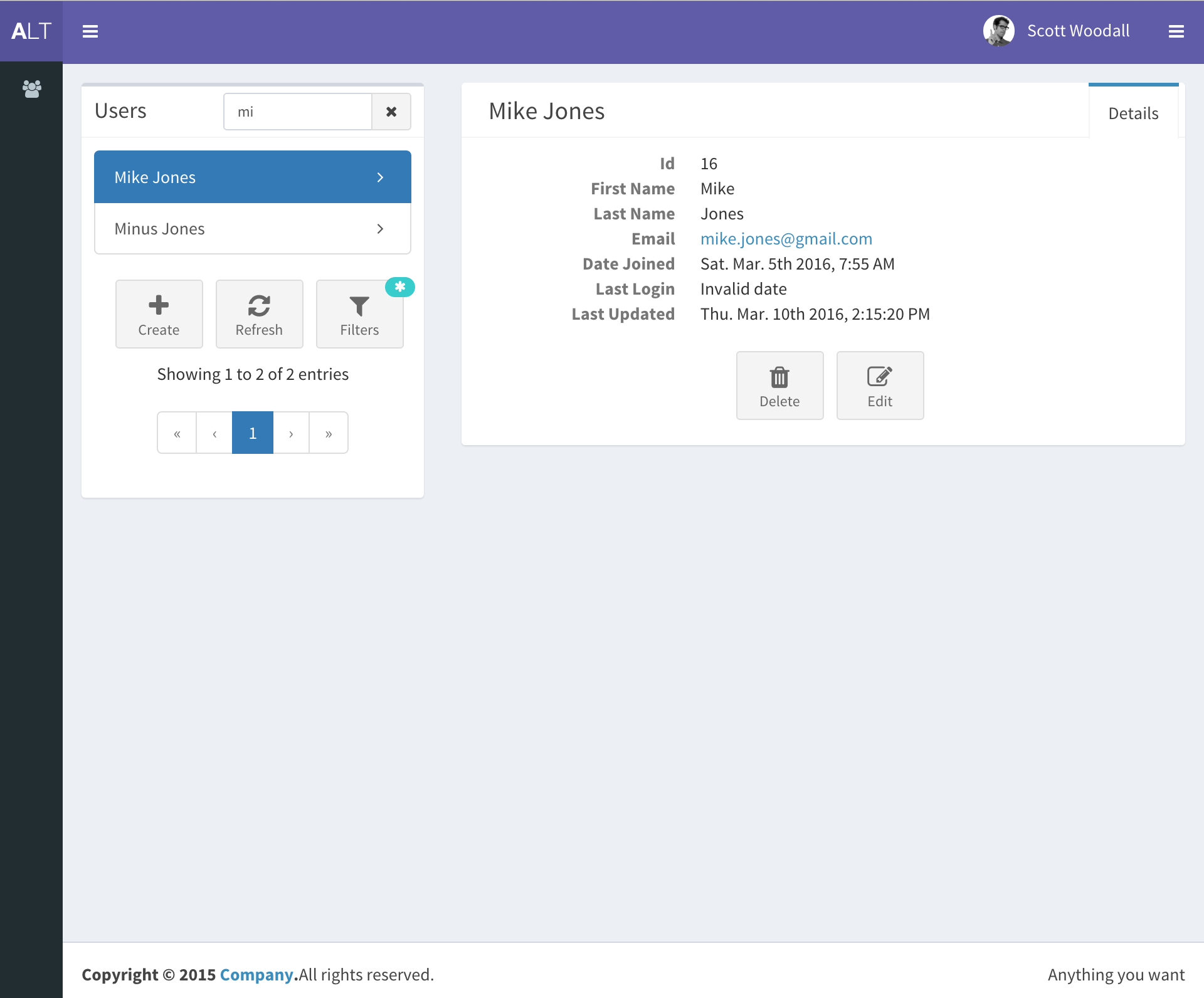
django-react-template
A starter template that integrates Django backend and React frontend in one repository, generated via Django's startproject command. It provides a clear backend/frontend structure with separate READMEs, aiming to reduce initial setup work.
Django · Starter
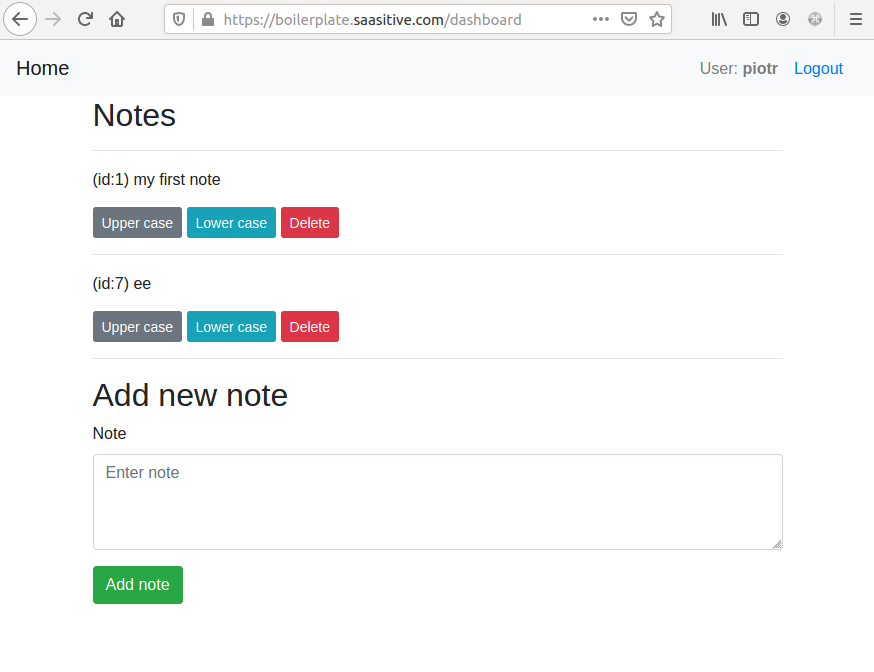
django-react-boilerplate
A DIY Django + React SaaS starter built through step-by-step tutorials, featuring a Django REST Framework backend, React frontend, Bootstrap styling, Djoser token authentication, email verification, password reset, and docker-compose deployment to a single VPS with Nginx and Let's Encrypt SSL.
Django · SaaS
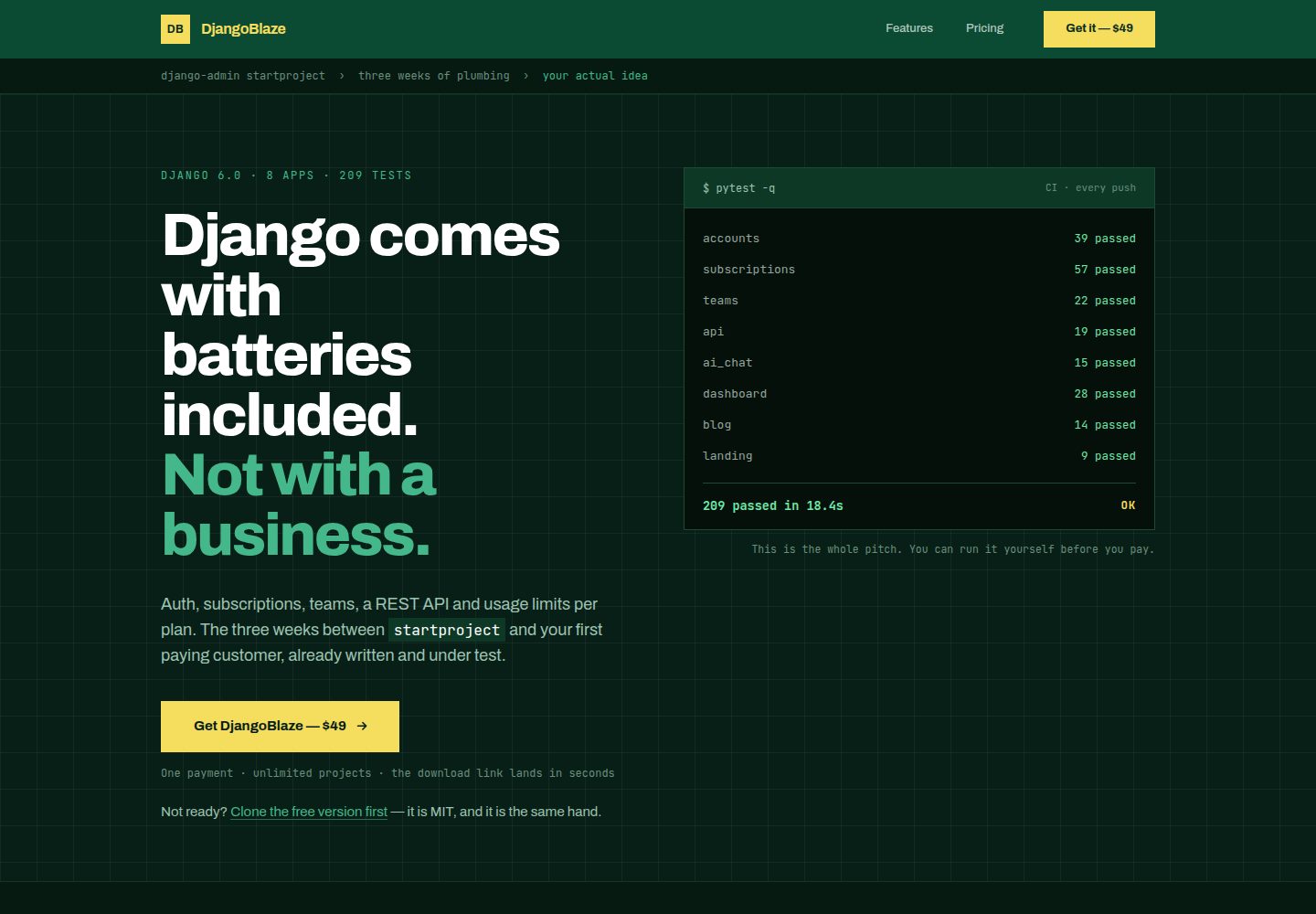
django-saas-boilerplate
A Django SaaS starter template with email-only login, django-allauth authentication, Stripe subscription payments, a user dashboard, and a public landing page.
Django · SaaS
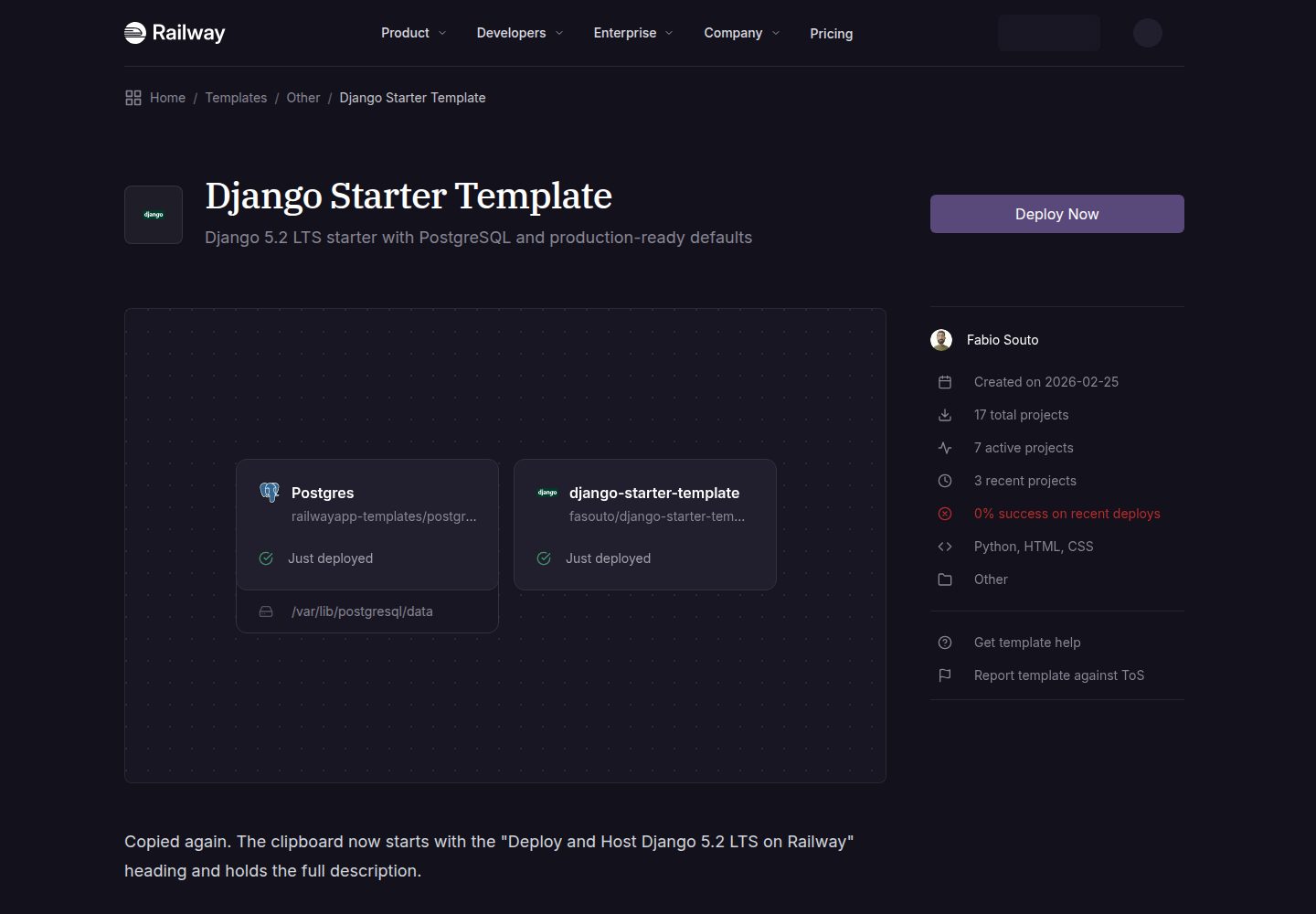
django-starter-template
A Django 5.2 LTS starter template for Railway deployment, using PostgreSQL via psycopg3, gunicorn, and WhiteNoise, with settings split into base, development, and production.
Django · Starter
Django_Management_System_template
A Django and MySQL-based non-separated frontend-backend information management system template. It includes CRUD pages and forms for users, departments, numbers, and tasks, cookie-based login authentication with middleware redirection, pagination navigation, MD5 encryption, and Bootstrap form utilities.
Django · Admin dashboard
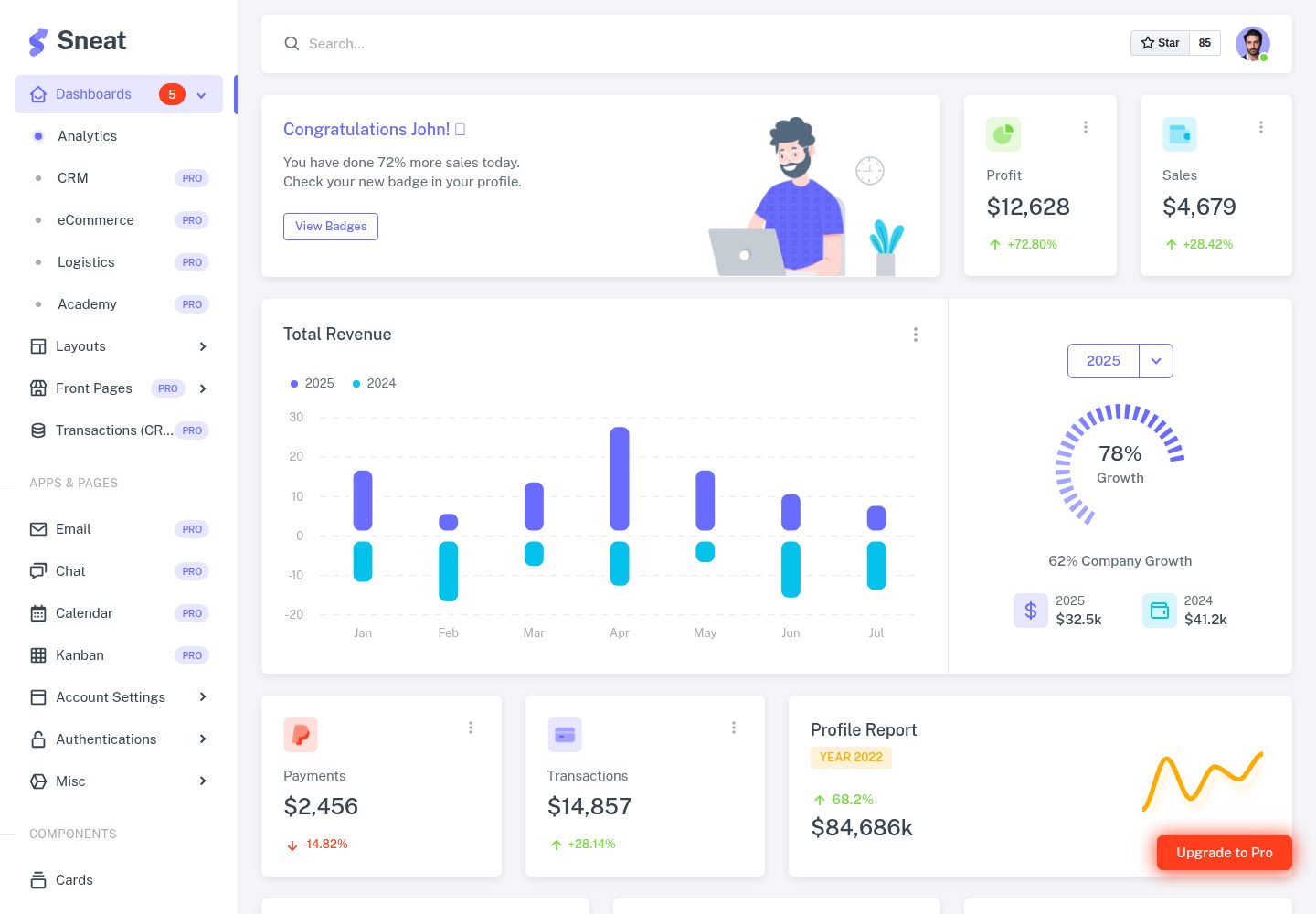
sneat-bootstrap-html-django-admin-template-free
Sneat Free is a Django and Bootstrap 5 admin template under the MIT license, offering an Analytics dashboard, multiple layouts, authentication pages, forms, tables, and extended UI.
Django · Admin dashboard