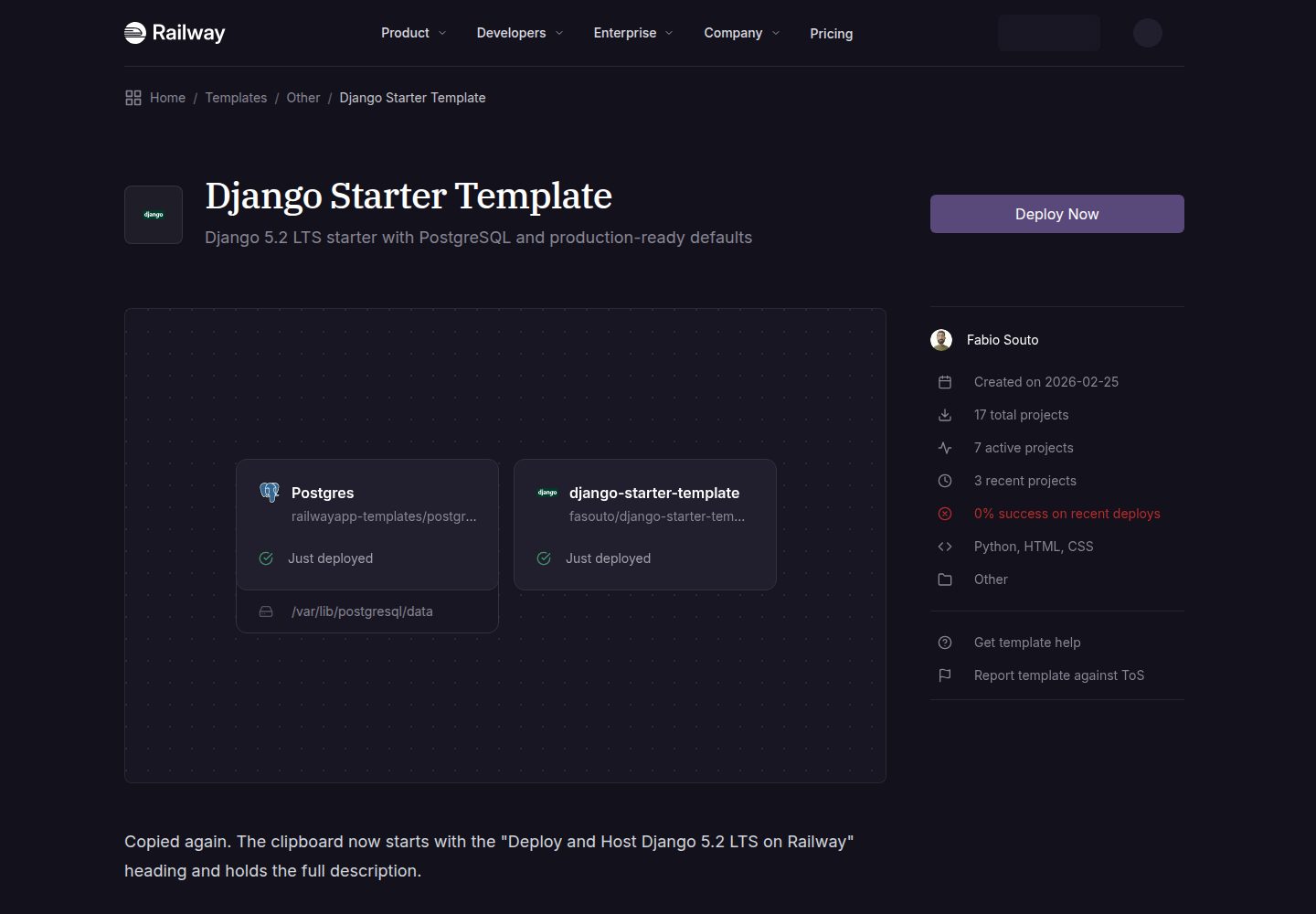
Based on Django 5.2 LTS, with settings split into base, development, and production
DjangoStarter
django-starter-template — Django Starter Template
By fasouto
A Django starter template for Railway deployment, using Django 5.2 LTS, PostgreSQL, and gunicorn, with built-in CI, health checks, and AI coding agent documentation.
Explore the design
Compare the page layouts and mobile experience. Open any screenshot for a closer look.
Desktop homepage1 / 3
Desktop captureTop of page
Actual screenshot captured by the server browser.
All pages & views 3
Screenshots show visual appearance; interactive behavior may differ.
Recorded 2026-10-01View source
What stands out
A quick read of the recorded project description.
Production uses PostgreSQL (psycopg3), gunicorn, and WhiteNoise, so static files do not require nginx
Built-in /health/ health check endpoint returning JSON for Railway monitoring
GitHub Actions CI covers ruff, pytest against PostgreSQL 17, check --deploy, and missing migration checks
Provides AGENTS.md and CLAUDE.md describing commands, directory structure, and conventions to help AI coding agents extend the project
Includes railway.toml, docker-compose.yml, and Dockerfile.dev to support Railway deployment and local container development
Template Details
This is a Django starter template primarily targeting Railway deployment. The repository provides a Django 5.2 LTS project skeleton, uses PostgreSQL (connected via psycopg3), gunicorn as the production server, WhiteNoise for static file serving, and reads configuration from environment variables and .env files via django-environ. Settings are split into base, development, and production; the development environment defaults to SQLite with DEBUG=True, while production uses PostgreSQL and enables security-related settings. The template includes an apps/base application with a homepage, a /health/ health check endpoint, and example tests; it also provides gunicorn.conf.py, railway.toml, Dockerfile.dev, and docker-compose.yml for local development and deployment.
On the engineering side, the repository includes GitHub Actions CI (ruff checks, pytest against PostgreSQL 17, check --deploy, and missing migration checks), Dependabot configuration, and AGENTS.md (with CLAUDE.md pointing to it) to explain commands, directory structure, and conventions to AI coding agents such as Claude Code, Codex, Cursor, and Copilot.
Usage limitations: the template targets Railway by default; during deployment, the platform automatically injects DATABASE_URL, SECRET_KEY, and RAILWAY_PUBLIC_DOMAIN. If using a custom domain, you must manually add the domain to ALLOWED_HOSTS and add the full URL to CSRF_TRUSTED_ORIGINS, otherwise POST requests for login, admin, and forms will return 403. Local development offers two approaches: uv and Docker Compose; Docker Compose starts Django and PostgreSQL 17. The repository does not include asynchronous task components such as Celery; the README only notes that they can be added as needed.
DjangoStarter
Is it right for your project?
Use Cases
- Quickly create a Django project with PostgreSQL on Railway and automatically run migrations and start
- Serve as a starting point for Django projects that need separate development and production settings and CI configuration
- Continue developing features in AI coding agents such as Claude Code, Codex, Cursor, or Copilot
- Use Docker Compose to run Django and PostgreSQL 17 locally for development
Suitable For
- Developers preparing to deploy Django applications on Railway
- Teams that want built-in CI, health checks, and dependency update configuration
- Developers using AI coding agents who need clear project conventions
- Starting scenarios for Django projects requiring a PostgreSQL and gunicorn combination
Getting started & customization
Use these recorded setup notes alongside the repository instructions for your chosen version.
- 1
For local development, uv is recommended: run uv sync --dev, copy .env.example to .env, then run migrate, createsuperuser, and runserver
- 2
Docker Compose can also be used: copy .env.example to .env, run docker compose up, then run migrate and createsuperuser inside the container
- 3
During Railway deployment, the platform automatically sets DATABASE_URL, SECRET_KEY, and RAILWAY_PUBLIC_DOMAIN, and automatically runs migrations
- 4
When using a custom domain, add the domain to ALLOWED_HOSTS and add the full URL to CSRF_TRUSTED_ORIGINS, otherwise POST requests return 403
- 5
To add a new app, create a directory under apps/ and add apps.myapp to INSTALLED_APPS, setting name in AppConfig
License & source material
Usage conditions & limitations
Free to use · keep license noticeThis entry covers the free version in a public repository under the MIT license; the free scope is the code of this version and does not mean external services or third-party assets are free.
Must comply with when using
- You may use, modify, commercialize, and distribute the code of this version for free.
- When distributing copies or substantial portions of the code, retain the original author's copyright notice and the full MIT license notice.
- The code is provided as is; warranties and liability limitations are governed by the original license and applicable law.
Additional costs & items to verify
- The template targets Railway deployment by default, and the deployment process depends on the Railway service; if used on other platforms, you must configure the database, environment variables, and start command yourself.
- Environment variables such as SECRET_KEY and DATABASE_URL are automatically injected by Railway; outside Railway, you must provide these variables manually.
- When using a custom domain, you must manually add the domain to ALLOWED_HOSTS and add the full URL to CSRF_TRUSTED_ORIGINS, otherwise POST requests for login, admin, and forms return 403.
- The repository does not include asynchronous task components such as Celery; if asynchronous tasks are needed, you must add dependencies yourself and deploy an additional Redis service.
- Demo images, fonts, icons, and other third-party assets must be checked against their respective licenses; the code's MIT license alone cannot be used to judge them.
- External services such as domains, hosting, databases, payments, or AI may incur additional charges.
View Original Text Basis
Permission is hereby granted, free of charge
Original License Text
Click the button above to deploy this template. Railway will:
Original README
These are set automatically by Railway. Override them in your service settings if needed:
Original README
**Custom domains:** add the domain to `ALLOWED_HOSTS` and `https://yourdomain.com` to `CSRF_TRUSTED_ORIGINS`. Without the latter, POST requests (login, admin, forms) return 403.
Original README
https://github.com/fasouto/django-starter-template/blob/master/LICENSEhttps://github.com/fasouto/django-starter-template/blob/master/readme.mdAdd `celery[redis]` to your dependencies, create `config/celery.py`, and add a Redis service to your Railway project or `docker-compose.yml`.
Original README
Compiled by DeepSeek based on repository license and README ·2026-10-01. Results only cover the materials read; dependencies, images, fonts, and subsequent term changes are subject to their respective original texts.
Project checks & description sources
Template Information
- Source platforms
- GitHub
- Documentation and maintenance reference score
- More documented · 91 / 100
- Technologies
- Django
- Website type
- Starter
How this score is calculated
Our heuristic uses license records (up to 30), a demo link (12), a preview (10), stars (15), recorded maintenance (15), description completeness (8), feature records (5) and classification data (5). It is not a code, security or performance test, or a Google score. A link does not establish tested functionality.
What to verify for this project
- Repository update recorded
- 2026-09-18
- Screenshot last checked
- 2026-10-01
A demo link is listed. Check it with your own content and viewport sizes; its presence does not confirm that forms, authentication or payments work.
The catalog identifies Django as the primary stack. Check the actual dependency manifest and lockfile for versions and hosting requirements. These notes use recorded metadata, not a code audit or a deployment test.
Use a selection guide →How this description was prepared
AI-assisted description based on catalog records and repository material. Repository authors are not automatically the reviewers of this description.
Automatically checked against source and license rules; no manual editorial review.
Inspect the recorded source material
SHA-256: 3d8a34a183fca13d60de072dd02557a6c65708be3571fe7f3980ea82f653c9c5
2026-10-01T02:40:54.347Z
Source file / repository<p align="center"> <img src="config/static/img/django-pony.png" alt="Django Pony" width="80"> </p> <h1 align="center">Django Starter Template</h1> A production-ready Django 5.2 LTS starter template for [Railway](https://railway.com). Python 3.13, PostgreSQL, gunicorn, WhiteNoise, `uv`, CI included, and written so that both people and AI coding agents can build on it. [](https://railway.com/deploy/django-starter-template?referralCode=iZa9TM&utm_medium=integration&utm_source=template&utm_campaign=generic) ## Deploy to Railway Click the button above to deploy this template. Railway will: 1. Create a new Django web service 2. Provision a PostgreSQL database 3. Set `DATABASE_URL` and `SECRET_KEY` automatically 4. Run migrations on deploy 5. Start the application with gunicorn Your app will be live in under a minute. ### Environment variables These are set automatically by Railway. Override them in your service settings if needed: | Variable | Description | Default | |----------|-------------|---------| | `SECRET_KEY` | Django secret key | Auto-generated | | `DATABASE_URL` | PostgreSQL connection string | Provided by Railway | | `ALLOWED_HOSTS` | Extra comma-separated hostnames | `.railway.app` + your Railway domain | | `CSRF_TRUSTED_ORIGINS` | Extra full URLs for POST requests (e.g. `https://example.com`) | `https://<your Railway domain>` | | `DJANGO_SETTINGS_MODULE` | Settings module | `config.settings.production` | | `WEB_CONCURRENCY` | gunicorn worker processes | `min(2 x CPU + 1, 4)` | | `GUNICORN_THREADS` | threads per worker | `2` | Railway injects `RAILWAY_PUBLIC_DOMAIN`, and the production settings add it to `ALLOWED_HOSTS` and `CSRF_TRUSTED_ORIGINS` for you, so login, admin, and forms work on the generated `*.up.railway.app` domain with zero configuration. **Custom domains:** add the domain to `ALLOWED_HOSTS` and `https://yourdomain.com` to `CSRF_TRUSTED_ORIGINS`. Without the latter, POST requests (login, admin, forms) return 403. ## Local Development ### Option A: uv (recommended) Prerequisites: [Python 3.13+](https://python.org), [uv](https://docs.astral.sh/uv/getting-started/installation/) ```bash git clone https://github.com/fasouto/django-starter-template.git cd django-starter-template # Install dependencies uv sync --dev # Set up environment cp .env.example .env # Run migrations and create admin user uv run python manage.py migrate uv run python manage.py createsuperuser # Start development server uv run python manage.py runserver ``` Open [http://localhost:8000](http://localhost:8000). The admin panel is at [http://localhost:8000/admin/](http://localhost:8000/admin/). ```bash # Run tests uv run pytest # Lint and format (CI enforces both) uv run ruff check --fix . uv run ruff format . ``` ### Option B: Docker Compose Prerequisites: [Docker](https://docs.docker.com/get-docker/) ```bash git clone https://github.com/fasouto/django-starter-template.git cd django-starter-template cp .env.example .env # Start Django + PostgreSQL 17 docker compose up # In another terminal: docker compose exec web python manage.py migrate docker compose exec web python manage.py createsuperuser ``` Open [http://localhost:8000](http://localhost:8000). Code changes reload automatically. ## Project Structure ``` . ├── .github/ │ ├── workflows/ci.yml # Lint, tests on Postgres, deploy checks, migration check │ └── dependabot.yml # Weekly grouped dependency updates ├── AGENTS.md # Instructions for AI coding agents (CLAUDE.md points here) ├── apps/ │ └── base/ # Default app (home page, health check, tests) │ ├── templates/base/ # App templates │ ├── tests.py # Example tests │ ├── urls.py │ └── views.py ├── config/ # Django project package │ ├── settings/ │ │ ├── base.py # Shared settings │ │ ├── development.py # Dev settings (DEBUG=True, SQLite) │ │ └── production.py # Production settings (Postgres, security) │ ├── static/ # Project-level static files │ │ └── css/base.css │ ├── templates/ # Project-level templates (base.html, error pages) │ ├── asgi.py │ ├── urls.py │ └── wsgi.py ├── docker-compose.yml # Local dev with Docker (Django + Postgres) ├── Dockerfile.dev # Dev container ├── gunicorn.conf.py # Production server: workers, threads, logging, PORT ├── pyproject.toml # Dependencies and tool config ├── railway.toml # Railway deployment config ├── uv.lock # Locked dependencies └── manage.py ``` ## What's Included - **[Django 5.2 LTS](https://docs.djangoproject.com/en/5.2/)**: supported until April 2028 - **[PostgreSQL](https://www.postgresql.org/)** via psycopg3, modern async-capable adapter - **[WhiteNoise](https://whitenoise.readthedocs.io/)**: serve static files without nginx, with brotli compression - **[django-environ](https://django-environ.readthedocs.io/)**: configure via environment variables and `.env` files - **[Argon2](https://docs.djangoproject.com/en/5.2/topics/auth/passwords/#using-argon2-with-django)** password hashing (winner of the Password Hashing Competition) - **Split settings** for separate development and production configurations - **Health check** at `/health/`, returns JSON for Railway monitoring - **Tuned gunicorn** (`gunicorn.conf.py`): threaded workers sized for Railway plans, access logs to stdout, proxy headers trusted, all overridable via env vars - **Zero-config hosts on Railway**: `RAILWAY_PUBLIC_DOMAIN` feeds `ALLOWED_HOSTS` and `CSRF_TRUSTED_ORIGINS` - **GitHub Actions CI**: ruff, pytest against Postgres 17, `check --deploy`, and a missing-migrations check on every PR - **Dependabot** for Python, Actions, and Docker base images - **AGENTS.md**: commands, layout, and conventions for AI coding agents, so Claude Code, Codex, Cursor, or Copilot extend the project the right way - **[django-debug-toolbar](https://django-debug-toolbar.readthedocs.io/)**: SQL queries, templates, cache inspection (dev only) - **[ruff](https://docs.astral.sh/ruff/)** for linting and formatting - **[pytest](https://docs.pytest.org/) + [pytest-django](https://pytest-django.readthedocs.io/)** for testing ## Working with AI coding agents The repo ships an `AGENTS.md` (with `CLAUDE.md` pointing at it) that tells agents how to run, test, lint, and deploy the project, plus the conventions to follow when adding apps, settings, or dependencies. Open the project in Claude Code, Codex, Cursor, or Copilot and ask for a feature; the agent gets the right commands and layout without you explaining the template first. CI runs the same checks the agent is told to run, so a green pull request means the change is deployable to Railway. ## Customization ### Adding a new app ```bash mkdir apps/myapp uv run python manage.py startapp myapp apps/myapp ``` Then add `"apps.myapp"` to `INSTALLED_APPS` in `config/settings/base.py`, set `name = "apps.myapp"` in the generated `AppConfig`, and include its URLs in `config/urls.py`. Apps are imported as `apps.myapp`. ### Replacing the CSS The included `config/static/css/base.css` is minimal and framework-free. Replace it with Bootstrap, Tailwind, or any CSS framework you prefer. ### Adding Celery Add `celery[redis]` to your dependencies, create `config/celery.py`, and add a Redis service to your Railway project or `docker-compose.yml`. ## License MIT. See [LICENSE](LICENSE).
Explore similar templates
Compare previews and descriptions within the same stack and category.
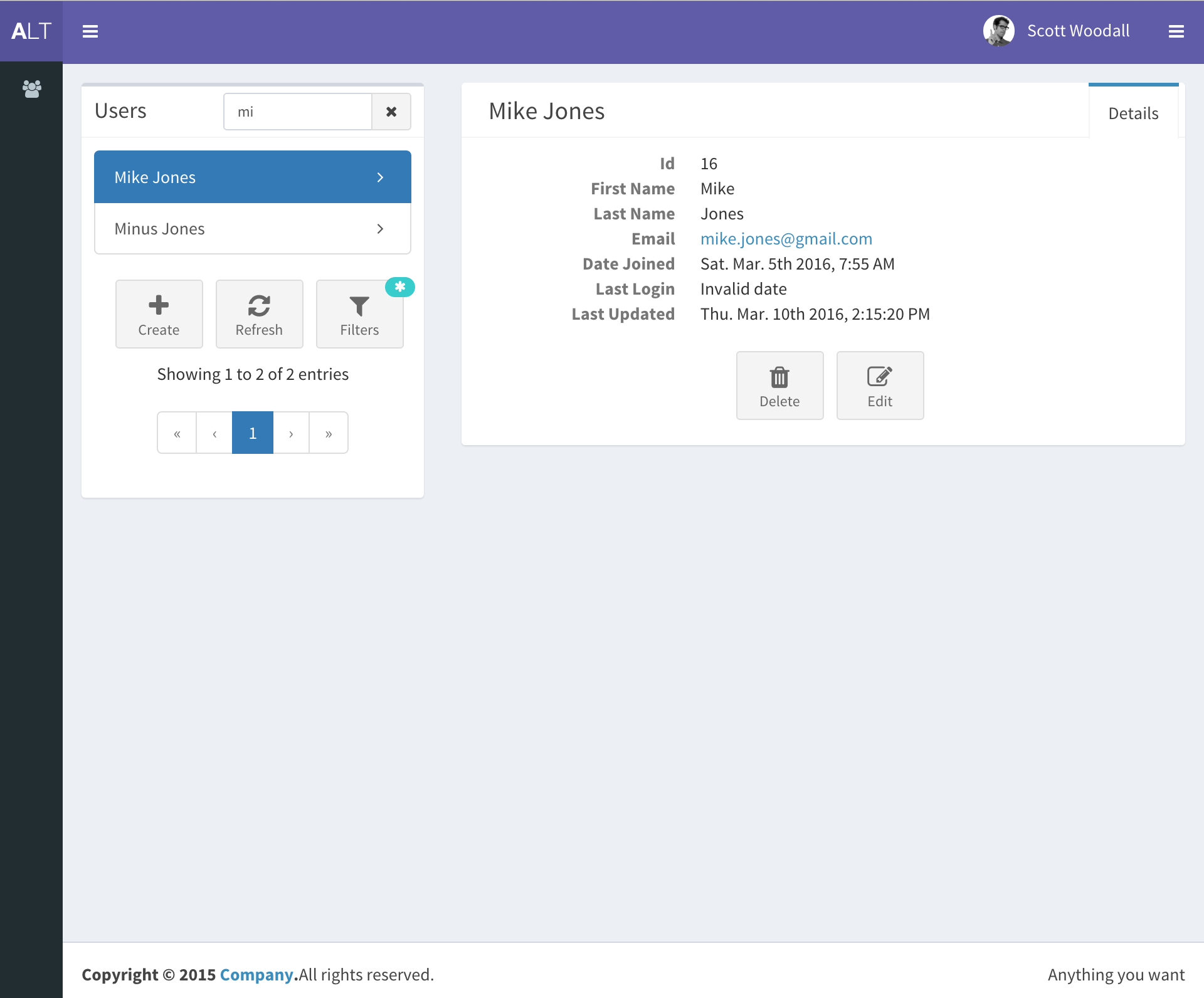
django-react-template
A starter template that integrates Django backend and React frontend in one repository, generated via Django's startproject command. It provides a clear backend/frontend structure with separate READMEs, aiming to reduce initial setup work.
Django · Starter
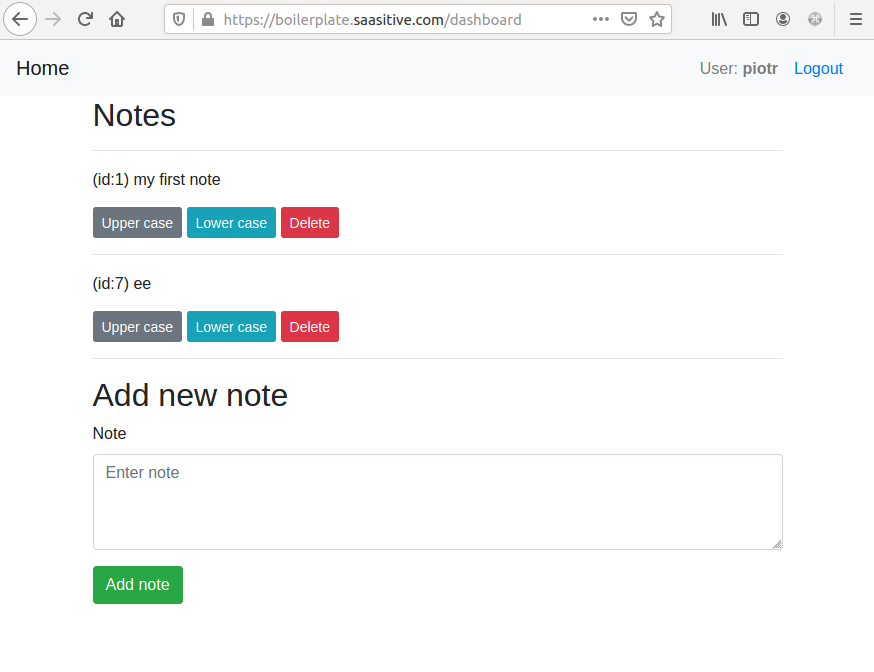
django-react-boilerplate
A DIY Django + React SaaS starter built through step-by-step tutorials, featuring a Django REST Framework backend, React frontend, Bootstrap styling, Djoser token authentication, email verification, password reset, and docker-compose deployment to a single VPS with Nginx and Let's Encrypt SSL.
Django · SaaS
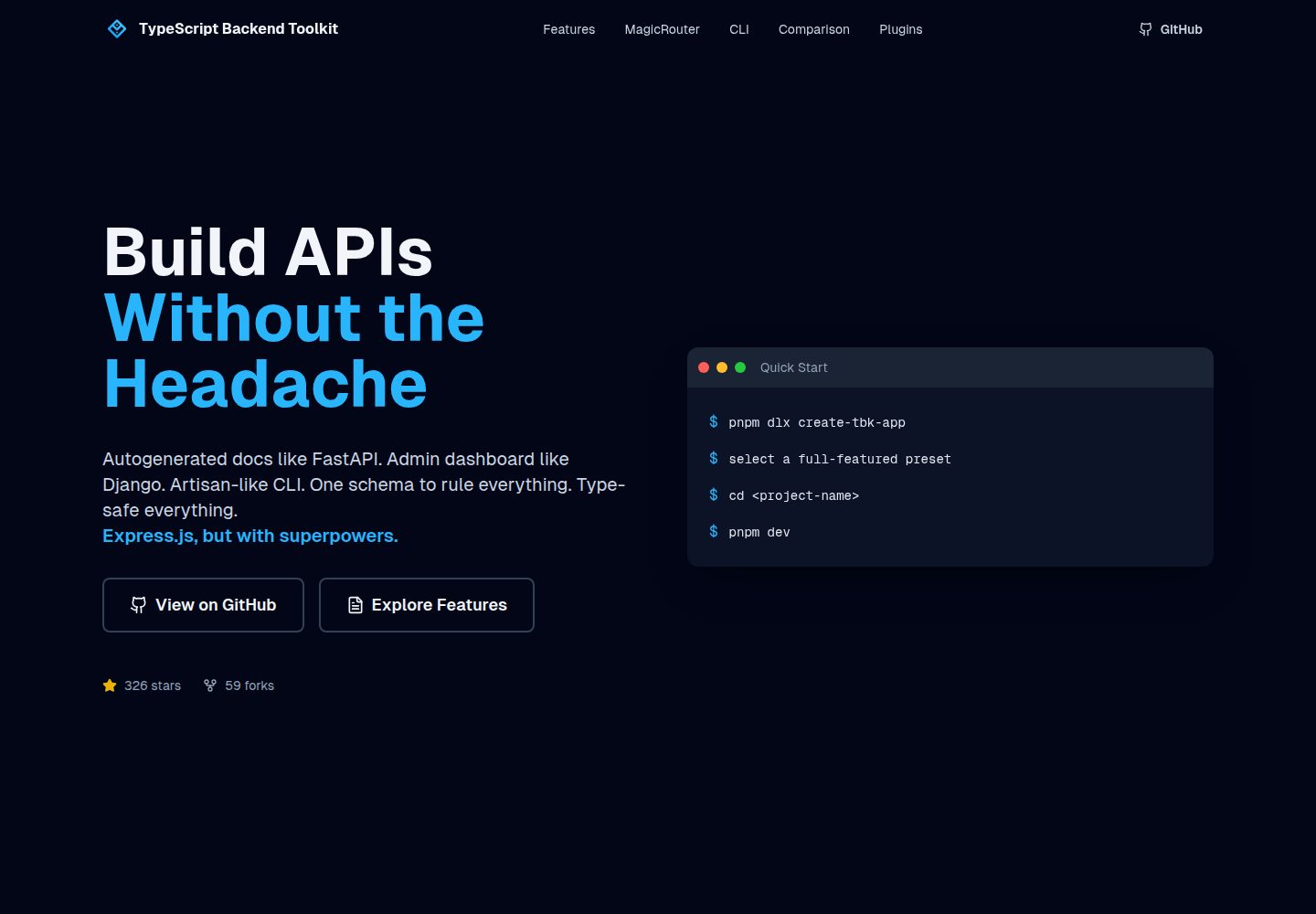
typescript-backend-toolkit
An Express.js and TypeScript backend toolkit with auto-generated OpenAPI documentation, a Django-style admin panel, an Artisan-style tbk CLI, and a plugin architecture. It integrates Zod validation, JWT and Google login, BullMQ queues with BullBoard, Socket.IO, and multi-provider storage/cache/email.
Django · Admin dashboard
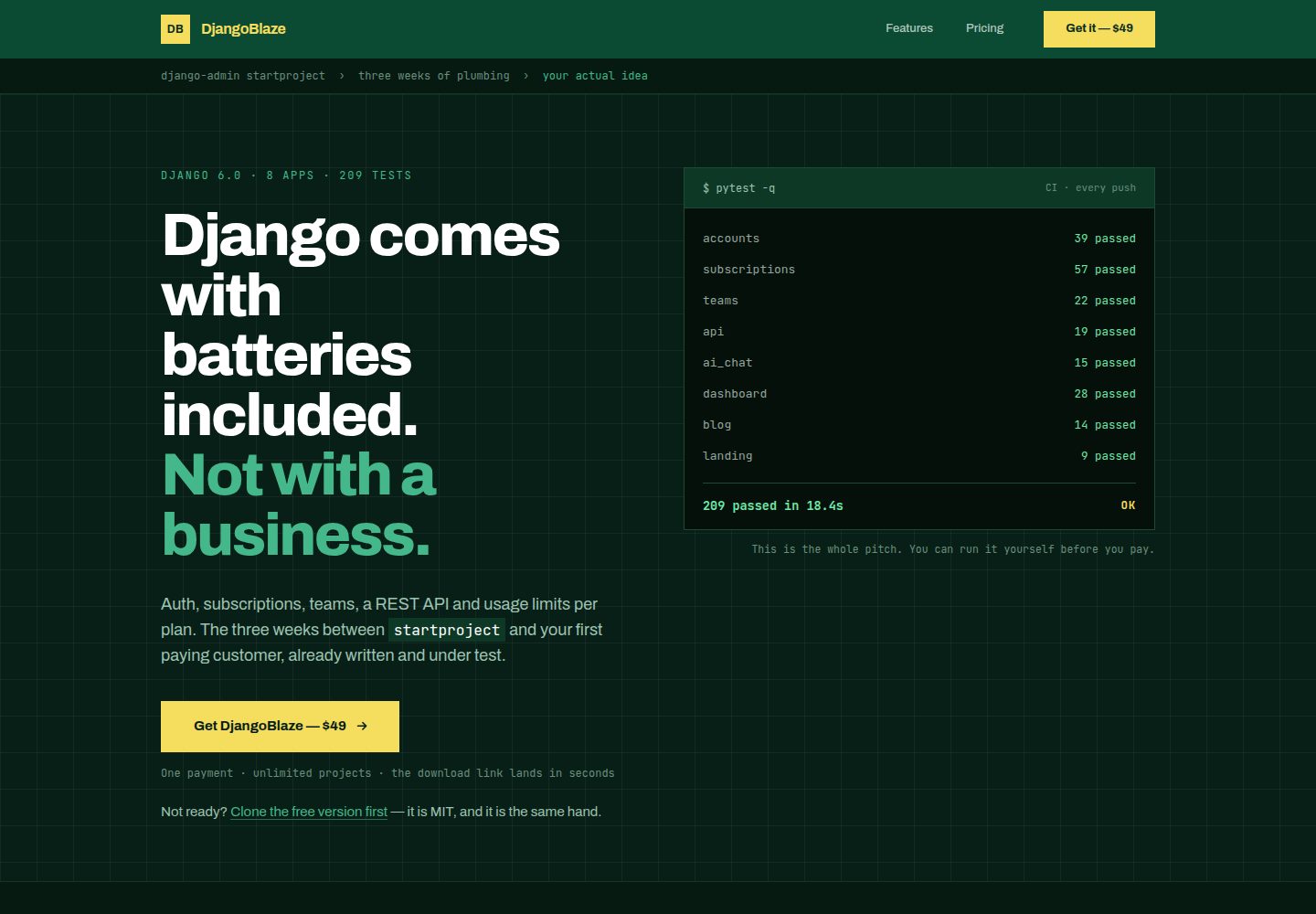
django-saas-boilerplate
A Django SaaS starter template with email-only login, django-allauth authentication, Stripe subscription payments, a user dashboard, and a public landing page.
Django · SaaS
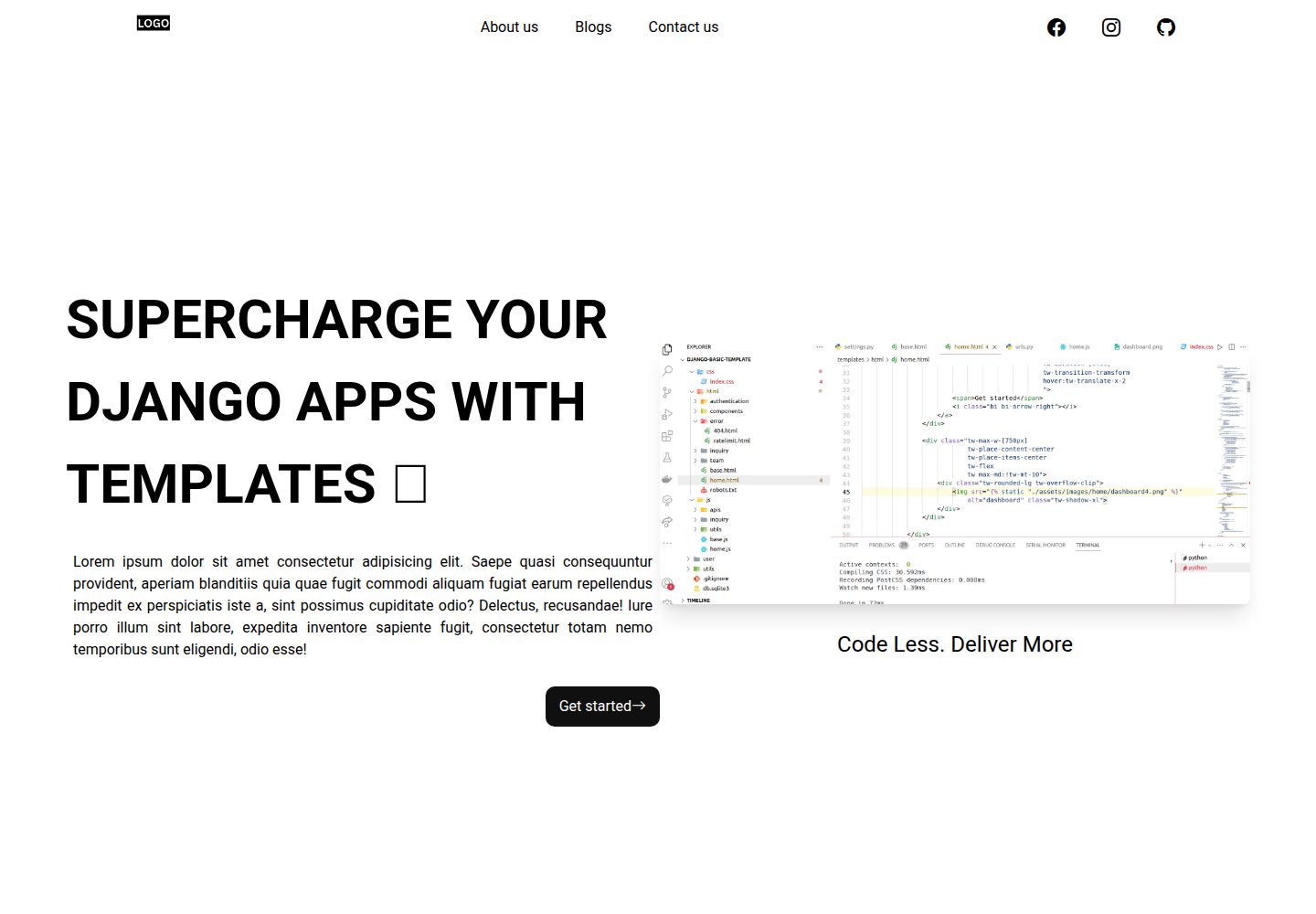
Django-website-template
A Django website starter template for freelancers and agencies, including landing pages, contact page, 404 page, and a blog with Trix editor in the admin.
Django · Starter
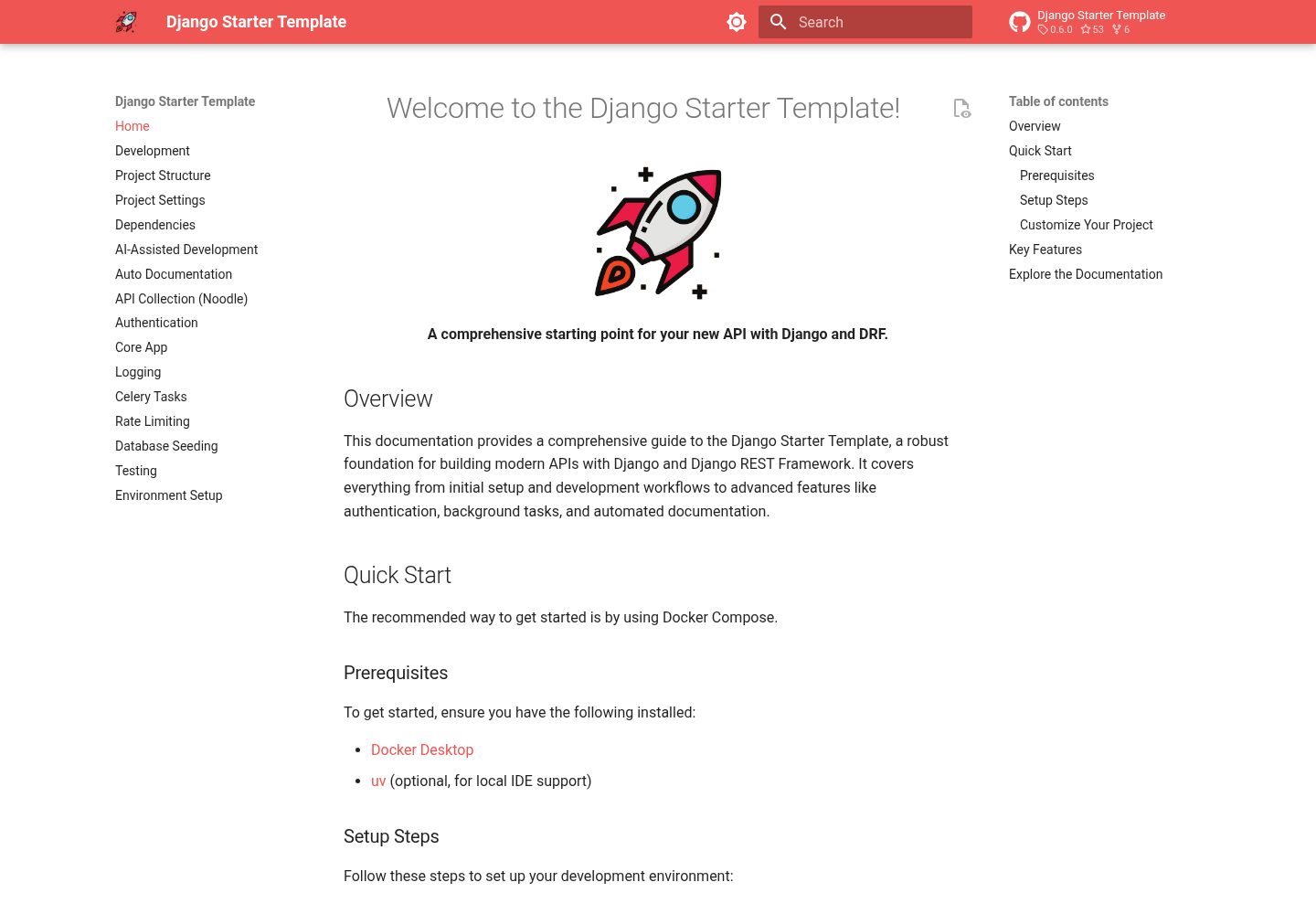
django-starter-template
A Django and DRF API starter template with Knox token authentication, an email-based user model, Celery and Redis background tasks, drf-spectacular OpenAPI 3 documentation, structured JSON logging, and a Docker Compose and Makefile development workflow.
Django · Starter