Uses django-rest-knox for token-based user authentication
DjangoStarter
django-starter-template — Django Starter Template
By wilfredinni
A Django and DRF API starter template with Knox token authentication, Celery background tasks, drf-spectacular API documentation, and a Docker development environment.
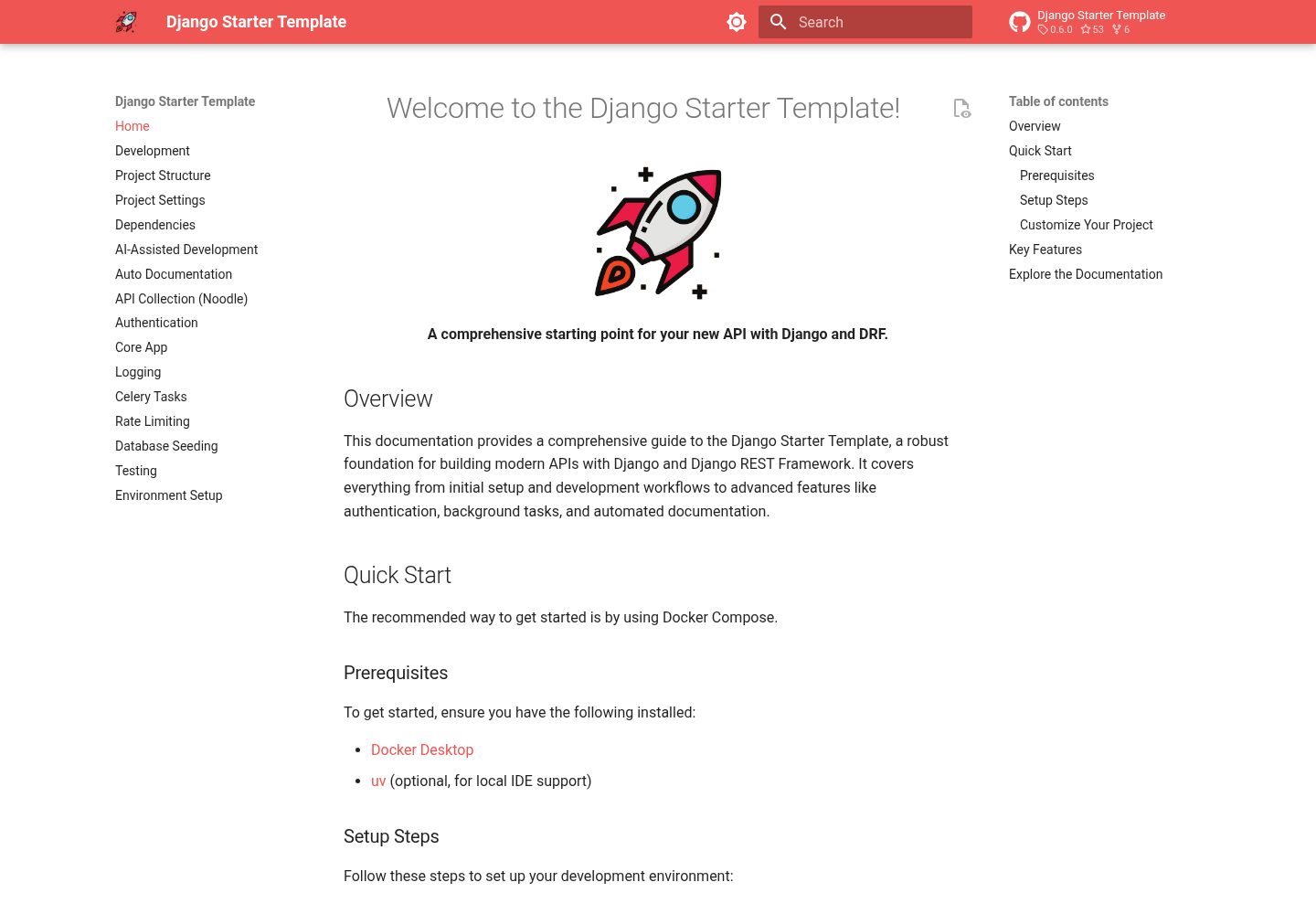
Explore the design
Compare the page layouts and mobile experience. Open any screenshot for a closer look.
Desktop homepage1 / 3
Desktop captureTop of page
Actual screenshot captured by the server browser.
All pages & views 3
Screenshots show visual appearance; interactive behavior may differ.
Recorded 2026-10-02View source
What stands out
A quick read of the recorded project description.
Custom email-based user model replaces default username login
Handles asynchronous background tasks with Celery and Redis
Automatically generates OpenAPI 3 API documentation with drf-spectacular
Includes a Noodle request collection covering the v1 API for testing endpoints in the terminal
Provides structured JSON logging and AI-assisted development files such as AGENTS.md
Template Details
This is a Django starter template for API development, using Django REST Framework to build the interface layer. The repository is reused as a GitHub template and comes with Docker Compose and Makefile commands that turn local development steps such as running the environment, migrations, and creating a superuser into a repeatable process.
The template includes token authentication based on django-rest-knox, a custom email-based user model, background tasks with Celery and Redis, OpenAPI 3 documentation generation with drf-spectacular, structured JSON logging, and a Noodle request collection covering the v1 API. The repository also provides AGENTS.md and AI skill files related to Django and Celery for AI coding tools to reference.
Before use, note the following: the project depends on Docker, Docker Compose, uv, and optionally make; TODO comments are scattered throughout the code to prompt changes to project metadata, adjustments to conf/urls.py and conf/settings.py, and removal of example endpoints. The template itself is a development starting point and does not include deployment configuration; external services such as Redis and managed databases must be prepared separately.
DjangoStarter
Is it right for your project?
Use Cases
- Building a Django REST API project that requires token authentication from scratch
- Using it as a reference implementation for adding Celery asynchronous tasks and structured logging to an existing Django project
- Debugging and validating API endpoints in batches from the terminal without relying on a graphical API client
- Letting AI coding tools generate Django and Celery code based on the repository's conventions and skill files
Suitable For
- API developers familiar with Django and DRF who want to skip basic configuration
- Backend projects that need token authentication, background tasks, and API documentation available out of the box
- Teams that organize local development workflows with Docker and Makefile
- Developers who want to provide project conventions for AI coding tools
Getting started & customization
Use these recorded setup notes alongside the repository instructions for your chosen version.
- 1
Docker, Docker Compose, and uv must be installed in advance; make is optional but simplifies commands
- 2
Using GitHub's template feature to create the repository is recommended, or clone the repository directly
- 3
Run make up to start services, then run make migrate and make superuser to complete initialization
- 4
The API is available by default at http://localhost:8000
- 5
Search the code for TODO comments and follow them to change the project name, admin panel address, and rate limiting configuration, and to remove example endpoints
License & source material
Usage conditions & limitations
Free to use · keep license noticeThis entry covers the free version of a public repository under the MIT license; the free scope applies to that version's code and does not mean external services or third-party assets are free.
Must comply with when using
- The code of this version may be used, modified, used commercially, and distributed for free.
- When distributing copies or substantial portions of the code, retain the original author's copyright notice and the full MIT license notice.
- The code is provided as is; warranties and limitations of liability are governed by the original license and applicable law.
Additional costs & items to verify
- Using this template requires Docker and Docker Compose to be installed in advance, uv for IDE support, and make optionally; without these tools the project cannot be started according to the documented workflow.
- Background asynchronous tasks depend on Celery and Redis; a Redis service must be prepared and run separately, as the template does not include a managed service.
- Using the included Noodle request collection requires installing the Noodle CLI from an external site; it is a third-party tool that must be installed separately and is subject to its own terms of use.
- IDE code completion requires running uv sync --all-extras locally to install dependencies; the code itself still runs in Docker.
- The template is a development starting point and requires manually changing the project name, admin panel address, and rate limiting configuration and removing example endpoints according to TODO comments in the code; it cannot be used directly in production.
- Demo images, fonts, icons, and other third-party assets must be checked against their respective licenses and cannot be judged solely by the code's MIT license.
- External services such as domains, hosting, databases, payments, or AI may incur additional charges.
View Original Text Basis
Permission is hereby granted, free of charge
Original License Text
- 🐋 Docker - 🐳 Docker Compose - ⚡ uv (for IDE support) - 🛠️ make (optional, for shortcuts)
Original README
- **Background Tasks:** Asynchronous task processing with `Celery` and `Redis`.
Original README
curl -LsSf https://noodlerest.dev/install.sh | sh # or: brew tap wilfredinni/noodle && brew trust wilfredinni/noodle && brew install noodle
Original README
This installs dependencies locally so your IDE can provide code completion while your code runs in Docker.
Original README
https://github.com/wilfredinni/django-starter-template/blob/main/LICENSEhttps://github.com/wilfredinni/django-starter-template/blob/main/README.mdSearch for `TODO` comments across the codebase to find guided setup steps:
Original README
Compiled by DeepSeek based on repository license and README ·2026-10-02. Results only cover the materials read; dependencies, images, fonts, and subsequent term changes are subject to their respective original texts.
Project checks & description sources
Template Information
- Source platforms
- GitHub
- Documentation and maintenance reference score
- More documented · 87 / 100
- Technologies
- Django
- Website type
- Starter
How this score is calculated
Our heuristic uses license records (up to 30), a demo link (12), a preview (10), stars (15), recorded maintenance (15), description completeness (8), feature records (5) and classification data (5). It is not a code, security or performance test, or a Google score. A link does not establish tested functionality.
What to verify for this project
- Repository update recorded
- 2026-08-25
- Screenshot last checked
- 2026-10-02
A demo link is listed. Check it with your own content and viewport sizes; its presence does not confirm that forms, authentication or payments work.
The catalog identifies Django as the primary stack. Check the actual dependency manifest and lockfile for versions and hosting requirements. These notes use recorded metadata, not a code audit or a deployment test.
Use a selection guide →How this description was prepared
AI-assisted description based on catalog records and repository material. Repository authors are not automatically the reviewers of this description.
Automatically checked against source and license rules; no manual editorial review.
Inspect the recorded source material
SHA-256: 9d405b92aa88196856af59c1d7e367233f02d90e9fe0177be3dfd74b98f25f77
2026-10-02T18:57:45.480Z
Source file / repository<div align="center">
<img src="https://raw.githubusercontent.com/wilfredinni/django-starter-template/refs/heads/main/static/logo.png" data-canonical-src="/logo.png" width="130" height="130" />
# Django starter template
A comprehensive and easy-to-use starting point for your new API with **Django** and **DRF**.
[](https://github.com/wilfredinni/django-starter-template/actions/workflows/test.yml)
[](https://github.com/wilfredinni/django-starter-template/actions/workflows/github-code-scanning/codeql)
[](https://github.com/wilfredinni/django-starter-template?tab=MIT-1-ov-file#readme)
</div>
## ✨ Key Features
This template is packed with features to help you build amazing APIs:
- **User Authentication:** Secure token-based authentication with `django-rest-knox`.
- **Background Tasks:** Asynchronous task processing with `Celery` and `Redis`.
- **API Documentation:** Automatic OpenAPI 3 schema generation with `drf-spectacular`.
- **Ready-to-use API Collection:** Test every endpoint from your terminal with the bundled [Noodle](https://noodlerest.dev) collection — no Postman needed.
- **Centralized Logging:** Structured JSON logging for easy monitoring.
- **Custom User Model:** Email-based authentication for a modern user experience.
- **AI-Assisted Development:** Includes `AGENTS.md` and curated AI skills (Django, Celery) to help AI coding agents produce idiomatic code.
- **And much more!** Explore the documentation to discover all the features.
## Quick Start
### Prerequisites
- 🐋 Docker
- 🐳 Docker Compose
- ⚡ uv (for IDE support)
- 🛠️ make (optional, for shortcuts)
### Setup Steps
1. Use [GitHub's template feature](https://github.com/new?template_name=django-starter-template&template_owner=wilfredinni) (recommended) or clone repository
2. Start services: `make up` (or `docker compose up`)
3. In another terminal, run migrations: `make migrate` (or `docker compose exec backend python manage.py migrate`)
4. Create superuser: `make superuser` (or `docker compose exec backend python manage.py createsuperuser`)
5. Access API at `http://localhost:8000`
**Quick Commands:**
```bash
make help # See all available commands
make test # Run tests
make seed # Populate database with sample data
make logs # View application logs
```
**Try the API with Noodle:**
The repo includes a [Noodle](https://noodlerest.dev) collection (`api-collection/`) covering all `v1` endpoints. Install the CLI, start the stack, and run requests:
```bash
curl -LsSf https://noodlerest.dev/install.sh | sh # or: brew tap wilfredinni/noodle && brew trust wilfredinni/noodle && brew install noodle
noodle -c api-collection # open interactively
noodle request run core/ping --collection api-collection # or run a single request
```
See [API Collection (Noodle)](docs/noodle.md) for authentication and environment setup.
**For IDE support (IntelliSense, autocomplete):**
```bash
uv sync --all-extras
```
This installs dependencies locally so your IDE can provide code completion while your code runs in Docker.
**Customize Your Project:**
Search for `TODO` comments across the codebase to find guided setup steps:
- `pyproject.toml` — update project name, version, description, authors, license
- `conf/urls.py` — change admin URL, delete example index view, disable unused auth endpoints
- `conf/settings.py` — adjust throttle rates and DRF Spectacular settings
- `apps/core/views.py`, `urls.py`, `tasks.py` — remove example fire-task endpoint
## 📖 Explore the Documentation
This documentation is your guide to building amazing applications with the Django Starter Template. Use the navigation on the left to explore the different sections.
- **[Development](https://wilfredinni.github.io/django-starter-template/development):** Learn about the development workflow, including how to run tests, and use the scripts.
- **[Project Structure](https://wilfredinni.github.io/django-starter-template/project_structure):** Get an overview of the project's directory structure.
- **[Project Settings](https://wilfredinni.github.io/django-starter-template/settings):** Understand the available settings and how to configure your project.
- **[Dependencies](https://wilfredinni.github.io/django-starter-template/dependencies):** See a list of all the project's dependencies.
- **[Authentication](https://wilfredinni.github.io/django-starter-template/authentication):** Learn how to use the authentication and user management endpoints.
- **[Core App](https://wilfredinni.github.io/django-starter-template/core_endpoints):** Discover the core functionalities and API endpoints.
- **[Logging](https://wilfredinni.github.io/django-starter-template/logging):** Understand the logging system and how to use it.
- **[Celery Tasks](https://wilfredinni.github.io/django-starter-template/tasks):** Learn how to create and manage background tasks.
- **[Rate Limiting](https://wilfredinni.github.io/django-starter-template/rate_limiting):** Configure rate limiting to protect your API.
- **[Database Seeding](https://wilfredinni.github.io/django-starter-template/database_seeding):** Learn how to seed your database with initial data.
- **[Testing](https://wilfredinni.github.io/django-starter-template/testing):** Understand how to run and write tests for your project.
- **[Environment Setup](https://wilfredinni.github.io/django-starter-template/environment_setup):** Learn how to set up your development environment.
- **[AI-Assisted Development](https://wilfredinni.github.io/django-starter-template/ai):** Learn how the project helps AI coding agents work with your codebase.
Explore similar templates
Compare previews and descriptions within the same stack and category.
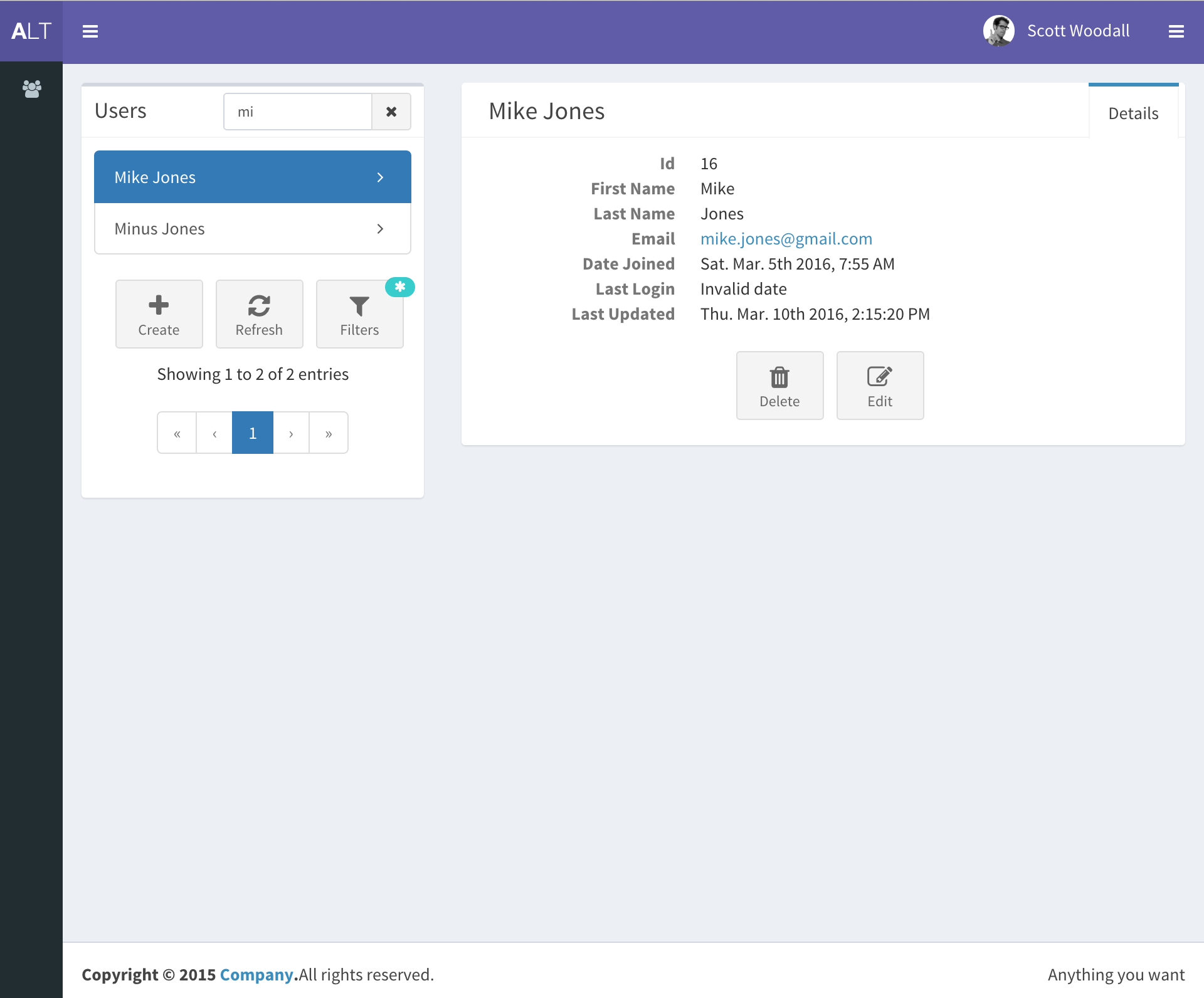
django-react-template
A starter template that integrates Django backend and React frontend in one repository, generated via Django's startproject command. It provides a clear backend/frontend structure with separate READMEs, aiming to reduce initial setup work.
Django · Starter
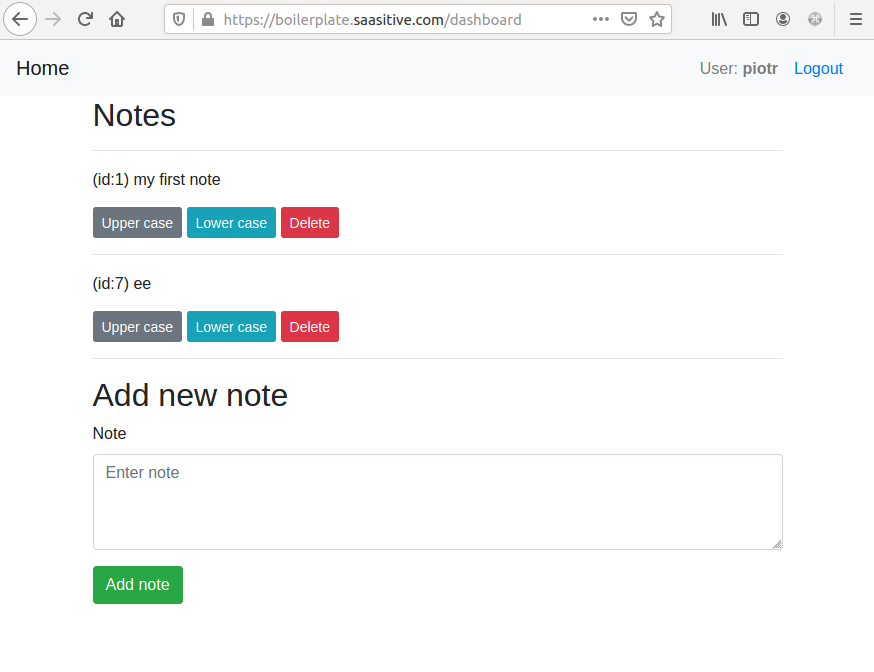
django-react-boilerplate
A DIY Django + React SaaS starter built through step-by-step tutorials, featuring a Django REST Framework backend, React frontend, Bootstrap styling, Djoser token authentication, email verification, password reset, and docker-compose deployment to a single VPS with Nginx and Let's Encrypt SSL.
Django · SaaS
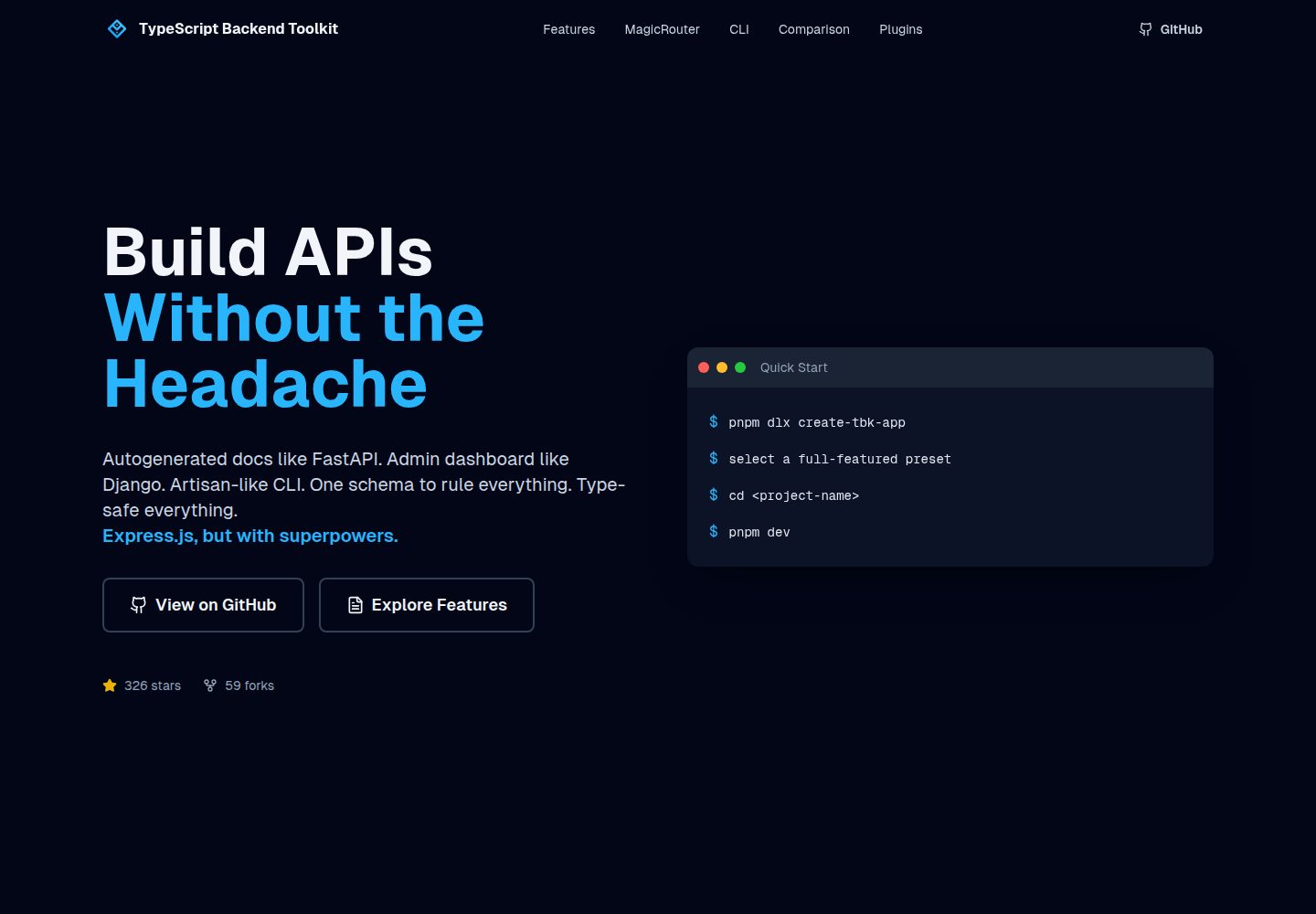
typescript-backend-toolkit
An Express.js and TypeScript backend toolkit with auto-generated OpenAPI documentation, a Django-style admin panel, an Artisan-style tbk CLI, and a plugin architecture. It integrates Zod validation, JWT and Google login, BullMQ queues with BullBoard, Socket.IO, and multi-provider storage/cache/email.
Django · Admin dashboard
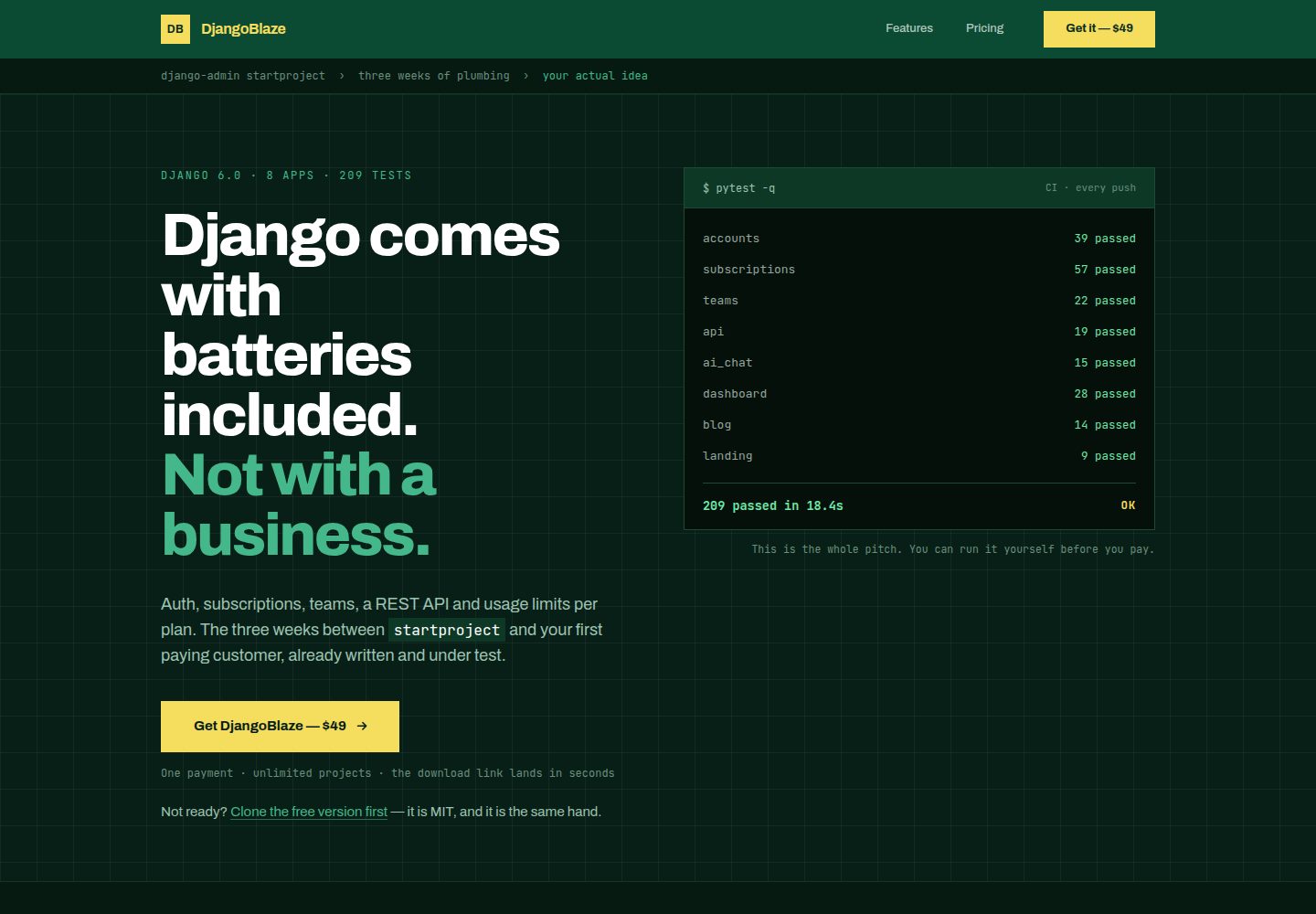
django-saas-boilerplate
A Django SaaS starter template with email-only login, django-allauth authentication, Stripe subscription payments, a user dashboard, and a public landing page.
Django · SaaS
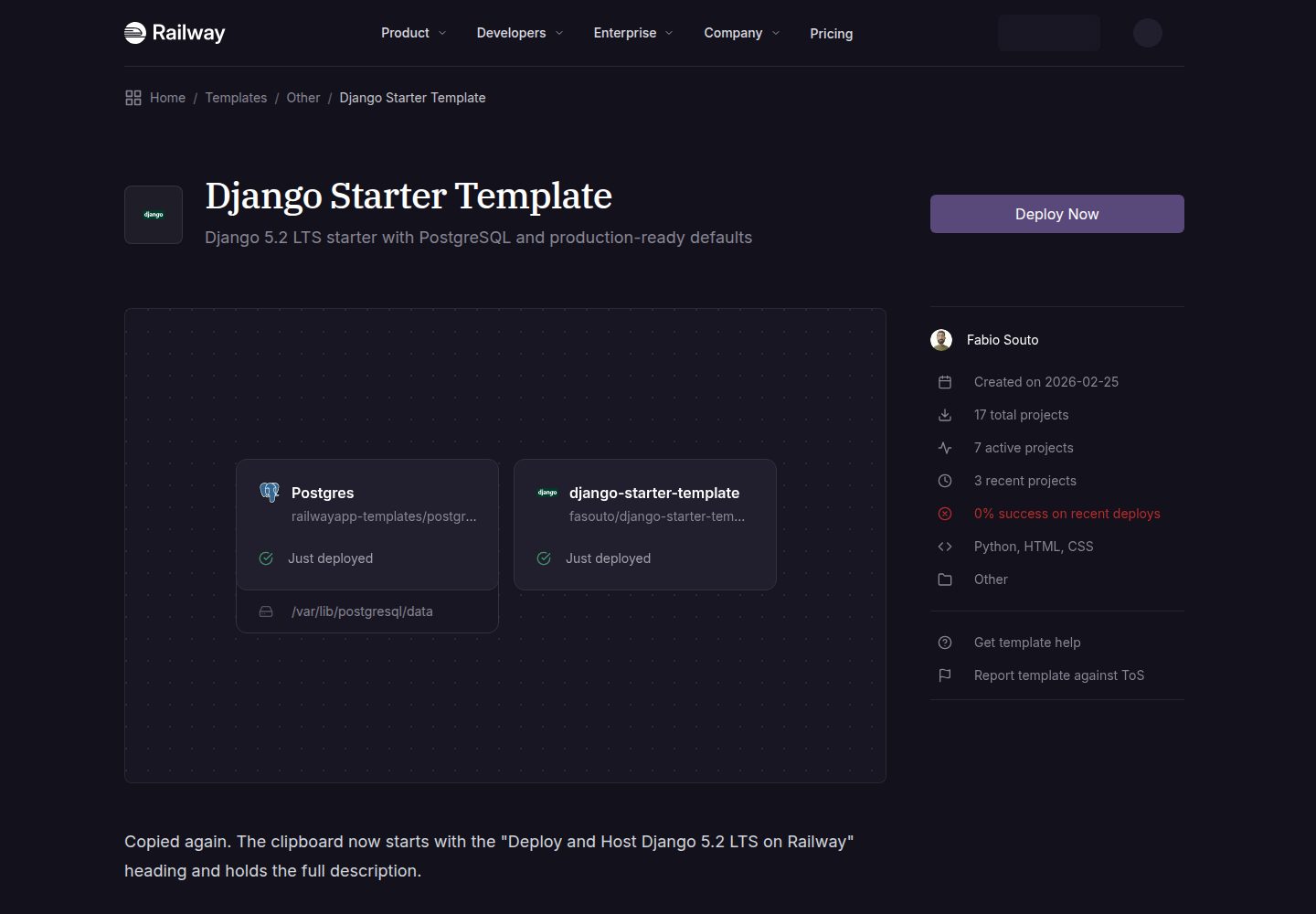
django-starter-template
A Django 5.2 LTS starter template for Railway deployment, using PostgreSQL via psycopg3, gunicorn, and WhiteNoise, with settings split into base, development, and production.
Django · Starter
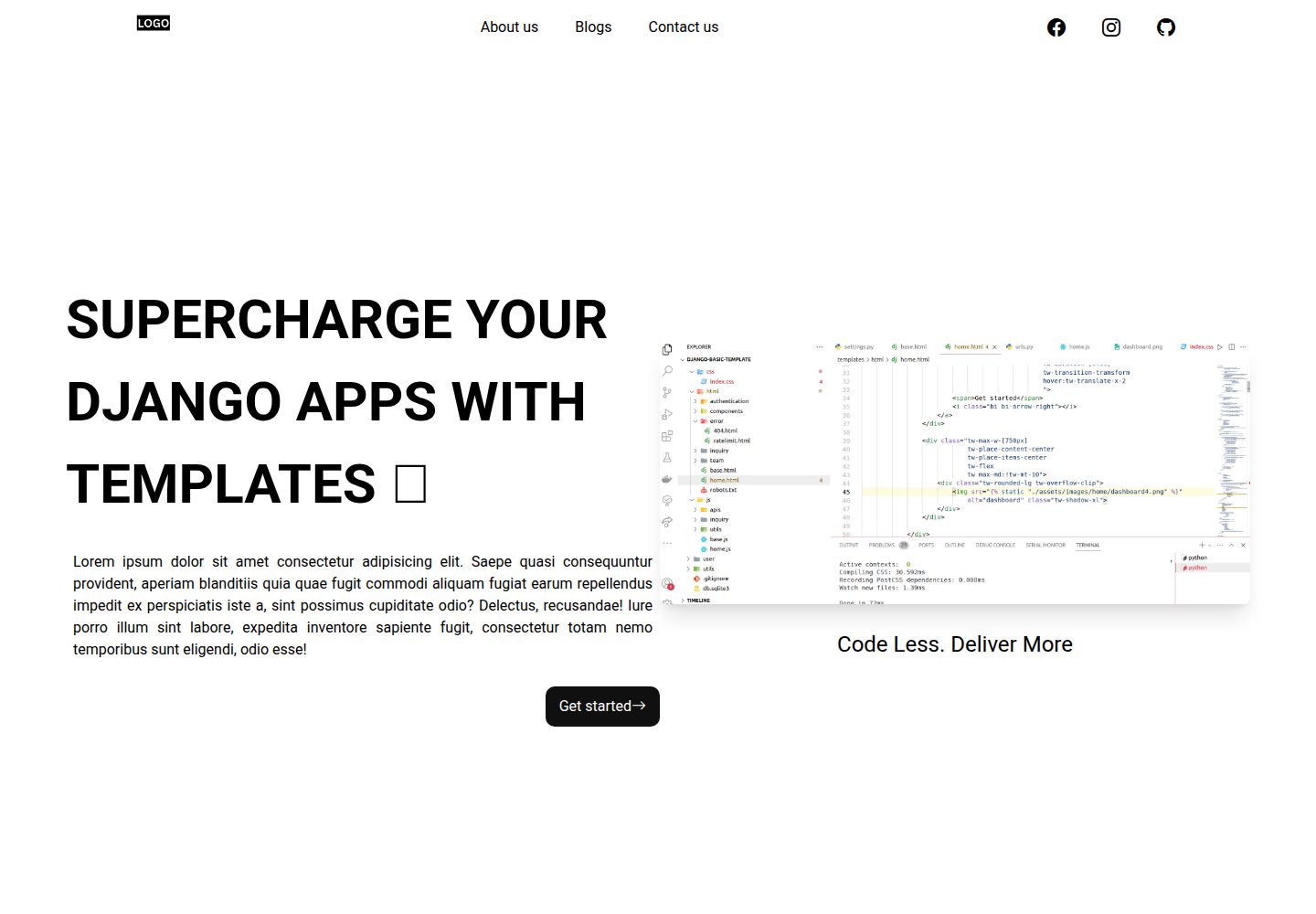
Django-website-template
A Django website starter template for freelancers and agencies, including landing pages, contact page, 404 page, and a blog with Trix editor in the admin.
Django · Starter