使用 django-rest-knox 提供基于令牌的用户认证
Django启动器
django-starter-template — Django 启动器模板
作者 wilfredinni
基于 Django 与 DRF 的 API 启动模板,集成 Knox 令牌认证、Celery 后台任务、drf-spectacular 接口文档与 Docker 开发环境。
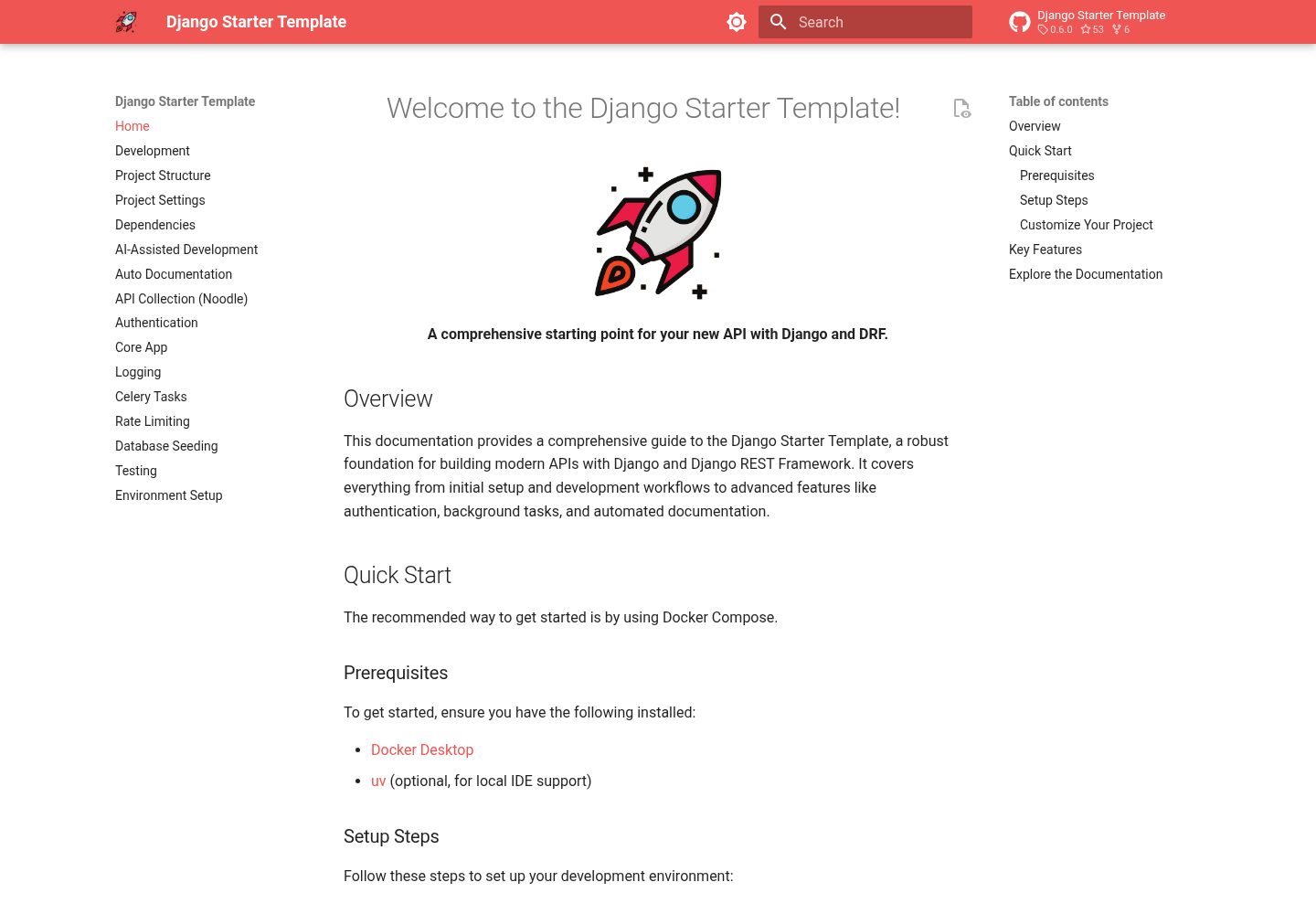
看看你的网站会是什么样
浏览真实页面截图,比较内容排版与手机效果。点击下方缩略图切换,放大查看整页细节。
全部页面与视图 3
截图用于了解视觉与布局,交互效果请以实际项目为准。
采集于 2026-10-02查看来源
值得关注的模板亮点
从已有项目资料中,快速了解它的特点。
基于邮箱的自定义用户模型替代默认用户名登录
通过 Celery 与 Redis 处理异步后台任务
使用 drf-spectacular 自动生成 OpenAPI 3 接口文档
附带覆盖 v1 接口的 Noodle 请求集合,可在终端测试接口
提供结构化 JSON 日志与 AGENTS.md 等 AI 辅助开发文件
模板详细介绍
这是一个面向 API 开发的 Django 启动模板,使用 Django REST Framework 构建接口层。仓库以 GitHub 模板方式复用,配套 Docker Compose 与 Makefile 命令,把本地开发所需的运行环境、迁移、创建超级用户等步骤固定成可重复的流程。
模板内置的内容包括:基于 django-rest-knox 的令牌认证、基于邮箱的自定义用户模型、Celery 与 Redis 的后台任务、drf-spectacular 的 OpenAPI 3 文档生成、结构化 JSON 日志,以及覆盖 v1 接口的 Noodle 请求集合。仓库还提供 AGENTS.md 与 Django、Celery 相关的 AI 技能文件,供 AI 编码工具参考。
使用前需要留意:项目依赖 Docker、Docker Compose、uv 与可选的 make;代码中散布 TODO 注释,用于提示修改项目元信息、调整 conf/urls.py 与 conf/settings.py、删除示例接口。模板本身是开发起点,不包含部署配置,外部服务(如 Redis、数据库托管)需自行准备。
Django启动器
适合你的项目吗?
适用场景
- 从零搭建一个需要令牌认证的 Django REST API 项目
- 为已有 Django 项目引入 Celery 异步任务与结构化日志的参考实现
- 在终端中批量调试和验证 API 接口,而不依赖图形化 API 客户端
- 让 AI 编码工具基于仓库内的约定与技能文件生成 Django、Celery 代码
适合人群
- 熟悉 Django 与 DRF、希望跳过基础配置的 API 开发者
- 需要令牌认证、后台任务与接口文档开箱可用的后端项目
- 使用 Docker 与 Makefile 组织本地开发流程的团队
- 希望为 AI 编码工具提供项目约定的开发者
上手与定制指南
结合仓库当前版本的说明,按下面的资料检查内容、配置与运行要求。
- 1
需预先安装 Docker、Docker Compose、uv,make 为可选但可简化命令
- 2
推荐使用 GitHub 的模板功能创建仓库,或直接克隆仓库
- 3
执行 make up 启动服务,再运行 make migrate 与 make superuser 完成初始化
- 4
API 默认在 http://localhost:8000 提供访问
- 5
代码中搜索 TODO 注释,按提示修改项目名称、管理后台地址、限流配置并删除示例接口
授权与来源资料
使用条件与限制
免费使用 · 保留许可声明本次收录的是公开仓库中采用 MIT 许可的免费版本;免费范围为该版本代码,不代表外部服务或第三方素材免费。
使用时需要遵守
- 允许免费使用、修改、商用和分发该版本代码。
- 分发代码副本或实质性部分时,保留原作者版权声明和完整 MIT 许可声明。
- 代码按现状提供;担保与责任限制以原许可证及适用法律为准。
额外费用与待核对事项
- 使用该模板需预先安装 Docker 与 Docker Compose,uv 用于 IDE 支持,make 为可选;缺少这些工具将无法按文档流程启动项目。
- 后台异步任务依赖 Celery 与 Redis,需自行准备并运行 Redis 服务,模板不包含托管服务。
- 使用附带的 Noodle 接口集合需从外部站点安装 Noodle CLI,属于第三方工具,需自行安装并承担其使用条件。
- IDE 代码补全需在本地额外执行 uv sync --all-extras 安装依赖,代码本身仍在 Docker 中运行。
- 模板为开发起点,需按代码中的 TODO 注释手动修改项目名称、管理后台地址、限流配置并删除示例接口,不能直接用于生产。
- 演示图片、字体、图标及其他第三方素材需按各自许可核对,不能仅凭代码的 MIT 许可判断。
- 域名、托管、数据库、支付或 AI 等外部服务可能另外收费。
查看原文依据
Permission is hereby granted, free of charge
许可证原文
- 🐋 Docker - 🐳 Docker Compose - ⚡ uv (for IDE support) - 🛠️ make (optional, for shortcuts)
README 原文
- **Background Tasks:** Asynchronous task processing with `Celery` and `Redis`.
README 原文
curl -LsSf https://noodlerest.dev/install.sh | sh # or: brew tap wilfredinni/noodle && brew trust wilfredinni/noodle && brew install noodle
README 原文
This installs dependencies locally so your IDE can provide code completion while your code runs in Docker.
README 原文
https://github.com/wilfredinni/django-starter-template/blob/main/LICENSEhttps://github.com/wilfredinni/django-starter-template/blob/main/README.mdSearch for `TODO` comments across the codebase to find guided setup steps:
README 原文
DeepSeek 根据仓库许可证和 README 整理 ·2026-10-02。结果仅覆盖已读取资料,依赖、图片、字体及后续条款变更以各自原文为准。
项目核对记录与介绍依据
模板资料
- 来源平台
- GitHub
- 资料与维护参考分
- 资料较完整 · 87 / 100
- 技术栈
- Django
- 网站类型
- 启动器
这个分数如何计算
本站按许可资料(最高30分)、演示链接(12分)、预览图(10分)、Star数(15分)、记录的维护时间(15分)、描述完整度(8分)、功能记录(5分)和分类资料(5分)计算。它不是代码、安全或性能测试,也不是 Google 评分;有链接不代表已实测可用。
这个项目需要核对什么
- 记录的仓库更新时间
- 2026-08-25
- 截图检查日期
- 2026-10-02
已收录演示链接。请用你的内容与屏幕尺寸检查;有演示不代表表单、认证或支付已经可用。
目录记录的主要技术栈是 Django。请通过依赖清单和锁文件核对实际版本与托管要求。这些说明基于收录资料,不代表代码审计或部署实测。
查看具体选型方法 →介绍的制作与核对状态
介绍由 AI 辅助整理目录与仓库资料。仓库作者不等于这篇介绍的审核者。
已完成服务器许可规则与 AI 来源核对;未经过人工编辑审核。
查看当时使用的来源资料
SHA-256: 9d405b92aa88196856af59c1d7e367233f02d90e9fe0177be3dfd74b98f25f77
2026-10-02T18:57:45.480Z
来源文件 / 仓库<div align="center">
<img src="https://raw.githubusercontent.com/wilfredinni/django-starter-template/refs/heads/main/static/logo.png" data-canonical-src="/logo.png" width="130" height="130" />
# Django starter template
A comprehensive and easy-to-use starting point for your new API with **Django** and **DRF**.
[](https://github.com/wilfredinni/django-starter-template/actions/workflows/test.yml)
[](https://github.com/wilfredinni/django-starter-template/actions/workflows/github-code-scanning/codeql)
[](https://github.com/wilfredinni/django-starter-template?tab=MIT-1-ov-file#readme)
</div>
## ✨ Key Features
This template is packed with features to help you build amazing APIs:
- **User Authentication:** Secure token-based authentication with `django-rest-knox`.
- **Background Tasks:** Asynchronous task processing with `Celery` and `Redis`.
- **API Documentation:** Automatic OpenAPI 3 schema generation with `drf-spectacular`.
- **Ready-to-use API Collection:** Test every endpoint from your terminal with the bundled [Noodle](https://noodlerest.dev) collection — no Postman needed.
- **Centralized Logging:** Structured JSON logging for easy monitoring.
- **Custom User Model:** Email-based authentication for a modern user experience.
- **AI-Assisted Development:** Includes `AGENTS.md` and curated AI skills (Django, Celery) to help AI coding agents produce idiomatic code.
- **And much more!** Explore the documentation to discover all the features.
## Quick Start
### Prerequisites
- 🐋 Docker
- 🐳 Docker Compose
- ⚡ uv (for IDE support)
- 🛠️ make (optional, for shortcuts)
### Setup Steps
1. Use [GitHub's template feature](https://github.com/new?template_name=django-starter-template&template_owner=wilfredinni) (recommended) or clone repository
2. Start services: `make up` (or `docker compose up`)
3. In another terminal, run migrations: `make migrate` (or `docker compose exec backend python manage.py migrate`)
4. Create superuser: `make superuser` (or `docker compose exec backend python manage.py createsuperuser`)
5. Access API at `http://localhost:8000`
**Quick Commands:**
```bash
make help # See all available commands
make test # Run tests
make seed # Populate database with sample data
make logs # View application logs
```
**Try the API with Noodle:**
The repo includes a [Noodle](https://noodlerest.dev) collection (`api-collection/`) covering all `v1` endpoints. Install the CLI, start the stack, and run requests:
```bash
curl -LsSf https://noodlerest.dev/install.sh | sh # or: brew tap wilfredinni/noodle && brew trust wilfredinni/noodle && brew install noodle
noodle -c api-collection # open interactively
noodle request run core/ping --collection api-collection # or run a single request
```
See [API Collection (Noodle)](docs/noodle.md) for authentication and environment setup.
**For IDE support (IntelliSense, autocomplete):**
```bash
uv sync --all-extras
```
This installs dependencies locally so your IDE can provide code completion while your code runs in Docker.
**Customize Your Project:**
Search for `TODO` comments across the codebase to find guided setup steps:
- `pyproject.toml` — update project name, version, description, authors, license
- `conf/urls.py` — change admin URL, delete example index view, disable unused auth endpoints
- `conf/settings.py` — adjust throttle rates and DRF Spectacular settings
- `apps/core/views.py`, `urls.py`, `tasks.py` — remove example fire-task endpoint
## 📖 Explore the Documentation
This documentation is your guide to building amazing applications with the Django Starter Template. Use the navigation on the left to explore the different sections.
- **[Development](https://wilfredinni.github.io/django-starter-template/development):** Learn about the development workflow, including how to run tests, and use the scripts.
- **[Project Structure](https://wilfredinni.github.io/django-starter-template/project_structure):** Get an overview of the project's directory structure.
- **[Project Settings](https://wilfredinni.github.io/django-starter-template/settings):** Understand the available settings and how to configure your project.
- **[Dependencies](https://wilfredinni.github.io/django-starter-template/dependencies):** See a list of all the project's dependencies.
- **[Authentication](https://wilfredinni.github.io/django-starter-template/authentication):** Learn how to use the authentication and user management endpoints.
- **[Core App](https://wilfredinni.github.io/django-starter-template/core_endpoints):** Discover the core functionalities and API endpoints.
- **[Logging](https://wilfredinni.github.io/django-starter-template/logging):** Understand the logging system and how to use it.
- **[Celery Tasks](https://wilfredinni.github.io/django-starter-template/tasks):** Learn how to create and manage background tasks.
- **[Rate Limiting](https://wilfredinni.github.io/django-starter-template/rate_limiting):** Configure rate limiting to protect your API.
- **[Database Seeding](https://wilfredinni.github.io/django-starter-template/database_seeding):** Learn how to seed your database with initial data.
- **[Testing](https://wilfredinni.github.io/django-starter-template/testing):** Understand how to run and write tests for your project.
- **[Environment Setup](https://wilfredinni.github.io/django-starter-template/environment_setup):** Learn how to set up your development environment.
- **[AI-Assisted Development](https://wilfredinni.github.io/django-starter-template/ai):** Learn how the project helps AI coding agents work with your codebase.
看看同类模板
对比同技术栈与用途的模板,找到更适合的视觉与内容结构。
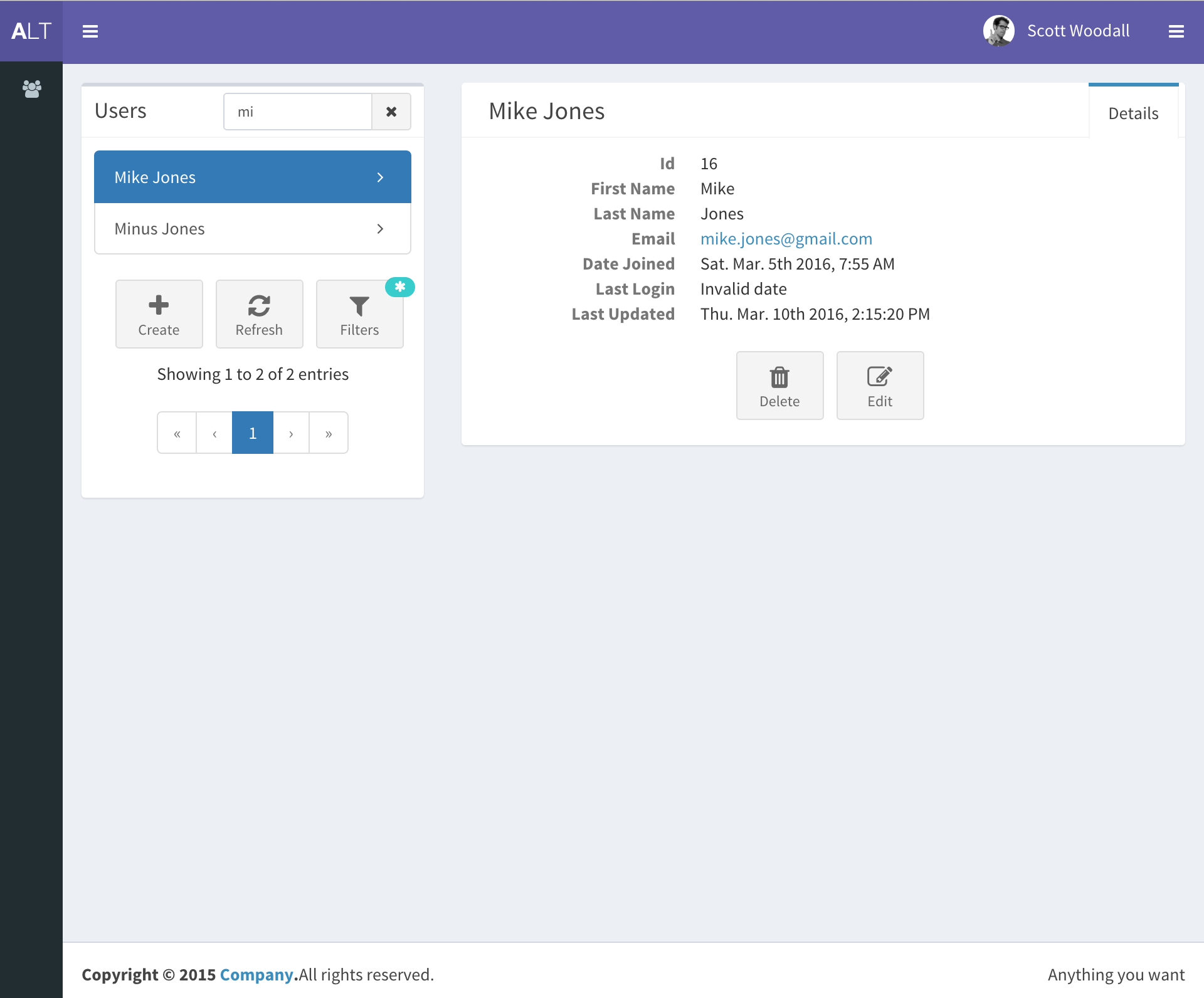
django-react-template
django-react-template 是一个面向 Django 与 React 开发者的启动模板,旨在减少新项目初始化时的重复工作。
Django · 启动器
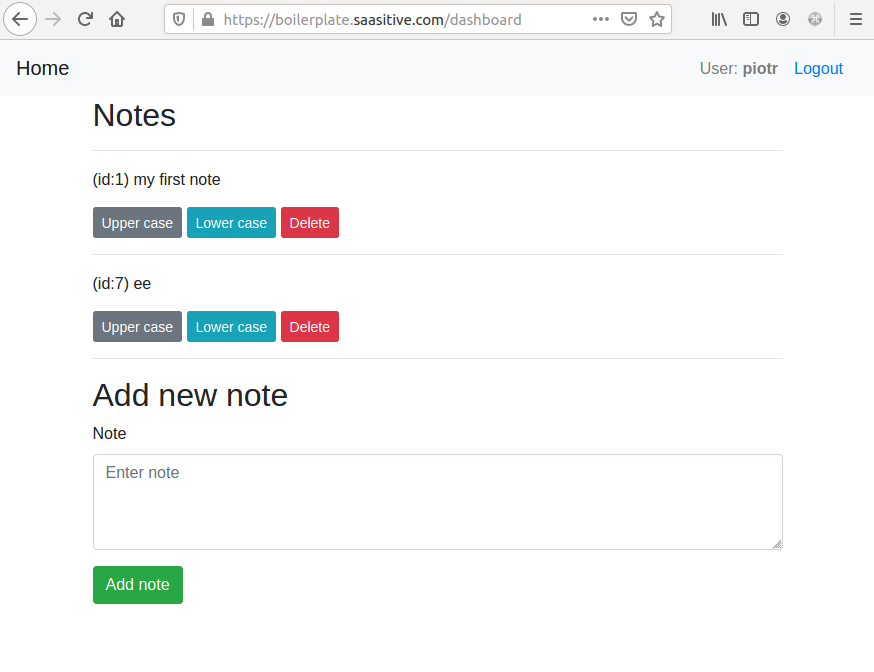
django-react-boilerplate
django-react-boilerplate 是一个面向 SaaS 应用的 Django + React 启动器,其核心思路是“自己动手”。
Django · SaaS
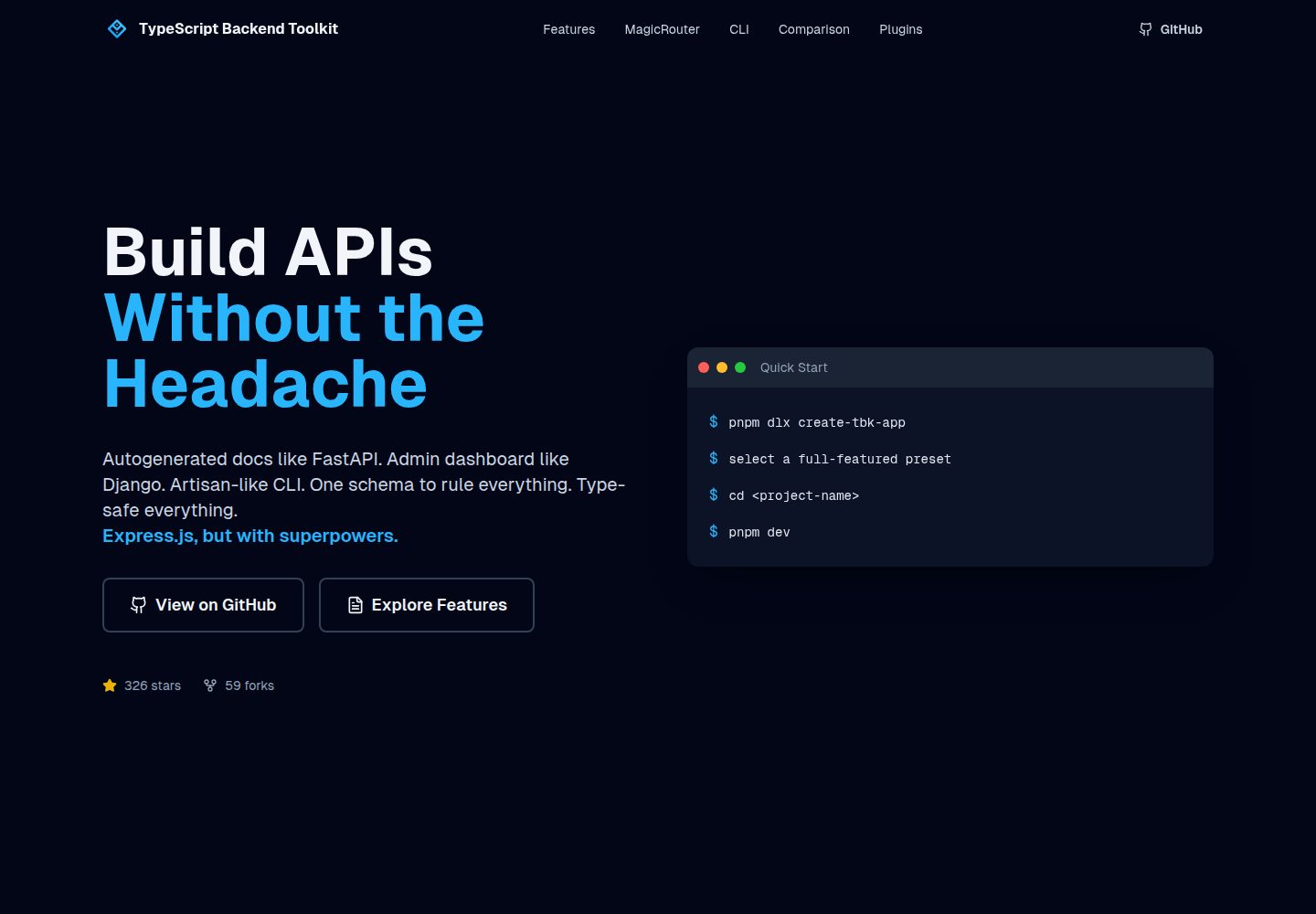
typescript-backend-toolkit
Production-ready Express.js/TypeScript framework with auto-generated OpenAPI, Artisan-style CLI, plugin system…
Django · 后台
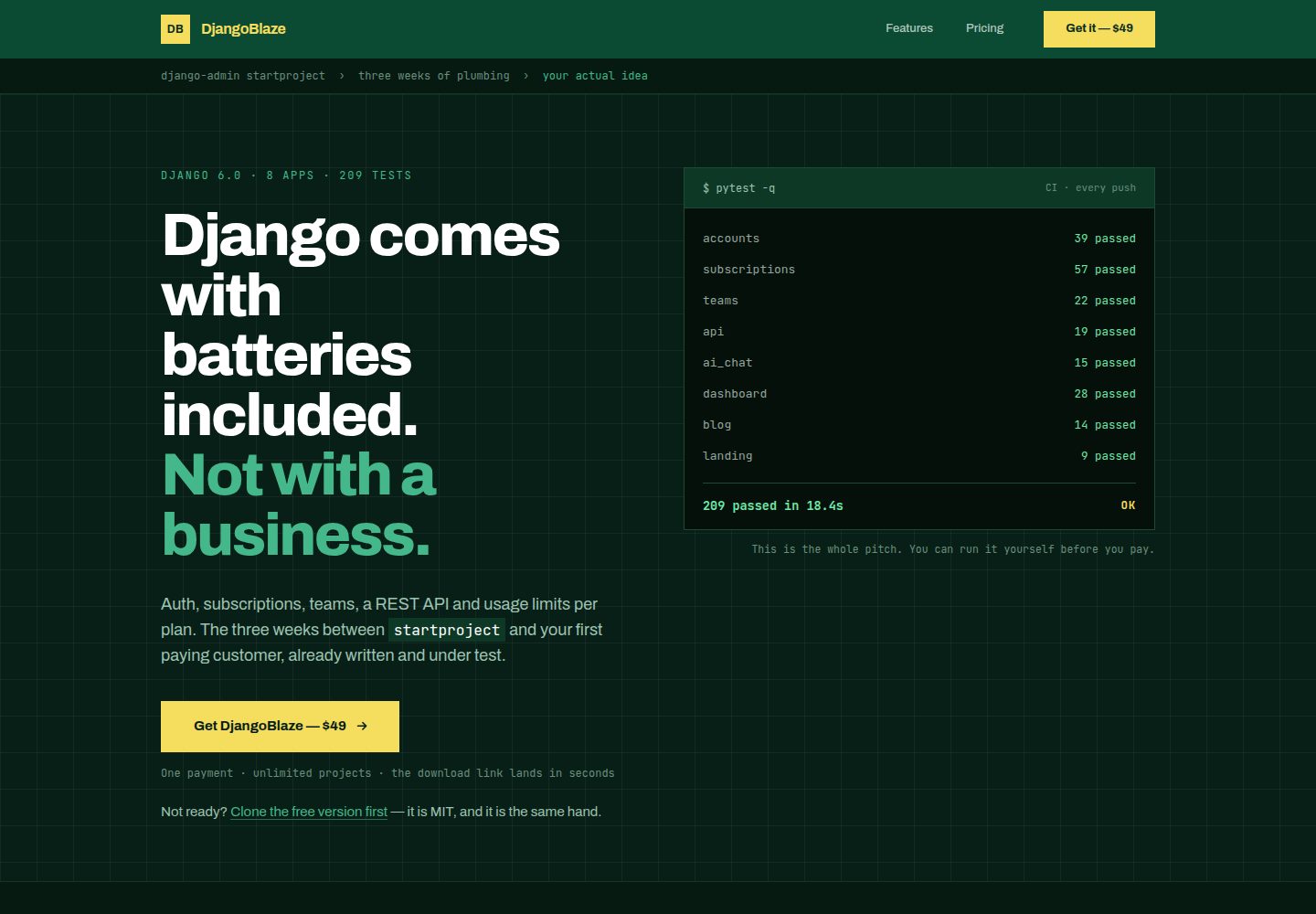
django-saas-boilerplate
A modern, production-ready Django boilerplate for building SaaS applications with HTMX, Tailwind CSS, and Alpi…
Django · SaaS
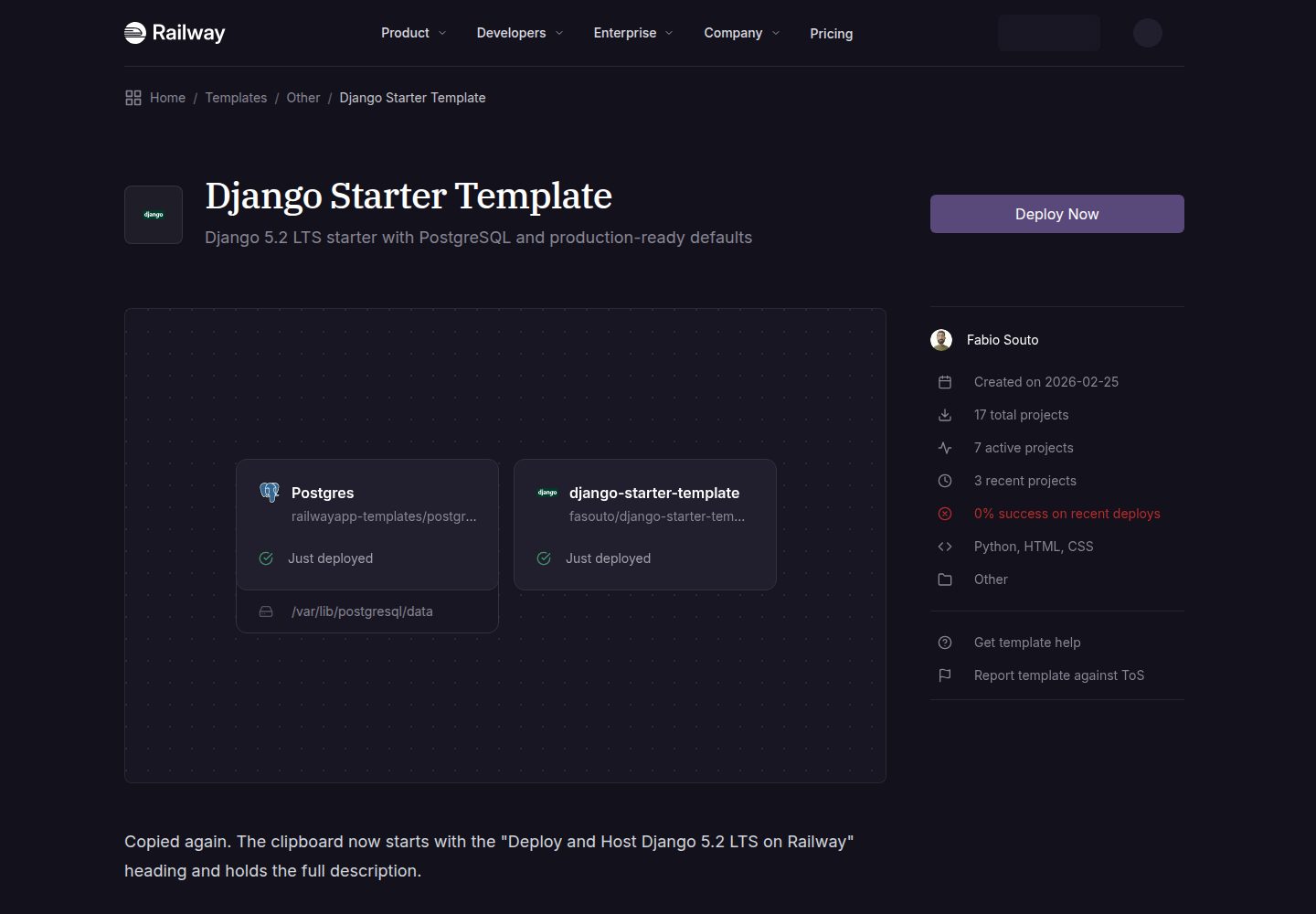
django-starter-template
A production-ready Django 5.2 LTS template
Django · 启动器
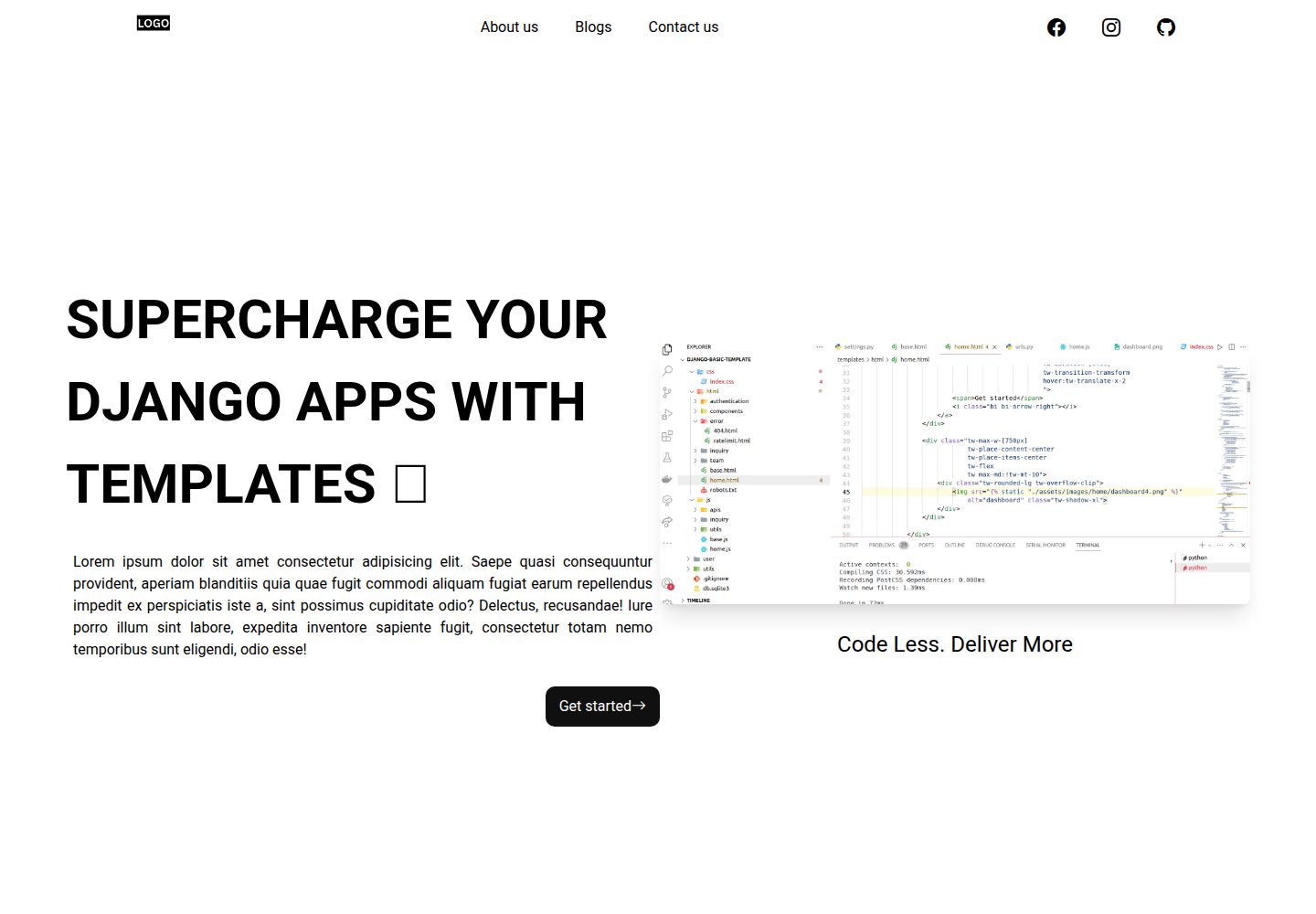
Django-website-template
Django templates for freelancer's, agencies to supercharge development
Django · 启动器