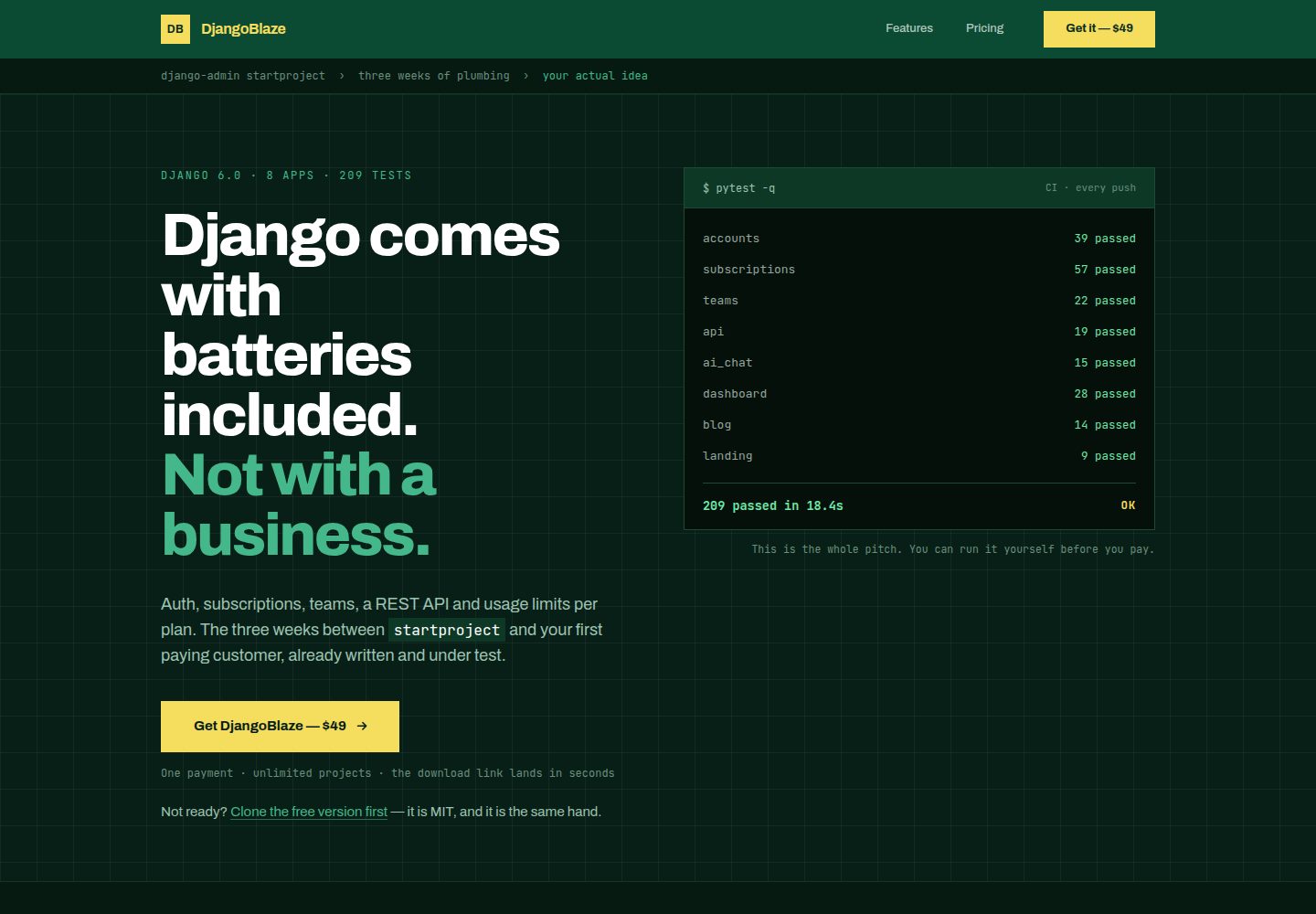
自定义用户模型,仅用邮箱登录,不设用户名字段
DjangoHTMLSaaS启动器
django-saas-boilerplate — Django SaaS模板
作者 eriktaveras
基于 Django 的 SaaS 起步模板,内置邮箱登录、Stripe 订阅、用户仪表盘与公开落地页,MIT 许可,可直接克隆运行。
看看你的网站会是什么样
浏览真实页面截图,比较内容排版与手机效果。点击下方缩略图切换,放大查看整页细节。
全部页面与视图 3
截图用于了解视觉与布局,交互效果请以实际项目为准。
采集于 2026-10-02查看来源
值得关注的模板亮点
从已有项目资料中,快速了解它的特点。
集成 django-allauth,提供注册、登录、邮箱验证和密码重置,含 21 个已样式化的账户模板
Stripe 订阅支付:Payment Methods API、固定 API 版本、签名 webhook,订阅状态同步到用户
用户仪表盘包含侧边栏导航、个人资料、通知设置和一次性展示的哈希 API key 生成
使用 Django 6.0 原生 @task() 处理后台任务,不依赖 Celery;内置 CSP 中间件与安全响应头
提供 Makefile 常用命令、seed 数据命令、46 个测试和 Ruff 检查,支持 PostgreSQL 与 SQLite 回退
模板详细介绍
这是一个面向 SaaS 项目的 Django 起步模板,作者把注册、登录、邮箱验证、密码重置、Stripe 订阅支付、用户仪表盘和公开落地页预先接好,克隆后通过 make 命令即可在本地运行。前端使用 Tailwind CSS、Alpine.js 和 HTMX,模板中已包含 21 个经过样式处理的 allauth 页面。项目使用自定义用户模型,以邮箱作为唯一登录标识,不设用户名。订阅部分基于 Stripe Payment Methods API,通过签名 webhook 同步订阅状态,订阅计划由后台管理并支持试用。项目还包含 46 个测试、Ruff 代码检查、WhiteNoise 静态文件服务和 Gunicorn 部署配置。
模板的边界在 README 中写得很明确:没有团队或多租户概念,一个用户对应一个账户;没有按计划的功能门禁,SubscriptionPlan.features 只是定价页展示用的 JSON 列表,不构成权限控制,也没有用量计数或配额;订阅状态由 StripeCustomer 和 UserSettings 两处记录共同维护,由单个函数保持同步;webhook 只处理订阅创建、更新和删除,不含失败付款恢复、客户门户或发票历史;仪表盘可以生成并哈希保存 API key,但没有任何接口用它做认证;Tailwind 和 Alpine 通过 CDN 引入,没有构建步骤;没有 Docker 和 CI 配置。README 同时说明存在一个付费版本 DjangoBlaze,包含团队、功能门禁、REST API、AI 聊天、双因素认证、Dunning、GDPR 流程和 Docker/CI 等,本条目仅收录公开的 MIT 免费版本。
DjangoHTMLSaaS启动器
适合你的项目吗?
适用场景
- 想快速搭起一个带邮箱登录、订阅付费和用户仪表盘的 Django SaaS 项目骨架
- 需要一个可运行、可测试的 Django 代码库作为二次开发起点,而不是从零配置认证与支付
- 用于学习 Django 6.0 原生后台任务与 CSP 中间件的实际用法
- 作为个人或小团队项目的原型,在本地或 Railway、Heroku、VPS 上部署验证
适合人群
- 熟悉 Django 与 Python,希望跳过基础配置直接开发业务逻辑的开发者
- 需要邮箱登录、Stripe 订阅和简单仪表盘的单账户 SaaS 项目
- 接受以 MIT 许可使用并自行补充团队、权限或 API 等缺失功能的团队
上手与定制指南
结合仓库当前版本的说明,按下面的资料检查内容、配置与运行要求。
- 1
需要 Python 3.12 及以上;Debian/Ubuntu 上还需安装 python3.12-venv,否则 make install 会因 ensurepip 不可用而失败
- 2
依次执行 make install、复制 .env.example 为 .env、make migrate、make seed、make run,所有 make 命令都在虚拟环境中运行,无需手动激活
- 3
seed_data 会打印一次生成的 admin 密码,需从终端复制;可通过 SEED_ADMIN_EMAIL 和 SEED_ADMIN_PASSWORD 自定义
- 4
使用 Stripe 支付需在 .env 中配置 STRIPE_PUBLIC_KEY、STRIPE_SECRET_KEY、STRIPE_WEBHOOK_SECRET 和 STRIPE_PRICE_ID
- 5
生产环境建议替换 CDN 引入的 Tailwind 为本地构建,并将 Gunicorn 绑定到 127.0.0.1 后由 nginx 或 Caddy 终止 TLS,避免直接暴露 0.0.0.0 导致 X-Forwarded-Proto 被伪造
授权与来源资料
使用条件与限制
免费使用 · 保留许可声明本次收录的是公开仓库中采用 MIT 许可的免费版本;免费范围为该版本代码,不代表外部服务或第三方素材免费。
使用时需要遵守
- 允许免费使用、修改、商用和分发该版本代码。
- 分发代码副本或实质性部分时,保留原作者版权声明和完整 MIT 许可声明。
- 代码按现状提供;担保与责任限制以原许可证及适用法律为准。
额外费用与待核对事项
- 使用支付功能必须自行注册 Stripe 账户并配置 STRIPE_PUBLIC_KEY、STRIPE_SECRET_KEY、STRIPE_WEBHOOK_SECRET、STRIPE_PRICE_ID,属于外部服务依赖,可能产生费用。
- 前端 Tailwind 与 Alpine 通过 CDN 引入,无本地构建步骤;生产环境需自行替换为本地构建,并注意 CDN 可用性与第三方资源许可。
- 团队/多租户、功能门禁、REST API、AI 聊天、双因素认证、Dunning、GDPR、Docker/CI 等仅存在于付费版 DjangoBlaze($99),免费 MIT 版本不包含这些功能。
- 部署时不应将 Gunicorn 直接暴露在 0.0.0.0,否则客户端可伪造 X-Forwarded-Proto 绕过 HTTPS 重定向;需由 nginx/Caddy 终止 TLS。
- 项目资料提及可选付费版本或功能;本次仅收录公开免费代码,不包含付费升级。
- 演示图片、字体、图标及其他第三方素材需按各自许可核对,不能仅凭代码的 MIT 许可判断。
- 域名、托管、数据库、支付或 AI 等外部服务可能另外收费。
查看原文依据
Permission is hereby granted, free of charge
许可证原文
Stripe (required for payments)
README 原文
Tailwind and Alpine come from a CDN.
README 原文
[**DjangoBlaze**](https://djangoblaze.com) is the paid version of this boilerplate
README 原文
https://github.com/eriktaveras/django-saas-boilerplate/blob/main/LICENSEhttps://github.com/eriktaveras/django-saas-boilerplate/blob/main/README.mdExposing gunicorn directly on `0.0.0.0` lets a client send that header itself and walk straight past `SECURE_SSL_REDIRECT`.
README 原文
DeepSeek 根据仓库许可证和 README 整理 ·2026-10-02。结果仅覆盖已读取资料,依赖、图片、字体及后续条款变更以各自原文为准。
项目核对记录与介绍依据
模板资料
- 来源平台
- GitHub
- 资料与维护参考分
- 资料较完整 · 96 / 100
- 技术栈
- Django · HTML
- 网站类型
- SaaS · 启动器
这个分数如何计算
本站按许可资料(最高30分)、演示链接(12分)、预览图(10分)、Star数(15分)、记录的维护时间(15分)、描述完整度(8分)、功能记录(5分)和分类资料(5分)计算。它不是代码、安全或性能测试,也不是 Google 评分;有链接不代表已实测可用。
这个项目需要核对什么
- 记录的仓库更新时间
- 2026-09-01
- 截图检查日期
- 2026-10-02
已收录演示链接。请用你的内容与屏幕尺寸检查;有演示不代表表单、认证或支付已经可用。
目录记录的主要技术栈是 Django。请通过依赖清单和锁文件核对实际版本与托管要求。这些说明基于收录资料,不代表代码审计或部署实测。
查看具体选型方法 →介绍的制作与核对状态
介绍由 AI 辅助整理目录与仓库资料。仓库作者不等于这篇介绍的审核者。
已完成服务器许可规则与 AI 来源核对;未经过人工编辑审核。
查看当时使用的来源资料
SHA-256: c90113b770497f3bc7d785d8a4935c43a2c240f7fc44c9fd08852a8c099fe6c1
2026-10-02T14:57:01.038Z
来源文件 / 仓库# Django SaaS Boilerplate The open-source Django starter kit for building SaaS applications. Auth, payments, dashboard, and deployment — all wired up. <div align="center"> <img src="https://img.shields.io/badge/Django-6.0%2B-092E20?style=for-the-badge&logo=django&logoColor=white" alt="Django"/> <img src="https://img.shields.io/badge/Python-3.12-3776AB?style=for-the-badge&logo=python&logoColor=white" alt="Python"/> <img src="https://img.shields.io/badge/Tailwind_CSS-CDN-38B2AC?style=for-the-badge&logo=tailwind-css&logoColor=white" alt="Tailwind CSS"/> <img src="https://img.shields.io/badge/Stripe-Payments-6772E5?style=for-the-badge&logo=stripe&logoColor=white" alt="Stripe"/> <img src="https://img.shields.io/badge/License-MIT-yellow.svg?style=for-the-badge" alt="License: MIT"/> </div> --- ## What this is A small, finished SaaS starter. Sign up, log in, land on a dashboard, pay with a card, and there is a public site in front of it. That is the whole scope, and it is deliberate: it is what you need on a Saturday morning to stop configuring and start building the thing you actually wanted to build. Everything below works out of the box. - **Custom user model** — email-only login, no username - **Authentication** — signup, login, email verification, password reset (django-allauth), 21 styled templates - **Stripe subscriptions** — Payment Methods API, pinned API version, signed webhook, subscription status on the user - **User dashboard** — sidebar nav, profile, notification settings, API key generation (hashed, shown once) - **Subscription plans** — admin-managed plans with trial support - **Landing pages** — home, features, pricing, `robots.txt` - **Background tasks** — Django 6.0 native `@task()`, no Celery - **Content Security Policy** — Django 6.0 CSP middleware with nonces - **Security headers** — HSTS, SSL redirect, secure cookies (auto-enabled in production) - **PostgreSQL support** — `DATABASE_URL` with SQLite fallback - **Static files** — WhiteNoise, no nginx needed - **Deployment** — Gunicorn + Procfile, ready for Railway/Heroku/VPS - **Linting** — Ruff with Django-specific rules - **46 tests** — landing pages, auth, dashboard, models, Stripe checkout and webhook - **Seed data** — one command to populate demo data ## What it does not do Worth knowing before you build on it, so you can decide what to add yourself: - **No teams or multi-tenancy.** One user, one account. There is no concept of an organisation, a member, or a role. - **No plan gating.** `SubscriptionPlan.features` is a JSON list for the pricing page — marketing copy, not entitlements. Nothing in the code stops a free user from using a paid feature, and there are no usage counters or quotas. - **Two places still track a subscription.** `StripeCustomer` mirrors Stripe; `UserSettings` holds what the dashboard gates on. Paying now grants access and cancelling cancels at Stripe, so the money and the access agree — but they are still two records kept in step by one function, not one model. Anything past that (per-plan entitlements, seats, usage counters) starts from scratch. - **Minimal billing lifecycle.** The webhook handles subscription created/updated/deleted. No failed-payment recovery, no customer portal, no invoice history. - **No REST API.** The dashboard mints and hashes an API key, but nothing authenticates with it yet — it is a starting point, not an API. - **Tailwind and Alpine come from a CDN.** No build step, which is why setup is one command. Before production you will want a real Tailwind build. - **No Docker, no CI.** `make run` and a Procfile. MIT licensed. Fork it, rename it, ship it, sell it — no attribution required. ## Tech stack | Layer | Technology | |-------|-----------| | Backend | Django 6.0+, Python 3.12 | | Auth | django-allauth (email-only) | | Payments | Stripe (Payment Methods API) | | Frontend | Tailwind CSS (CDN), Alpine.js, HTMX | | Database | SQLite (dev) / PostgreSQL (prod) | | Static files | WhiteNoise | | Server | Gunicorn | | Tasks | Django 6.0 native `@task()` | | Linting | Ruff | ## Quick start Requires **Python 3.12+**. On Debian or Ubuntu you also need the venv package, or `make install` fails with `ensurepip is not available`: ```bash sudo apt install python3.12-venv ``` ```bash git clone https://github.com/eriktaveras/django-saas-boilerplate.git cd django-saas-boilerplate make install cp .env.example .env make migrate make seed make run ``` Every `make` target runs through the virtualenv that `make install` creates, so there is nothing to activate. Visit **http://localhost:8000**. `seed_data` prints the generated admin password once — copy it from the terminal. Set `SEED_ADMIN_EMAIL` / `SEED_ADMIN_PASSWORD` to choose your own. ## Commands | Command | Description | |---------|-------------| | `make install` | Create virtualenv and install dependencies | | `make run` | Start development server | | `make migrate` | Run makemigrations + migrate | | `make test` | Run 46 tests | | `make seed` | Populate demo data (admin + plans) | | `make lint` | Lint with ruff | | `make format` | Format with ruff | | `make superuser` | Create admin user | | `make clean` | Remove __pycache__ files | ## Project structure ``` django-saas-boilerplate/ ├── core/ │ ├── settings.py # All config via env vars │ ├── urls.py # Root URL routing │ ├── wsgi.py │ └── asgi.py ├── apps/ │ ├── accounts/ # CustomUser (email-only), admin │ │ ├── models.py # CustomUser + CustomUserManager │ │ ├── admin.py │ │ └── tests.py # 6 tests │ ├── dashboard/ # Dashboard, profile, settings │ │ ├── models.py # SubscriptionPlan, UserSettings │ │ ├── views.py # dashboard, profile, settings, plans │ │ ├── tasks.py # Background email tasks │ │ ├── tests.py # 6 tests │ │ └── management/commands/seed_data.py │ ├── subscriptions/ # Stripe integration │ │ ├── models.py # StripeCustomer │ │ ├── views.py # checkout, webhooks │ │ └── tests.py # 10 tests │ └── landing/ # Public pages │ ├── views.py # home, features, pricing, robots.txt │ └── tests.py # 4 tests ├── templates/ │ ├── base.html # Public layout (nav + footer) │ ├── account/ # 21 allauth templates (styled) │ ├── dashboard/ # Dashboard layout + pages │ ├── landing/ # Home, features, pricing │ └── subscriptions/ # Stripe checkout ├── static/css/ # Design system CSS ├── CLAUDE.md # AI editor context ├── Makefile # Dev commands ├── Procfile # Deployment ├── pyproject.toml # Ruff config ├── requirements.txt └── .env.example ``` ## Environment variables Copy `.env.example` to `.env` and configure: ```bash # Required DEBUG=True SECRET_KEY=your-secret-key # Database (default: SQLite) # DATABASE_URL=postgres://user:password@localhost:5432/dbname # Stripe (required for payments) STRIPE_PUBLIC_KEY=pk_test_... STRIPE_SECRET_KEY=sk_test_... STRIPE_WEBHOOK_SECRET=whsec_... STRIPE_PRICE_ID=price_... # Email (default: console backend) # EMAIL_BACKEND=django.core.mail.backends.smtp.EmailBackend # EMAIL_HOST=smtp.gmail.com # EMAIL_PORT=587 # [email protected] # EMAIL_HOST_PASSWORD=your-app-password ``` ## Django 6.0+ features used This boilerplate uses two features introduced in Django 6.0: **Background Tasks** — Send emails asynchronously without Celery: ```python from django.tasks import task @task def send_welcome_email(user_email): send_mail("Welcome!", "...", None, [user_email]) # In your view: send_welcome_email.enqueue(user_email=user.email) ``` **Content Security Policy** — Built-in CSP middleware with nonce support: ```python SECURE_CSP = { "script-src": [CSP.SELF, CSP.NONCE], "style-src": [CSP.SELF, CSP.UNSAFE_INLINE], } ``` ```html <script nonce="{{ csp_nonce }}" src="..."></script> ``` ## Deployment ### Railway Push to GitHub and connect to Railway. The `Procfile` and `DATABASE_URL` handling are already configured. ### Heroku ```bash heroku create your-app-name heroku config:set SECRET_KEY=your-secret-key heroku config:set DEBUG=False git push heroku main heroku run python manage.py migrate ``` ### VPS ```bash pip install -r requirements.txt python manage.py migrate python manage.py collectstatic --noinput gunicorn core.wsgi --bind 127.0.0.1:8000 ``` Bind to localhost and put nginx or Caddy in front, terminating TLS. The app trusts the `X-Forwarded-Proto` header to decide whether a request arrived over HTTPS, which is what platforms like Railway and Heroku set. Exposing gunicorn directly on `0.0.0.0` lets a client send that header itself and walk straight past `SECURE_SSL_REDIRECT`. ## If you need the other half Some of what is missing above is a weekend of work. Some of it is not — plan gating, dunning and GDPR flows are the parts that quietly eat a month. [**DjangoBlaze**](https://djangoblaze.com) is the paid version of this boilerplate, and it is where that work already lives: - Teams and multi-tenancy - Per-plan feature gating with usage limits - REST API with hashed keys - AI chat - Blog with SEO - Two-factor authentication - Dunning (failed-payment recovery) - GDPR account deletion and data export - Docker, CI - 24 AI skills for working on the codebase 8 apps, 203 tests. $99 one time, unlimited projects, one year of updates. No pressure either way — this repo is MIT and stays that way. ## Contributing See [CONTRIBUTING.md](CONTRIBUTING.md) for guidelines. ## License MIT License. See [LICENSE](LICENSE) for details. ## Author **Erik Taveras** — Full Stack Developer - [eriktaveras.com](https://www.eriktaveras.com) - [github.com/eriktaveras](https://github.com/eriktaveras) - [[email protected]](mailto:[email protected]) --- ## Star History [](https://www.star-history.com/?repos=eriktaveras%2Fdjango-saas-boilerplate&type=date&legend=top-left)
看看同类模板
对比同技术栈与用途的模板,找到更适合的视觉与内容结构。
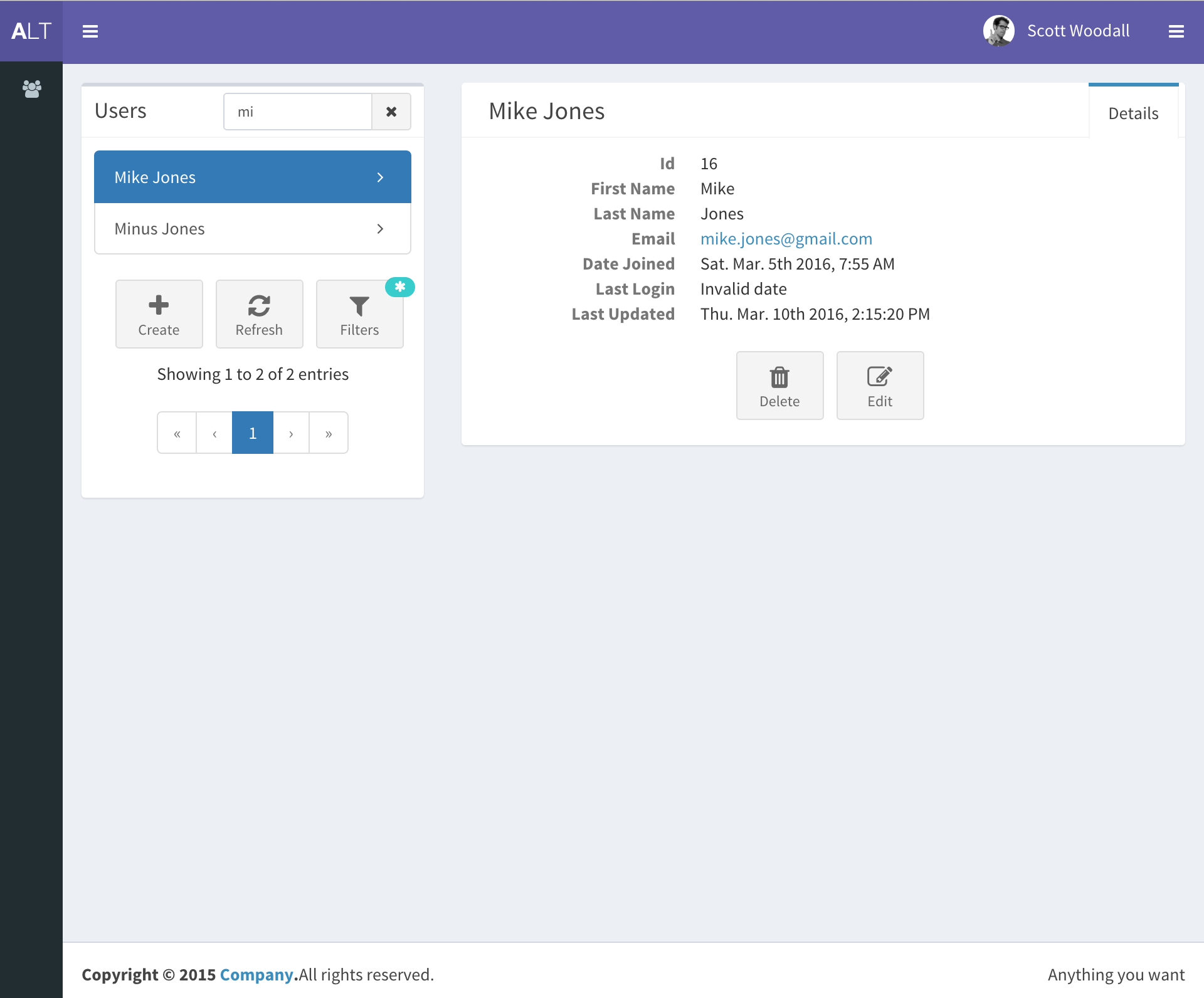
django-react-template
django-react-template 是一个面向 Django 与 React 开发者的启动模板,旨在减少新项目初始化时的重复工作。
Django · 启动器
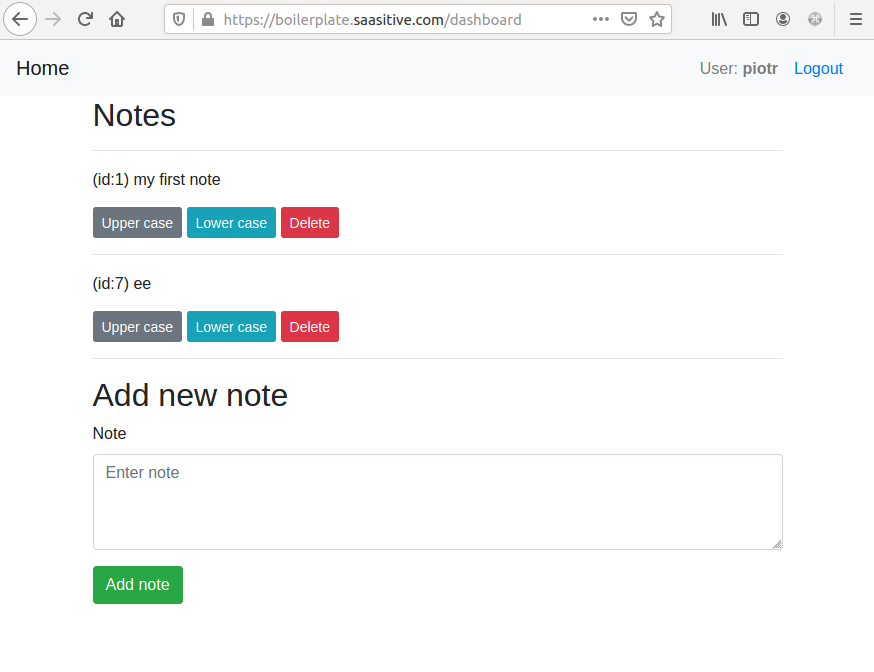
django-react-boilerplate
django-react-boilerplate 是一个面向 SaaS 应用的 Django + React 启动器,其核心思路是“自己动手”。
Django · SaaS
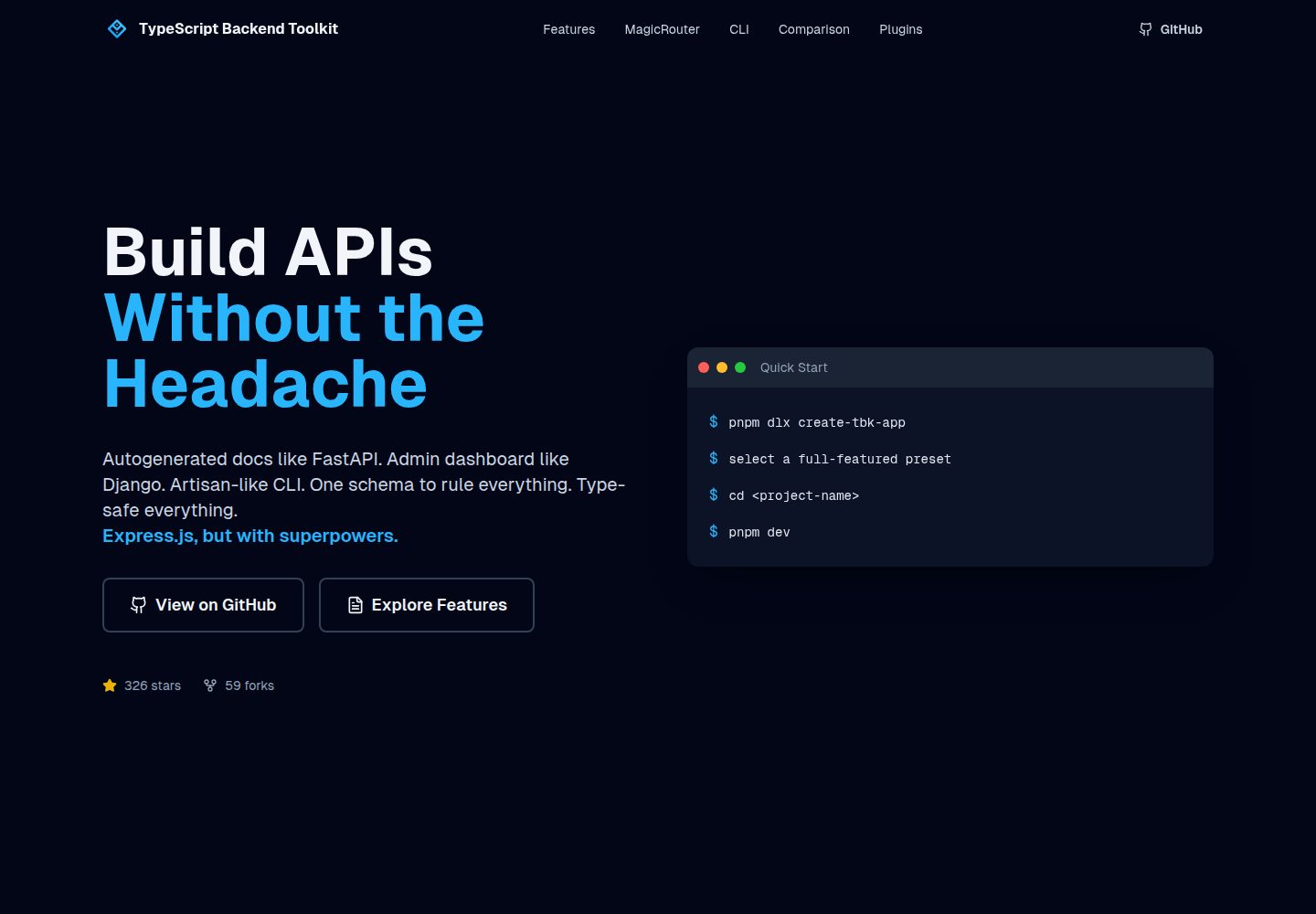
typescript-backend-toolkit
Production-ready Express.js/TypeScript framework with auto-generated OpenAPI, Artisan-style CLI, plugin system…
Django · 后台
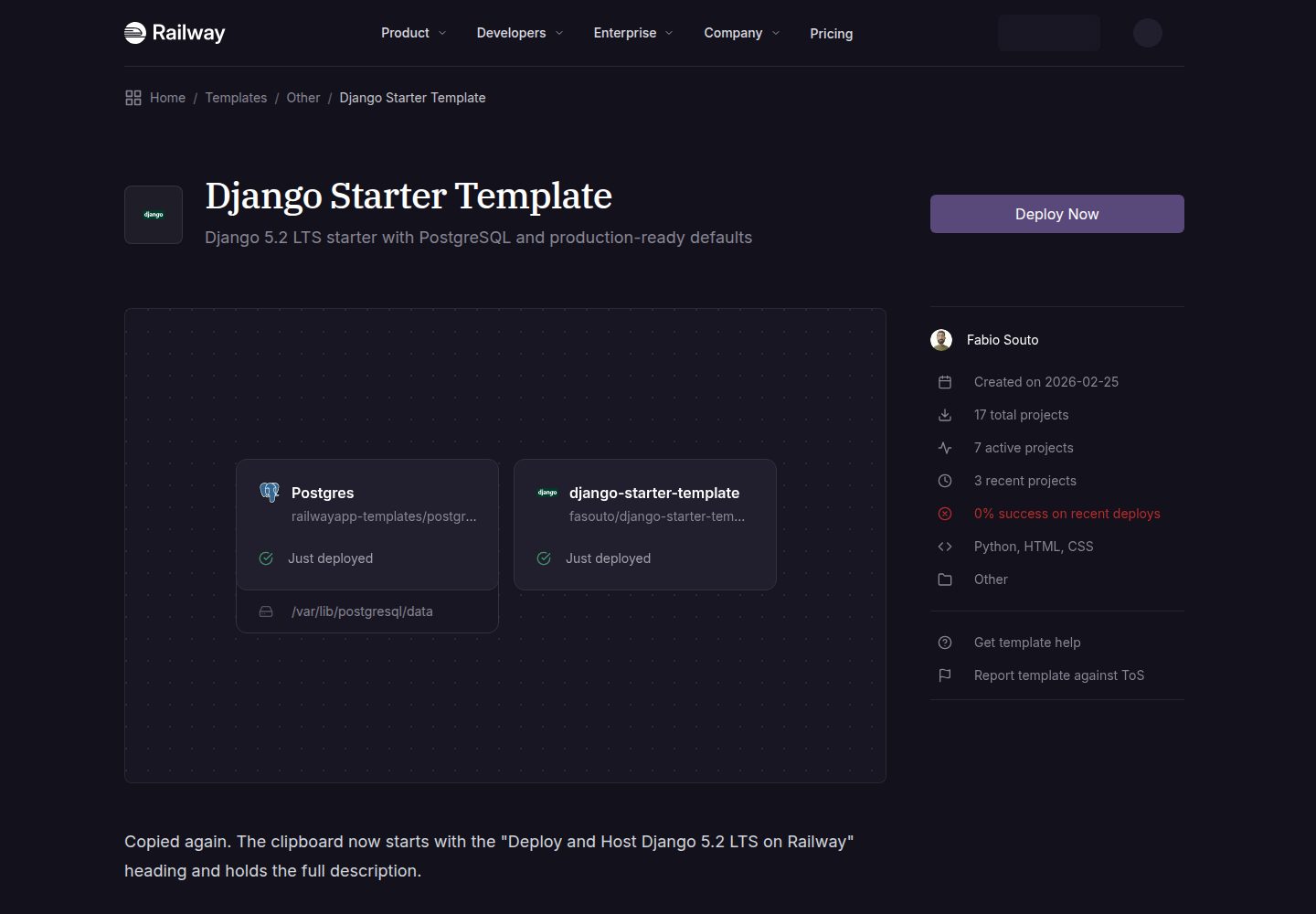
django-starter-template
A production-ready Django 5.2 LTS template
Django · 启动器
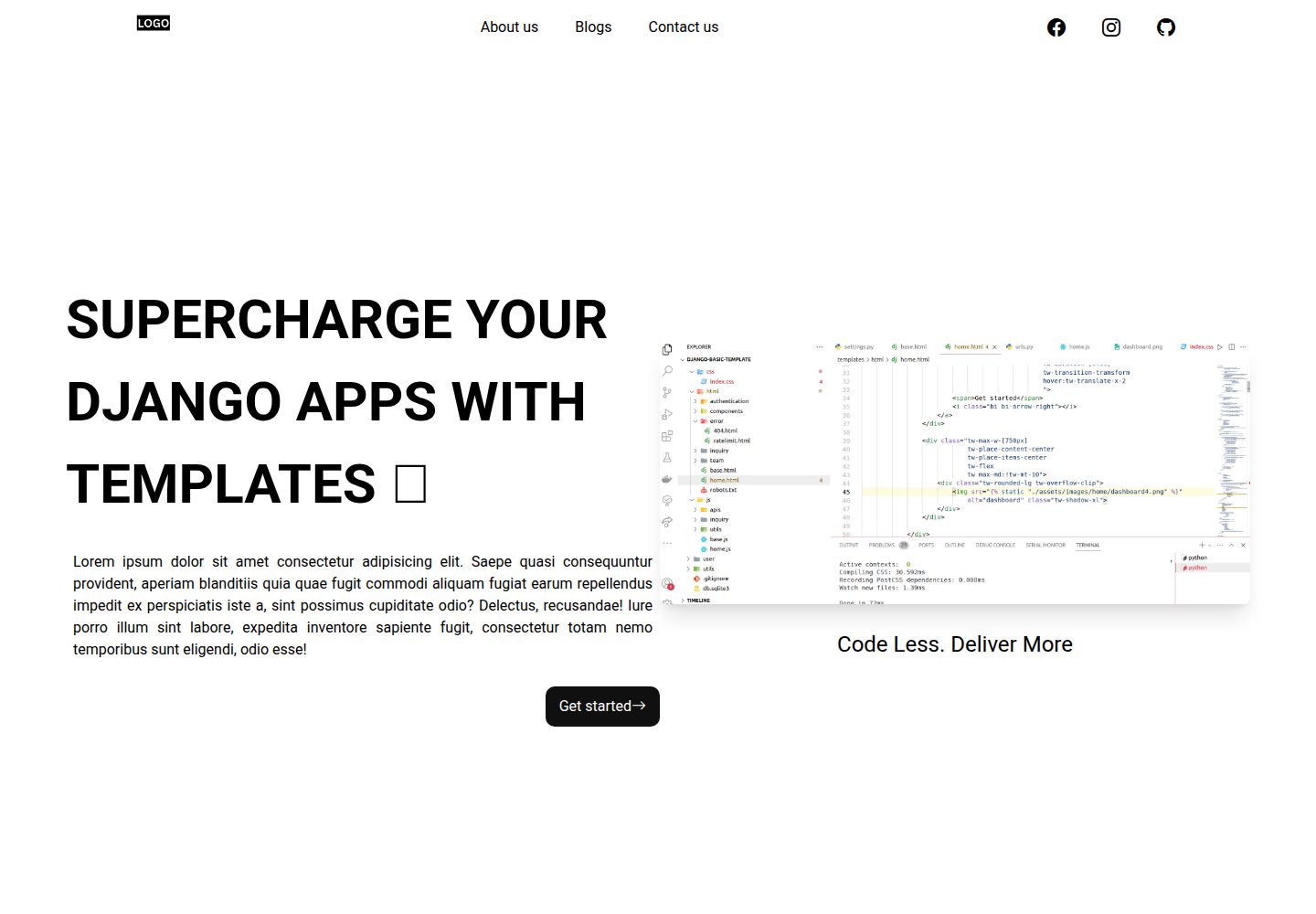
Django-website-template
Django templates for freelancer's, agencies to supercharge development
Django · 启动器
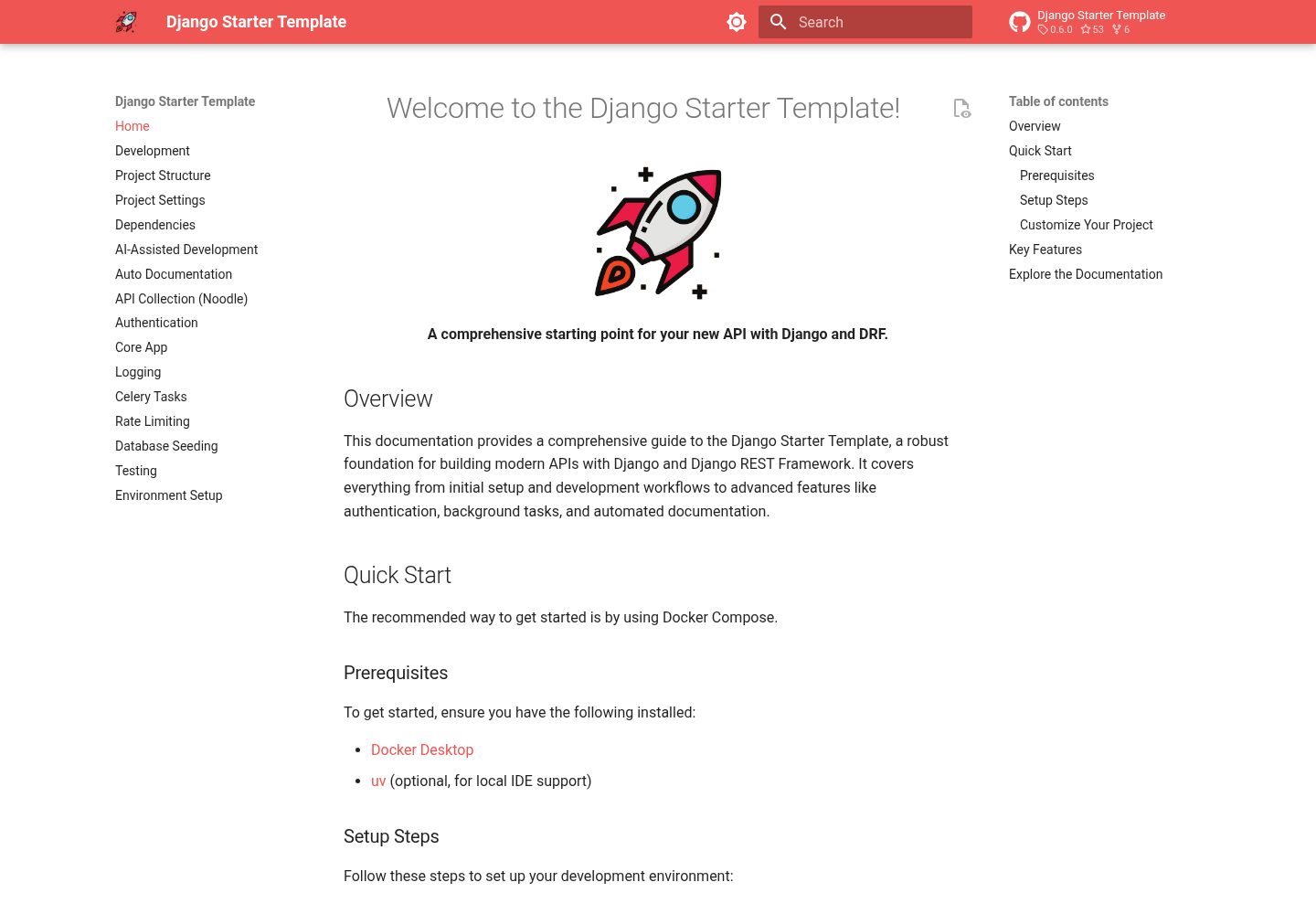
django-starter-template
A comprehensive and easy-to-use starting point for your new API with Django and DRF
Django · 启动器