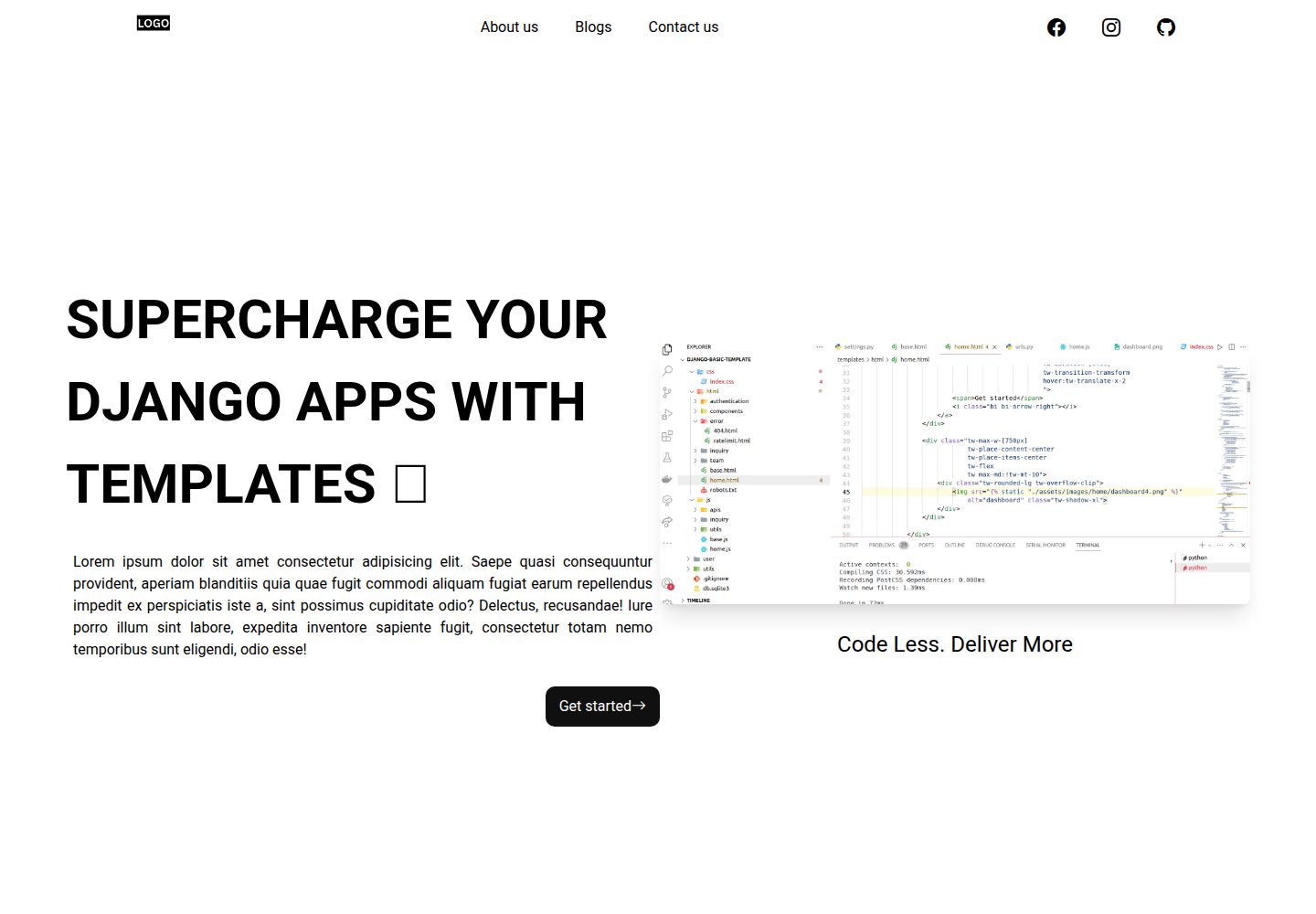
包含落地页、联系页与 404 页面,可直接修改内容
Django启动器
Django-website-template — Django 启动器模板
作者 PaulleDemon
面向自由职业者与代理商的 Django 网站启动模板,包含落地页、博客、联系页、SEO 与部署配置,采用 MIT 许可。
看看你的网站会是什么样
浏览真实页面截图,比较内容排版与手机效果。点击下方缩略图切换,放大查看整页细节。
全部页面与视图 3
截图用于了解视觉与布局,交互效果请以实际项目为准。
采集于 2026-10-01查看来源
值得关注的模板亮点
从已有项目资料中,快速了解它的特点。
博客模块在 Django 管理后台集成 Trix 富文本编辑器
内置动态 Sitemap.xml、Robots.txt 与 Google Analytics 配置
使用自定义用户模型,并提供页面标题、描述与社交分享的模板标签
Tailwind CSS 已配置,类名统一加 tw- 前缀
README 提供 Vercel 与 Railway 的部署步骤
模板详细介绍
这是一个基于 Django 的网站启动模板,目标用户是自由职业者与代理商,用于快速搭建可部署的网站项目。模板自带落地页、联系页、404 页面和博客模块,博客在管理后台集成了 Trix 富文本编辑器。技术 SEO 方面包含动态 Sitemap.xml、Robots.txt 与 Google Analytics 配置,并使用自定义用户模型。样式层使用 Tailwind CSS,类名统一加 tw- 前缀以避免冲突。
本地开发需要 Python 3.8 及以上,按 README 步骤克隆仓库、安装 requirements.txt、配置 .env 文件后执行迁移与 runserver;Tailwind 需另开终端运行对应命令。部署方面 README 提供 Vercel 与 Railway 两种方式,并说明上线前需执行 collectstatic、将 DEBUG 设为 0、生成新的 SECRET_KEY,以及在管理后台把站点域名从 example.com 改为实际域名。
文件存储默认预配置 Firebase,README 同时说明也可改用 django-storages 支持的其他存储后端。使用 Firebase 需在 Firebase 控制台创建公开的 Storage 并生成服务账号私钥,重命名为 firebase-cred.json;若部署环境不提供密钥文件存储,可将凭证文件转为 base64 后填入 FIREBASE_ENCODED 变量。模板的 MIT 许可覆盖代码本身,演示图片来自 Unsplash 与 Pexels,字体、图标等第三方素材需按各自许可核对;Firebase、域名、托管、数据库等外部服务可能另外收费。
Django启动器
适合你的项目吗?
适用场景
- 为自由职业者或代理商快速搭建带博客的展示型网站
- 作为 Django 项目起点,在已有落地页、联系页和 SEO 配置上继续开发
- 需要管理后台撰写博客文章并自动生成站点地图的网站
- 希望使用 Tailwind CSS 并避免类名冲突的 Django 前端开发
适合人群
- 具备 HTML、CSS、JavaScript 基础并了解 Django 基本用法的开发者
- 需要快速交付网站原型的自由职业者或小型代理团队
- 接受使用 Firebase 或 django-storages 作为文件存储后端的项目
- 计划部署到 Vercel 或 Railway 的 Django 项目
上手与定制指南
结合仓库当前版本的说明,按下面的资料检查内容、配置与运行要求。
- 1
需要 Python 3.8 或以上版本,安装 requirements.txt 中的依赖
- 2
在 project 目录创建 .env 文件,按 README 示例填写 DEBUG、SECRET_KEY、ALLOWED_HOSTS、数据库与邮件等变量
- 3
执行 python manage.py migrate 初始化数据库,再用 createsuperuser 创建管理员账号
- 4
Tailwind CSS 需另开终端运行 python manage.py tailwind start
- 5
部署前执行 collectstatic、将 DEBUG 设为 0、生成新的 SECRET_KEY,并在管理后台把站点域名改为实际域名
授权与来源资料
使用条件与限制
免费使用 · 保留许可声明本次收录的是公开仓库中采用 MIT 许可的免费版本;免费范围为该版本代码,不代表外部服务或第三方素材免费。
使用时需要遵守
- 允许免费使用、修改、商用和分发该版本代码。
- 分发代码副本或实质性部分时,保留原作者版权声明和完整 MIT 许可声明。
- 代码按现状提供;担保与责任限制以原许可证及适用法律为准。
额外费用与待核对事项
- 默认使用 Firebase 作为文件持久存储,需注册 Firebase 账号并创建公开 Storage 桶,可能产生外部服务费用。
- 使用 Firebase 需在控制台生成服务账号私钥文件并配置到项目中,属于外部账号与密钥依赖。
- 若不使用 Firebase,需自行改用 django-storages 支持的其他存储后端并承担相应配置与费用。
- 更高级的分析、招聘页与博客功能属于付费 premium 模板,不在本免费模板范围内。
- 演示图片来自 Unsplash 与 Pexels,其许可独立于 MIT 代码许可,商用前需自行核对素材授权。
- README 提及 Firebase 集成;启用相关动态功能前需自行配置,并核对 Firebase 的额度与收费。
- 演示图片、字体、图标及其他第三方素材需按各自许可核对,不能仅凭代码的 MIT 许可判断。
- 域名、托管、数据库、支付或 AI 等外部服务可能另外收费。
查看原文依据
Permission is hereby granted, free of charge
许可证原文
We'll be using firebase for persistent storage, to upload user files.
README 原文
Now Go to firebase -> project settings -> service account -> Generate new private key.
README 原文
You can also use any of the storage supported by [django-storages]
README 原文
check out the premium [django templates](https://templates.foxcraft.tech/django-website-templates).
README 原文
https://github.com/PaulleDemon/Django-website-template/blob/main/Licensehttps://github.com/PaulleDemon/Django-website-template/blob/main/readme.mdImages are taken from free to use sites such as
README 原文
DeepSeek 根据仓库许可证和 README 整理 ·2026-10-02。结果仅覆盖已读取资料,依赖、图片、字体及后续条款变更以各自原文为准。
项目核对记录与介绍依据
模板资料
- 来源平台
- GitHub
- 资料与维护参考分
- 资料较完整 · 81 / 100
- 技术栈
- Django
- 网站类型
- 启动器
这个分数如何计算
本站按许可资料(最高30分)、演示链接(12分)、预览图(10分)、Star数(15分)、记录的维护时间(15分)、描述完整度(8分)、功能记录(5分)和分类资料(5分)计算。它不是代码、安全或性能测试,也不是 Google 评分;有链接不代表已实测可用。
这个项目需要核对什么
- 记录的仓库更新时间
- 2024-10-19
- 截图检查日期
- 2026-10-02
已收录演示链接。请用你的内容与屏幕尺寸检查;有演示不代表表单、认证或支付已经可用。
目录记录的主要技术栈是 Django。请通过依赖清单和锁文件核对实际版本与托管要求。这些说明基于收录资料,不代表代码审计或部署实测。
查看具体选型方法 →介绍的制作与核对状态
介绍由 AI 辅助整理目录与仓库资料。仓库作者不等于这篇介绍的审核者。
已完成服务器许可规则与 AI 来源核对;未经过人工编辑审核。
查看当时使用的来源资料
SHA-256: 8f5f3105a7185fead0bdc707cd8ddd816c63e272ef37624ae9c96b08a7ebd6f8
2026-10-02T05:15:38.072Z
来源文件 / 仓库# Django website template (production ready) Tired of writing Django project from scratch? use this template to speed up your Django development and deliver your project within few hours, instead of weeks or months. ### Why use Django website template? Using a Django template can save you a lot of time, which is a huge benefit. Most clients don't care if you start from scratch or use a template; they just want their problem solved quickly. Whether you use Django or another framework usually doesn't matter to them as long as the job gets done efficiently. This template can help you save hours of work, allowing you to deliver a production-ready website in just a few hours. ### What features does Django template include? - Production ready, you can immediately deploy this to cloud such as Vercel, Railway.app, Render.com etc. - Comes with a landing page that you can modify. - Responsive design, forget about making things responsive yourself. - Contact us page. - 404 page - Has blog with Trix WYSIWYG editor built into the admin panel. - Technical SEO optimization. - Dynamic Sitemap.xml - Robots.txt - Google analytics - Custom user model. - Tailwind css setup for rapid development (note: the tailwind classes are prefixed with `tw-`, to differentiate them) ### Do I need to be an expert in Django to use this? A basic understanding of HTML, CSS, and JavaScript is all you need to get started. However, if you want to add custom pages or make more advanced modifications, having at least some foundational knowledge will be really helpful. ### Looking for Other boiler plates? **SaaS website template:** [Django boilerplate](https://github.com/PaulleDemon/Django-SAAS-Boilerplate) **Free and open-source landing pages:** [Free landing pages](https://github.com/PaulleDemon/awesome-landing-pages) #### Want advance Django boiler plate? If you are looking for more advanced features, such as analytics integration, career pages, advanced blog integration check out the premium [django templates](https://templates.foxcraft.tech/django-website-templates). If you need anything custom feel free to contact [Django developer](https://tally.so/r/woO0Kx) ### Demo Visit the demo site: [Django Demo website](https://django-website-template.vercel.app/) For admin use ``` [email protected] demo123* ``` ### Table of contents - [Django website template (production ready)](#django-website-template-production-ready) - [Why use Django website template?](#why-use-django-website-template) - [What features does Django template include?](#what-features-does-django-template-include) - [Do I need to be an expert in Django to use this?](#do-i-need-to-be-an-expert-in-django-to-use-this) - [Demo](#demo) - [Local development](#local-development) - [Admin superuser](#admin-superuser) - [Customizing](#customizing) - [Adding title, description to page](#adding-title-description-to-page) - [Deployment:](#deployment) - [Create a firebase credential file](#create-a-firebase-credential-file) - [Deploying credential file to production](#deploying-credential-file-to-production) - [Images credits](#images-credits) ## Local development follow the below steps : 1. Star the repo: https://github.com/PaulleDemon/Django-website-template 2. Clone the repo `git clone https://github.com/PaulleDemon/Django-website-template` 3. Install python 3.8 or above. https://www.python.org/downloads/ 4. Open the template folder and from the terminal change the directory to the current working directory. `cd home/Template` 5. Install dependencies in an environment (creating an enviornment is optional, but recommended) ``` pip install -r requirements.txt ``` 6. Add a `.env` file inside the `project` folder with the following ```py DEBUG=1 PYTHON_VERSION=3.10 DOMAIN="" ALLOWED_HOSTS=".up.railway.app" ALLOWED_CORS="" SECRET_KEY="" PORD_SECRET_KEY="" DJANGO_SUPERUSER_EMAIL="" # optonal use if you want to create supruser using --noinput DJANGO_SUPERUSER_PASSWORD="" # optonal use if you want to create supruser using --noinput EMAIL_HOST="smtpout.server.net" EMAIL_HOST_USER="" EMAIL_HOST_PASSWORD="" POSTGRES_DATABASE="" POSTGRES_USER="" POSTGRES_PASSWORD="" POSTGRES_HOST="" POSTGRES_URL="" PROJECT_ID="" # firebase project id BUCKET_NAME=".appspot.com" # firebase storage name FIREBASE_CRED_PATH="project/firebase-cred.json" FIREBASE_ENCODED="" CLOUD_PLATFORM="RAILWAY" GOOGLE_ANALYTICS="G-" ``` 7. Now in your terminal Create databases and Tables using ``` python manage.py migrate ``` Your database is created and ready to use. 8. Now run the website from the terminal using. ```py python manage.py runserver ``` Your website should be available at: http://localhost:8000/ 9. To run Tailwind CSS open a new terminal and run ```py python manage.py tailwind start ``` **Note:** If you are facing problems starting this program in windows OS, remove logging from project/settings.py ### Admin superuser To create a admin superuser use the following in terminal ```py python manage.py createsuperuser ``` ## Customizing All html, css, js and assets lies inside the templates. - To modify the landing page, update `home.html`. - To add link to header and footer or modify head tags, check `base.html`. - extend `base.html` to have the same footer and header. ### Adding title, description to page To add title to a page use the following tags ```py {% block title %}lorem impsum {% endblock title %} {% block description %}lorem impsum{% endblock description %} #meta description {% block socialTitle %}{{blog.title}} | {% endblock socialTitle %} # open graph title, for socials {% block socialDescription %}{{blog.meta_description}}{% endblock socialDescription %} # open graph description, for socials {% block pageType %}article{% endblock pageType %} {% block pageImage %}{% endblock pageImage %} # social image ``` To add additional head tags ```py {% block head_tags %}lorem impsum {% endblock head_tags %} ``` To add scripts at the end of the elements ``` {% block scripts %} <script src="{% static "" %}" /> {% endblock scripts %} ``` ## Deployment: Deploy to vercel [](https://vercel.com/new/clone?repository-url=https%3A%2F%2Fgithub.com%2FPaulleDemon%2FDjango-website-template&demo-title=Django%20website%20template&demo-description=A%20starters%20template%20for%20django%20developers%2C%20freelancers%20and%20agencies&demo-url=https%3A%2F%2Fdjango-website-template.vercel.app%2F) or You can make use of Railway to deploy your own instance. <a href="https://railway.app?referralCode=BfMDHP"> <img src="railway.png" alt="railway icon" height="50px"/> </a> Link to deploy to [Railway.app](https://railway.app?referralCode=BfMDHP) once you complete make sure to ``` python manage.py collectstatic ``` and set ``` DEBUG=0 ``` **Generate secret key** To generate secret key use `from django.core.management.utils import get_random_secret_key` then `get_random_secret_key()` in your python shell **Note:** don't forget to set the sites to your domain instead of example.com in the admin panel ### Create a firebase credential file >**Note:** We'll be using firebase for persistent storage, to upload user files. Firebase is pre-configured as there are other firebase services developers may want to use. <br><br> You can also use any of the storage supported by [django-storages](https://github.com/jschneier/django-storages), if you don't want to use firebase. To use Firebase 1. We use Google storage for storing files. Go to firebase -> storage -> create (make it public) 2. Now Go to firebase -> project settings -> service account -> Generate new private key. Rename the private as `firebase-cred.json` Use this private file as your credential file. #### Deploying credential file to production Sometimes your cloud provider may not provide you with storage for secret files. So convert the credential file to base64 using ``` base64 firebase-cred.json > encoded.txt ``` Now copy the contents of encoded.txt and paste it in `FIREBASE_ENCODED="wedde"` variable ### Tutorials #### Looking to learn about adding payment to Django? Check out this blog about [adding payment to django](https://dev.to/paul_freeman/adding-payment-to-django-app-4cc9). This should give you an overview about adding payments to Django. #### Adding ESP Check out this blog on adding ESP to help you supercharge [transactional emails](https://dev.to/paul_freeman/adding-esp-to-supercharge-your-django-email-4jkp) #### Deploying to Vercel Check out this blog for vercel deployment help [Django vercel deployment](https://dev.to/paul_freeman/deploying-django-website-to-vercel-19ed) ## Images credits Images are taken from free to use sites such as 1. unsplash - https://unsplash.com/ 2. Pexels - https://www.pexels.com/
看看同类模板
对比同技术栈与用途的模板,找到更适合的视觉与内容结构。
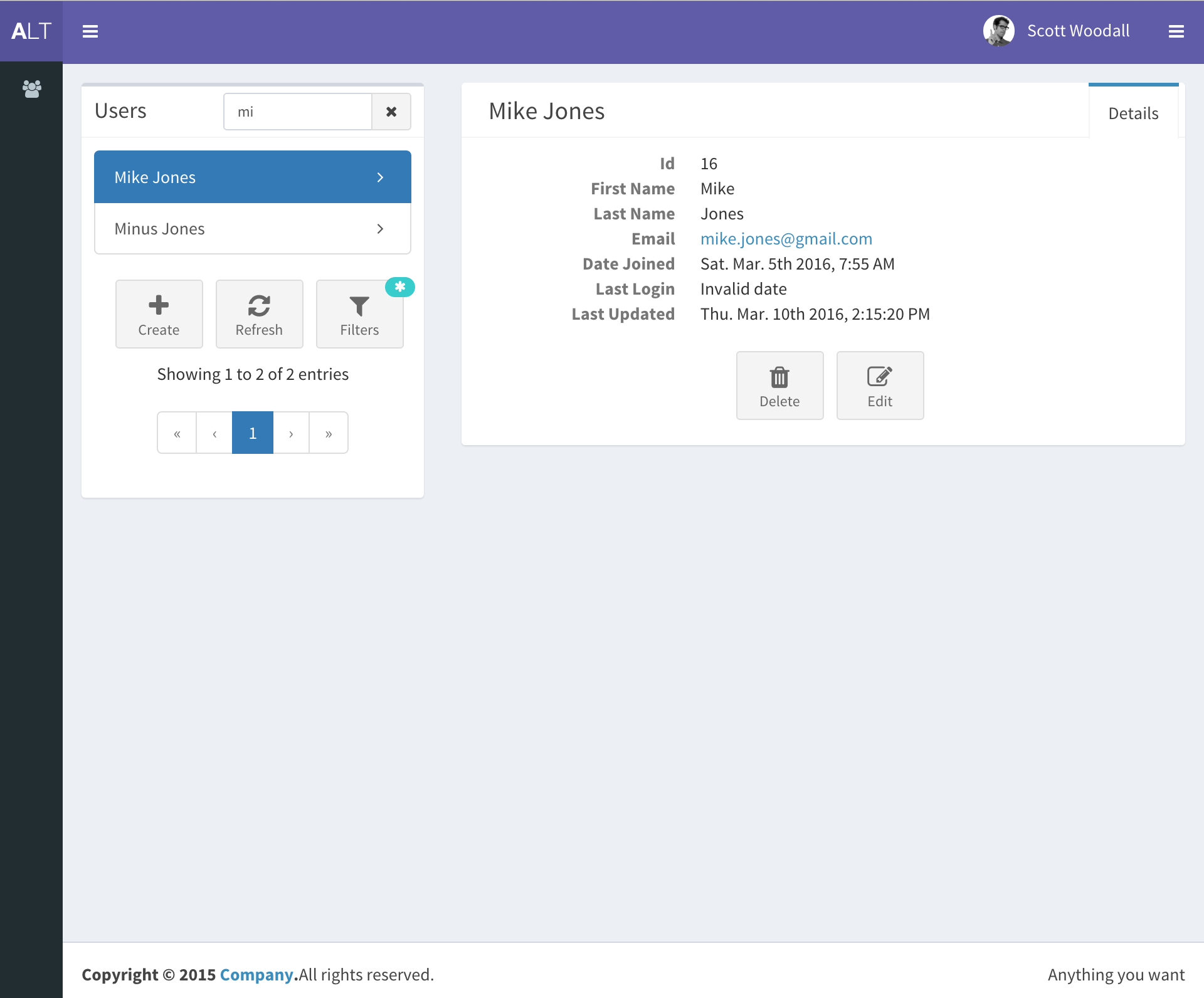
django-react-template
django-react-template 是一个面向 Django 与 React 开发者的启动模板,旨在减少新项目初始化时的重复工作。
Django · 启动器
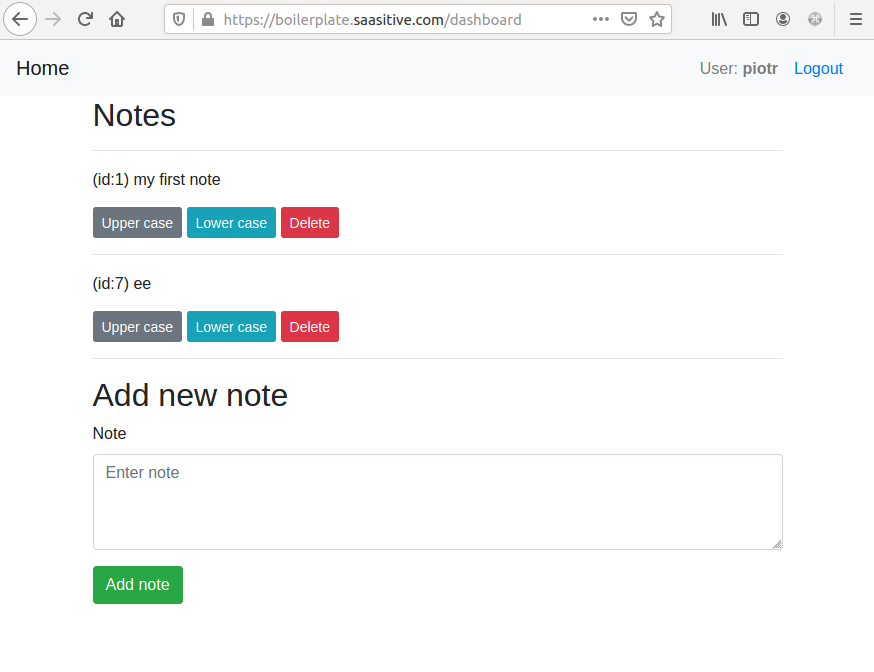
django-react-boilerplate
django-react-boilerplate 是一个面向 SaaS 应用的 Django + React 启动器,其核心思路是“自己动手”。
Django · SaaS
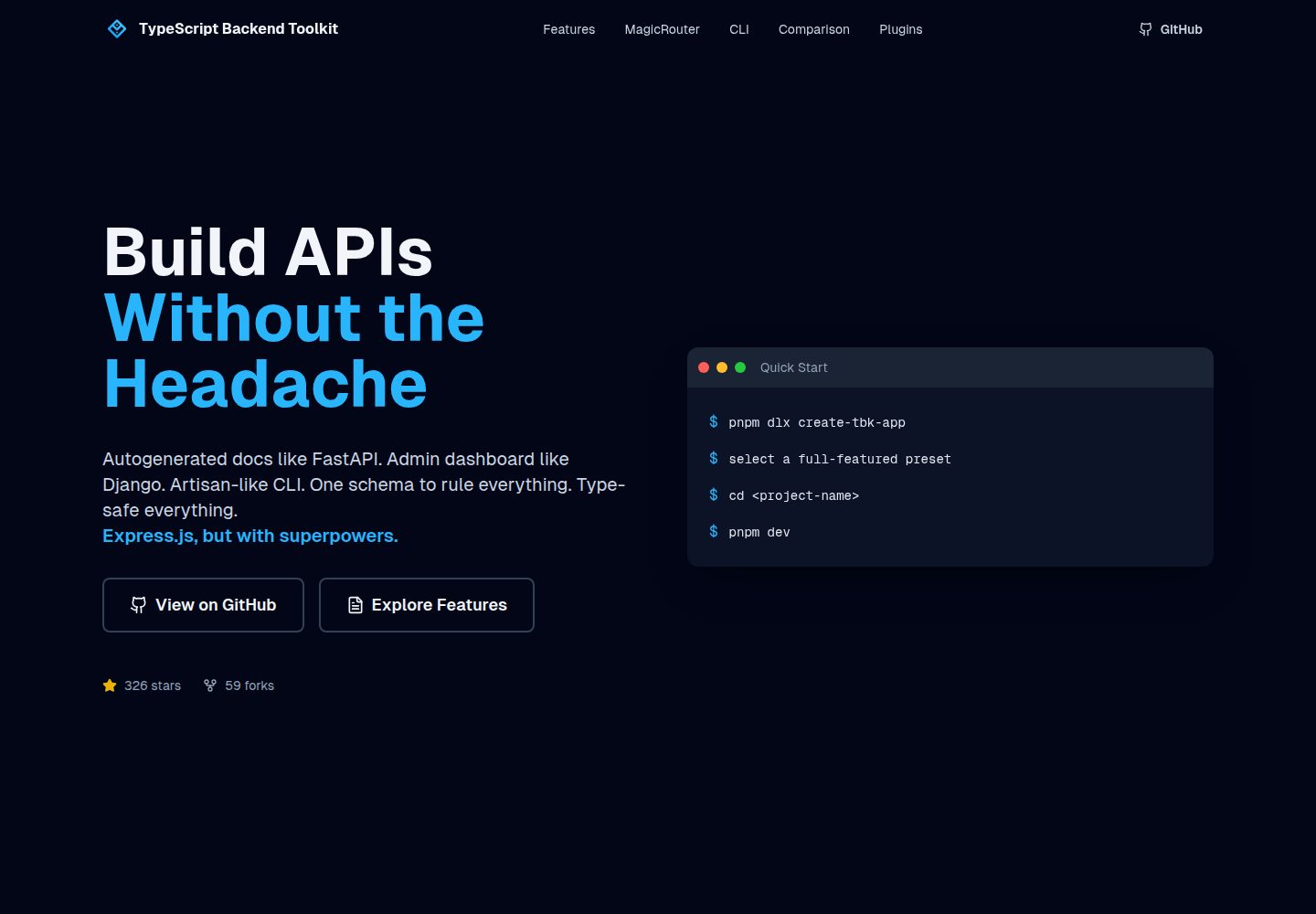
typescript-backend-toolkit
Production-ready Express.js/TypeScript framework with auto-generated OpenAPI, Artisan-style CLI, plugin system…
Django · 后台
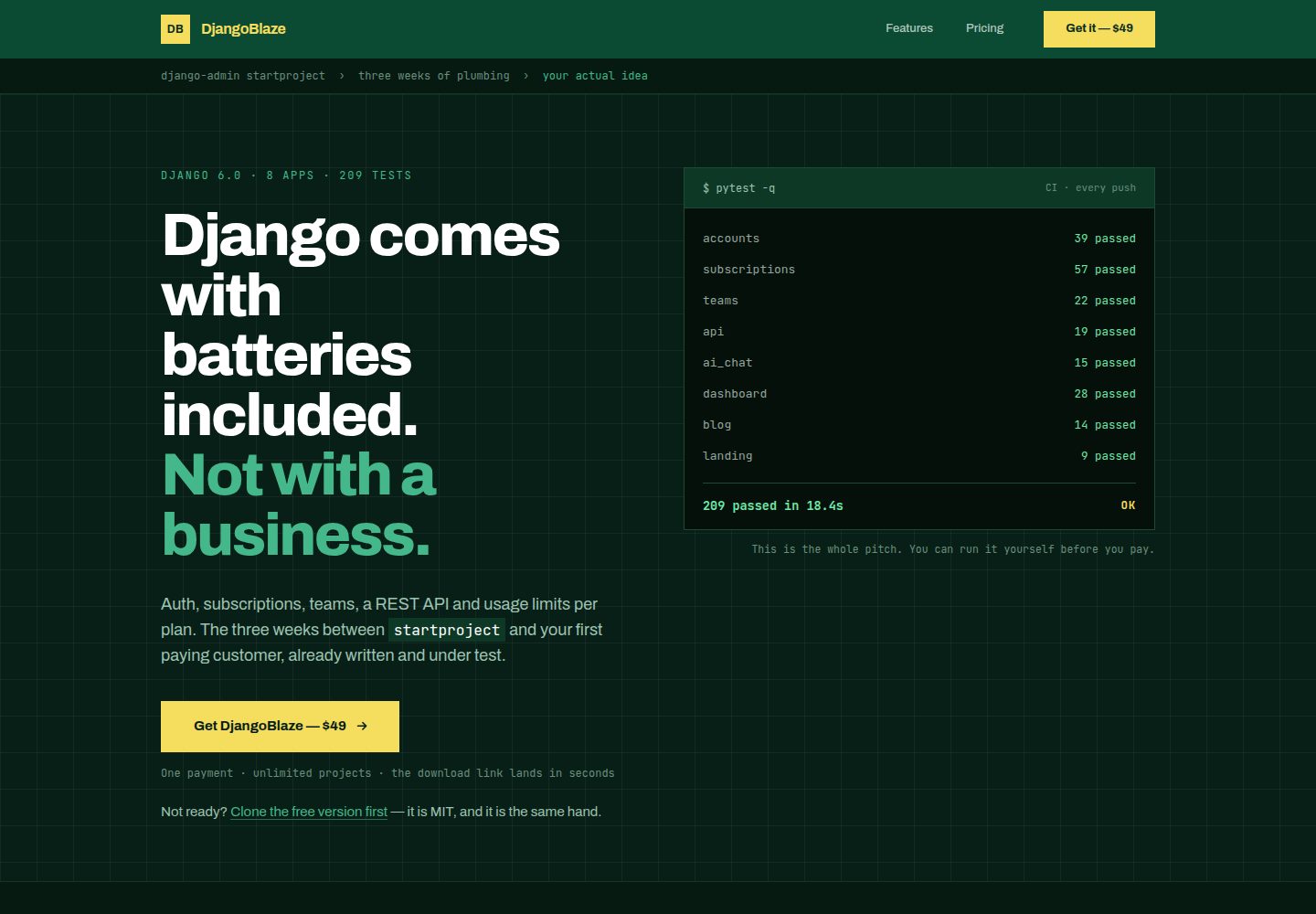
django-saas-boilerplate
A modern, production-ready Django boilerplate for building SaaS applications with HTMX, Tailwind CSS, and Alpi…
Django · SaaS
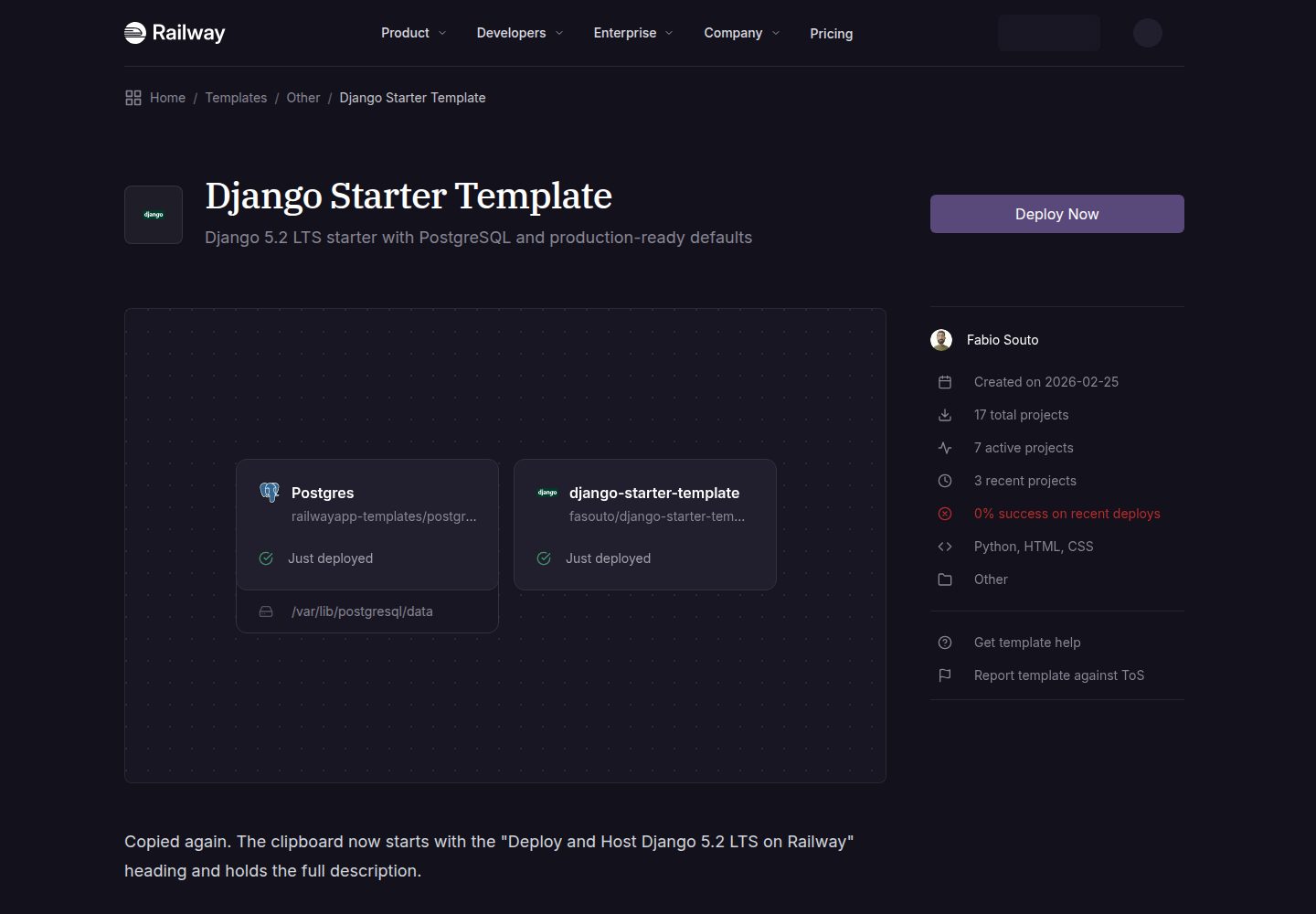
django-starter-template
A production-ready Django 5.2 LTS template
Django · 启动器
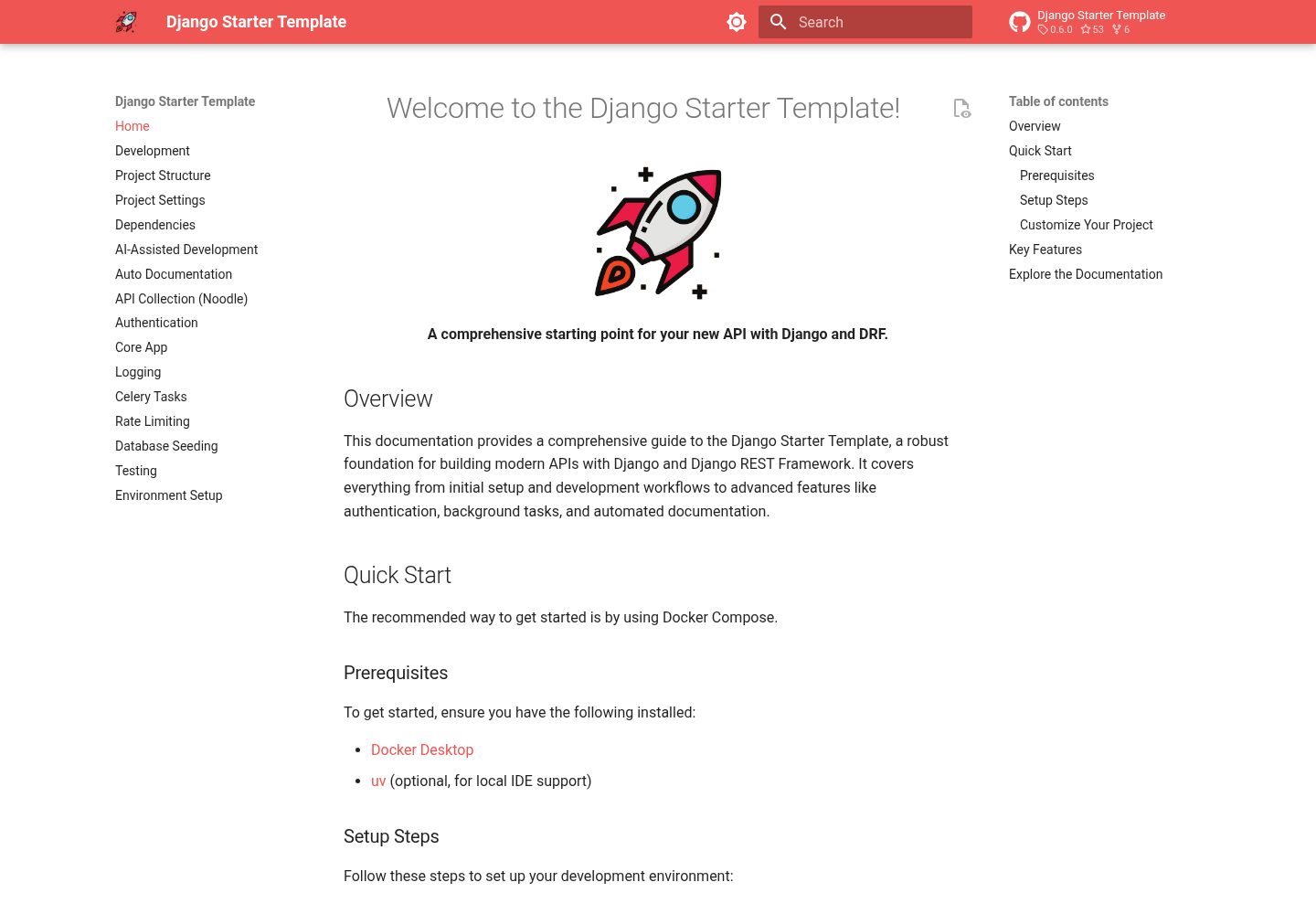
django-starter-template
A comprehensive and easy-to-use starting point for your new API with Django and DRF
Django · 启动器