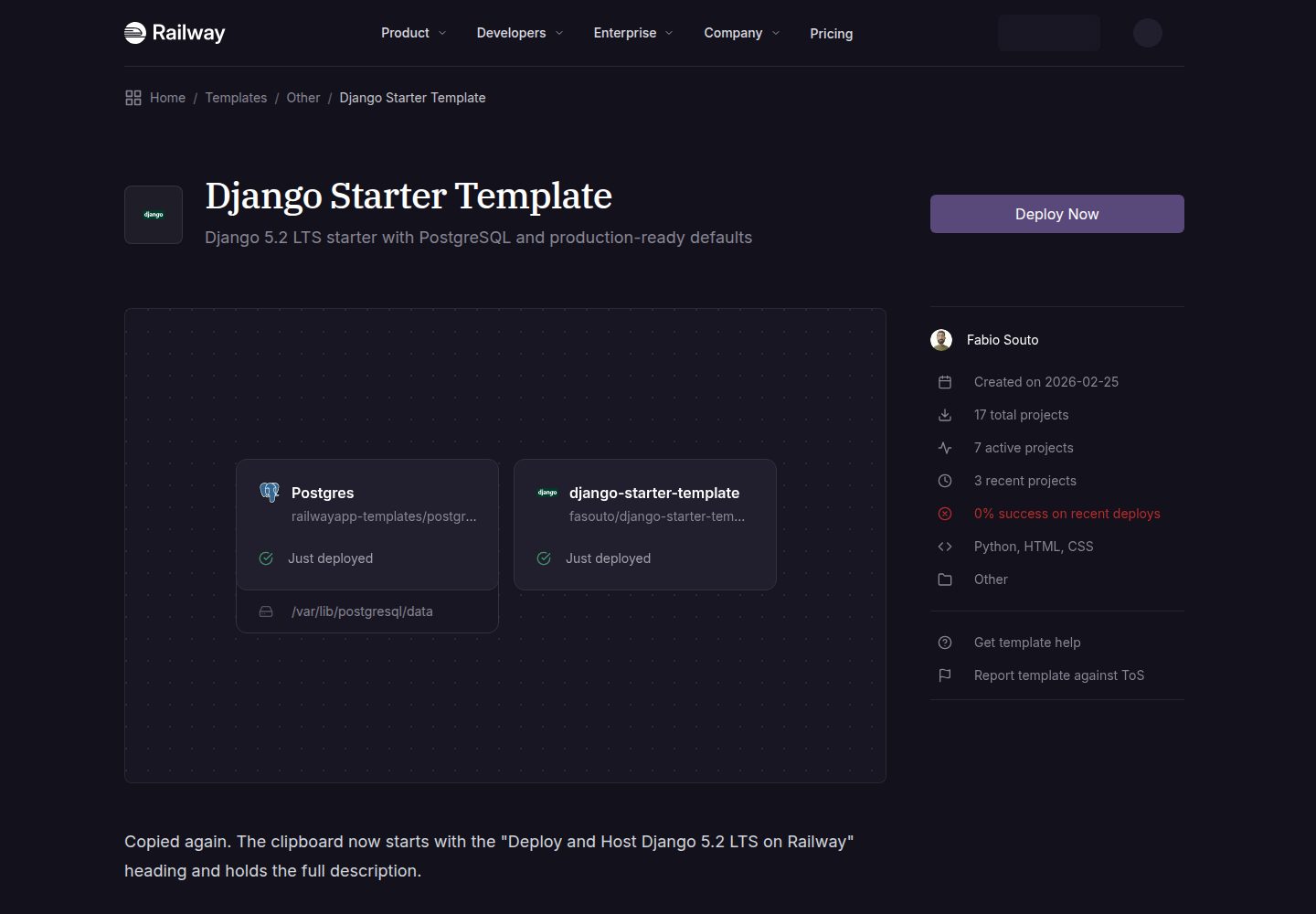
基于 Django 5.2 LTS,设置拆分为 base、development、production 三部分
Django启动器
django-starter-template — Django 启动器模板
作者 fasouto
面向 Railway 部署的 Django 启动模板,采用 Django 5.2 LTS、PostgreSQL 与 gunicorn,内置 CI、健康检查与 AI 编码代理说明文件。
看看你的网站会是什么样
浏览真实页面截图,比较内容排版与手机效果。点击下方缩略图切换,放大查看整页细节。
全部页面与视图 3
截图用于了解视觉与布局,交互效果请以实际项目为准。
采集于 2026-10-01查看来源
值得关注的模板亮点
从已有项目资料中,快速了解它的特点。
生产环境使用 PostgreSQL(psycopg3)、gunicorn 与 WhiteNoise,静态文件无需 nginx
内置 /health/ 健康检查接口,返回 JSON 供 Railway 监控使用
GitHub Actions CI 覆盖 ruff、针对 PostgreSQL 17 的 pytest、check --deploy 与缺失迁移检查
提供 AGENTS.md 与 CLAUDE.md,说明命令、目录结构和约定,便于 AI 编码代理扩展项目
附带 railway.toml、docker-compose.yml 与 Dockerfile.dev,支持 Railway 部署和本地容器开发
模板详细介绍
这是一个以 Railway 为主要部署目标的 Django 启动模板。仓库提供 Django 5.2 LTS 项目骨架,使用 PostgreSQL(通过 psycopg3 连接)、gunicorn 作为生产服务器、WhiteNoise 提供静态文件服务,并通过 django-environ 从环境变量和 .env 文件读取配置。项目把设置拆分为 base、development 和 production 三部分,开发环境默认使用 SQLite 与 DEBUG=True,生产环境使用 PostgreSQL 并启用安全相关配置。模板自带 apps/base 应用,包含首页、/health/ 健康检查接口和示例测试;同时提供 gunicorn.conf.py、railway.toml、Dockerfile.dev 与 docker-compose.yml,用于本地开发和部署。
在工程配套方面,仓库包含 GitHub Actions CI(ruff 检查、针对 PostgreSQL 17 运行 pytest、check --deploy 以及缺失迁移检查)、Dependabot 配置,以及 AGENTS.md(CLAUDE.md 指向该文件),用于向 Claude Code、Codex、Cursor、Copilot 等 AI 编码代理说明命令、目录结构和约定。
使用限制方面:模板默认面向 Railway,部署时由平台自动注入 DATABASE_URL、SECRET_KEY 和 RAILWAY_PUBLIC_DOMAIN;若使用自定义域名,需要手动把域名加入 ALLOWED_HOSTS,并把完整 URL 加入 CSRF_TRUSTED_ORIGINS,否则登录、后台和表单的 POST 请求会返回 403。本地开发提供 uv 与 Docker Compose 两种方式,Docker Compose 会启动 Django 与 PostgreSQL 17。仓库未包含 Celery 等异步任务组件,README 仅说明可按需自行添加。
Django启动器
适合你的项目吗?
适用场景
- 在 Railway 上快速创建带 PostgreSQL 的 Django 项目并自动完成迁移与启动
- 作为需要拆分开发与生产设置、并配置 CI 的 Django 项目起点
- 在 Claude Code、Codex、Cursor 或 Copilot 等 AI 编码代理中继续开发功能
- 使用 Docker Compose 在本地同时运行 Django 与 PostgreSQL 17 进行开发
适合人群
- 准备在 Railway 上部署 Django 应用的开发者
- 希望项目自带 CI、健康检查和依赖更新配置的团队
- 使用 AI 编码代理辅助开发、需要明确项目约定的开发者
- 需要 PostgreSQL 与 gunicorn 组合的 Django 项目起步场景
上手与定制指南
结合仓库当前版本的说明,按下面的资料检查内容、配置与运行要求。
- 1
本地开发推荐使用 uv:执行 uv sync --dev,复制 .env.example 为 .env,然后运行 migrate、createsuperuser 和 runserver
- 2
也可使用 Docker Compose:复制 .env.example 为 .env 后执行 docker compose up,再在容器内运行 migrate 和 createsuperuser
- 3
Railway 部署时由平台自动设置 DATABASE_URL、SECRET_KEY 和 RAILWAY_PUBLIC_DOMAIN,并自动运行迁移
- 4
使用自定义域名时,需将域名加入 ALLOWED_HOSTS,并将完整 URL 加入 CSRF_TRUSTED_ORIGINS,否则 POST 请求返回 403
- 5
新增应用需在 apps/ 下创建目录,并把 apps.myapp 加入 INSTALLED_APPS、在 AppConfig 中设置 name
授权与来源资料
使用条件与限制
免费使用 · 保留许可声明本次收录的是公开仓库中采用 MIT 许可的免费版本;免费范围为该版本代码,不代表外部服务或第三方素材免费。
使用时需要遵守
- 允许免费使用、修改、商用和分发该版本代码。
- 分发代码副本或实质性部分时,保留原作者版权声明和完整 MIT 许可声明。
- 代码按现状提供;担保与责任限制以原许可证及适用法律为准。
额外费用与待核对事项
- 该模板默认面向 Railway 平台部署,部署流程依赖 Railway 服务;若在其他平台使用,需自行配置数据库、环境变量与启动命令。
- SECRET_KEY、DATABASE_URL 等环境变量由 Railway 自动注入,脱离 Railway 时需手动提供这些变量。
- 使用自定义域名时必须手动把域名加入 ALLOWED_HOSTS,并把完整 URL 加入 CSRF_TRUSTED_ORIGINS,否则登录、后台和表单的 POST 请求会返回 403。
- 仓库不包含 Celery 等异步任务组件;如需异步任务,须自行添加依赖并额外部署 Redis 服务。
- 演示图片、字体、图标及其他第三方素材需按各自许可核对,不能仅凭代码的 MIT 许可判断。
- 域名、托管、数据库、支付或 AI 等外部服务可能另外收费。
查看原文依据
Permission is hereby granted, free of charge
许可证原文
Click the button above to deploy this template. Railway will:
README 原文
These are set automatically by Railway. Override them in your service settings if needed:
README 原文
**Custom domains:** add the domain to `ALLOWED_HOSTS` and `https://yourdomain.com` to `CSRF_TRUSTED_ORIGINS`. Without the latter, POST requests (login, admin, forms) return 403.
README 原文
https://github.com/fasouto/django-starter-template/blob/master/LICENSEhttps://github.com/fasouto/django-starter-template/blob/master/readme.mdAdd `celery[redis]` to your dependencies, create `config/celery.py`, and add a Redis service to your Railway project or `docker-compose.yml`.
README 原文
DeepSeek 根据仓库许可证和 README 整理 ·2026-10-01。结果仅覆盖已读取资料,依赖、图片、字体及后续条款变更以各自原文为准。
项目核对记录与介绍依据
模板资料
- 来源平台
- GitHub
- 资料与维护参考分
- 资料较完整 · 91 / 100
- 技术栈
- Django
- 网站类型
- 启动器
这个分数如何计算
本站按许可资料(最高30分)、演示链接(12分)、预览图(10分)、Star数(15分)、记录的维护时间(15分)、描述完整度(8分)、功能记录(5分)和分类资料(5分)计算。它不是代码、安全或性能测试,也不是 Google 评分;有链接不代表已实测可用。
这个项目需要核对什么
- 记录的仓库更新时间
- 2026-09-18
- 截图检查日期
- 2026-10-01
已收录演示链接。请用你的内容与屏幕尺寸检查;有演示不代表表单、认证或支付已经可用。
目录记录的主要技术栈是 Django。请通过依赖清单和锁文件核对实际版本与托管要求。这些说明基于收录资料,不代表代码审计或部署实测。
查看具体选型方法 →介绍的制作与核对状态
介绍由 AI 辅助整理目录与仓库资料。仓库作者不等于这篇介绍的审核者。
已完成服务器许可规则与 AI 来源核对;未经过人工编辑审核。
查看当时使用的来源资料
SHA-256: 3d8a34a183fca13d60de072dd02557a6c65708be3571fe7f3980ea82f653c9c5
2026-10-01T02:40:54.347Z
来源文件 / 仓库<p align="center"> <img src="config/static/img/django-pony.png" alt="Django Pony" width="80"> </p> <h1 align="center">Django Starter Template</h1> A production-ready Django 5.2 LTS starter template for [Railway](https://railway.com). Python 3.13, PostgreSQL, gunicorn, WhiteNoise, `uv`, CI included, and written so that both people and AI coding agents can build on it. [](https://railway.com/deploy/django-starter-template?referralCode=iZa9TM&utm_medium=integration&utm_source=template&utm_campaign=generic) ## Deploy to Railway Click the button above to deploy this template. Railway will: 1. Create a new Django web service 2. Provision a PostgreSQL database 3. Set `DATABASE_URL` and `SECRET_KEY` automatically 4. Run migrations on deploy 5. Start the application with gunicorn Your app will be live in under a minute. ### Environment variables These are set automatically by Railway. Override them in your service settings if needed: | Variable | Description | Default | |----------|-------------|---------| | `SECRET_KEY` | Django secret key | Auto-generated | | `DATABASE_URL` | PostgreSQL connection string | Provided by Railway | | `ALLOWED_HOSTS` | Extra comma-separated hostnames | `.railway.app` + your Railway domain | | `CSRF_TRUSTED_ORIGINS` | Extra full URLs for POST requests (e.g. `https://example.com`) | `https://<your Railway domain>` | | `DJANGO_SETTINGS_MODULE` | Settings module | `config.settings.production` | | `WEB_CONCURRENCY` | gunicorn worker processes | `min(2 x CPU + 1, 4)` | | `GUNICORN_THREADS` | threads per worker | `2` | Railway injects `RAILWAY_PUBLIC_DOMAIN`, and the production settings add it to `ALLOWED_HOSTS` and `CSRF_TRUSTED_ORIGINS` for you, so login, admin, and forms work on the generated `*.up.railway.app` domain with zero configuration. **Custom domains:** add the domain to `ALLOWED_HOSTS` and `https://yourdomain.com` to `CSRF_TRUSTED_ORIGINS`. Without the latter, POST requests (login, admin, forms) return 403. ## Local Development ### Option A: uv (recommended) Prerequisites: [Python 3.13+](https://python.org), [uv](https://docs.astral.sh/uv/getting-started/installation/) ```bash git clone https://github.com/fasouto/django-starter-template.git cd django-starter-template # Install dependencies uv sync --dev # Set up environment cp .env.example .env # Run migrations and create admin user uv run python manage.py migrate uv run python manage.py createsuperuser # Start development server uv run python manage.py runserver ``` Open [http://localhost:8000](http://localhost:8000). The admin panel is at [http://localhost:8000/admin/](http://localhost:8000/admin/). ```bash # Run tests uv run pytest # Lint and format (CI enforces both) uv run ruff check --fix . uv run ruff format . ``` ### Option B: Docker Compose Prerequisites: [Docker](https://docs.docker.com/get-docker/) ```bash git clone https://github.com/fasouto/django-starter-template.git cd django-starter-template cp .env.example .env # Start Django + PostgreSQL 17 docker compose up # In another terminal: docker compose exec web python manage.py migrate docker compose exec web python manage.py createsuperuser ``` Open [http://localhost:8000](http://localhost:8000). Code changes reload automatically. ## Project Structure ``` . ├── .github/ │ ├── workflows/ci.yml # Lint, tests on Postgres, deploy checks, migration check │ └── dependabot.yml # Weekly grouped dependency updates ├── AGENTS.md # Instructions for AI coding agents (CLAUDE.md points here) ├── apps/ │ └── base/ # Default app (home page, health check, tests) │ ├── templates/base/ # App templates │ ├── tests.py # Example tests │ ├── urls.py │ └── views.py ├── config/ # Django project package │ ├── settings/ │ │ ├── base.py # Shared settings │ │ ├── development.py # Dev settings (DEBUG=True, SQLite) │ │ └── production.py # Production settings (Postgres, security) │ ├── static/ # Project-level static files │ │ └── css/base.css │ ├── templates/ # Project-level templates (base.html, error pages) │ ├── asgi.py │ ├── urls.py │ └── wsgi.py ├── docker-compose.yml # Local dev with Docker (Django + Postgres) ├── Dockerfile.dev # Dev container ├── gunicorn.conf.py # Production server: workers, threads, logging, PORT ├── pyproject.toml # Dependencies and tool config ├── railway.toml # Railway deployment config ├── uv.lock # Locked dependencies └── manage.py ``` ## What's Included - **[Django 5.2 LTS](https://docs.djangoproject.com/en/5.2/)**: supported until April 2028 - **[PostgreSQL](https://www.postgresql.org/)** via psycopg3, modern async-capable adapter - **[WhiteNoise](https://whitenoise.readthedocs.io/)**: serve static files without nginx, with brotli compression - **[django-environ](https://django-environ.readthedocs.io/)**: configure via environment variables and `.env` files - **[Argon2](https://docs.djangoproject.com/en/5.2/topics/auth/passwords/#using-argon2-with-django)** password hashing (winner of the Password Hashing Competition) - **Split settings** for separate development and production configurations - **Health check** at `/health/`, returns JSON for Railway monitoring - **Tuned gunicorn** (`gunicorn.conf.py`): threaded workers sized for Railway plans, access logs to stdout, proxy headers trusted, all overridable via env vars - **Zero-config hosts on Railway**: `RAILWAY_PUBLIC_DOMAIN` feeds `ALLOWED_HOSTS` and `CSRF_TRUSTED_ORIGINS` - **GitHub Actions CI**: ruff, pytest against Postgres 17, `check --deploy`, and a missing-migrations check on every PR - **Dependabot** for Python, Actions, and Docker base images - **AGENTS.md**: commands, layout, and conventions for AI coding agents, so Claude Code, Codex, Cursor, or Copilot extend the project the right way - **[django-debug-toolbar](https://django-debug-toolbar.readthedocs.io/)**: SQL queries, templates, cache inspection (dev only) - **[ruff](https://docs.astral.sh/ruff/)** for linting and formatting - **[pytest](https://docs.pytest.org/) + [pytest-django](https://pytest-django.readthedocs.io/)** for testing ## Working with AI coding agents The repo ships an `AGENTS.md` (with `CLAUDE.md` pointing at it) that tells agents how to run, test, lint, and deploy the project, plus the conventions to follow when adding apps, settings, or dependencies. Open the project in Claude Code, Codex, Cursor, or Copilot and ask for a feature; the agent gets the right commands and layout without you explaining the template first. CI runs the same checks the agent is told to run, so a green pull request means the change is deployable to Railway. ## Customization ### Adding a new app ```bash mkdir apps/myapp uv run python manage.py startapp myapp apps/myapp ``` Then add `"apps.myapp"` to `INSTALLED_APPS` in `config/settings/base.py`, set `name = "apps.myapp"` in the generated `AppConfig`, and include its URLs in `config/urls.py`. Apps are imported as `apps.myapp`. ### Replacing the CSS The included `config/static/css/base.css` is minimal and framework-free. Replace it with Bootstrap, Tailwind, or any CSS framework you prefer. ### Adding Celery Add `celery[redis]` to your dependencies, create `config/celery.py`, and add a Redis service to your Railway project or `docker-compose.yml`. ## License MIT. See [LICENSE](LICENSE).
看看同类模板
对比同技术栈与用途的模板,找到更适合的视觉与内容结构。
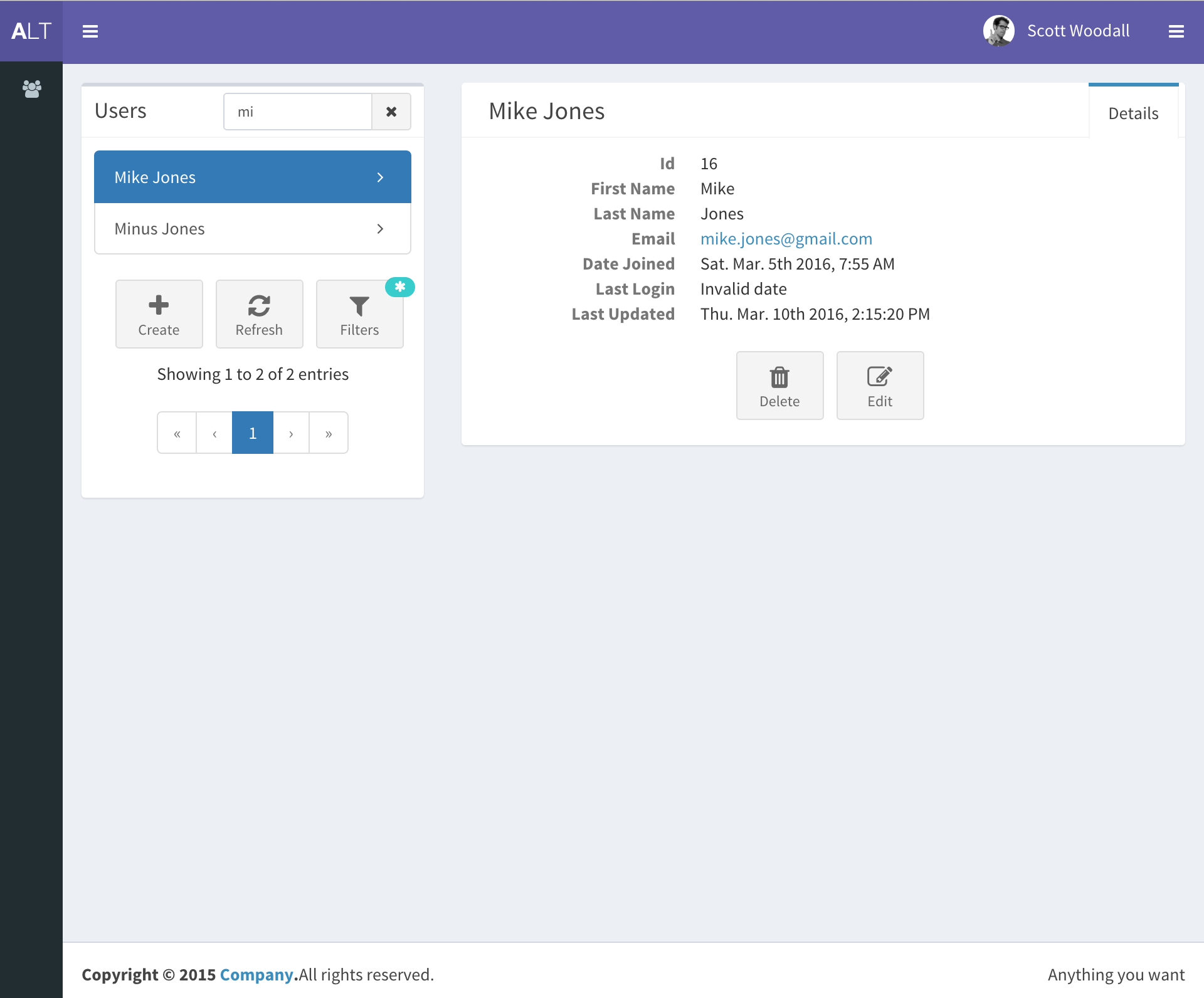
django-react-template
django-react-template 是一个面向 Django 与 React 开发者的启动模板,旨在减少新项目初始化时的重复工作。
Django · 启动器
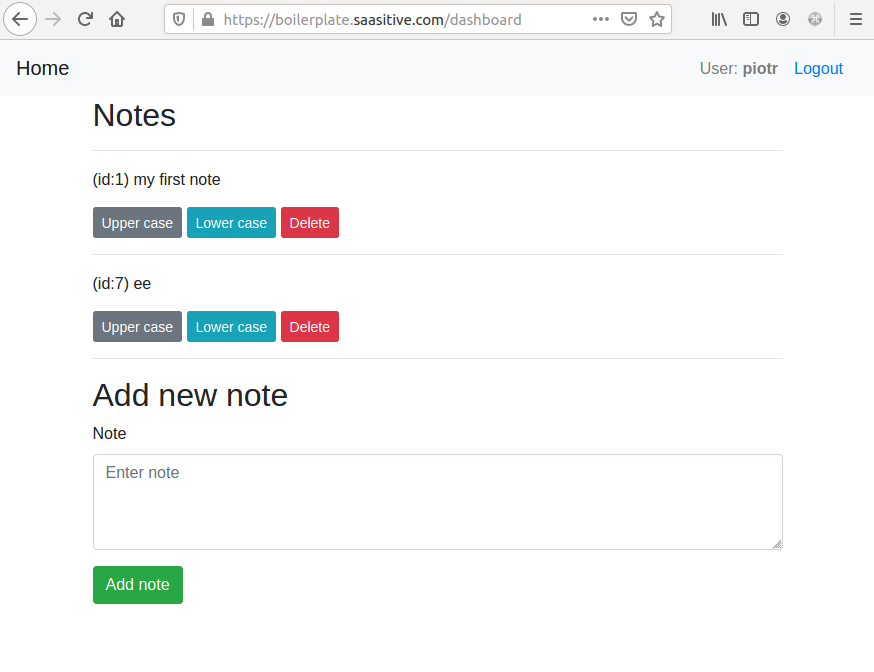
django-react-boilerplate
django-react-boilerplate 是一个面向 SaaS 应用的 Django + React 启动器,其核心思路是“自己动手”。
Django · SaaS
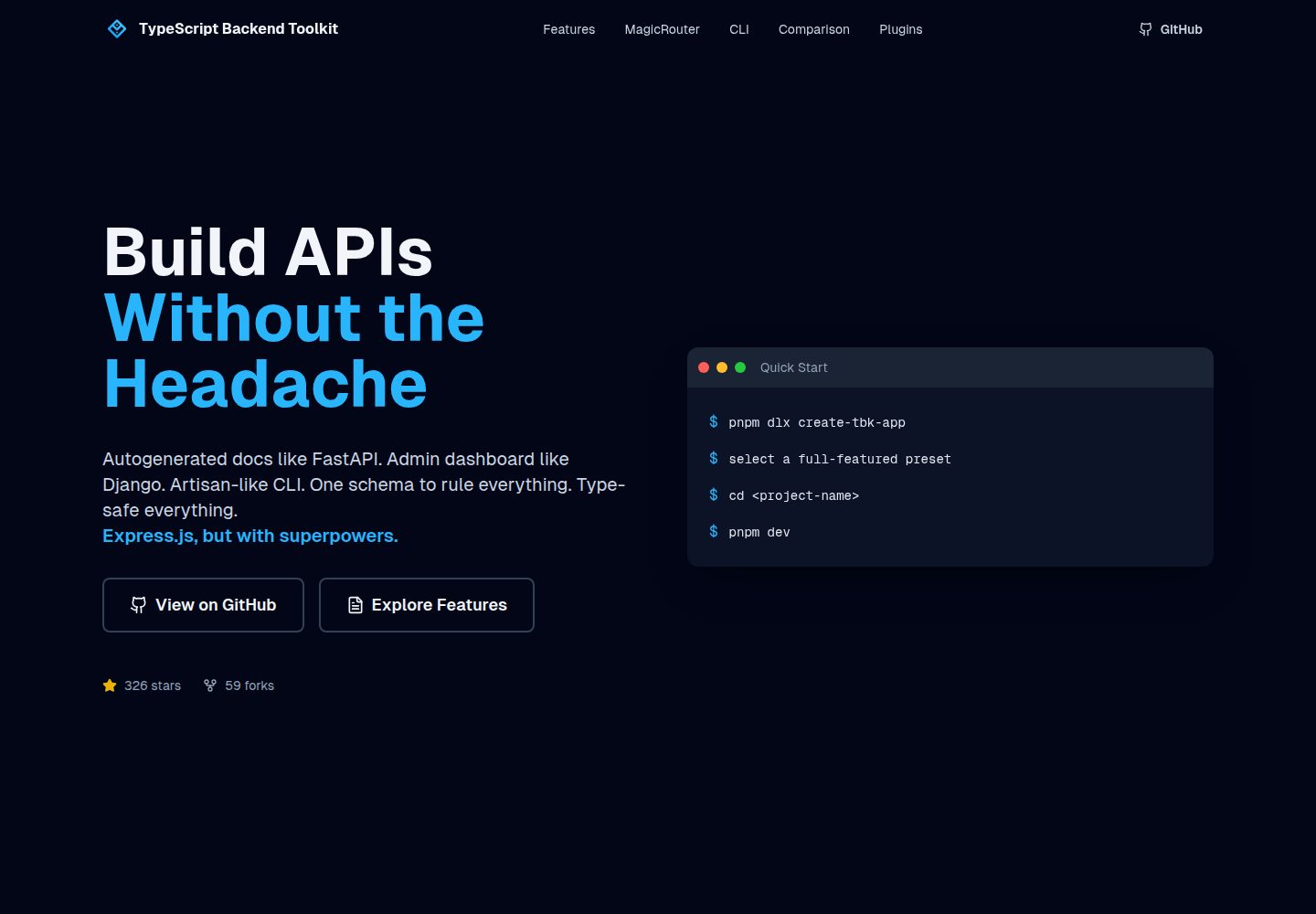
typescript-backend-toolkit
Production-ready Express.js/TypeScript framework with auto-generated OpenAPI, Artisan-style CLI, plugin system…
Django · 后台
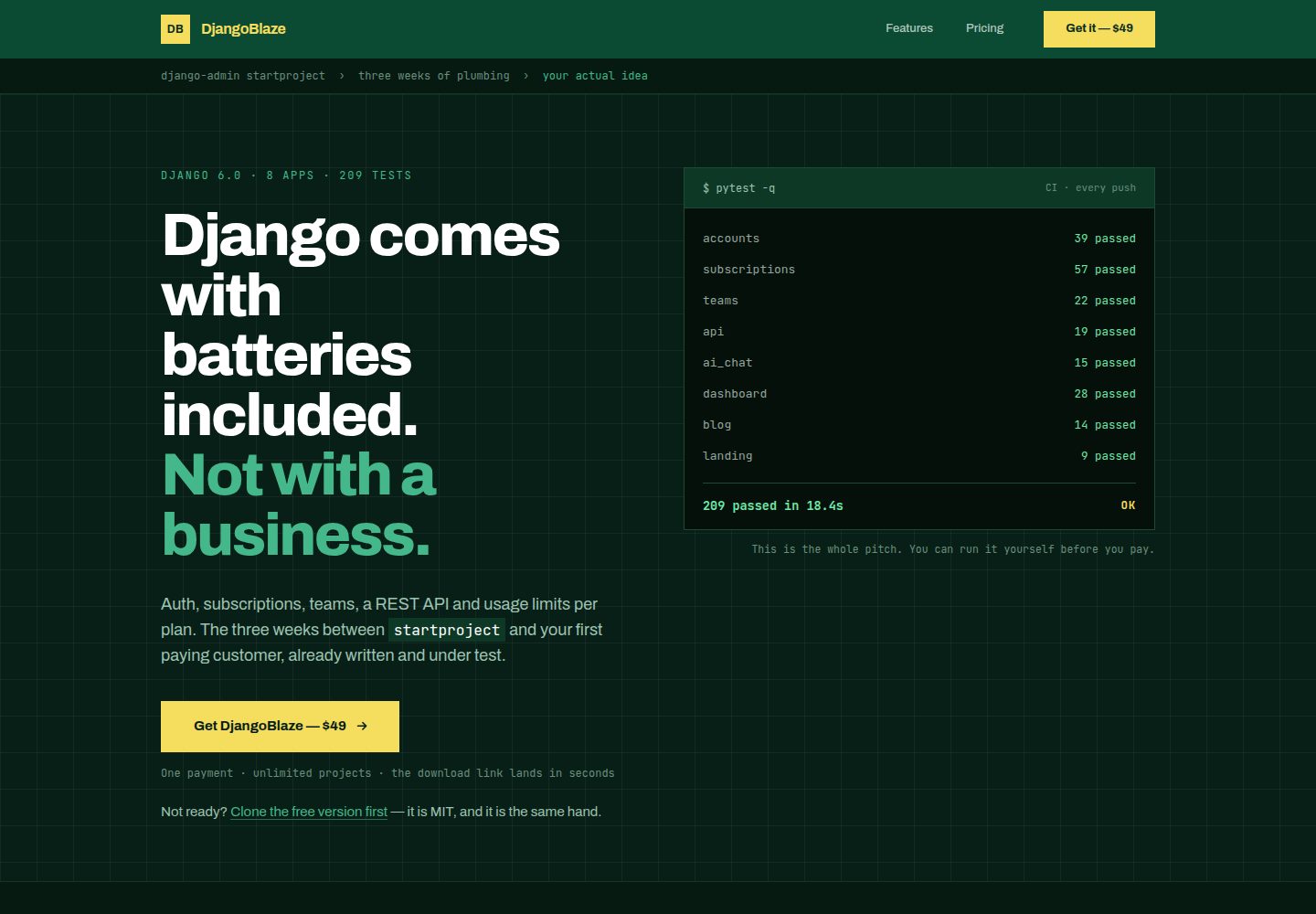
django-saas-boilerplate
A modern, production-ready Django boilerplate for building SaaS applications with HTMX, Tailwind CSS, and Alpi…
Django · SaaS
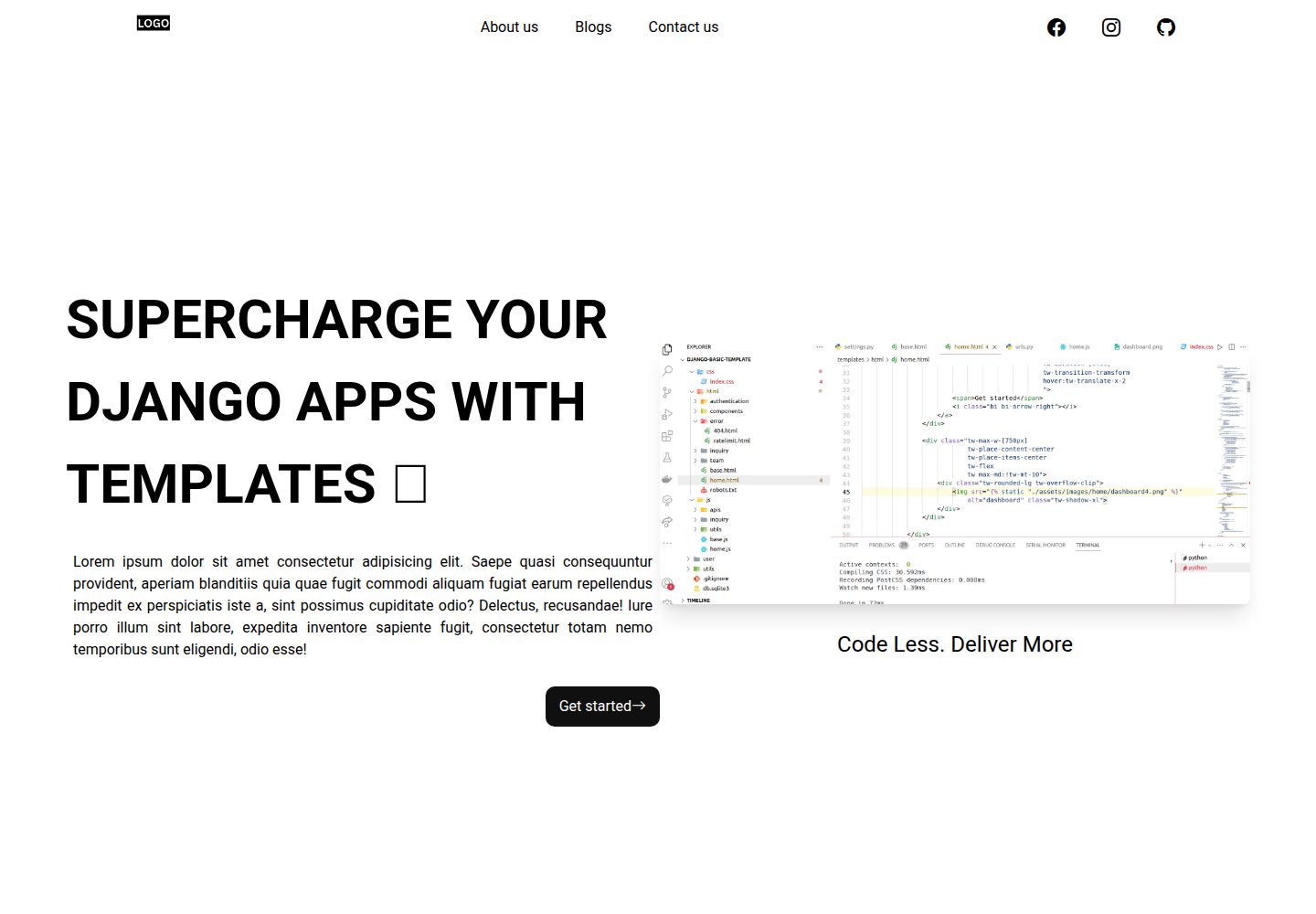
Django-website-template
Django templates for freelancer's, agencies to supercharge development
Django · 启动器
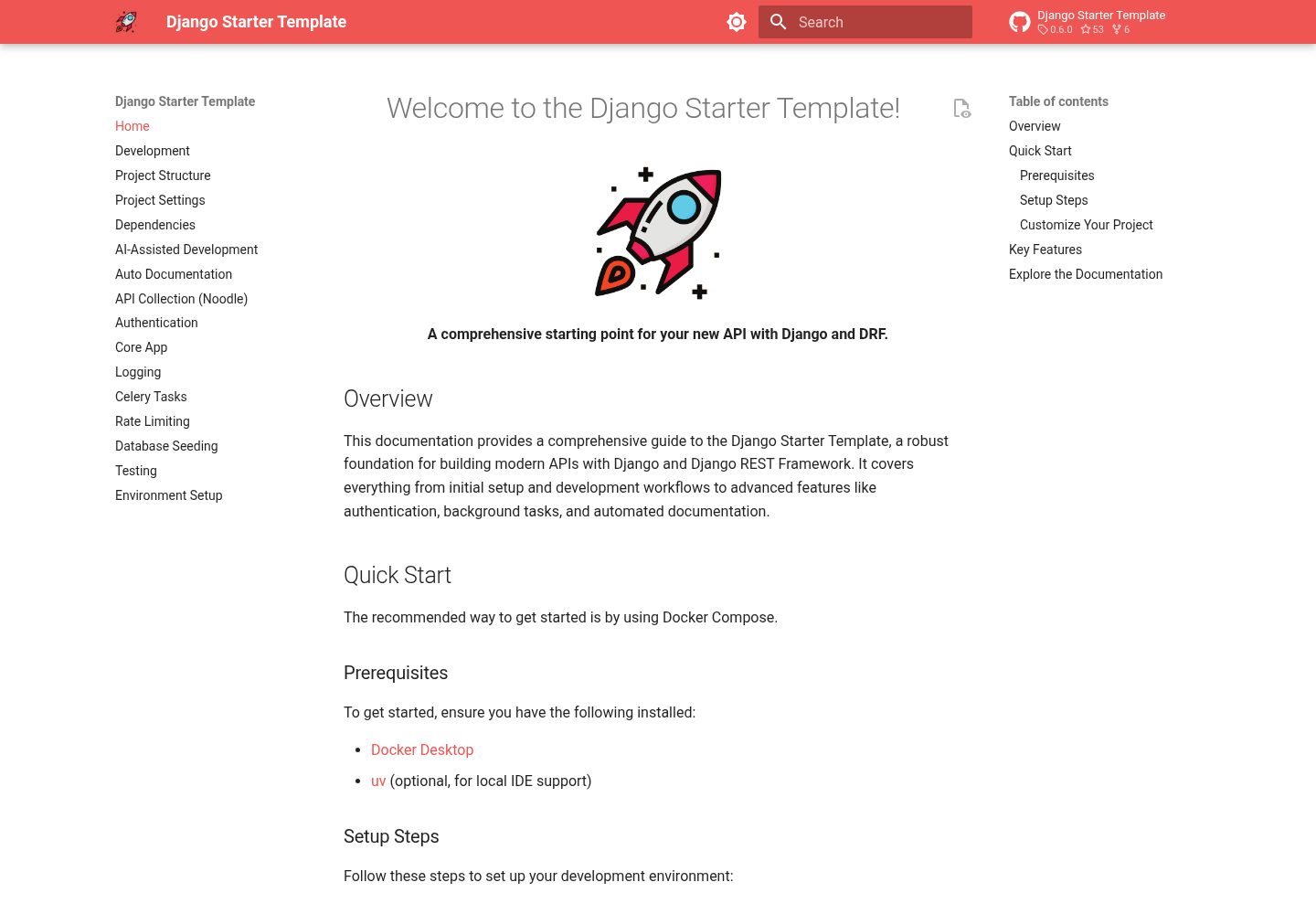
django-starter-template
A comprehensive and easy-to-use starting point for your new API with Django and DRF
Django · 启动器