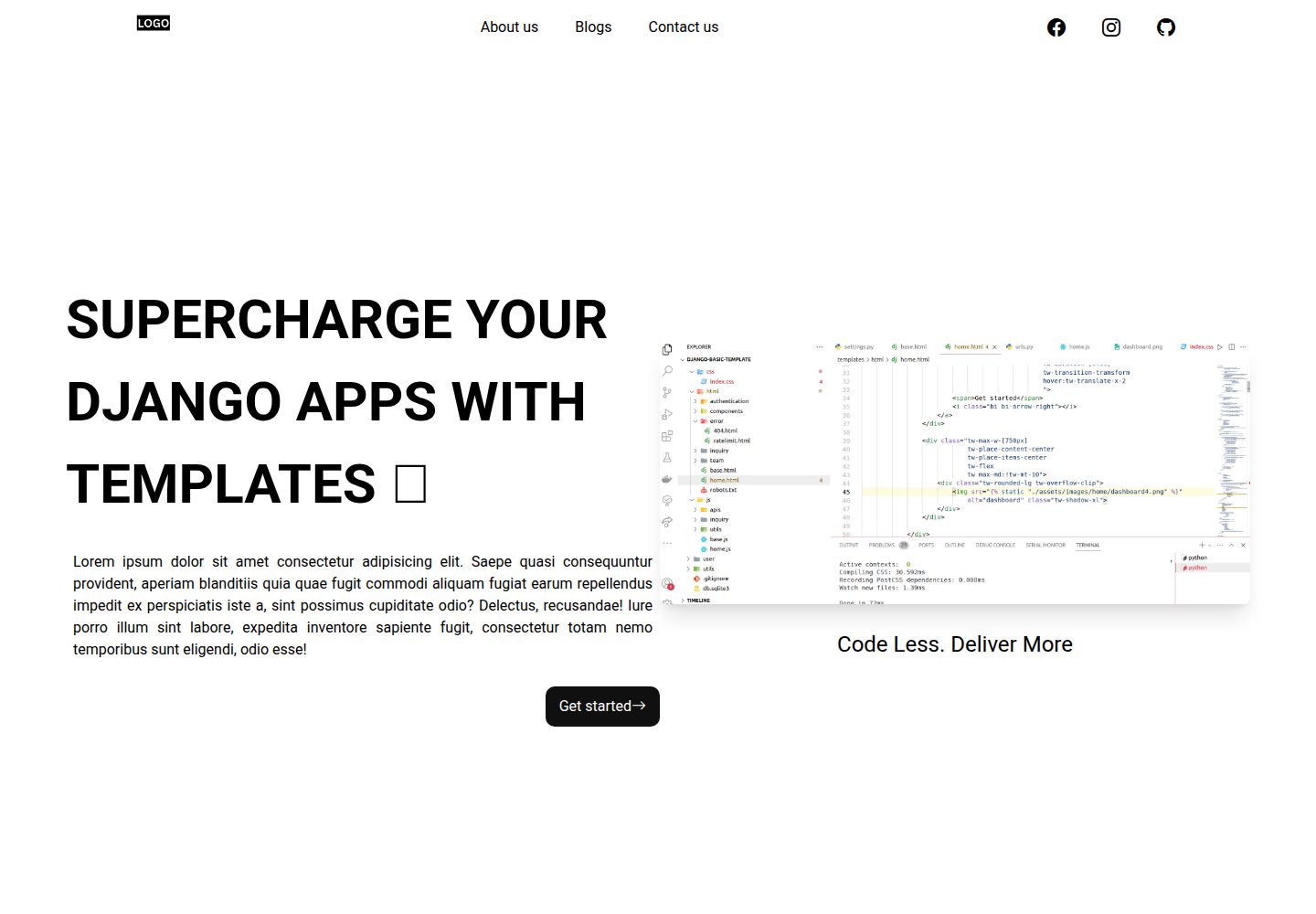
Includes landing pages, contact page, and 404 page, with content directly editable
DjangoStarter
Django-website-template — Django Starter Template
By PaulleDemon
A Django website starter template for freelancers and agencies, including landing pages, blog, contact page, SEO, and deployment configuration, under the MIT license.
Explore the design
Compare the page layouts and mobile experience. Open any screenshot for a closer look.
Desktop homepage1 / 3
Desktop captureTop of page
Actual screenshot captured by the server browser.
All pages & views 3
Screenshots show visual appearance; interactive behavior may differ.
Recorded 2026-10-01View source
What stands out
A quick read of the recorded project description.
Blog module integrates the Trix rich text editor in the Django admin backend
Built-in dynamic Sitemap.xml, Robots.txt, and Google Analytics configuration
Uses a custom user model and provides template tags for page titles, descriptions, and social sharing
Tailwind CSS is configured, with class names uniformly prefixed with tw-
README provides deployment steps for Vercel and Railway
Template Details
This is a Django-based website starter template aimed at freelancers and agencies for quickly building deployable website projects. The template includes landing pages, a contact page, a 404 page, and a blog module, with the blog integrating the Trix rich text editor in the admin backend. For technical SEO, it includes dynamic Sitemap.xml, Robots.txt, and Google Analytics configuration, and uses a custom user model. The styling layer uses Tailwind CSS, with class names uniformly prefixed with tw- to avoid conflicts.
Local development requires Python 3.8 or higher. Follow the README steps to clone the repository, install requirements.txt, configure the .env file, then run migrations and runserver; Tailwind requires running the corresponding command in a separate terminal. For deployment, the README provides two methods: Vercel and Railway, and explains that before going live you need to run collectstatic, set DEBUG to 0, generate a new SECRET_KEY, and change the site domain from example.com to the actual domain in the admin backend.
File storage is preconfigured for Firebase by default, and the README also explains that you can switch to other storage backends supported by django-storages. Using Firebase requires creating a public Storage in the Firebase console and generating a service account private key, renaming it to firebase-cred.json; if the deployment environment does not provide key file storage, you can convert the credential file to base64 and fill it into the FIREBASE_ENCODED variable. The template's MIT license covers the code itself; demo images are from Unsplash and Pexels, and third-party assets such as fonts and icons must be checked against their respective licenses; external services such as Firebase, domain, hosting, and database may incur additional charges.
DjangoStarter
Is it right for your project?
Use Cases
- Quickly building a showcase website with a blog for a freelancer or agency
- Using as a Django project starting point to continue development on existing landing pages, contact page, and SEO configuration
- Websites that need to write blog posts in the admin backend and automatically generate a sitemap
- Django front-end development that wants to use Tailwind CSS and avoid class name conflicts
Suitable For
- Developers with HTML, CSS, JavaScript fundamentals and basic knowledge of Django usage
- Freelancers or small agency teams that need to quickly deliver website prototypes
- Projects that accept using Firebase or django-storages as the file storage backend
- Django projects planned for deployment to Vercel or Railway
Getting started & customization
Use these recorded setup notes alongside the repository instructions for your chosen version.
- 1
Requires Python 3.8 or higher, install dependencies from requirements.txt
- 2
Create a .env file in the project directory, and fill in variables such as DEBUG, SECRET_KEY, ALLOWED_HOSTS, database, and email according to the README example
- 3
Run python manage.py migrate to initialize the database, then use createsuperuser to create an admin account
- 4
Tailwind CSS requires running python manage.py tailwind start in a separate terminal
- 5
Before deployment, run collectstatic, set DEBUG to 0, generate a new SECRET_KEY, and change the site domain to the actual domain in the admin backend
License & source material
Usage conditions & limitations
Free to use · keep license noticeThis entry covers the free version under the MIT license in the public repository; the free scope is the code of this version and does not mean external services or third-party assets are free.
Must comply with when using
- Free use, modification, commercial use, and distribution of this version's code are permitted.
- When distributing copies or substantial portions of the code, retain the original author's copyright notice and the full MIT license notice.
- The code is provided as is; warranties and limitations of liability are governed by the original license and applicable law.
Additional costs & items to verify
- Firebase is used by default as persistent file storage, requiring registration of a Firebase account and creation of a public Storage bucket, which may incur external service fees.
- Using Firebase requires generating a service account private key file in the console and configuring it in the project, which is an external account and key dependency.
- If not using Firebase, you need to switch to another storage backend supported by django-storages and bear the corresponding configuration and costs.
- More advanced analytics, recruitment pages, and blog features belong to the paid premium template and are not within the scope of this free template.
- Demo images are from Unsplash and Pexels, whose licenses are independent of the MIT code license; you must verify asset authorization yourself before commercial use.
- The README mentions Firebase integration; before enabling related dynamic features, you need to configure it yourself and check Firebase quotas and charges.
- Demo images, fonts, icons, and other third-party assets must be checked against their respective licenses and cannot be judged solely by the code's MIT license.
- External services such as domain, hosting, database, payment, or AI may incur additional charges.
View Original Text Basis
Permission is hereby granted, free of charge
Original License Text
We'll be using firebase for persistent storage, to upload user files.
Original README
Now Go to firebase -> project settings -> service account -> Generate new private key.
Original README
You can also use any of the storage supported by [django-storages]
Original README
check out the premium [django templates](https://templates.foxcraft.tech/django-website-templates).
Original README
https://github.com/PaulleDemon/Django-website-template/blob/main/Licensehttps://github.com/PaulleDemon/Django-website-template/blob/main/readme.mdImages are taken from free to use sites such as
Original README
Compiled by DeepSeek based on repository license and README ·2026-10-02. Results only cover the materials read; dependencies, images, fonts, and subsequent term changes are subject to their respective original texts.
Project checks & description sources
Template Information
- Source platforms
- GitHub
- Documentation and maintenance reference score
- More documented · 81 / 100
- Technologies
- Django
- Website type
- Starter
How this score is calculated
Our heuristic uses license records (up to 30), a demo link (12), a preview (10), stars (15), recorded maintenance (15), description completeness (8), feature records (5) and classification data (5). It is not a code, security or performance test, or a Google score. A link does not establish tested functionality.
What to verify for this project
- Repository update recorded
- 2024-10-19
- Screenshot last checked
- 2026-10-02
A demo link is listed. Check it with your own content and viewport sizes; its presence does not confirm that forms, authentication or payments work.
The catalog identifies Django as the primary stack. Check the actual dependency manifest and lockfile for versions and hosting requirements. These notes use recorded metadata, not a code audit or a deployment test.
Use a selection guide →How this description was prepared
AI-assisted description based on catalog records and repository material. Repository authors are not automatically the reviewers of this description.
Automatically checked against source and license rules; no manual editorial review.
Inspect the recorded source material
SHA-256: 8f5f3105a7185fead0bdc707cd8ddd816c63e272ef37624ae9c96b08a7ebd6f8
2026-10-02T05:15:38.072Z
Source file / repository# Django website template (production ready) Tired of writing Django project from scratch? use this template to speed up your Django development and deliver your project within few hours, instead of weeks or months. ### Why use Django website template? Using a Django template can save you a lot of time, which is a huge benefit. Most clients don't care if you start from scratch or use a template; they just want their problem solved quickly. Whether you use Django or another framework usually doesn't matter to them as long as the job gets done efficiently. This template can help you save hours of work, allowing you to deliver a production-ready website in just a few hours. ### What features does Django template include? - Production ready, you can immediately deploy this to cloud such as Vercel, Railway.app, Render.com etc. - Comes with a landing page that you can modify. - Responsive design, forget about making things responsive yourself. - Contact us page. - 404 page - Has blog with Trix WYSIWYG editor built into the admin panel. - Technical SEO optimization. - Dynamic Sitemap.xml - Robots.txt - Google analytics - Custom user model. - Tailwind css setup for rapid development (note: the tailwind classes are prefixed with `tw-`, to differentiate them) ### Do I need to be an expert in Django to use this? A basic understanding of HTML, CSS, and JavaScript is all you need to get started. However, if you want to add custom pages or make more advanced modifications, having at least some foundational knowledge will be really helpful. ### Looking for Other boiler plates? **SaaS website template:** [Django boilerplate](https://github.com/PaulleDemon/Django-SAAS-Boilerplate) **Free and open-source landing pages:** [Free landing pages](https://github.com/PaulleDemon/awesome-landing-pages) #### Want advance Django boiler plate? If you are looking for more advanced features, such as analytics integration, career pages, advanced blog integration check out the premium [django templates](https://templates.foxcraft.tech/django-website-templates). If you need anything custom feel free to contact [Django developer](https://tally.so/r/woO0Kx) ### Demo Visit the demo site: [Django Demo website](https://django-website-template.vercel.app/) For admin use ``` [email protected] demo123* ``` ### Table of contents - [Django website template (production ready)](#django-website-template-production-ready) - [Why use Django website template?](#why-use-django-website-template) - [What features does Django template include?](#what-features-does-django-template-include) - [Do I need to be an expert in Django to use this?](#do-i-need-to-be-an-expert-in-django-to-use-this) - [Demo](#demo) - [Local development](#local-development) - [Admin superuser](#admin-superuser) - [Customizing](#customizing) - [Adding title, description to page](#adding-title-description-to-page) - [Deployment:](#deployment) - [Create a firebase credential file](#create-a-firebase-credential-file) - [Deploying credential file to production](#deploying-credential-file-to-production) - [Images credits](#images-credits) ## Local development follow the below steps : 1. Star the repo: https://github.com/PaulleDemon/Django-website-template 2. Clone the repo `git clone https://github.com/PaulleDemon/Django-website-template` 3. Install python 3.8 or above. https://www.python.org/downloads/ 4. Open the template folder and from the terminal change the directory to the current working directory. `cd home/Template` 5. Install dependencies in an environment (creating an enviornment is optional, but recommended) ``` pip install -r requirements.txt ``` 6. Add a `.env` file inside the `project` folder with the following ```py DEBUG=1 PYTHON_VERSION=3.10 DOMAIN="" ALLOWED_HOSTS=".up.railway.app" ALLOWED_CORS="" SECRET_KEY="" PORD_SECRET_KEY="" DJANGO_SUPERUSER_EMAIL="" # optonal use if you want to create supruser using --noinput DJANGO_SUPERUSER_PASSWORD="" # optonal use if you want to create supruser using --noinput EMAIL_HOST="smtpout.server.net" EMAIL_HOST_USER="" EMAIL_HOST_PASSWORD="" POSTGRES_DATABASE="" POSTGRES_USER="" POSTGRES_PASSWORD="" POSTGRES_HOST="" POSTGRES_URL="" PROJECT_ID="" # firebase project id BUCKET_NAME=".appspot.com" # firebase storage name FIREBASE_CRED_PATH="project/firebase-cred.json" FIREBASE_ENCODED="" CLOUD_PLATFORM="RAILWAY" GOOGLE_ANALYTICS="G-" ``` 7. Now in your terminal Create databases and Tables using ``` python manage.py migrate ``` Your database is created and ready to use. 8. Now run the website from the terminal using. ```py python manage.py runserver ``` Your website should be available at: http://localhost:8000/ 9. To run Tailwind CSS open a new terminal and run ```py python manage.py tailwind start ``` **Note:** If you are facing problems starting this program in windows OS, remove logging from project/settings.py ### Admin superuser To create a admin superuser use the following in terminal ```py python manage.py createsuperuser ``` ## Customizing All html, css, js and assets lies inside the templates. - To modify the landing page, update `home.html`. - To add link to header and footer or modify head tags, check `base.html`. - extend `base.html` to have the same footer and header. ### Adding title, description to page To add title to a page use the following tags ```py {% block title %}lorem impsum {% endblock title %} {% block description %}lorem impsum{% endblock description %} #meta description {% block socialTitle %}{{blog.title}} | {% endblock socialTitle %} # open graph title, for socials {% block socialDescription %}{{blog.meta_description}}{% endblock socialDescription %} # open graph description, for socials {% block pageType %}article{% endblock pageType %} {% block pageImage %}{% endblock pageImage %} # social image ``` To add additional head tags ```py {% block head_tags %}lorem impsum {% endblock head_tags %} ``` To add scripts at the end of the elements ``` {% block scripts %} <script src="{% static "" %}" /> {% endblock scripts %} ``` ## Deployment: Deploy to vercel [](https://vercel.com/new/clone?repository-url=https%3A%2F%2Fgithub.com%2FPaulleDemon%2FDjango-website-template&demo-title=Django%20website%20template&demo-description=A%20starters%20template%20for%20django%20developers%2C%20freelancers%20and%20agencies&demo-url=https%3A%2F%2Fdjango-website-template.vercel.app%2F) or You can make use of Railway to deploy your own instance. <a href="https://railway.app?referralCode=BfMDHP"> <img src="railway.png" alt="railway icon" height="50px"/> </a> Link to deploy to [Railway.app](https://railway.app?referralCode=BfMDHP) once you complete make sure to ``` python manage.py collectstatic ``` and set ``` DEBUG=0 ``` **Generate secret key** To generate secret key use `from django.core.management.utils import get_random_secret_key` then `get_random_secret_key()` in your python shell **Note:** don't forget to set the sites to your domain instead of example.com in the admin panel ### Create a firebase credential file >**Note:** We'll be using firebase for persistent storage, to upload user files. Firebase is pre-configured as there are other firebase services developers may want to use. <br><br> You can also use any of the storage supported by [django-storages](https://github.com/jschneier/django-storages), if you don't want to use firebase. To use Firebase 1. We use Google storage for storing files. Go to firebase -> storage -> create (make it public) 2. Now Go to firebase -> project settings -> service account -> Generate new private key. Rename the private as `firebase-cred.json` Use this private file as your credential file. #### Deploying credential file to production Sometimes your cloud provider may not provide you with storage for secret files. So convert the credential file to base64 using ``` base64 firebase-cred.json > encoded.txt ``` Now copy the contents of encoded.txt and paste it in `FIREBASE_ENCODED="wedde"` variable ### Tutorials #### Looking to learn about adding payment to Django? Check out this blog about [adding payment to django](https://dev.to/paul_freeman/adding-payment-to-django-app-4cc9). This should give you an overview about adding payments to Django. #### Adding ESP Check out this blog on adding ESP to help you supercharge [transactional emails](https://dev.to/paul_freeman/adding-esp-to-supercharge-your-django-email-4jkp) #### Deploying to Vercel Check out this blog for vercel deployment help [Django vercel deployment](https://dev.to/paul_freeman/deploying-django-website-to-vercel-19ed) ## Images credits Images are taken from free to use sites such as 1. unsplash - https://unsplash.com/ 2. Pexels - https://www.pexels.com/
Explore similar templates
Compare previews and descriptions within the same stack and category.
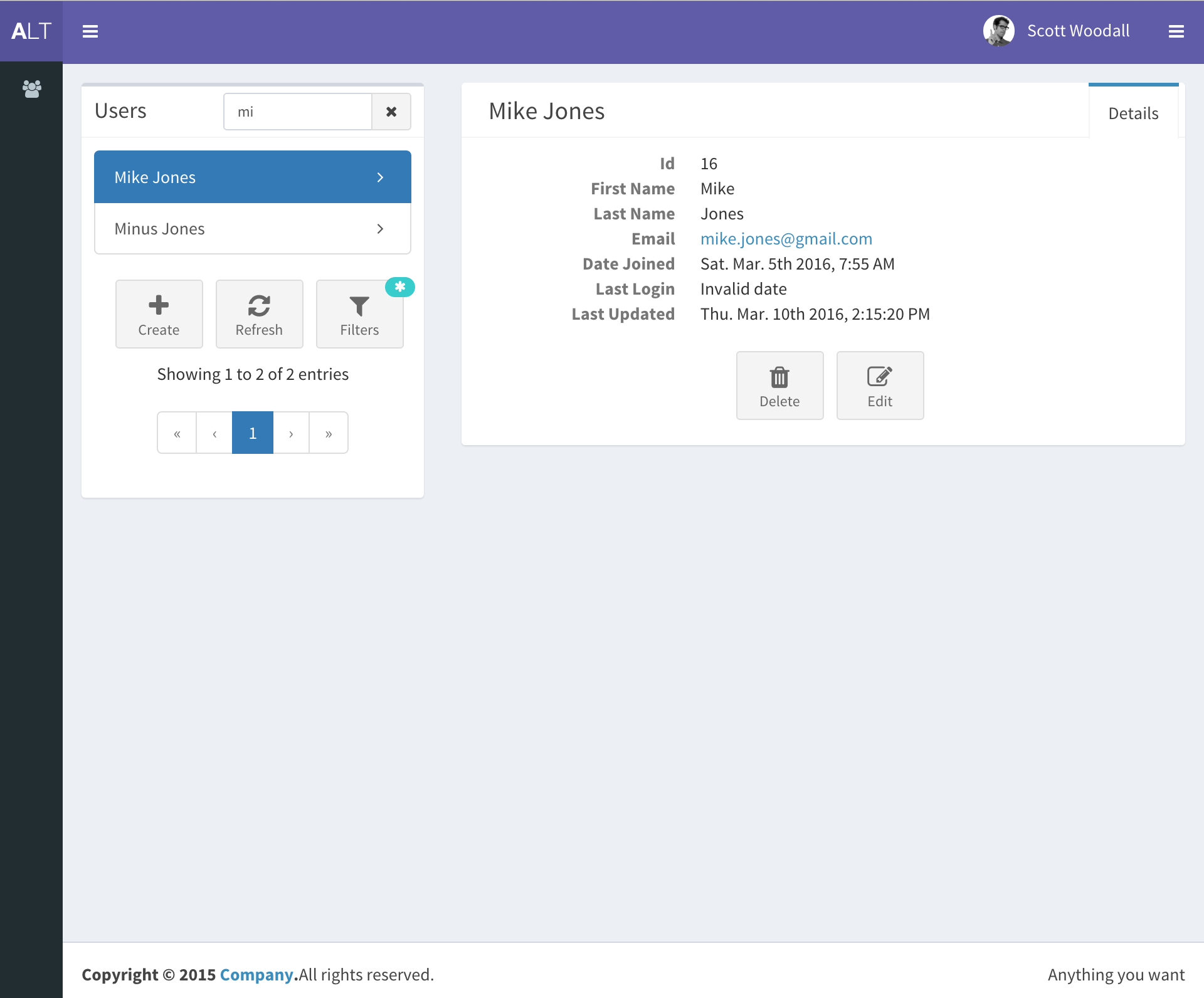
django-react-template
A starter template that integrates Django backend and React frontend in one repository, generated via Django's startproject command. It provides a clear backend/frontend structure with separate READMEs, aiming to reduce initial setup work.
Django · Starter
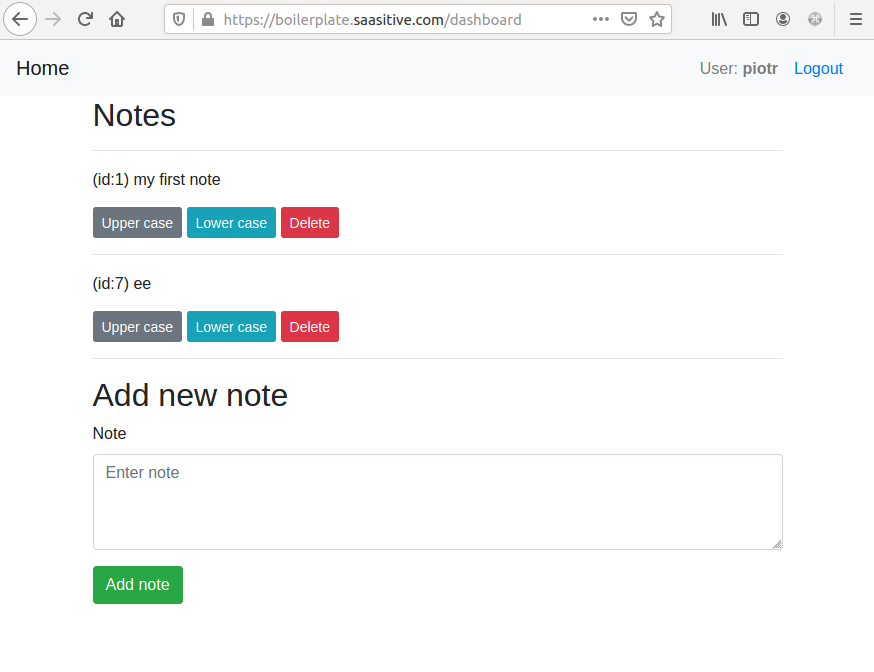
django-react-boilerplate
A DIY Django + React SaaS starter built through step-by-step tutorials, featuring a Django REST Framework backend, React frontend, Bootstrap styling, Djoser token authentication, email verification, password reset, and docker-compose deployment to a single VPS with Nginx and Let's Encrypt SSL.
Django · SaaS
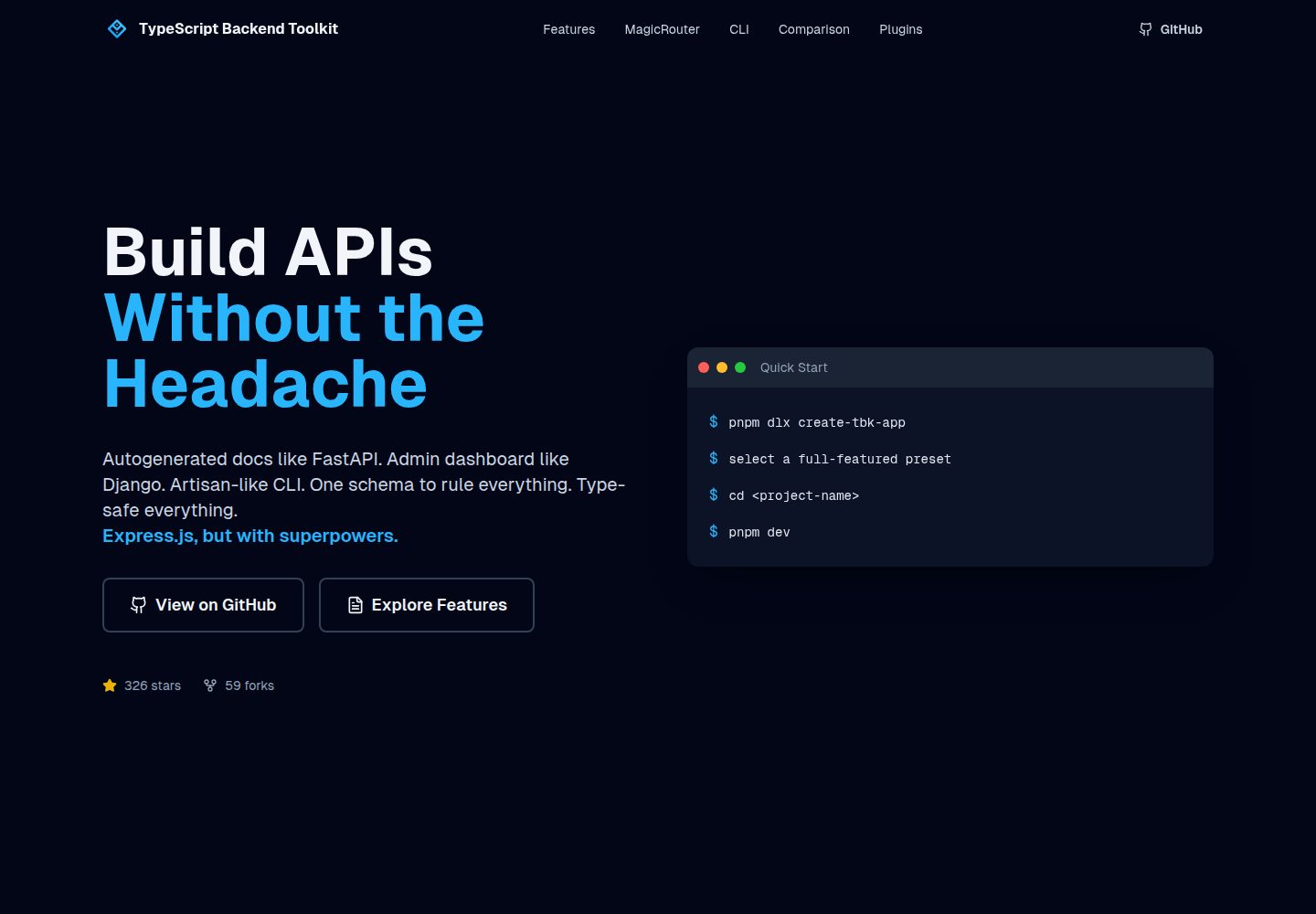
typescript-backend-toolkit
An Express.js and TypeScript backend toolkit with auto-generated OpenAPI documentation, a Django-style admin panel, an Artisan-style tbk CLI, and a plugin architecture. It integrates Zod validation, JWT and Google login, BullMQ queues with BullBoard, Socket.IO, and multi-provider storage/cache/email.
Django · Admin dashboard
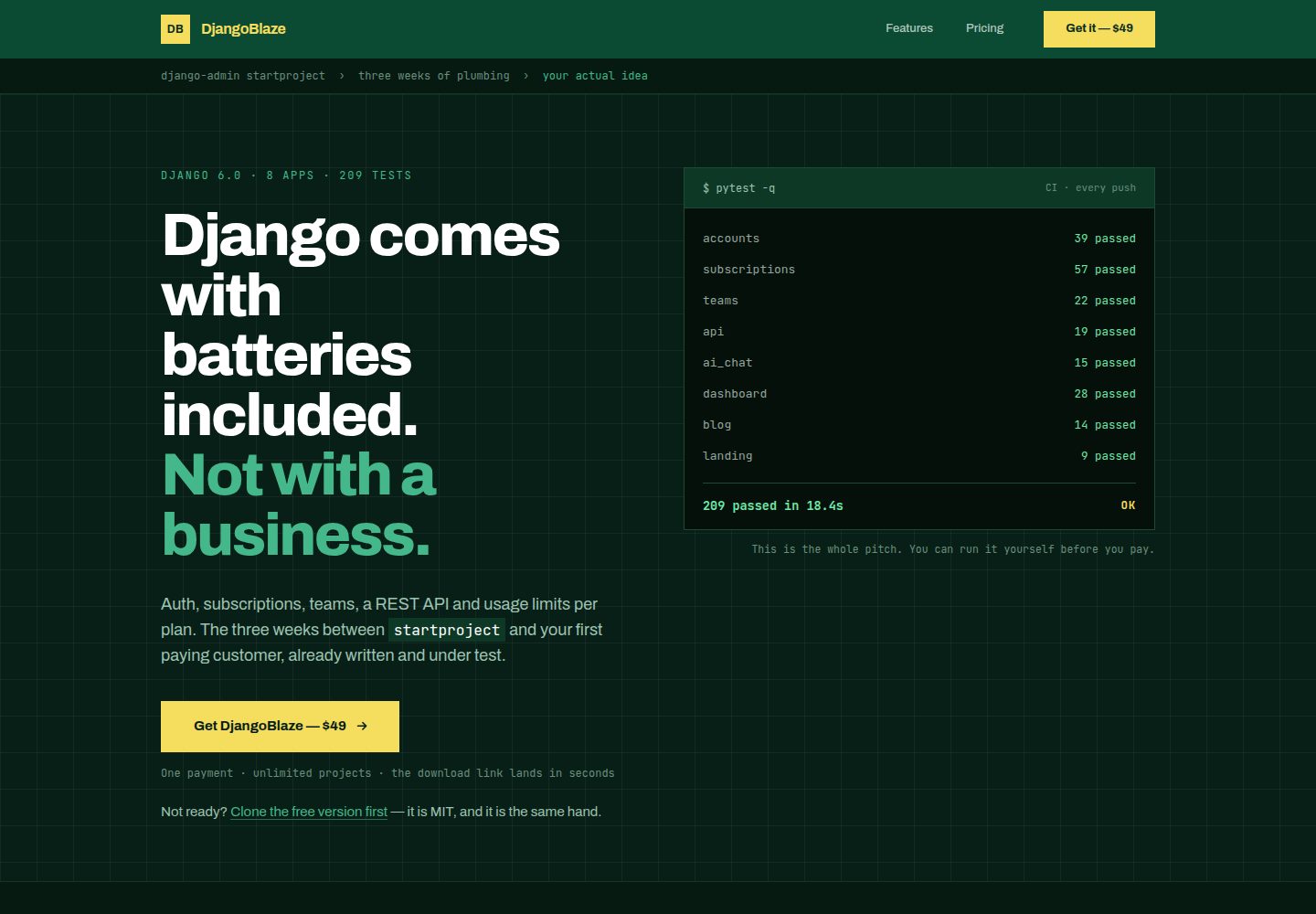
django-saas-boilerplate
A Django SaaS starter template with email-only login, django-allauth authentication, Stripe subscription payments, a user dashboard, and a public landing page.
Django · SaaS
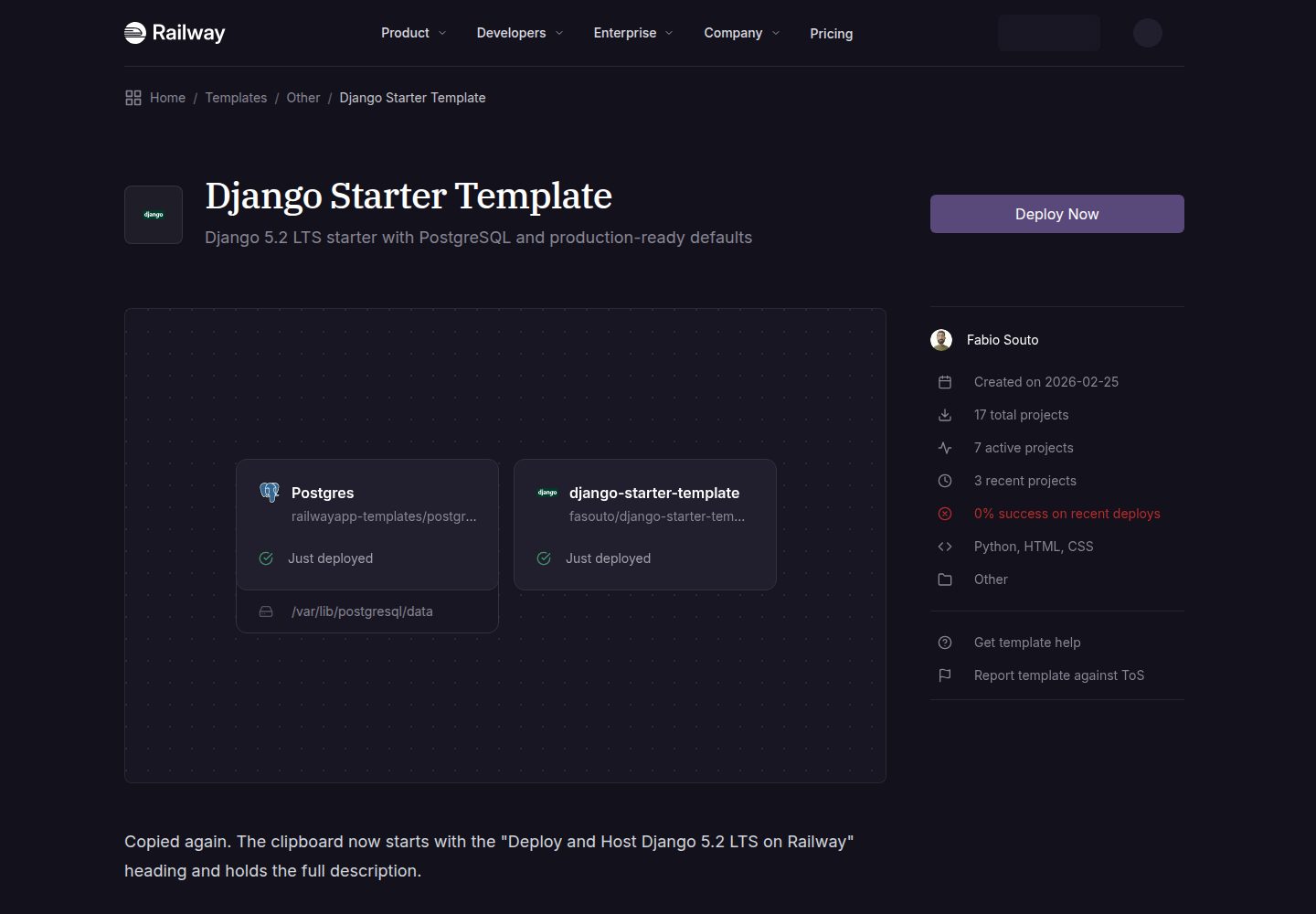
django-starter-template
A Django 5.2 LTS starter template for Railway deployment, using PostgreSQL via psycopg3, gunicorn, and WhiteNoise, with settings split into base, development, and production.
Django · Starter
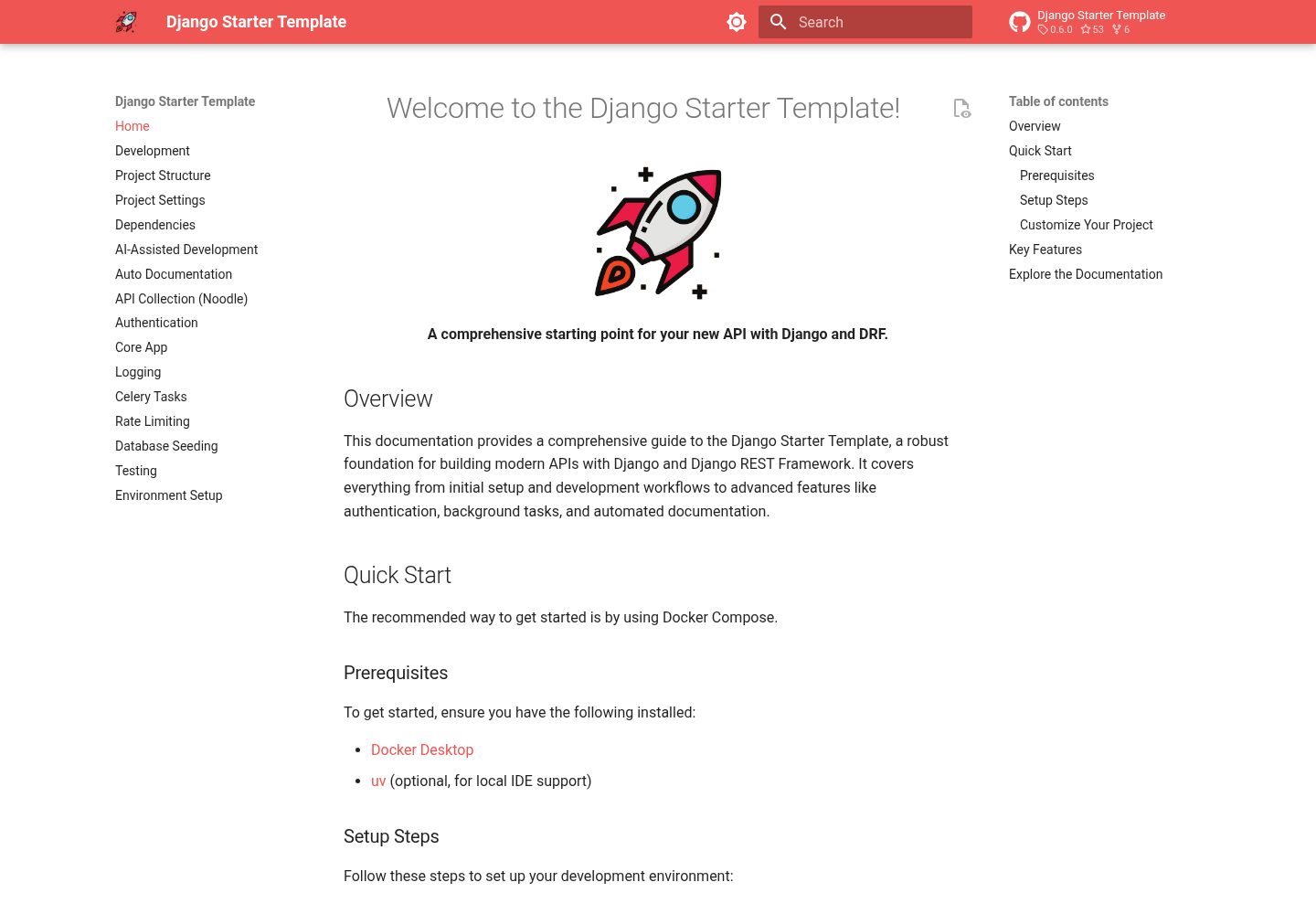
django-starter-template
A Django and DRF API starter template with Knox token authentication, an email-based user model, Celery and Redis background tasks, drf-spectacular OpenAPI 3 documentation, structured JSON logging, and a Docker Compose and Makefile development workflow.
Django · Starter