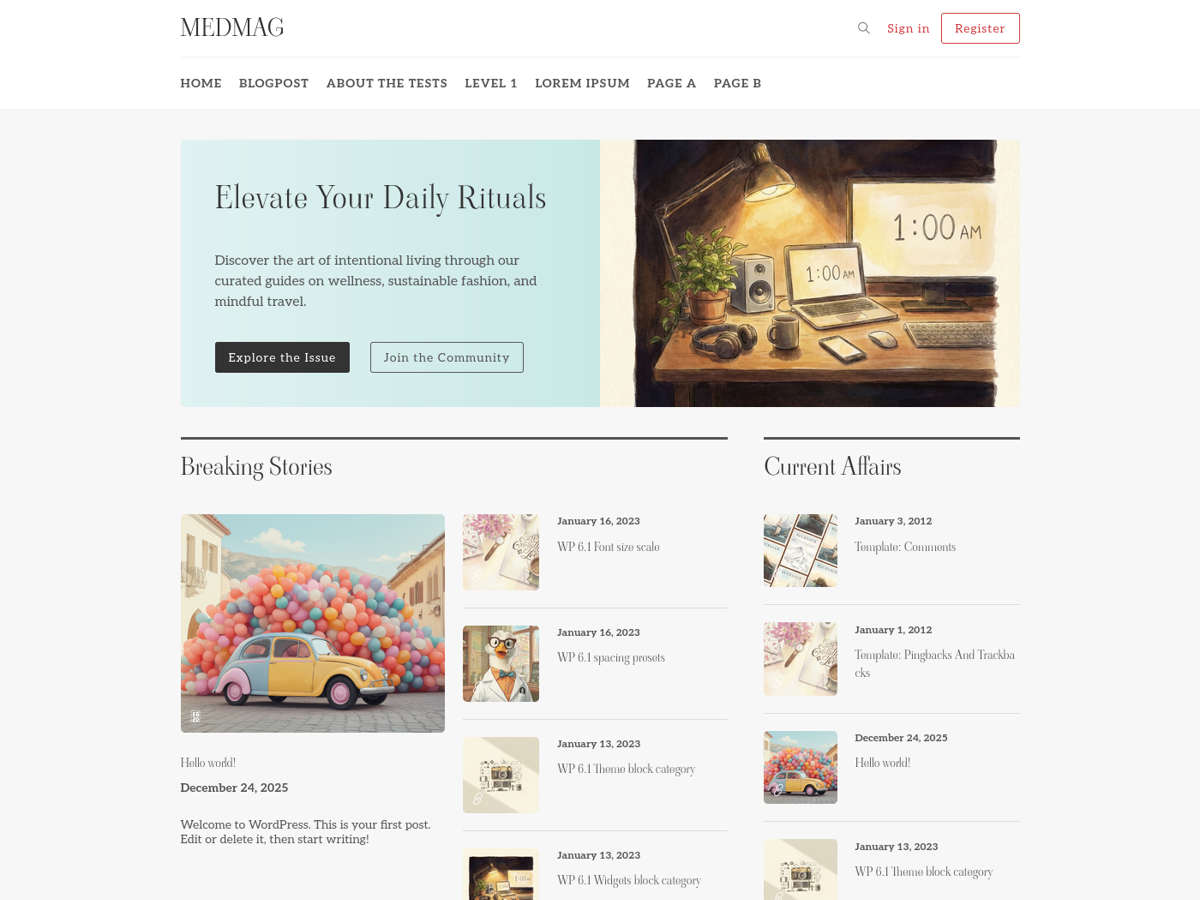
WordPress theme for magazines, newspapers, and personal blogs
WordPressHTMLBlog
medmag-premium-free — WordPress Blog Template
By calm-canvas
Medmag is a WordPress theme for magazines, newspapers, or personal blogs, built on Bootstrap with a responsive design and Retina support. The repository releases a free version under the MIT license.
Explore the design
Compare the page layouts and mobile experience. Open any screenshot for a closer look.
Author preview
Author-provided previewTop of page
Preview provided in the project README.
One original preview is available. Open the full image to inspect the design.
Screenshots show visual appearance; interactive behavior may differ.
Recorded 2026-10-03View source
What stands out
A quick read of the recorded project description.
Responsive design based on Bootstrap, declared Retina-ready
Repository uses the MIT license, permitting free use, modification, commercial use, and distribution
Source includes TypeScript and Sass assets, with a Vite build process
Comes with Docker development environment configuration and bin/ initialization scripts
Template Details
Medmag is a WordPress theme positioned for magazines, newspapers, or personal blogs. The theme uses a responsive design, is built on the Bootstrap framework, and is declared Retina-ready; its official description states it is suitable for companies, freelancers, and various other purposes.
The repository includes both the front end and a development toolchain: the theme source is in the medmag/ directory, TypeScript and Sass source files are under assets/, plugins/wp-bomb/ is a development tool plugin for the admin dashboard, and bin/ and docker/ provide environment initialization scripts and container configuration, respectively. The README lists a technology stack including WordPress, Docker, Vite, Tailwind CSS, SASS/SCSS, TypeScript, and PHP, and provides a local development workflow from copying .env.example, starting docker-compose, running bin/init.sh, to installing pnpm and composer dependencies.
Regarding licensing, the repository uses the MIT license, permitting free use, modification, commercial use, and distribution of this version of the code; when distributing, the copyright notice and the full MIT license notice must be retained. Note that the MIT license covers only the code itself; third-party assets such as demo images, fonts, and icons, as well as external services such as domains, hosting, and databases, require separate verification of licensing or fees.
WordPressHTMLBlog
Is it right for your project?
Use Cases
- Selecting a WordPress theme for building magazine or newspaper content sites
- Replacing and customizing a WordPress theme for a personal blog
- Configuring a PHP environment in Docker containers for local theme development
- Compiling theme front-end assets using Vite, TypeScript, and Sass
Suitable For
- Magazine or newspaper sites that publish content with WordPress
- Personal bloggers who need a responsive blog theme
- Developers who want to customize a theme based on MIT-licensed code
- WordPress developers accustomed to Docker and front-end build toolchains
Getting started & customization
Use these recorded setup notes alongside the repository instructions for your chosen version.
- 1
Copy .env.example to .env and configure the relevant settings
- 2
Run docker-compose up -d to start the containers
- 3
Execute sh bin/init.sh to set permissions and install the development plugin
- 4
Install dependencies: pnpm install and composer install
- 5
Build front-end assets using pnpm run dev or pnpm run build
License & source material
Usage conditions & limitations
Free to use · keep license noticeThis entry covers the free version under the MIT license in a public repository; the free scope is the code of this version and does not mean external services or third-party assets are free.
Must comply with when using
- Free use, modification, commercial use, and distribution of this version of the code are permitted.
- When distributing copies or substantial portions of the code, retain the original author's copyright notice and the full MIT license notice.
- The code is provided as is; warranties and limitations of liability are governed by the original license and applicable law.
Additional costs & items to verify
- Local development requires first copying .env.example to .env and configuring environment variables; otherwise, containers and the theme may not start properly.
- Running the theme depends on Docker and docker-compose to start the container environment; environments without Docker installed cannot follow the README workflow.
- Building and development require installing pnpm and Composer dependencies; without Node/pnpm or PHP Composer, asset compilation cannot be completed.
- Initialization requires executing bin/init.sh to set permissions and install the development plugin; this step changes file permissions and introduces an additional plugin.
- Theme management operations depend on executing WP-CLI commands inside the cli container via docker-compose, requiring the container to be running.
- Demo images, fonts, icons, and other third-party assets must be checked against their respective licenses and cannot be judged solely by the code's MIT license.
- External services such as domains, hosting, databases, payments, or AI may incur separate charges.
View Original Text Basis
Permission is hereby granted, free of charge
Original License Text
Copy `.env.example` to `.env` and configure your settings.
Original README
Run `docker-compose up -d` to start the containers.
Original README
Install dependencies: `pnpm install` and `composer install`.
Original README
Execute `sh bin/init.sh` to set permissions and install development plugins.
Original README
https://github.com/calm-canvas/medmag-premium-free/blob/develop/LICENSEhttps://github.com/calm-canvas/medmag-premium-free/blob/develop/README.mduse WP-CLI via `docker-compose exec cli wp <command>`
Original README
Compiled by DeepSeek based on repository license and README ·2026-10-03. Results only cover the materials read; dependencies, images, fonts, and subsequent term changes are subject to their respective original texts.
Project checks & description sources
Template Information
- Source platforms
- GitHub
- Documentation and maintenance reference score
- Partly documented · 73 / 100
- Technologies
- WordPress · HTML
- Website type
- Blog
How this score is calculated
Our heuristic uses license records (up to 30), a demo link (12), a preview (10), stars (15), recorded maintenance (15), description completeness (8), feature records (5) and classification data (5). It is not a code, security or performance test, or a Google score. A link does not establish tested functionality.
What to verify for this project
- Repository update recorded
- 2025-12-31
- Screenshot last checked
- 2026-10-03
No demo link is recorded. Use the repository instructions to evaluate the project locally; the screenshot alone cannot establish interactive behavior.
The catalog identifies WordPress as the primary stack. Check the actual dependency manifest and lockfile for versions and hosting requirements. These notes use recorded metadata, not a code audit or a deployment test.
Use a selection guide →How this description was prepared
AI-assisted description based on catalog records and repository material. Repository authors are not automatically the reviewers of this description.
Automatically checked against source and license rules; no manual editorial review.
Inspect the recorded source material
SHA-256: 2cad514a30fe4de6dfc9e2867c63305b932df1c878624beef5f8cd764e7194aa
2026-10-03T08:32:03.576Z
Source file / repository# Medmag Premium Free Medmag is a modern WordPress theme designed for magazines, newspapers, or personal blogs. It features a clean, responsive design built on the Bootstrap framework. The theme is retina-ready and suitable for companies, freelancers, and various other purposes.  ## Core Technologies - **WordPress**: Core CMS for content management (version 6.9.0, requires ≥5.5). - **Docker**: Containerized development environment with PHP 8.1. - **Vite**: Ultra-fast frontend build tool for asset compilation. - **Tailwind CSS**: Utility-first CSS framework for rapid UI development. - **SASS/SCSS**: Advanced styling with variable management (see `assets/sass/_env.sass`). - **TypeScript**: Type-safe JavaScript for robust theme functionality. - **PHP**: WordPress theme and plugin logic (requires ≥7.4). ## Project Structure - `medmag/`: WordPress theme sources, compiled assets, DI definitions, translations, and template parts. - `plugins/wp-bomb/`: Developer tooling plugin for admin utilities. - `assets/`: Source files for TypeScript and Sass. - `bin/`: Scripts for environment provisioning, backups, and utilities. - `docker/`: Container configurations and overrides. ## Getting Started 1. Copy `.env.example` to `.env` and configure your settings. 2. Run `docker-compose up -d` to start the containers. 3. Execute `sh bin/init.sh` to set permissions and install development plugins. 4. Install dependencies: `pnpm install` and `composer install`. 5. Start development: `pnpm run dev` for asset building. ## Development Workflow - **Assets**: Edit TypeScript in `assets/ts/` and Sass in `assets/sass/`, then run `pnpm run build` or `pnpm run dev`. - **Theme**: Modify PHP files in `medmag/` and use WP-CLI via `docker-compose exec cli wp <command>`. - **Plugins**: Develop in `plugins/` and map volumes in `docker-compose.yml`. ## Code Quality - Run `composer format` to check PHP code style with WordPress Coding Standards. - Use `composer fix` to auto-fix issues.
Explore similar templates
Compare previews and descriptions within the same stack and category.

vitepress-theme-sakurairo
A VitePress blog theme that ports the visual style of the WordPress Sakurairo theme, rebuilt with Vue 3, TypeScript, and SCSS. It removes many unnecessary DOM elements and organizes code in a component-based way.
WordPress · Blog
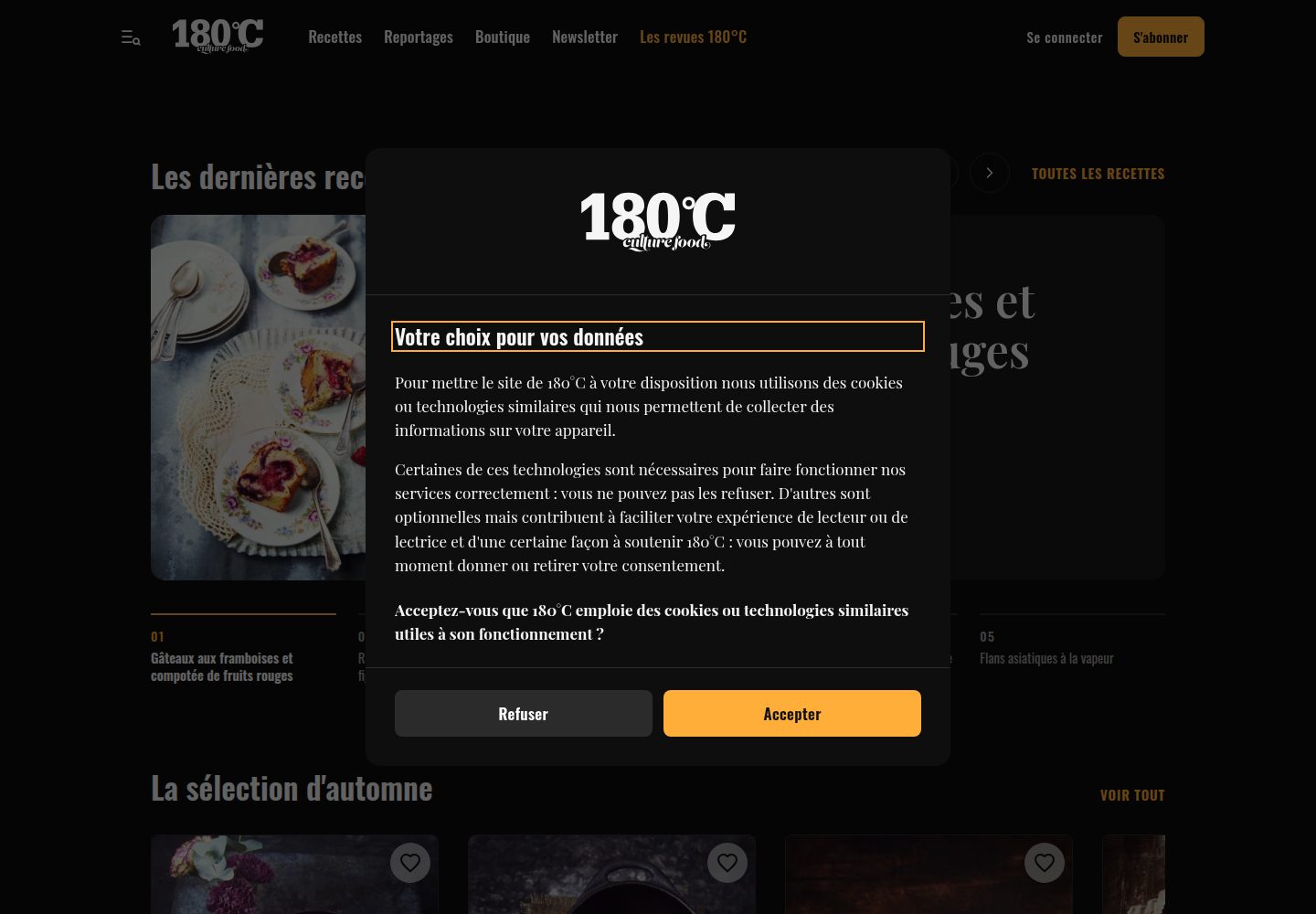
180c-theme
A custom WordPress theme for 180°C, an independent French food magazine, running on 180c.fr. It combines editorial content, a recipe library, a WooCommerce shop and paid subscriptions, and provides a REST API for the magazine's iOS and Android apps.
WordPress · Blog
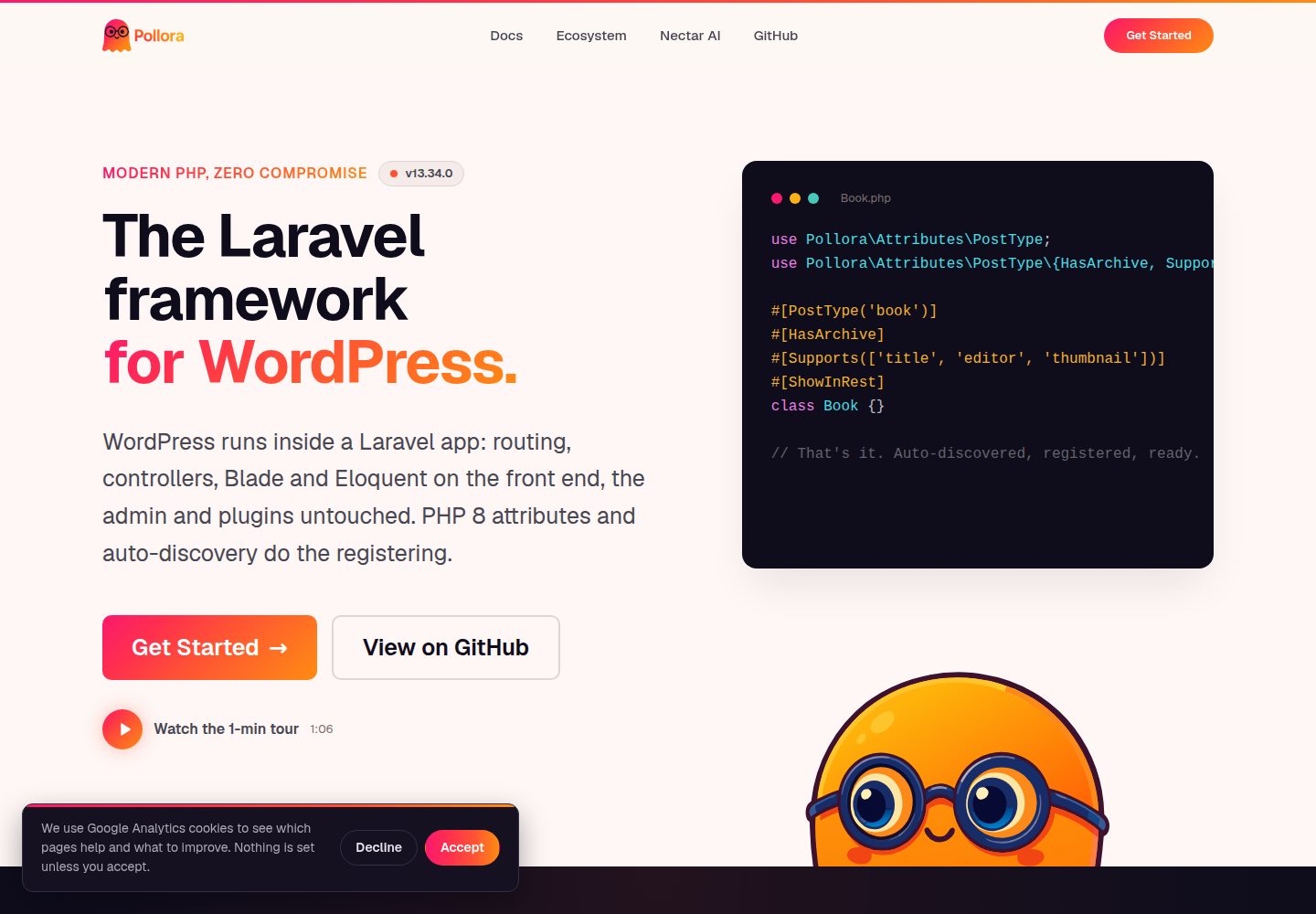
theme-buzz
Buzz is a typography-driven magazine/journal WordPress Full Site Editing block theme template for Pollora. It uses real templates/*.html and parts/*.html editable in the Site Editor, and is used as a template for pollora:make:theme, with placeholders replaced to generate a new theme.
WordPress · Blog
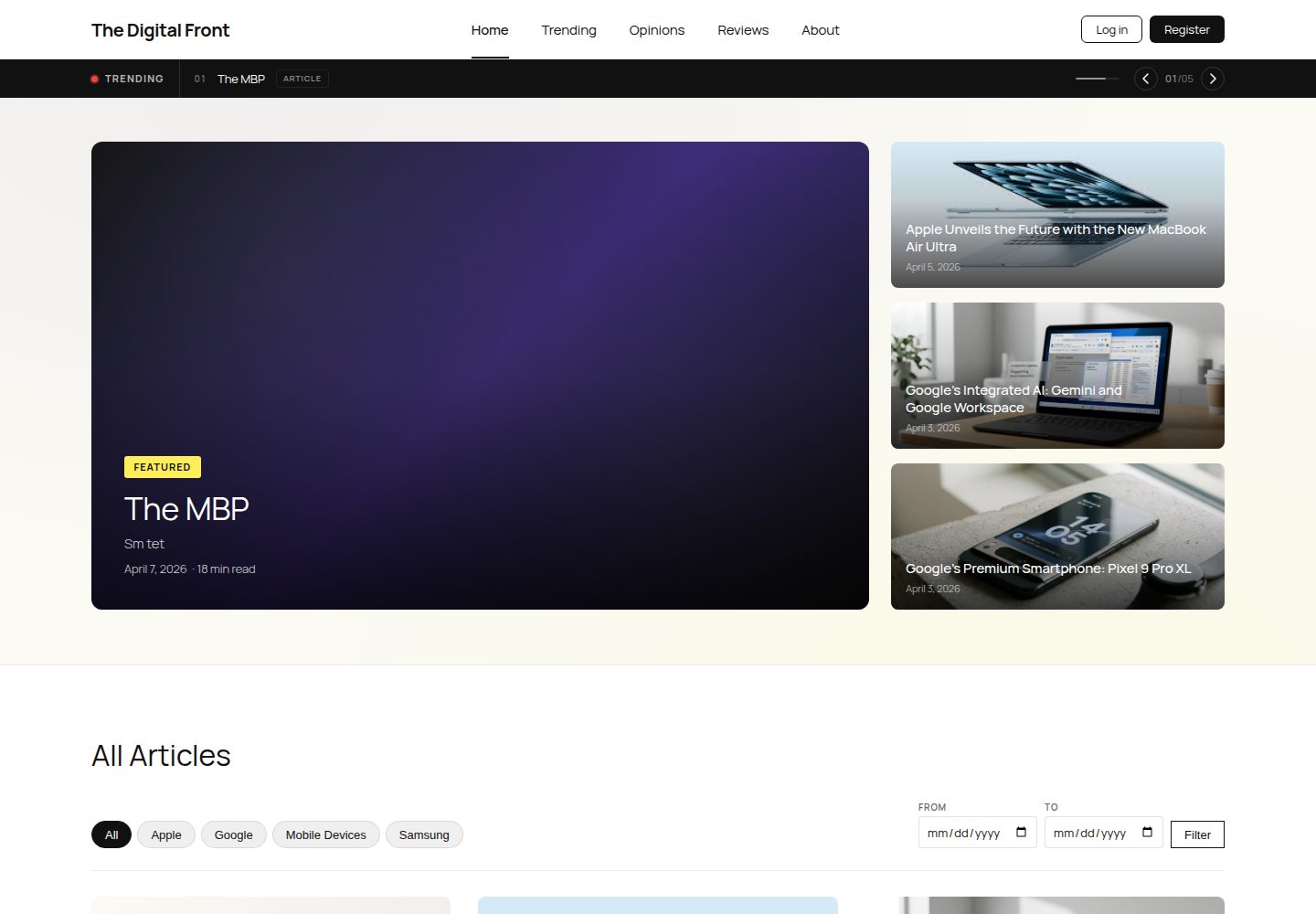
Project
A WordPress-based student tech publication project featuring three custom post types (Article, Review, Opinion), ACF fields, custom queries, and three custom plugins, with a magazine-style child theme, seed database, and local initialization process.
WordPress · Blog

al-folio
A Jekyll academic homepage theme for scholars and researchers, with a clean responsive design and out-of-the-box support for publication lists, project showcases, CVs, and blogs.
Jekyll · Portfolio

Beautiful Jekyll
Beautiful Jekyll is a mature, easy-to-use Jekyll blog theme maintained by Dean Attali since 2015, with over 50,000 users.
Jekyll · Blog