A real WordPress Full Site Editing block theme with templates/*.html and parts/*.html, editable in the Site Editor
WordPressBlog
theme-buzz — WordPress Blog Template
By Pollora
Buzz is a magazine/journal-style WordPress Full Site Editing (block) theme template for Pollora, centered on typography, with the actual theme generated via pollora:make:theme.
Explore the design
Compare the page layouts and mobile experience. Open any screenshot for a closer look.
Desktop homepage1 / 2
Desktop captureTop of page
Actual screenshot captured by the server browser.
All pages & views 2
Screenshots show visual appearance; interactive behavior may differ.
Recorded 2026-10-02View source
What stands out
A quick read of the recorded project description.
Used as a template for pollora:make:theme, generating a new theme through placeholder replacement
Typography-driven magazine/journal design: Playfair Display and Source Serif 4, two families, with a hand-written fluid type scale
Restrained palette: paper, ink, caption gray, hairline rules, editorial red; only colors flow from Tailwind @theme static into theme.json
Templates are thin delegation layers pointing to static block patterns under patterns/, while dynamic blocks render their own content
Current version includes six templates, six patterns, and no style variations
Template Details
Buzz is a WordPress Full Site Editing (block) theme template provided by Pollora, positioned as a typography-driven journal/magazine style. It uses real templates/*.html and parts/*.html files that can be edited in the WordPress Site Editor, rather than Pollora's usual Blade template hierarchy. The repository itself is the template used by the pollora:make:theme command; files contain placeholders such as %theme_name% and %theme_namespace%, which the command replaces to generate a new theme. Design vocabulary such as buzz-* class names and the buzz_card image size keep their original names.
Structurally, the theme root holds files WordPress reads directly (templates/, parts/, patterns/, theme.json, style.css), while resources/views/ holds Blade files compiled by Pollora. Template files are thin delegation layers, each pointing to a single pattern; patterns/ contains static block markup registered by WordPress itself, including masthead, index-list, article, page-body, not-found, and design-system. Patterns that need Laravel (such as the footer year) use resources/views/patterns/colophon.blade.php.
The design system is fixed to one editorial direction: paper, ink, caption gray, hairline rules, restrained editorial red; typefaces are Playfair Display (display) and Source Serif 4 (body/UI), two families, with a magazine-grade fluid type scale hand-written in theme.json; reading measure is 42rem, drop caps are enabled, and the journal index uses large serif headings with hairline separators rather than cards. Only the color palette flows from Tailwind's @theme static block into the built theme.json; font sizes, fonts, and border radii are all hand-written.
The current state is a deliberately simple first version: six templates, six patterns, no style variations. Local development should happen in a theme generated from this template, not by running directly in this repository; the build output directory is named after the theme directory on disk, so build from themes/<slug> where WordPress actually serves the theme, and avoid symlinks.
WordPressBlog
Is it right for your project?
Use Cases
- Generating a magazine- or journal-style WordPress theme using Pollora's pollora:make:theme command
- Adjusting colors, typography, and templates in the WordPress Site Editor to build an editorial blog or online magazine
- Using it as a reference template for learning the mixed block theme and Blade structure in the Pollora framework
- Providing a starting design for blogs that need a journal index list, large serif headings, and hairline separators
Suitable For
- Developers using the Pollora framework who need a magazine/journal-style WordPress theme
- WordPress users who want to build on a Full Site Editing block theme
- Editorial blog or online magazine projects that need typography-first design, a narrow reading measure, and drop caps
Getting started & customization
Use these recorded setup notes alongside the repository instructions for your chosen version.
- 1
Do not develop directly in this repository; generate a theme with php artisan pollora:make:theme my-journal --repository=Pollora/theme-buzz, then run npm install && npm run dev in the generated theme
- 2
After adding new patterns/ files, clear WordPress's pattern cache, or set WP_DEVELOPMENT_MODE=theme
- 3
The build output directory is named after the theme directory on disk; build from themes/<slug> and do not use symlinks
- 4
The bin/ directory is discarded during scaffolding; it contains packaging scripts, CI installation scripts, and browser tests
- 5
Third-party assets such as demo images and fonts must be checked against their respective licenses; the code uses the MIT license
License & source material
Usage conditions & limitations
Free to use · keep license noticeThis entry covers the free version in the public repository under the MIT license; the free scope is the code of this version and does not mean external services or third-party assets are free.
Must comply with when using
- You may use, modify, commercialize, and distribute the code of this version for free.
- When distributing copies or substantial portions of the code, retain the original author's copyright notice and the full MIT license notice.
- The code is provided as is; warranties and limitations of liability are governed by the original license and applicable law.
Additional costs & items to verify
- Demo images, fonts, icons, and other third-party assets must be checked against their respective licenses; the code's MIT license alone does not determine this.
- External services such as domains, hosting, databases, payments, or AI may incur separate charges.
- You cannot develop or run directly in this repository: template files contain placeholders such as %theme_name% and cannot be executed directly; you must first generate a theme with pollora:make:theme before development.
- Builds must be run from the themes/<slug> directory where WordPress actually serves the theme, and symlinks must not be used; otherwise Node resolves __dirname to the real path, causing all asset and font URLs to fail silently.
- New patterns/ files do not take effect immediately: you need to clear WordPress's pattern cache, or set WP_DEVELOPMENT_MODE=theme for them to appear immediately.
- This repository is one of the templates for the pollora:make:theme command; you need to generate an actual theme through that command, rather than using it as a standalone installable theme.
- The bin/ directory is discarded when scaffolding a theme; its packaging scripts, CI installation scripts, and browser tests will not appear in the generated theme.
View Original Text Basis
Permission is hereby granted, free of charge
Original License Text
Develop on a theme generated from this template, never in this repository — its placeholders do not run:
Original README
The build's output folder is named after the theme's directory on disk, so build from where WordPress serves the theme (`themes/<slug>`), not from a symlink: Node resolves `__dirname` to the real path, and a mismatch breaks every asset and font URL silently.
Original README
WordPress caches the list of a theme's `patterns/` files: a new file shows up once that cache is cleared (`wp eval 'wp_get_theme()->delete_pattern_cache();'`), or at once with `WP_DEVELOPMENT_MODE=theme`.
Original README
Buzz is one of the templates of `pollora:make:theme`:
Original README
https://github.com/Pollora/theme-buzz/blob/main/LICENSEhttps://github.com/Pollora/theme-buzz/blob/main/README.md`bin/` is dropped by the scaffolder.
Original README
Compiled by DeepSeek based on repository license and README ·2026-10-04. Results only cover the materials read; dependencies, images, fonts, and subsequent term changes are subject to their respective original texts.
Project checks & description sources
Template Information
- Source platforms
- GitHub
- Documentation and maintenance reference score
- More documented · 80 / 100
- Technologies
- WordPress
- Website type
- Blog
How this score is calculated
Our heuristic uses license records (up to 30), a demo link (12), a preview (10), stars (15), recorded maintenance (15), description completeness (8), feature records (5) and classification data (5). It is not a code, security or performance test, or a Google score. A link does not establish tested functionality.
What to verify for this project
- Repository update recorded
- 2026-09-29
- Screenshot last checked
- 2026-10-04
A demo link is listed. Check it with your own content and viewport sizes; its presence does not confirm that forms, authentication or payments work.
The catalog identifies WordPress as the primary stack. Check the actual dependency manifest and lockfile for versions and hosting requirements. These notes use recorded metadata, not a code audit or a deployment test.
Use a selection guide →How this description was prepared
AI-assisted description based on catalog records and repository material. Repository authors are not automatically the reviewers of this description.
Review declaration: [email protected] · 2026-10-04
Inspect the recorded source material
SHA-256: a82cd289d1824374ecd6d27bc9dbf32c4e7a27d5efee87dc6fab9e1044fd5342
2026-10-04T07:37:14.247Z
Source file / repository# Buzz A typographic, journal/magazine [Pollora](https://pollora.dev) theme, built in WordPress's **Full Site Editing** (block theme) mode: real `templates/*.html` and `parts/*.html`, editable in the Site Editor, instead of Pollora's usual Blade-based template hierarchy. ## Use it Buzz is one of the templates of `pollora:make:theme`: ```bash php artisan pollora:make:theme my-journal # then choose "Magazine" # or, without the prompt php artisan pollora:make:theme my-journal --repository=Pollora/theme-buzz ``` This repository is that template: its files carry `%theme_name%`, `%theme_namespace%`… which the command substitutes, so the pattern slugs (`my-journal/masthead`), the namespace (`Theme\MyJournal`) and the `style.css` header are the new theme's own. The design's vocabulary — the `buzz-*` classes, the `buzz_card` image size — keeps its name. ## Why a block theme, in a Blade-first framework Pollora normally resolves every page through its own Blade template hierarchy, and its guidance is explicit: never ship a WordPress PHP template. A genuine WordPress block theme is a deliberate exception to that — its `templates/*.html` and `parts/*.html` are what makes the WordPress Site Editor's page (colours, typography, the templates themselves) editable at all. Pollora's front controller falls through to WordPress core's own template resolution when nothing in its Blade hierarchy matches, which is what lets a real block theme render through it. Verified end to end (homepage, single post, page, archive, search, 404 — all with the correct HTTP status) before this theme was built. ## Structure ``` buzz/ ├── templates/ # Thin delegators: each just points at a pattern │ ├── index.html │ ├── archive.html │ ├── search.html │ ├── single.html │ ├── page.html │ └── 404.html ├── parts/ # header.html / footer.html, each delegating to a pattern too ├── patterns/ # Static patterns, registered by WordPress itself │ ├── masthead.php # The actual header markup │ ├── index-list.php # The journal index: a post loop, large titles, hairline rules │ ├── article.php # A single post's body, plus comments │ ├── page-body.php # A plain page's body │ ├── not-found.php # The 404 message │ └── design-system.php # Every native block, styled — offered in the inserter ├── resources/views/patterns/ │ └── colophon.blade.php # The footer — Blade, for the one thing that needs real PHP: the year ├── theme.json # The design system: palette, the two-family type scale, spacing, styles ├── resources/assets/ │ ├── css/app.css # @theme static tokens (colour only — see below) + the few hand-authored rules │ └── fonts/ # Self-hosted Playfair Display + Source Serif 4 (OFL, Google Fonts, latin subset) └── app/Providers/AssetServiceProvider.php ``` One rule decides where a file goes: **the theme root holds what WordPress reads itself** (`templates/`, `parts/`, `patterns/`, `theme.json`, `style.css` — the layout the Site Editor exports too), and **`resources/views/` holds Blade, compiled by Pollora**. So a static pattern is a native WordPress one, `patterns/*.php`: block markup under a header docblock (`Title`, `Slug`, `Categories`…). Most of Buzz's patterns are, since the dynamic blocks (`post-title`, `post-content`, `post-terms`…) do the work themselves. A pattern that needs Laravel — the colophon's year, here — is a Blade view in `resources/views/patterns/*.blade.php`, registered by Pollora. WordPress caches the list of a theme's `patterns/` files: a new file shows up once that cache is cleared (`wp eval 'wp_get_theme()->delete_pattern_cache();'`), or at once with `WP_DEVELOPMENT_MODE=theme`. ## Design system One committed editorial direction — ink on newsprint, one accent used sparingly: - **Palette**: `paper` (warm off-white), `ink` (near-black), `caption` (muted grey), `rule` (hairline), `rubric` (a restrained editorial red — kickers, the masthead rule, a link on hover; never a colour field). - **Type**: Playfair Display (display — high-contrast, the classic magazine masthead serif) + Source Serif 4 (body/UI text) — a two-family discipline, no third face. A magazine-scale, fluid type ladder (`caption` → `masthead`) is hand-authored in `theme.json`, not Tailwind's defaults. - **Rhythm**: a narrow reading column (`contentSize: 42rem`), drop caps on, a journal index list with large serif titles and hairline dividers instead of cards. Only the **colour** palette flows from Tailwind's `@theme static` block into the built `theme.json` (`disableTailwindFonts` / `FontSizes` / `BorderRadius` in `vite.config.js`) — the type scale, the two font families (each with its own `fontFace`) and the border radii (none — a sharp, print-like edge everywhere) are the design system itself, authored by hand. ## Local development Develop on a theme generated from this template, never in this repository — its placeholders do not run: ```bash php artisan pollora:make:theme buzz --repository=Pollora/theme-buzz # in a test project cd themes/buzz && npm install && npm run dev # … then package the changes back into this repository: ./bin/package-theme.sh /path/to/project/themes/buzz git diff # review: only buzz/, Theme\Buzz and the style.css header become placeholders ``` The build's output folder is named after the theme's directory on disk, so build from where WordPress serves the theme (`themes/<slug>`), not from a symlink: Node resolves `__dirname` to the real path, and a mismatch breaks every asset and font URL silently. `bin/` is dropped by the scaffolder. It holds the packaging script, `bin/ci/install.php` (the commit under test, substituted as `make:theme` would — what CI installs) and the browser tests. ## Status A first, deliberately simple version: six templates, six patterns, no style variations. See [`Pollora/framework`](https://github.com/Pollora/framework) for the FSE support this theme relies on, and the framework's changelog for the two fixes this theme's construction found and fixed (a block theme's `404.html` answering the right HTTP status, its `error404` body class).
Explore similar templates
Compare previews and descriptions within the same stack and category.
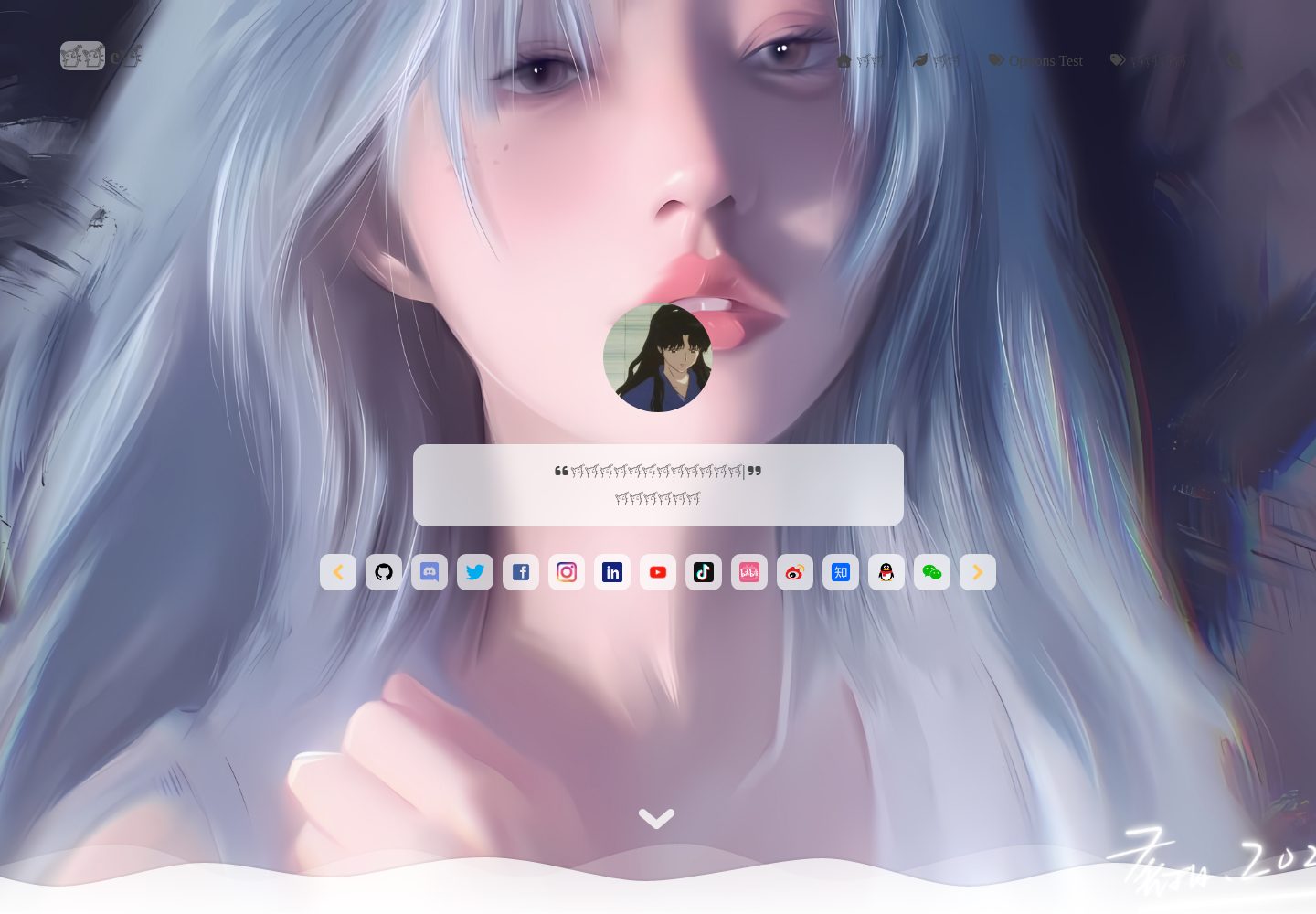
vitepress-theme-sakurairo
A VitePress blog theme that ports the visual style of the WordPress Sakurairo theme, rebuilt with Vue 3, TypeScript, and SCSS. It removes many unnecessary DOM elements and organizes code in a component-based way.
WordPress · Blog
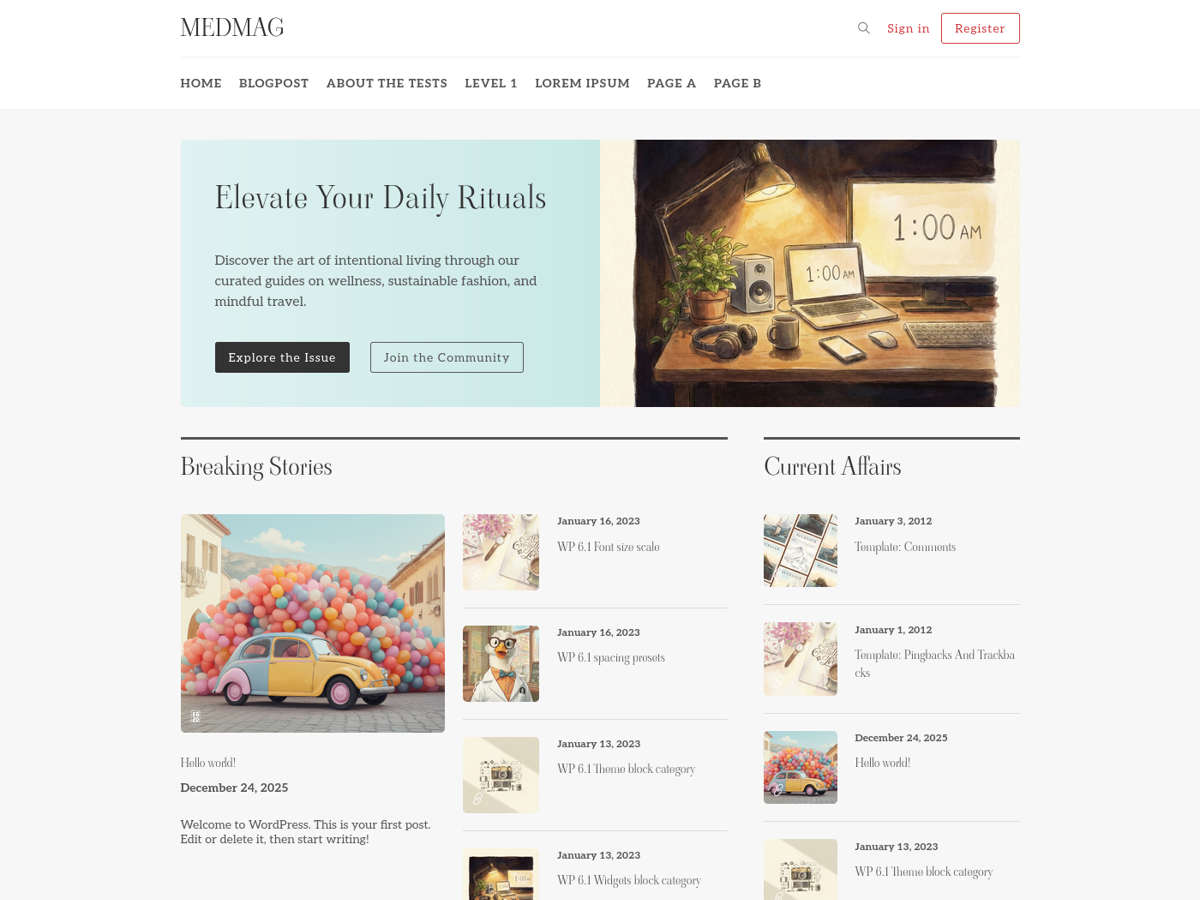
medmag-premium-free
Medmag is a WordPress theme for magazines, newspapers, or personal blogs, built on Bootstrap with a responsive, Retina-ready design. The repository includes TypeScript and Sass assets, a Vite build process, Docker configuration, and initialization scripts.
WordPress · Blog
180c-theme
A custom WordPress theme for 180°C, an independent French food magazine, running on 180c.fr. It combines editorial content, a recipe library, a WooCommerce shop and paid subscriptions, and provides a REST API for the magazine's iOS and Android apps.
WordPress · Blog
Project
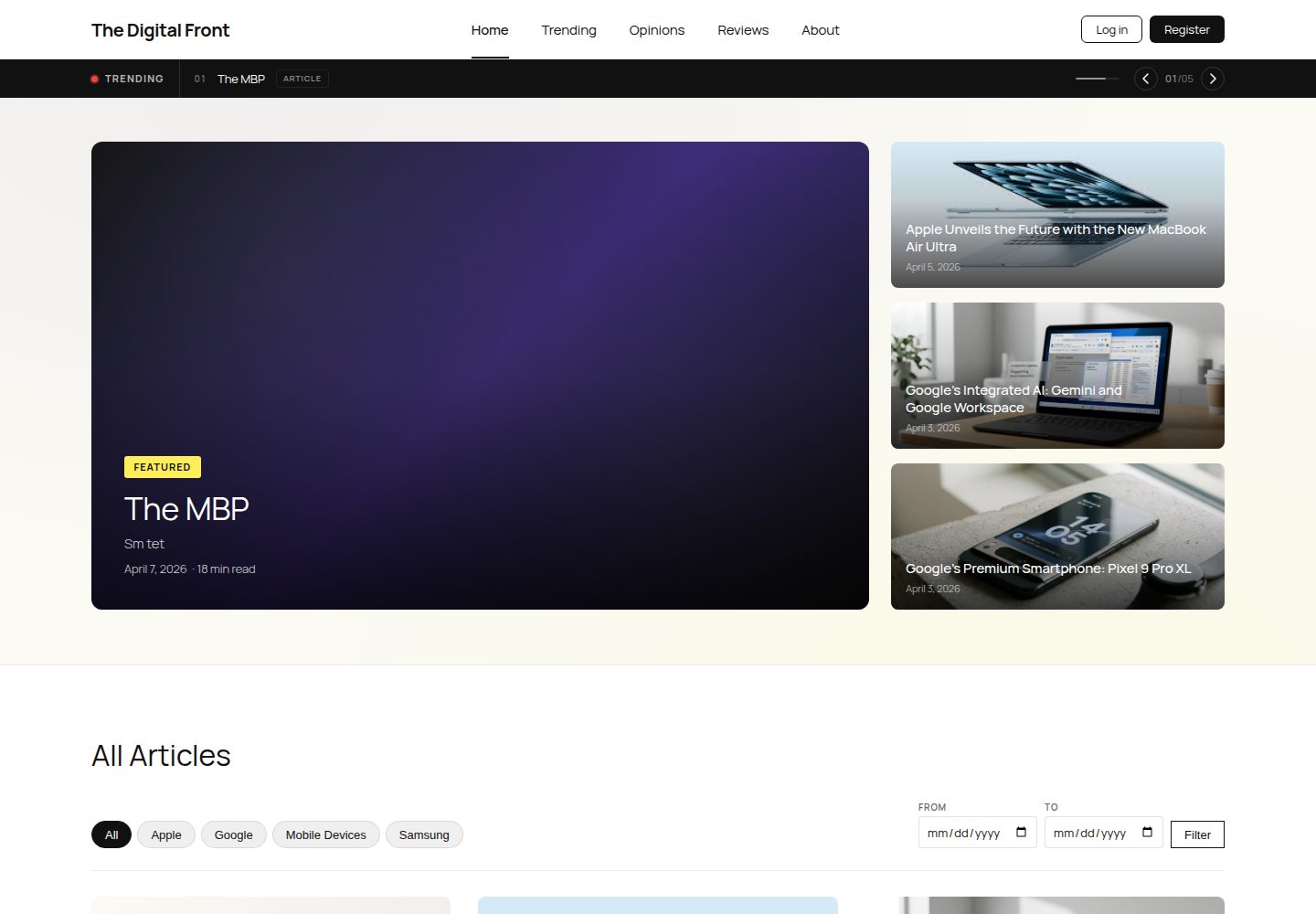
A WordPress-based student tech publication project featuring three custom post types (Article, Review, Opinion), ACF fields, custom queries, and three custom plugins, with a magazine-style child theme, seed database, and local initialization process.
WordPress · Blog
hugo-travelify-theme
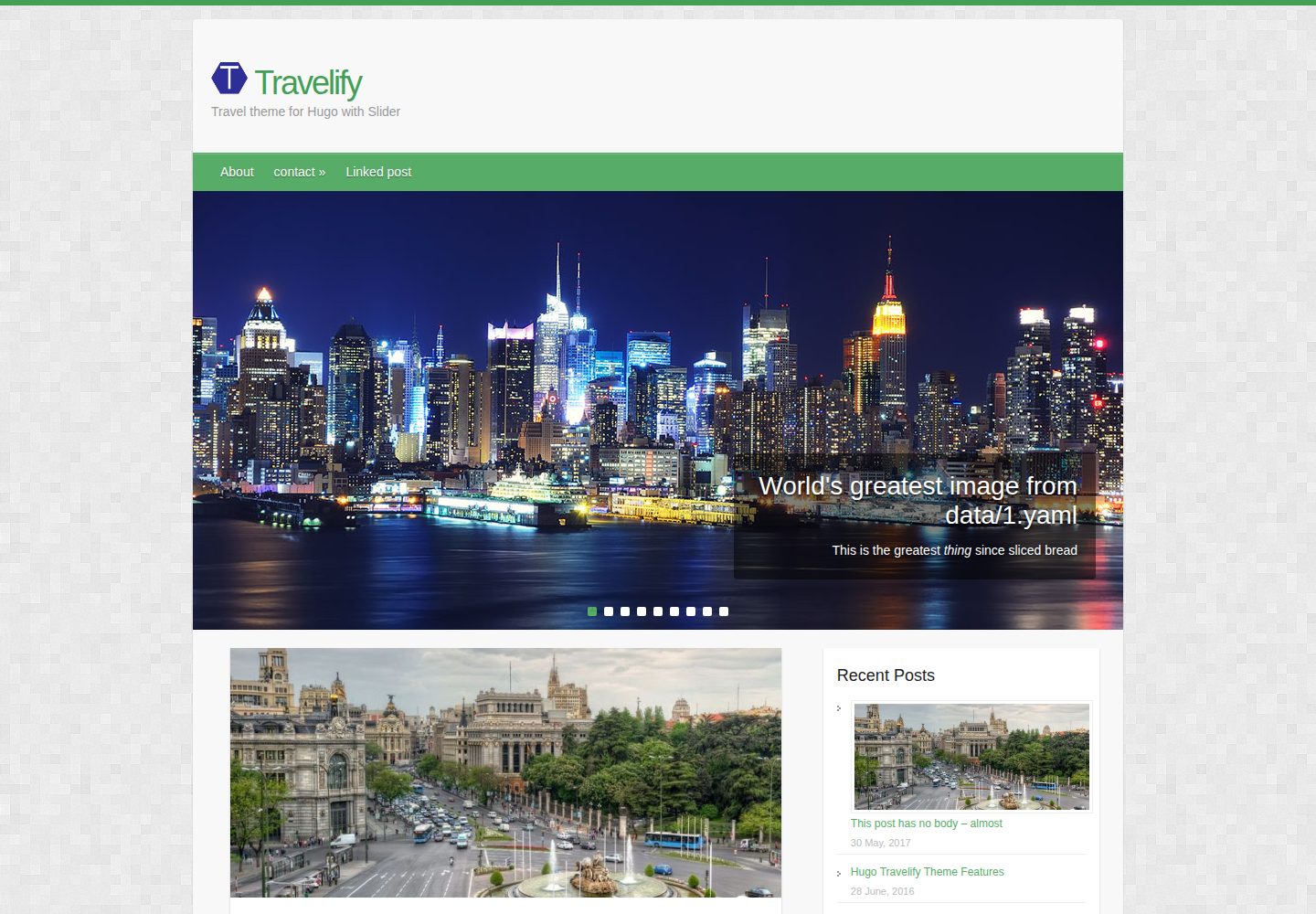
hugo-travelify-theme is an MIT-licensed Hugo blog theme ported from Aigars Silkalns's WordPress theme Travelify.
Hugo · Blog

svelte-blog
A blog template built with SvelteKit and headless WordPress, pulling content from WordPress and including a homepage and article detail pages.
Svelte · Blog