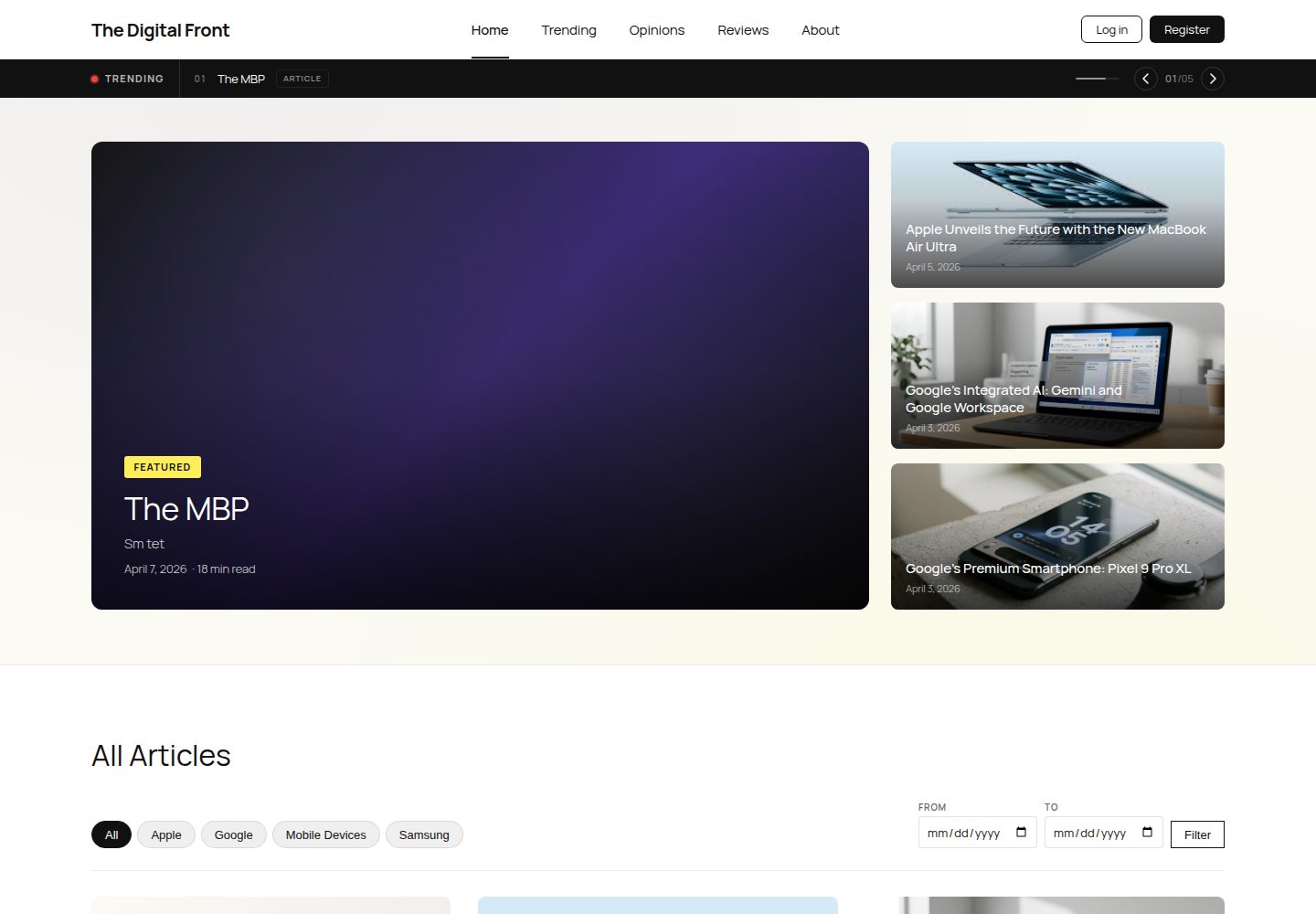
Three custom post types: Article, Review, and Opinion, corresponding to tech articles, product reviews, and opinion commentary
WordPressBlog
Project — WordPress Blog Template
By TheDigitalFront
A WordPress-based student tech publication site with custom post types, content filtering, and a magazine-style child theme.
Explore the design
Compare the page layouts and mobile experience. Open any screenshot for a closer look.
Desktop homepage1 / 3
Desktop captureTop of page
Actual screenshot captured by the server browser.
All pages & views 3
Screenshots show visual appearance; interactive behavior may differ.
Recorded 2026-10-03View source
What stands out
A quick read of the recorded project description.
Uses ACF to attach fields such as video embed, reading time, source link, star rating, image gallery, and author bio to post types
Three custom queries: popular articles sorted by view count, filtering by category and date range, and related article recommendations for single posts
Three custom plugins: Breaking News scrolling headlines, AJAX category filtering, and a reading progress bar for single posts
Magazine-style child theme, including a static homepage, article archive, single post templates, and a two-level navigation menu
Provides a seed.sql seed database and a one-time environment initialization script; the first visit to the admin area automatically configures the site
Template Details
The Digital Front is a student project for the INFO 3602 Web Programming II course, completed collaboratively by Terrence Murray, Jeremiah Clinton, and Robyn-Catherine Khan, positioned as an online publication focused on technology content. The site is built on WordPress, using a child theme named "The Digital Front Child" to carry all custom styles and logic, along with a seed database for local environment initialization.
In terms of content structure, the project registers three custom post types—Article, Review, and Opinion—via Custom Post Type UI and Advanced Custom Fields, each with fields for video embed, reading time, source link, star rating, image gallery, author bio, and more. The homepage is a static page containing an article grid, topic entry points, a subscription area, and a statistics module; the navigation menu has a two-level structure, with Team and Mission subpages under About.
Functionally, the project implements three types of custom queries: popular articles sorted by view count, article lists filtered by category and date range, and related article recommendations on single article pages. Pagination is provided by WP-PageNavi, comments and front-end registration use native WordPress capabilities, and user roles are managed via the Members plugin. Additionally, it includes three custom plugins: a Breaking News Banner for scrolling headlines, AJAX category filtering, and a reading progress bar for single articles.
The repository tracks only the child theme, required plugins, custom plugins, the seed database, and configuration samples; it does not include WordPress core files, wp-config.php, uploaded media, or default themes. Local development recommends using Local by Flywheel; after importing seed.sql, the first visit to the admin area automatically completes page creation, menu building, category population, and rewrite rule flushing.
WordPressBlog
Is it right for your project?
Use Cases
- As a WordPress course project reference, to understand how custom post types, ACF fields, and custom queries are organized
- To build a student tech publication or small editorial site using three content formats: articles, reviews, and opinions
- To study child theme structure, custom plugin writing, and seed database import processes in a local environment
- As a multi-person collaborative WordPress project template, referencing branch management and ACF JSON synchronization methods
Suitable For
- Students or developers currently learning WordPress theme and plugin development
- Small editorial teams needing a magazine-style content layout and multiple post types
- Readers who want to reference a complete course project implementation (CPT, ACF, custom queries, custom plugins)
Getting started & customization
Use these recorded setup notes alongside the repository instructions for your chosen version.
- 1
Recommended to use Local by Flywheel to create a local site and clone the repository into the app/public directory
- 2
Copy wp-config-sample.php to wp-config.php, fill in database credentials, and generate new salt keys
- 3
Import database/seed.sql via WP Migrate DB, and search-replace the old site URL with the local domain
- 4
The first visit to WP Admin triggers automatic configuration: activating plugins, creating pages, setting a static homepage, populating categories and menus
- 5
If initialization logic is modified, increment TDF_SETUP_VERSION in inc/setup.php to re-run the setup
License & source material
Usage conditions & limitations
Free to use · keep license noticeThis entry covers the free version under the Apache-2.0 license in the public repository; the free scope is the code of this version and does not imply that external services or third-party assets are free.
Must comply with when using
- Free use, modification, commercial use, and distribution are permitted; the Apache-2.0 license must be included when distributing.
- Modified files must prominently indicate changes, and relevant copyright, patent, trademark, and attribution notices must be retained.
- If the original project includes a NOTICE file, applicable attribution notices must be retained when distributing derivative works.
- The license includes an applicable contributor patent grant; initiating patent litigation as described in the license terminates that patent grant, and no trademark use rights are granted.
- The code is provided as-is; warranties and limitations of liability are governed by the original license and applicable law.
Additional costs & items to verify
- Local development recommends using Local by Flywheel or any local WordPress environment; you must prepare the runtime environment yourself.
- Configuring wp-config.php requires accessing api.wordpress.org to generate new salt keys.
- Importing the seed database requires the WP Migrate DB plugin and manually search-replacing the old site URL.
- The first visit to the admin area automatically activates 9 required plugins; the site depends on these third-party plugins to run fully.
- The seed.sql seed database provided in the repository must be imported to obtain initial content and configuration.
- Demo images, fonts, icons, and other third-party assets must be checked against their respective licenses; they cannot be judged solely by the code's Apache-2.0 license.
- External services such as domain, hosting, database, payment, or AI may incur additional charges.
View Original Text Basis
no-charge, royalty-free, irrevocable copyright license
Original License Text
Local by Flywheel](https://localwp.com/) (recommended) or any local WordPress environment
Original README
Generate fresh salt keys at https://api.wordpress.org/secret-key/1.1/salt/
Original README
Go to WP Admin > Tools > WP Migrate DB
Original README
Activates all 9 required plugins
Original README
https://github.com/TheDigitalFront/Project/blob/main/LICENSEhttps://github.com/TheDigitalFront/Project/blob/main/README.mdImport `database/seed.sql`
Original README
Compiled by DeepSeek based on repository license and README ·2026-10-03. Results only cover the materials read; dependencies, images, fonts, and subsequent term changes are subject to their respective original texts.
Project checks & description sources
Template Information
- Source platforms
- GitHub
- Documentation and maintenance reference score
- More documented · 80 / 100
- Technologies
- WordPress
- Website type
- Blog
How this score is calculated
Our heuristic uses license records (up to 30), a demo link (12), a preview (10), stars (15), recorded maintenance (15), description completeness (8), feature records (5) and classification data (5). It is not a code, security or performance test, or a Google score. A link does not establish tested functionality.
What to verify for this project
- Repository update recorded
- 2026-04-07
- Screenshot last checked
- 2026-10-03
A demo link is listed. Check it with your own content and viewport sizes; its presence does not confirm that forms, authentication or payments work.
The catalog identifies WordPress as the primary stack. Check the actual dependency manifest and lockfile for versions and hosting requirements. These notes use recorded metadata, not a code audit or a deployment test.
Use a selection guide →How this description was prepared
AI-assisted description based on catalog records and repository material. Repository authors are not automatically the reviewers of this description.
Automatically checked against source and license rules; no manual editorial review.
Inspect the recorded source material
SHA-256: 73e7d46e9de20635ed06adeda84b2461166f19899a42fd072f527314e8a08cd4
2026-10-03T08:31:44.681Z
Source file / repository# The Digital Front
A student-led tech publication built with WordPress for INFO 3602 — Web Programming II (Sem II 2025/2026).
**Team:** Terrence Murray, Jeremiah Clinton, Robyn-Catherine Khan
## Local Development Setup
### Prerequisites
- [Local by Flywheel](https://localwp.com/) (recommended) or any local WordPress environment
### Getting Started
1. **Create a new site** in Local by Flywheel (use default settings)
2. **Clone the repo** into the site's `app/public/` directory:
```bash
cd ~/Local\ Sites/your-site-name/app/public
git clone https://github.com/TheDigitalFront/Project.git .
```
3. **Configure `wp-config.php`**:
- Copy `wp-config-sample.php` to `wp-config.php`
- Update database credentials to match your Local site (usually `root`/`root`/`local`)
- Generate fresh salt keys at https://api.wordpress.org/secret-key/1.1/salt/
4. **Import the seed database**:
- Go to WP Admin > Tools > WP Migrate DB
- Import `database/seed.sql`
- Search-replace the old site URL with your local domain
5. **Visit WP Admin once** — the theme auto-configures everything:
- Activates all 9 required plugins
- Creates pages (Home, About Us, Team, Mission)
- Sets static front page
- Seeds categories (Mobile Devices, Apple, Google, Samsung)
- Builds the nav menu with correct hierarchy
- Enables Yoast breadcrumbs
- Enables front-end registration and comments
- Flushes rewrite rules
6. **Verify setup**:
- Child theme "The Digital Front Child" should be active
- "My Articles" should appear in the admin sidebar
- Nav menu should show: Home | About (Team, Mission dropdown)
- Category filter on the home page should show tabs
### Project Structure
```
wp-content/
├── themes/the-digital-front-child/
│ ├── style.css # Theme header + all custom CSS
│ ├── functions.php # Slim loader — enqueues styles, includes inc/
│ ├── inc/
│ │ ├── article-cpt.php # Article CPT registration (R1)
│ │ ├── acf-fields.php # ACF JSON sync + Article fields (R2)
│ │ ├── shortcode-category-filter.php # [tdf_category_filter] / Query 2 (R5/R6)
│ │ └── setup.php # One-time environment setup
│ ├── front-page.php # Home page template
│ ├── single.php # Single article/post template
│ ├── page.php # Generic page template
│ ├── archive-article.php # Article archive with filter + pagination
│ ├── header.php # Site header + nav + breaking news banner
│ ├── footer.php # Site footer
│ └── acf-json/ # ACF field group sync (auto-generated)
├── plugins/
│ ├── tdf-breaking-news/ # Plugin 1: Breaking News Banner (Terrence)
│ ├── advanced-custom-fields/
│ ├── custom-post-type-ui/
│ ├── members/
│ ├── query-monitor/
│ ├── wordpress-seo/
│ ├── wp-migrate-db/
│ ├── wp-pagenavi/
│ └── wpforms-lite/
└── database/
└── seed.sql # Baseline database for onboarding
```
### Custom Post Types
| CPT | Slug | Description | Owner |
|-----|------|-------------|-------|
| Article | `article` | Main content type — tech posts, news, tutorials | Terrence |
| Review | `review` | Product reviews with star ratings + image gallery | Jeremiah |
| Opinion | `opinion` | Opinion pieces with author bio + related articles | Robyn |
### ACF Fields (Article)
| Field | Type | Description |
|-------|------|-------------|
| `video_embed` | Text | Video embed URL (YouTube, Vimeo, etc.) |
| `reading_time` | Number | Estimated reading time in minutes |
| `source_url` | URL | Link to the original source |
### Custom Queries (Phase 4)
| Query | Description | Location | Owner |
|-------|-------------|----------|-------|
| Q1 — Trending by view count | `WP_Query` ordered by `_post_views_count` | `page-trending.php` | Jeremiah |
| Q2 — Category + date range | `tax_query` + `date_query` with sanitized URL params | `inc/shortcode-category-filter.php` | Terrence |
| Q3 — Related posts by tag | `tag__in` + `post__not_in` on single post view | `single.php` | Robyn |
### Custom Plugins (Phase 5)
| Plugin | Description | Owner |
|--------|-------------|-------|
| TDF Breaking News Banner | Scrolling headline ticker with admin settings | Terrence |
| TDF AJAX Category Filter | AJAX-powered post filtering by category | Jeremiah |
| TDF Reading Progress Bar | Scroll progress indicator on single posts | Robyn |
### Shortcodes
| Shortcode | Description |
|-----------|-------------|
| `[tdf_breaking_news]` | Renders the breaking news ticker (placed in header.php) |
| `[tdf_category_filter per_page="6"]` | Filterable article grid with category tabs, date range, and pagination |
### Pages & Navigation
- **Home** — Static front page with hero, articles grid, topics, newsletter, stats
- **About Us** — Team intro and site overview
- **Team** (child) — Individual bios for all 3 team members
- **Mission** (child) — Editorial mission and values
- **Trending in Tech** — Posts ordered by view count (Jeremiah)
- **Nav menu:** Home | Trending (optional) | About > Team, Mission
### Requirements Mapping
| # | Requirement | How It's Met |
|---|-------------|-------------|
| R1 | 3 CPTs with custom fields | Article, Review, Opinion via CPTUI + ACF |
| R2 | Digital content per CPT | Article: video + image. Review: gallery + rating. Opinion: bio + quote |
| R3 | User roles + permissions | Members plugin: Subscriber, Contributor, Editor |
| R4 | Pages, child pages, menus, breadcrumbs | 5 pages, 2-level hierarchy, dynamic menu, Yoast breadcrumbs |
| R5 | Pagination + curation | WP-PageNavi on Home, Trending, Article archive |
| R6 | 3 custom queries (documented) | Q1: trending, Q2: category+date, Q3: related posts |
| R7 | 3 custom plugins | Breaking News, AJAX Filter, Progress Bar |
| R8 | Comments + registration | Native WP comments + front-end registration enabled |
### What's Tracked in Git
- Custom child theme (`wp-content/themes/the-digital-front-child/`)
- Required plugins (`wp-content/plugins/`)
- Custom plugin: TDF Breaking News (`wp-content/plugins/tdf-breaking-news/`)
- Seed database (`database/seed.sql`)
- Project docs and config samples
### What's NOT Tracked
- WordPress core files (`wp-admin/`, `wp-includes/`, etc.)
- `wp-config.php` (local credentials — use `wp-config-sample.php` as template)
- `wp-content/uploads/` (media files)
- Default themes (`twenty*`)
- `wp-content/mu-plugins/` (Local by Flywheel auto-generated)
- Query Monitor drop-in symlink (`wp-content/db.php`)
### Team Ownership
| Member | Responsibilities |
|--------|-----------------|
| **Terrence Murray** | Project setup, GitHub, child theme, Query 2 (category + date), Home page template, Breaking News plugin, deployment |
| **Jeremiah Clinton** | Reviews CPT + ACF, user roles (Members), Query 1 (trending), Trending page, AJAX Category Filter plugin |
| **Robyn-Catherine Khan** | Opinions CPT + ACF, About pages, breadcrumbs, Query 3 (related posts), content seeding, Reading Progress Bar plugin |
### Contributing
1. Pull latest from `main`
2. Create or switch to your feature branch
3. Make changes in the child theme (`inc/` for PHP, `style.css` for styles) or plugins
4. If you add/change ACF field groups, they auto-sync to `acf-json/` — commit those files
5. If you add a new CPT, register it in `inc/` (not just CPT UI) so it's in code
6. To re-run setup after changes, bump `TDF_SETUP_VERSION` in `inc/setup.php`
7. Push to your branch, open a PR to `main`
Explore similar templates
Compare previews and descriptions within the same stack and category.

vitepress-theme-sakurairo
A VitePress blog theme that ports the visual style of the WordPress Sakurairo theme, rebuilt with Vue 3, TypeScript, and SCSS. It removes many unnecessary DOM elements and organizes code in a component-based way.
WordPress · Blog
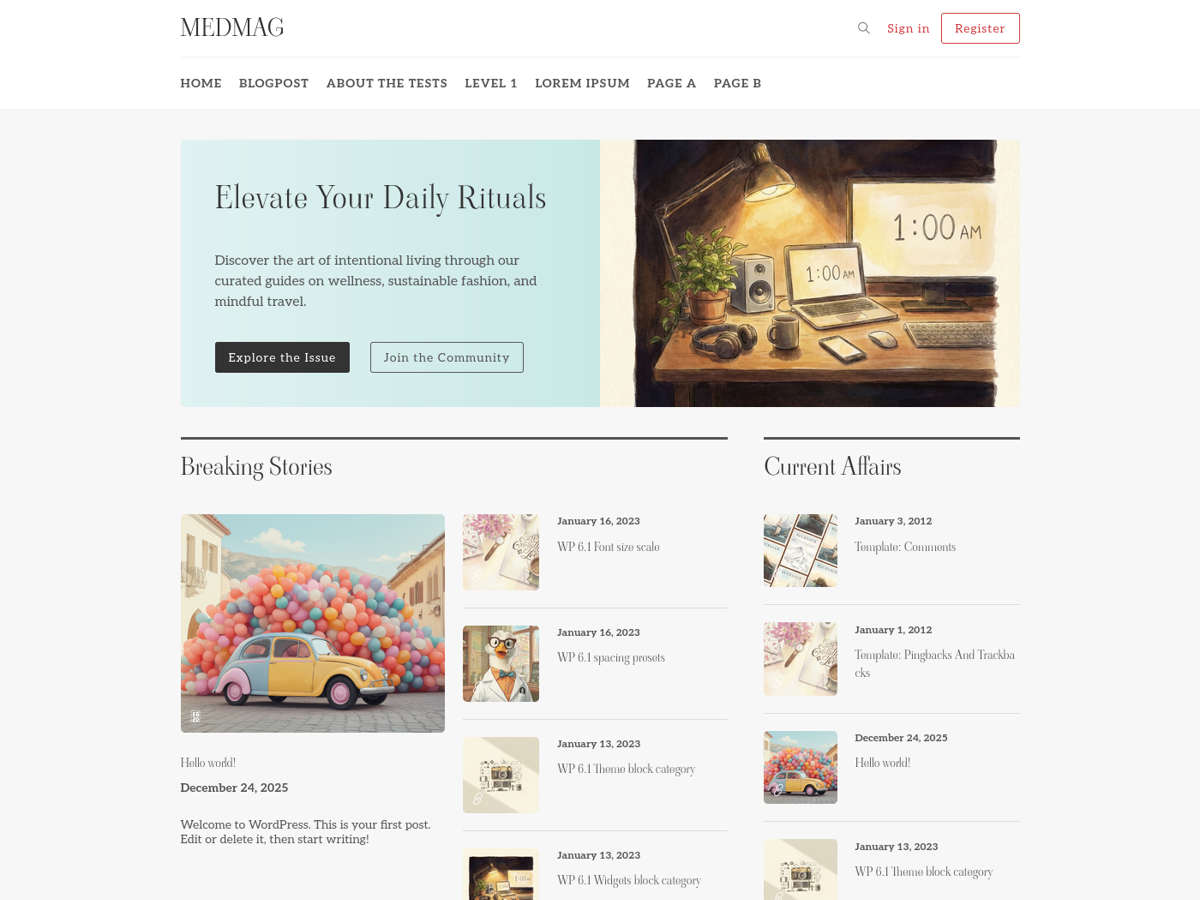
medmag-premium-free
Medmag is a WordPress theme for magazines, newspapers, or personal blogs, built on Bootstrap with a responsive, Retina-ready design. The repository includes TypeScript and Sass assets, a Vite build process, Docker configuration, and initialization scripts.
WordPress · Blog
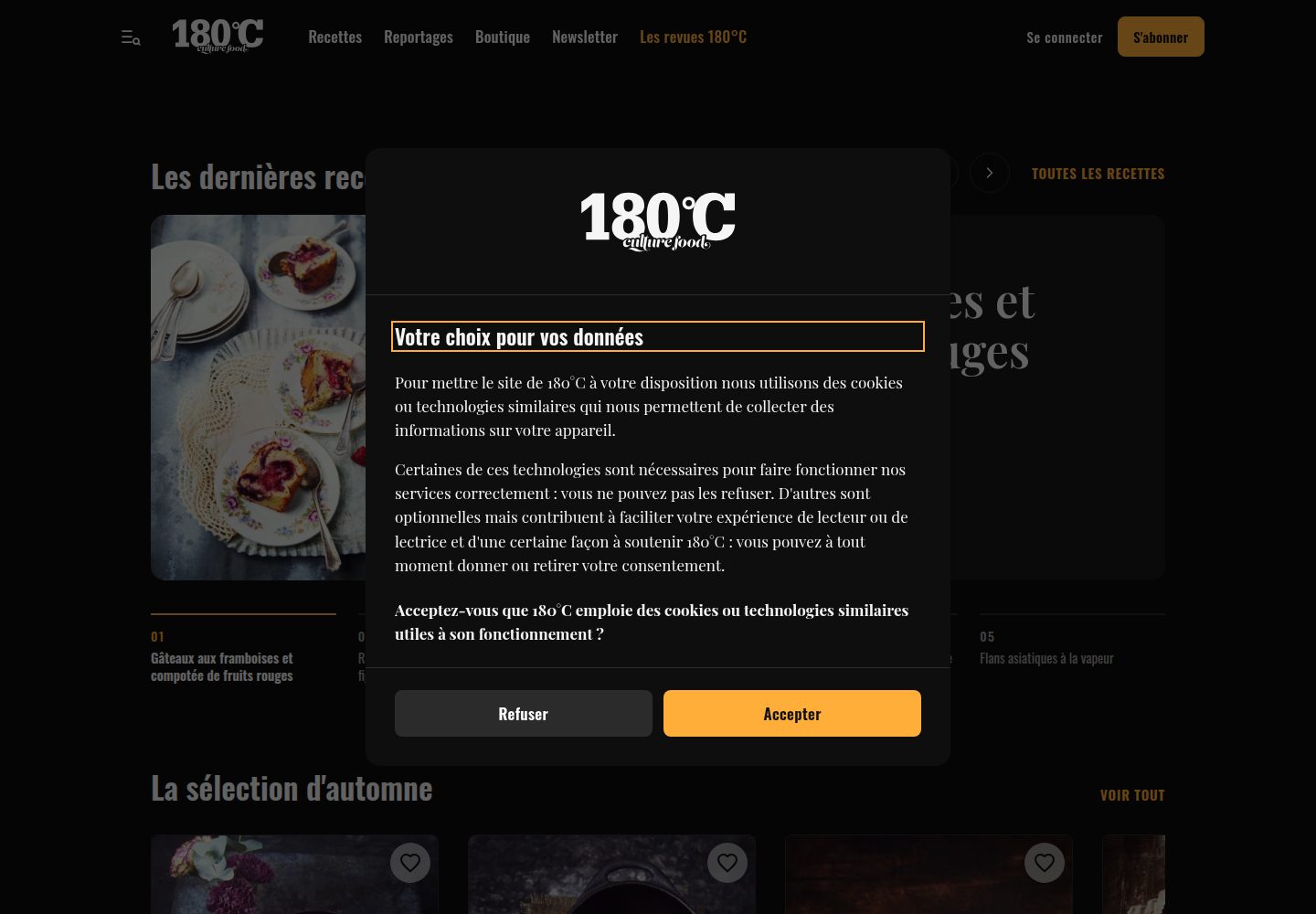
180c-theme
A custom WordPress theme for 180°C, an independent French food magazine, running on 180c.fr. It combines editorial content, a recipe library, a WooCommerce shop and paid subscriptions, and provides a REST API for the magazine's iOS and Android apps.
WordPress · Blog
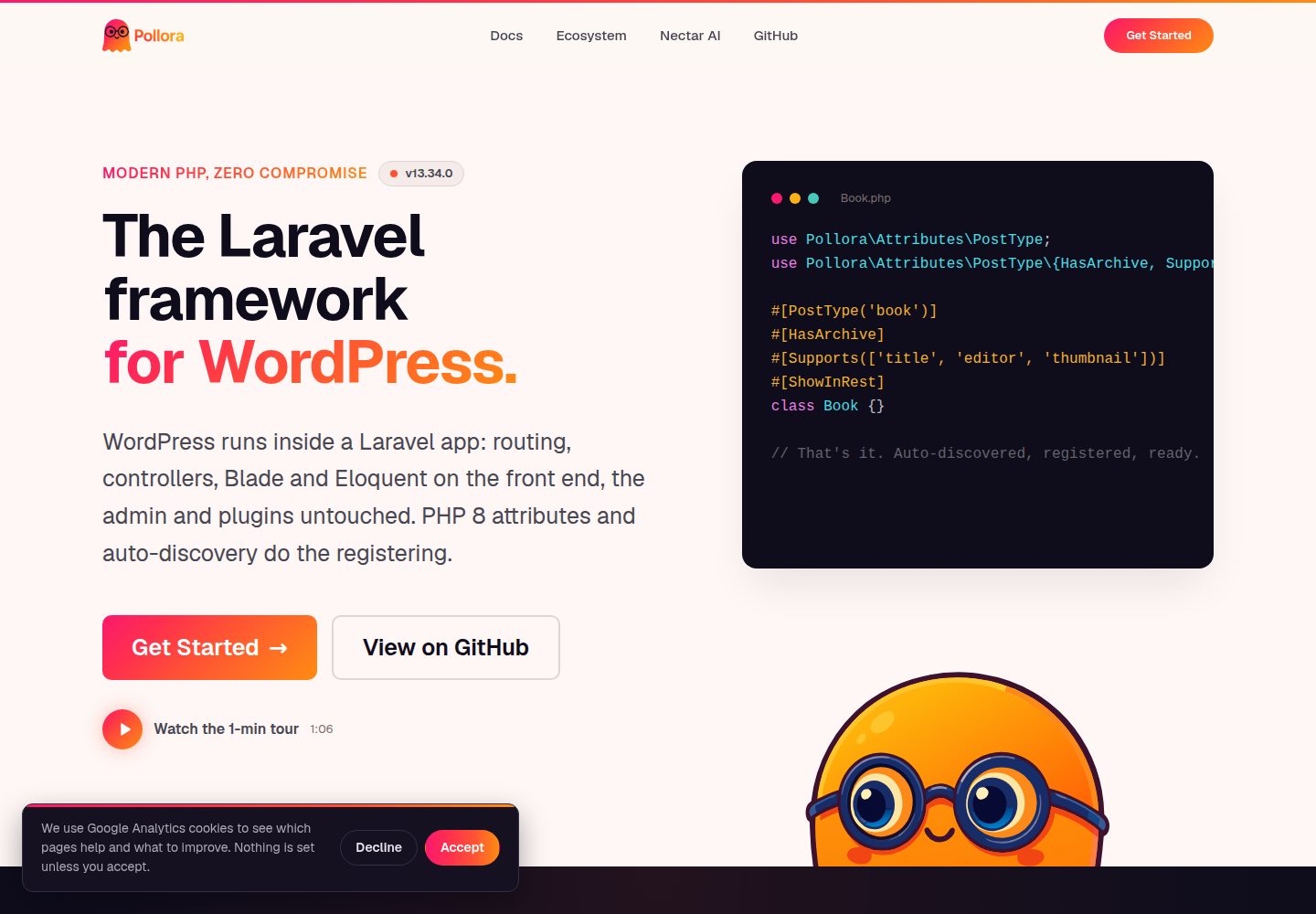
theme-buzz
Buzz is a typography-driven magazine/journal WordPress Full Site Editing block theme template for Pollora. It uses real templates/*.html and parts/*.html editable in the Site Editor, and is used as a template for pollora:make:theme, with placeholders replaced to generate a new theme.
WordPress · Blog

hugo-travelify-theme
hugo-travelify-theme is an MIT-licensed Hugo blog theme ported from Aigars Silkalns's WordPress theme Travelify.
Hugo · Blog
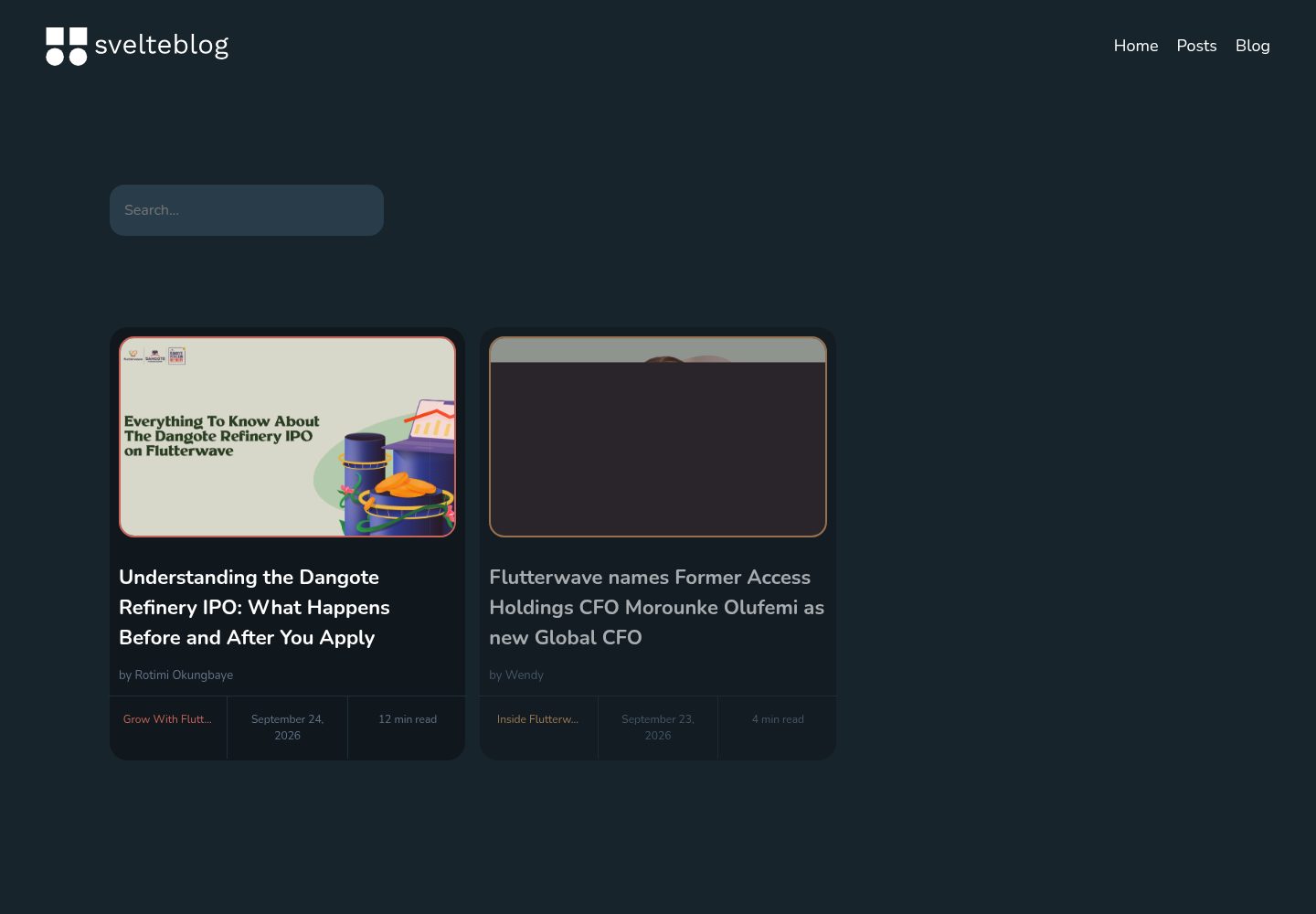
svelte-blog
A blog template built with SvelteKit and headless WordPress, pulling content from WordPress and including a homepage and article detail pages.
Svelte · Blog