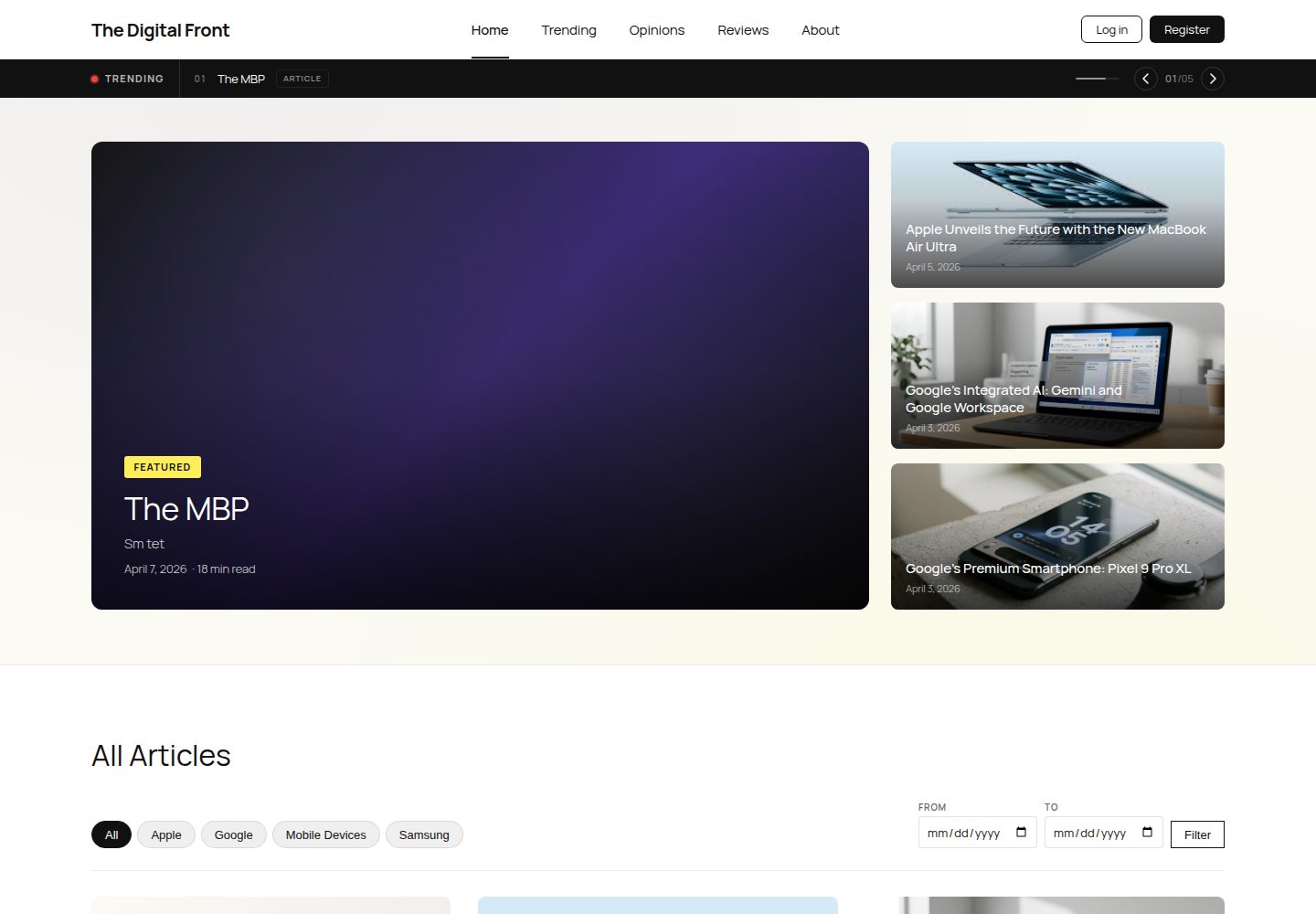
三种自定义文章类型:Article、Review、Opinion,分别对应科技文章、产品评测与观点评论
WordPress博客
Project — WordPress 博客模板
作者 TheDigitalFront
一个基于 WordPress 的学生科技刊物站点,包含自定义文章类型、内容筛选与杂志风格子主题。
看看你的网站会是什么样
浏览真实页面截图,比较内容排版与手机效果。点击下方缩略图切换,放大查看整页细节。
全部页面与视图 3
截图用于了解视觉与布局,交互效果请以实际项目为准。
采集于 2026-10-03查看来源
值得关注的模板亮点
从已有项目资料中,快速了解它的特点。
使用 ACF 为文章类型附加视频嵌入、阅读时长、来源链接、星级评分、图库与作者简介等字段
三个自定义查询:按浏览量排序的热门文章、按分类与日期范围筛选、单篇相关文章推荐
三个自定义插件:Breaking News 滚动头条、AJAX 分类筛选、单篇阅读进度条
杂志风格子主题,包含静态首页、文章归档、单篇模板与两级导航菜单
提供 seed.sql 种子数据库与一次性环境初始化脚本,首次访问后台自动配置站点
模板详细介绍
The Digital Front 是 INFO 3602 Web Programming II 课程的学生项目,由 Terrence Murray、Jeremiah Clinton 和 Robyn-Catherine Khan 三人协作完成,定位为面向科技内容的在线刊物。站点以 WordPress 为基础,使用名为“The Digital Front Child”的子主题承载全部自定义样式与逻辑,并配套一个种子数据库用于本地环境初始化。
内容结构上,项目通过 Custom Post Type UI 与 Advanced Custom Fields 注册了 Article、Review、Opinion 三种自定义文章类型,并分别附加视频嵌入、阅读时长、来源链接、星级评分、图库、作者简介等字段。首页为静态页面,包含文章网格、主题入口、订阅区域与统计模块;导航菜单为两级结构,About 下挂 Team 与 Mission 子页。
功能层面,项目实现了三类自定义查询:按浏览量排序的热门文章、按分类与日期范围筛选的文章列表、以及单篇文章页的相关文章推荐。分页由 WP-PageNavi 提供,评论与前台注册使用 WordPress 原生能力,用户角色通过 Members 插件管理。此外还包含三个自定义插件:滚动头条的 Breaking News Banner、AJAX 分类筛选,以及单篇文章的阅读进度条。
仓库只跟踪子主题、所需插件、自定义插件、种子数据库与配置样例,不包含 WordPress 核心文件、wp-config.php、上传媒体与默认主题。本地开发推荐使用 Local by Flywheel,导入 seed.sql 后首次访问后台会自动完成页面创建、菜单构建、分类填充与重写规则刷新。
WordPress博客
适合你的项目吗?
适用场景
- 作为 WordPress 课程项目参考,了解自定义文章类型、ACF 字段与自定义查询的组织方式
- 搭建学生科技刊物或小型编辑类站点,使用文章、评测、观点三种内容形态
- 在本地环境中研究子主题结构、自定义插件写法与种子数据库导入流程
- 作为多人协作的 WordPress 项目模板,参考分支管理与 ACF JSON 同步方式
适合人群
- 正在学习 WordPress 主题与插件开发的学生或开发者
- 需要杂志式内容布局与多文章类型的小型编辑团队
- 希望参考课程项目完整实现(CPT、ACF、自定义查询、自定义插件)的读者
上手与定制指南
结合仓库当前版本的说明,按下面的资料检查内容、配置与运行要求。
- 1
推荐使用 Local by Flywheel 创建本地站点,并将仓库克隆到 app/public 目录
- 2
复制 wp-config-sample.php 为 wp-config.php,填写数据库凭据并生成新的 salt 密钥
- 3
通过 WP Migrate DB 导入 database/seed.sql,并搜索替换旧站点 URL 为本地域名
- 4
首次访问 WP Admin 会触发自动配置:激活插件、创建页面、设置静态首页、填充分类与菜单
- 5
若修改了初始化逻辑,需在 inc/setup.php 中提升 TDF_SETUP_VERSION 以重新执行设置
授权与来源资料
使用条件与限制
免费使用 · 保留许可声明本次收录的是公开仓库中采用 Apache-2.0 许可的免费版本;免费范围为该版本代码,不代表外部服务或第三方素材免费。
使用时需要遵守
- 允许免费使用、修改、商用和分发;分发时需随附 Apache-2.0 许可证。
- 修改过的文件需显著标明改动,并保留相关版权、专利、商标及归属声明。
- 若原项目附有 NOTICE 文件,分发衍生作品时需保留其中适用的归属声明。
- 许可包含适用的贡献者专利授权;发起许可所述专利诉讼会终止该专利授权,且不授予商标使用权。
- 代码按现状提供;担保与责任限制以原许可证及适用法律为准。
额外费用与待核对事项
- 本地开发推荐使用 Local by Flywheel 或任意本地 WordPress 环境,需自行准备运行环境。
- 配置 wp-config.php 时需访问 api.wordpress.org 生成新的 salt 密钥。
- 导入种子数据库需通过 WP Migrate DB 插件操作,并手动搜索替换旧站点 URL。
- 首次访问后台会自动激活 9 个必需插件,站点依赖这些第三方插件才能完整运行。
- 需导入仓库提供的 seed.sql 种子数据库才能获得初始内容与配置。
- 演示图片、字体、图标及其他第三方素材需按各自许可核对,不能仅凭代码的 Apache-2.0 许可判断。
- 域名、托管、数据库、支付或 AI 等外部服务可能另外收费。
查看原文依据
no-charge, royalty-free, irrevocable copyright license
许可证原文
Local by Flywheel](https://localwp.com/) (recommended) or any local WordPress environment
README 原文
Generate fresh salt keys at https://api.wordpress.org/secret-key/1.1/salt/
README 原文
Go to WP Admin > Tools > WP Migrate DB
README 原文
Activates all 9 required plugins
README 原文
https://github.com/TheDigitalFront/Project/blob/main/LICENSEhttps://github.com/TheDigitalFront/Project/blob/main/README.mdImport `database/seed.sql`
README 原文
DeepSeek 根据仓库许可证和 README 整理 ·2026-10-03。结果仅覆盖已读取资料,依赖、图片、字体及后续条款变更以各自原文为准。
项目核对记录与介绍依据
模板资料
- 来源平台
- GitHub
- 资料与维护参考分
- 资料较完整 · 80 / 100
- 技术栈
- WordPress
- 网站类型
- 博客
这个分数如何计算
本站按许可资料(最高30分)、演示链接(12分)、预览图(10分)、Star数(15分)、记录的维护时间(15分)、描述完整度(8分)、功能记录(5分)和分类资料(5分)计算。它不是代码、安全或性能测试,也不是 Google 评分;有链接不代表已实测可用。
这个项目需要核对什么
- 记录的仓库更新时间
- 2026-04-07
- 截图检查日期
- 2026-10-03
已收录演示链接。请用你的内容与屏幕尺寸检查;有演示不代表表单、认证或支付已经可用。
目录记录的主要技术栈是 WordPress。请通过依赖清单和锁文件核对实际版本与托管要求。这些说明基于收录资料,不代表代码审计或部署实测。
查看具体选型方法 →介绍的制作与核对状态
介绍由 AI 辅助整理目录与仓库资料。仓库作者不等于这篇介绍的审核者。
已完成服务器许可规则与 AI 来源核对;未经过人工编辑审核。
查看当时使用的来源资料
SHA-256: 73e7d46e9de20635ed06adeda84b2461166f19899a42fd072f527314e8a08cd4
2026-10-03T08:31:44.681Z
来源文件 / 仓库# The Digital Front
A student-led tech publication built with WordPress for INFO 3602 — Web Programming II (Sem II 2025/2026).
**Team:** Terrence Murray, Jeremiah Clinton, Robyn-Catherine Khan
## Local Development Setup
### Prerequisites
- [Local by Flywheel](https://localwp.com/) (recommended) or any local WordPress environment
### Getting Started
1. **Create a new site** in Local by Flywheel (use default settings)
2. **Clone the repo** into the site's `app/public/` directory:
```bash
cd ~/Local\ Sites/your-site-name/app/public
git clone https://github.com/TheDigitalFront/Project.git .
```
3. **Configure `wp-config.php`**:
- Copy `wp-config-sample.php` to `wp-config.php`
- Update database credentials to match your Local site (usually `root`/`root`/`local`)
- Generate fresh salt keys at https://api.wordpress.org/secret-key/1.1/salt/
4. **Import the seed database**:
- Go to WP Admin > Tools > WP Migrate DB
- Import `database/seed.sql`
- Search-replace the old site URL with your local domain
5. **Visit WP Admin once** — the theme auto-configures everything:
- Activates all 9 required plugins
- Creates pages (Home, About Us, Team, Mission)
- Sets static front page
- Seeds categories (Mobile Devices, Apple, Google, Samsung)
- Builds the nav menu with correct hierarchy
- Enables Yoast breadcrumbs
- Enables front-end registration and comments
- Flushes rewrite rules
6. **Verify setup**:
- Child theme "The Digital Front Child" should be active
- "My Articles" should appear in the admin sidebar
- Nav menu should show: Home | About (Team, Mission dropdown)
- Category filter on the home page should show tabs
### Project Structure
```
wp-content/
├── themes/the-digital-front-child/
│ ├── style.css # Theme header + all custom CSS
│ ├── functions.php # Slim loader — enqueues styles, includes inc/
│ ├── inc/
│ │ ├── article-cpt.php # Article CPT registration (R1)
│ │ ├── acf-fields.php # ACF JSON sync + Article fields (R2)
│ │ ├── shortcode-category-filter.php # [tdf_category_filter] / Query 2 (R5/R6)
│ │ └── setup.php # One-time environment setup
│ ├── front-page.php # Home page template
│ ├── single.php # Single article/post template
│ ├── page.php # Generic page template
│ ├── archive-article.php # Article archive with filter + pagination
│ ├── header.php # Site header + nav + breaking news banner
│ ├── footer.php # Site footer
│ └── acf-json/ # ACF field group sync (auto-generated)
├── plugins/
│ ├── tdf-breaking-news/ # Plugin 1: Breaking News Banner (Terrence)
│ ├── advanced-custom-fields/
│ ├── custom-post-type-ui/
│ ├── members/
│ ├── query-monitor/
│ ├── wordpress-seo/
│ ├── wp-migrate-db/
│ ├── wp-pagenavi/
│ └── wpforms-lite/
└── database/
└── seed.sql # Baseline database for onboarding
```
### Custom Post Types
| CPT | Slug | Description | Owner |
|-----|------|-------------|-------|
| Article | `article` | Main content type — tech posts, news, tutorials | Terrence |
| Review | `review` | Product reviews with star ratings + image gallery | Jeremiah |
| Opinion | `opinion` | Opinion pieces with author bio + related articles | Robyn |
### ACF Fields (Article)
| Field | Type | Description |
|-------|------|-------------|
| `video_embed` | Text | Video embed URL (YouTube, Vimeo, etc.) |
| `reading_time` | Number | Estimated reading time in minutes |
| `source_url` | URL | Link to the original source |
### Custom Queries (Phase 4)
| Query | Description | Location | Owner |
|-------|-------------|----------|-------|
| Q1 — Trending by view count | `WP_Query` ordered by `_post_views_count` | `page-trending.php` | Jeremiah |
| Q2 — Category + date range | `tax_query` + `date_query` with sanitized URL params | `inc/shortcode-category-filter.php` | Terrence |
| Q3 — Related posts by tag | `tag__in` + `post__not_in` on single post view | `single.php` | Robyn |
### Custom Plugins (Phase 5)
| Plugin | Description | Owner |
|--------|-------------|-------|
| TDF Breaking News Banner | Scrolling headline ticker with admin settings | Terrence |
| TDF AJAX Category Filter | AJAX-powered post filtering by category | Jeremiah |
| TDF Reading Progress Bar | Scroll progress indicator on single posts | Robyn |
### Shortcodes
| Shortcode | Description |
|-----------|-------------|
| `[tdf_breaking_news]` | Renders the breaking news ticker (placed in header.php) |
| `[tdf_category_filter per_page="6"]` | Filterable article grid with category tabs, date range, and pagination |
### Pages & Navigation
- **Home** — Static front page with hero, articles grid, topics, newsletter, stats
- **About Us** — Team intro and site overview
- **Team** (child) — Individual bios for all 3 team members
- **Mission** (child) — Editorial mission and values
- **Trending in Tech** — Posts ordered by view count (Jeremiah)
- **Nav menu:** Home | Trending (optional) | About > Team, Mission
### Requirements Mapping
| # | Requirement | How It's Met |
|---|-------------|-------------|
| R1 | 3 CPTs with custom fields | Article, Review, Opinion via CPTUI + ACF |
| R2 | Digital content per CPT | Article: video + image. Review: gallery + rating. Opinion: bio + quote |
| R3 | User roles + permissions | Members plugin: Subscriber, Contributor, Editor |
| R4 | Pages, child pages, menus, breadcrumbs | 5 pages, 2-level hierarchy, dynamic menu, Yoast breadcrumbs |
| R5 | Pagination + curation | WP-PageNavi on Home, Trending, Article archive |
| R6 | 3 custom queries (documented) | Q1: trending, Q2: category+date, Q3: related posts |
| R7 | 3 custom plugins | Breaking News, AJAX Filter, Progress Bar |
| R8 | Comments + registration | Native WP comments + front-end registration enabled |
### What's Tracked in Git
- Custom child theme (`wp-content/themes/the-digital-front-child/`)
- Required plugins (`wp-content/plugins/`)
- Custom plugin: TDF Breaking News (`wp-content/plugins/tdf-breaking-news/`)
- Seed database (`database/seed.sql`)
- Project docs and config samples
### What's NOT Tracked
- WordPress core files (`wp-admin/`, `wp-includes/`, etc.)
- `wp-config.php` (local credentials — use `wp-config-sample.php` as template)
- `wp-content/uploads/` (media files)
- Default themes (`twenty*`)
- `wp-content/mu-plugins/` (Local by Flywheel auto-generated)
- Query Monitor drop-in symlink (`wp-content/db.php`)
### Team Ownership
| Member | Responsibilities |
|--------|-----------------|
| **Terrence Murray** | Project setup, GitHub, child theme, Query 2 (category + date), Home page template, Breaking News plugin, deployment |
| **Jeremiah Clinton** | Reviews CPT + ACF, user roles (Members), Query 1 (trending), Trending page, AJAX Category Filter plugin |
| **Robyn-Catherine Khan** | Opinions CPT + ACF, About pages, breadcrumbs, Query 3 (related posts), content seeding, Reading Progress Bar plugin |
### Contributing
1. Pull latest from `main`
2. Create or switch to your feature branch
3. Make changes in the child theme (`inc/` for PHP, `style.css` for styles) or plugins
4. If you add/change ACF field groups, they auto-sync to `acf-json/` — commit those files
5. If you add a new CPT, register it in `inc/` (not just CPT UI) so it's in code
6. To re-run setup after changes, bump `TDF_SETUP_VERSION` in `inc/setup.php`
7. Push to your branch, open a PR to `main`
看看同类模板
对比同技术栈与用途的模板,找到更适合的视觉与内容结构。

vitepress-theme-sakurairo
一个基于WordPress Sakurairo主题样式的 vitepress 主题
WordPress · 博客
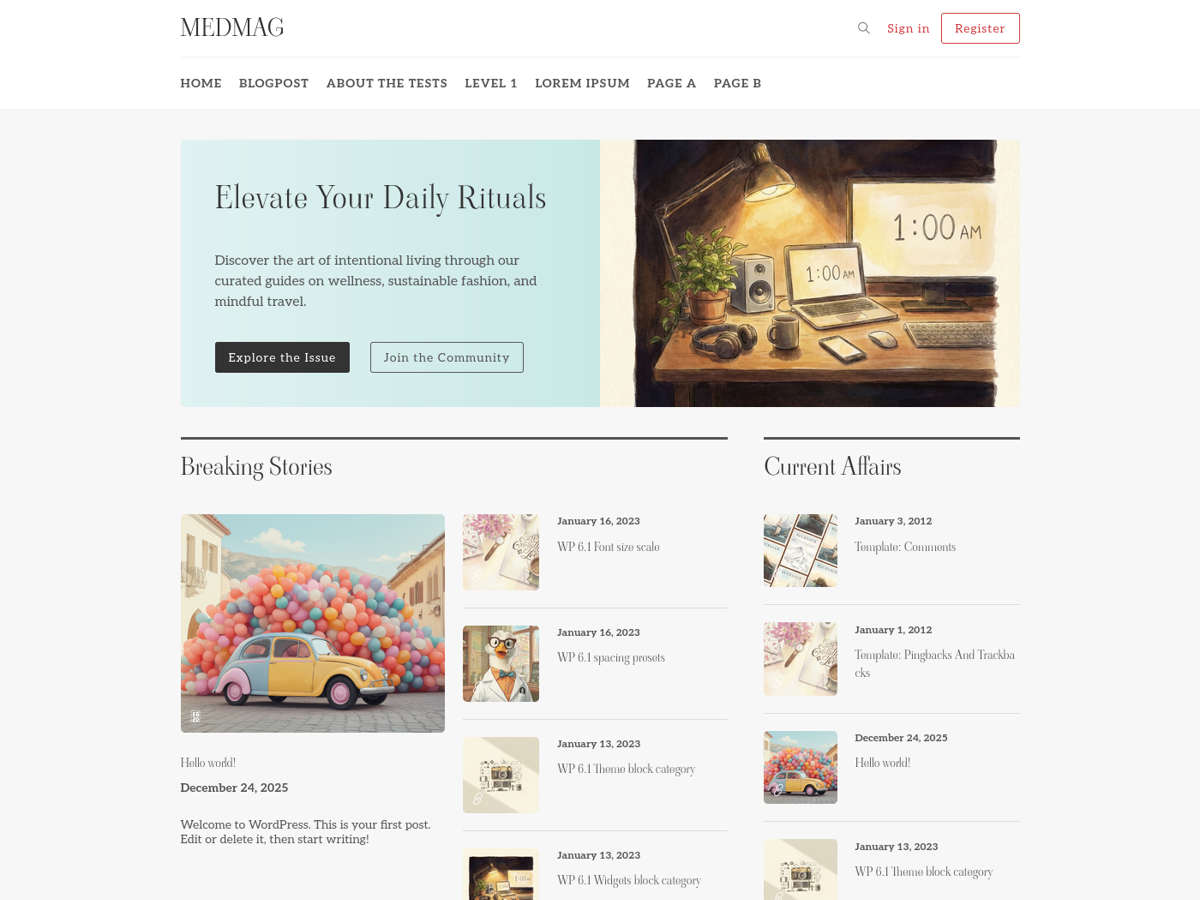
medmag-premium-free
Medmag is a modern WordPress theme designed for magazines, newspapers, or personal blogs. It features a clean,…
WordPress · 博客
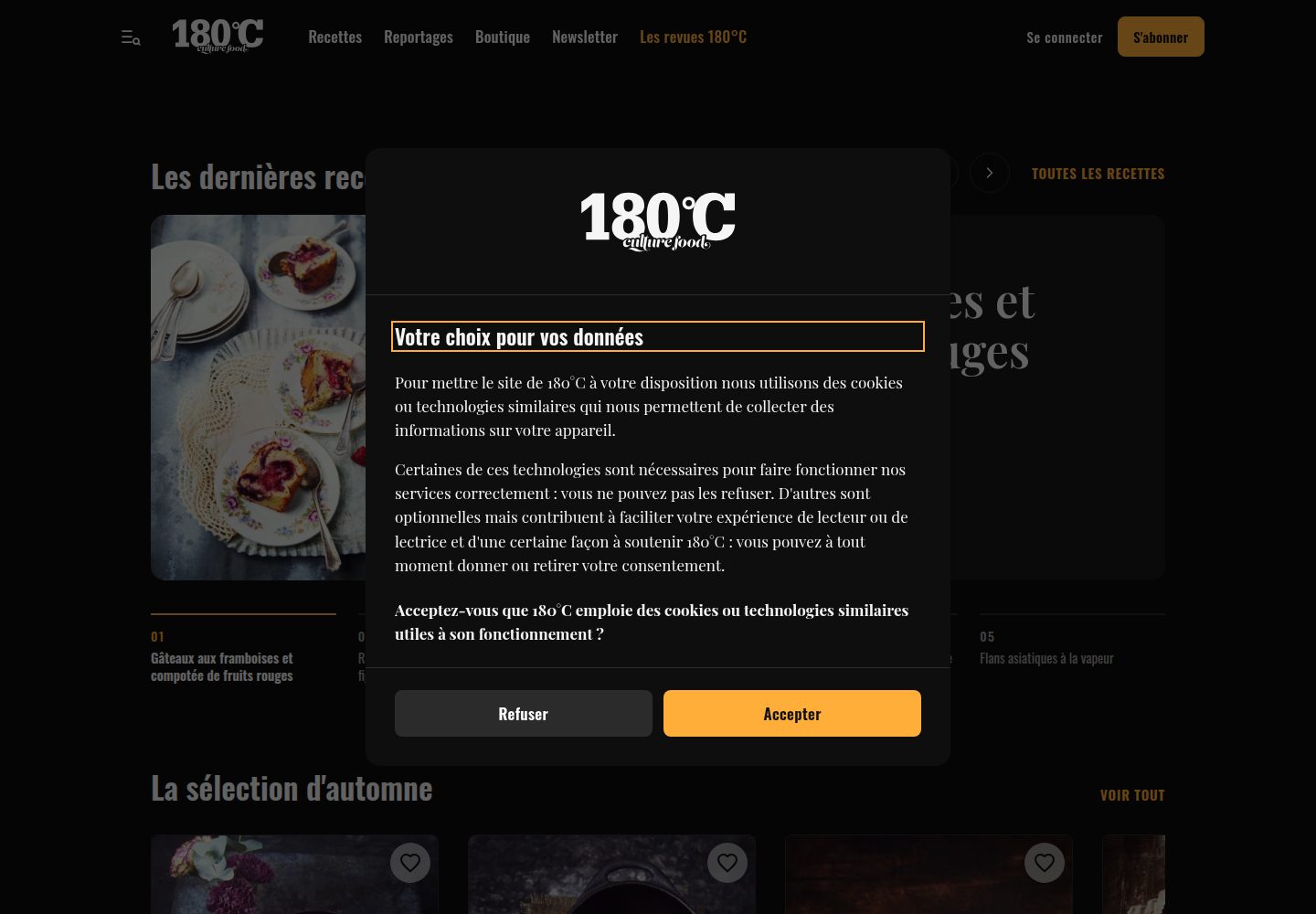
180c-theme
WordPress theme of 180°C, a French food magazine: editorial site, WooCommerce shop and recipe subscriptions (P…
WordPress · 博客
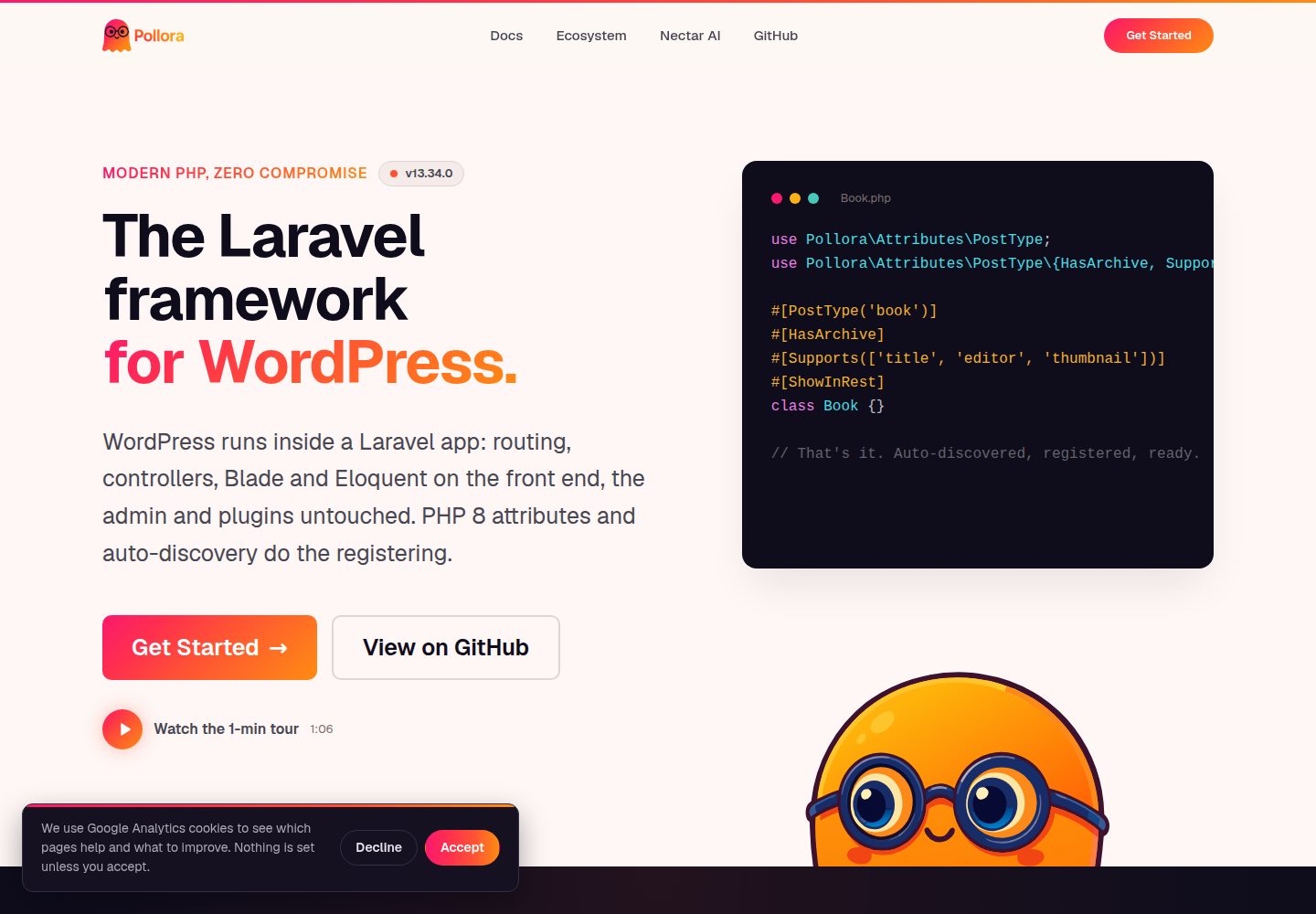
theme-buzz
Buzz — a typographic, journal/magazine WordPress Full Site Editing theme for Pollora
WordPress · 博客
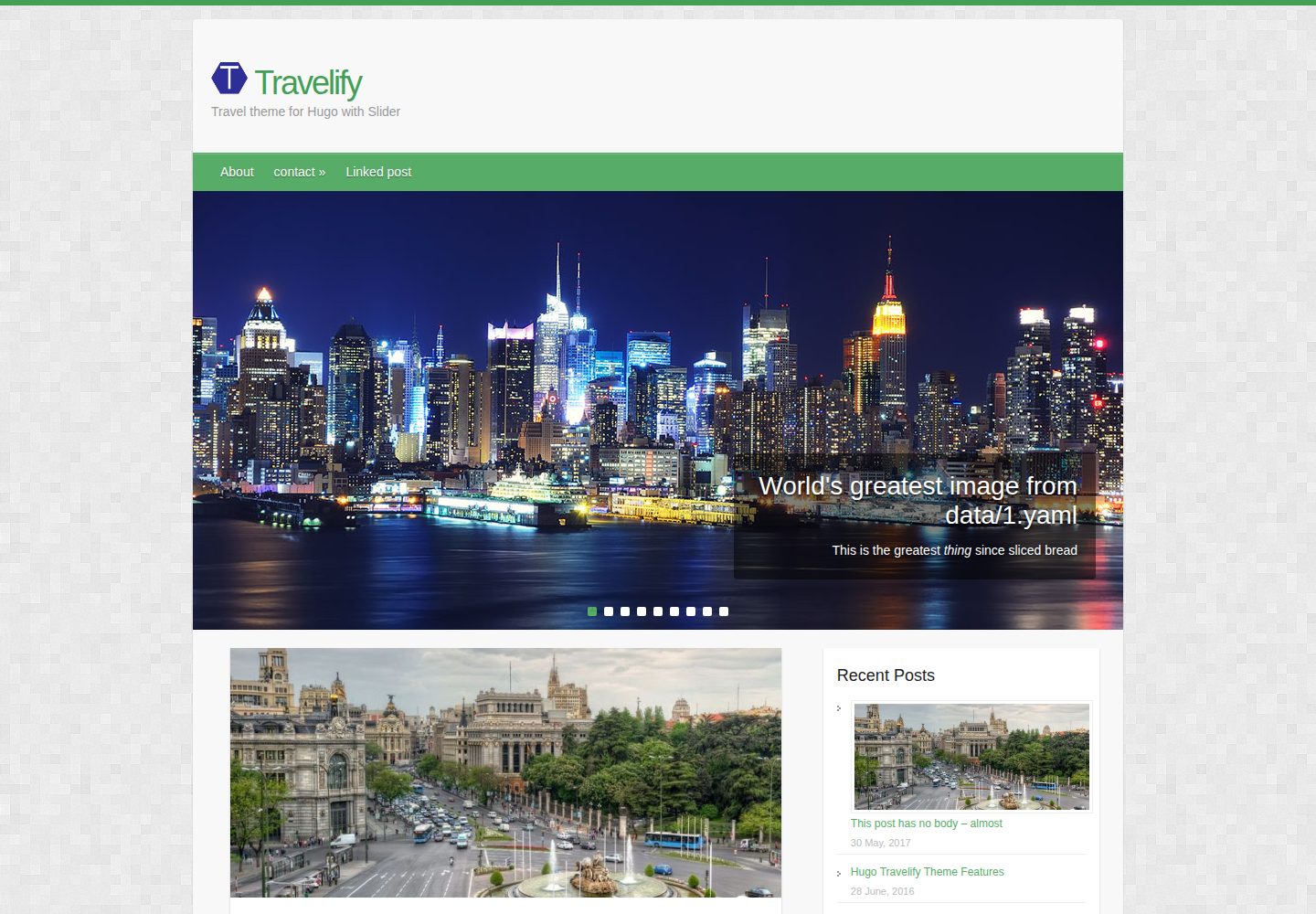
hugo-travelify-theme
Port of Aigars Silkalns's Wordpress theme Travelify to Hugo. Demo -
Hugo · 博客
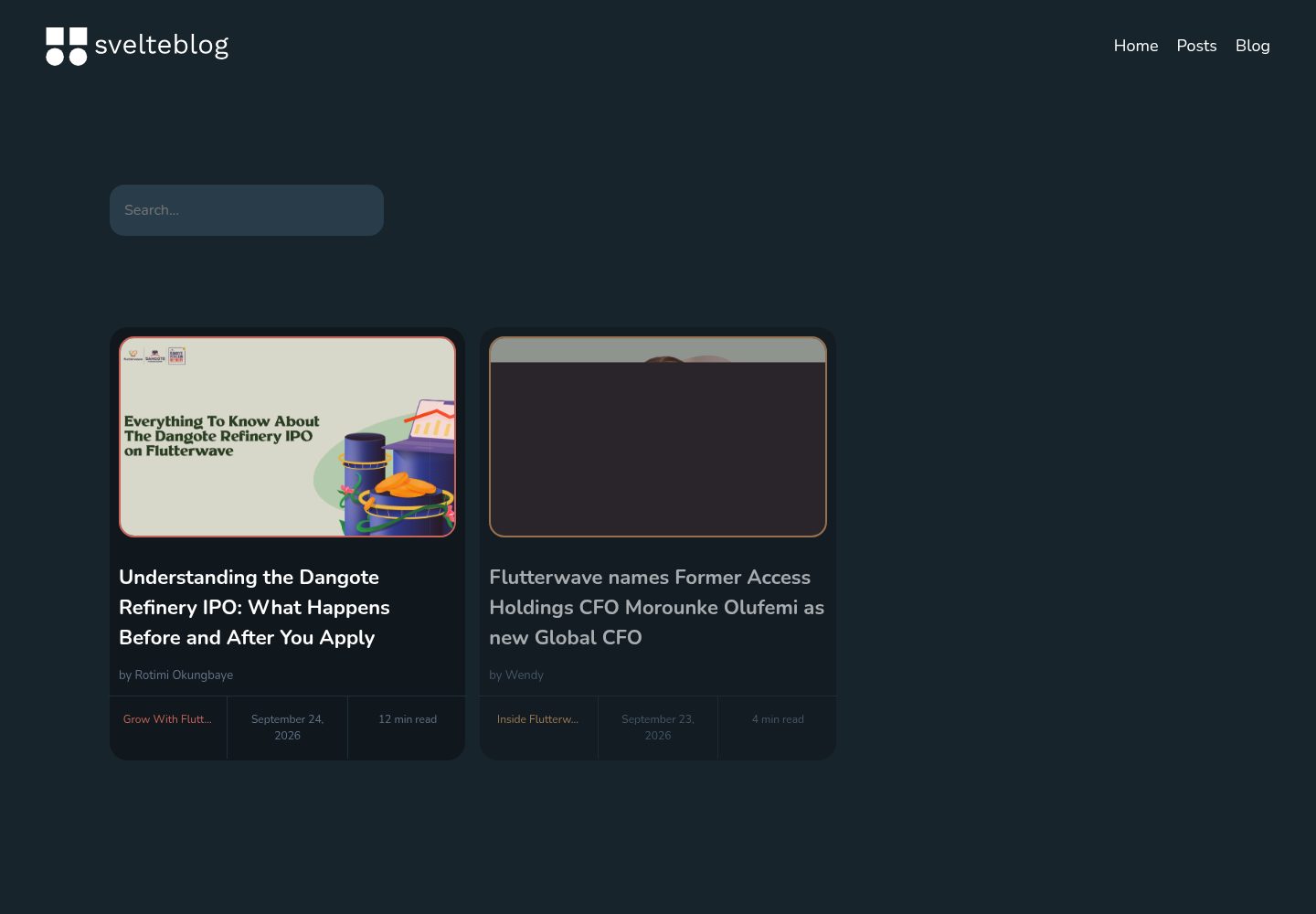
svelte-blog
Blog template with SvelteKit and headless WordPress
Svelte · 博客