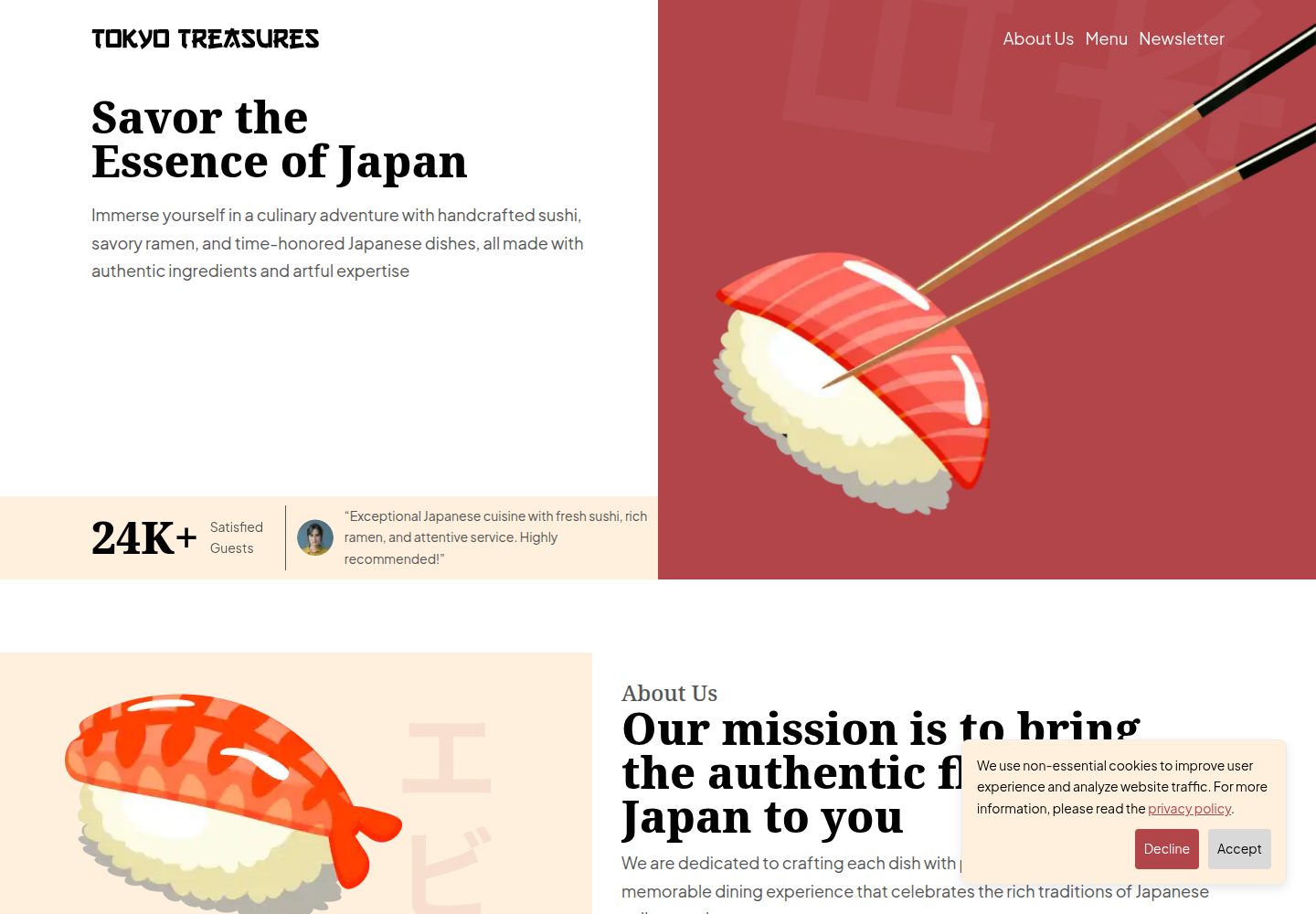
Provides four pages: landing page, privacy policy, terms of service, and 404
GatsbyReactCorporate Website
tokyo-treasures — Gatsby Business Template
By Chandra-Panta-Chhetri
Tokyo Treasures is a Gatsby-based restaurant website template that includes a homepage, privacy policy, terms of service, and 404 page. It uses Tailwind CSS and Shadcn for the interface and integrates Google Analytics 4, a cookie consent banner, and automatic deployment configuration for Cloudflare Pages.
Explore the design
Compare the page layouts and mobile experience. Open any screenshot for a closer look.
Desktop homepage1 / 2
Desktop captureTop of page
Actual screenshot captured by the server browser.
All pages & views 2
Screenshots show visual appearance; interactive behavior may differ.
Recorded 2026-10-13View source
What stands out
A quick read of the recorded project description.
Built with Gatsby, React, Tailwind CSS, and Shadcn
Includes Google Analytics 4 and a cookie consent banner
Animations respect the prefers-reduced-motion setting
Comes with a GitHub Actions workflow for automatic deployment to Cloudflare Pages
Code is MIT-licensed and can be used, modified, and distributed for free
Template Details
Tokyo Treasures is a responsive website template for restaurant scenarios. The repository is MIT-licensed, and the code can be used, modified, and distributed for free. The template provides a landing page, privacy policy page, terms of service page, and 404 page. The interface was designed in Figma, and a copyable design file is publicly available.
On the technical side, it is built with Gatsby and React, styled with Tailwind CSS, with components referencing Shadcn. The code uses TypeScript and is configured with ESLint. The template includes built-in Google Analytics 4 integration and a cookie consent banner for traffic analytics and privacy compliance; animations respect the prefers-reduced-motion setting. The repository includes a GitHub Actions workflow that can automatically deploy the master branch to Cloudflare Pages.
Before use, note the following: Google Analytics loads only in the deployment environment; for local testing, you need to modify the production environment check in the component. Cloudflare Pages deployment requires creating an API Token and configuring GitHub Actions secrets, as well as modifying the project name in the workflow and the site URL in .env.prod. The licenses for third-party assets such as demo images, fonts, and icons must be verified separately. External services such as domains and hosting may incur costs.
GatsbyReactCorporate website
Is it right for your project?
Use Cases
- Building a brand website for a restaurant with basic legal pages
- Using as a page structure reference for a Gatsby and Tailwind CSS combination
- Sites that need to integrate Google Analytics 4 and cookie consent functionality
- Projects that want to automatically deploy to Cloudflare Pages via GitHub Actions
Suitable For
- Teams running a restaurant that need to quickly launch a website
- Front-end developers familiar with Gatsby or React
- Sites that need privacy policy and terms of service pages
- Users using Cloudflare Pages as their hosting platform
Getting started & customization
Use these recorded setup notes alongside the repository instructions for your chosen version.
- 1
After cloning the repository, run npm install, then npm start to launch local development
- 2
Deploying to Cloudflare Pages requires creating an API Token and configuring the CLOUDFLARE_API_TOKEN secret in GitHub Actions
- 3
Modify project_name in .github/workflows/prod-deploy.yml and update SITE_URL in .env.prod accordingly
- 4
Fill in the Google Analytics GATSBY_GOOGLE_ANALYTICS_ID in .env.prod; for local testing, remove the production environment check in the google-tag-manager component
- 5
Third-party assets such as demo images, fonts, and icons must be verified separately under their respective licenses
License & source material
Usage conditions & limitations
Free to use · keep license noticeThis entry covers the free version under the MIT license in the public repository; the free scope applies to the code of this version and does not imply that external services or third-party assets are free.
Must comply with when using
- The code of this version may be used, modified, used commercially, and distributed for free.
- When distributing copies or substantial portions of the code, retain the original author's copyright notice and the full MIT license notice.
- The code is provided as is; warranties and limitations of liability are governed by the original license and applicable law.
Additional costs & items to verify
- Demo images, fonts, icons, and other third-party assets must be checked under their respective licenses and cannot be judged solely by the code's MIT license.
- External services such as domains, hosting, databases, payments, or AI may incur additional charges.
- Google Analytics loads only in the deployment environment; for local testing, you must manually remove the production environment check in the component, otherwise the analytics functionality cannot be verified locally.
- The automatic deployment feature depends on a Cloudflare Pages account and requires registering for an external service account to use.
- Using the Google Analytics integration requires registering for a Google Analytics account and obtaining a Measurement ID.
- Deployment requires configuring an Actions secret (CLOUDFLARE_API_TOKEN) in the GitHub repository, which involves external credential management.
- Before using automatic deployment, you must modify project_name in the workflow, and the name must not contain spaces, otherwise the Cloudflare Pages subdomain creation will fail.
- You must also update SITE_URL in .env.prod, otherwise the site address will not match the actual deployment domain.
View Original Text Basis
Permission is hereby granted, free of charge
Original License Text
Note: Google Analytics only loads when the website is deployed. To test locally, remove the `isProd` check in `src/components/google-tag-manager.tsx`.
Original README
1. Create an account at [Cloudflare Pages](https://pages.cloudflare.com/).
Original README
1. Create an account at [Google Analytics](https://analytics.google.com/analytics/web/?authuser=0#/provision/create).
Original README
10. Create a new [Actions secret in GitHub](https://docs.github.com/en/actions/security-for-github-actions/security-guides/using-secrets-in-github-actions#creating-secrets-for-a-repository).
Original README
12. Update `project_name` env (line 7) in `.github/workflows/prod-deploy.yml` to anything. This name is used by Cloudflare Pages to create a subdomain, so it must not contain spaces.
Original README
https://github.com/Chandra-Panta-Chhetri/tokyo-treasures/blob/master/LICENSEhttps://github.com/Chandra-Panta-Chhetri/tokyo-treasures/blob/master/README.md13. Update `SITE_URL` in `.env.prod` by replacing 'tokyo-treasures' with the project name.
Original README
Compiled by DeepSeek based on repository license and README ·2026-10-13. Results only cover the materials read; dependencies, images, fonts, and subsequent term changes are subject to their respective original texts.
Project checks & description sources
Template Information
- Source platforms
- GitHub
- Documentation and maintenance reference score
- Partly documented · 73 / 100
- Technologies
- Gatsby · React
- Website type
- Corporate Website
How this score is calculated
Our heuristic uses license records (up to 30), a demo link (12), a preview (10), stars (15), recorded maintenance (15), description completeness (8), feature records (5) and classification data (5). It is not a code, security or performance test, or a Google score. A link does not establish tested functionality.
What to verify for this project
- Repository update recorded
- 2024-10-10
- Screenshot last checked
- 2026-10-13
A demo link is listed. Check it with your own content and viewport sizes; its presence does not confirm that forms, authentication or payments work.
The catalog identifies Gatsby as the primary stack. Check the actual dependency manifest and lockfile for versions and hosting requirements. These notes use recorded metadata, not a code audit or a deployment test.
Use a selection guide →How this description was prepared
AI-assisted description based on catalog records and repository material. Repository authors are not automatically the reviewers of this description.
Review declaration: [email protected] · 2026-10-13
Inspect the recorded source material
SHA-256: 85a6ea5f01702343445646cfafd89e45b871df1abfb06c7e443c844f12047171
2026-10-13T05:11:39.477Z
Source file / repository# Restaurant Website Template This template provides a fresh & modern UI for a restaurant website. With a focus on responsiveness, performance, and ease of use, it ensures an unforgettable online experience for your customers. If you find this template helpful, please give it a ⭐. Thank you! ## Demo Link to website: https://tokyo-treasures.pages.dev ## Design The UI was designed in Figma. Check it out and grab your own copy: https://www.figma.com/design/HoPdh5o6sjGMkdP9dRhJbU/Tokyo-Treasures/duplicate ## Features 🌐 **Responsive Design** The website adapts seamlessly to all screen sizes, from mobile devices to large desktops, ensuring a great user experience across all devices. 📈 **SEO Friendly** The template is optimized for search engines, helping your restaurant rank higher in search results and attract more visitors. ⚡ **Fast Performance** Built with performance in mind, this template uses optimized code and assets to ensure quick load times, providing a smooth browsing experience for users. 🚀 **Automatic Deployment** Easily & quickly deploy the website with minimal configuration. 📊 **Analytics Integration** Monitor website traffic and user behavior via Google Analytics 4 to gather valuable insights and optimize the customer experience. 🎨 **Animations** Engage visitors with smooth & meaningful animations that enhance the visual appeal of your website without sacrificing performance. These animations respect prefers-reduced-motion settings. ♿ **Accessibility** The template is designed with accessibility in mind, ensuring that all users, including those with disabilities, can navigate the site with ease. 🍪 **Cookie Consent** Comes with a cookie consent banner to comply with GDPR and other privacy regulations, allowing users to opt in or out of tracking cookies. ## Pages **Landing**  **Privacy Policy**  **Terms of Service**  **404**  ## Technologies <img src="https://cdn.simpleicons.org/tailwindcss/06B6D4" width="20" height="20" /> **Tailwind CSS** <img src="https://cdn.simpleicons.org/shadcnui/000000" width="20" height="20" /> **Shadcn** <img src="https://cdn.simpleicons.org/gatsby/663399" width="20" height="20" /> **Gatsby 5** <img src="https://cdn.simpleicons.org/githubactions/2088FF" width="20" height="20" /> **GitHub Actions** <img src="https://cdn.simpleicons.org/googleanalytics/E37400" width="20" height="20" /> **Google Analytics 4** <img src="https://cdn.simpleicons.org/eslint/4B32C3" width="20" height="20" /> **ESLint** <img src="https://cdn.simpleicons.org/typescript/3178C6" width="20" height="20" /> **TypeScript** ## License Distributed under the MIT License. See `LICENSE.txt` for more information. ## Getting Started To run locally: 1. **Clone the Repository**: ```bash git clone https://github.com/Chandra-Panta-Chhetri/tokyo-treasures.git ``` 2. **Install dependencies**: ```bash cd tokyo-treasures npm install ``` 3. **Start**: ```bash npm start ``` ## Deployment To setup automatic for `master` branch: 1. Create an account at [Cloudflare Pages](https://pages.cloudflare.com/). 2. Go to the [API Tokens page](https://dash.cloudflare.com/profile/api-tokens). 3. Click the 'Create Token' button. 4. Select 'Create Custom Token'. 5. Fill in the Permissions section as follows to ensure you have the necessary permissions to deploy via a [GitHub Workflow](https://docs.github.com/en/actions/writing-workflows). | Category | Item | Type | | -------- | ---------------- | ---- | | Account | Cloudflare Pages | Edit | | User | Memberships | Read | | User | User Details | Read | 6. Fill in the remaining details (token name, account resources). The token name can be anything. For the account resources, ensure to **include** the email used to sign up. 7. Click the 'Continue to summary' button. 8. Click the 'Create Token' button. 9. Copy the token and save it somewhere - it will be needed soon. 10. Create a new [Actions secret in GitHub](https://docs.github.com/en/actions/security-for-github-actions/security-guides/using-secrets-in-github-actions#creating-secrets-for-a-repository). 11. Set the name of the secret to **CLOUDFLARE_API_TOKEN** & and paste the token from earlier. 12. Update `project_name` env (line 7) in `.github/workflows/prod-deploy.yml` to anything. This name is used by Cloudflare Pages to create a subdomain, so it must not contain spaces. 13. Update `SITE_URL` in `.env.prod` by replacing 'tokyo-treasures' with the project name. For example, if your project name is 'restaurant', 'SITE_URL' would be "https://restaurant.pages.dev". ## Google Analytics To setup: 1. Create an account at [Google Analytics](https://analytics.google.com/analytics/web/?authuser=0#/provision/create). 2. Complete steps 1-4. 3. For step 5 (Data collection), select `Web` as the platform. 4. For the Website URL, copy the `SITE_URL` from `.env.prod`, excluding the 'https://'. 5. Close the 'Set up a Google tag' popup. 6. Click on the Web Data Stream we just set up and copy the Measurement ID. 7. Paste the measurement id into `GATSBY_GOOGLE_ANALYTICS_ID` in `.env.prod`. Note: Google Analytics only loads when the website is deployed. To test locally, remove the `isProd` check in `src/components/google-tag-manager.tsx`.
Explore similar templates
Compare previews and descriptions within the same stack and category.

automatic-gatsbyjs-app-landing-page
A GatsbyJS template for iOS app landing pages, ported from Emil Baehr's Automatic App Landing Page. Configure content in site-config.js without writing HTML or CSS, upload video previews or screenshots, and deploy via Netlify or build for GitHub Pages.
Gatsby · Tool Site

vhealth-gatsby
vHealth is an open-source Gatsby template for a healthcare startup website, maintained by shantanu-deshmukh, with a licensed visual design from SLAB Design Studio and an online demo.
Gatsby · Corporate Website
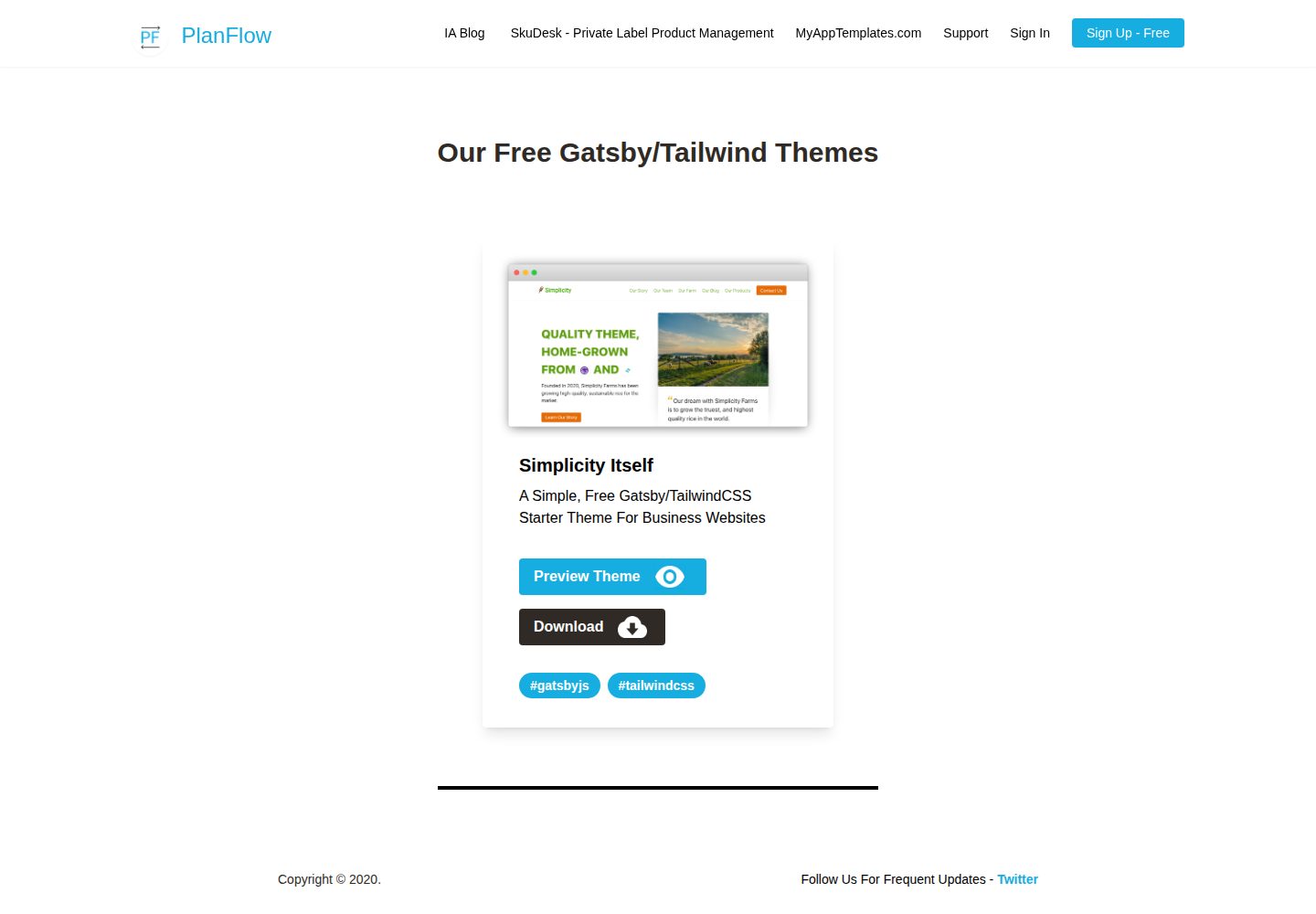
Simplicity-Itself-Gatsby-Tailwind-Starter-Theme
A free, MIT-licensed Gatsby starter for business websites, styled with Tailwind CSS. It ships with a preconfigured tailwind.config.js, build-time CSS purging and minification, absolute imports, ESLint/Prettier integration, and TypeScript-ready labeling.
Gatsby · Corporate Website
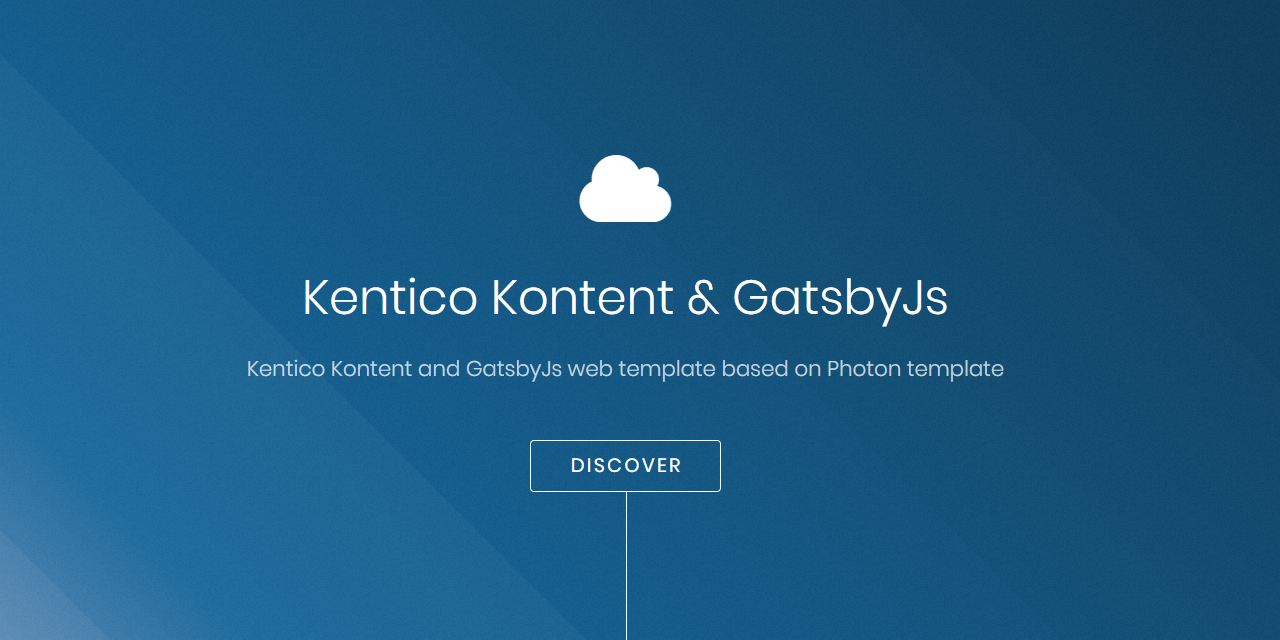
kontent-template-gatsby-landing-page-photon
A Gatsby landing page template using Kentico Kontent as its content source, with SCSS styling, a custom 12-column CSS Grid, and Material Icons and Font Awesome.
Gatsby · Corporate Website

zauberhaft-gatsby
Zauberhaft is a free Gatsby 5 agency and portfolio website template built with Ravenbright CSS and licensed under Apache-2.0. It provides a responsive landing page, smooth animations, Open Graph tags, and accessibility support stated to conform to WCAG 2.1.
Gatsby · Corporate Website
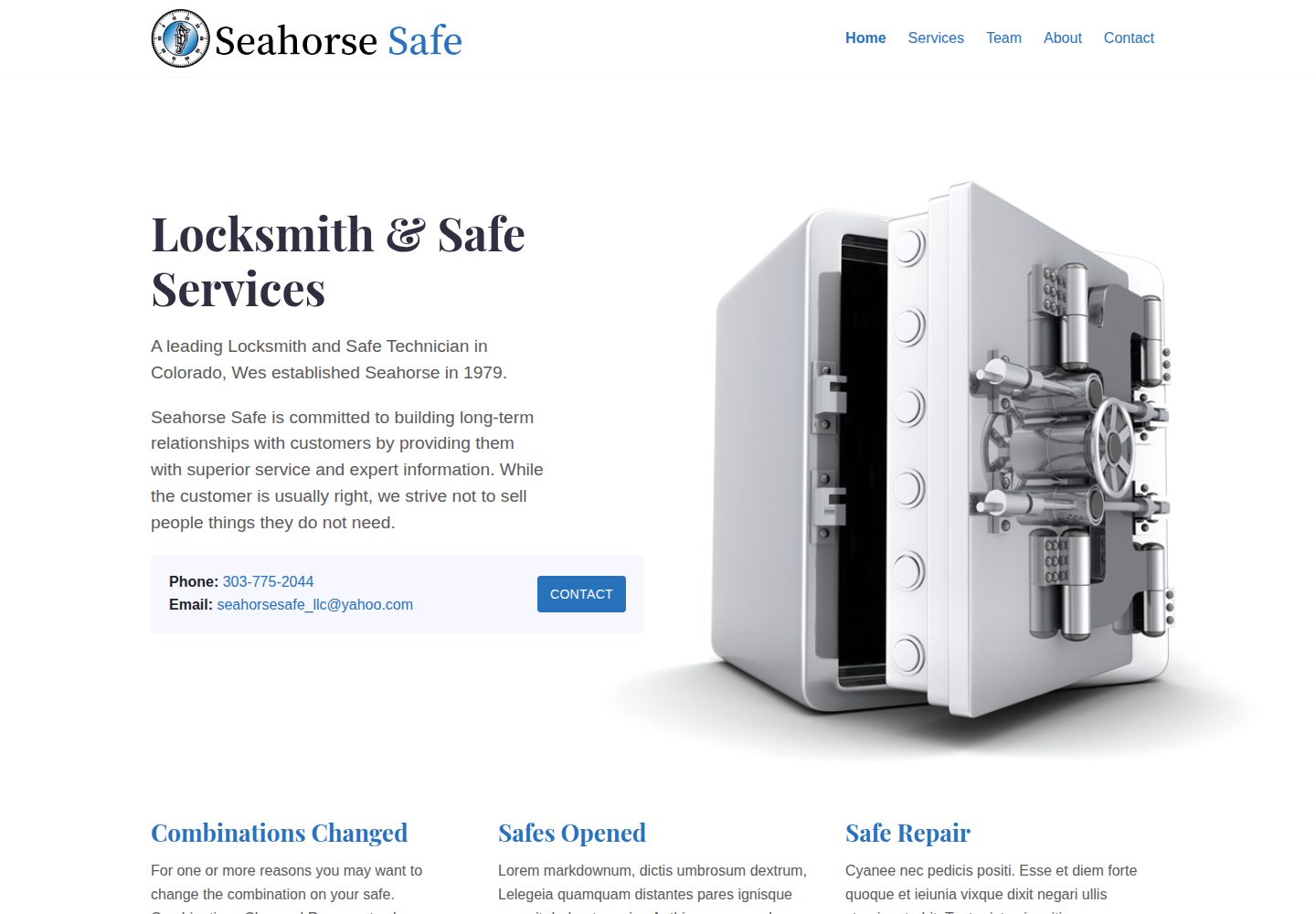
seahorse-safe
A Gatsby-based multi-page website template for small businesses, built on the Serif theme and using Markdown to manage services, team, and certifications content.
Gatsby · Corporate Website